
Bit Adapter 6mm to 4mm - Magnetic Reinforced
Print Profile(1)

Bill of Materials



Description
Bit Adapter 6mm to 4mm
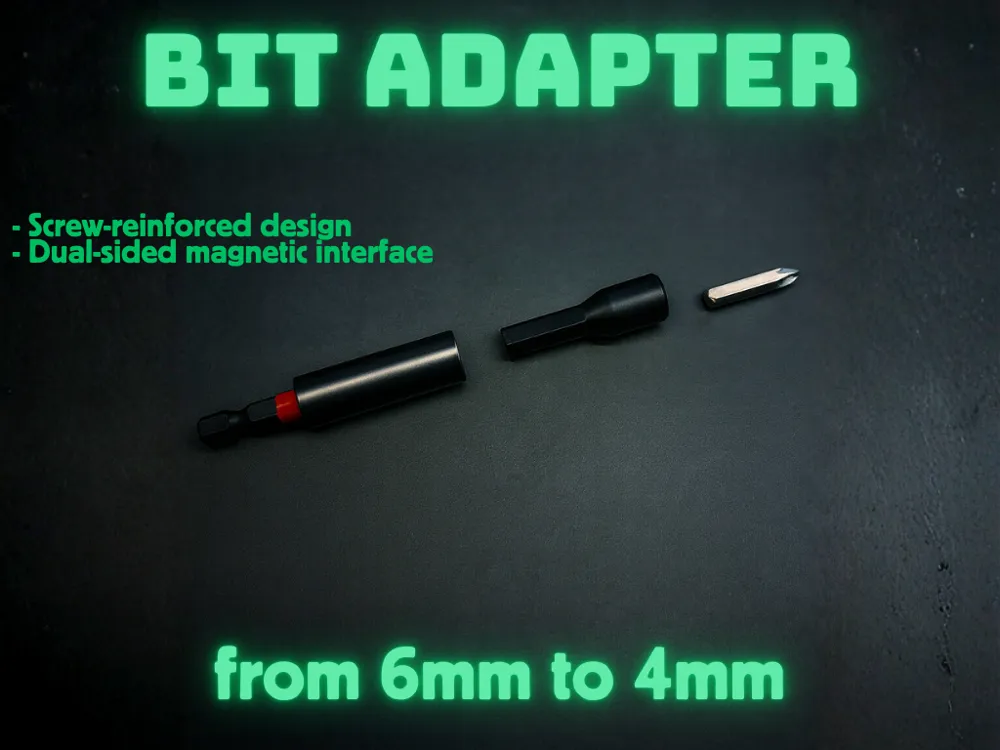
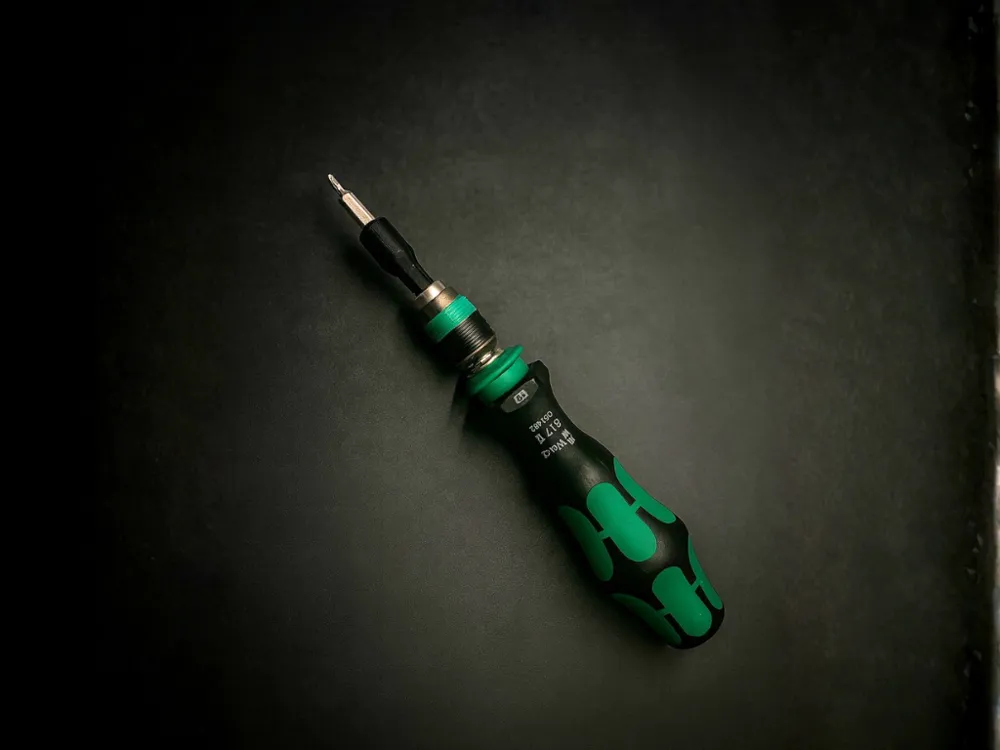
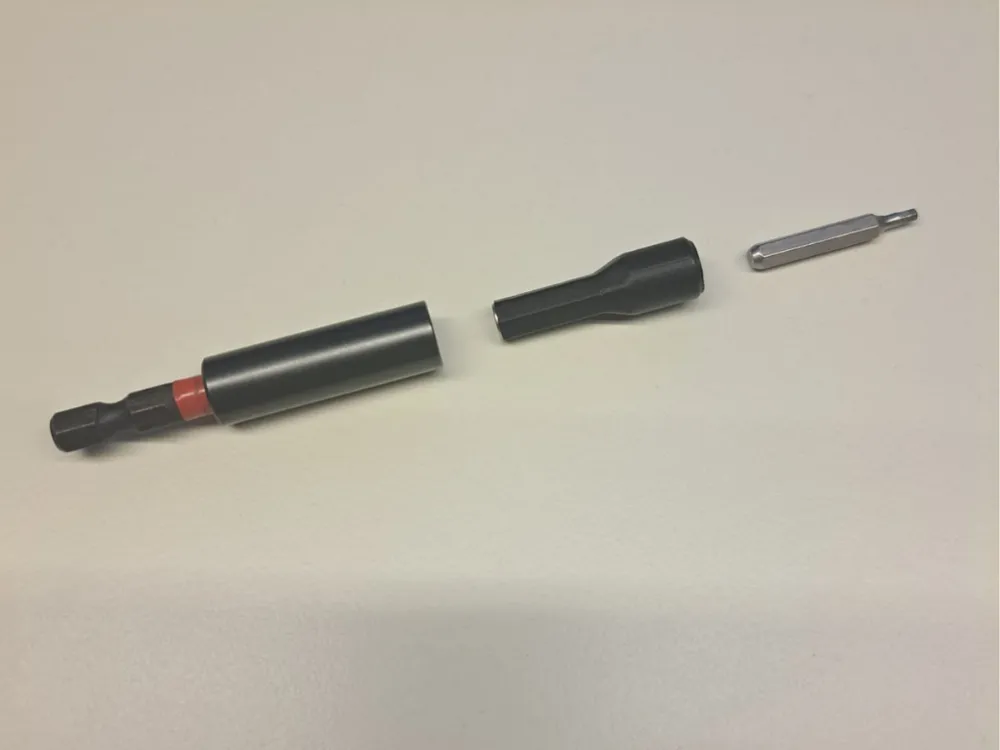
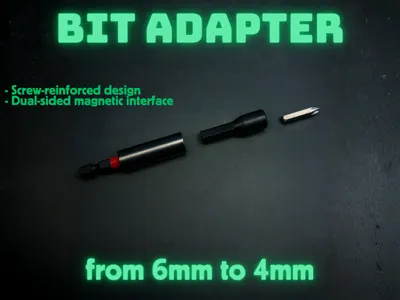
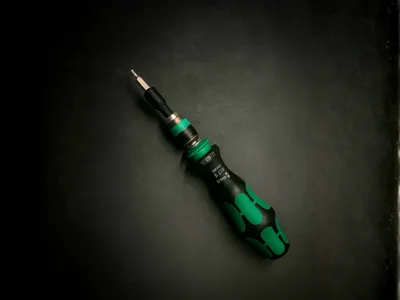
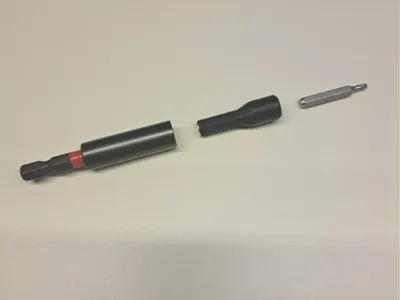
The Bit Adapter 6mm to 4mm – Magnetic Reinforced is an adapter designed to let you use 4 mm bits on any screwdriver or bit holder with a 6 mm interface.
This model is particularly unique because it integrates two features that are rarely seen in 3D-printed adapters:
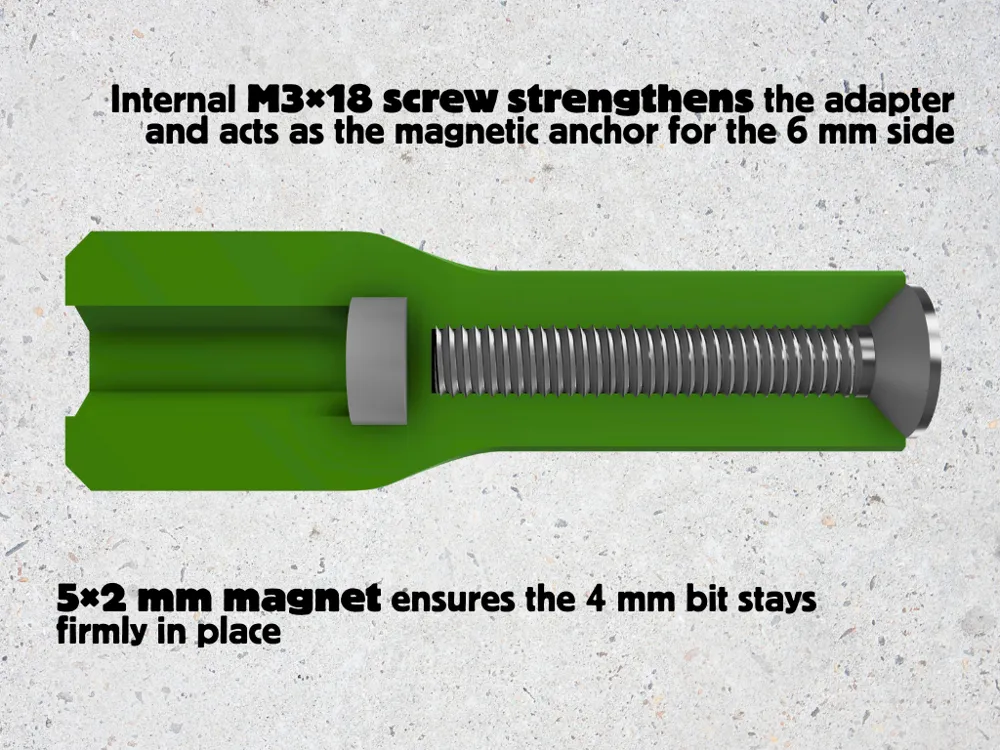
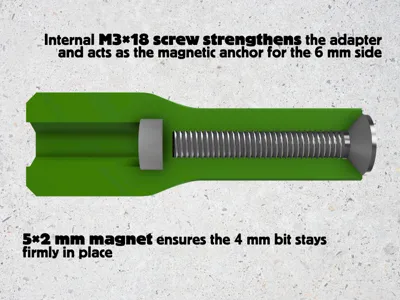
Internal Reinforcement with an M3×18 Screw
The most fragile section of an adapter (the 6 mm side) is significantly strengthened by inserting an M3×18 screw inside the body.
This screw serves two essential purposes:
- Structural reinforcement – it stiffens the weakest area, greatly increasing long-term durability.
- Magnetic anchoring – the screw head allows the 6 mm side of the adapter to be magnetically attracted by standard magnetic bit holders.
5×2 mm Magnet for 4 mm Bit Retention
On the 4 mm side, a 5×2 mm magnet is embedded to hold the bit securely in place.
This prevents the bit from falling out during use and ensures a stable, reliable connection over time.
Recommended Material
The model is provided with a dedicated PETG print profile. PETG was chosen because:
- it is as easy to print as PLA
- it offers significantly higher mechanical resistance
- it withstands bending and torsion more effectively
PLA is not recommended, as it may fail in the 6 mm section, especially under torque.
Adjustable Tolerances (Screw & Magnet)
Inside the print profile, two separate bodies are included:
- Screw – defines the screw hole
- Magnet – defines the magnet pocket
These parts can be scaled to fine-tune tolerances based on:
- your printer
- filament brand
- environmental printing conditions
- different magnets or screws
It is important that the magnet fits tightly in its pocket.
If it is too loose, the nozzle may pull it out during printing, possibly damaging the print or the printer itself.
The print profile includes an automatic pause so the magnet can be inserted mid-print.
Mini Tutorial: Adjusting Tolerances in Bambu Studio
Adjusting the screw hole (object: Screw)
- Select the Screw object.
- Disable Uniform Scale.
- Scale only X and Z to tighten or loosen the screw pocket.
- Do not change Y (height).
Adjusting the magnet pocket (object: Magnet)
- Select the Magnet object.
- Disable Uniform Scale.
- Scale X and Z, and if needed also Y (if using magnets of different thickness).
- Reassemble the model and slice.
This customization ensures the adapter can be perfectly calibrated to each user’s hardware and material settings.


Boost Me (for free)
🚀 Thank you for downloading my model! If you enjoyed it and would like to support me even more, you can use the Boost.me feature: every contribution helps me keep creating new projects.
License

You shall not share, sub-license, sell, rent, host, transfer, or distribute in any way the digital or 3D printed versions of this object, nor any other derivative work of this object in its digital or physical format (including - but not limited to - remixes of this object, and hosting on other digital platforms). The objects may not be used without permission in any way whatsoever in which you charge money, or collect fees.


Comment & Rating (0)