Search models, users, collections, and posts

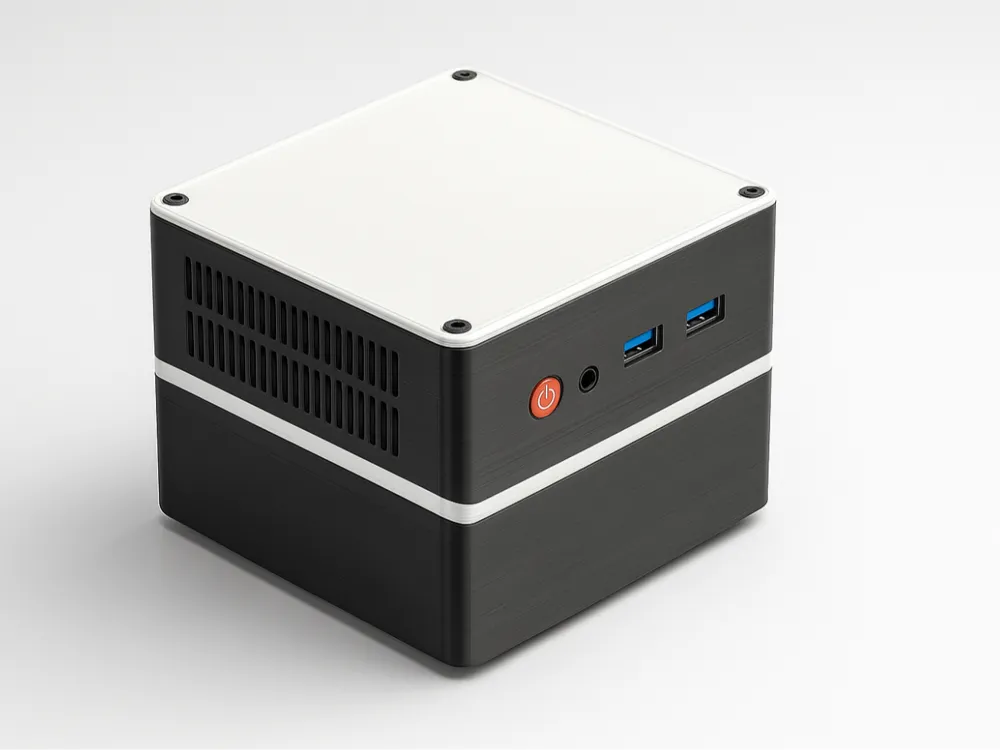
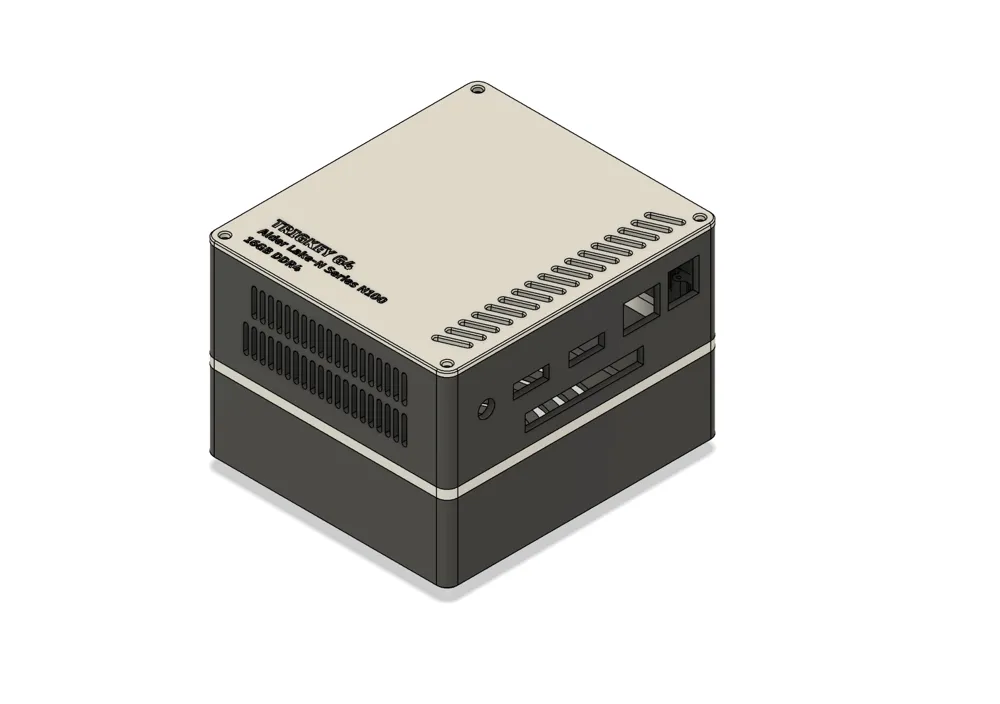
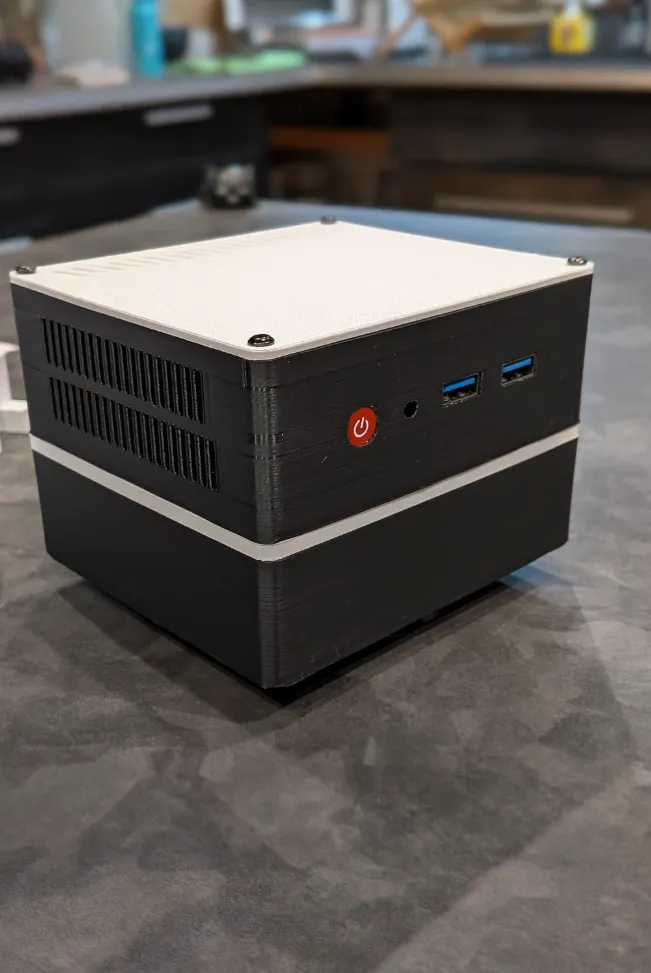
Ventilated Trigkey G4 Case
IP Report
Print Profile(1)

0.2mm layer, 2 walls, 15% infill
Designer
5.2 h
2 plates
Open in Bambu Studio
Boost
5
12
3
0
17
3
Released
Bill of Materials


Description
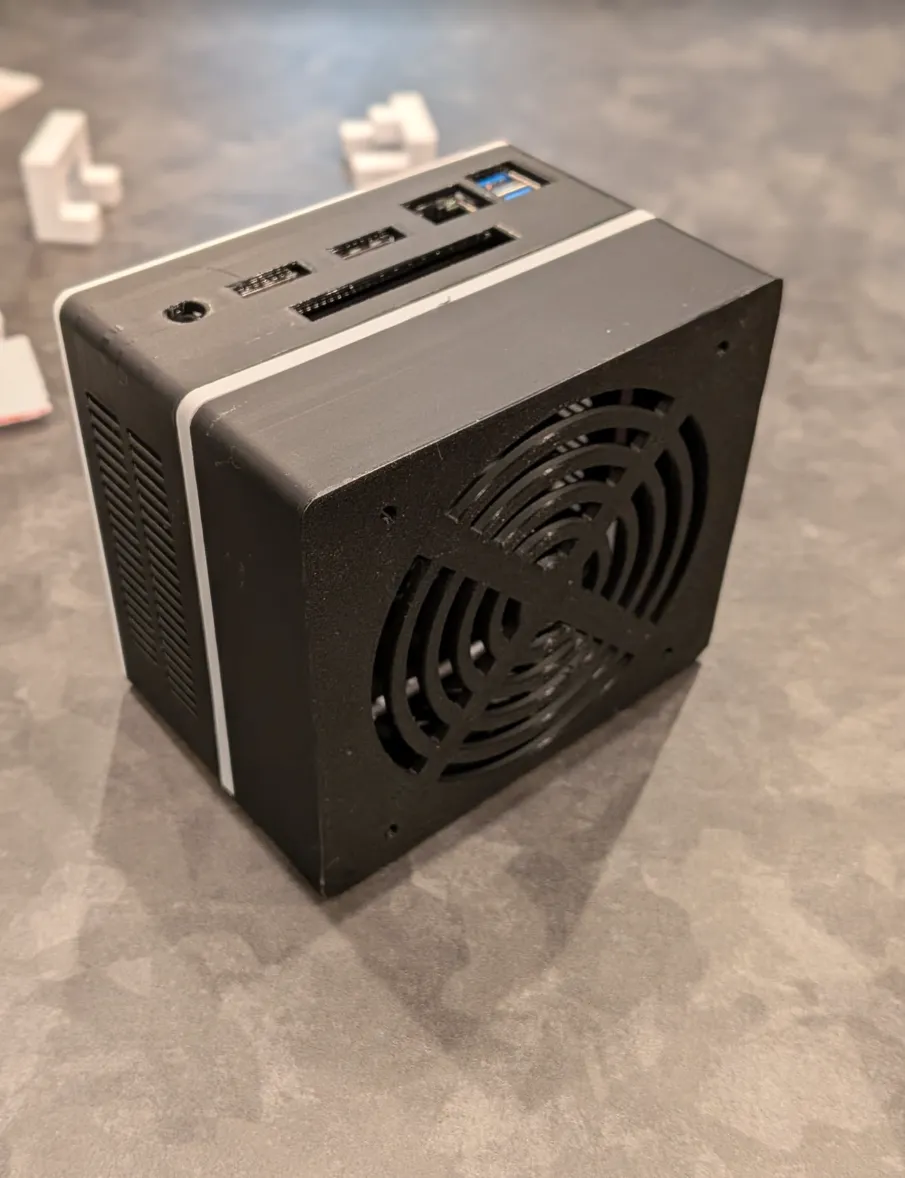
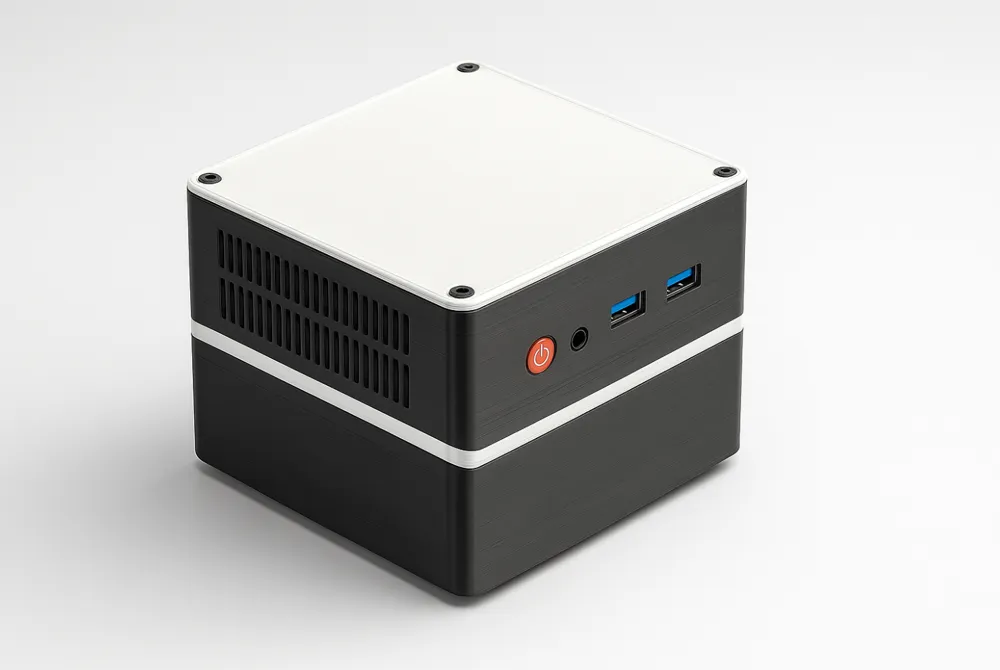
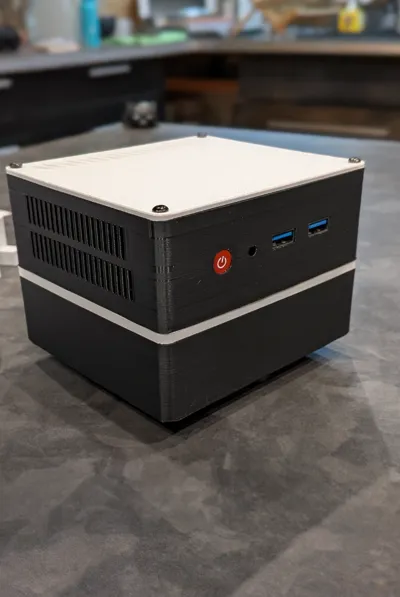
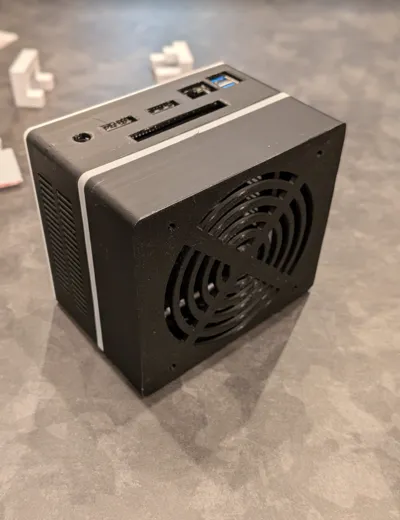
Ventilated Trigkey G4 Server Case (with 92mm Fan Support)
I use my Trigkey G4 as a small home server — it’s an amazing little beast, but the stock case tends to trap heat and collect dust over time.
So I designed this fully-ventilated enclosure to keep everything running cool and clean.
With the 92mm USB fan installed, my temperatures now rarely go above 35°C, even under load.
Features
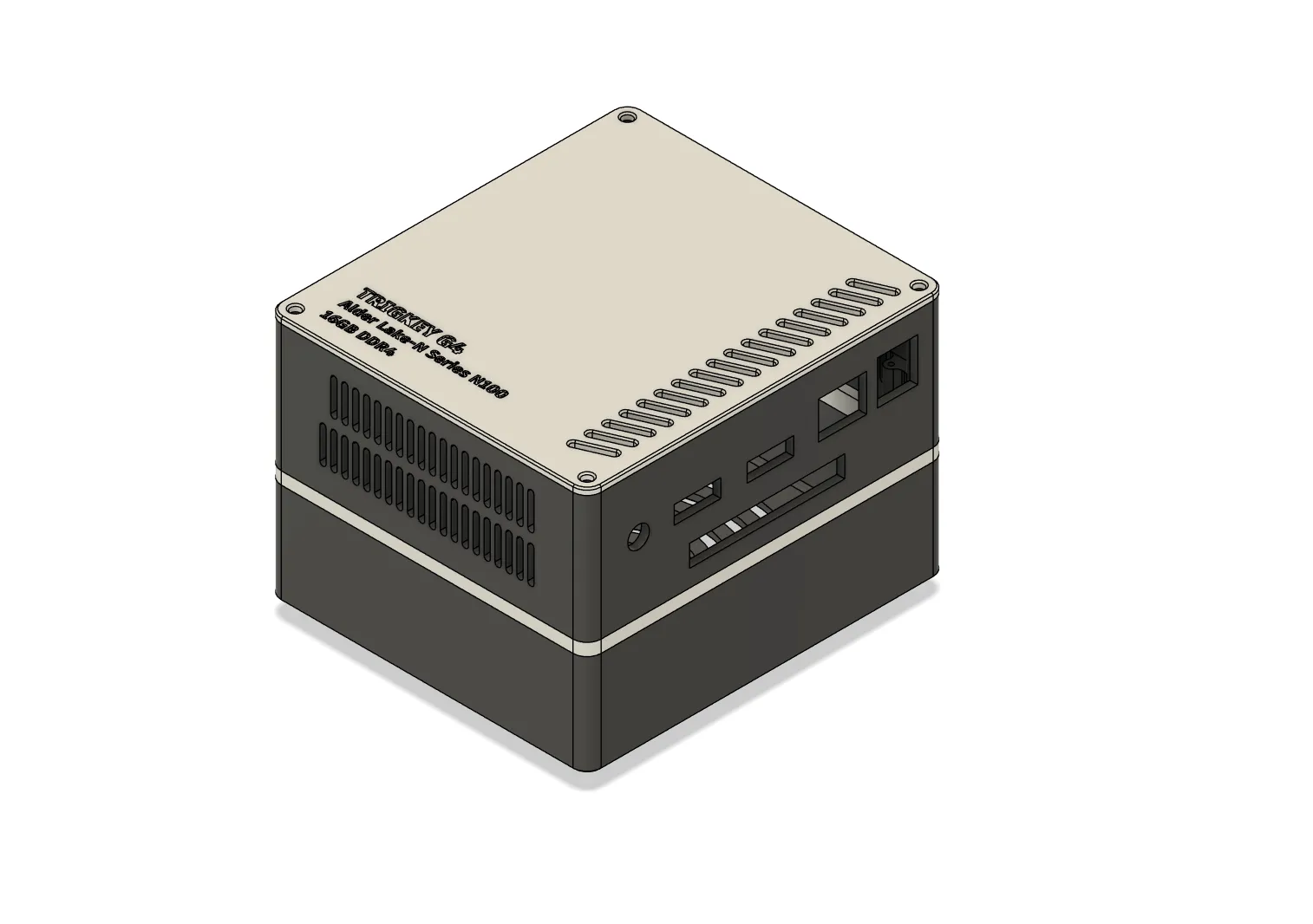
- Designed specifically for the Trigkey G4
- Large 92×92×25mm USB fan mount on the bottom (intake)
- Vertical airflow: bottom intake → top/side exhaust
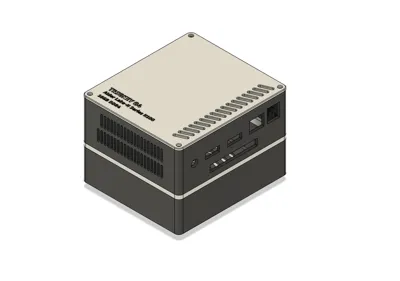
- Supports the original SATA expansion adapter for an additional SSD
- Dust-resistant vent layout
- Easy assembly
- Fits on a 230mm print bed
Assembly Notes
- You’ll need 4× M4×50mm screws for the top cover.
- I glued the mid section to the bottom to simplify assembly, but you can bolt it if you prefer.
- The USB fan can be powered from:
- an existing USB port, or
- soldered directly to the motherboard pads
- If you use the SATA adapter, I recommend attaching it with double-sided tape to the inside of the top cover.
Print Recommendation
- PLA+ works great thanks to strong airflow, however it would not hurt to print with a more heat reistant filament like abs or asa or petg-cf.
License

This user content is licensed under a
Creative Commons Attribution-Noncommercial-Share Alike


Comment & Rating (3)