
A2L | A1 Bambu Logo SD Card Cover/Button
Print Profile(2)

Description
Boost Me (for free)
Always appreciated, never expected. Thank you!
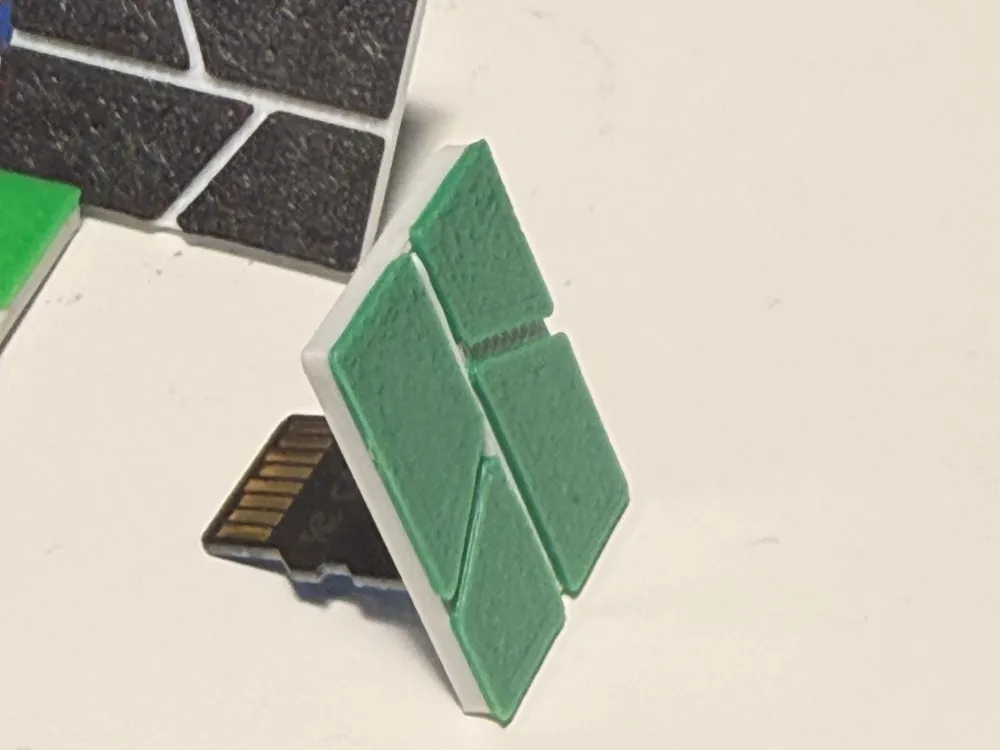

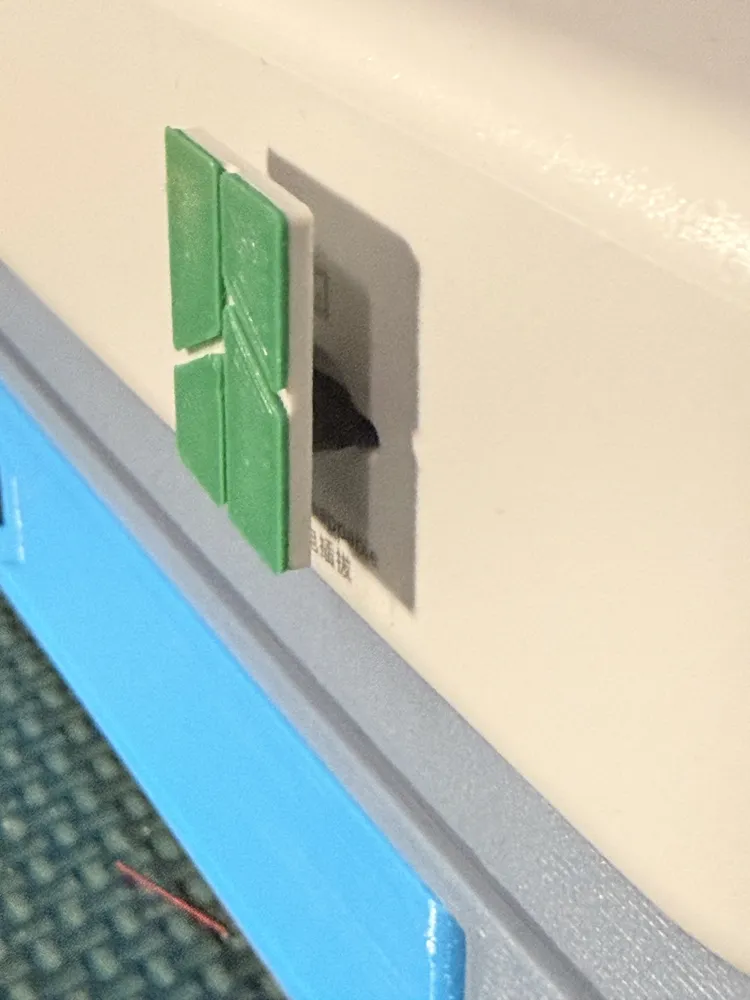
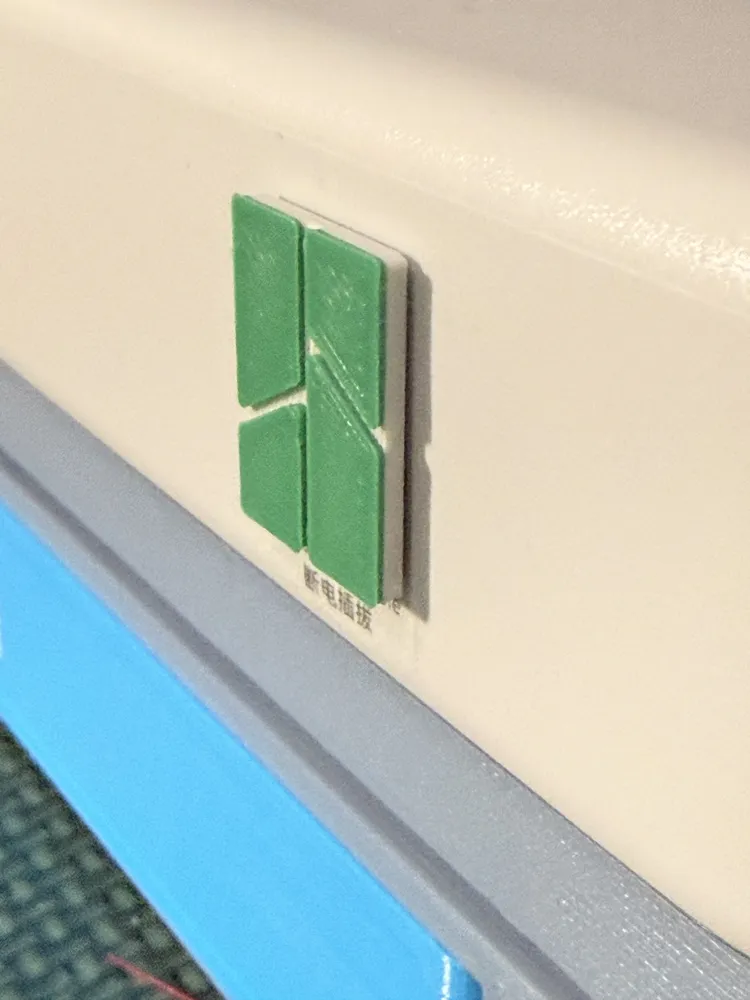
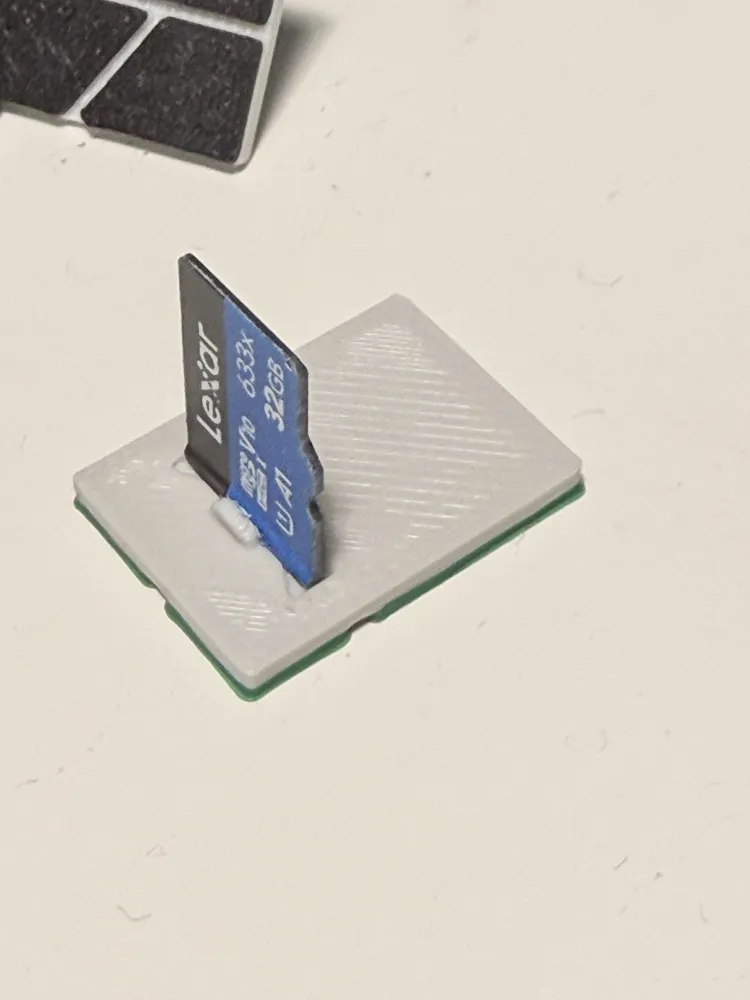
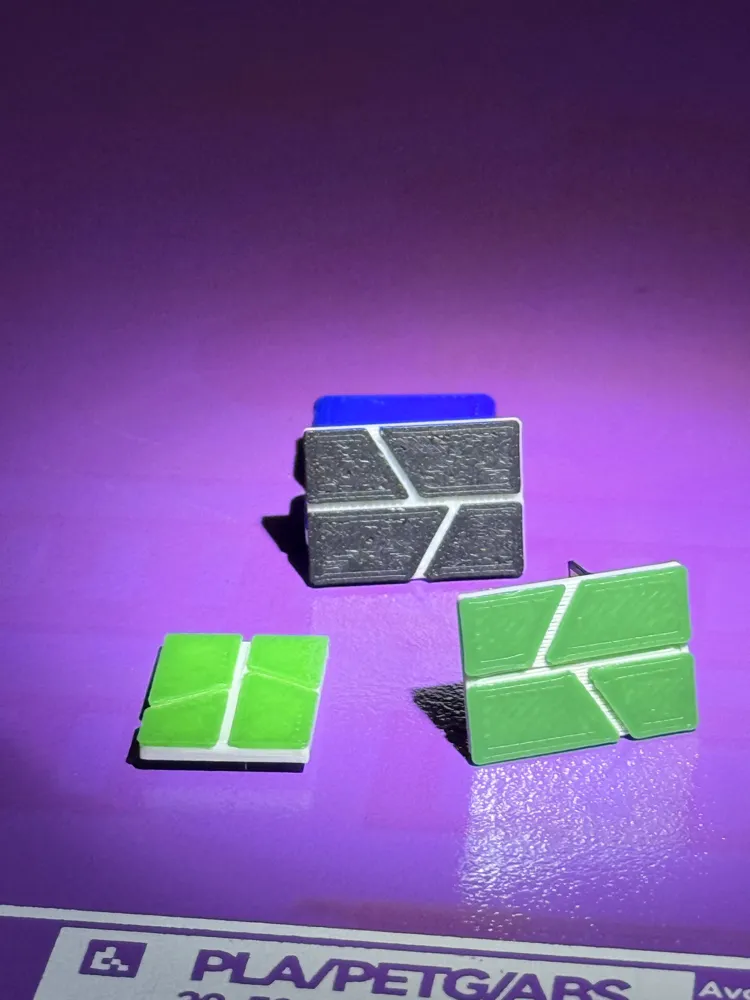
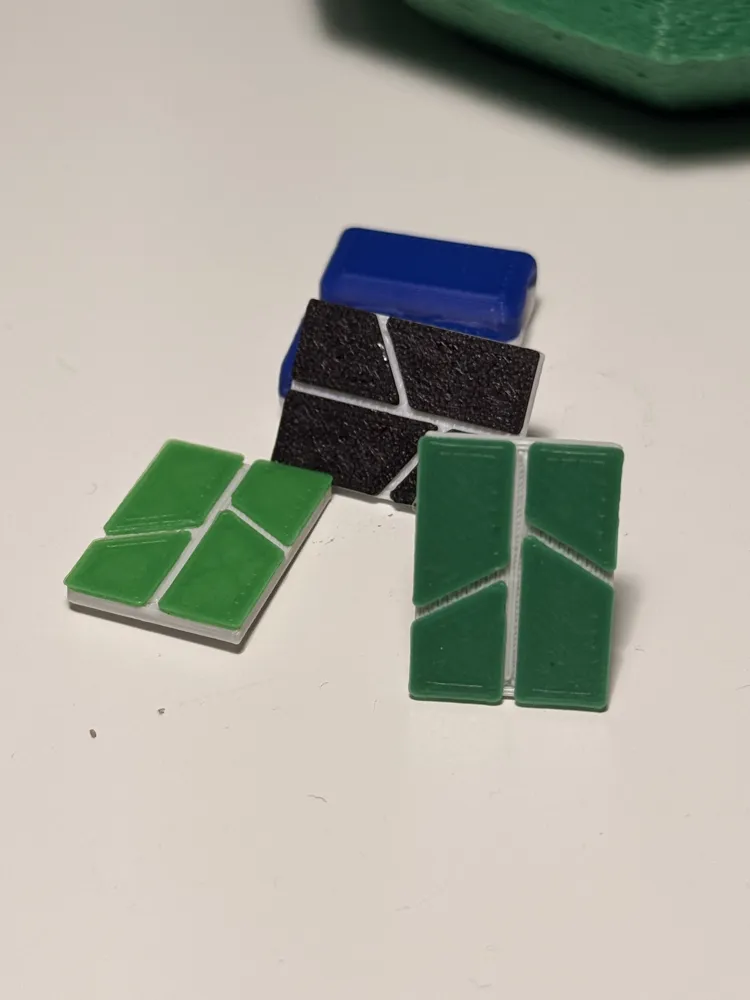
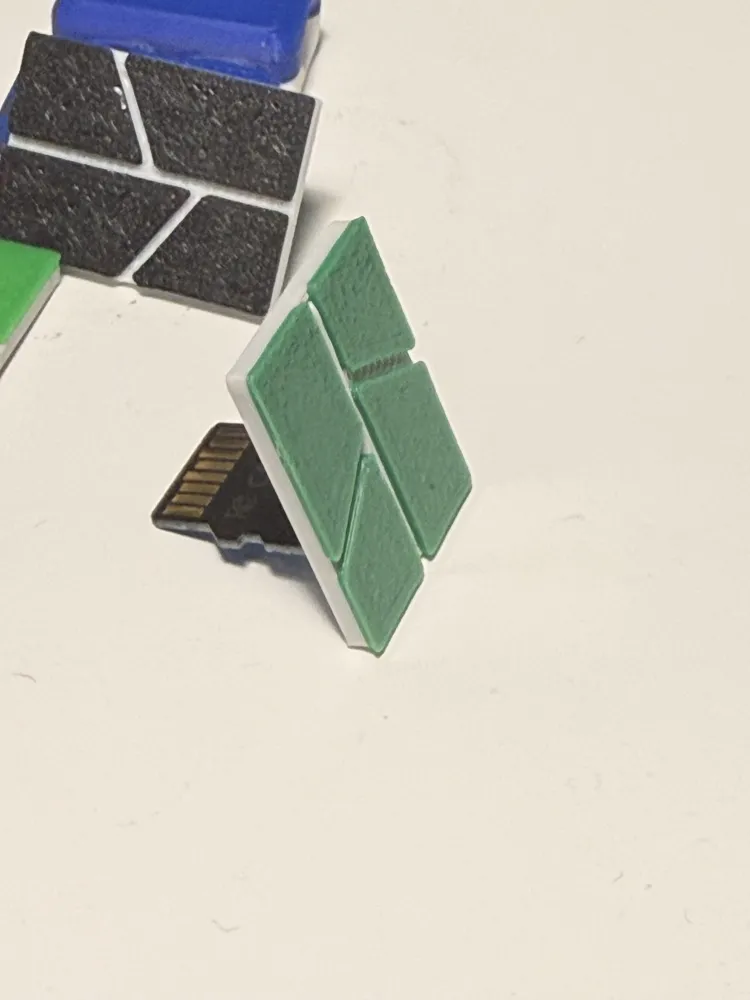
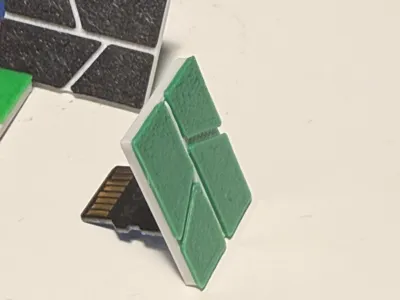
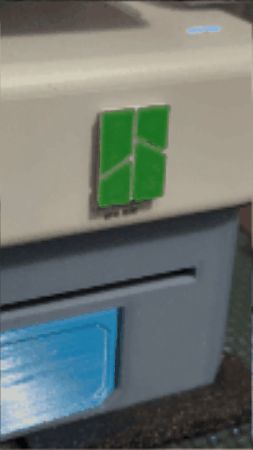
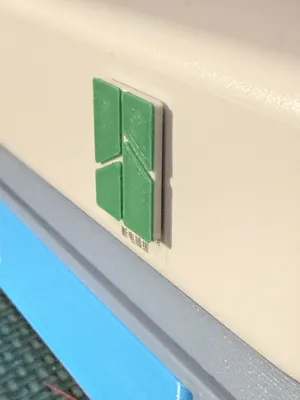
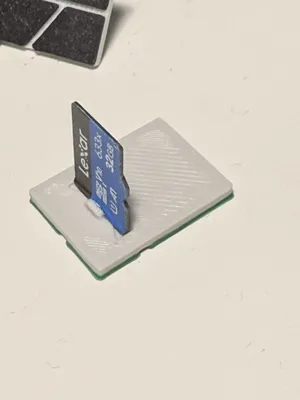
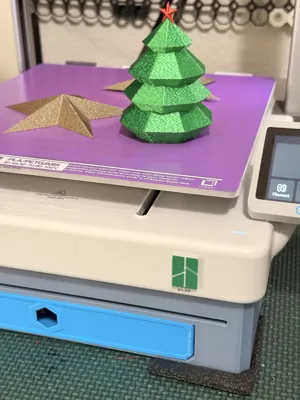
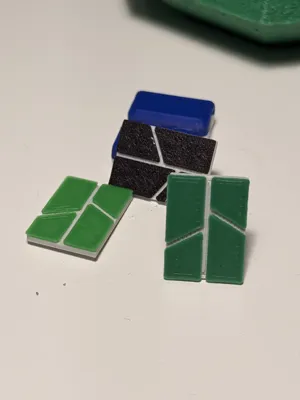
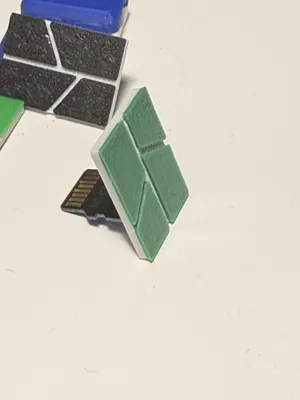
Simple Bambu logo SD card cover designed specifically for the A1. I wanted something that protects the SD slot, looks like it belongs on the printer, works as a functional button to install and eject my SD card, and is easy to print and install.
Fit and use
– Sized for the A1 SD card slot
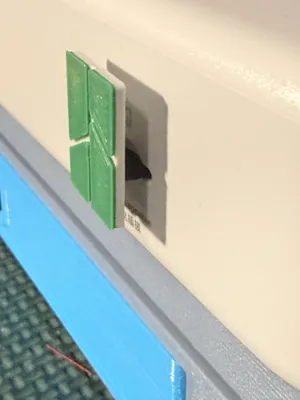
– Protects the slot from dust and bumps
– Gives a clean, look with the Bambu logo
– Functions as a button to install/eject SD Card
– Tested with the SD Card that came with the printer
For best results, press the bottom half of the logo when installing/ejecting.
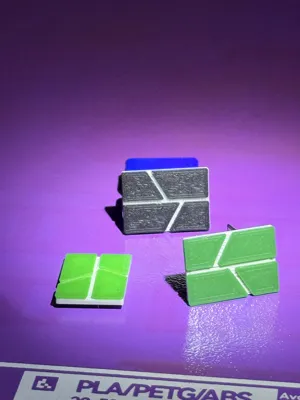
2g of filament, two colors, 20min. print
Not using an AMS, pause at Layer 5 to change colors.
Questions, comments, feedback, not working for you, please post in the comments and I will do my best to help or fix the model to meet your expectations.
Ratings, comments, and pictures are appreciated. Thank you!
License



Comment & Rating (30)