
PZB / LZB Panel for Train Simulators
Print Profile(0)
Description
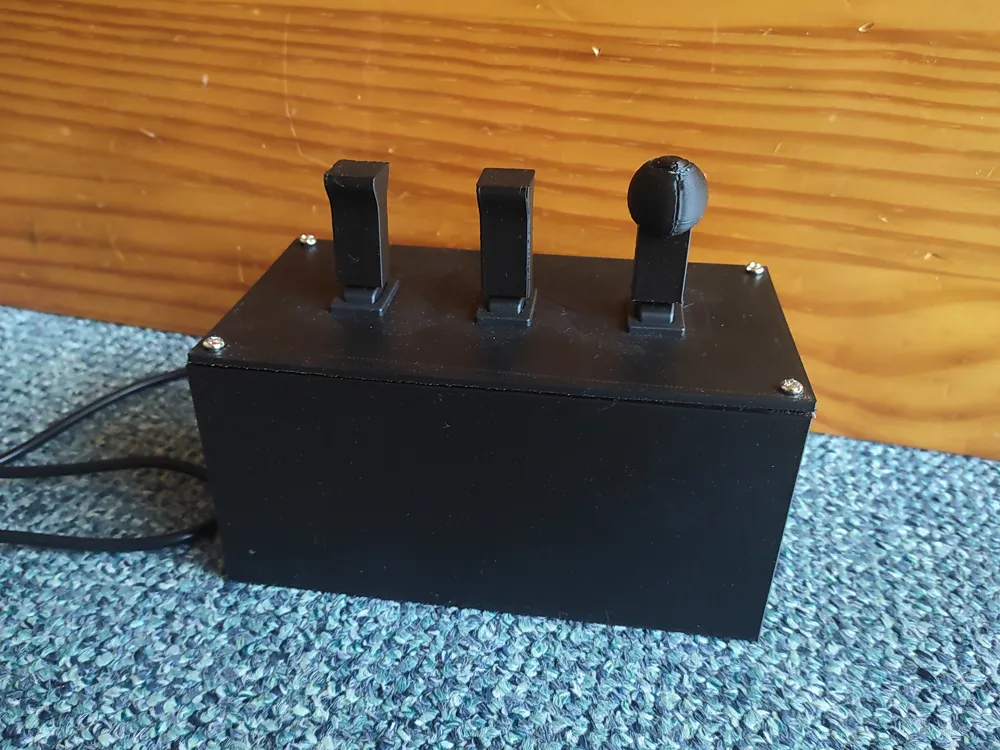
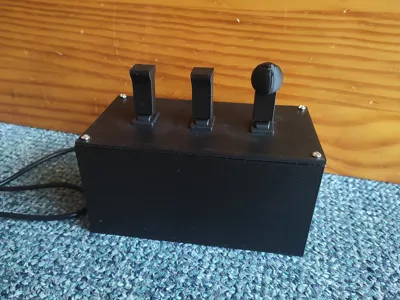
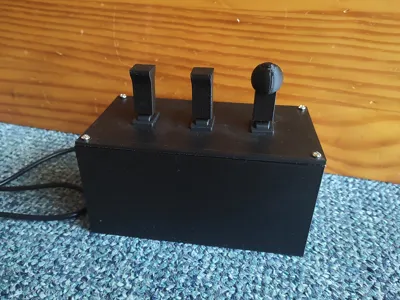
Better PZB panel for train simulators.
I decided to remix the model by Tobias to make the box shorter by not needing to use the complicated mounting setup and using different switches.
The switches used are also the ones used by fahrpult.com. A website selling high quality train sim gear.
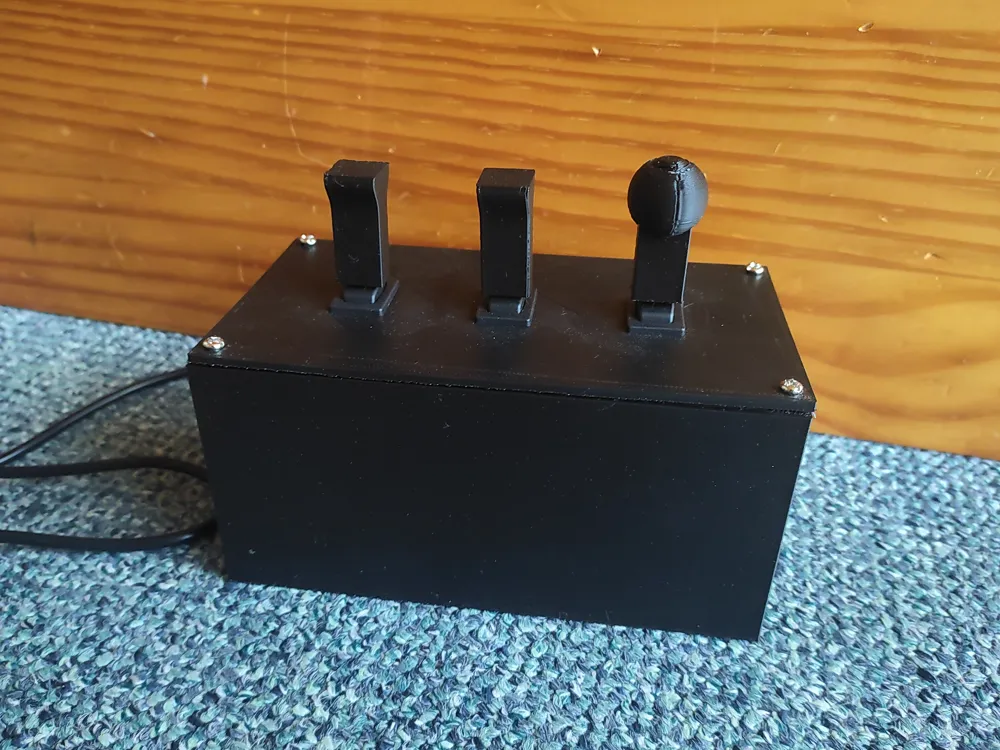
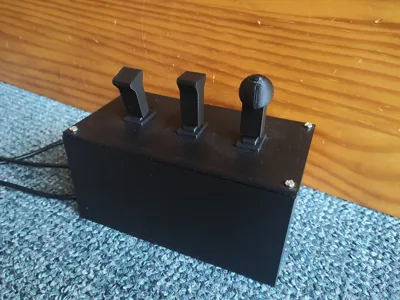
I also improved the design of the PZB Frei (and Befehl for my version) switch to be more accurate. All switches are also a bit longer to be more realistic. The top panel is also different because of the new switches. Sadly I couldn't recreate the text on it but mounting the switches is now really easy: Just push them in from the top side (the side that didn't touch the build plate). Since the side that touched the build plate is usually a tiny bit wider because of the squish from the extruder this results in the switches firmly clicking into place while still being removable if desired. I used an Anycubic Kobra 2 Neo with no elephants foot compensation or the like. I also didn't need to glue on the knob for the PZb Wachsam switch. With a firm push its firmly attached. I also changed the hole in the bottom of the switches so that they can be placed on top of the new switch type Im using and stay in place purely with friction. No glue required.
Switches used for PZB Wachsam and Frei (doesnt lock and snaps back to middle):
https://www.reichelt.de/de/de/shop/produkt/kippschalter_6_2_a-250vac_1x_ein_-aus-_ein_sw-337329
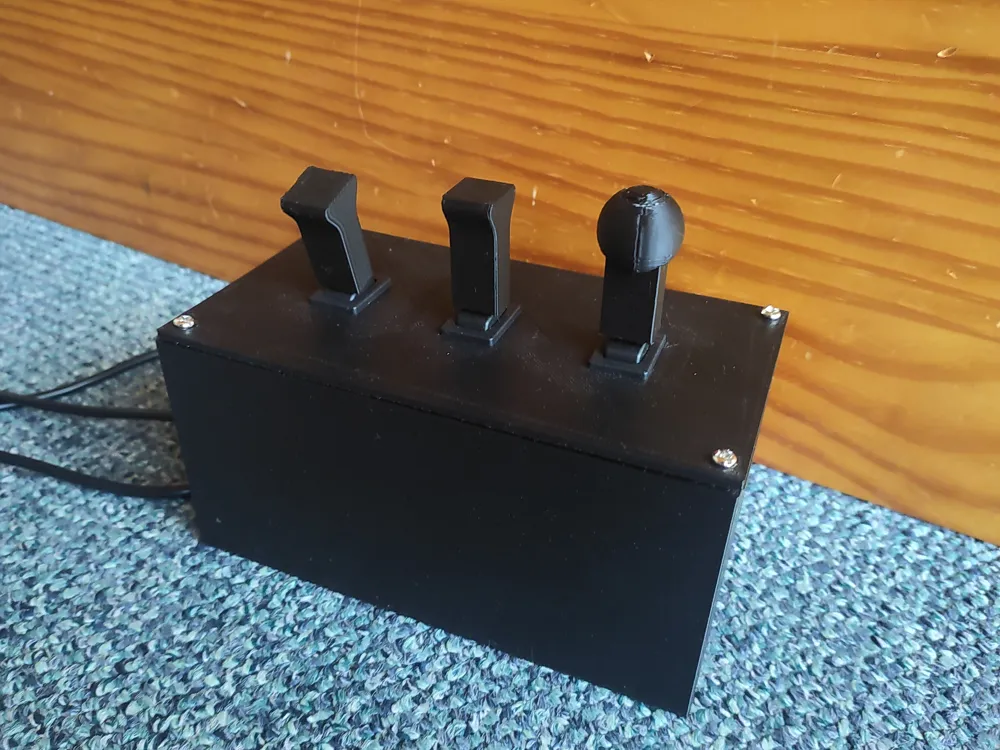
Switch used for PZB Befehl (stays in on position as can be seen in the last picture. I was in a real BR430 to confirm that this is how PZB Befehl switches work.):
https://www.reichelt.de/de/de/shop/produkt/kippschalter_6_2_a-250vac_1x_ein-aus-ein_sw-154578
Encoder used:
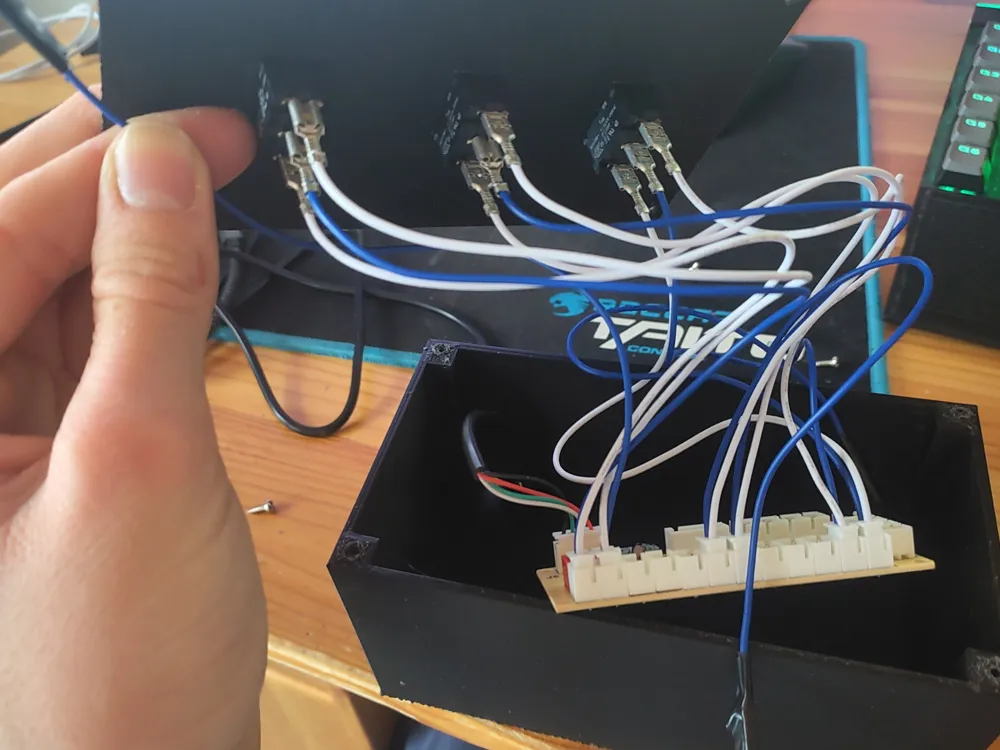
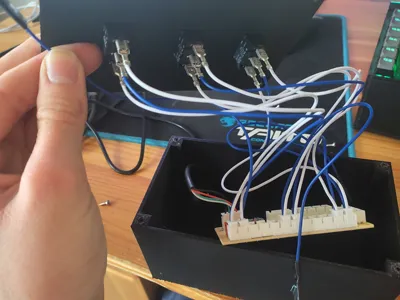
https://www.reichelt.de/de/de/shop/produkt/encoder_fuer_diy_arcade-game-controller-258684
If you use the same encoder and switches, here is a little tip:
Only the middle contact (in my case connected to the blue wire) of the switch is reponsible for detecting if the switch is activated. The controller knows which “side” is active via the, in my case, white cables it sends the voltage over (at least thats what I think). By connecting the white and blue cable of one connector to the switch (with blue in the middle) and only the white cable of a second connector to the other side, the controller can't distinguish between the 2 different on states/sides and just registers both as the same button. This way it'll be easier to map the input to the games controls.
I also uploaded this model as “TrainsAreCool” to printables where the OG model by Tobias is also hosted. Just wanted to make sure no one thinks the other entry is from someone who stole it :D
This remix is based on

License



Comment & Rating (2)