
Parametric Wyze Pan V3 Ceiling Mount
Print Profile(2)


Description
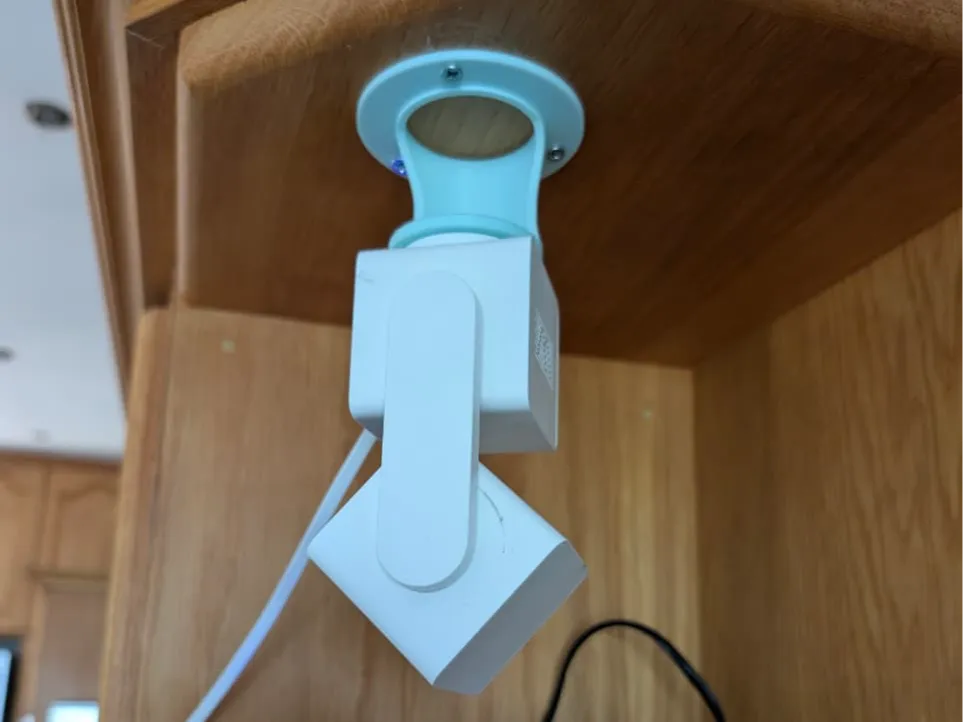
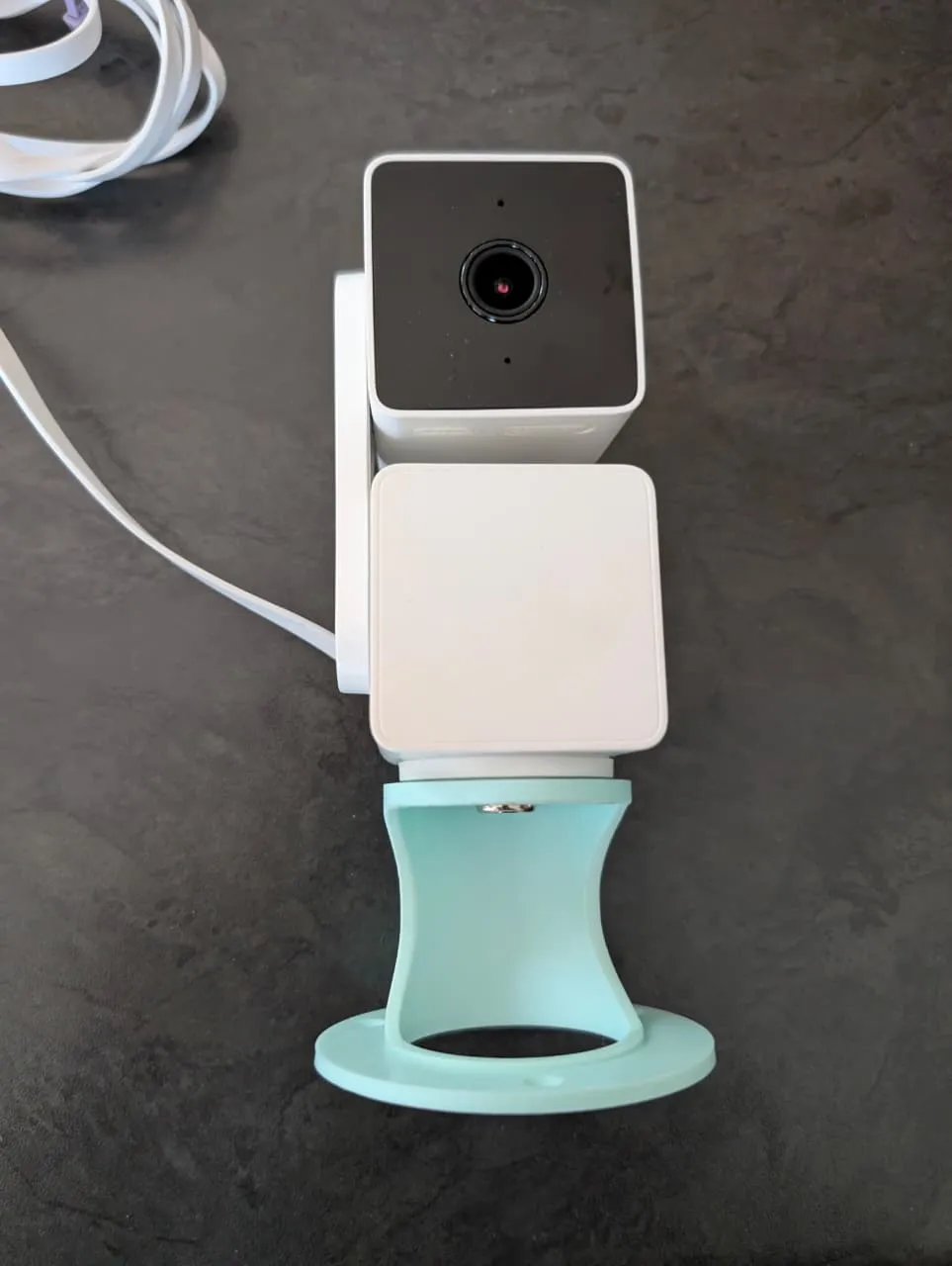
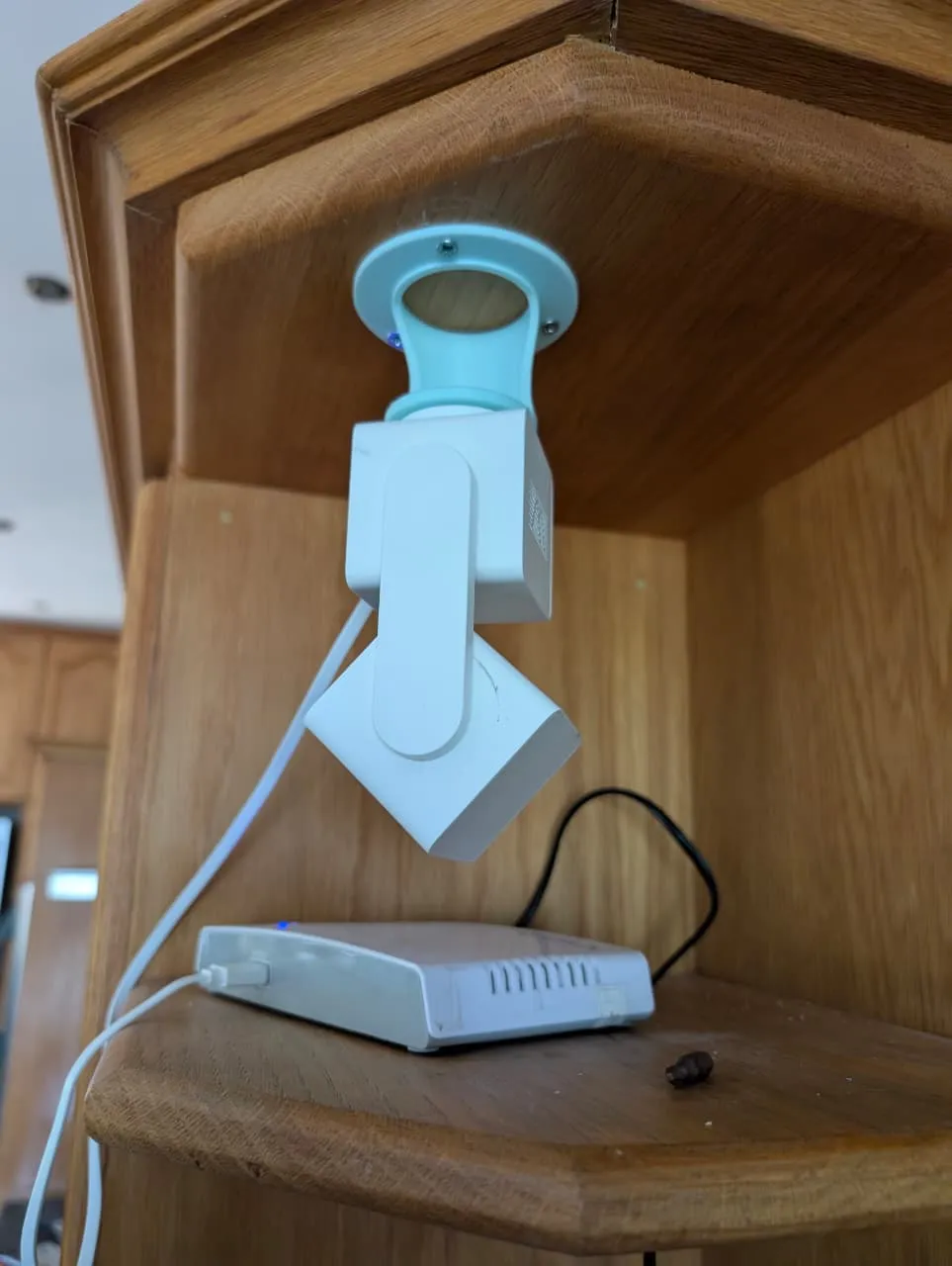
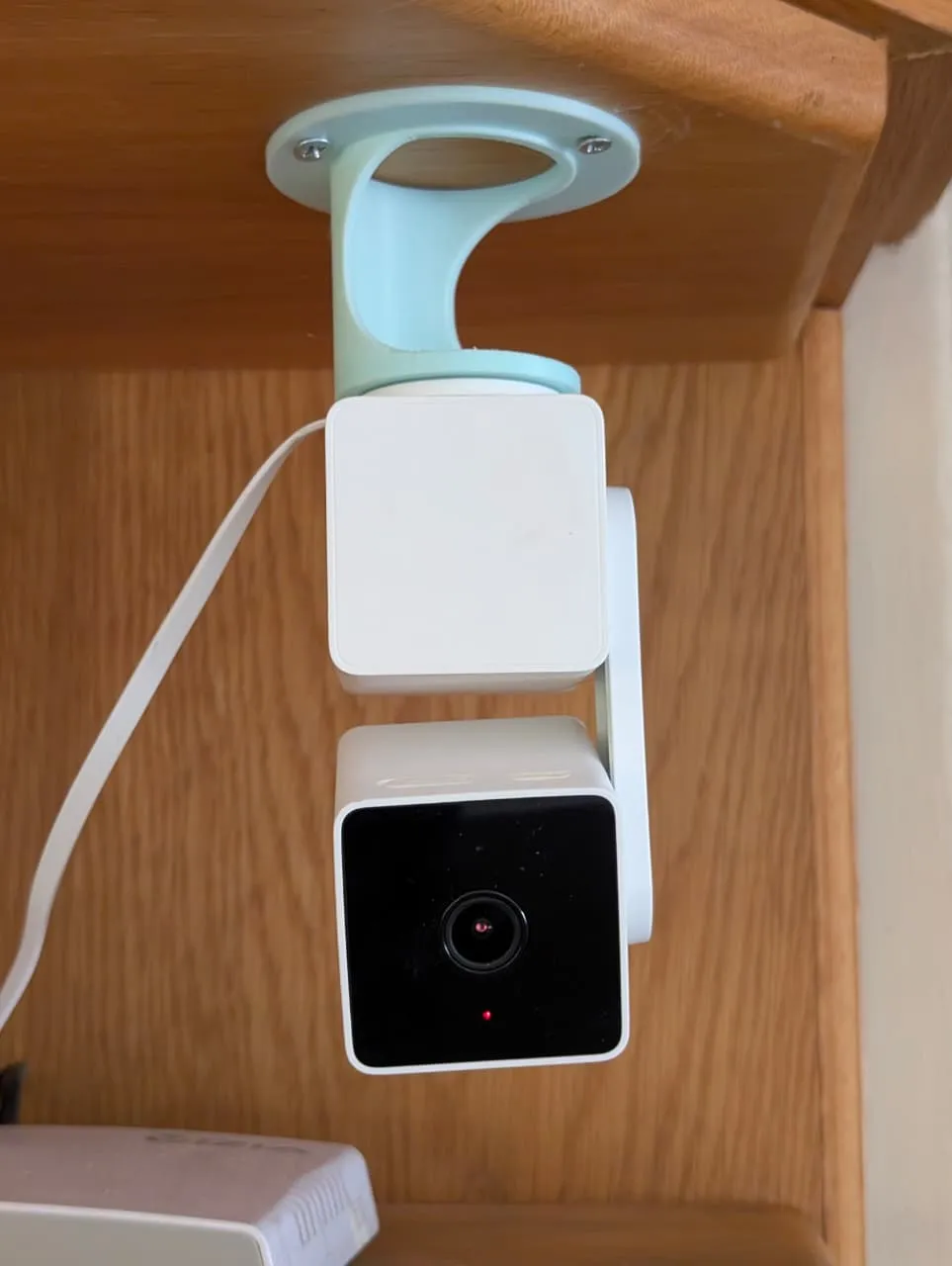
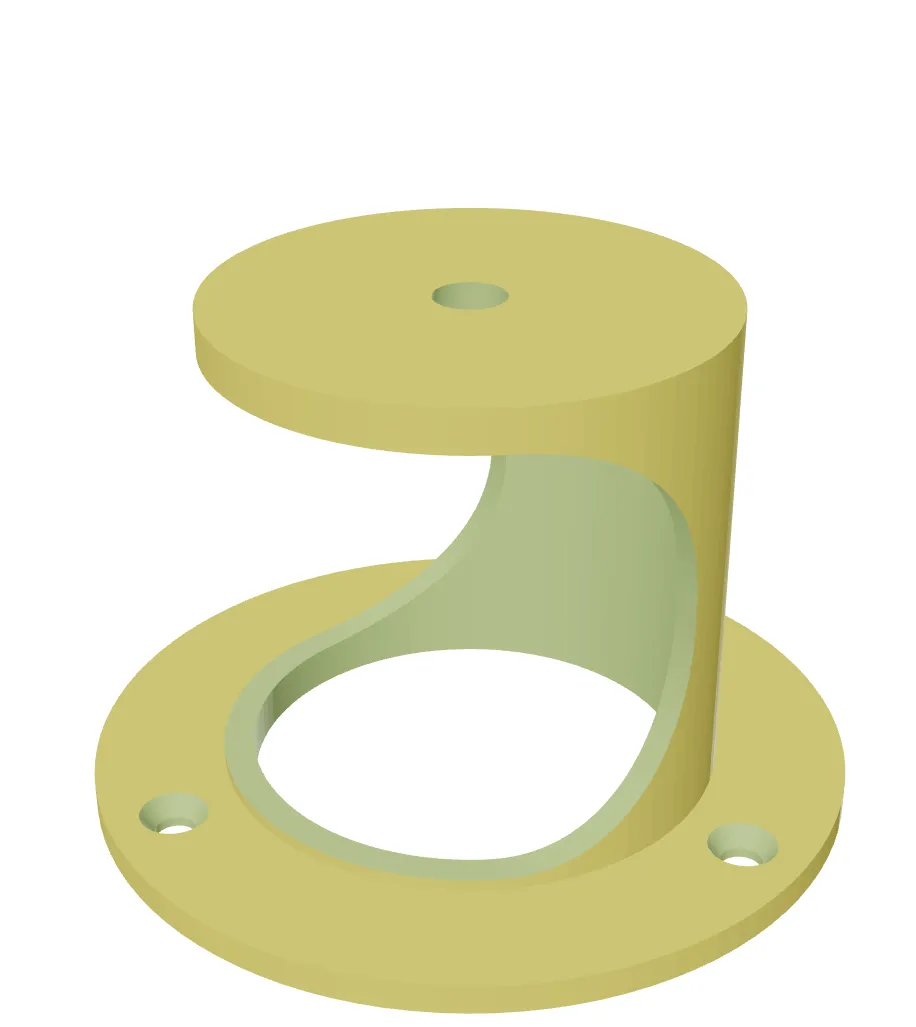
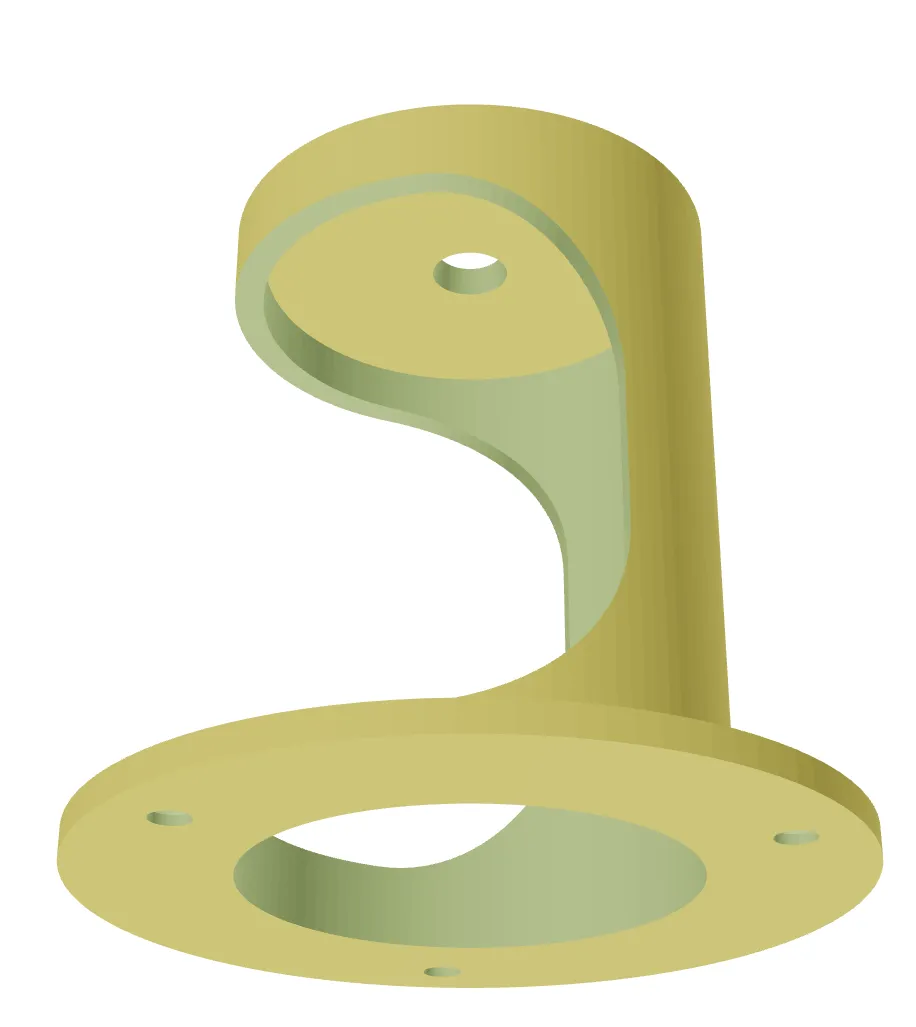
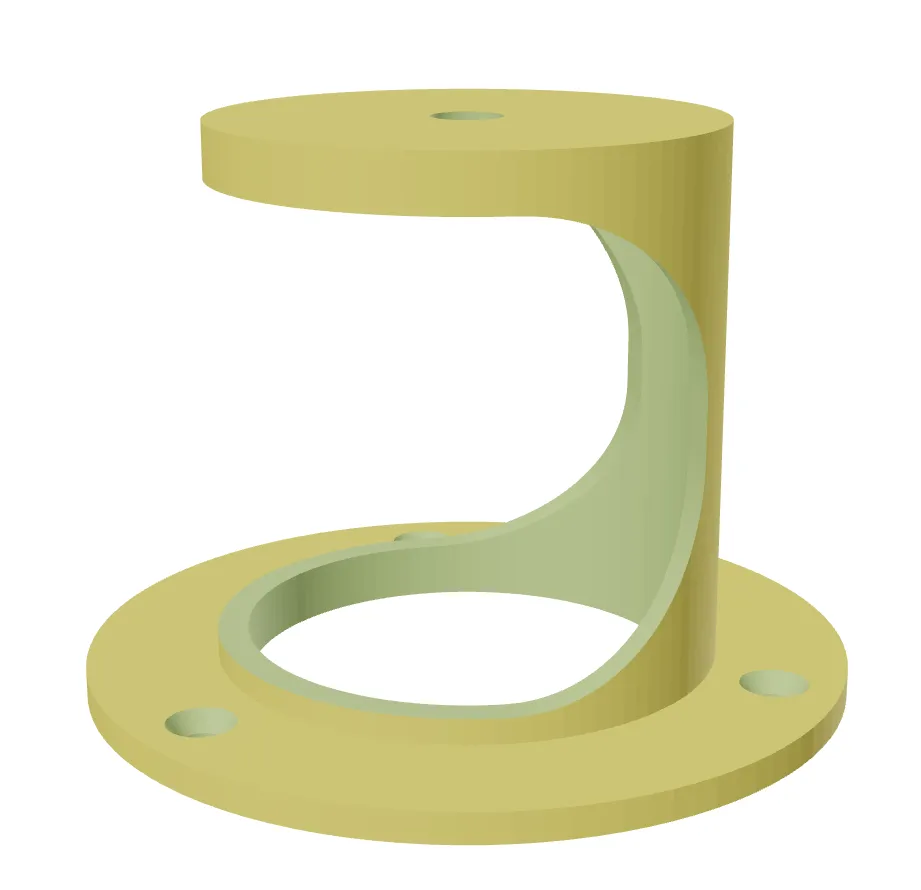
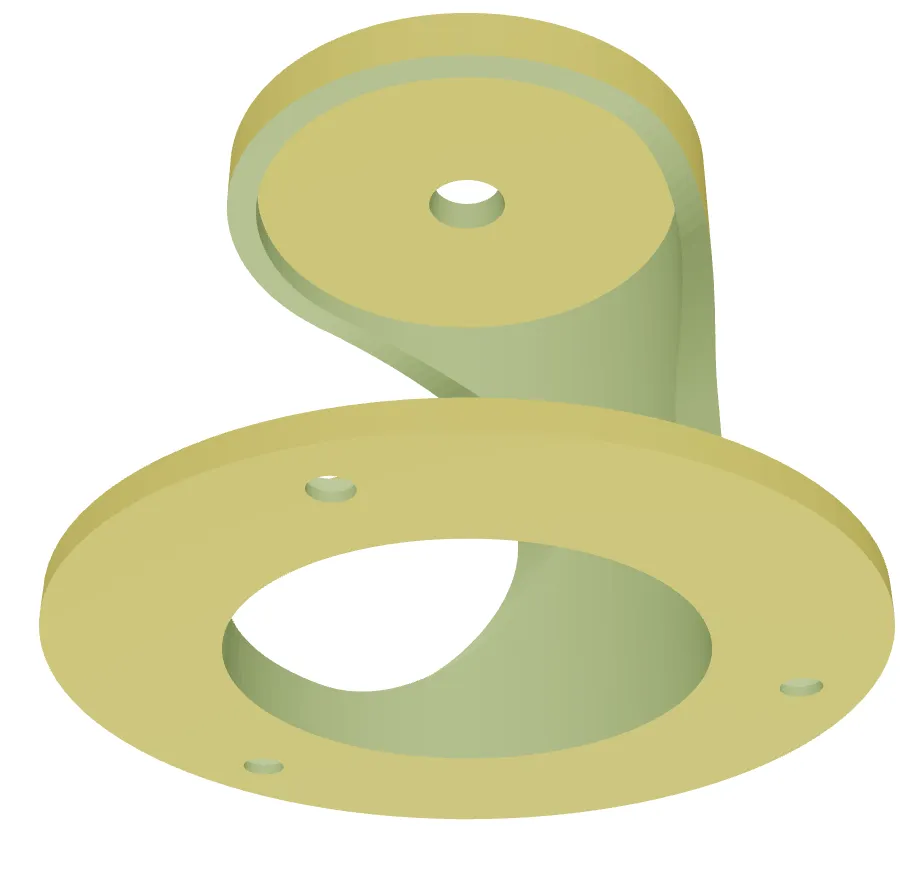
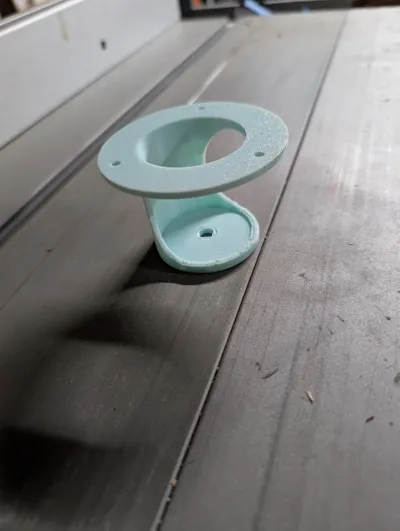
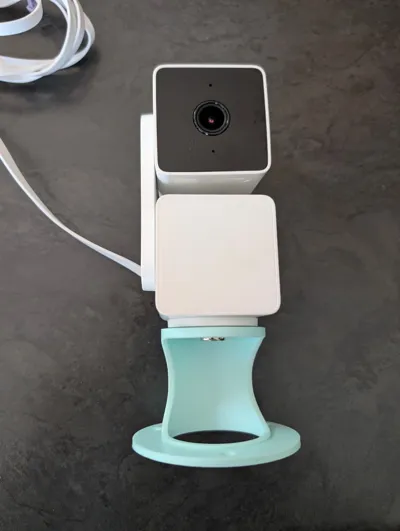
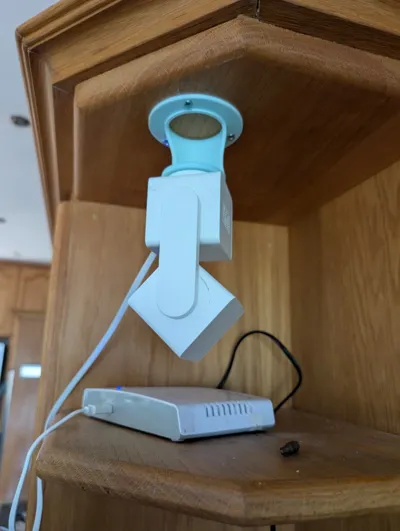
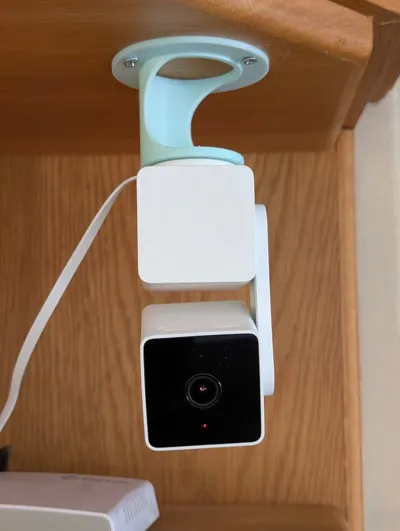
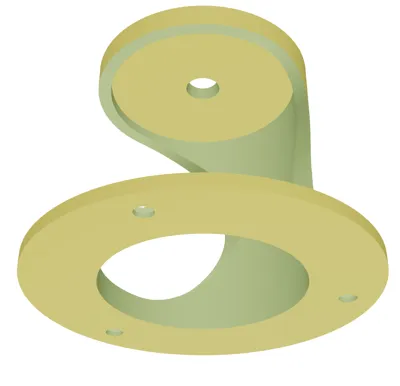
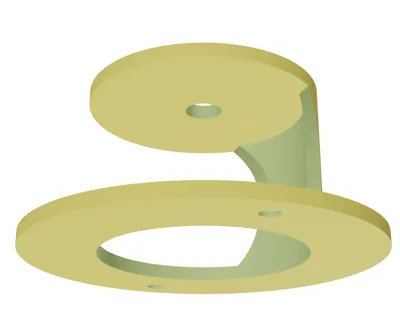
Wyze Cam Pan V3 Ceiling Mount
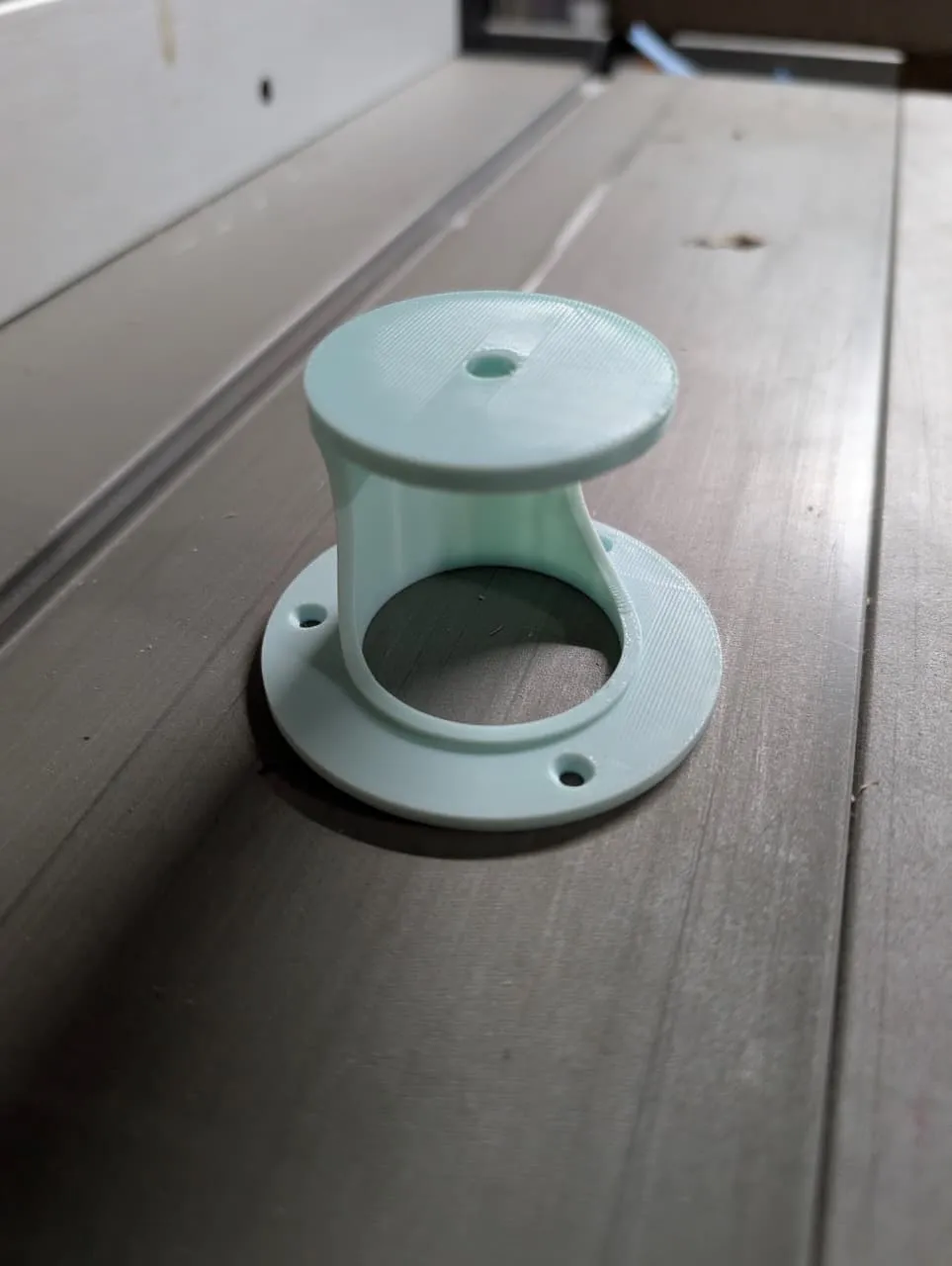
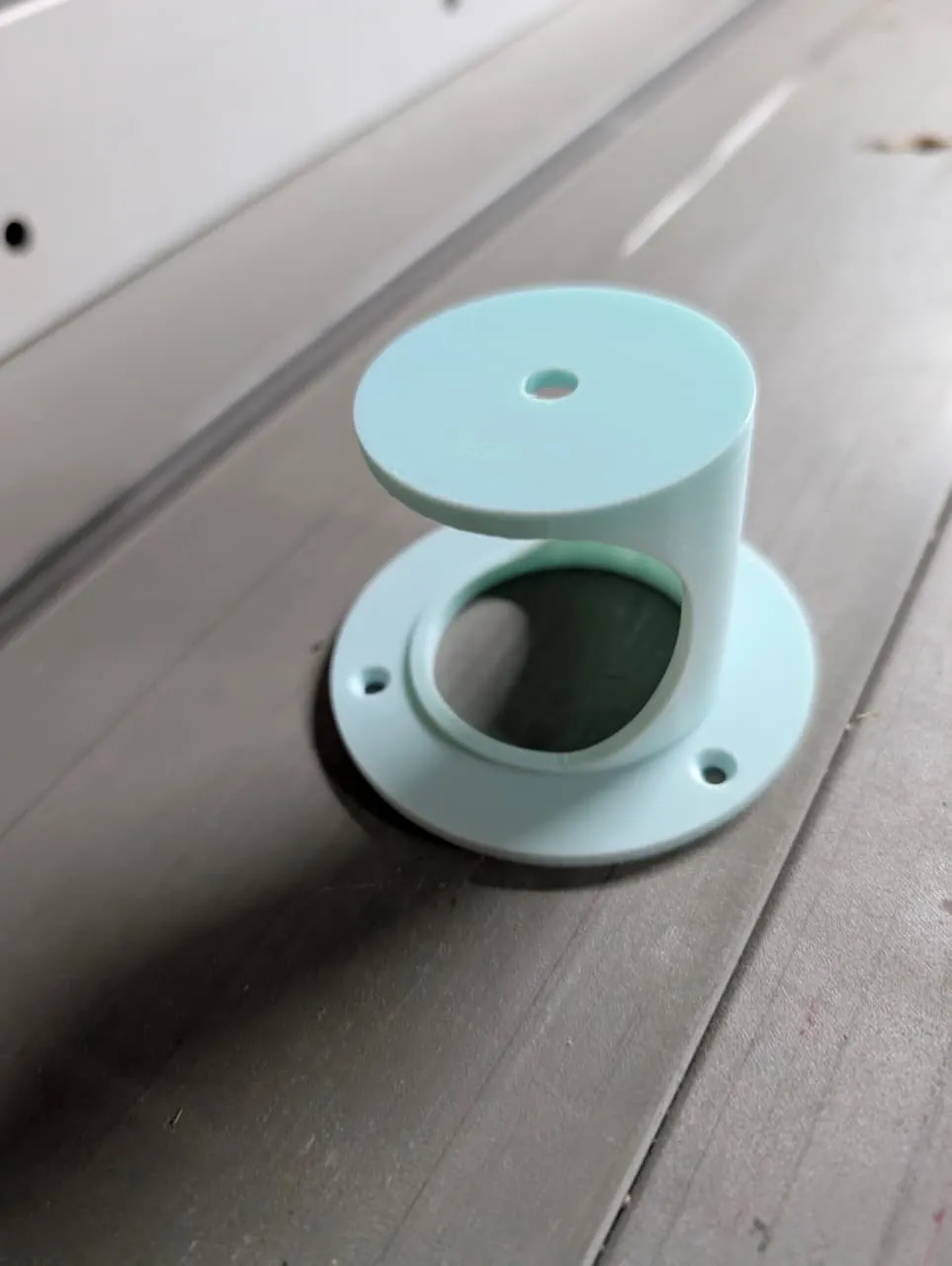
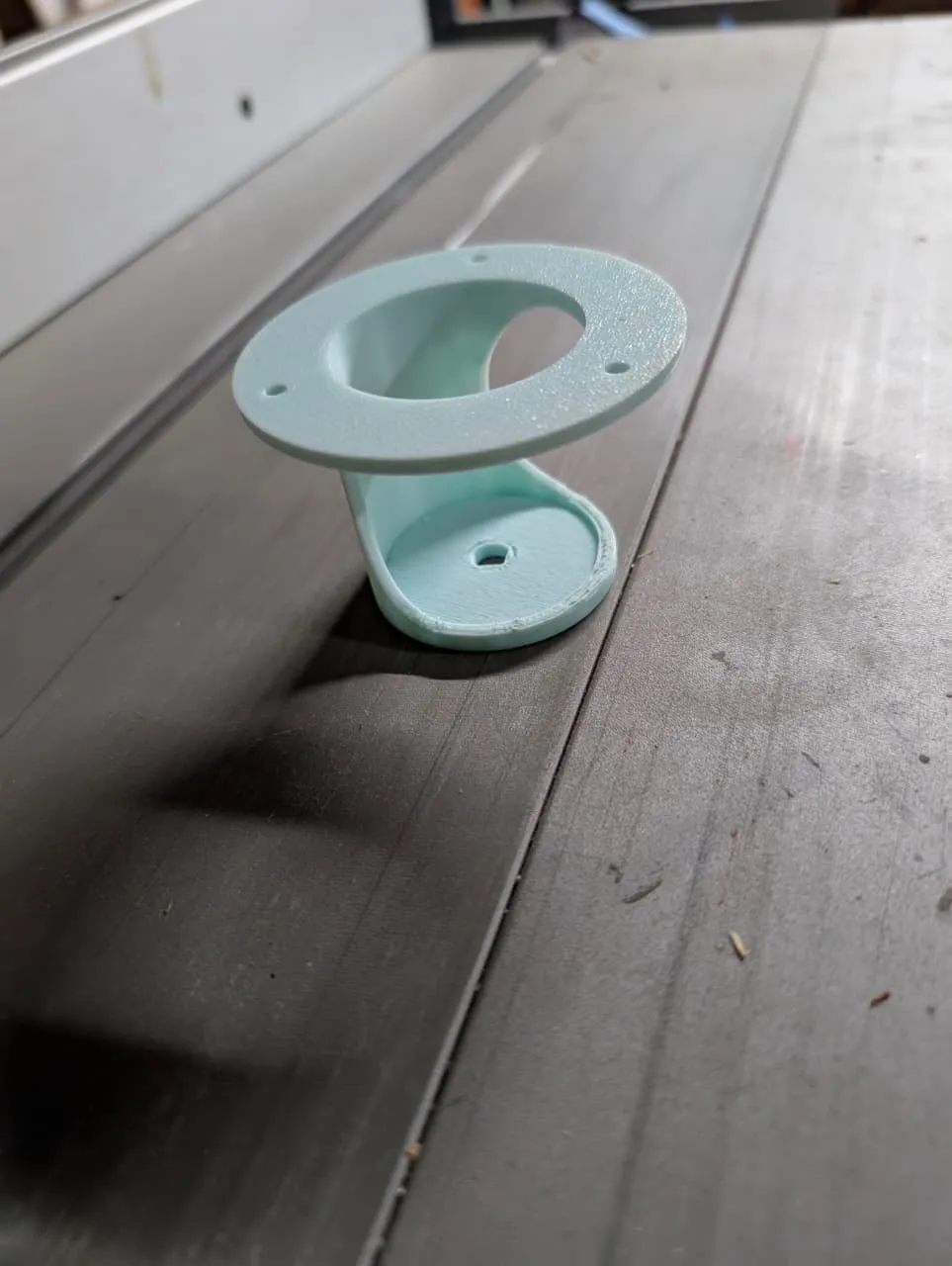
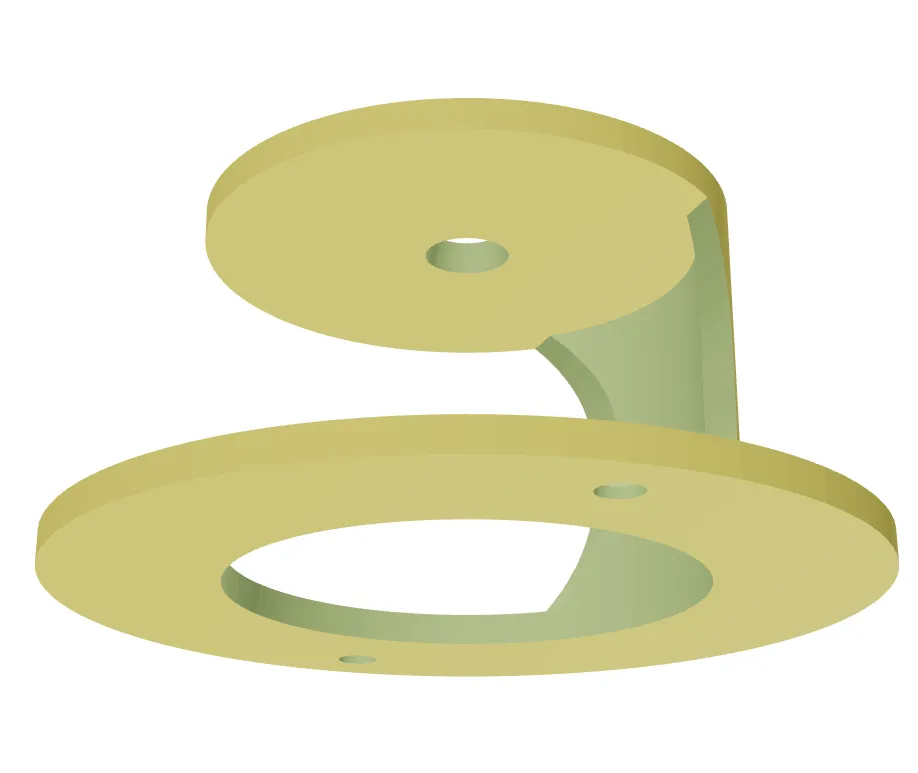
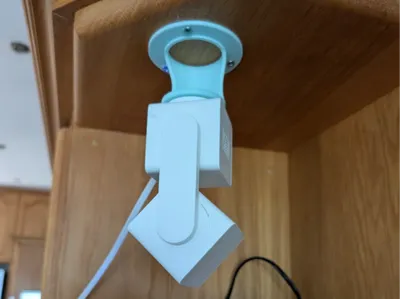
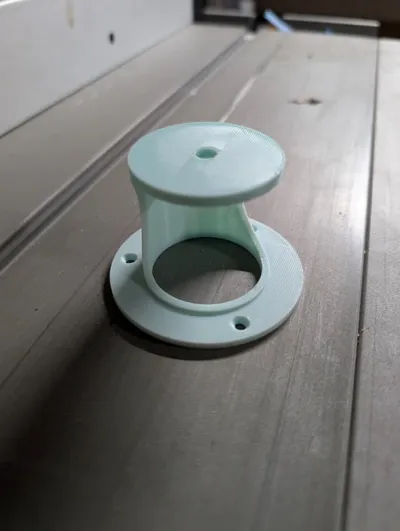
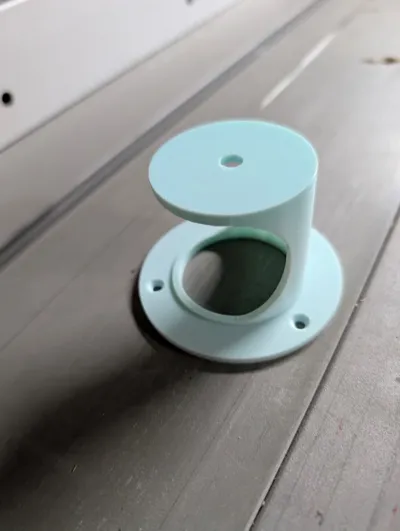
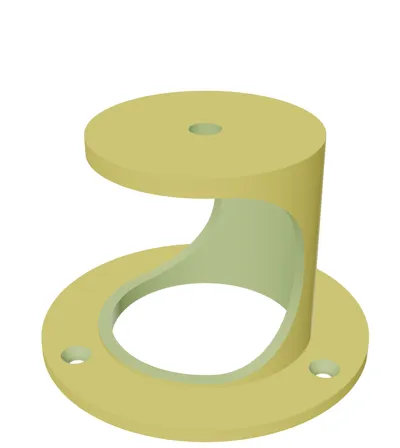
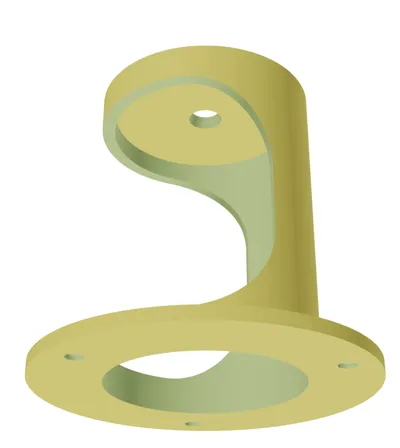
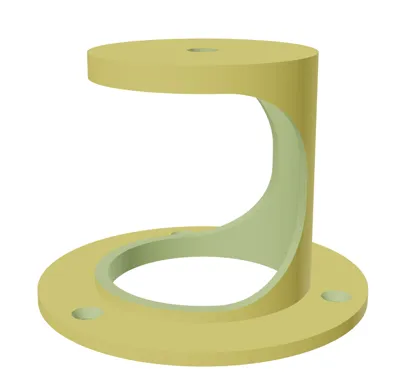
This parametric ceiling mount allows upside-down installation of the Wyze Cam Pan V3 directly on flat ceilings, solving the original bracket's limitation to vertical surfaces. Designed in OpenSCAD for full customizability, it may adapt to other cameras by tweaking parameters.
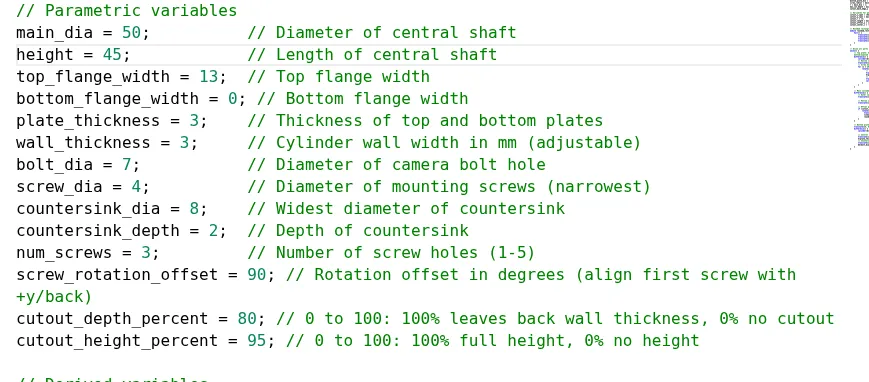
Adjustable Parameters:
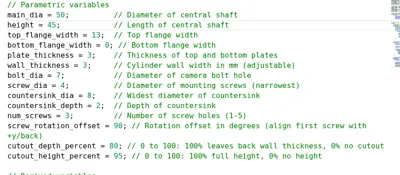
- main_dia: Central shaft diameter (default 50mm). Sets cylinder width; adjust to fit camera base snugly—measure camera mounting area and add clearance.
- height: Shaft length (default 65mm). Controls drop from ceiling; shorter for low-profile (trickier install), taller for easier access—start with camera height plus 10-20mm buffer.
- top_flange_width: Top flange overhang (default 13mm). Widens ceiling contact area; increase for stability on uneven surfaces, but ensure screw holes fit within.
- bottom_flange_width: Bottom flange overhang (default 0mm). Adds base stability; set to 0 for minimal footprint, or match top for symmetry.
- plate_thickness: Top/bottom plate thickness (default 3mm). Affects strength; thicker for durability, thinner to save material—test print at 3-5mm.
- wall_thickness: Cylinder wall thickness (default 3mm). Sets structural strength; increase for rigidity, decrease for lighter print—minimum 2mm recommended.
- bolt_dia: Camera bolt hole diameter (default 7mm). Matches supplied nut; measure bolt and add 0.5mm tolerance.
- screw_dia: Mounting screw diameter (default 4mm). For ceiling screws; match your hardware size.
- countersink_dia: Countersink widest part (default 8mm). For screw heads; set to head diameter.
- countersink_depth: Countersink depth (default 2mm). Recesses screws; adjust to head height.
- num_screws: Number of ceiling screws (1-5, default 3). More for stability; start with 3, add if needed.
- screw_rotation_offset: Rotates screw positions (default 90°). Aligns with back wall/cutout; tweak for accessibility during install.
- cutout_depth_percent: Cutout depth (0-100%, default 100%). 100% leaves back wall intact, 0% solid shaft; reduce for more enclosure.
- cutout_height_percent: Cutout height (0-100%, default 100%). 100% full shaft height, 0% none; adjust for ventilation/access.
Approach: Start with defaults for Wyze. Measure camera/ceiling, tweak one parameter at a time (e.g., height first), preview in OpenSCAD, print test fits.
Includes two Bambu Studio print profiles: Short (35mm height) for compact setup—trickier install due to tight clearances, use long tools/screwdriver. Tall (75mm+- height) for easier ceiling screwing. If issues, increase flange size/height/diameters or rotate screws for better access.
AI was used in aiding the design of this project
License

You shall not share, sub-license, sell, rent, host, transfer, or distribute in any way the digital or 3D printed versions of this object, nor any other derivative work of this object in its digital or physical format (including - but not limited to - remixes of this object, and hosting on other digital platforms). The objects may not be used without permission in any way whatsoever in which you charge money, or collect fees.


Comment & Rating (8)