
Parametric Hex Terrain
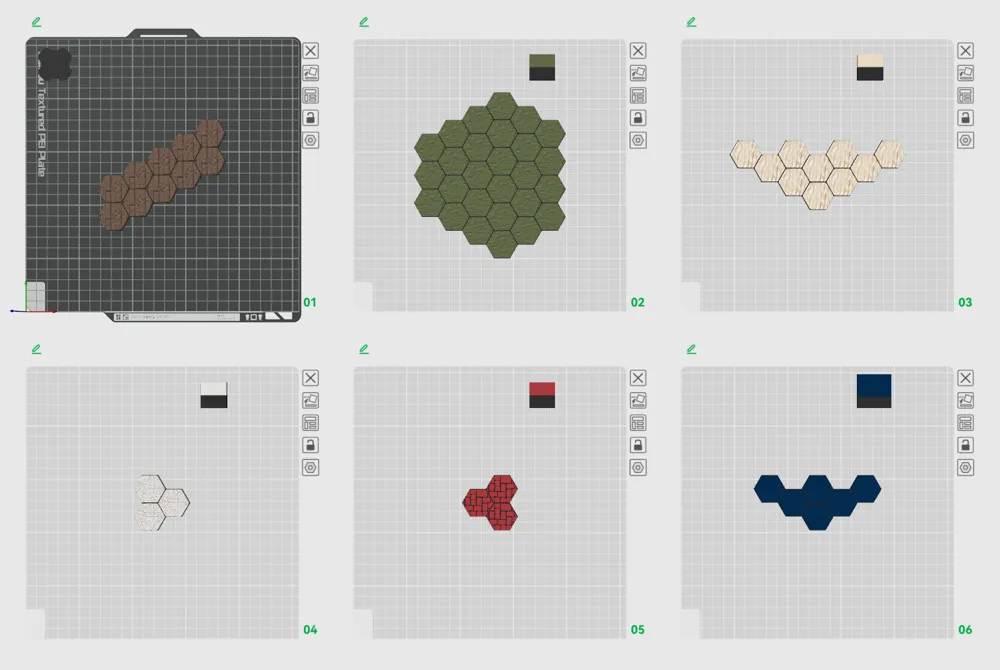
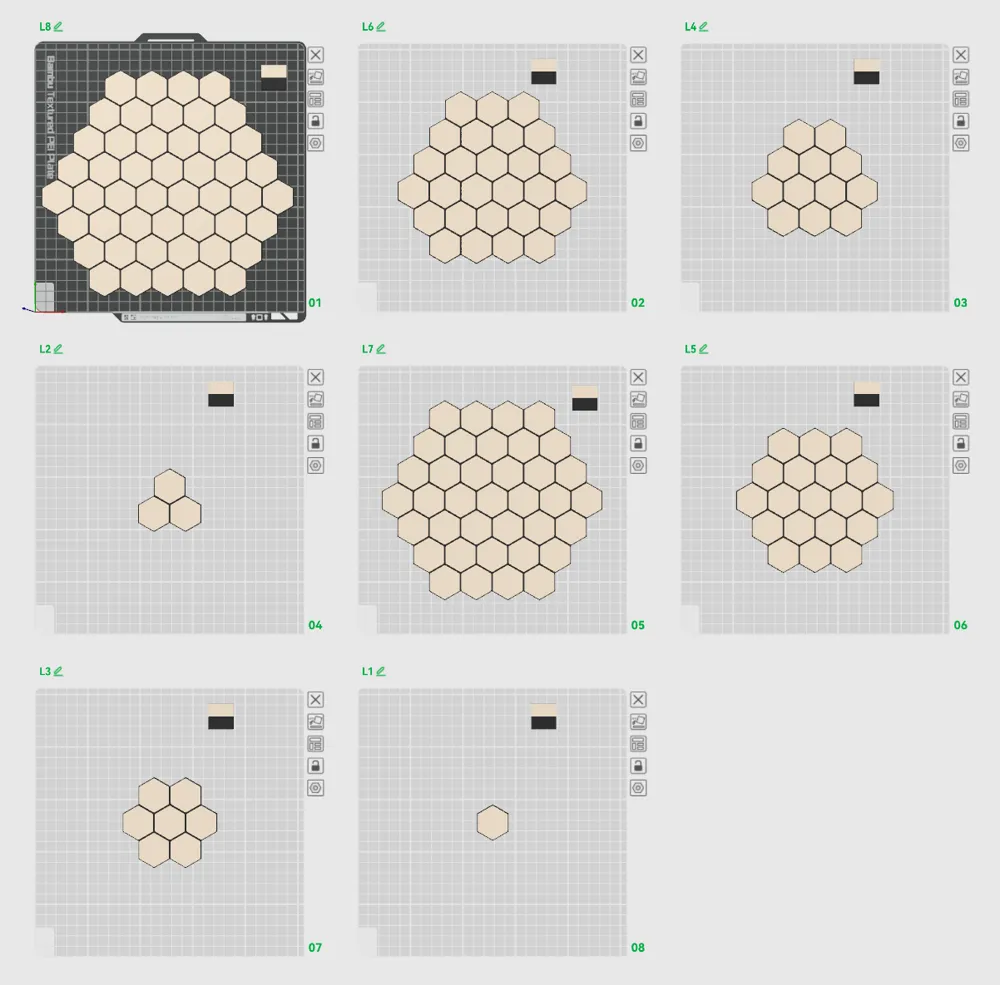
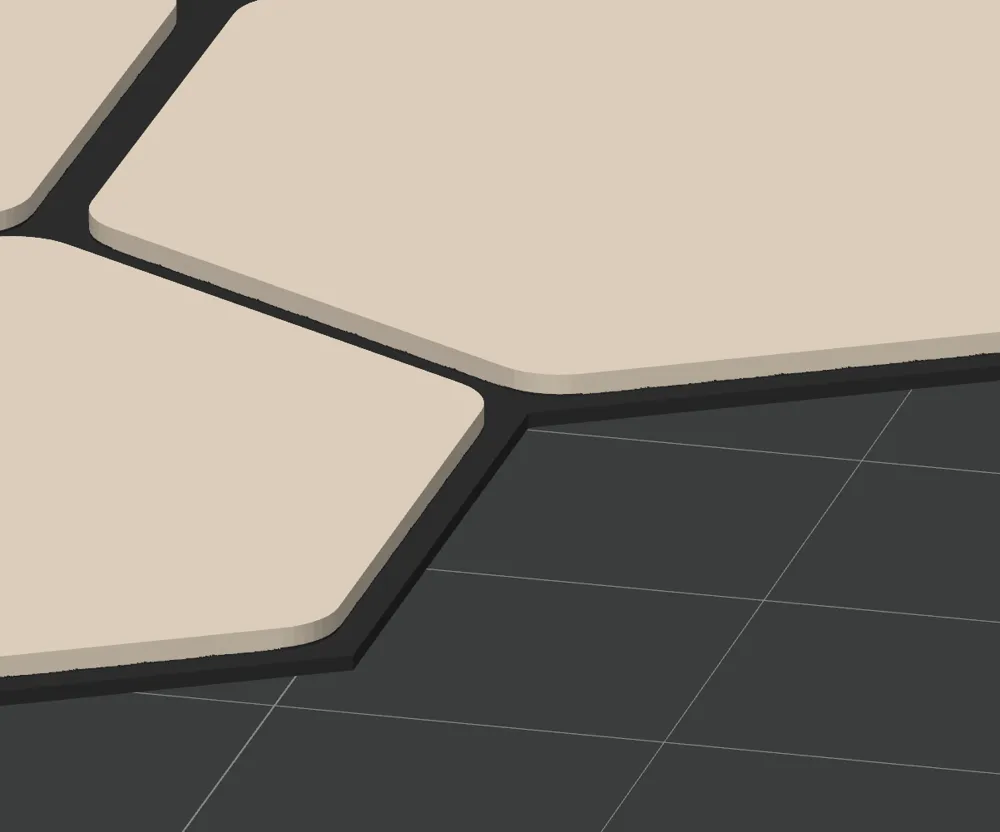
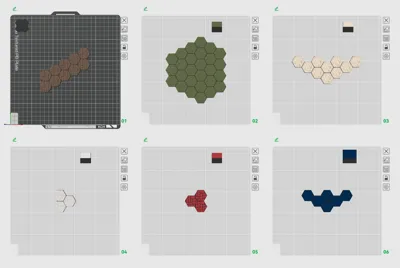
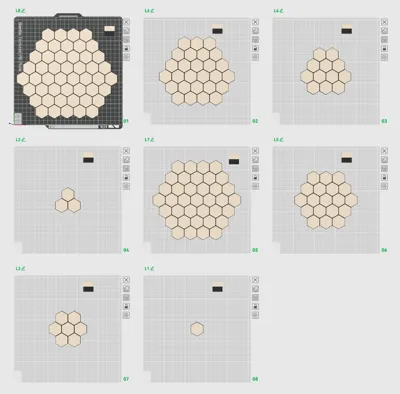
Print Profile(1)

Bill of Materials





Description
Hex Terrain Generator – Parametric OpenSCAD Tiles
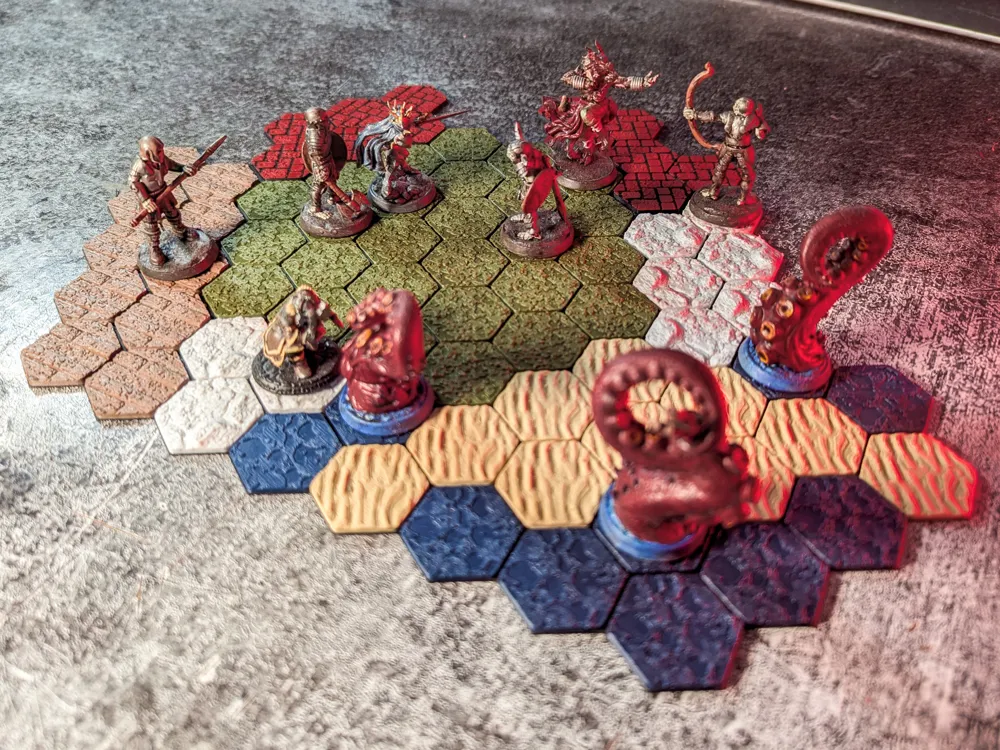
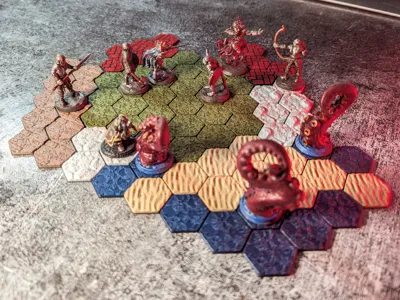
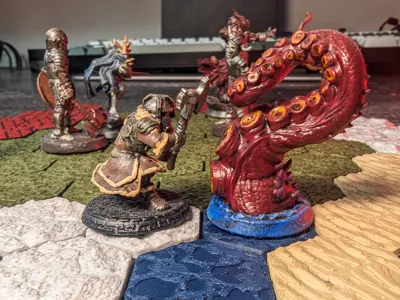
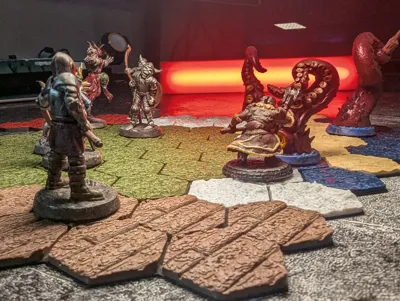
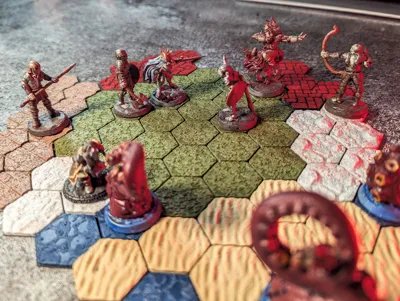
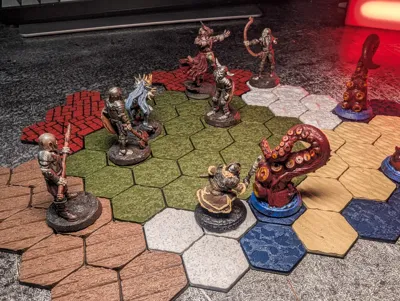
This project is a parametric hex-tile generator for tabletop games and miniatures.
You can create modular hex terrain for:
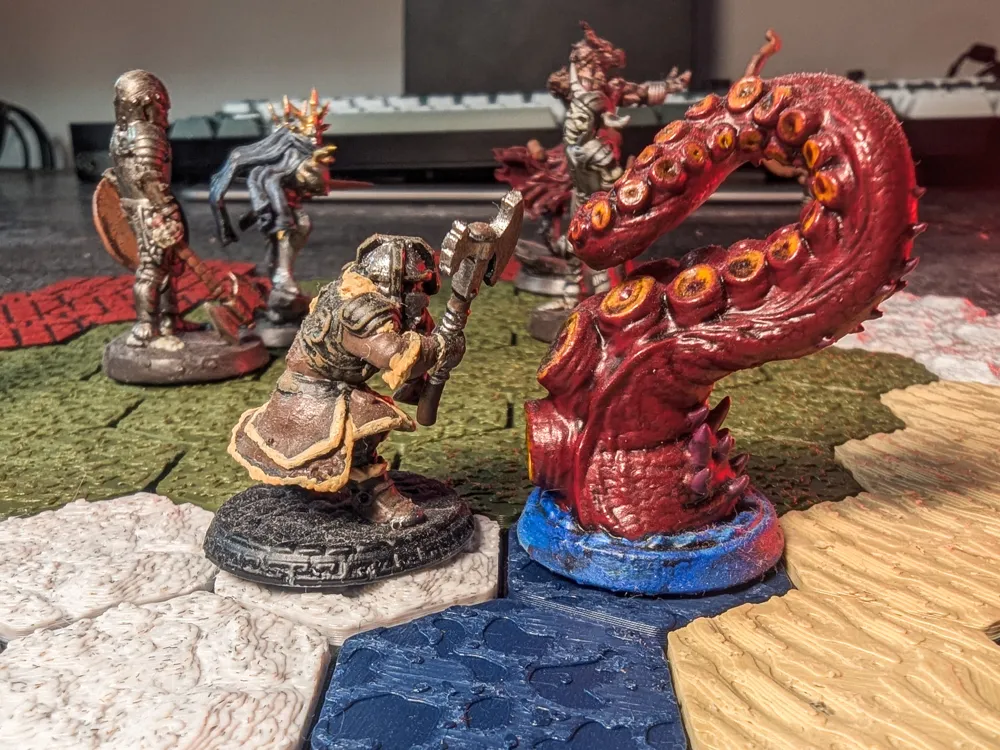
- D&D / TTRPG battle maps
- Wargames (AoS, 40k, etc.)
- Board games and custom hex maps
Two versions are included:
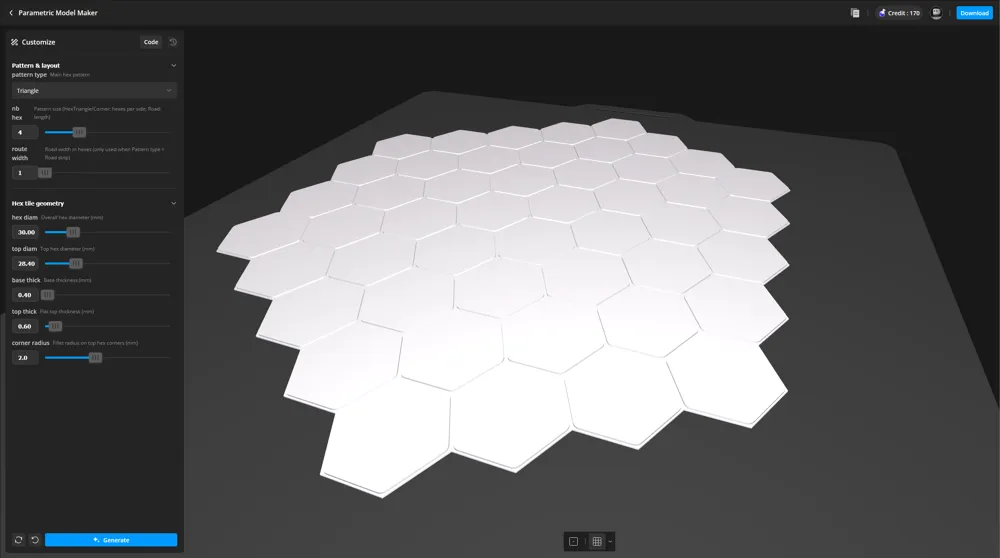
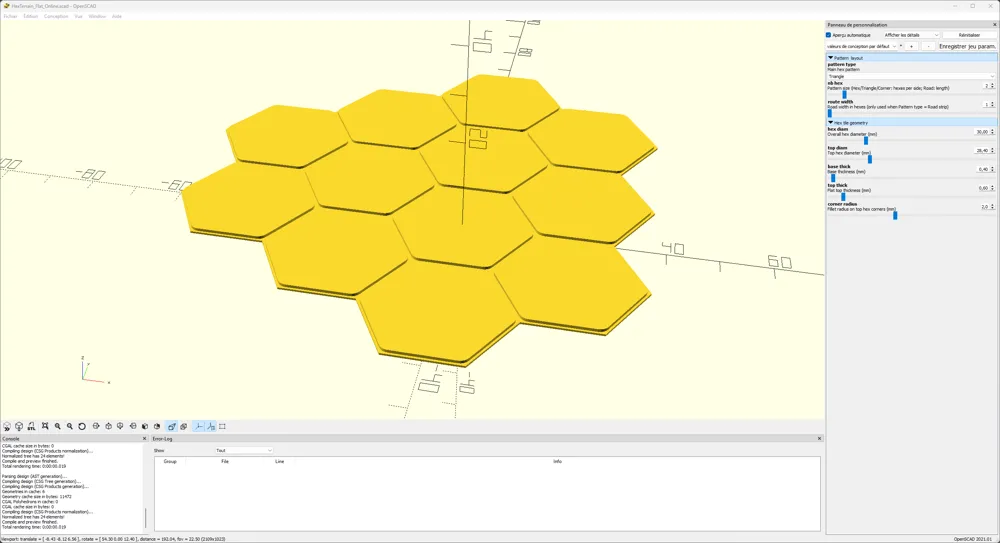
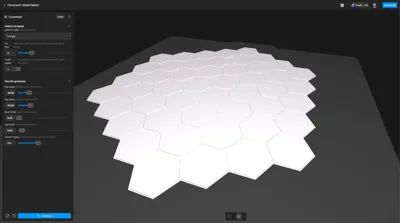
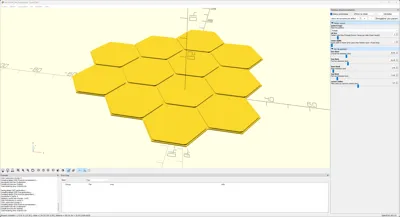
1. HexTerrain_Flat_Online.scad (MakerWorld parametric model)
Used directly in MakerWorld’s online preview.
Features
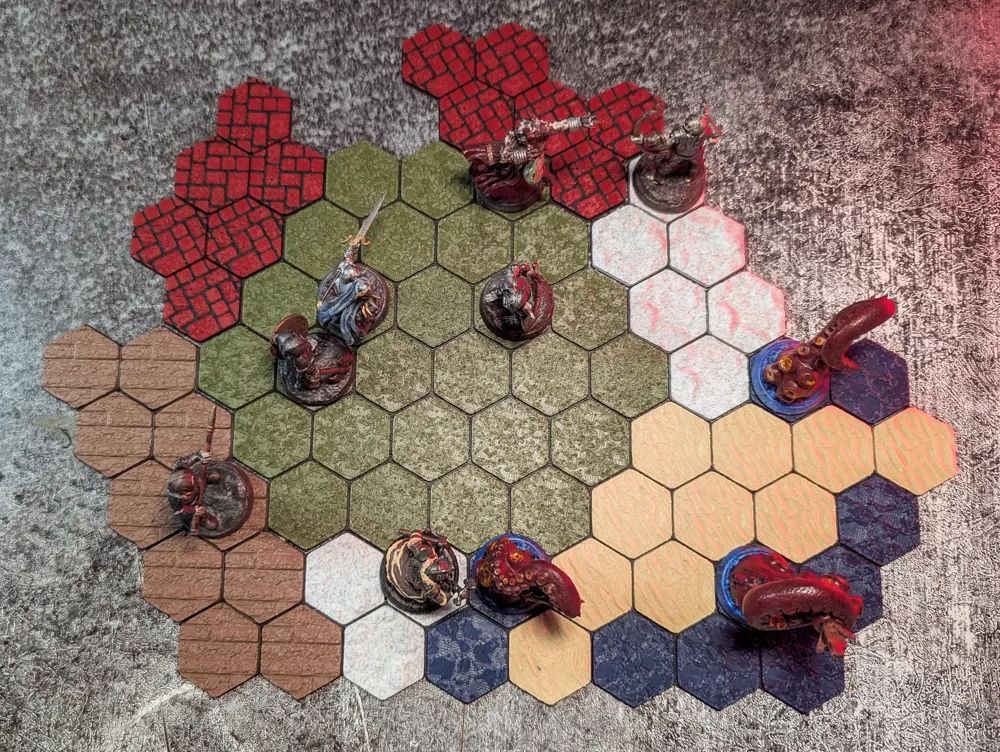
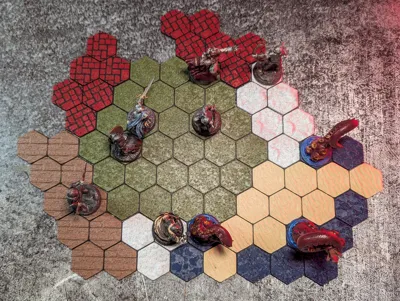
- 4 layout patterns
- Hex – full hex cluster
- Corner – stepped corner / angle
- Triangle – triangular cluster
- Road – straight hex road strip
- Adjustable parameters:
- Pattern type and size (pattern_type, nb_hex, route_width)
- Hex size and thickness (hex_diam, top_diam, base_thick, top_thick)
- Corner fillet radius (corner_radius)
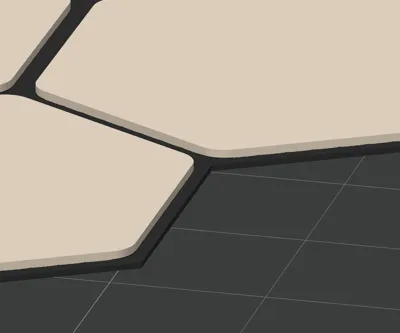
- Top surface: flat only (no textures in the online version).
This keeps the model light and compatible with MakerWorld’s compute limits.
Use this file when you just want:
- Simple flat hex tiles
- Fast online customization and STL export in MakerWorld
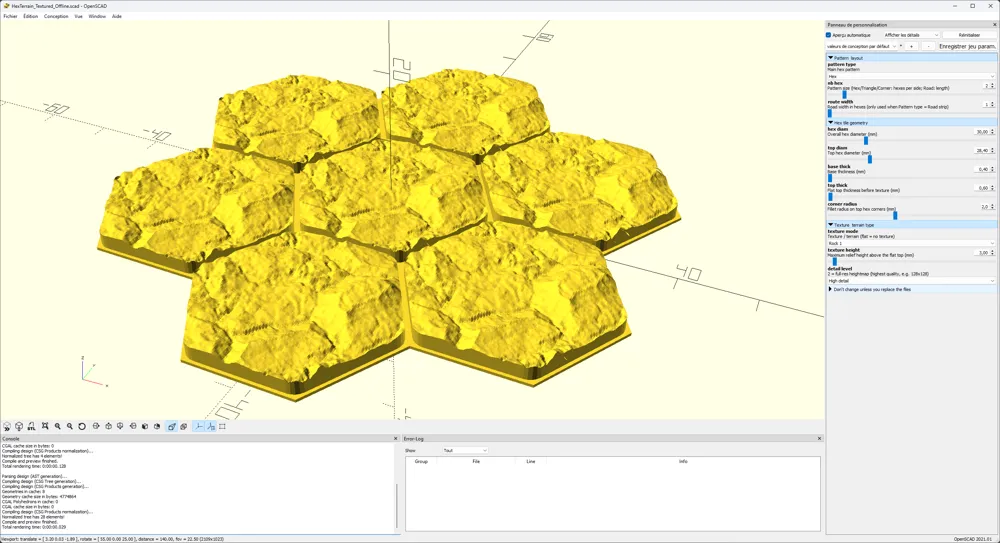
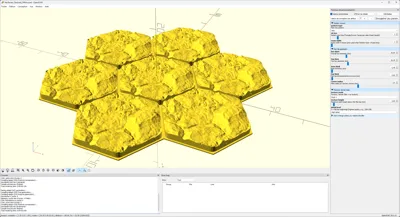
2. HexTerrain_Textured_Offline.zip (offline high-detail version)
Used directly on your computer.
ZIP archive containing:
- A texture-enabled OpenSCAD file
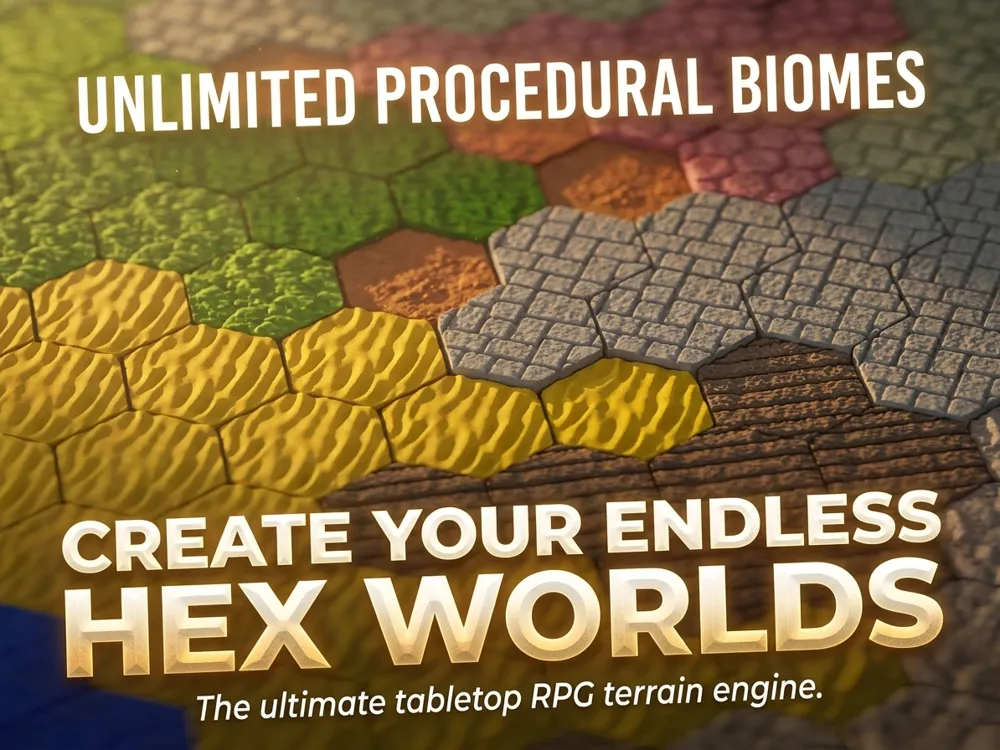
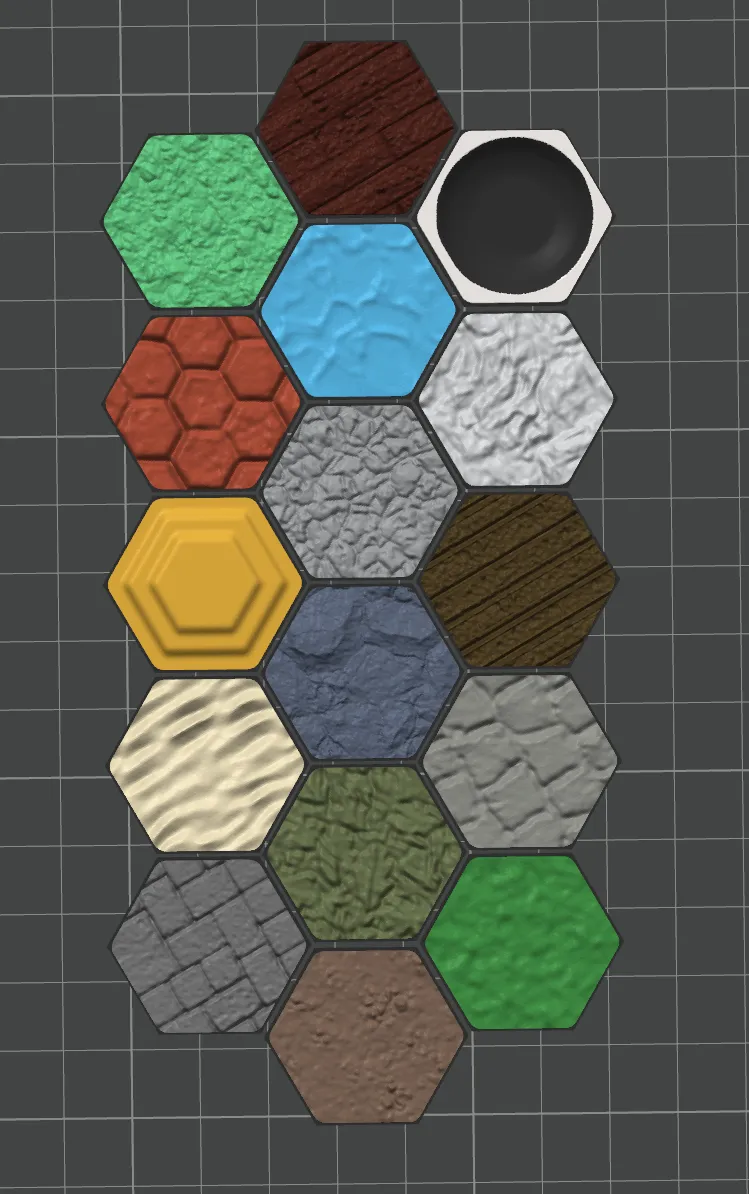
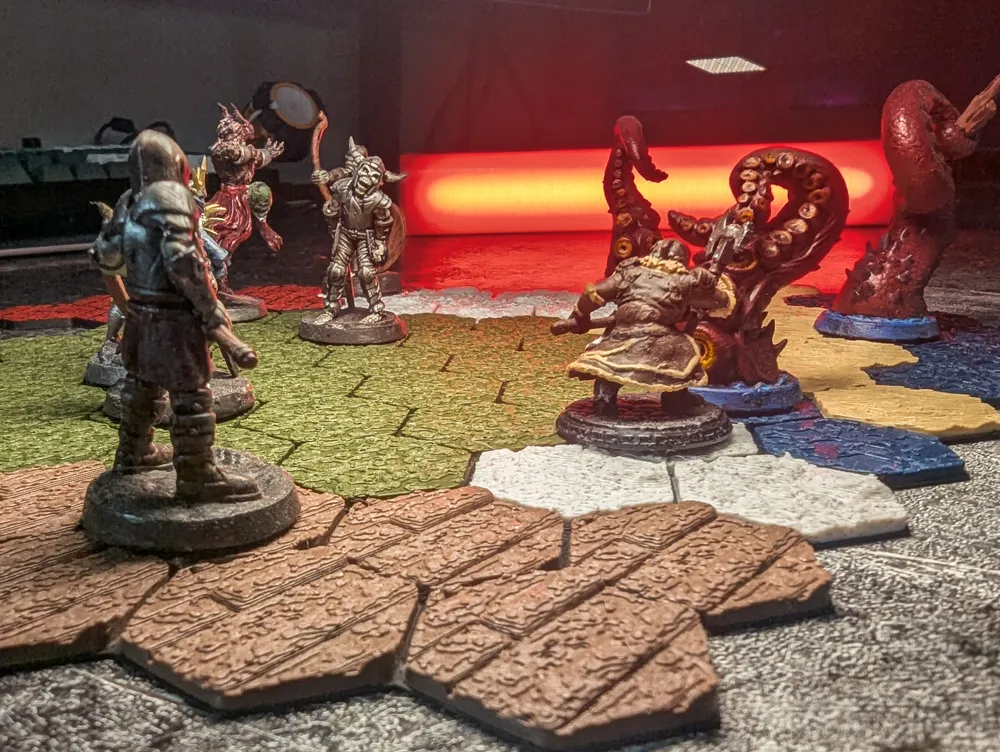
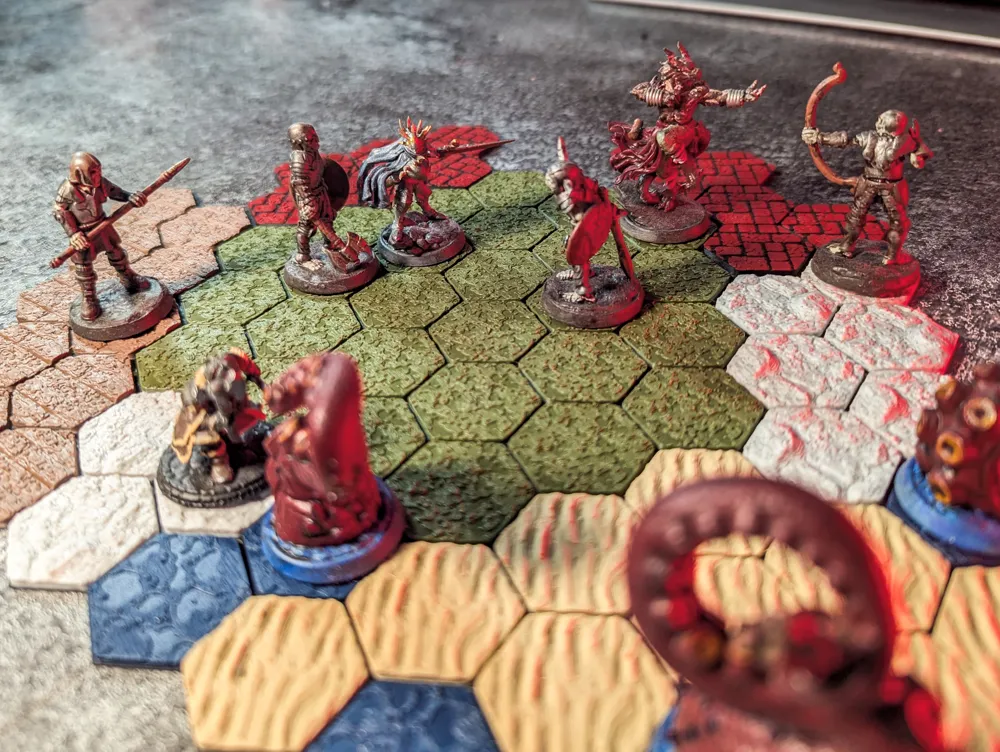
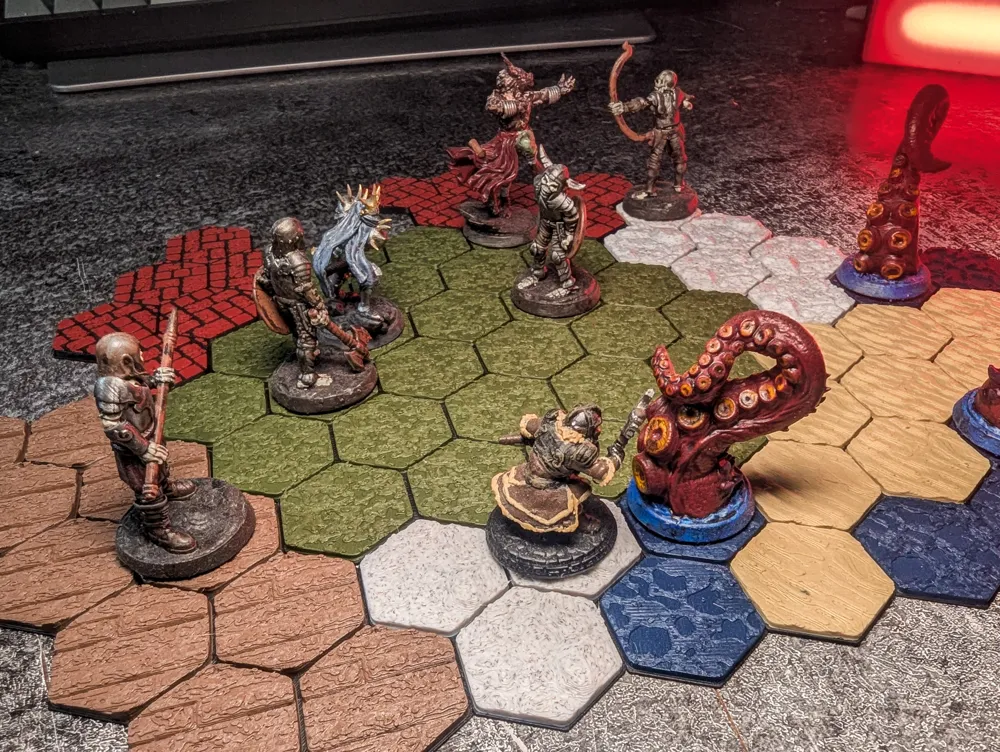
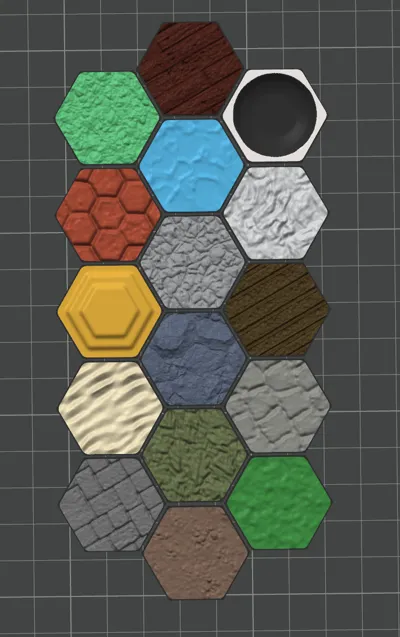
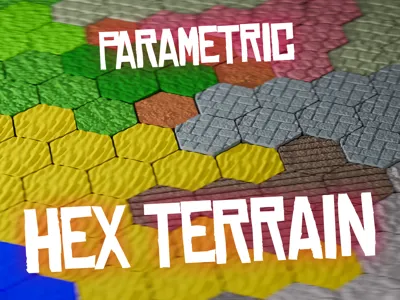
- 16 PNG heightmaps (rocks, grass, planks, sand, dirt, water, paving, etc.)
What it adds
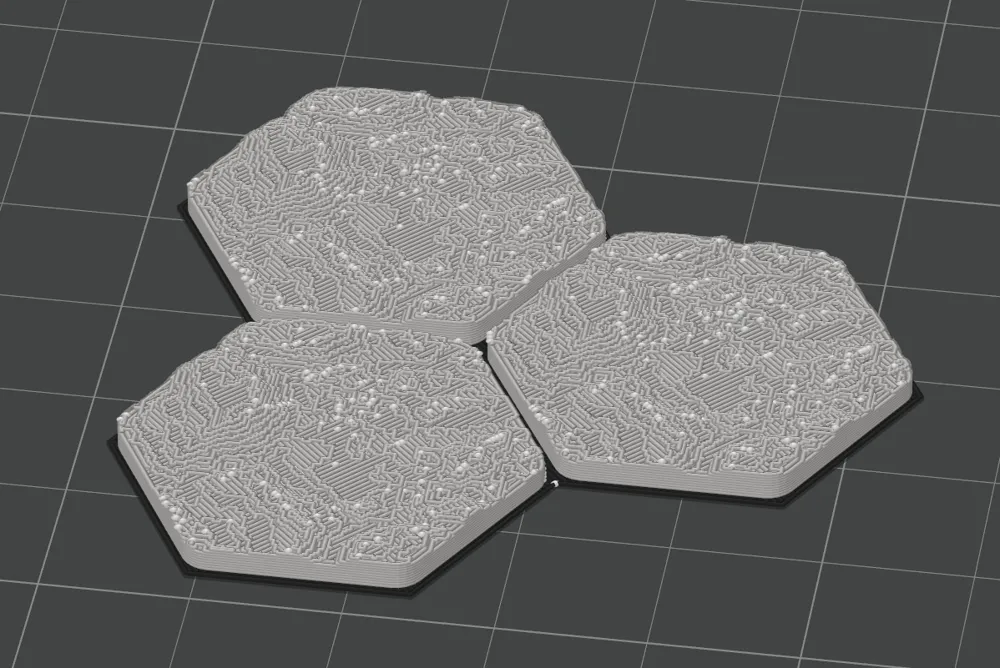
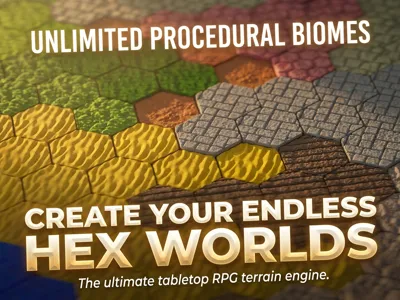
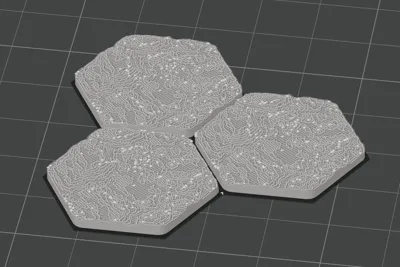
- True 3D textures generated from grayscale heightmaps:
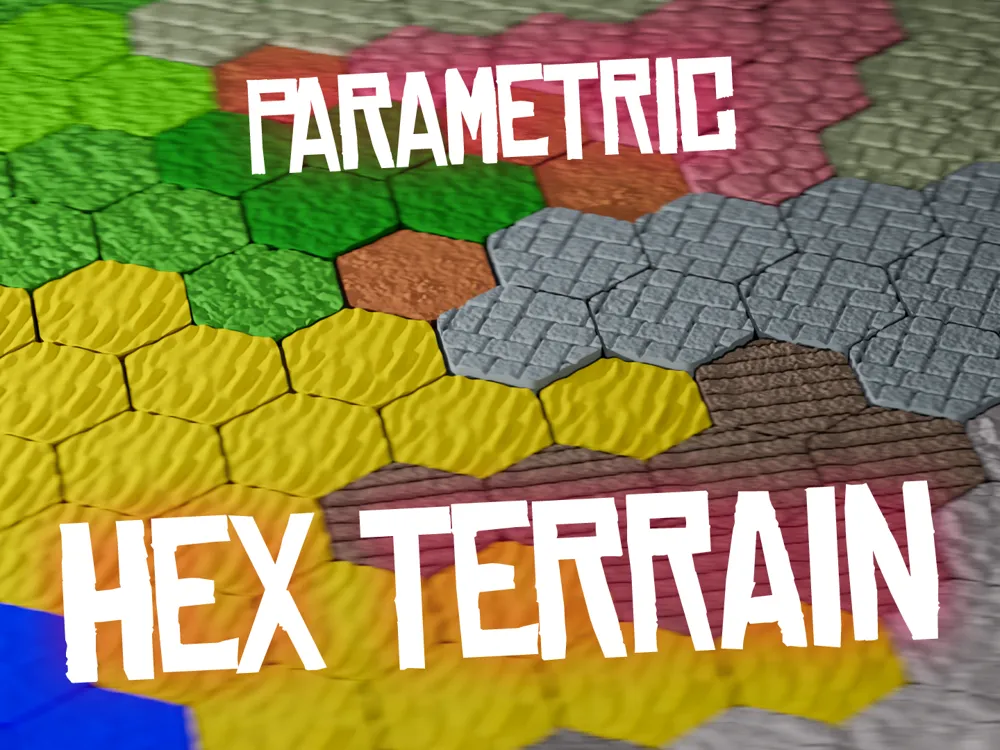
- Rock, grass, planks, sand, dirt, water, paving stones, hole, podium…
- Same pattern and geometry controls as the online version
- Extra parameters:
- texture_mode – choose which heightmap to use
- texture_height – control relief height
- detail_level – low-res preview or full-res texture
How to use offline
- Download and unzip HexTerrain_Textured_Offline.zip.
- Open the .scad file in OpenSCAD on your computer.
- Pick your pattern, size, and texture in the Customizer.
- Use low detail for preview, then switch to high detail before STL export.
- If needed, follow the included PDF for a guided walkthrough of all steps.
Printing notes
- Designed for FDM printing (0.2 mm nozzle works well).
- Texture height is adjustable; small values (2–4 mm) are usually enough.
- Tiles are flat on the bottom, so they sit well on the build plate and on the table.
Summary
Use the Flat Online SCAD for quick, lightweight hex layouts directly in MakerWorld.
Use the Textured Offline ZIP if you want detailed rocky / grassy / wooden / paved terrain, edited locally in OpenSCAD, then exported as STL with full control over everything.
Documentation (2)
License

You shall not share, sub-license, sell, rent, host, transfer, or distribute in any way the digital or 3D printed versions of this object, nor any other derivative work of this object in its digital or physical format (including - but not limited to - remixes of this object, and hosting on other digital platforms). The objects may not be used without permission in any way whatsoever in which you charge money, or collect fees.


Comment & Rating (5)