

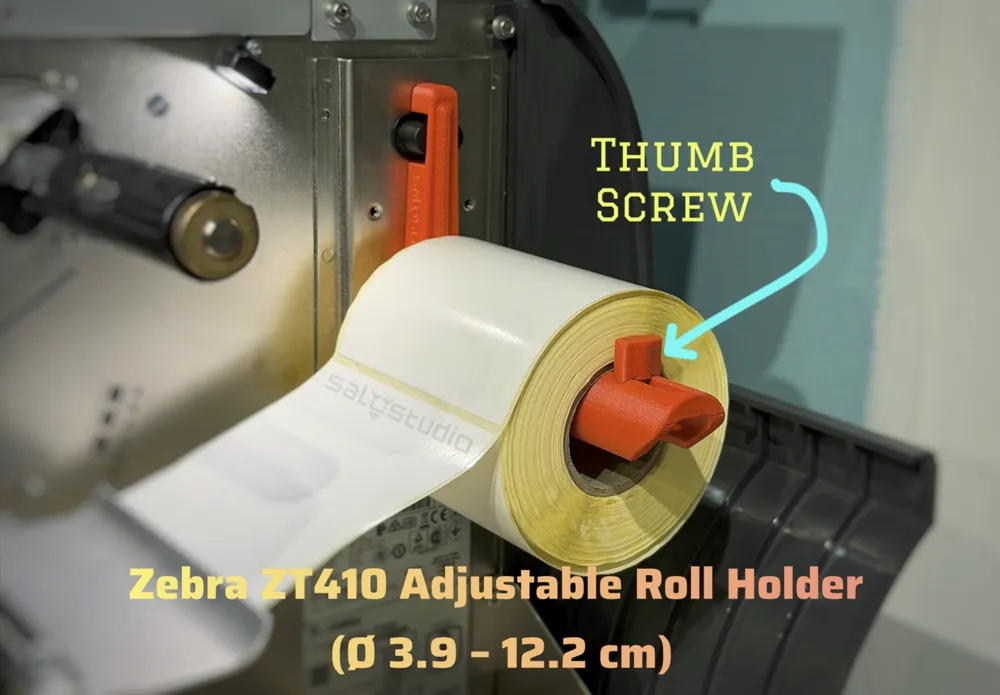
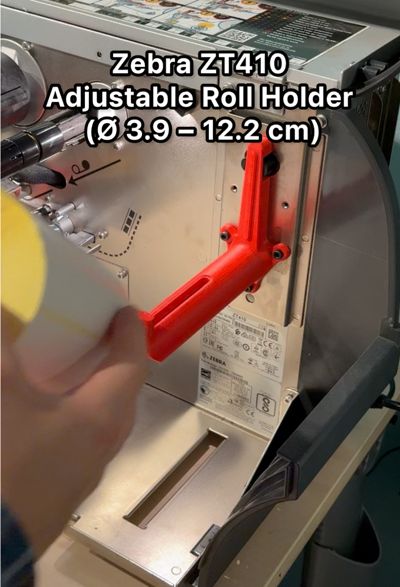
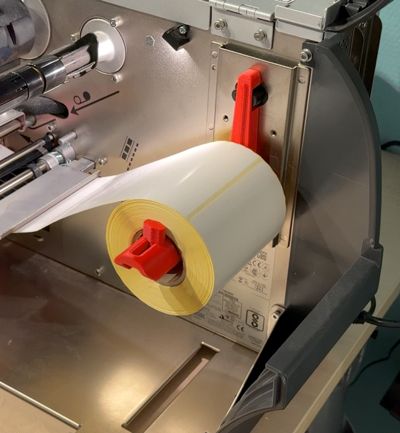
Zebra ZT410 Adjustable Roll Holder (Ø 3.9–12.2 cm)
Print Profile(1)

Bill of Materials
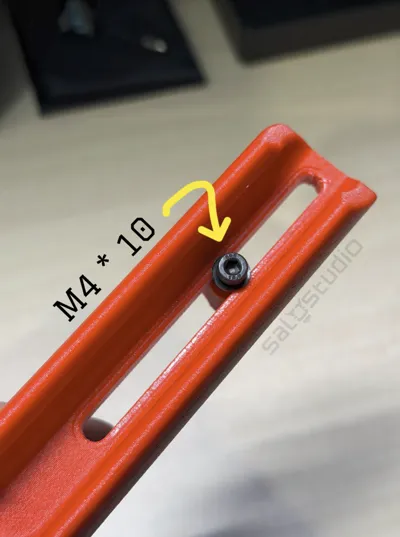
- M4 X 10MM x 4:
- WASHER x 1:
Description

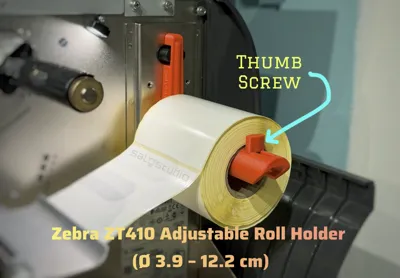
This adjustable roll holder was designed for users who want to use label rolls with a smaller inner core, which usually don’t fit on the original Zebra ZT410 holder because its shaft is too wide.
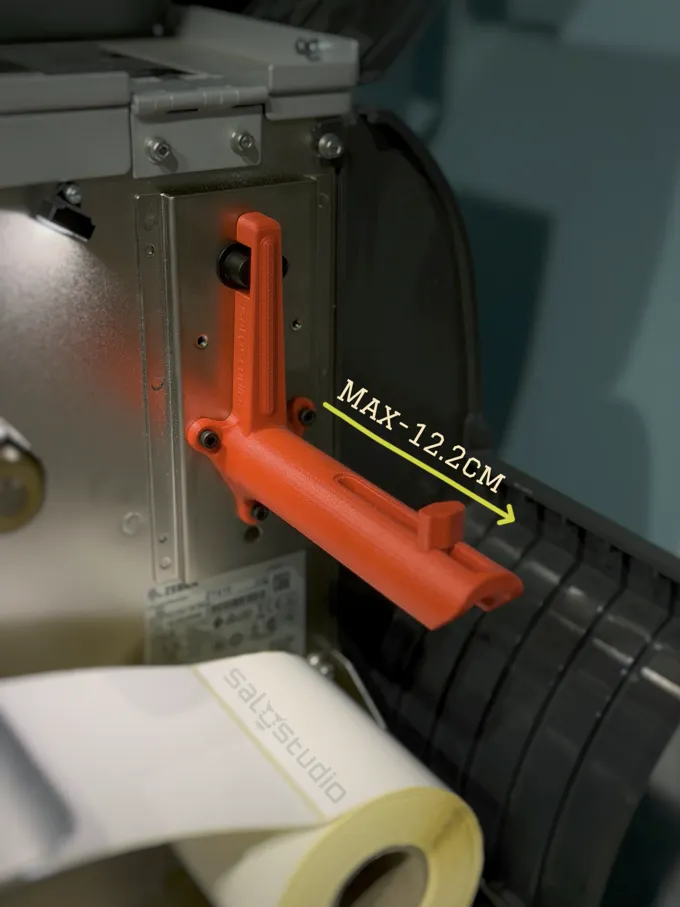
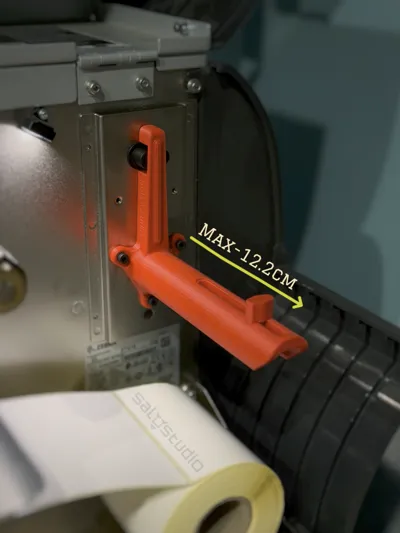
With this accessory, you can easily mount rolls with a minimum inner core of Ø 3.9 cm and a maximum roll width of 12.2 cm — perfect for shipping or industrial labels with small cores.
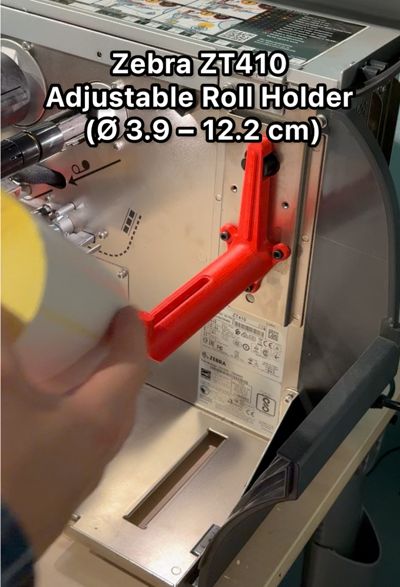
It’s made for those who need a simple “Plug & Play” modification: just remove the stock holder and install this one — no complicated adjustments or tools required.
The design is optimized for quick and clean printing, requires minimal supports, and provides a strong, stable, and long-lasting structure for everyday use.
Boost Me (for free)
⚙️ Appreciate every impulse — it keeps the ideas rolling! — SALOSTUDIO
⚙️ Main Features
- Compatible with rolls featuring an inner core from Ø 3.9 cm
- Maximum roll width: 12.2 cm
- Strong and stable structure
- Easy-to-print design (minimal supports needed)
- Adjustable thumb-screw system to adapt the inner diameter

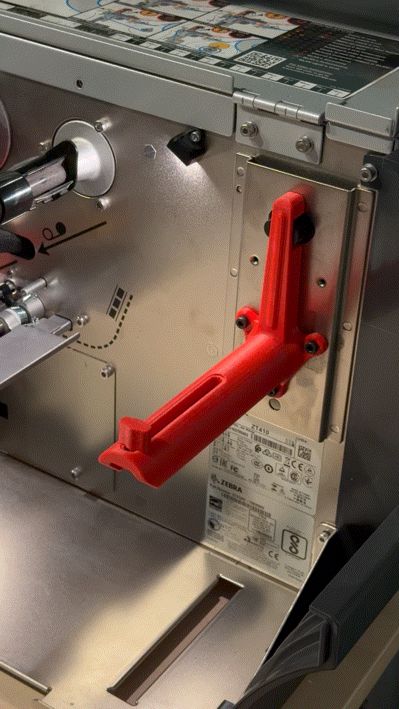
- Direct mounting on the Zebra ZT410 printer chassis
🧱 Material Recommendations
To ensure long-term strength and reliability:
- Use durable materials such as PETG, PETG-CF, ASA, ASA-CF, or reinforced ABS
- Avoid fragile materials like PLA or similar blends
- Make sure your filament is completely dry before printing to prevent weak layers
- Recommended settings: 30–40 % infill, 4 wall lines, and gyroid infill pattern for improved strength
🔩 Assembly Requirements
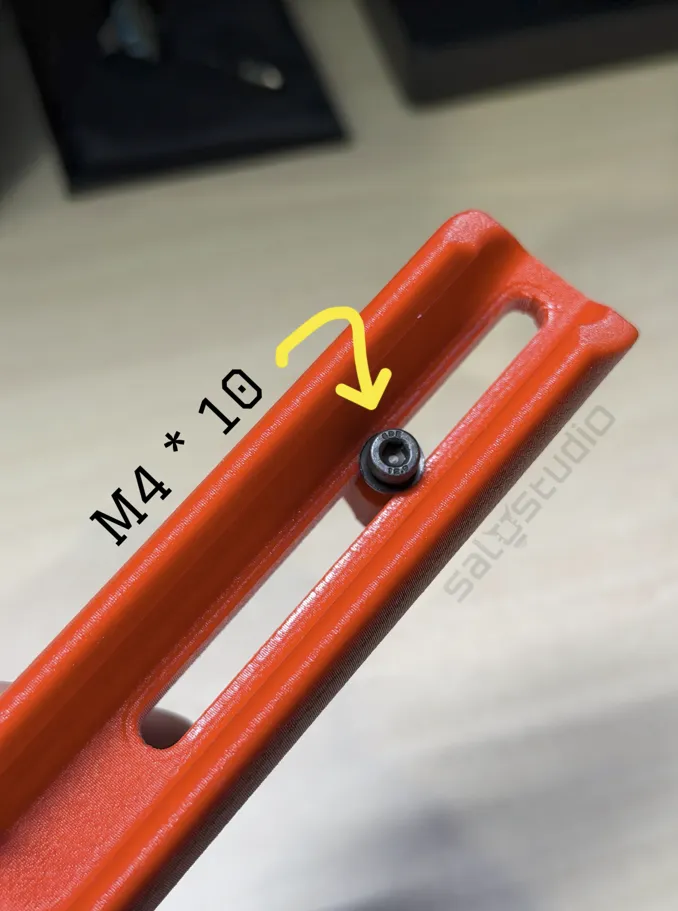
- 4 × M4 × 10 mm screws:
- 3 → for attaching the holder to the chassis
- 1 → for the adjustable screw system
- 1 × washer Ø 8 mm for the adjustment screw
🛠️ Installation Tips
- Carefully remove the original roll holder and clean the mounting surface.
- Check that your printed part has no weak or under-extruded layers.
- Install the adjustable screw first, along with the washer.
- Ensure the screw moves not too loose and not too tight, so the roll spins freely without changing its diameter during use.
- Avoid overtightening to prevent damaging the print.
- Attach the holder to the chassis using the three M4 × 10 mm screws.
- Do not use longer screws to avoid piercing or damaging the frame.
- Tighten firmly, but not excessively.
- Once installed, mount your roll and adjust the thumb screw for a stable fit.
💡 Tip:
Before installation, ensure the material is fully dry and that the printed layers are well bonded — this will maximize strength and prevent cracking during use.
This is a small contribution I’m sharing because I had several label rolls with small inner cores that couldn’t be used on my Zebra ZT410.
I hope this design helps others make better use of their rolls as well.
License

You shall not share, sub-license, sell, rent, host, transfer, or distribute in any way the digital or 3D printed versions of this object, nor any other derivative work of this object in its digital or physical format (including - but not limited to - remixes of this object, and hosting on other digital platforms). The objects may not be used without permission in any way whatsoever in which you charge money, or collect fees.


Comment & Rating (4)