
Logitech K400r Replacement Key
Print Profile(1)

Description
Logitech K400r Replacement Key
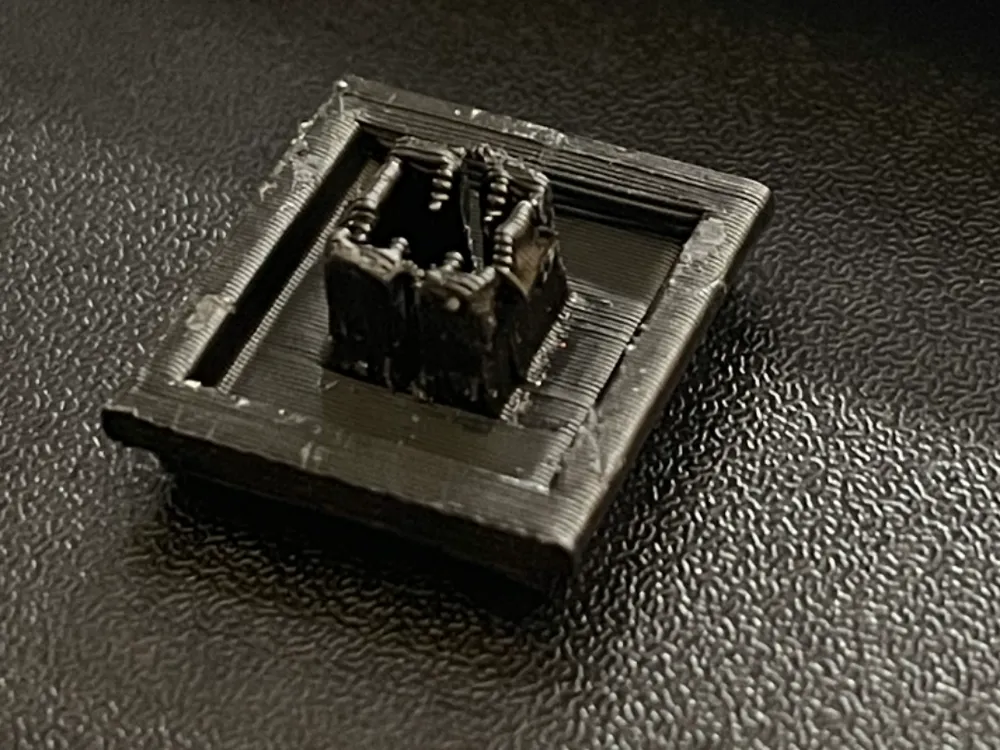
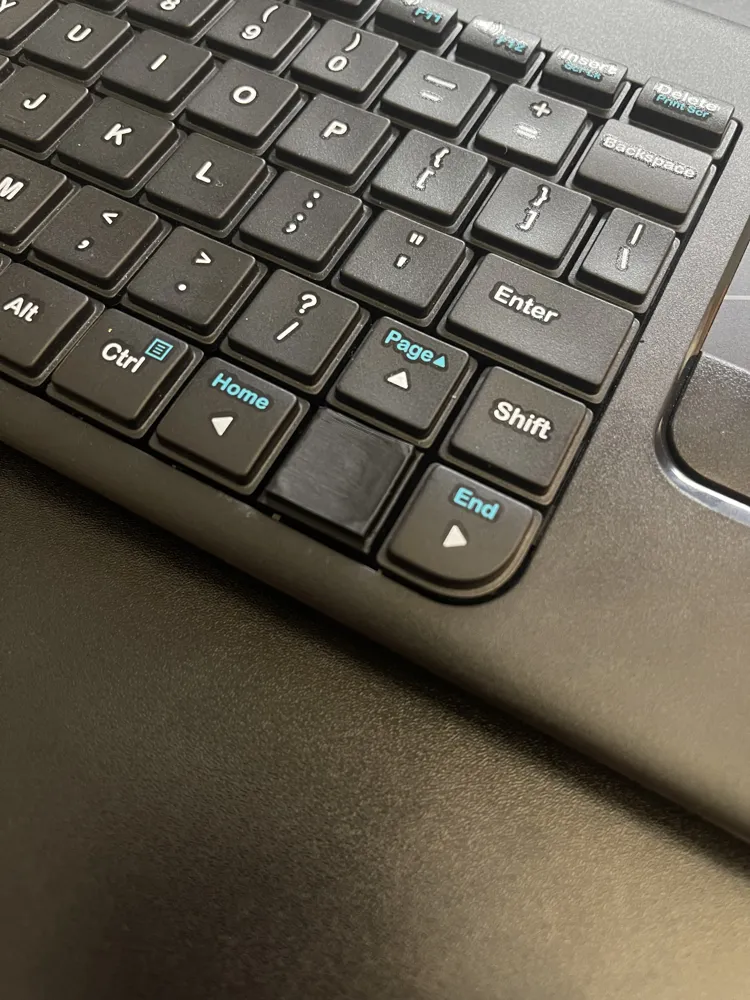
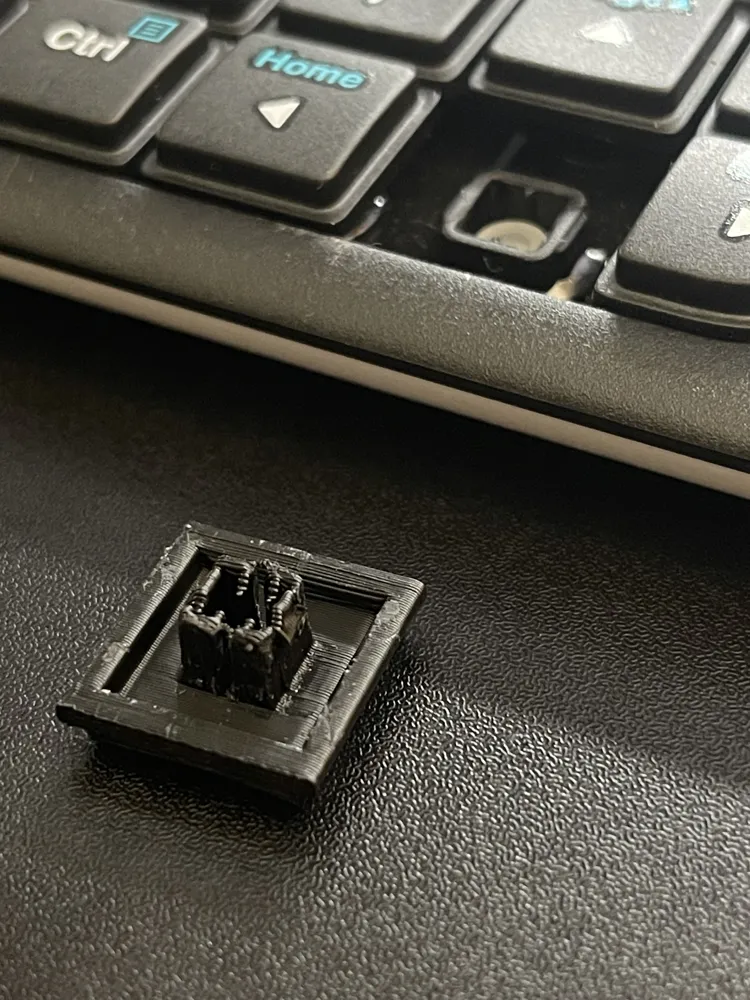
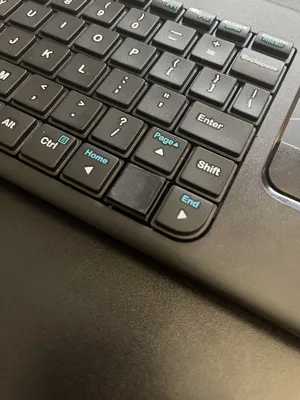
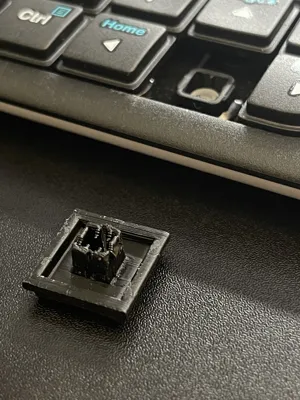
Purchased a second K400r keyboard that was missing a key - 7th time's the charm in Tinkercad, but this prints nicely and actually works. Make sure your tolerances are on point because the print needs it. If you do find your key getting ‘stuck’, it most likely overextruded and just needs a tiny shave of the backside support. This isn't meant to be popped in and removed repeatedly, because of the small tolerances of the triangle ‘clips’ just like the factory keys. If you're wanting to add the key printed directly to the key, add another .8 layer with text of the key, or just add the text in Bambu Studio and it should print just fine (the key itself was made thicker to accompany any persons wanting to print the key text to the key itself).
I hope this helps someone else out there, it may not be perfect but it works to fill that missing-key gap!
Printed with Bambu PLA on a 0.4 nozzle, I would venture a guess it would look amazing printed with a 0.2, but alas I don't own one to try, let me know if it turns out better in the comments!
License



Comment & Rating (1)