Search models, users, collections, and posts

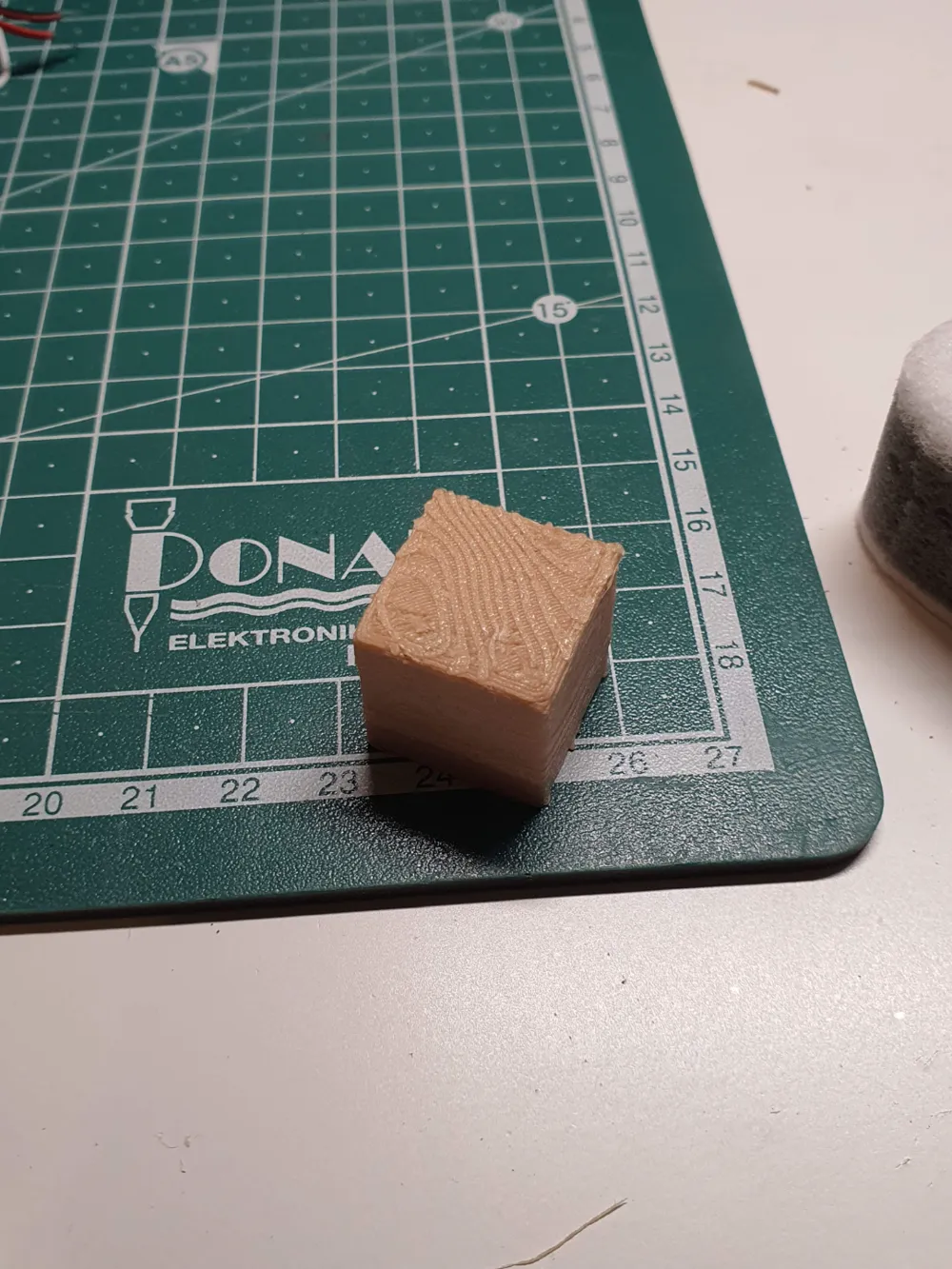
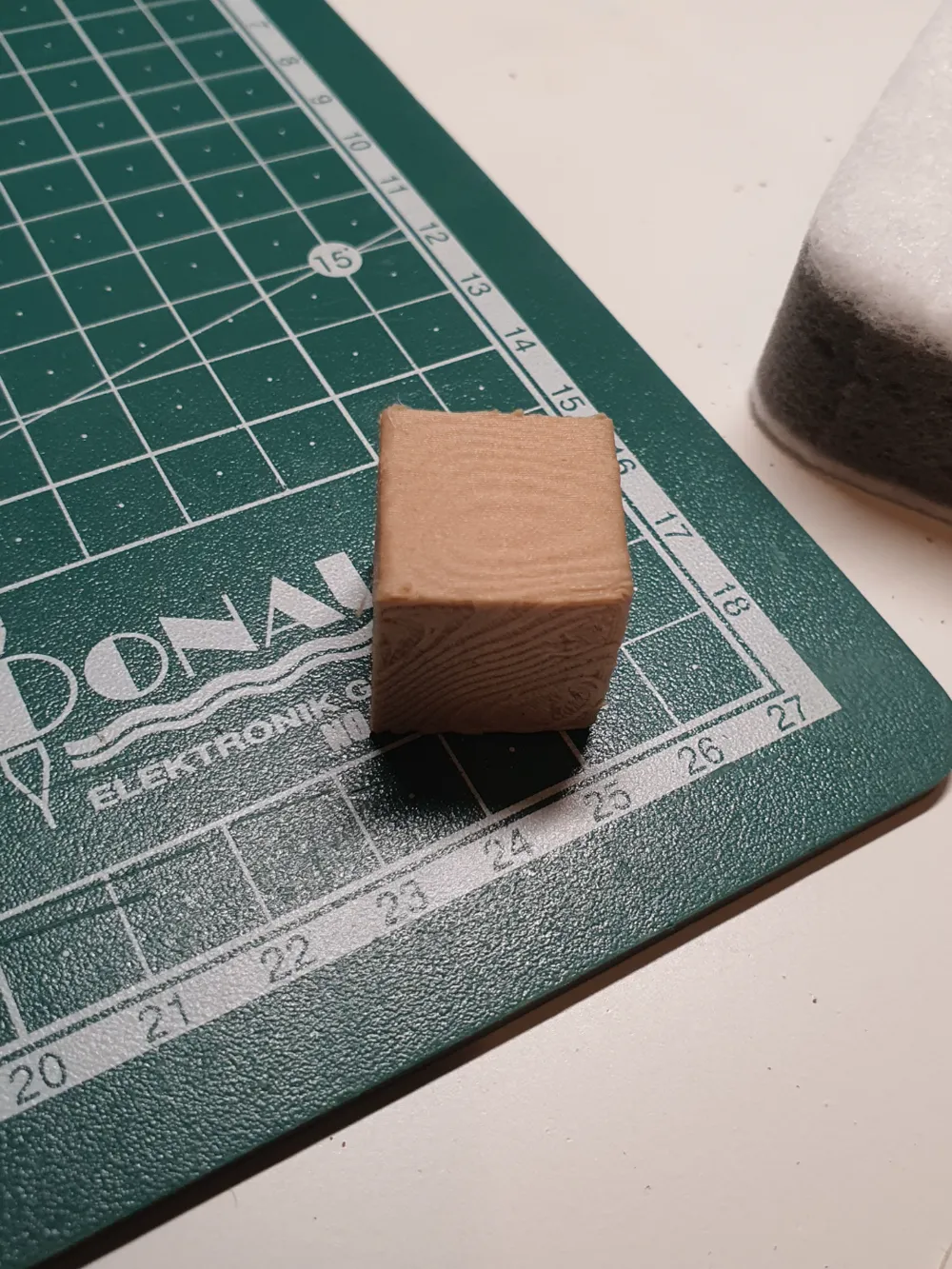
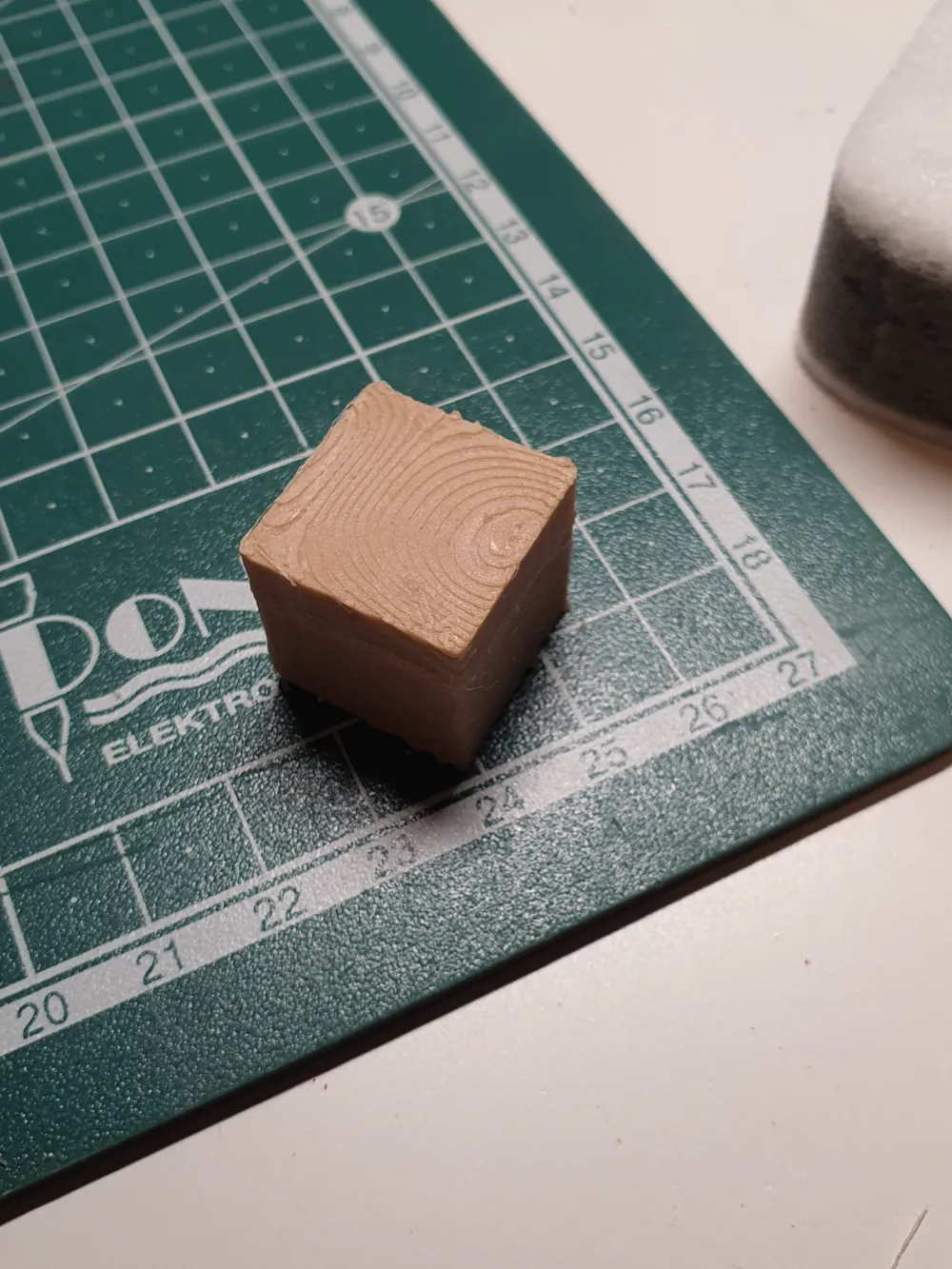
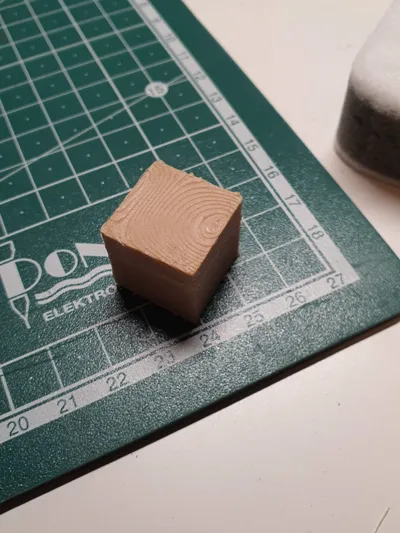
How to print Wood
IP Report

Print Profile(1)

0.08mm layer, 2 walls, 15% infill
Designer
16 min
1 plate
Open in Bambu Studio
Boost
334
819
56
9
1.2 k
675
Released
Description
You will need:
- Wood-infused filament
- Blender
Steps:
- Open Blender and create a new project.
- Select the cube.
- Press the TAB key to switch mode
- Right-click on the cube.
- Choose the Subdivide option.
- Set the Subdivide value to 100.
- Press TAB to switch mode
- In the bottom-right, select Textures (the last tab).
- Add one and choose the following:
- Type: wood
- Noise basis: Original Perlin
- Pattern: Band noise
- Second basis: Sine
- Type: Soft
- Size: 0.94
- Turbulence: 50.60
- Nabia: 0.10
- Select the cube.
- Choose Modifiers (wrench icon).
- Add a Deform -> Displace modifier.
- Choose the texture we created earlier.
- Set the following parameters:
- Coordinates: Global
- Direction: RGB to XYZ
- Space: Local
- Strength: 0.050
- Midlevel: 0.5
- Export it to STL.
- Print it.
It's advisable to experiment with the above parameters because different settings may be suitable for objects of different sizes. Trial, error, and getting a feel for it are important.
License

This user content is licensed under a
Creative Commons Attribution-Noncommercial-Share Alike


Comment & Rating (56)