Search models, users, collections, and posts

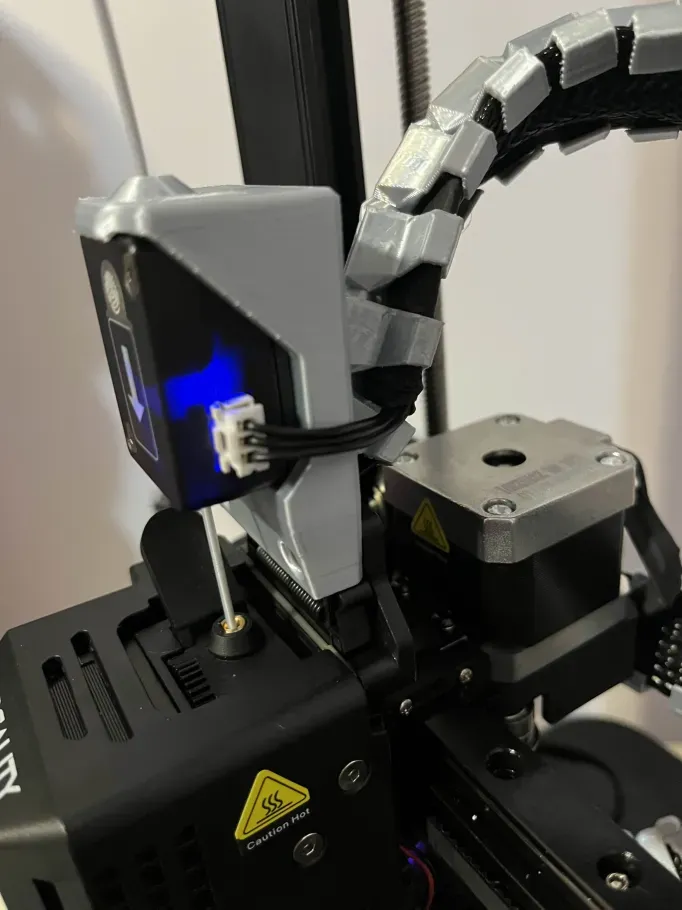
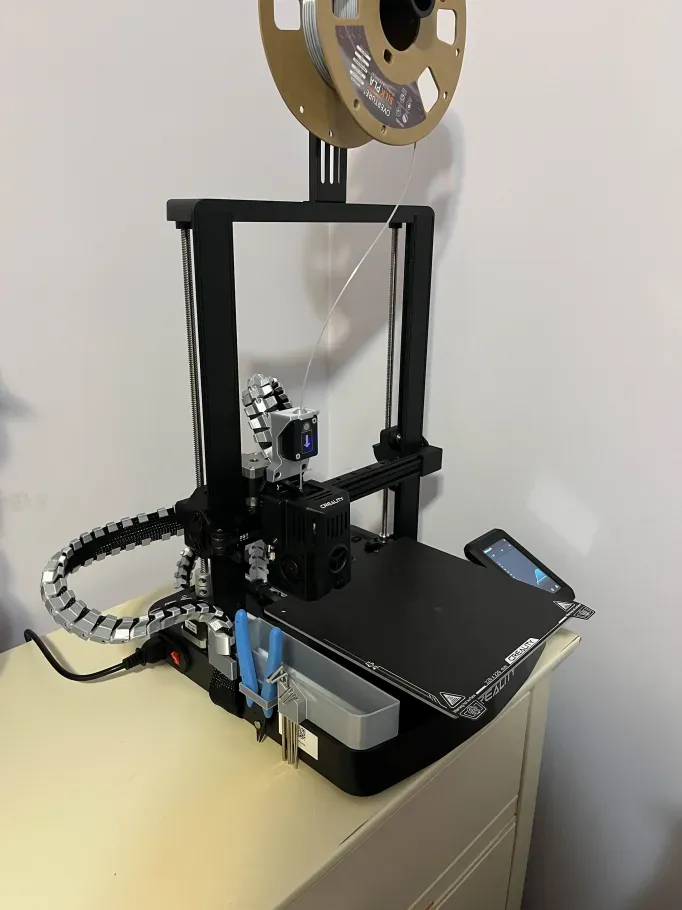
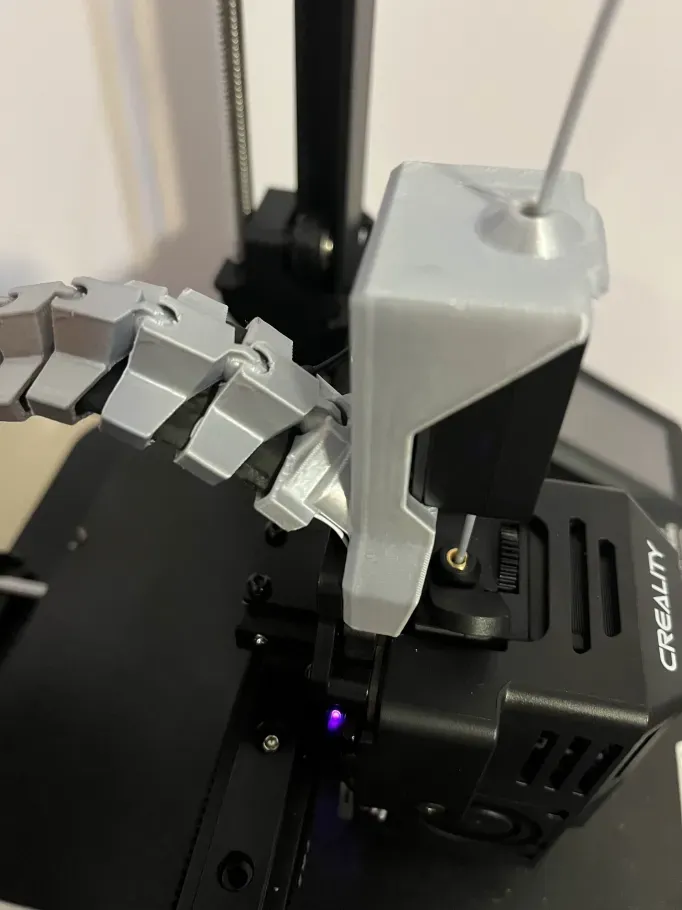
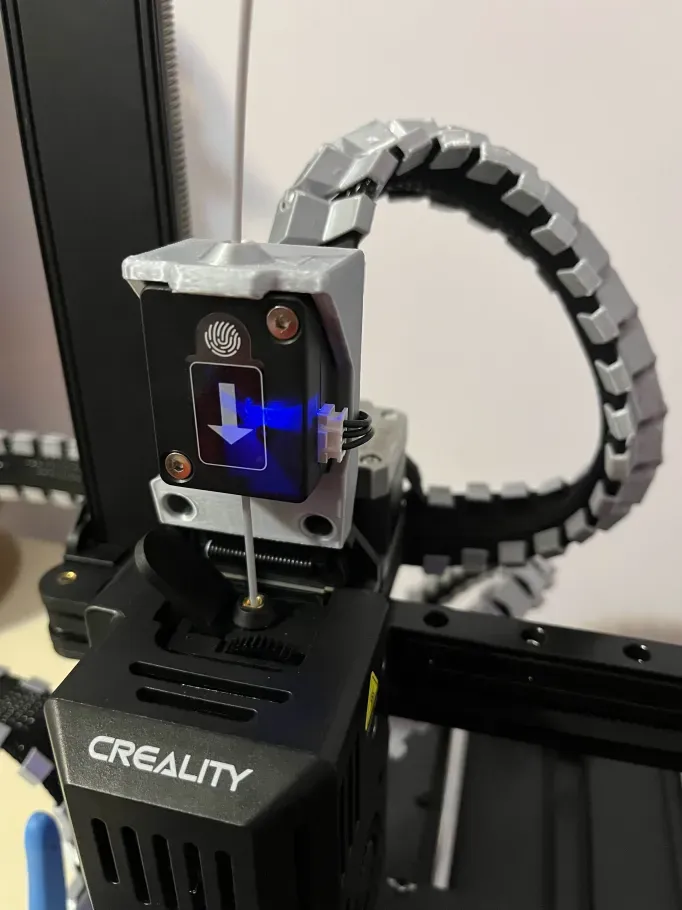
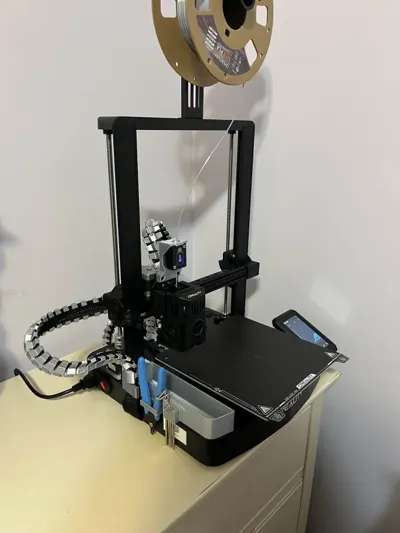
Ender 3 V3 SE/KE Filament Sensor Mount w/Spine
Remixed by
IP Report
Print Profile(1)

0.2mm layer, 6 walls, 25% infill
Designer
1.3 h
1 plate
Open in Bambu Studio
Boost
29
40
0
0
121
5
Released
Description
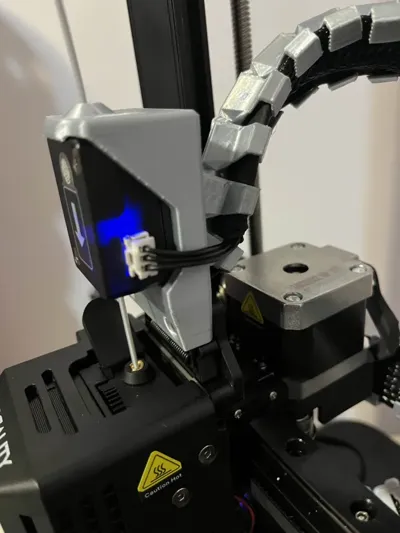
Installation:
- Detach the filament sensor from its original location.
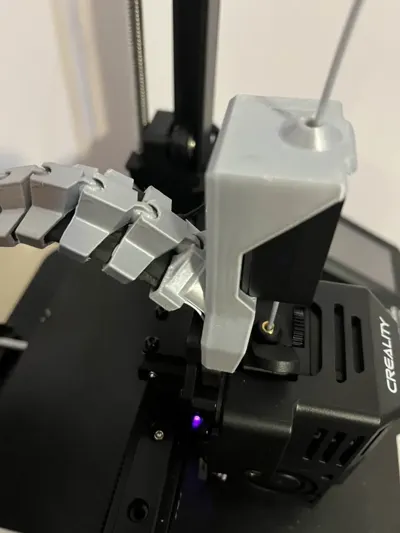
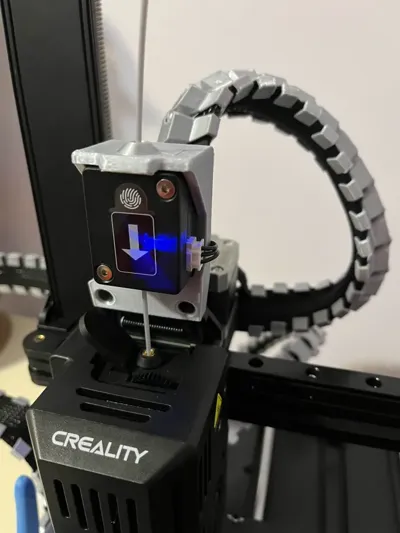
- Fit the sensor into the mount by tilting the sensor so that it snaps into the top tab of the mount and press to fit the tube from the plate.
- Screw the plate onto the back of the mount using the original screw.
- Screw the mount with the sensor using the two original screws to the print head.
For better convenience and aesthetics, it is recommended to reposition the filament sensor cable through the print head's cable assembly, but this requires some disassembly of the printer and is not necessary.
This remix is based on

License

This user content is licensed under a
Creative Commons Attribution-Noncommercial


Comment & Rating (0)