Search models, users, collections, and posts

Upgraded A1 Nozzle Wiper
Print Profile(1)

All
A1
X1E
H2D
X1 Carbon
H2D Pro
P2S
H2S
X2D
X1
H2C
P1S
P1P
A2L

0.2mm layer, 3 walls, 7% infill
Designer
45 min
1 plate
4.7(45)

Open in Bambu Studio
Boost
529
1498
60
20
1.1 k
814
Released 

Bill of Materials

Bambu Filaments
Select all
Black (10101) / Refill / 1kg

Description

Content has been automatically translated.
Show original

Boost Me (for free)

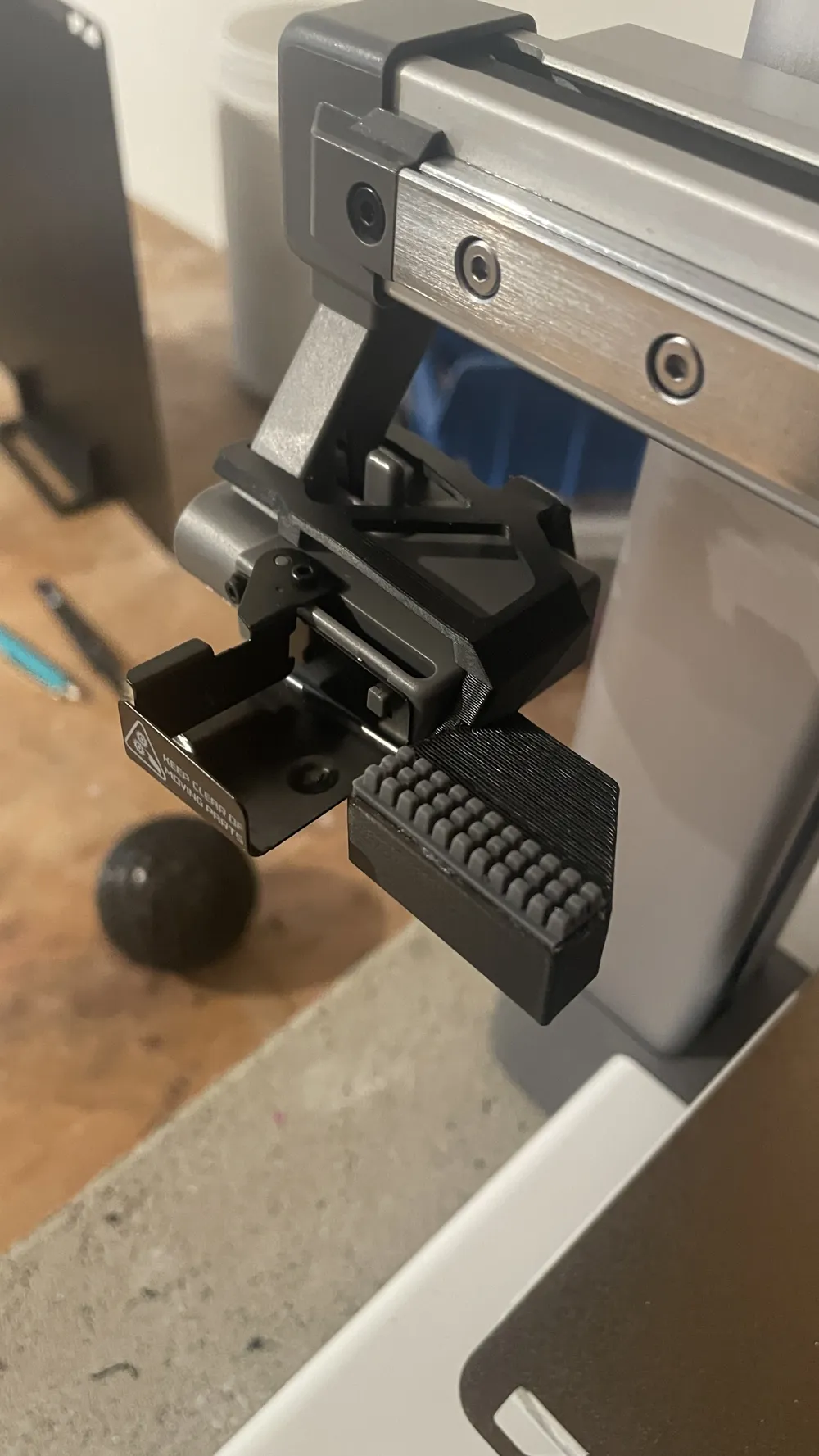
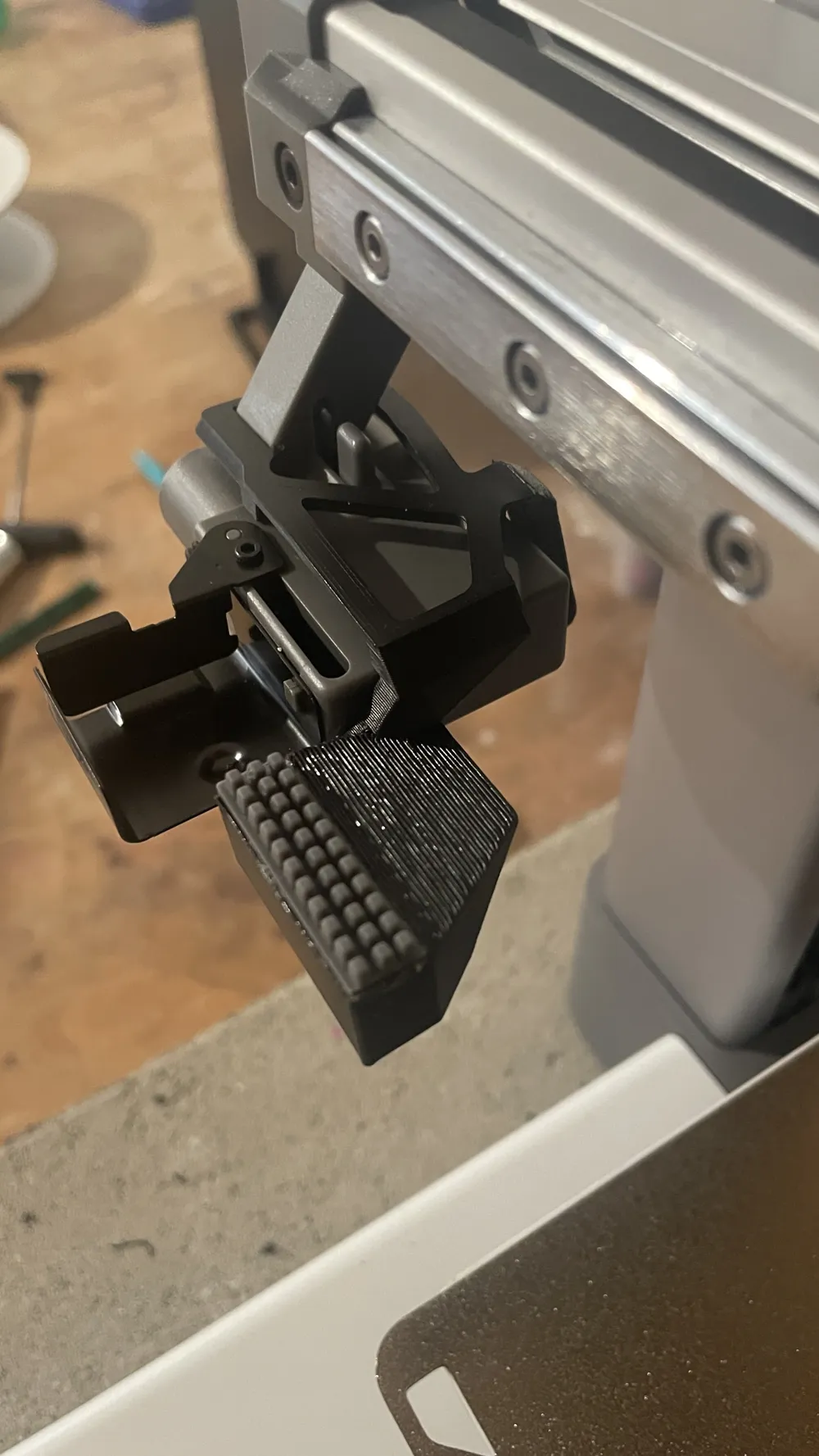
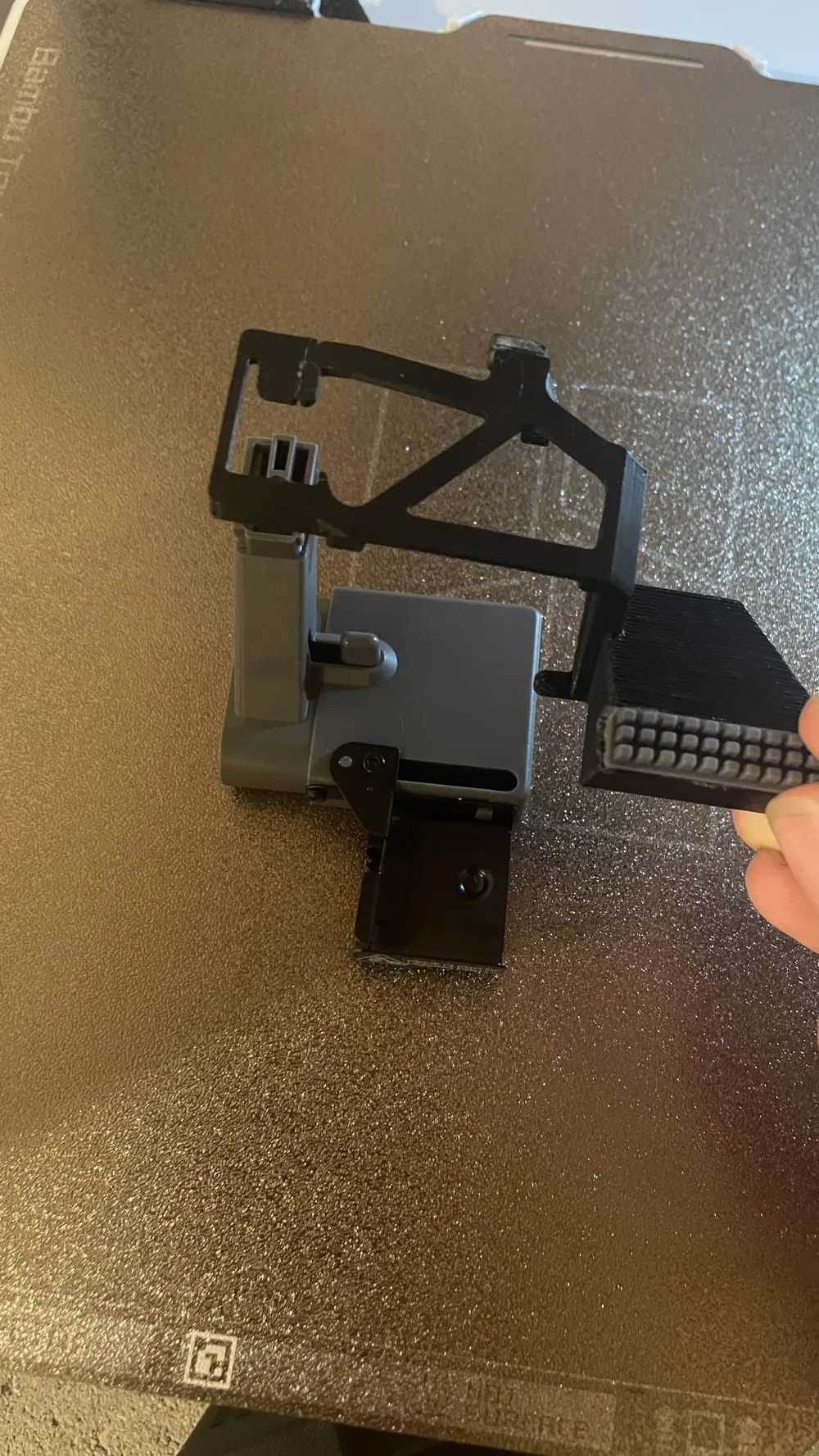
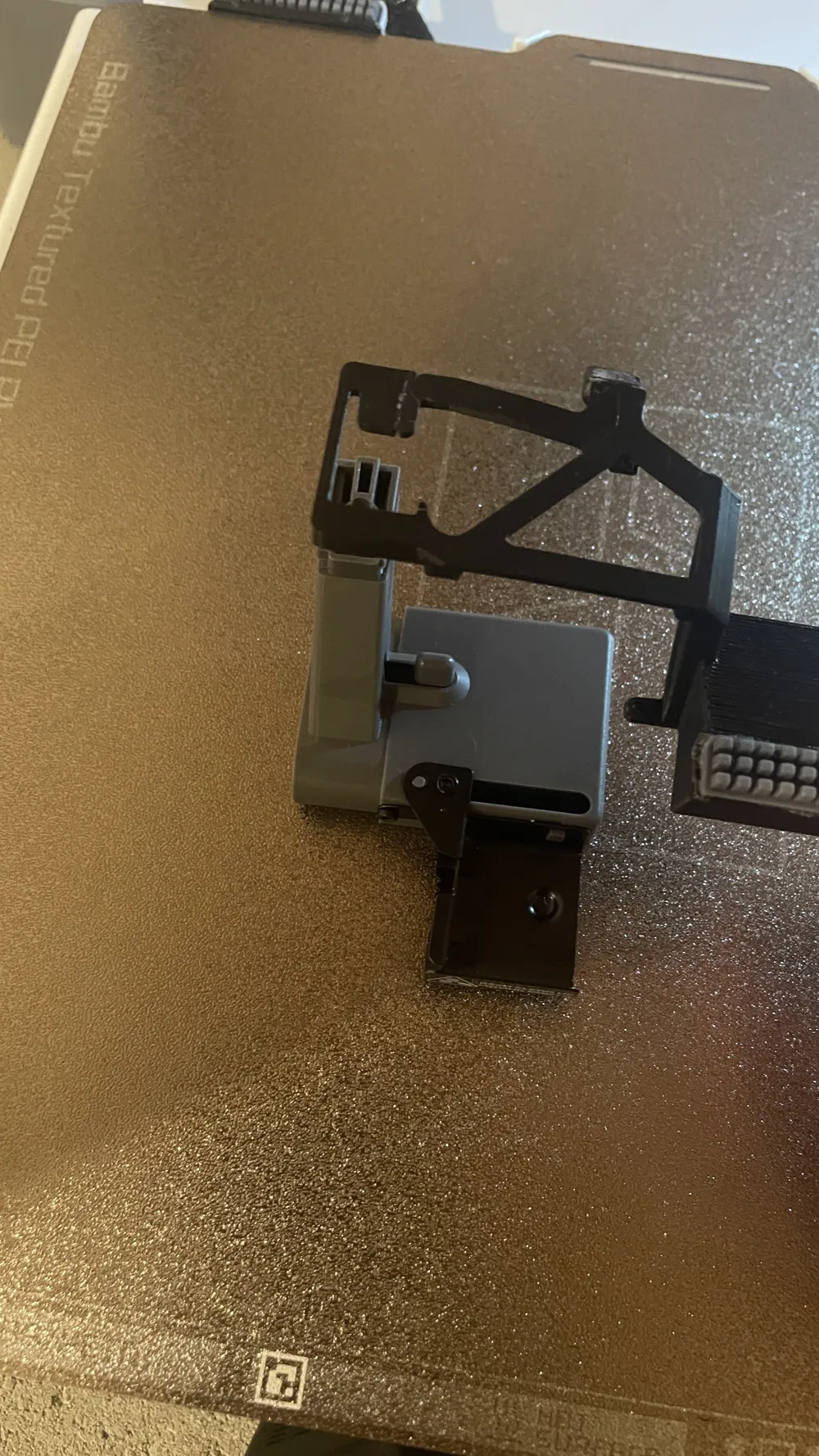
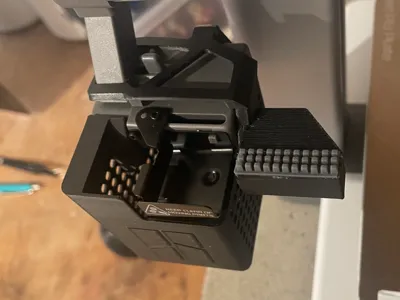
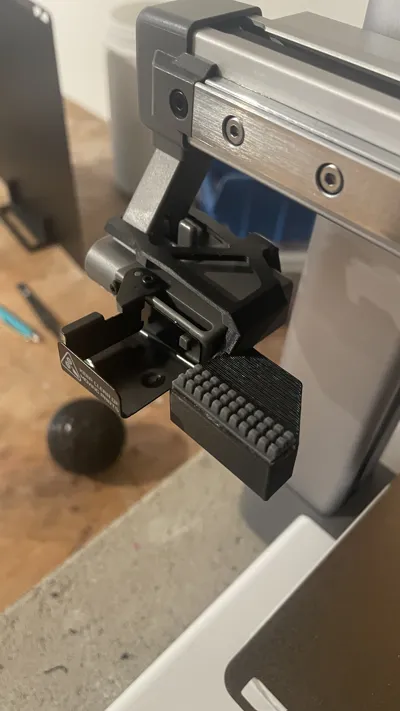
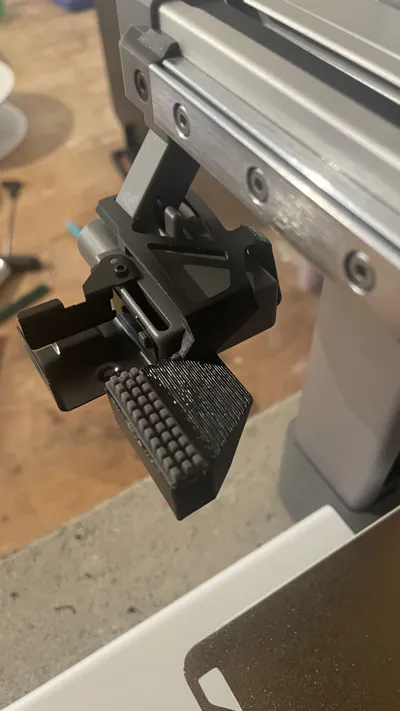
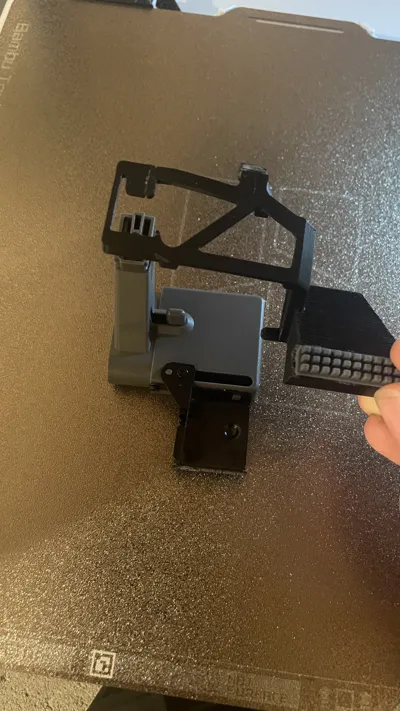
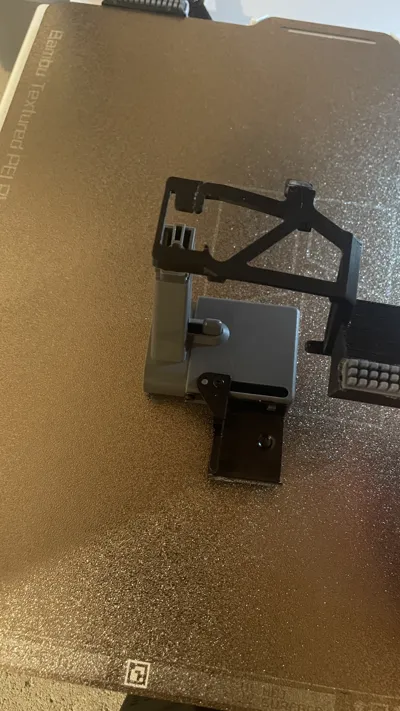
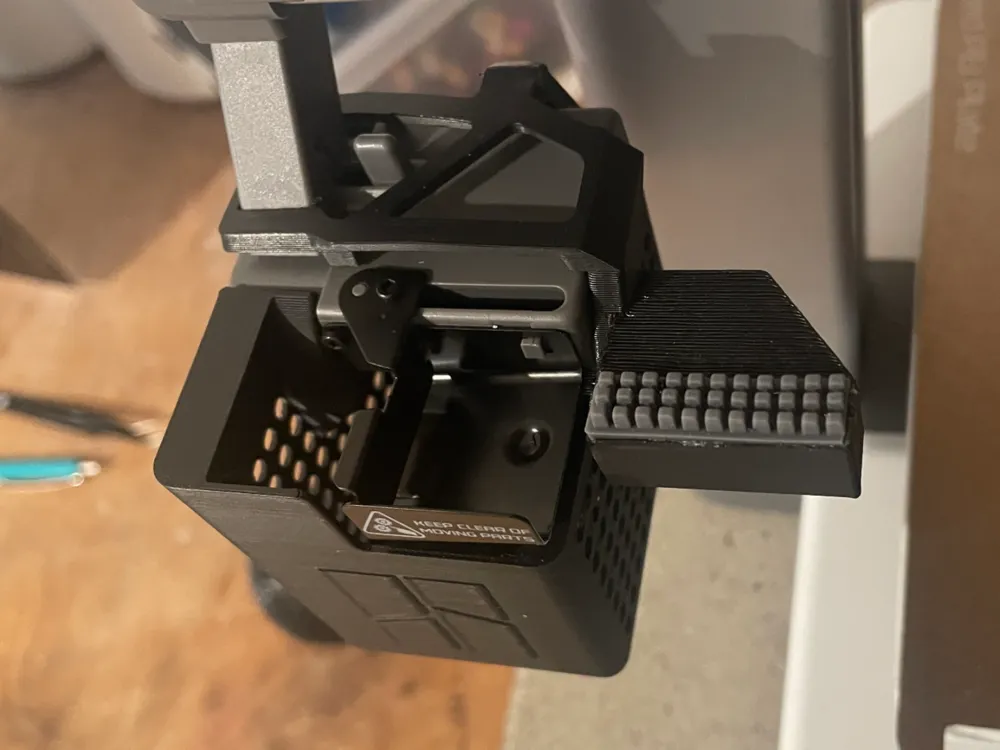
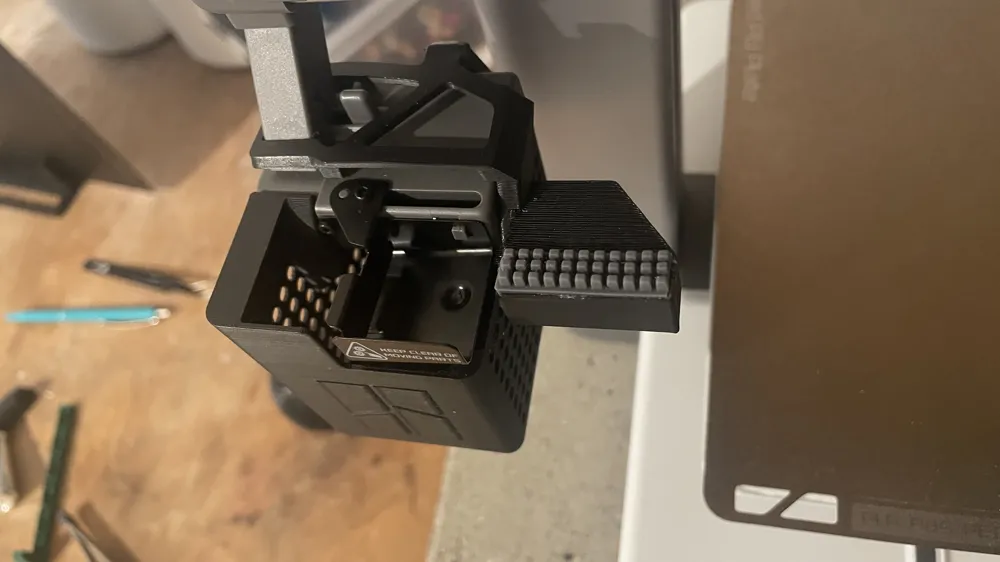
This nozzle wiper was specifically designed for the Bambu Lab A1 and replaces or improves the original wiper


Please note this model ONLY works with the A1!!!


It ensures a clean wipe of the nozzle before printing starts and during color changes
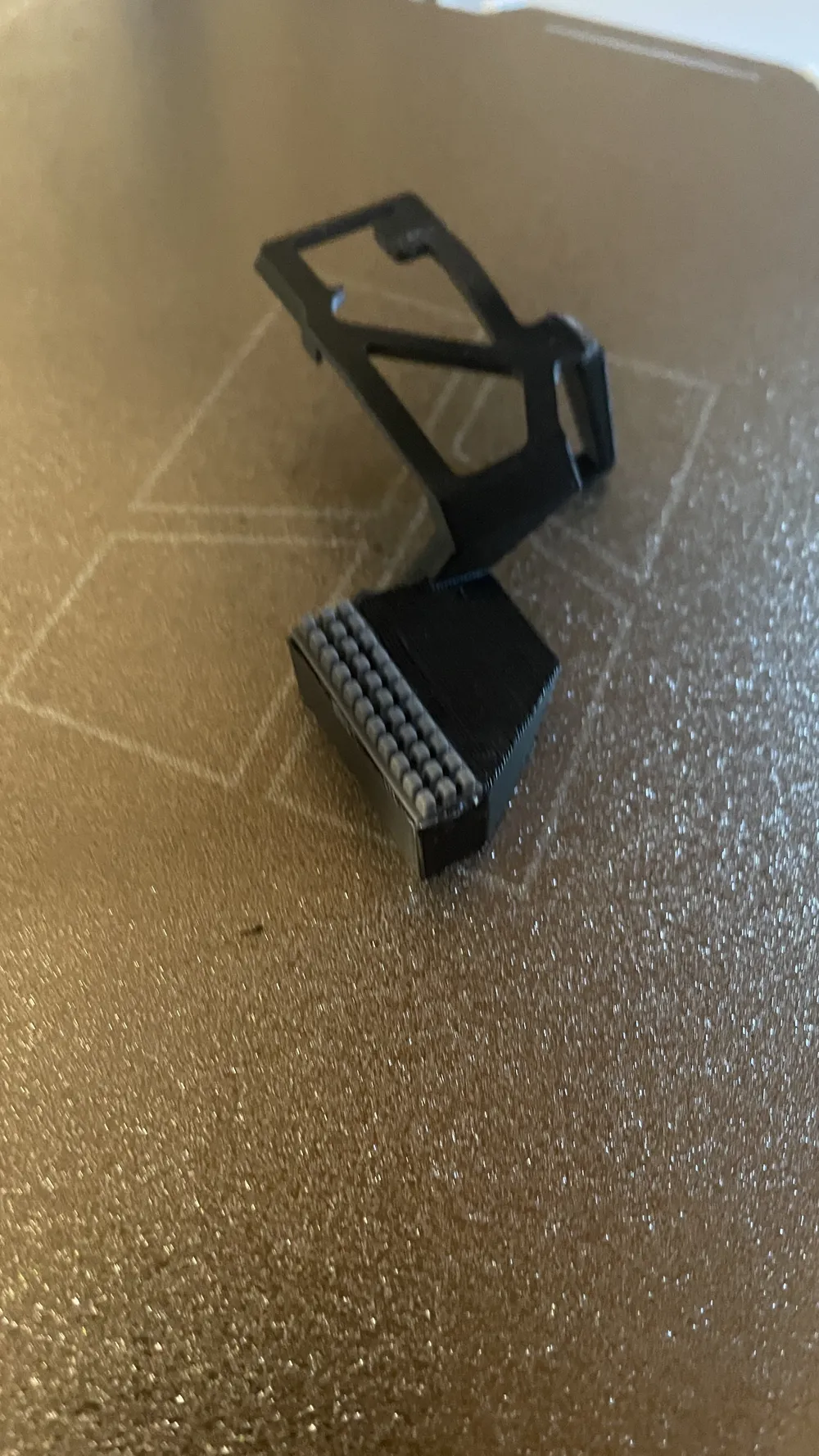
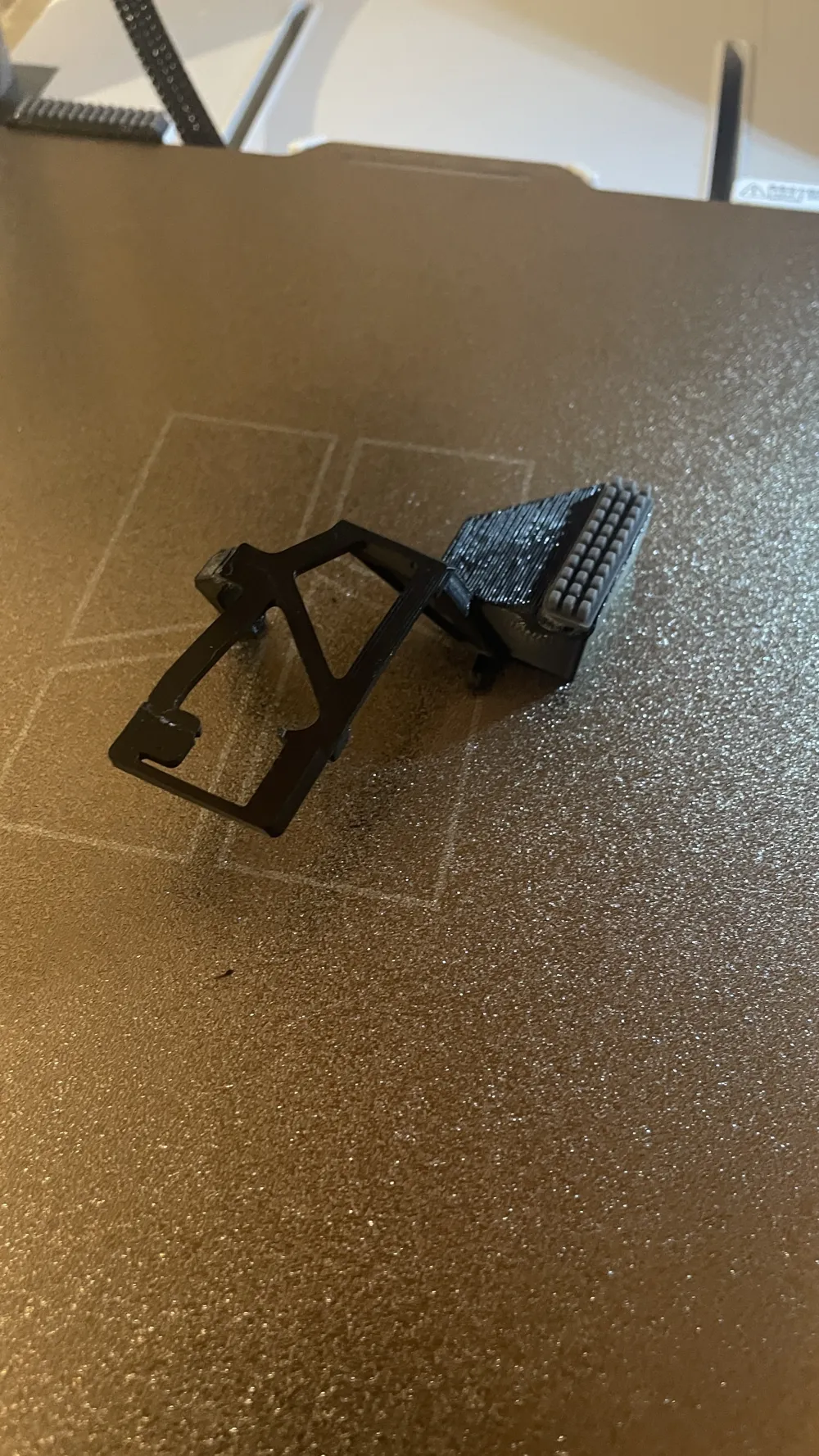
The design is stable, easy to assemble, and optimized for a long lifespan


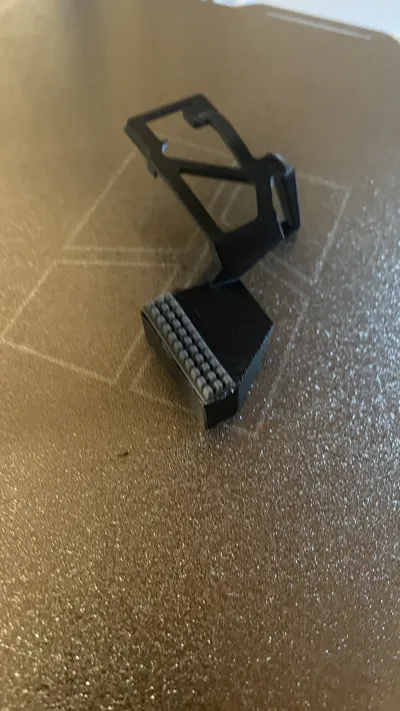
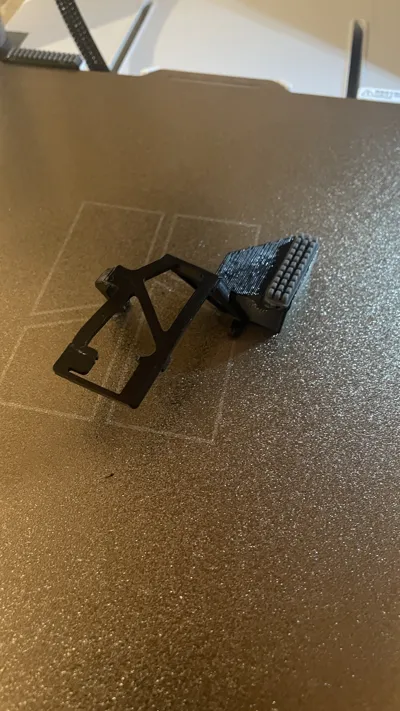
For this model, you also need an A1 replacement wiper which you can cut to size


You should also make sure that you firmly glue the wiper with glue otherwise it will not hold

Comment & Rating (60)

(0/1000)

I saw the design and it was just what I was looking for, but I didn't realize that the installation required disassembling the purge collector. Once printed and since I didn't want to disassemble the collector, I made a cut on the opposite side of the brush, and inserted it. The final result is good.
Show original
designer
3
Reply
It is not necessary to disassemble, the printed part has a separator in one corner
(Edited)
Show original
0
Reply
Oh, I didn't realize I will reprint it to have it right Thank you
Show original
0
Reply
Print Profile
0.2mm layer, 3 walls, 7% infill
Works wonders! Thank you
(Edited)
profile
3
Reply
Print Profile
0.2mm layer, 3 walls, 7% infill
printed really good.
0
Reply
Print Profile
0.2mm layer, 3 walls, 7% infill
2
Reply
Print Profile
0.2mm layer, 3 walls, 7% infill
Just fit!.
0
Reply
Great idea But I had to cut off a corner because I have a build plate aligner Bambu Lab A1 printer
(Edited)
Show original
0
Reply
Print Profile
0.2mm layer, 3 walls, 7% infill
Nice fast print, but my nozzle wiper doesn't hold its position in the long run. It just doesn't want to adhere permanently and is "rolled up". Let's see what I can do 😉👍
The profile uploader has replied
Show original
0
Reply
I attached it firmly with plenty of glue
Show original
0
Reply
Replying to @samtig_Stahl :
I have now done this too and now it works as it should.👍😉
Show original
0
Reply
Print Profile
0.2mm layer, 3 walls, 7% infill
good print just can't figure out how to put it on
The profile uploader has replied
0
Reply
if its not going on there you have to un screw the hole wiper from the x axis, put it on and screw in back on
0
Reply
thanks
0
Reply
can anyone tell me where to get the silicon peice, I can't seem to find them
0
Reply
Spell check your title! 😂
The designer has replied
0
Reply
Interestingly, no one has noticed this yet. The translations are correct. Thank you very much! I have also adapted it for the English language
Show original
0
Reply

License

This user content is licensed under a Standard Digital File License.

You shall not share, sub-license, sell, rent, host, transfer, or distribute in any way the digital or 3D printed versions of this object, nor any other derivative work of this object in its digital or physical format (including - but not limited to - remixes of this object, and hosting on other digital platforms). The objects may not be used without permission in any way whatsoever in which you charge money, or collect fees.