Search models, users, collections, and posts

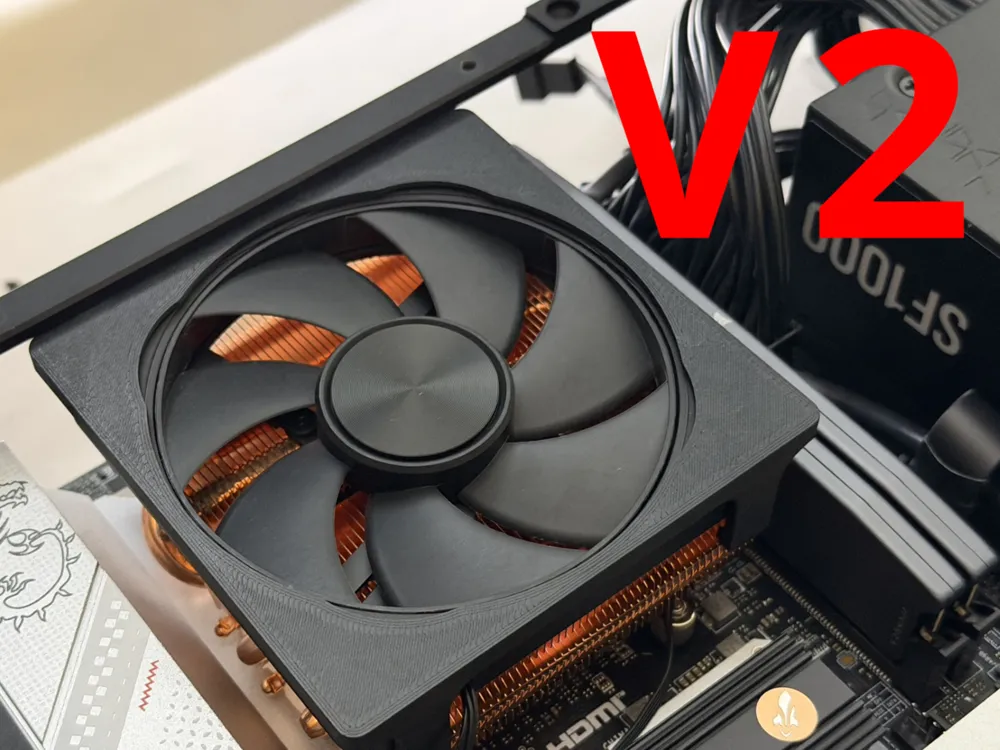
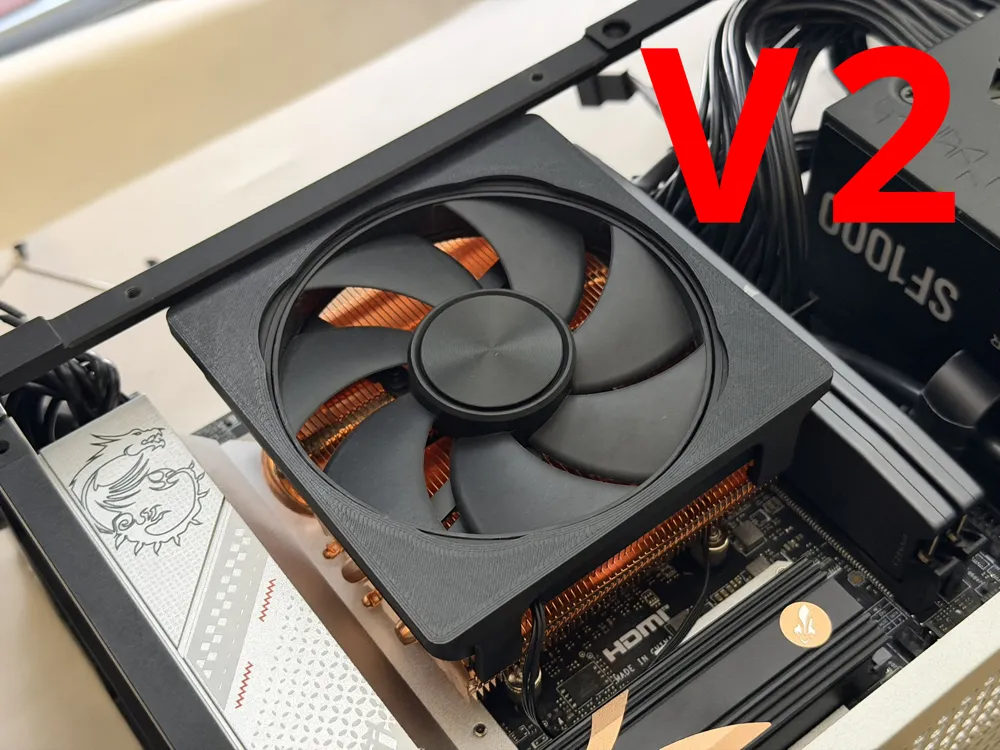
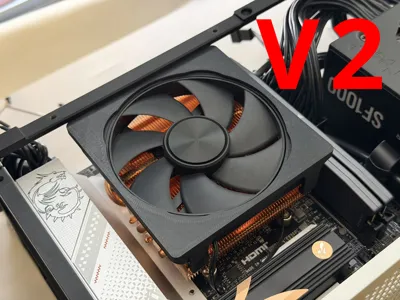
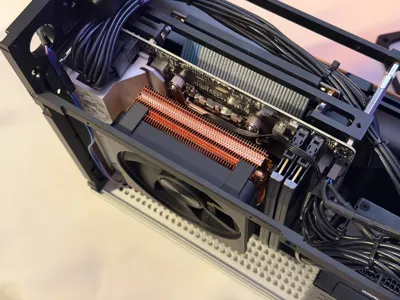
AXP90 mount for Original Fan or 4070 CNC
IP Report
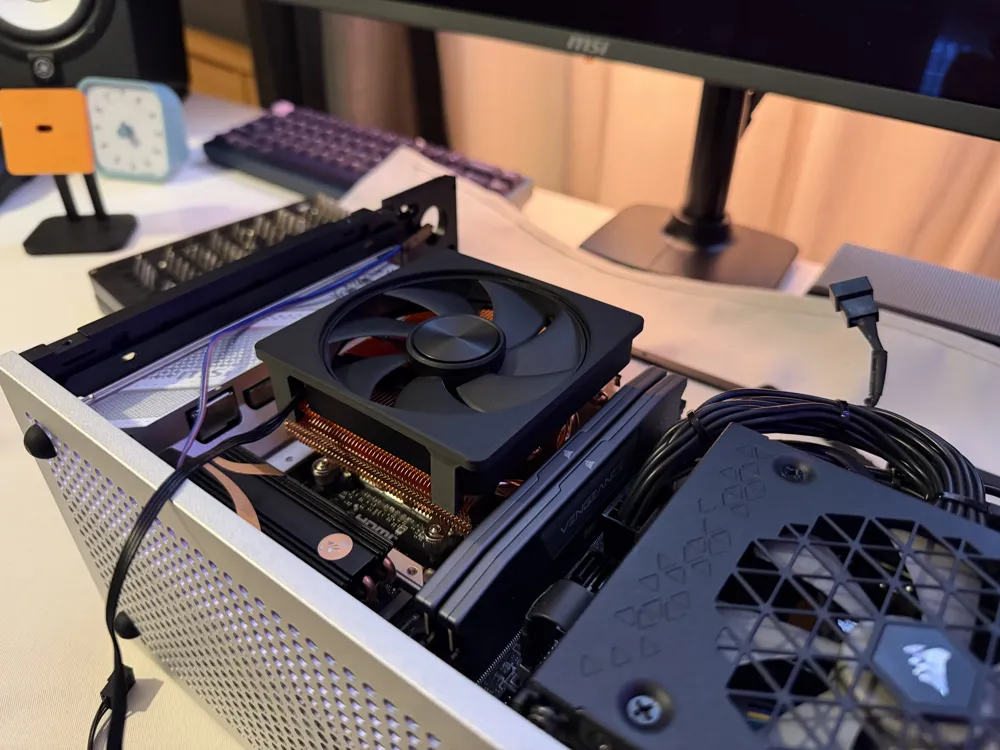
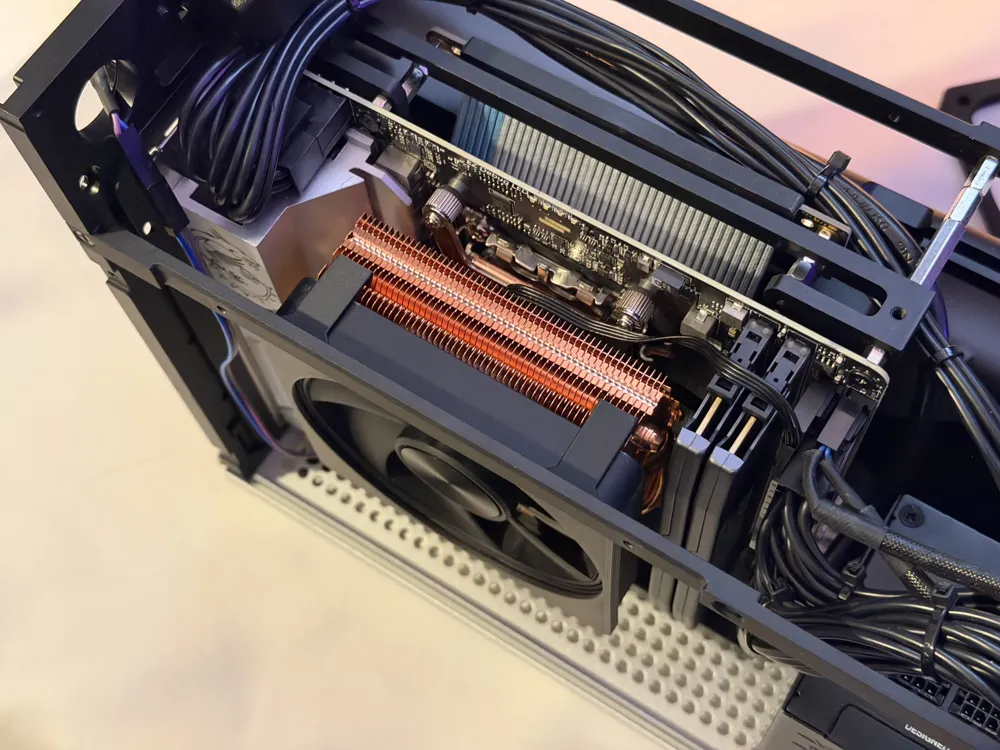
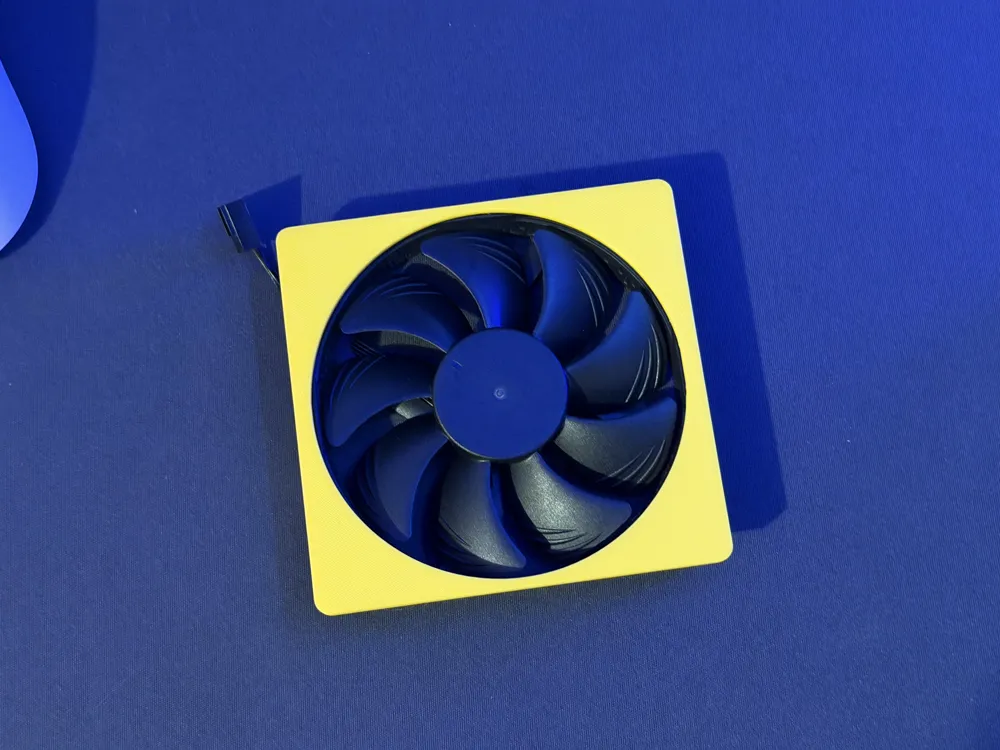
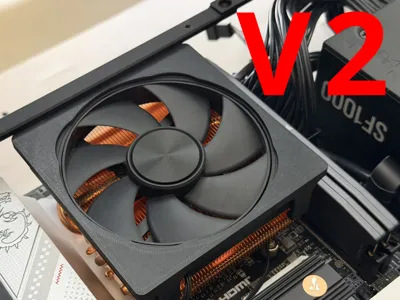
Print Profile(3)

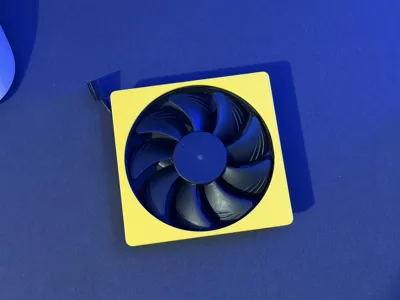
4070 CNC FAN
Designer
40 min
1 plate
4070 CNC FAN V2
Designer
42 min
1 plate

Stock Fan or Noctua NF-A9x14
Designer
42 min
1 plate
Open in Bambu Studio
Boost
17
38
11
1
45
19
Released
Bill of Materials
Bambu Filaments
Select all

Description
Boost Me (for free)
Please consider giving me a BOOST 😁
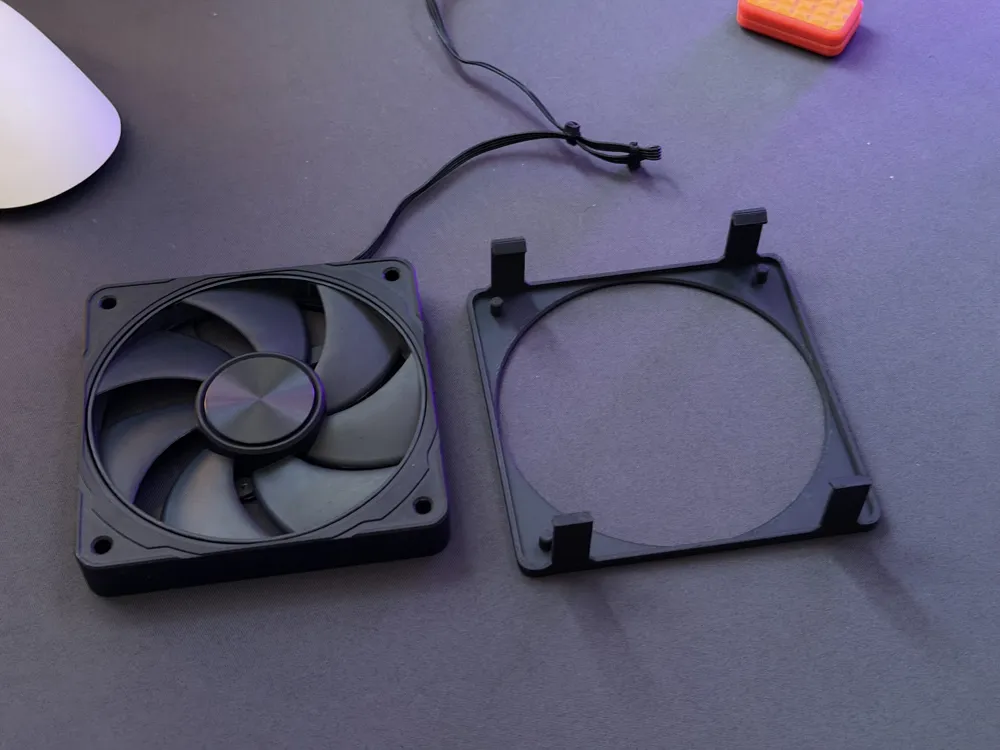
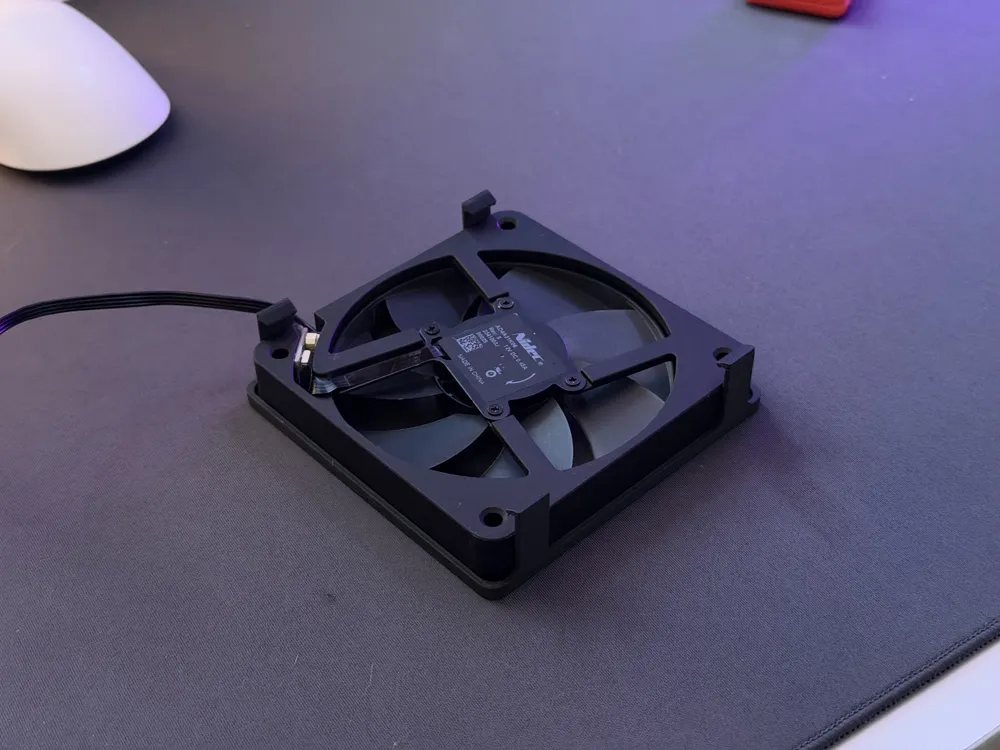
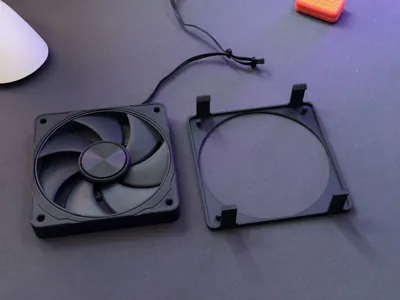
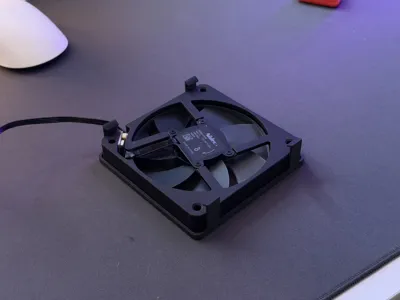
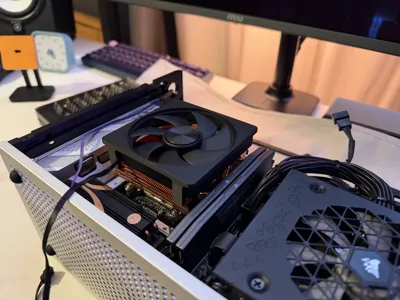
AXP90 Mount for Original fan or 4070 Fan (No Hardware Required)
Instructions:
- Insert one side of the fan first, then gently push the two legs to slide the other side in.
- Press the 3D-printed mount firmly against the fan to ensure it sits properly inside—otherwise, the two feet may end up crooked.
- To install onto the radiator, tilt one side into place first, then push the other side in.
Printing Tips:
- For best results, print with PETG or ABS.
- PLA is not recommended, as one side may loosen over time.
License

This user content is licensed under a Standard Digital File License.
You shall not share, sub-license, sell, rent, host, transfer, or distribute in any way the digital or 3D printed versions of this object, nor any other derivative work of this object in its digital or physical format (including - but not limited to - remixes of this object, and hosting on other digital platforms). The objects may not be used without permission in any way whatsoever in which you charge money, or collect fees.


Comment & Rating (11)