
Hampton Bay Ceiling Fan Remote Control Holder
Print Profile(1)

Description
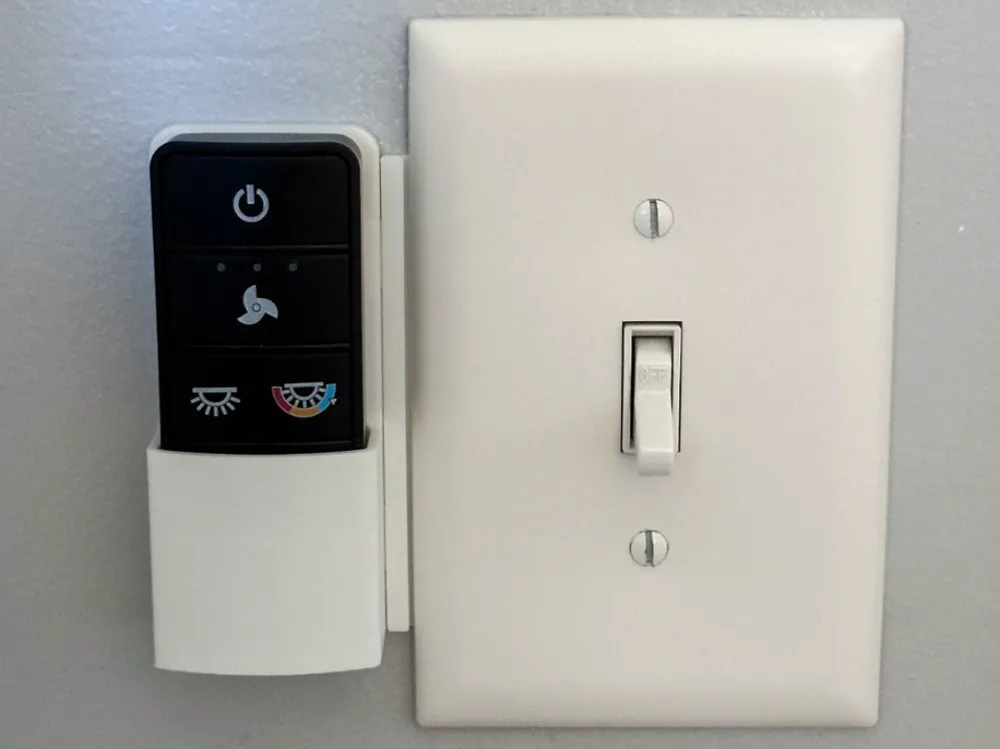
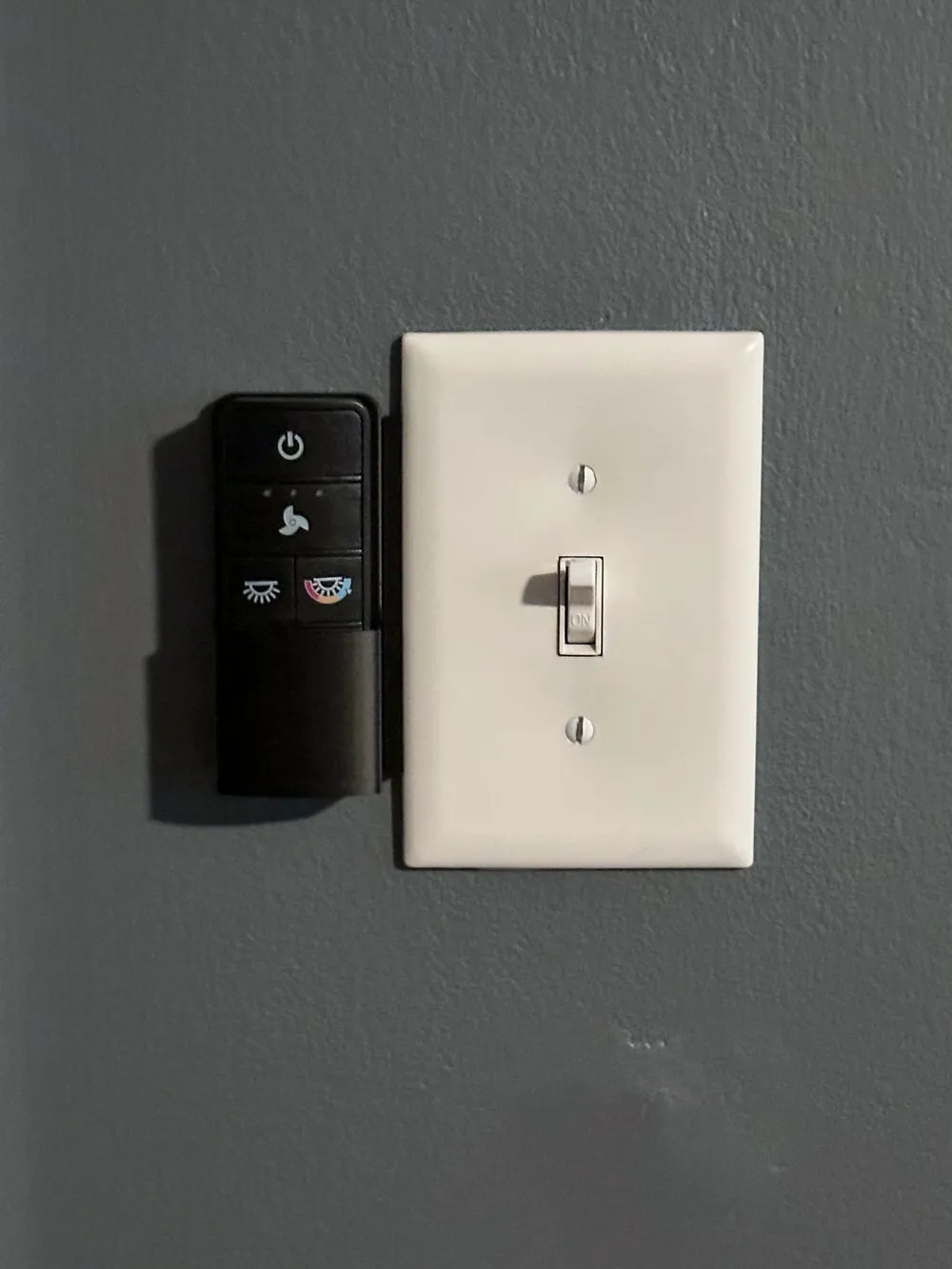
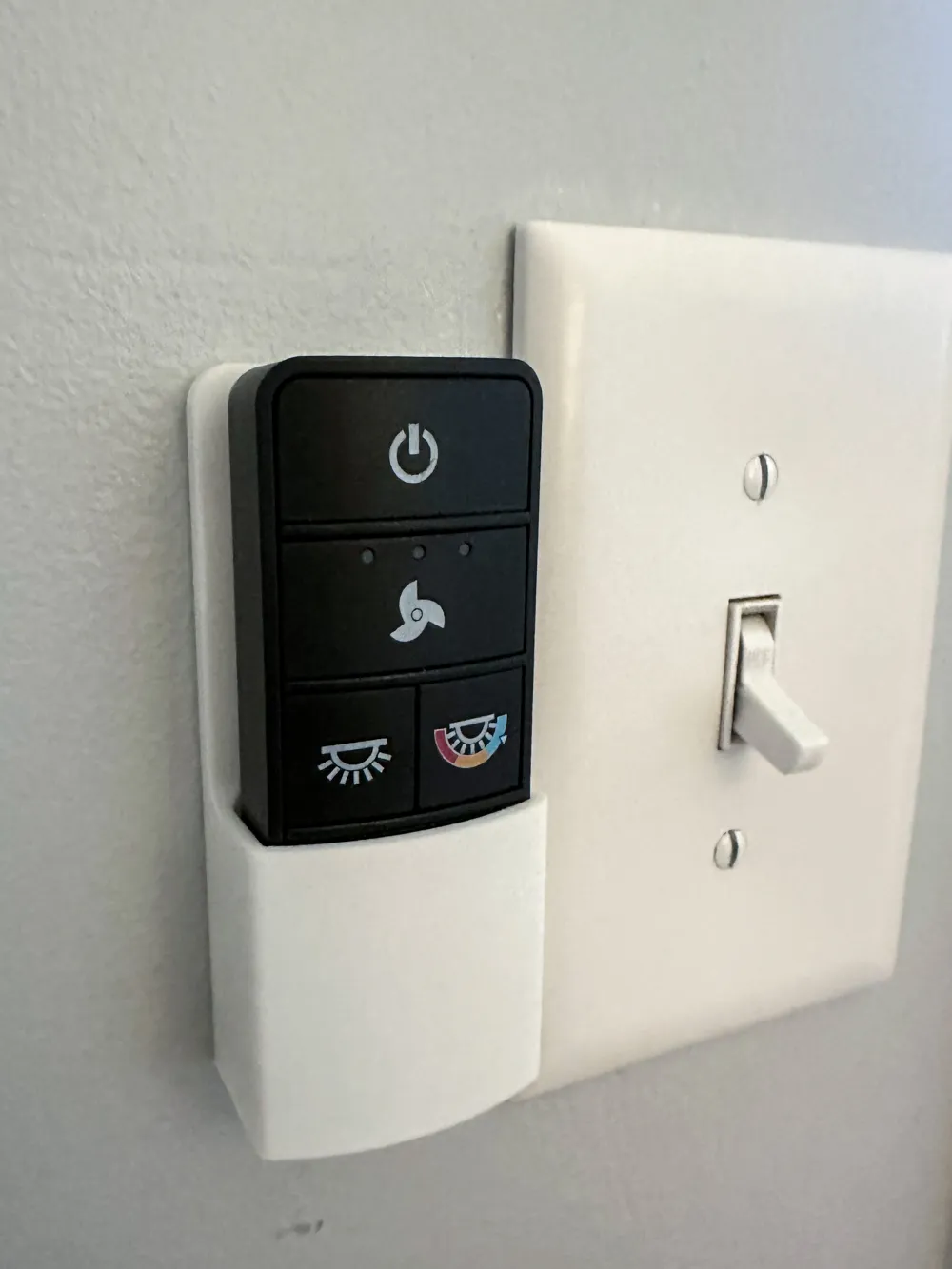
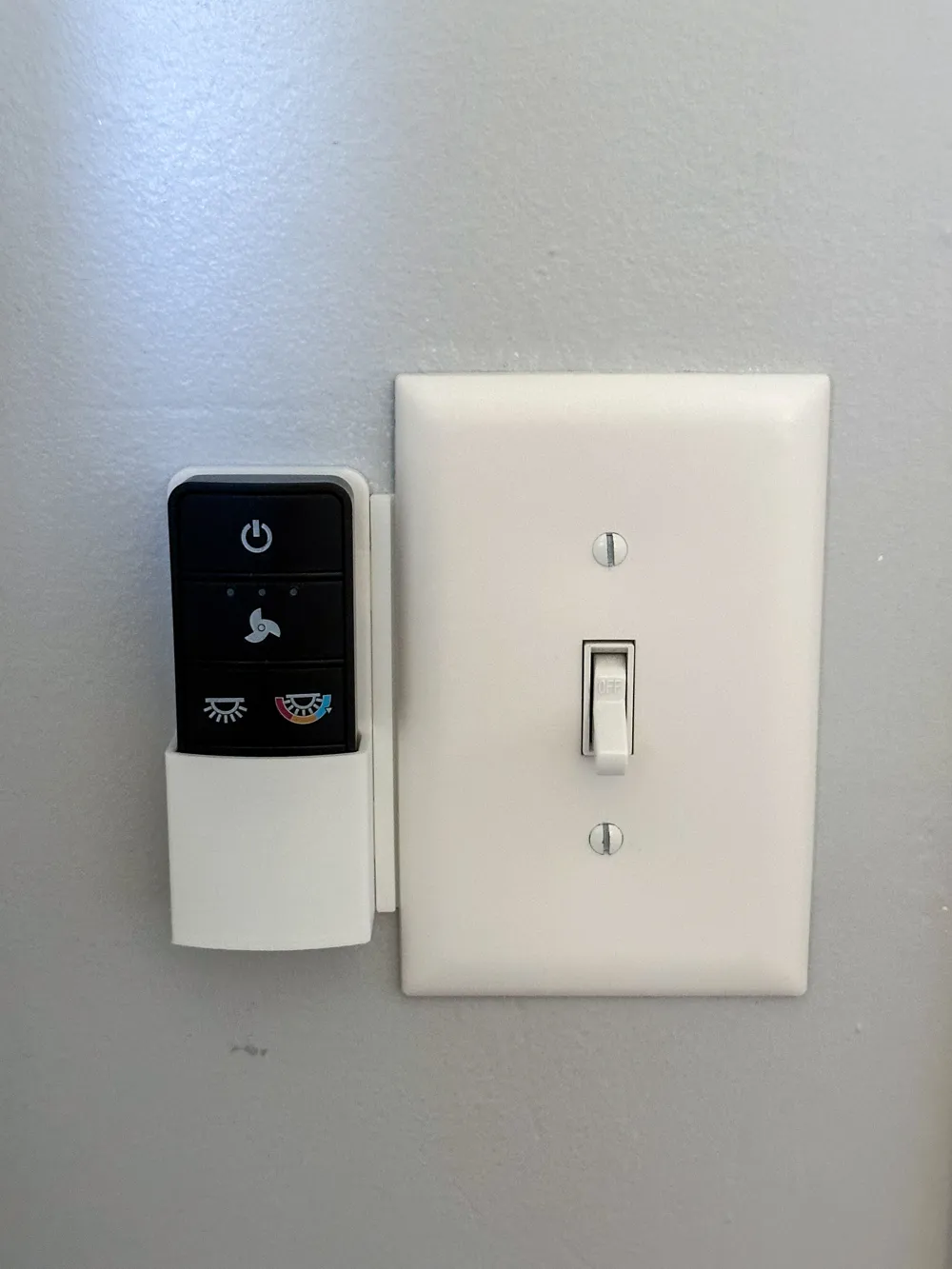
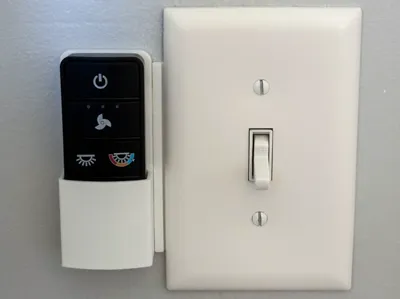
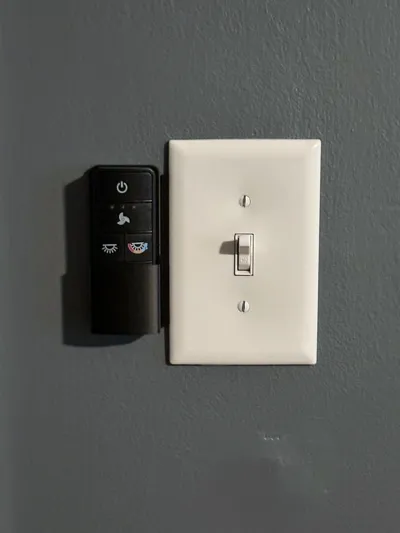
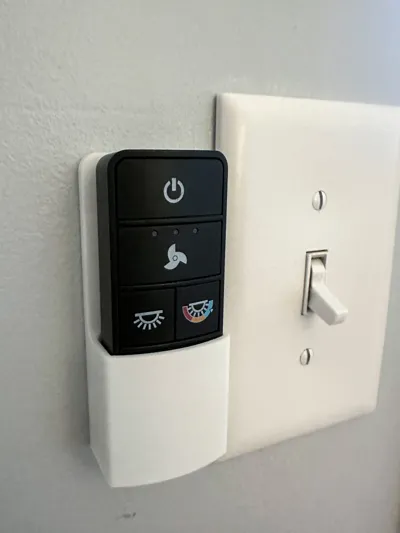
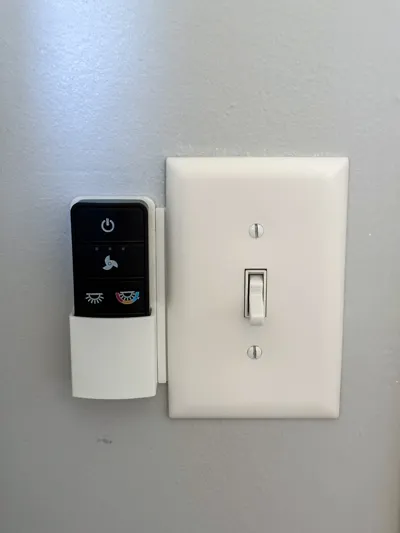
Ceiling fan remote control holder, designed specifically for the Hampton Bay Universal 3-Speed Ceiling Fan Remote Control (3 rows of buttons).
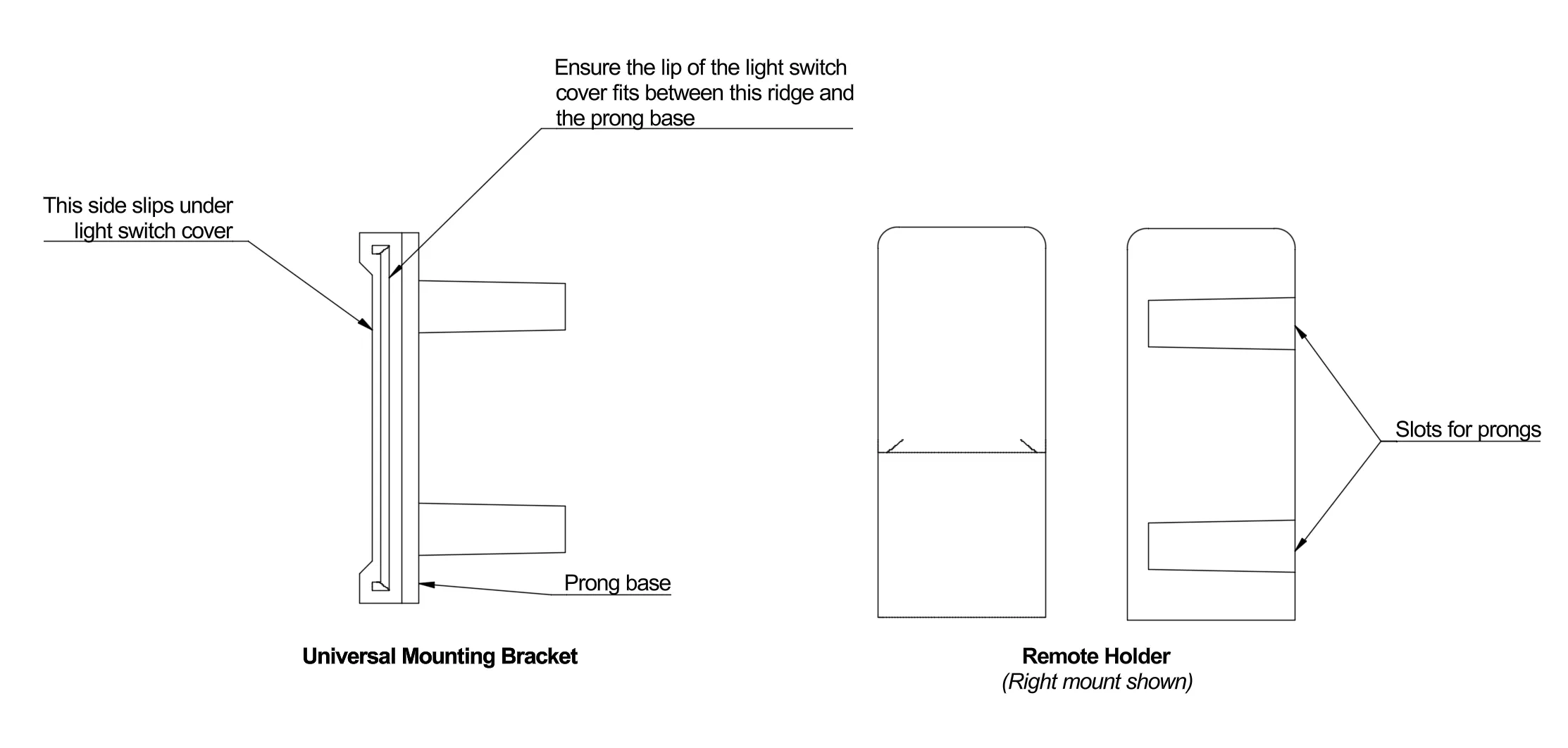
This holder is designed as a light switch plate adaptor, meaning that no screws, holes, or command strips are necessary. Simply secure the mounting bracket under the light switch plate, slide on the remote holder, and voila, your remote is mounted.
Options are included for mounting the holder to either the right or left side of the switch.
Installation Instructions
- Loosen the screws of the light switch cover, and slide the universal mounting bracket under the cover on the side you want it. Make sure the lip of the cover fits between the ridges.
- Position the mounting bracket vertically where you want it. Hold it in place while you tighten the screws on the light switch cover back down.
- Slide the remote control holder onto the prongs of the mounting bracket and push. It will take some force to get it all the way on, but there should be a click/pop indicating it is all the way on.
- Add your remote to the holder and enjoy!
Documentation (1)
License

You shall not share, sub-license, sell, rent, host, transfer, or distribute in any way the digital or 3D printed versions of this object, nor any other derivative work of this object in its digital or physical format (including - but not limited to - remixes of this object, and hosting on other digital platforms). The objects may not be used without permission in any way whatsoever in which you charge money, or collect fees.


Comment & Rating (12)