
Silat suit keychain - swappable sash!
Print Profile(1)

Description
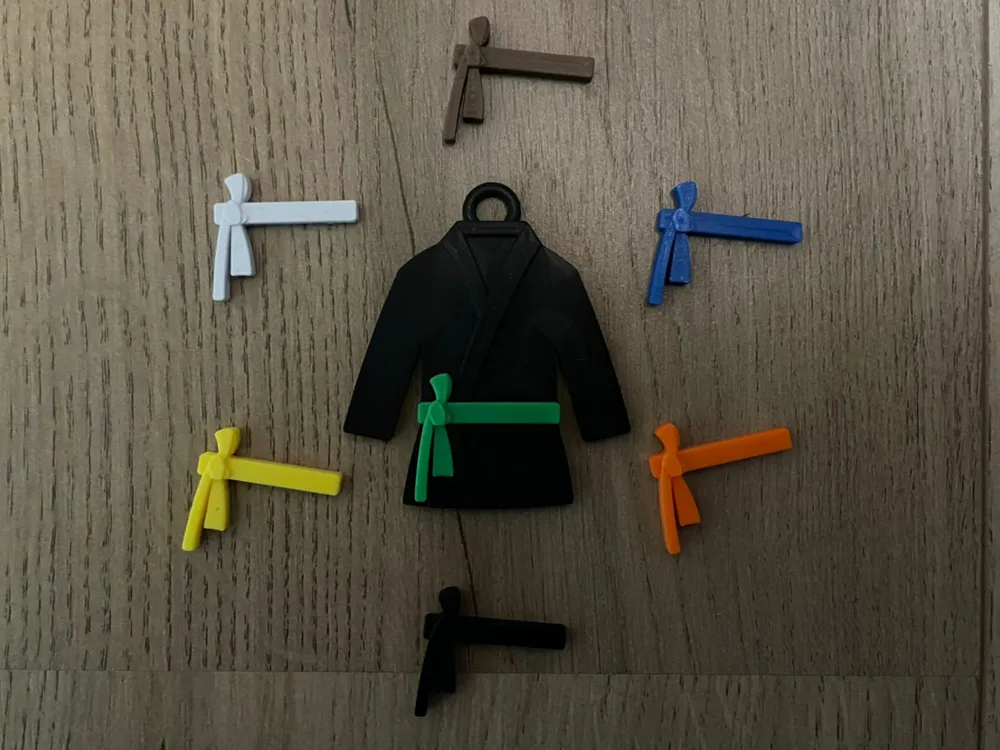
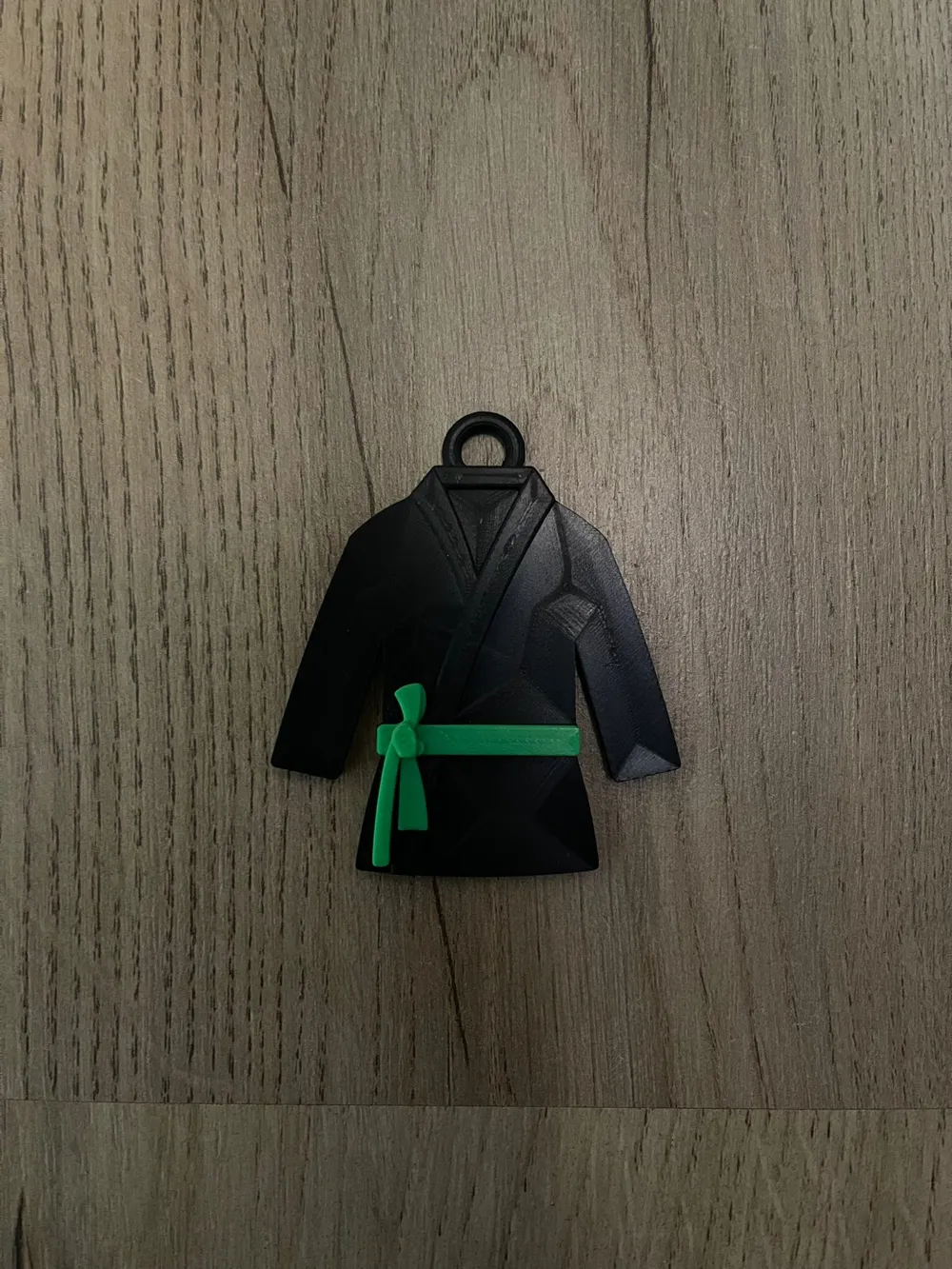
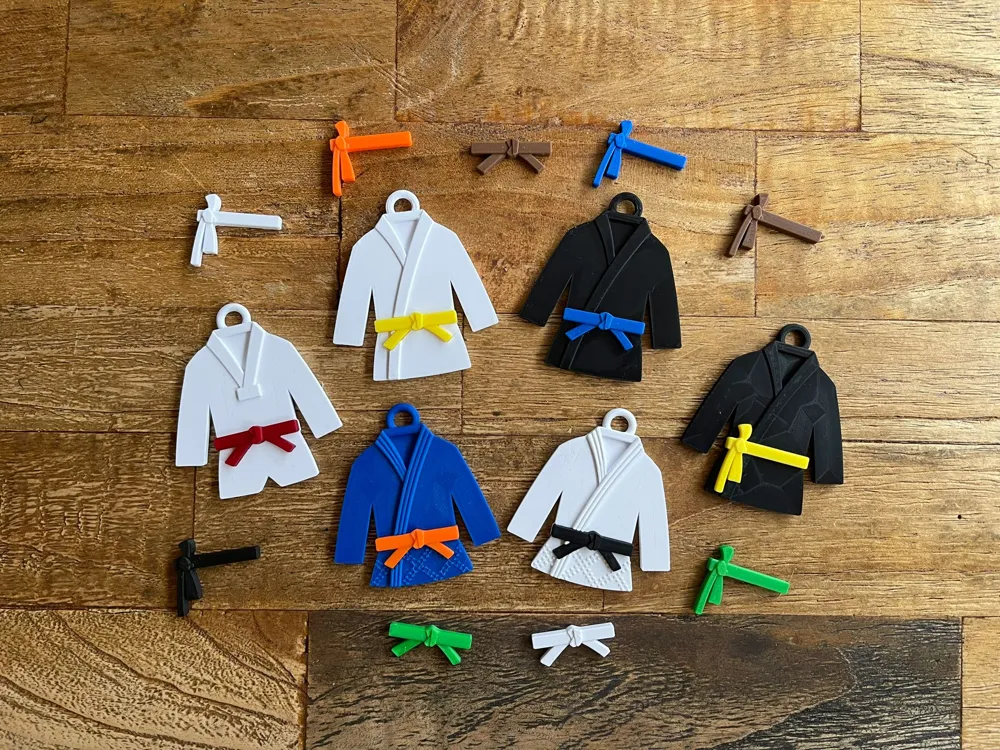
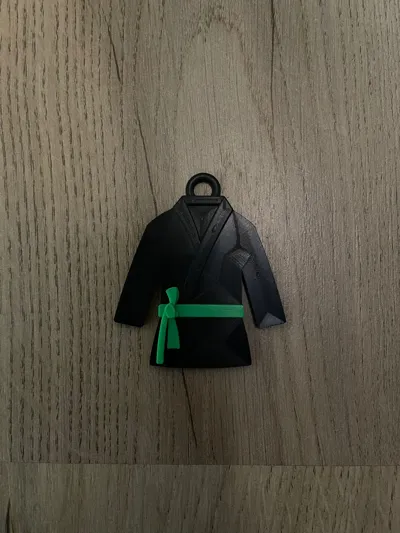
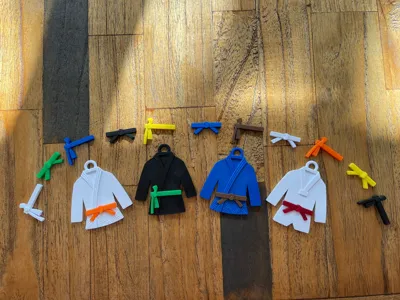
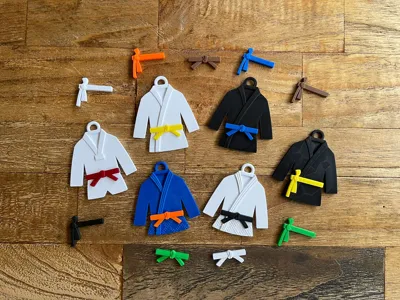
Here's a silat suit keychain!
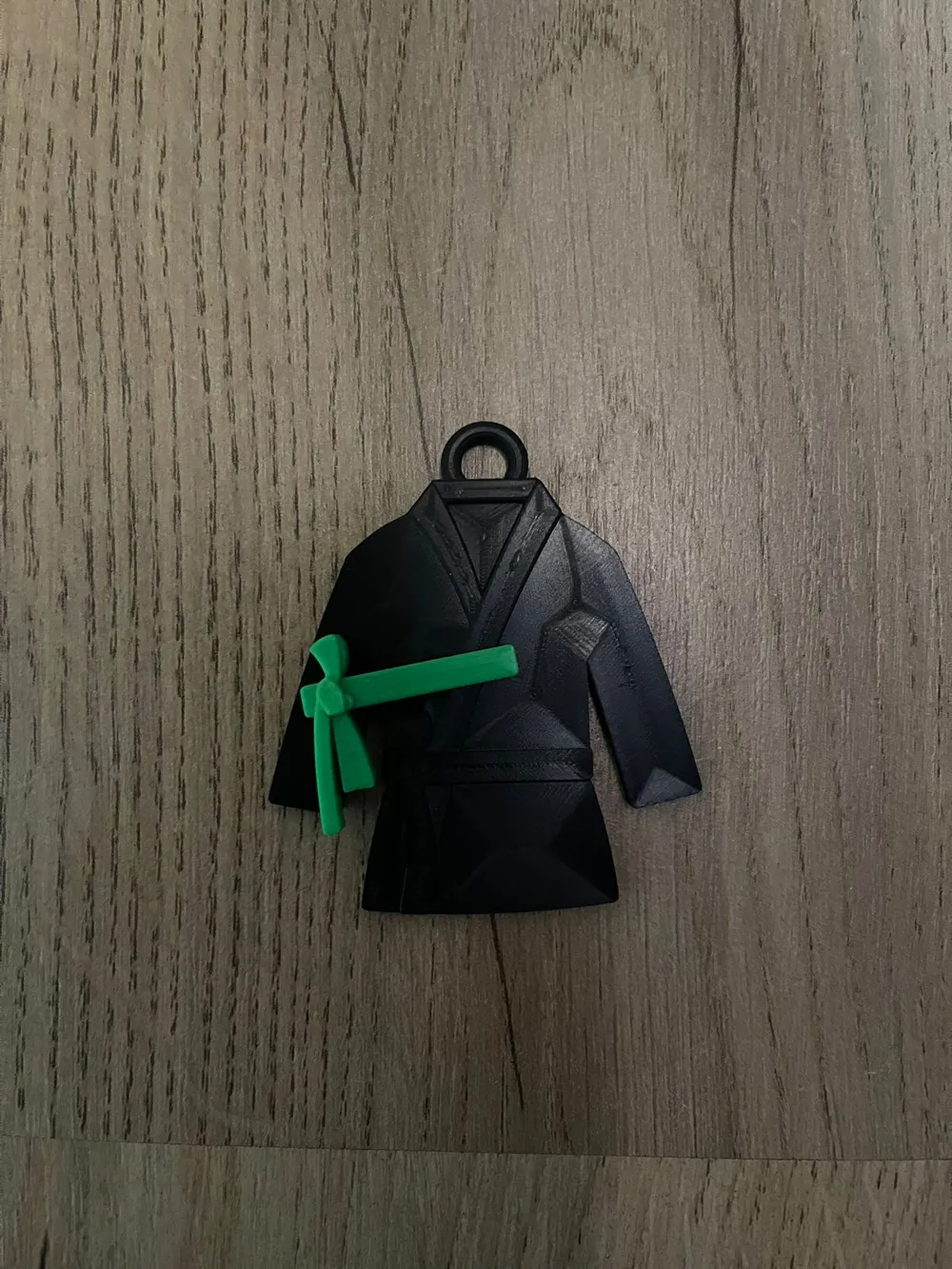
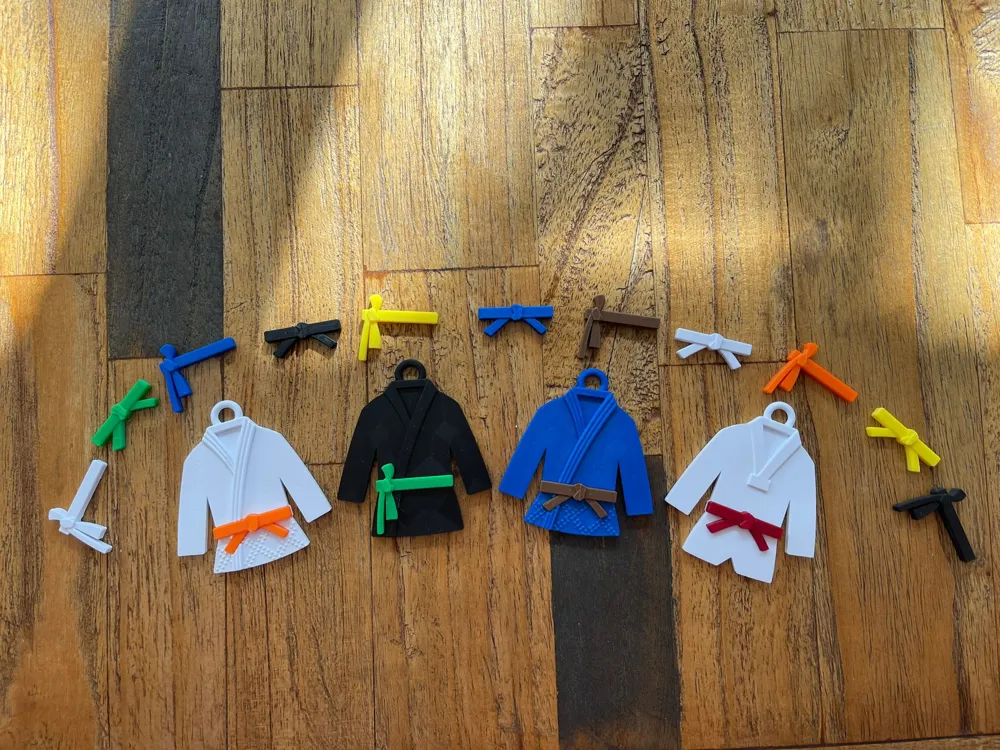
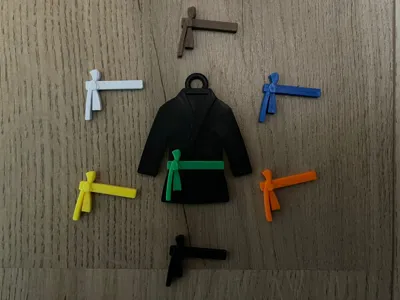
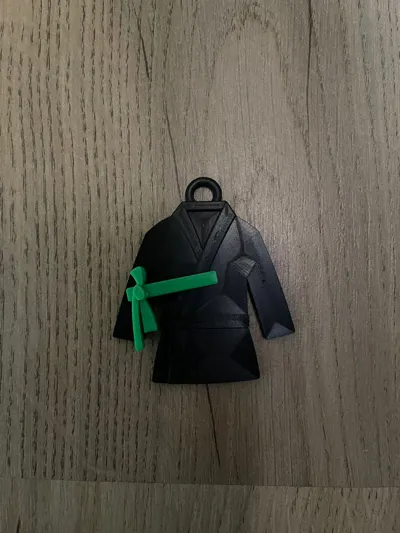
The keychain is designed such that the sash is removeable! Did you earn a new sash? No need to print an entirely new keychain, just print a new sash and swap it out! It can be a bit tricky to remove the old sash. I found it easiest to grab the long straight side of the belt with 2 fingernails, then pull up. If you can't pull it out, you can also use a small flathead screwdriver and slide it in between the sash and the suit to help remove the sash.
The back of the keychain has a nice large area to add your name and/or a (dojo/association) logo.
Looking for more martial arts keychains? Find the entire collection here!
Print instructions:
- Use a small layer height (preferably 0.1mm) to retain lapel details
- You can print the sash separately to print it in any color desired, simply press it into the keychain once done
- No supports or brim needed
- Given the large surface area, use ironing on all top surfaces for both the suit and the sash for the best visual result. If you're unsure about the ironing settings best for you, check out this handy ironing test
- Find all this too difficult? Use the print profile provided!
How to add a logo:
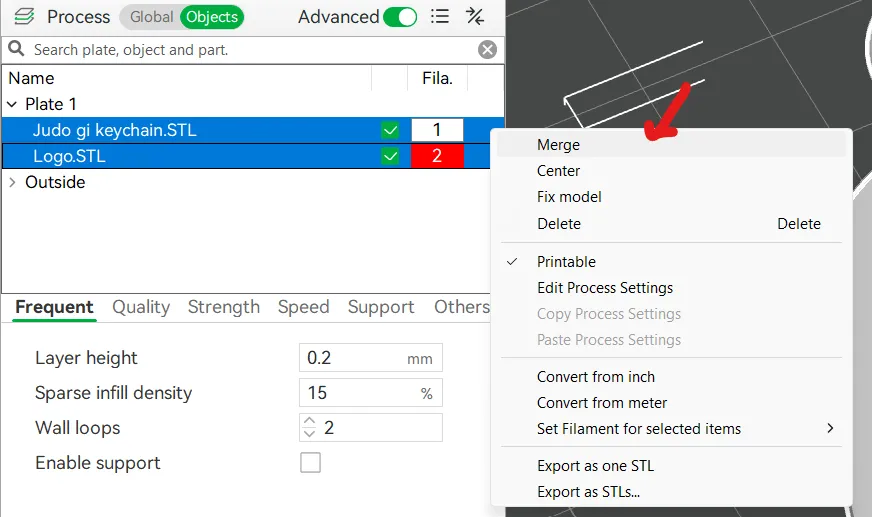
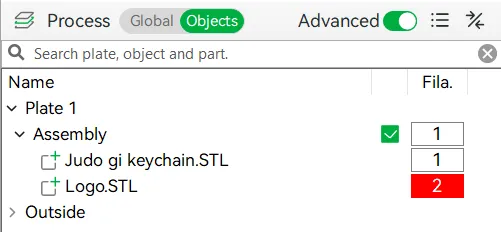
To add a logo for an AMS printer, it's easiest to do that if you already have a STL file for the logo. Simply load both the suit and the logo, position and scale the logo to your liking, then merge the 2 STL files in the slicer. You can merge the STL files by selecting them both in your object list, then right-click on the selection, then click Merge. It should look a little something like in the first picture below. Make sure your logo is the second STL file though. If you did it all correctly it will show up as an assembly in your objects list (see second picture).
Enjoy!
License



Comment & Rating (2)