
Rotating Toolhead Fan Cover




Print Profile(2)


Description
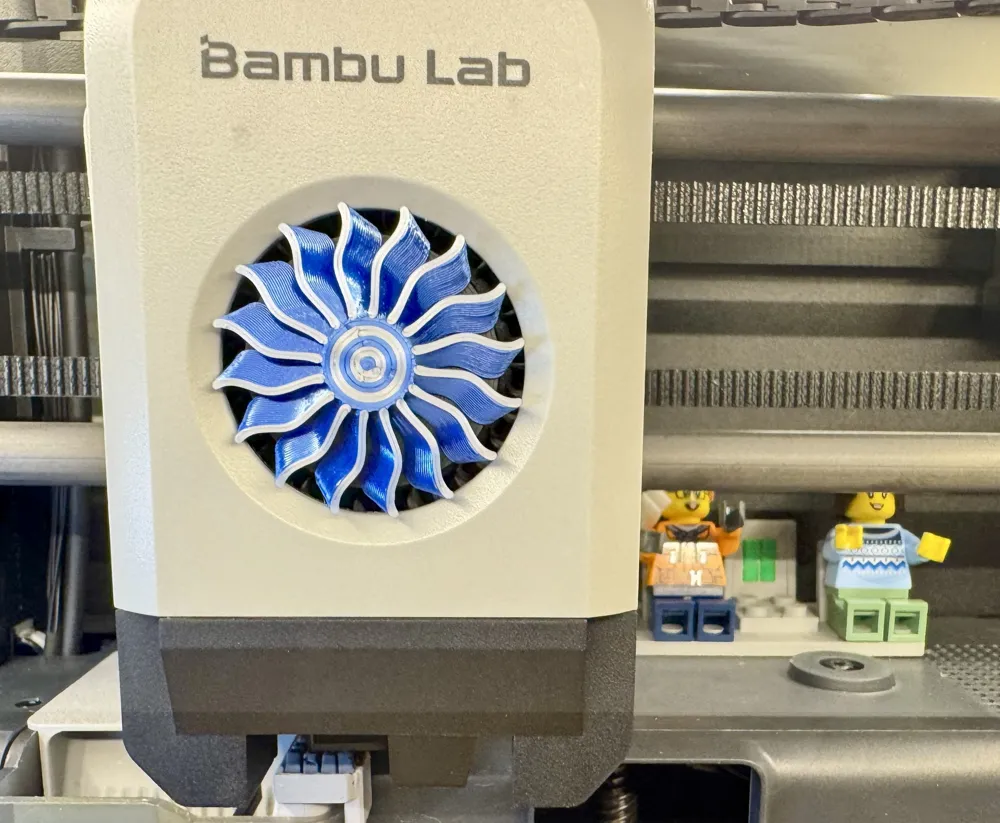
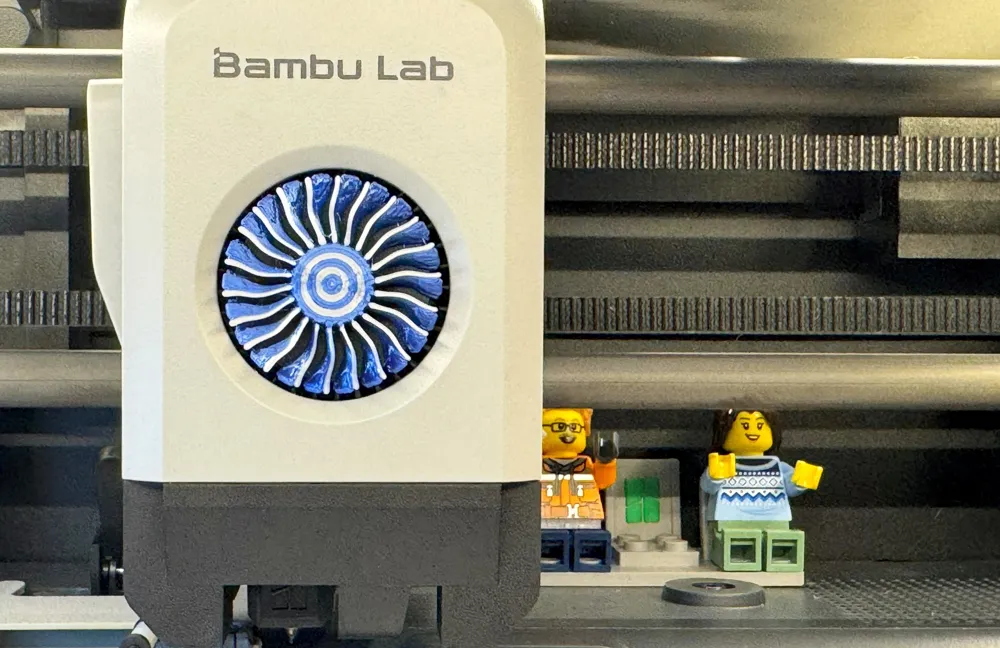
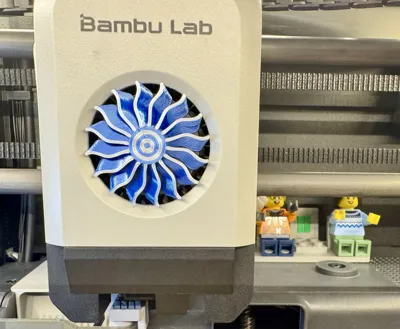
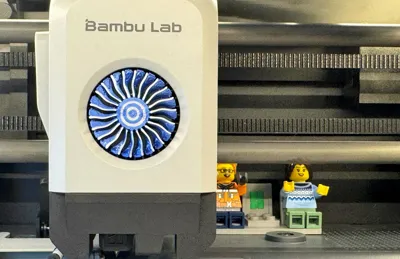
While printing and assembling the Jet Engine designed by CATIAV5FTW, I wondered if I could attach a Jet Engine Fan to the toolhead of my printer.
I searched MakerWorld for a suitable solution and found an excellent static and moving design (with or without bearings) by Officina23, Drehender Werkzeugkopf-Lüfterabdeckung von Officina23 MakerWorld: Kostenlose 3D-Modelle herunterladen.
This solution worked well, but I wanted it to match the color scheme of my Jet Engine print:
Bambu PLA Silk+ Silver and Blue.
Unfortunately, I discovered that PLA Silk+ is quite brittle and breaks too easily to serve as a mounting material. I then tried attaching it directly to the spinning fan and came up with this solution.
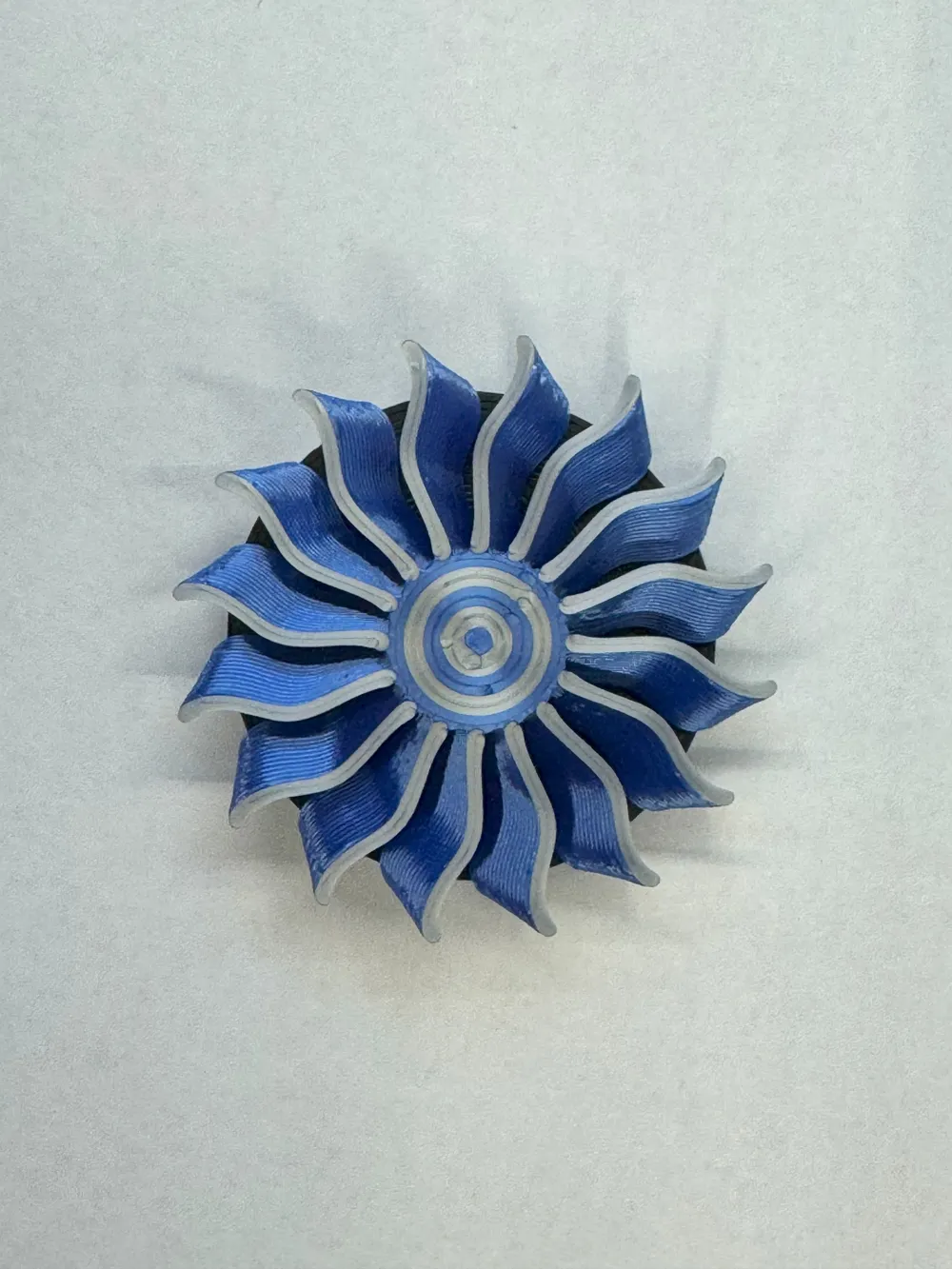
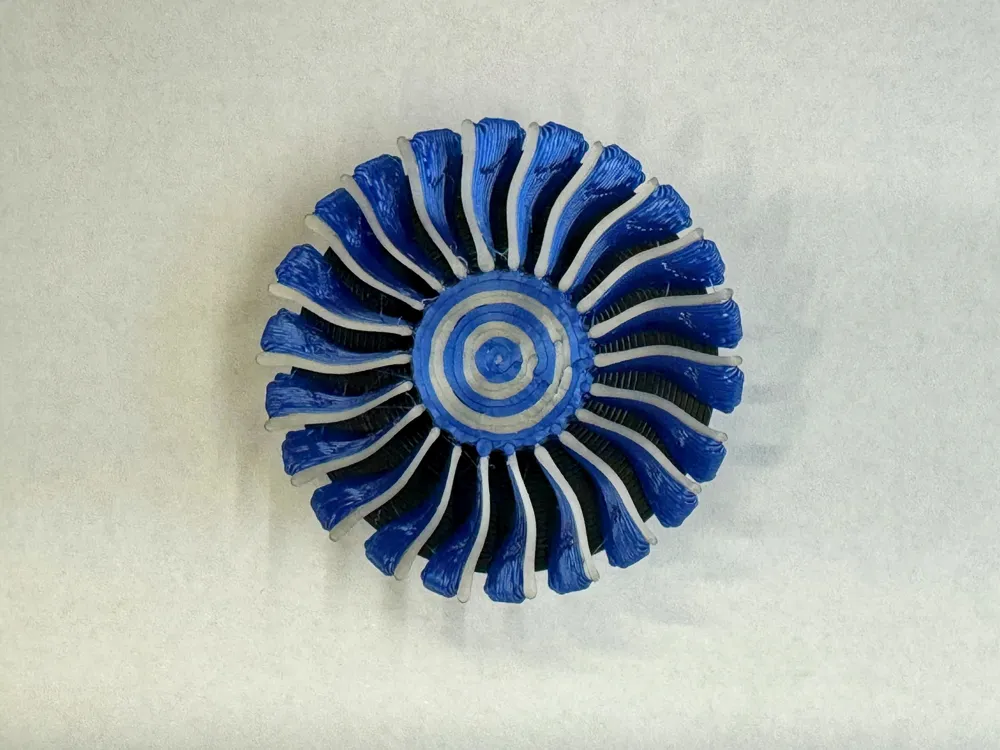
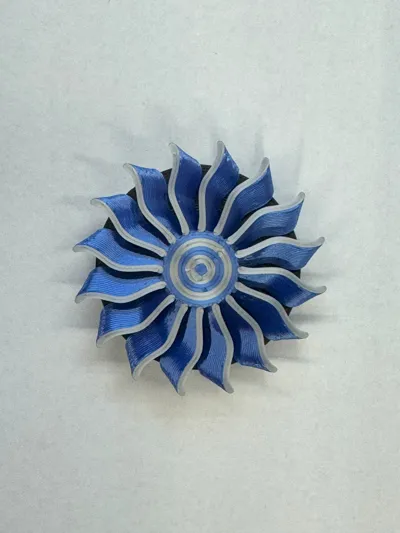
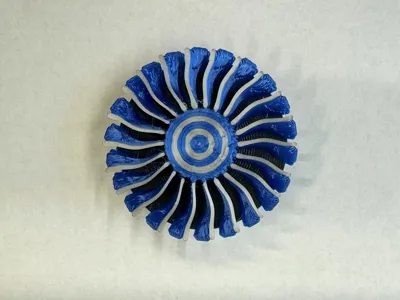
Using Officina23's fan, I designed one version from his model and another from CATIAV5FTW's fan.
Officina23’s fan, with 16 blades, is more stable, while the shrunk fan from CATIAV5FTW is delicate—avoid removing it frequently, as the blades may tear off. The black base remains securely on the toolhead. If You print with hotter chamber Temperature i suggest to print the black Base in PETG. I just printed it in PETG-CF because i Lost the Rotor once while printing ABS
The tolerances work well for my printer setup with the filaments I use, but I can't guarantee they'll fit with every filament. Additionally, I'm not sure if the assembly impacts the printer head, airflow, or toolhead fan.
Like, share, and boost if you enjoy—I have plenty of other ideas that could work with the base!
This remix is based on


License



Comment & Rating (23)