


Print Profile(2)


Bill of Materials
- Power Cable x 1: https://a.co/d/0dB7mxl3
- Stepper Motor & Driver Board x 1: https://a.co/d/0en2c3EI
- Arduino Nano Clone Board x 1: ELEGOO Nano Board CH 340/ATmega+328P. https://a.co/d/03Vm5LLc
- On Off Switch x 1: Toggle Switch. Fits on 3d printed Studs. https://a.co/d/070asYmr
- Silicone Wire Kit CBAZY Electric Wire Hook up Wire Kit (Solid Wire) 24 Gauge 6 Colors x 1: Various Lengths. https://www.amazon.com/dp/B0791B1YPS?th=1
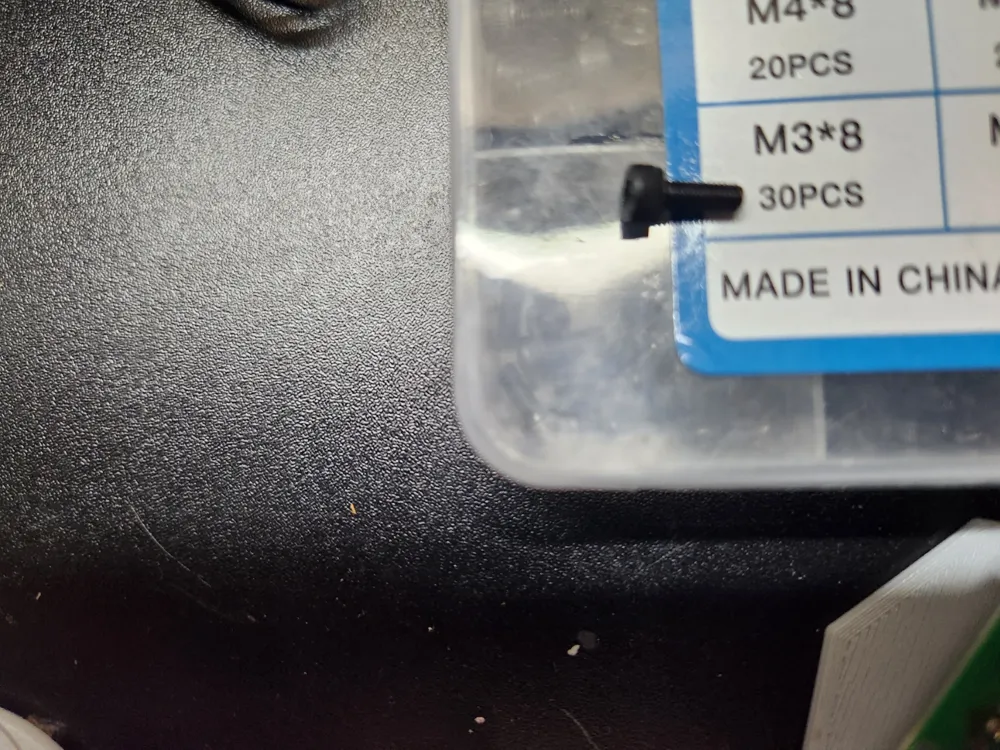
- M3x8 Bolt x 2: https://a.co/d/0ahyoAMJ
Description

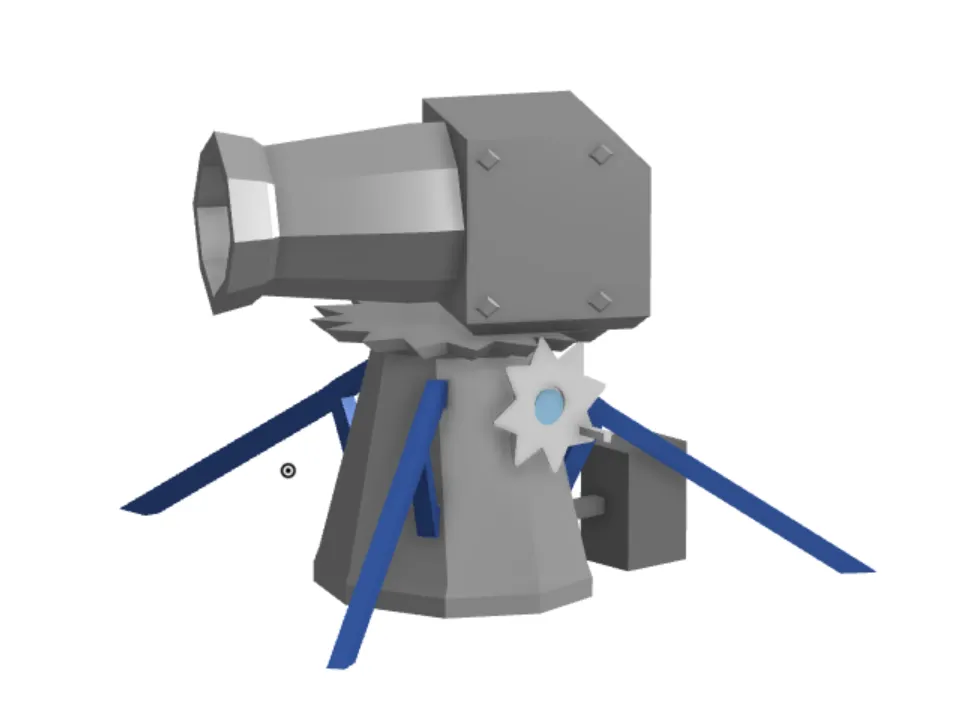
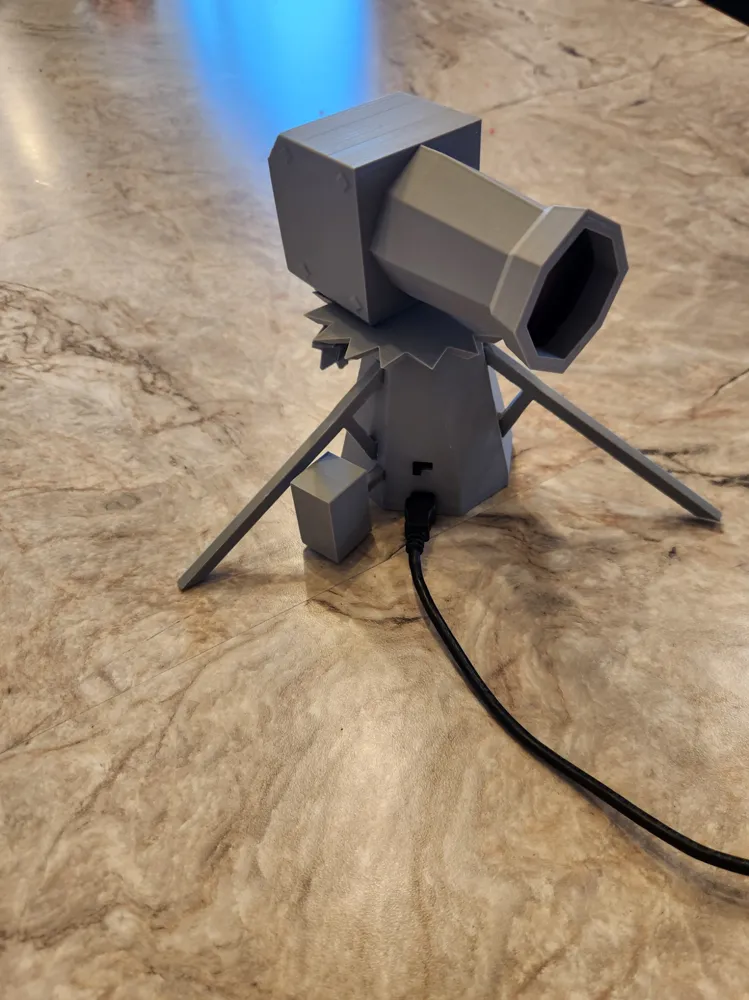
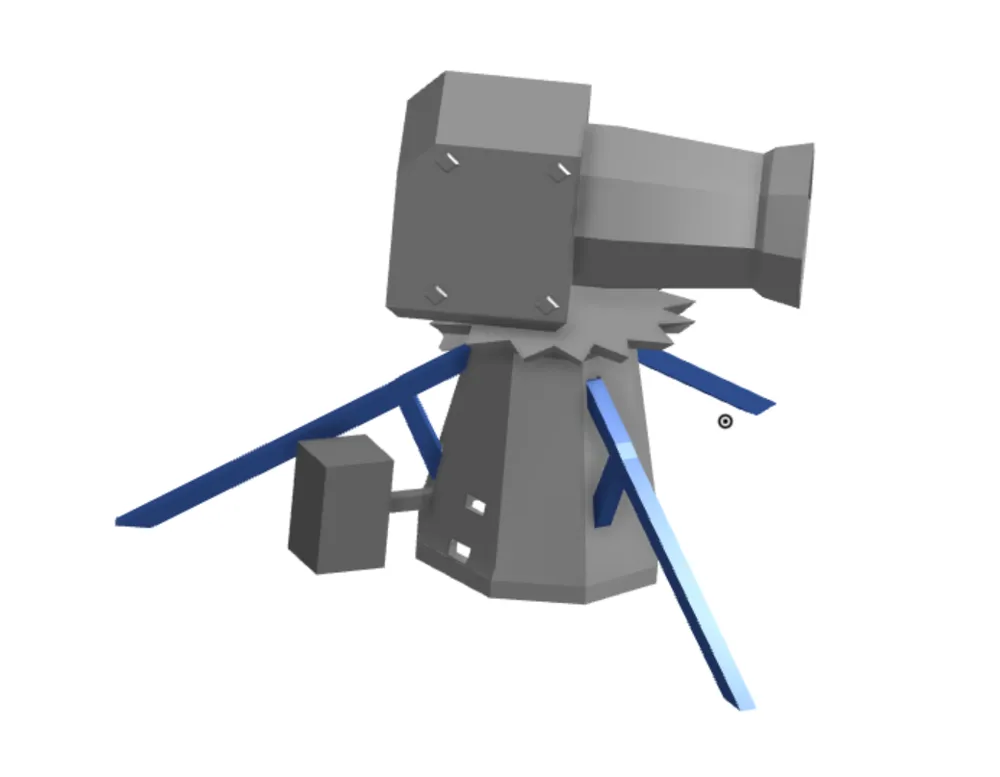
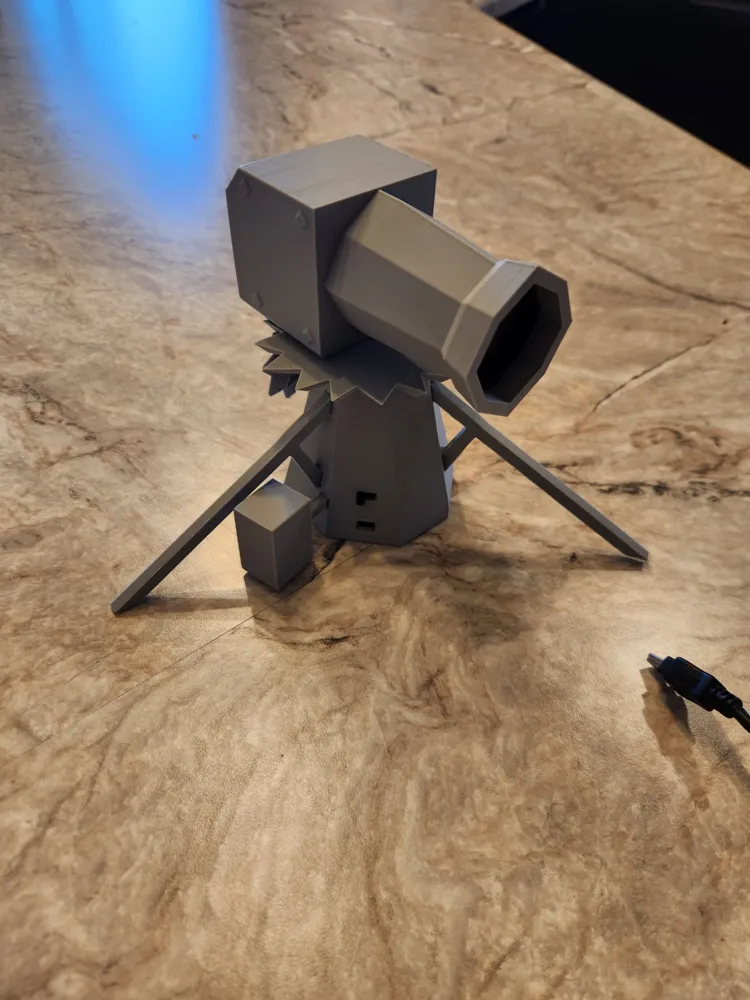
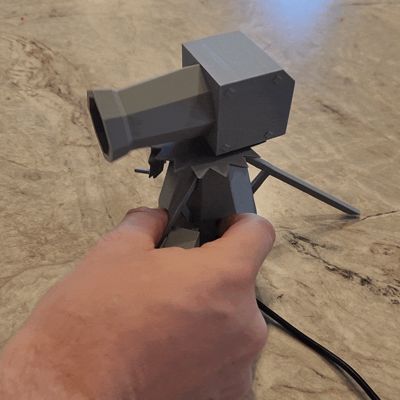
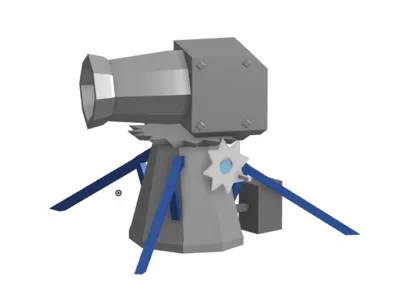
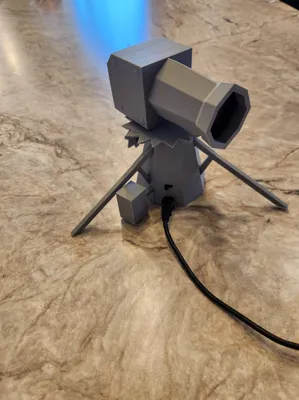
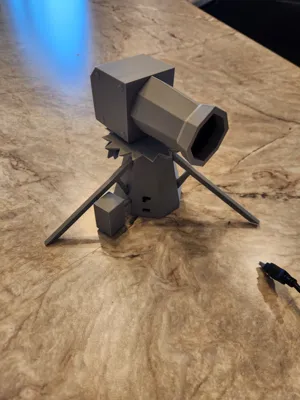
This is a motorized Model Dwarf Multi Cannon from Old School Runescape. The original models came from User Engineer4fun.
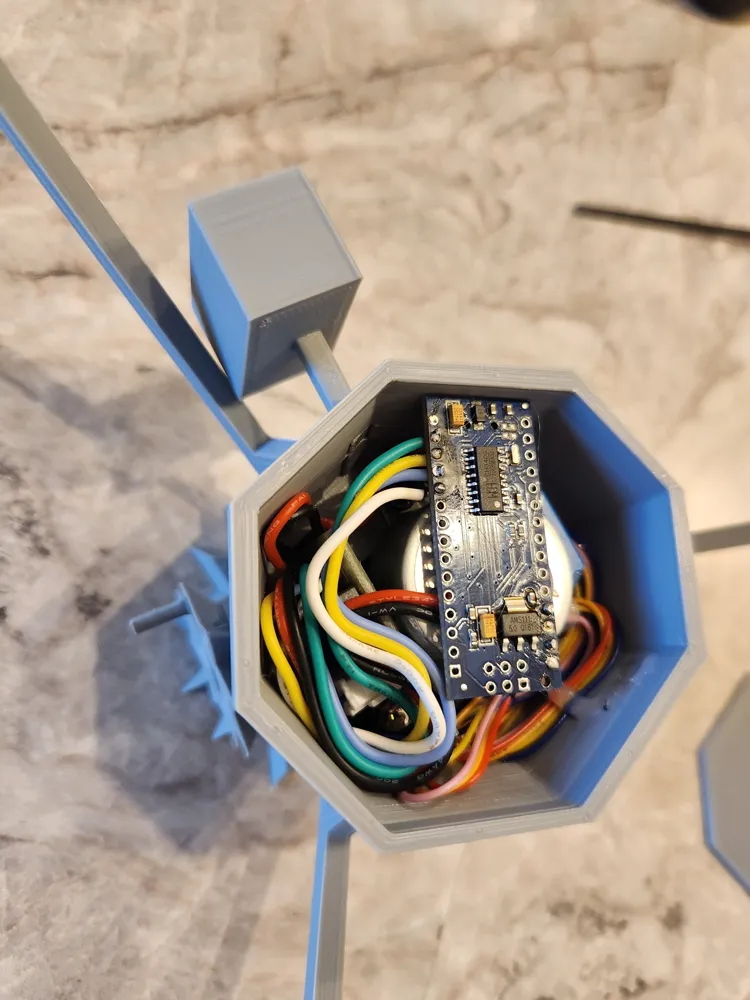
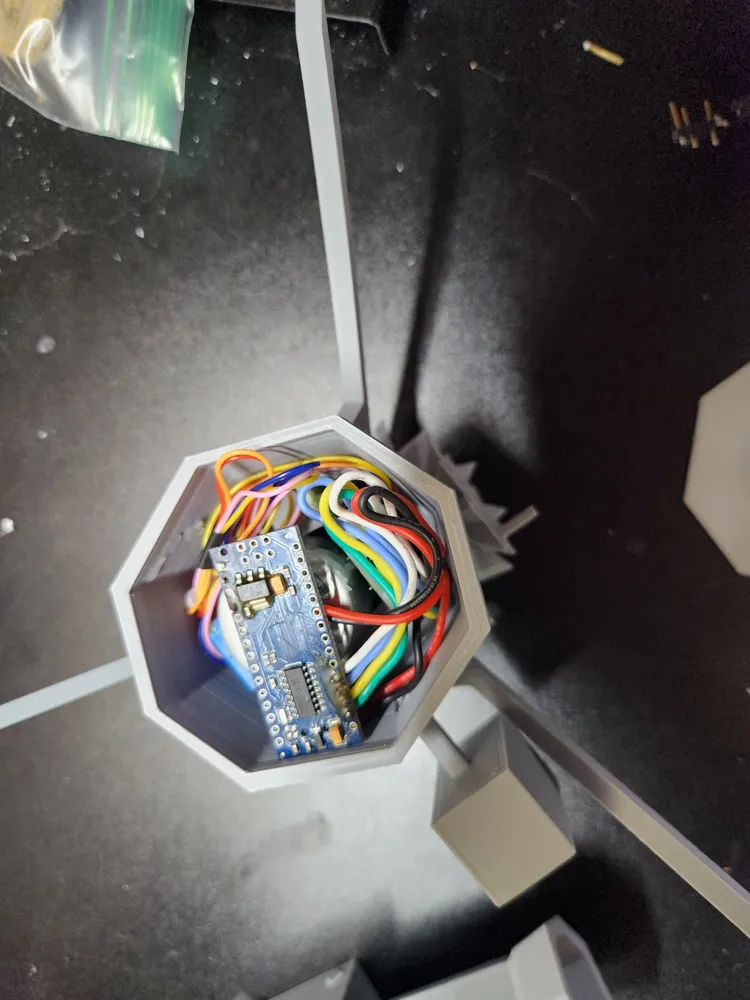
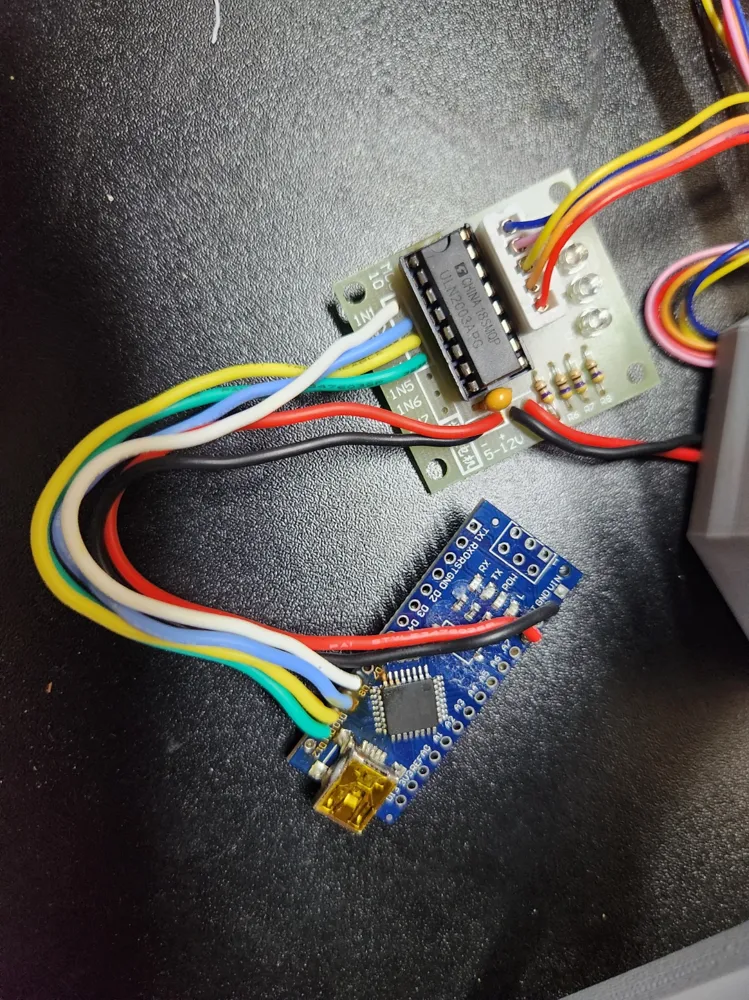
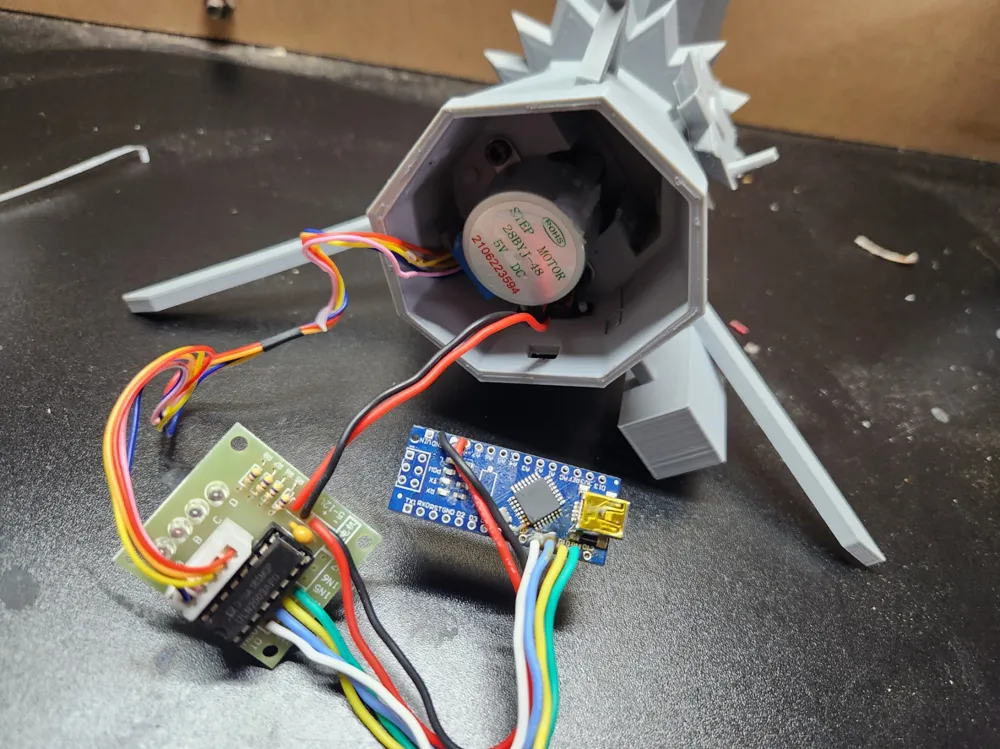
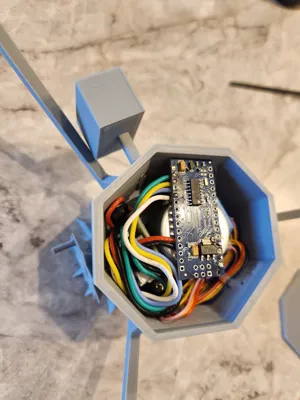
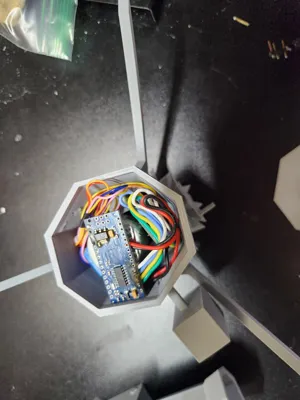
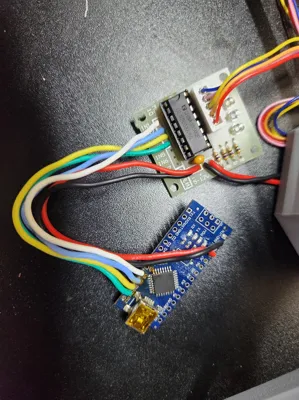
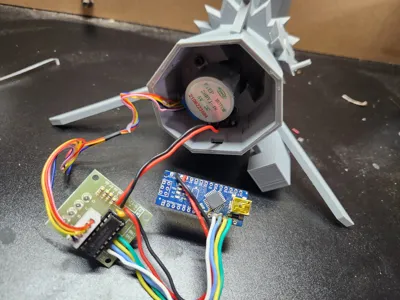
I used a Arduino nano to control the stepper. (Rotates 45deg then pauses at around 18 rpm just like in the game) See attached code for the nano.
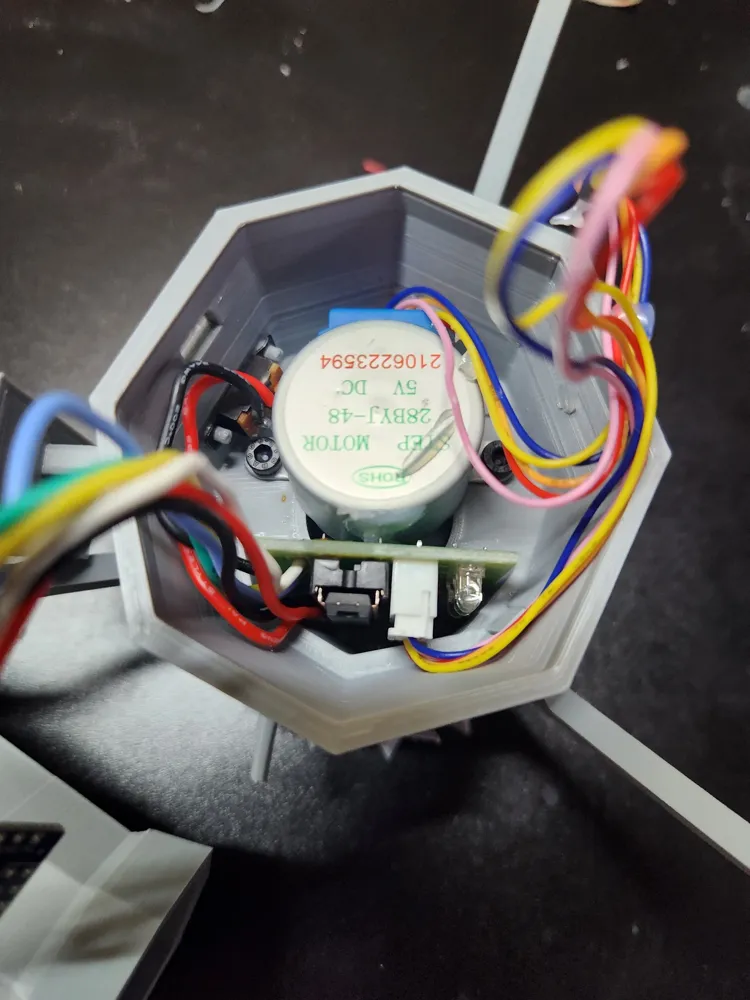
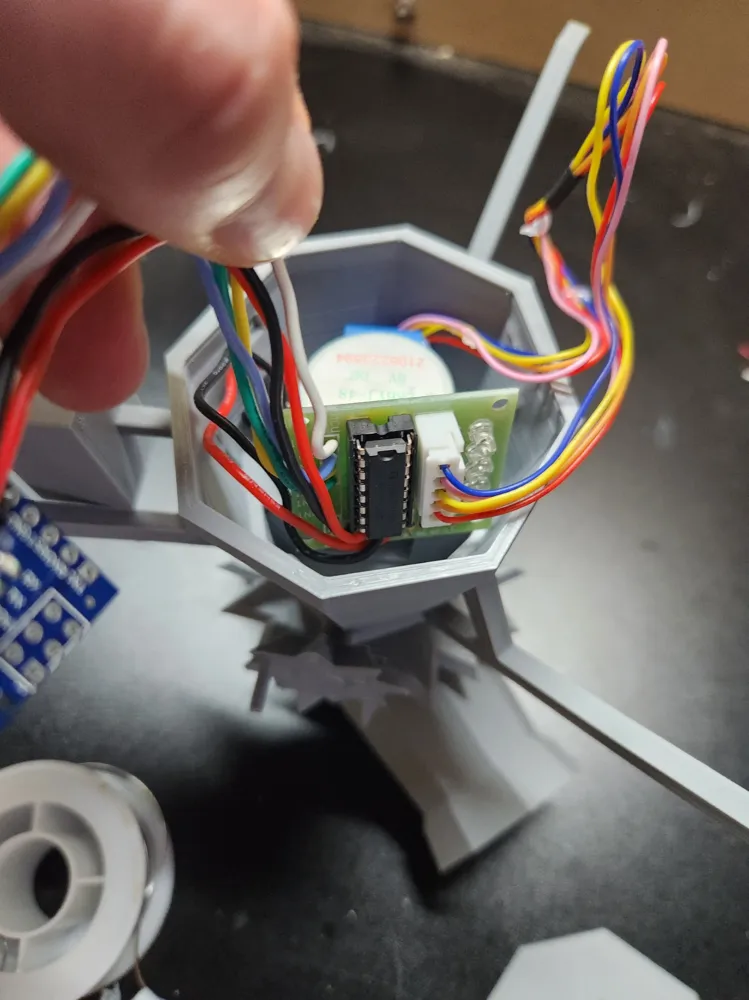
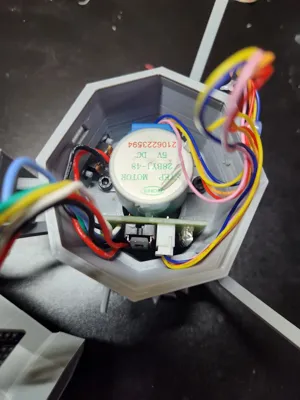
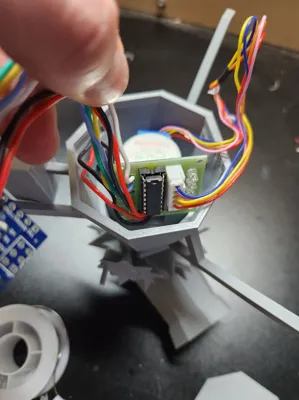
I used the 28BYJ-48 Stepper Motor with ULN2003 Driver which are both placed inside the base. the Nano is connected to the driver via 6 24 awg wires then powered by mini usb.
The switch I got from amazon
More info on the stepper I used. In-Depth: Control 28BYJ-48 Stepper Motor with ULN2003 Driver & Arduino (lastminuteengineers.com)
Filament: OVERTURE PLA Plus Light Grey
Notes: The bottom plate is a bit tight so you may want to scale it down a bit (1-5%)
Arduino Code since Makerworld does not allow text file attachments. Copy this into a Arduino IDE project.
//Includes the Arduino Stepper Library
#include <Stepper.h>
// Defines the number of steps per rotation
const int stepsPerRevolution = 2038;
// Creates an instance of stepper class
// Pins entered in sequence IN1-IN3-IN2-IN4 for proper step sequence
Stepper myStepper = Stepper(stepsPerRevolution, 8, 10, 9, 11);
void setup() {
// Nothing to do (Stepper Library sets pins as outputs)
}
void loop() {
// Rotate CW at 16 RPM The OSRS Game version rotates at about 17 Rpm (with the pauses between 1/8 turns.
//45deg per game tick) but I experienced skipping at 17+.
myStepper.setSpeed(16);
myStepper.step(stepsPerRevolution/8 );
delay(150);
}
This remix is based on

License



Comment & Rating (3)