
Lightweight Infinite Desktop Skadis Wall
Print Profile(1)





Description
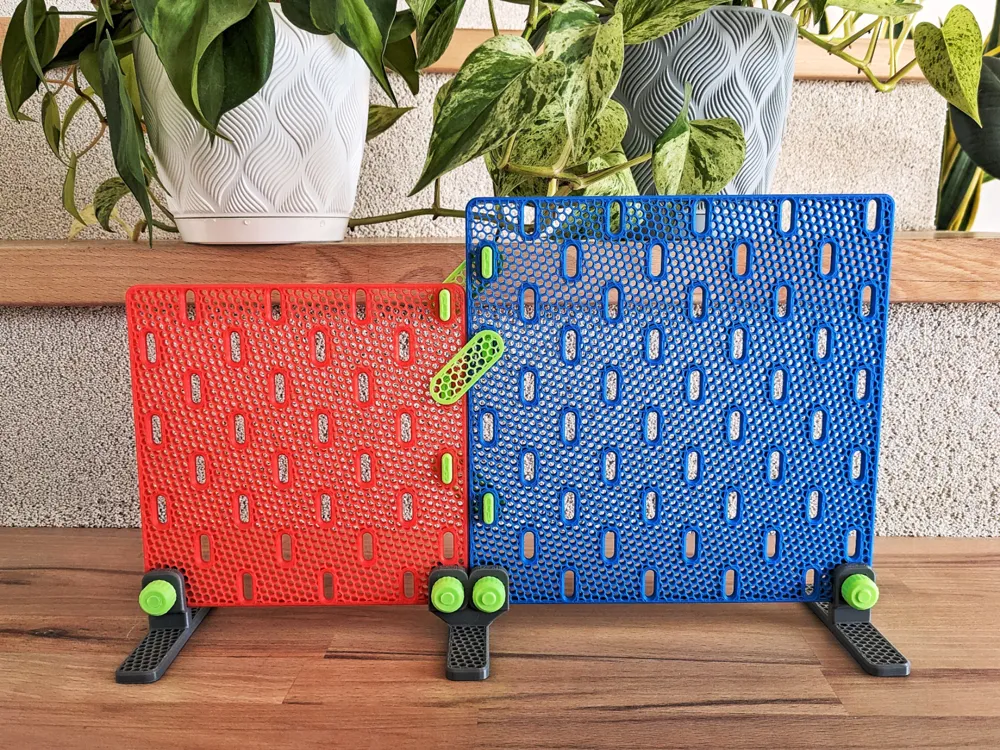
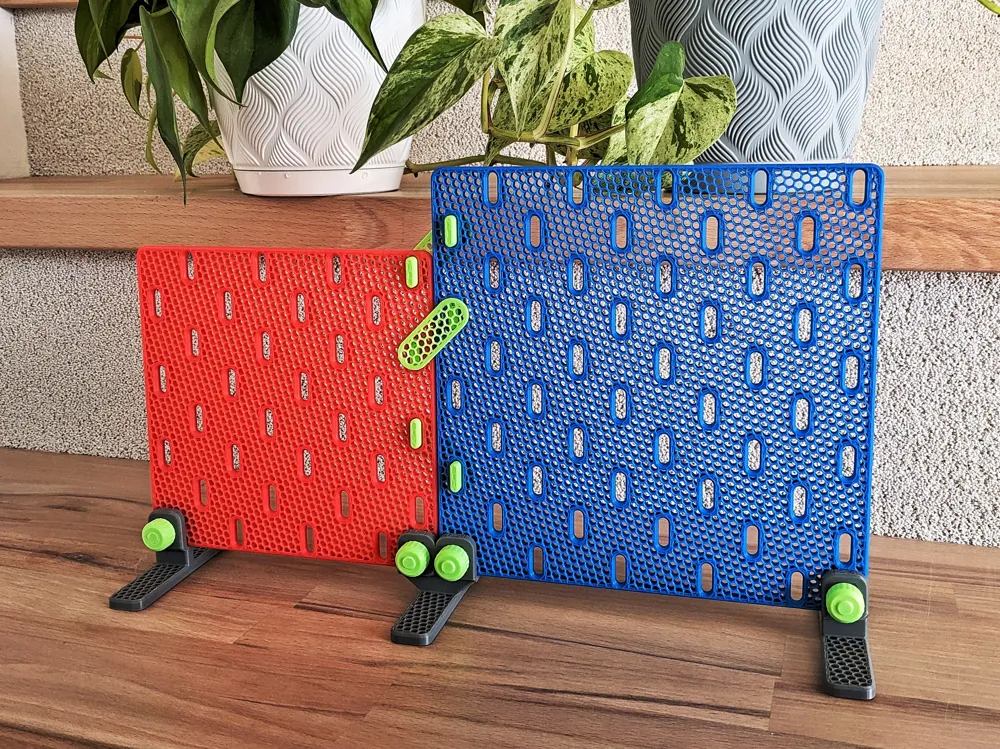
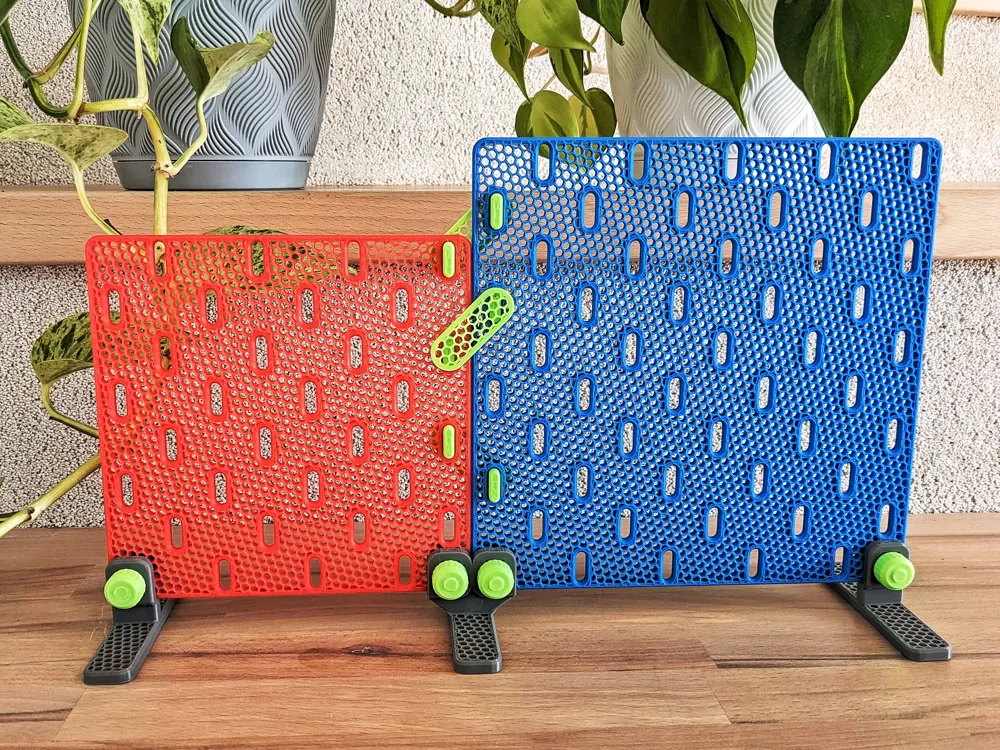
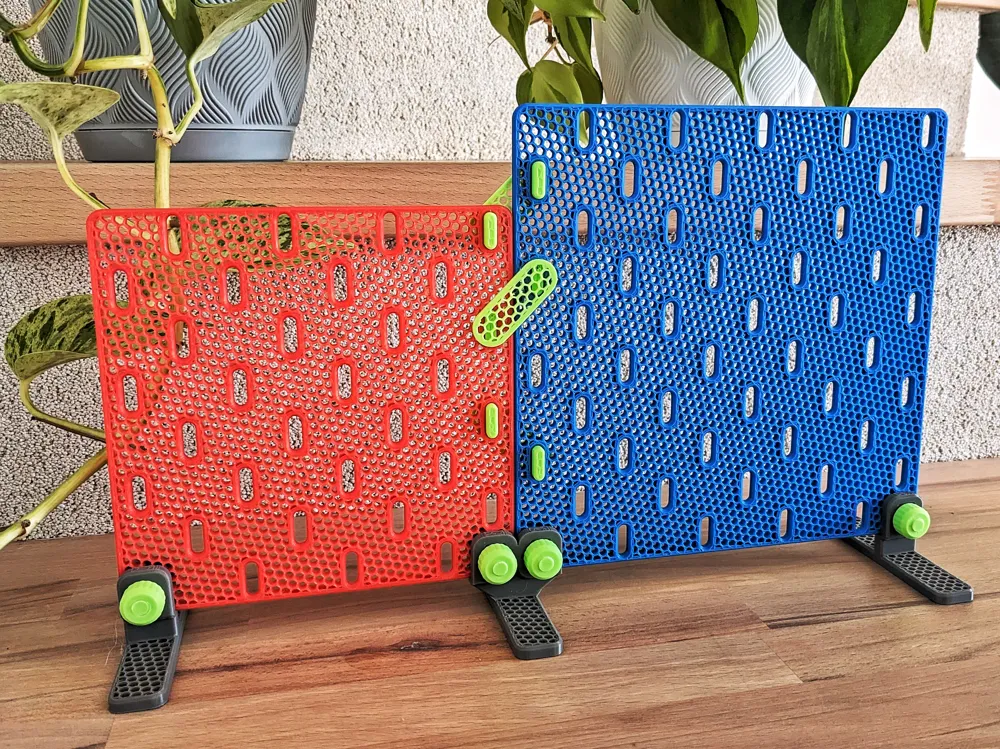
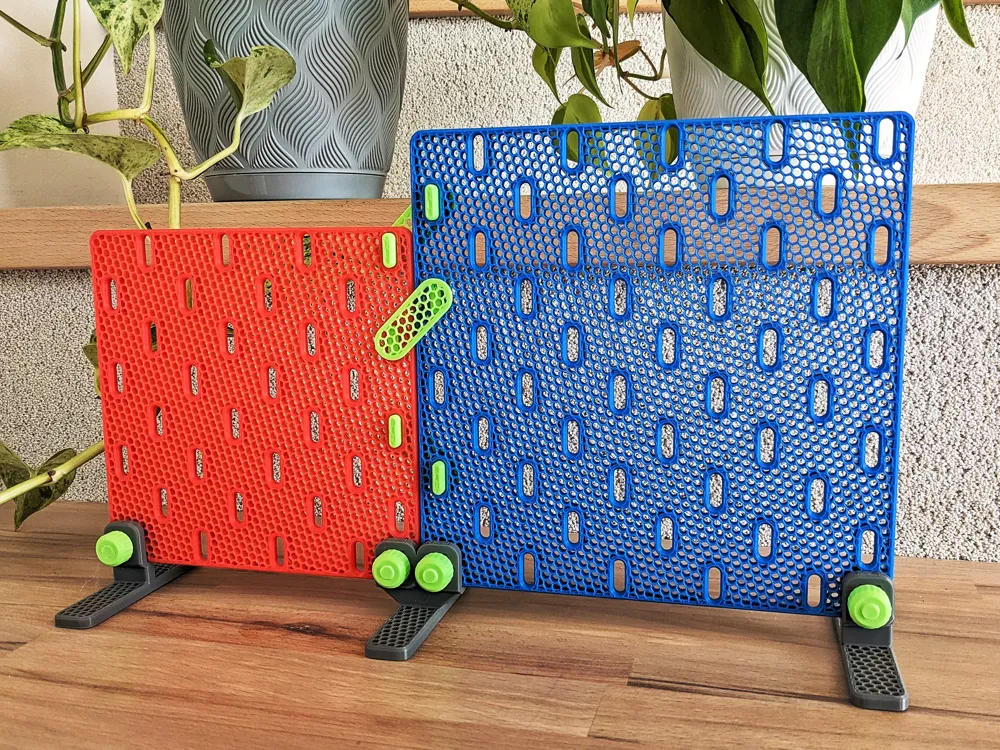
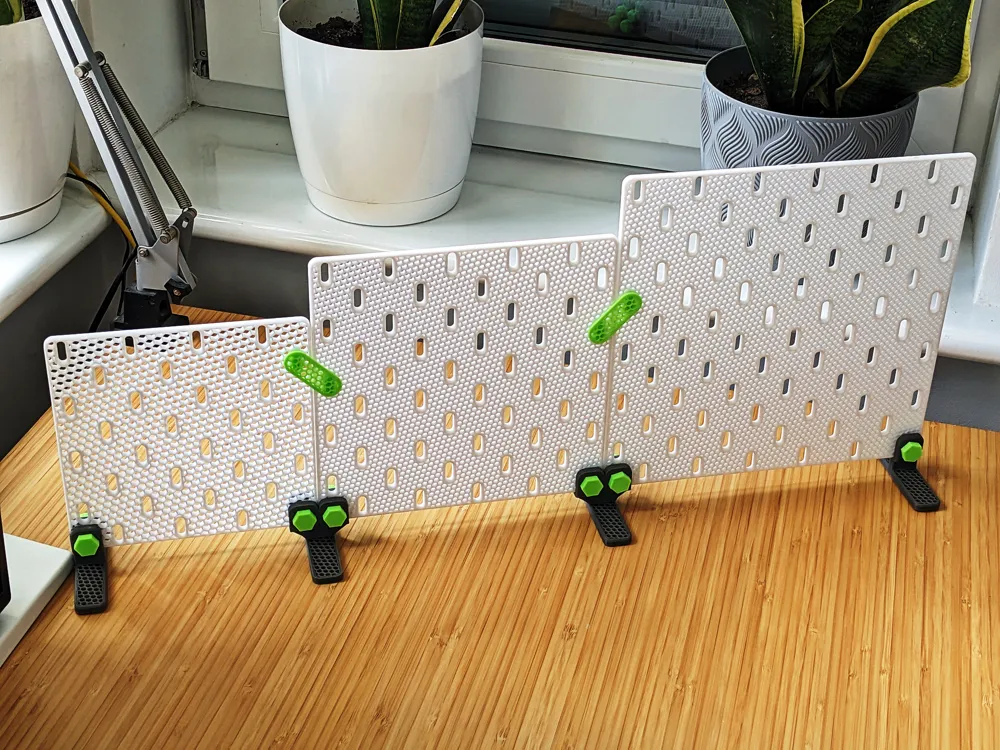
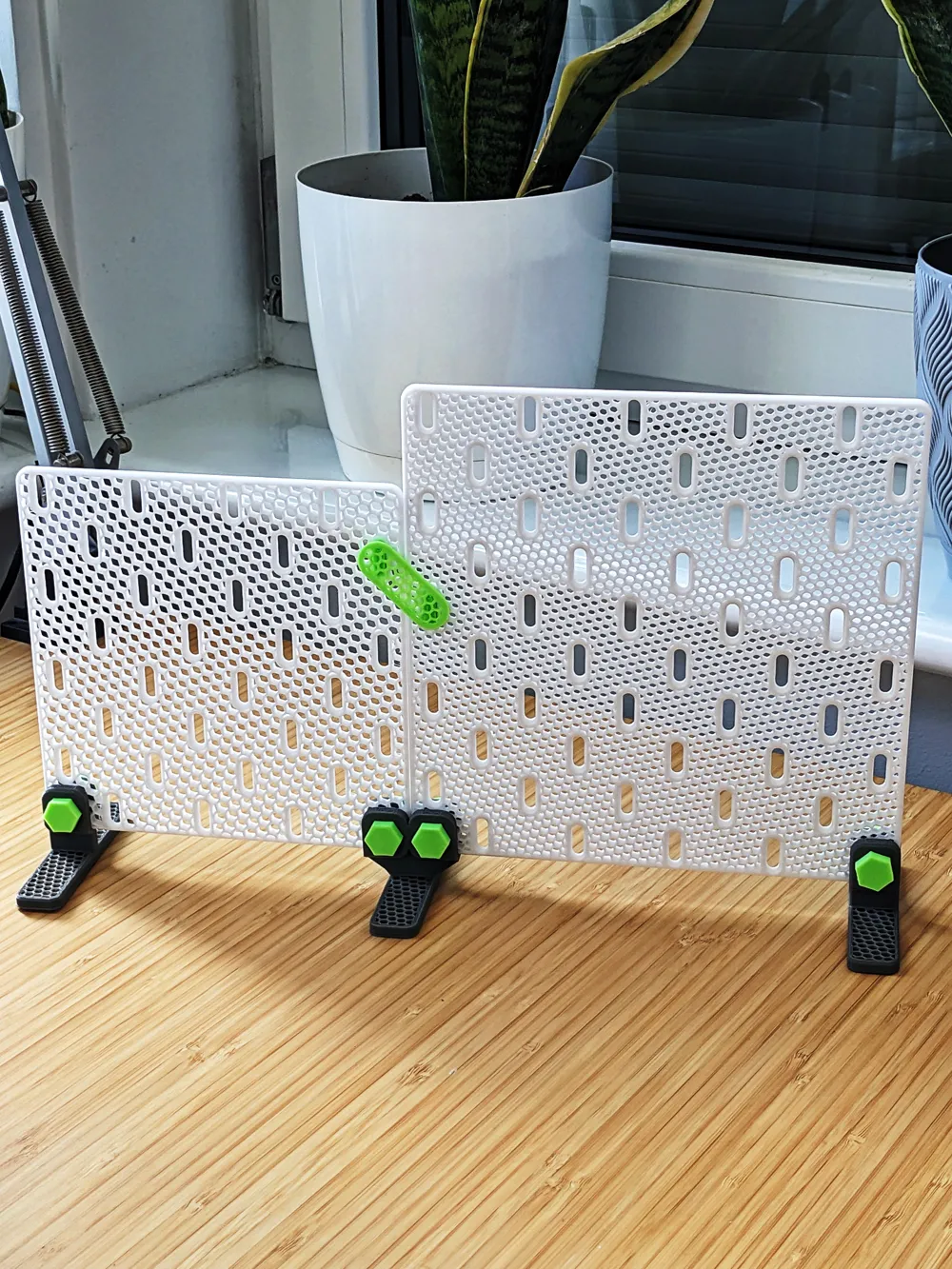
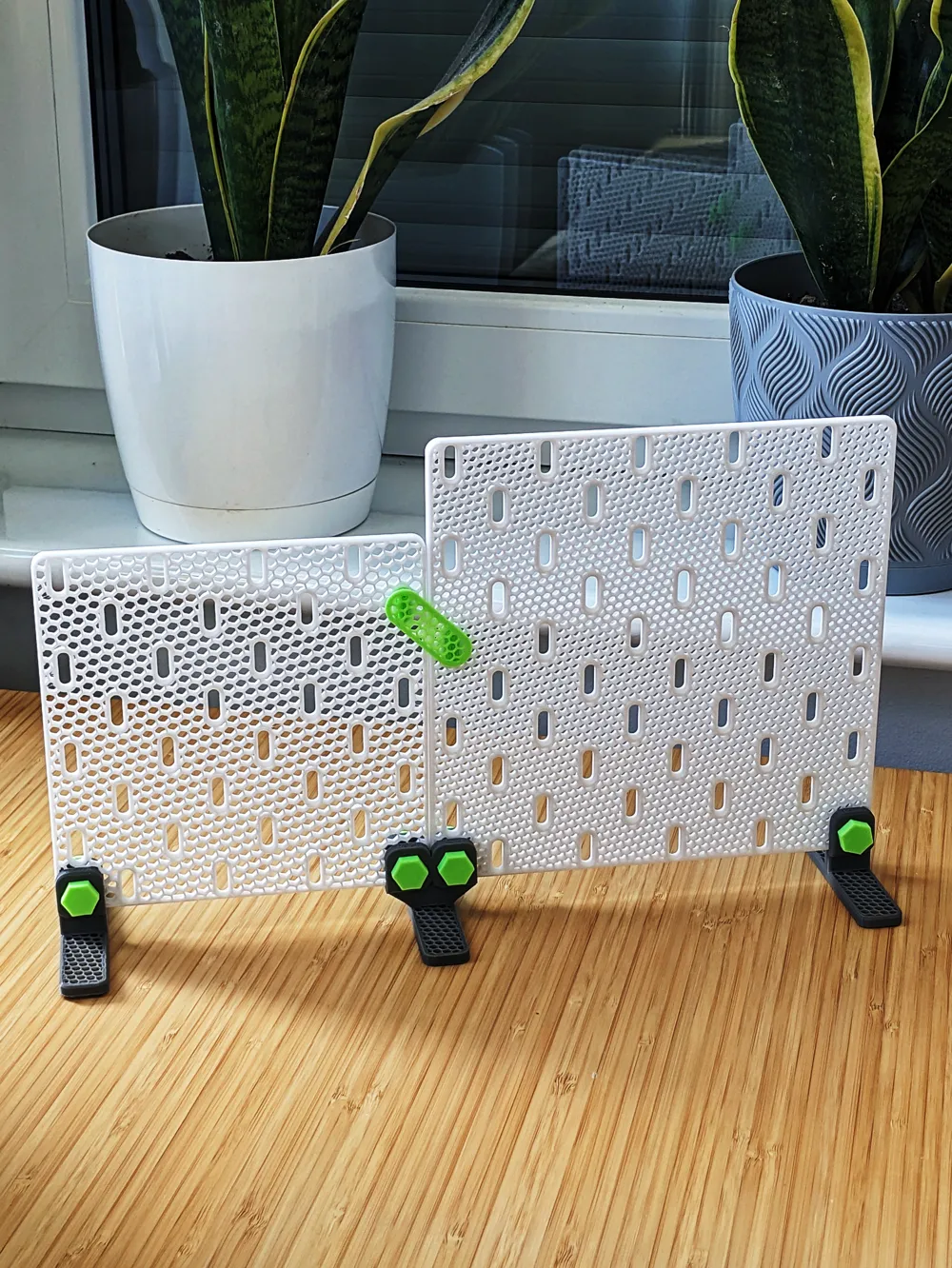
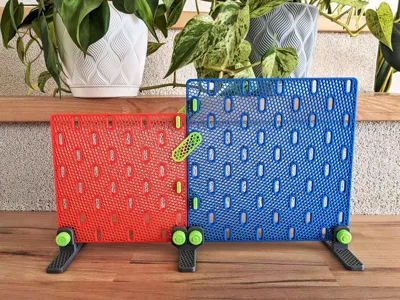
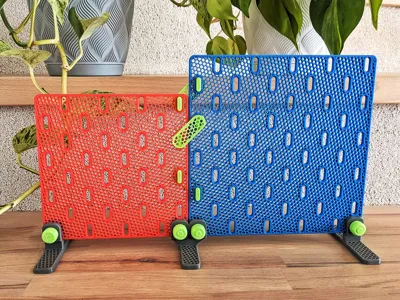
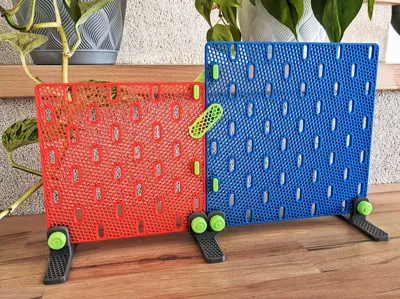
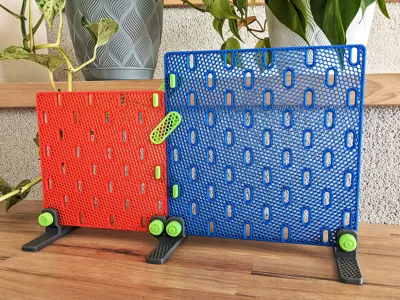
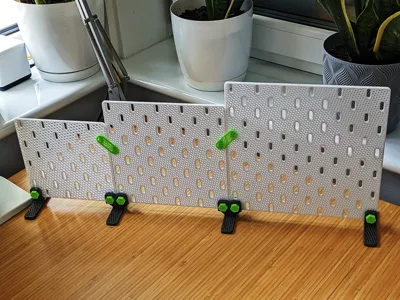
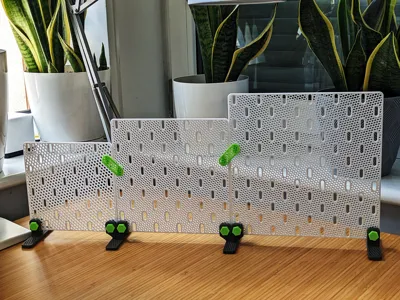
A modular and portable version of the Skadis system, designed for 3D printing. Create your own mobile organization center that fits anywhere, no wall mounting required.
Features
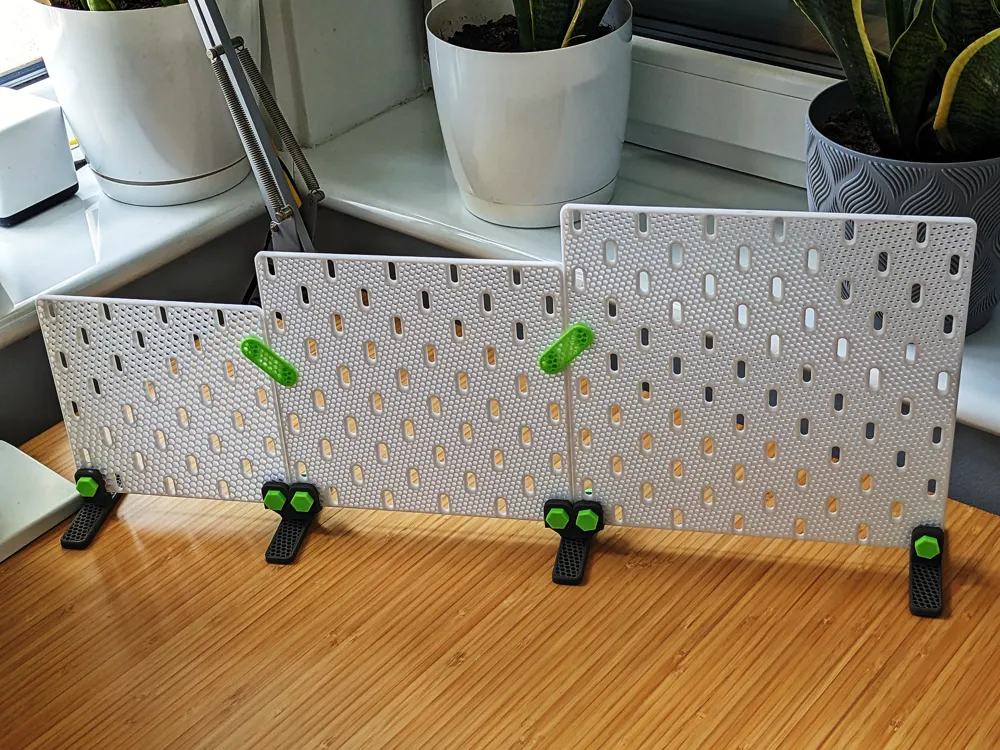
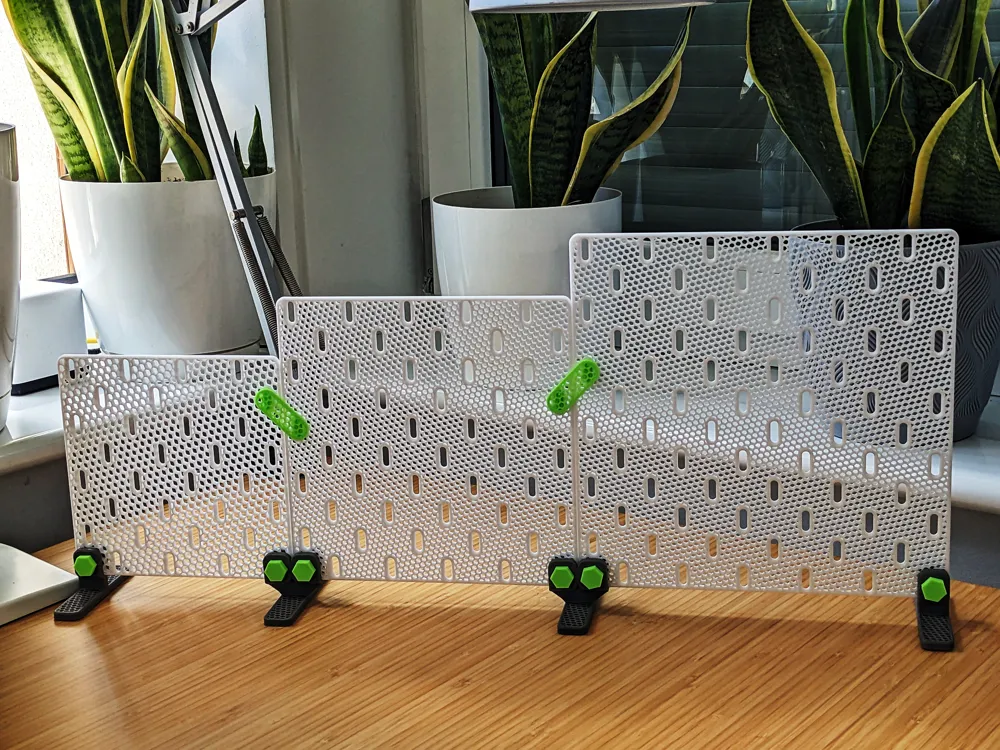
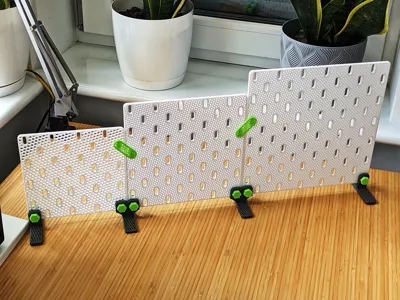
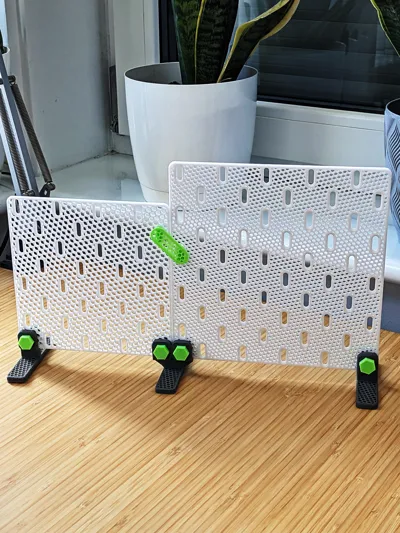
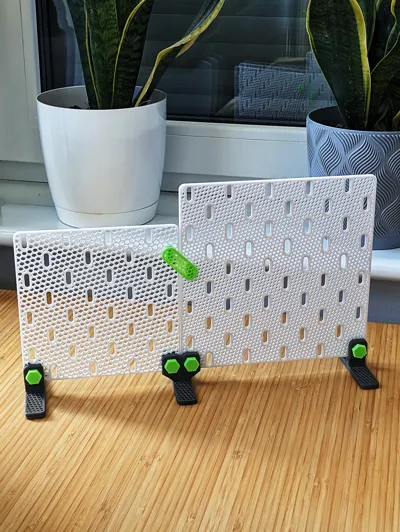
- Three panel sizes – 160x160, 200x200, 240x240 mm, which can be freely combined horizontally.
- Fully compatible – works with original Ikea Skadis accessories.
- Infinite setup – panels interlock to form one continuous wall.
- Optimized for 3D printing – requires less material compared to a full solid print.
- Portable & Modular – easy to assemble, disassemble, and move around.
- Customizable aesthetic – the open-grid design lets your chosen infill pattern (honeycomb, triangles, etc.) become part of the board’s look, while also allowing you to adjust stiffness and strength by changing infill density.
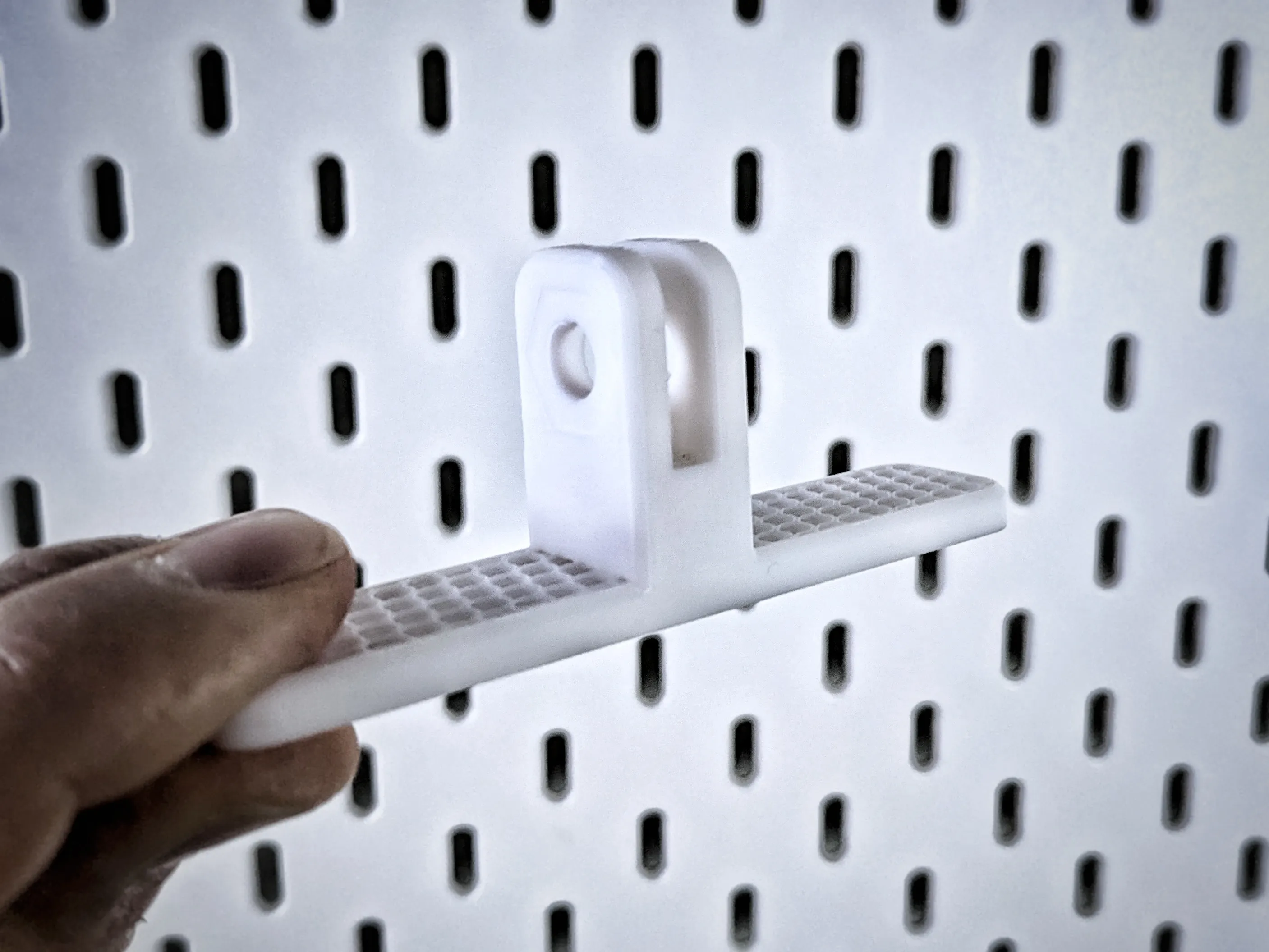
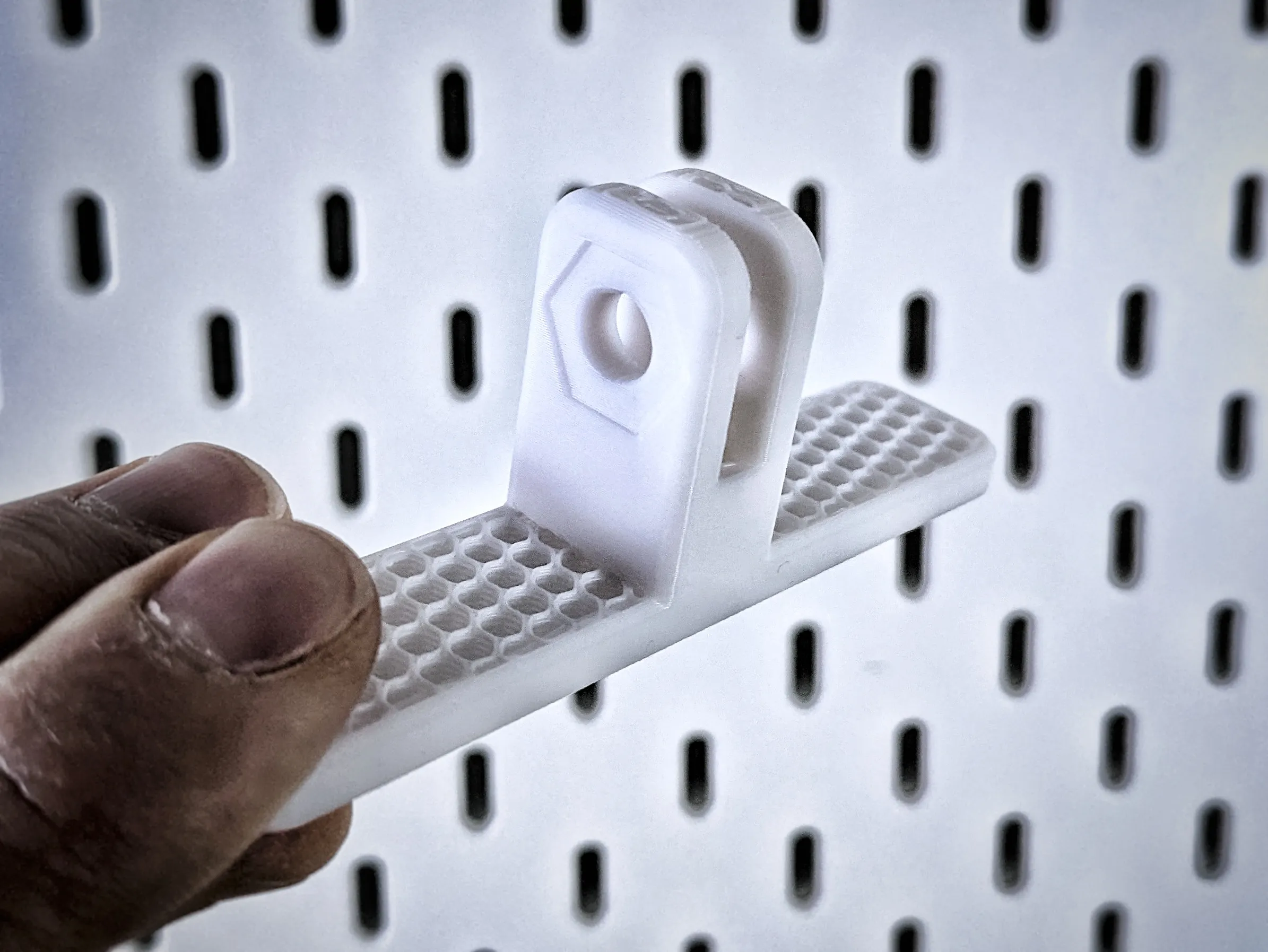
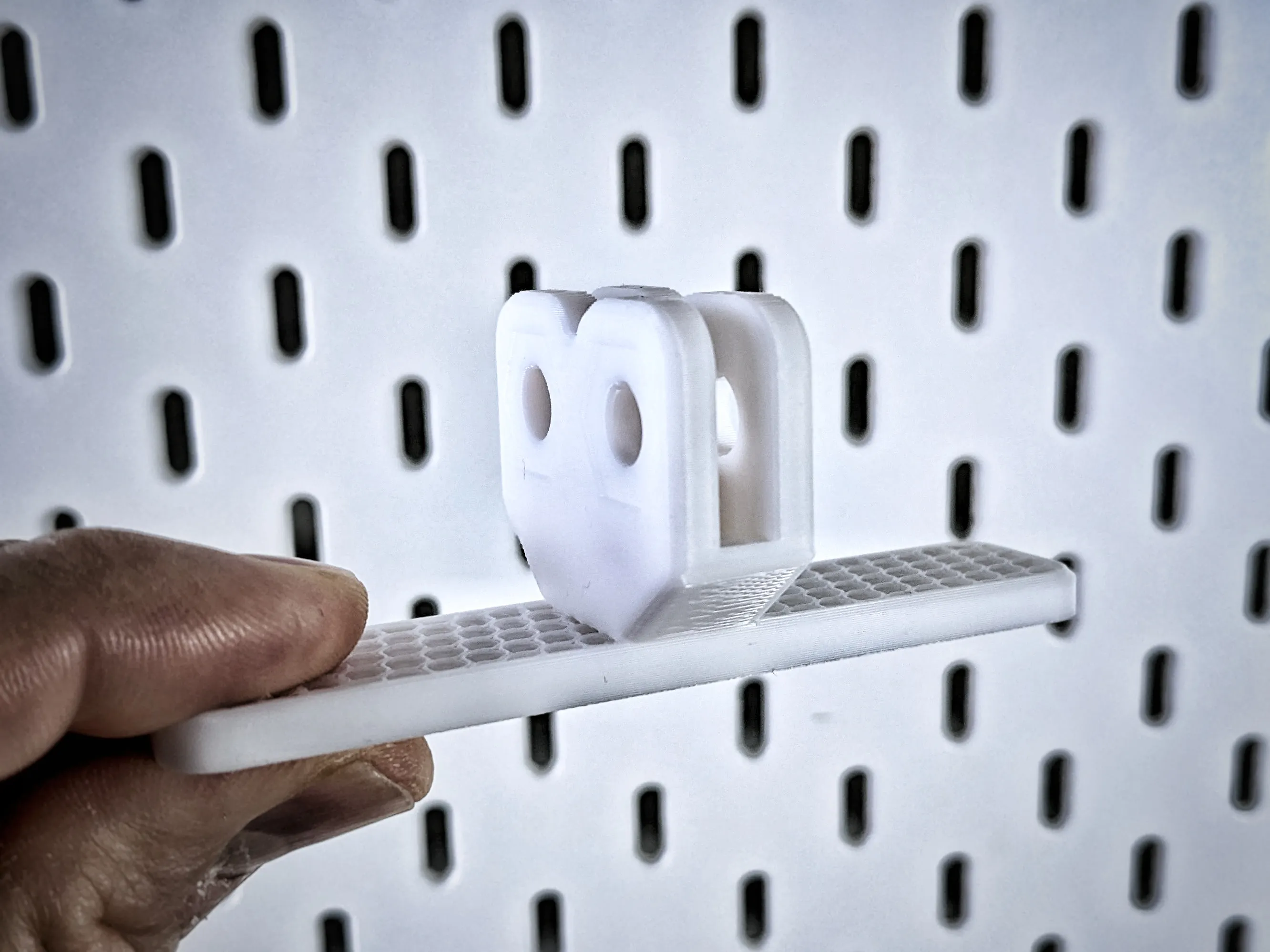
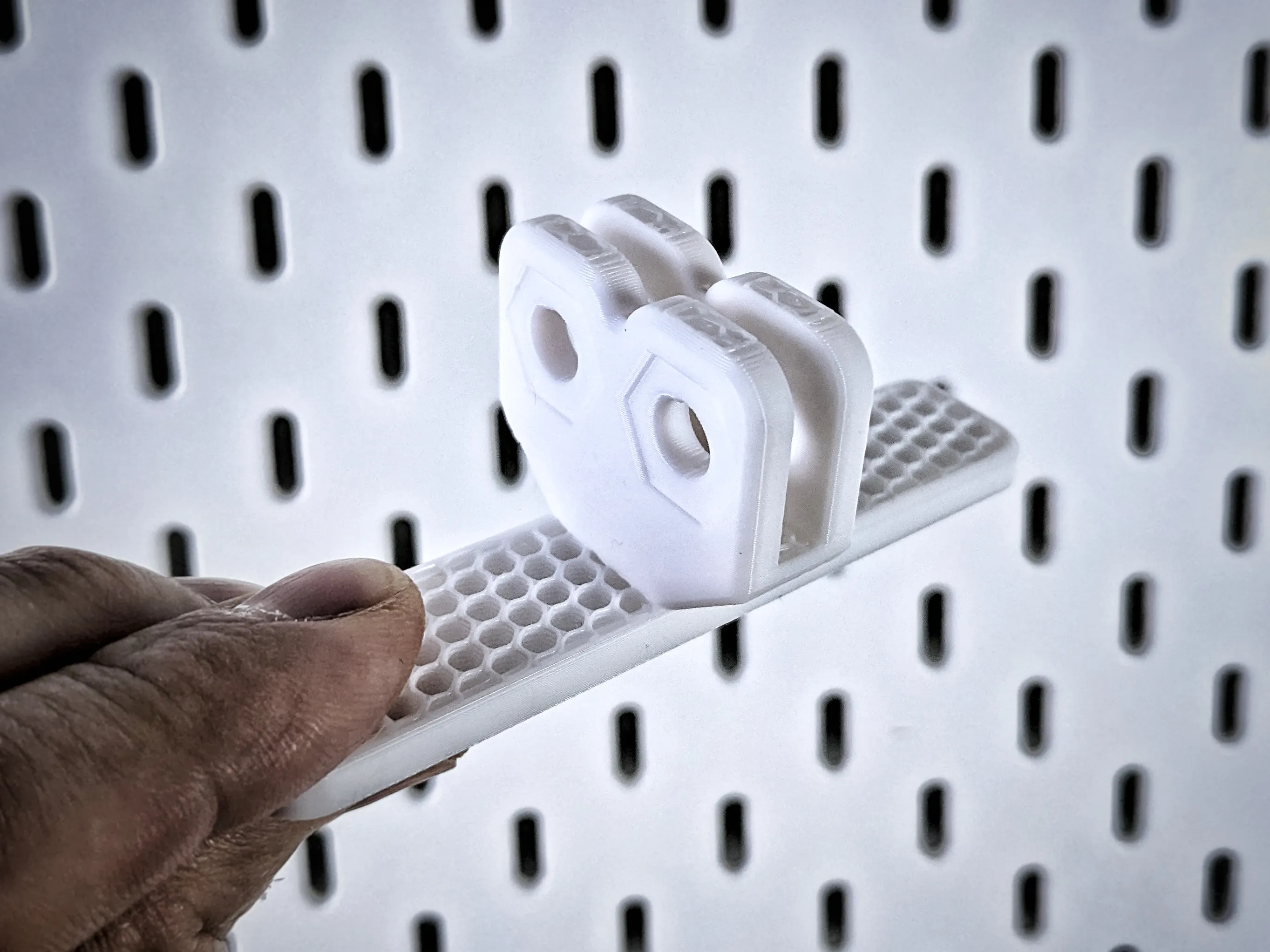
Update 14/01/2026: Based on feedback from @user_3530876474, I’ve added reinforced feet models to the print profile, both single and double versions.
 | 
|
 | 
|
Assembly
To build your setup, you will need:
- Print any number of panels in your preferred size(s).
- Print the stand single plate once (2x stands, one for the start and one end of the wall).
- Print the stand double element for every pair of panels you connect:
- Example: 1 panel → 0 stand double
- Example: 2 panels → 1 stand double
- Example: 4 panels → 2x stand double
- Print the nuts & bolts plate:
- 1 set per stand single element (2 bolts + 2 nuts)
- 1 set per stand double element (2 bolts + 2 nuts)
- Example: 2x stand single, 0 stand double = 1x nuts & bolts plate (2 bolts, 2 nuts)
- Example: 2x stand single, 1x stand double = 2x nuts & bolts plate contents (4 bolts, 4 nuts)
- (Optional) Print panel connectors plate – not required, but increases stability. Print as many as you feel necessary.
Important Note:
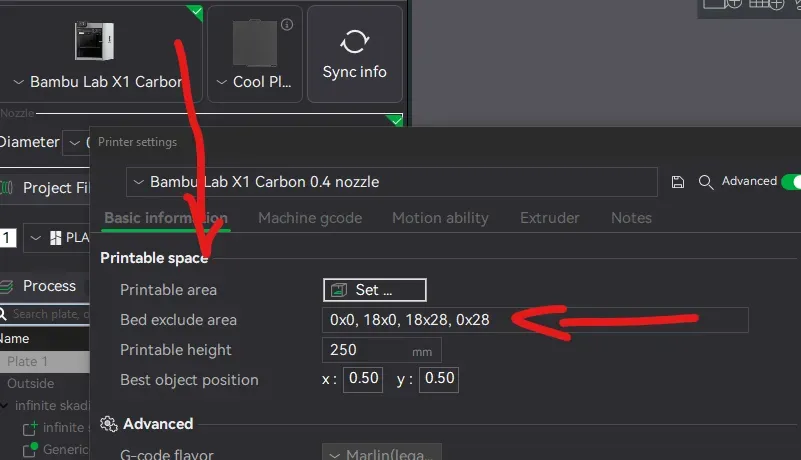
On Bambu Lab P1 and X1 series printers, there is a print volume limitation. To print 240x240mm panel model, you need to disable the print volume limit. More details can be found on the official wiki: Bambu Lab – Print Volume Limitations
If you have problem wiht printing on P1 or X1 just open printer settings and remove contents of ‘Bed excluded area’ in printer setings.
Customization:
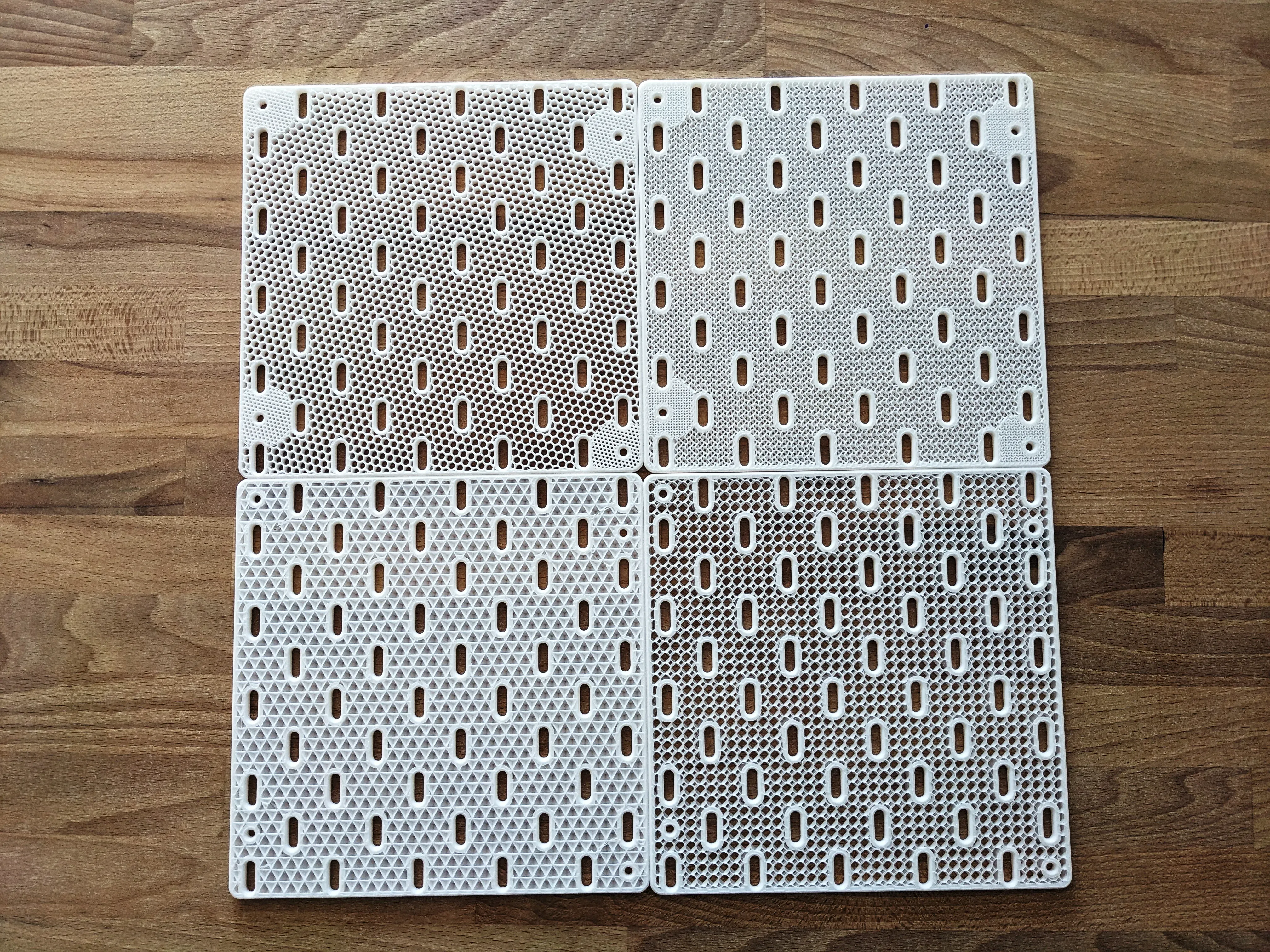
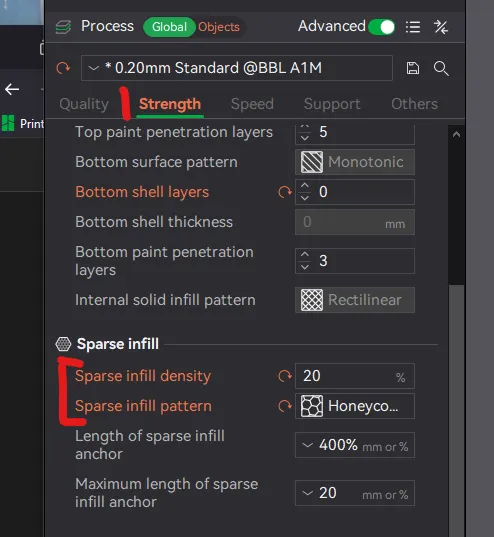
Customization is possible directly in your slicer. For Bambu Studio, check the Strength tab, under Sparse infill:
- Sparse infill density controls how dense the grid is.
- Sparse infill pattern allows you to choose the visual style (e.g., honeycomb, cross hatch, triangles).
Happy printing! Let me know how it works for you. Check out also Ikea Skadis collection with my other models ;)
Boost Me (for free)
If you like this model please boost me :)
License

You shall not share, sub-license, sell, rent, host, transfer, or distribute in any way the digital or 3D printed versions of this object, nor any other derivative work of this object in its digital or physical format (including - but not limited to - remixes of this object, and hosting on other digital platforms). The objects may not be used without permission in any way whatsoever in which you charge money, or collect fees.


Comment & Rating (43)