
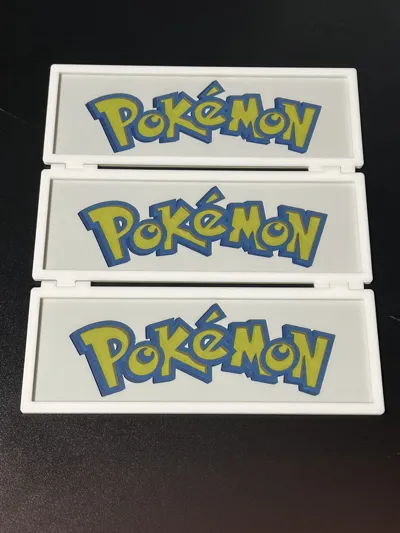
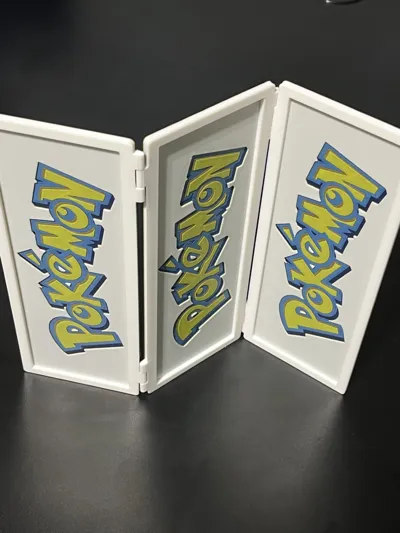
Triptych Display: Pokemon Hueforge
Print Profile(4)


Description

If you like my models and want to support me, you can drop a one-time tip on PayPal, or you can purchase filaments through my links. Every bit of support keeps me motivated to make more awesome stuff. Thanks a lot!
https://www.paypal.com/ncp/payment/7WU9PZ7AA2TTA
Demon Slayer series: Demon Slayer Hueforge | Collection - MakerWorld: Download Free 3D Models
One Piece series: OnePiece_Hueforge | Collection - MakerWorld: Download Free 3D Models
Dan Da Dan series: https://makerworld.com/en/collections/7165703-dandadan_hueforge
Marvel series: Marvel_Hueforge | Collection - MakerWorld: Download Free 3D Models
Animal series: Animal_Hueforge | Collection - MakerWorld: Download Free 3D Models
Continue my Pokémon series:
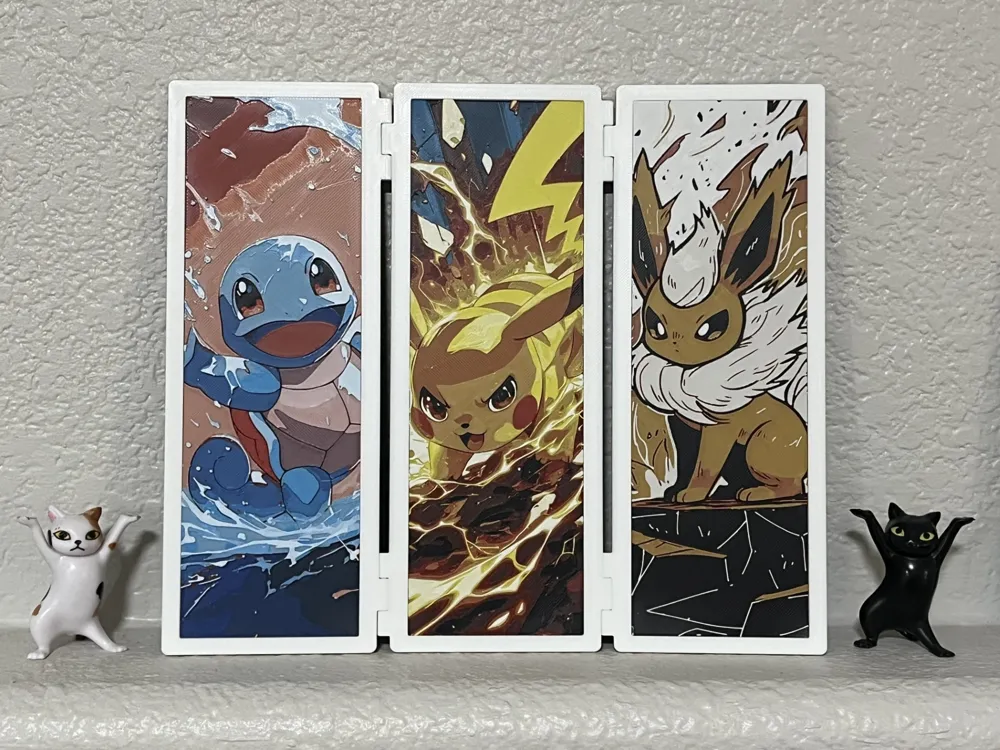
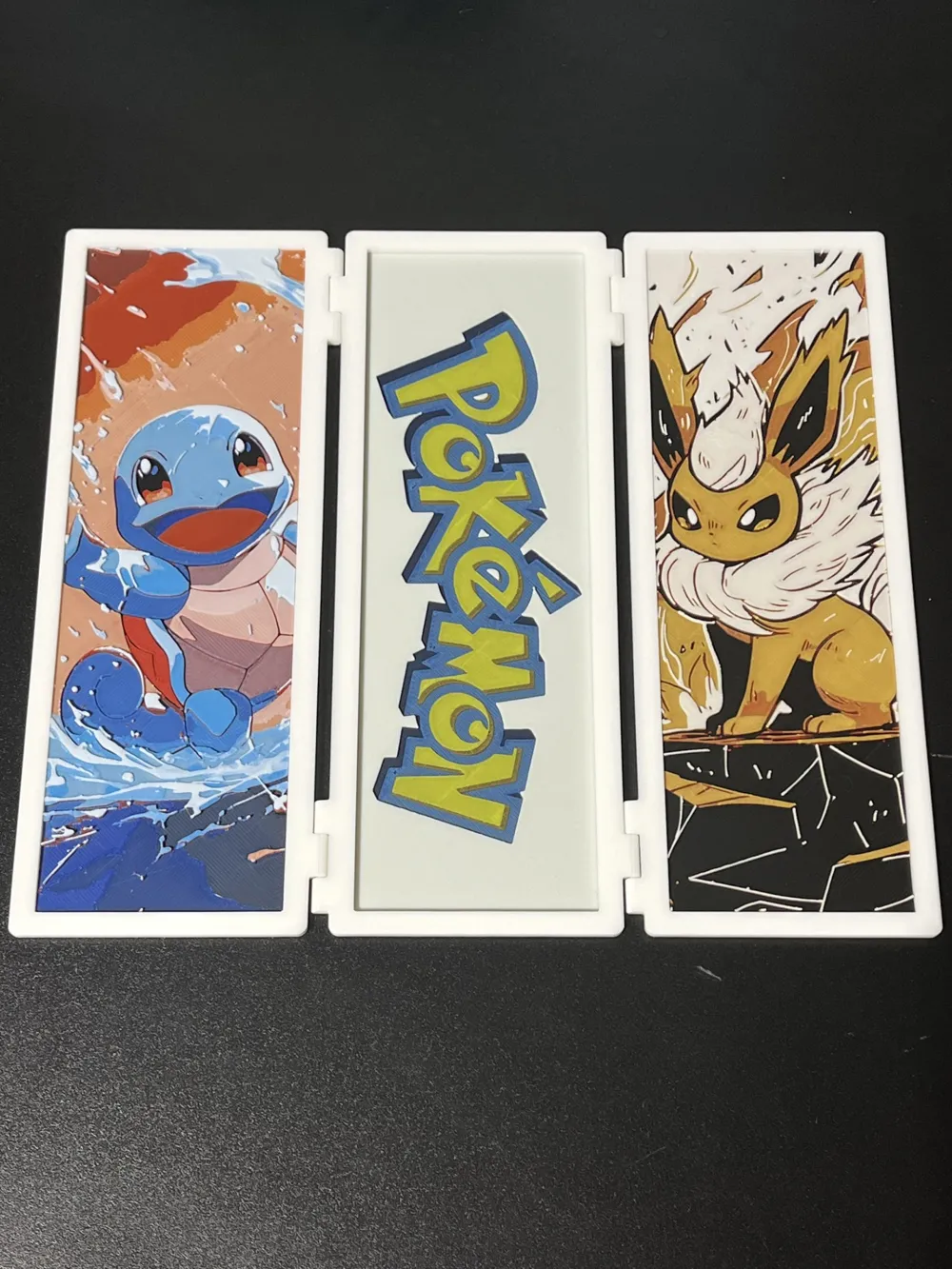
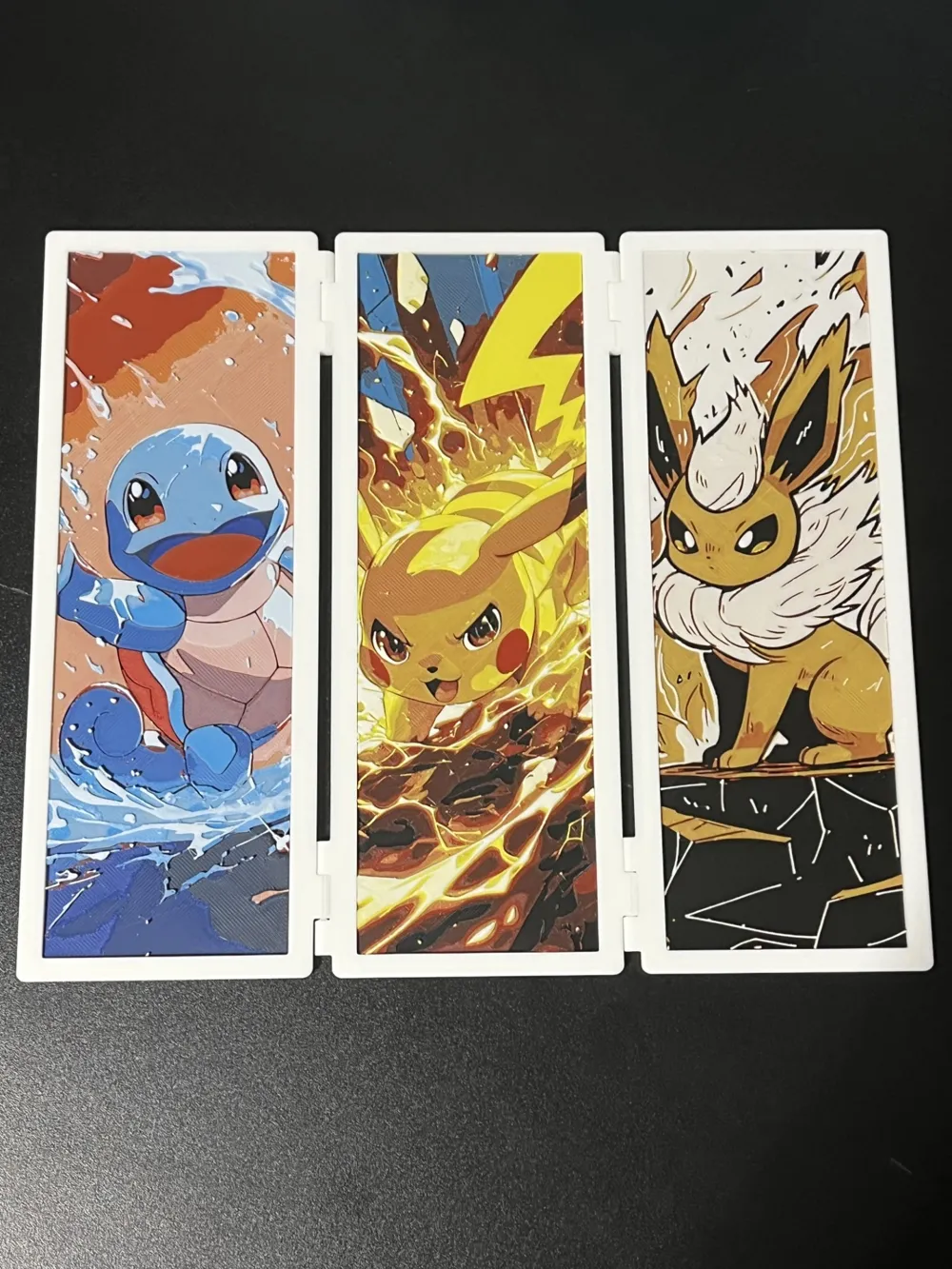
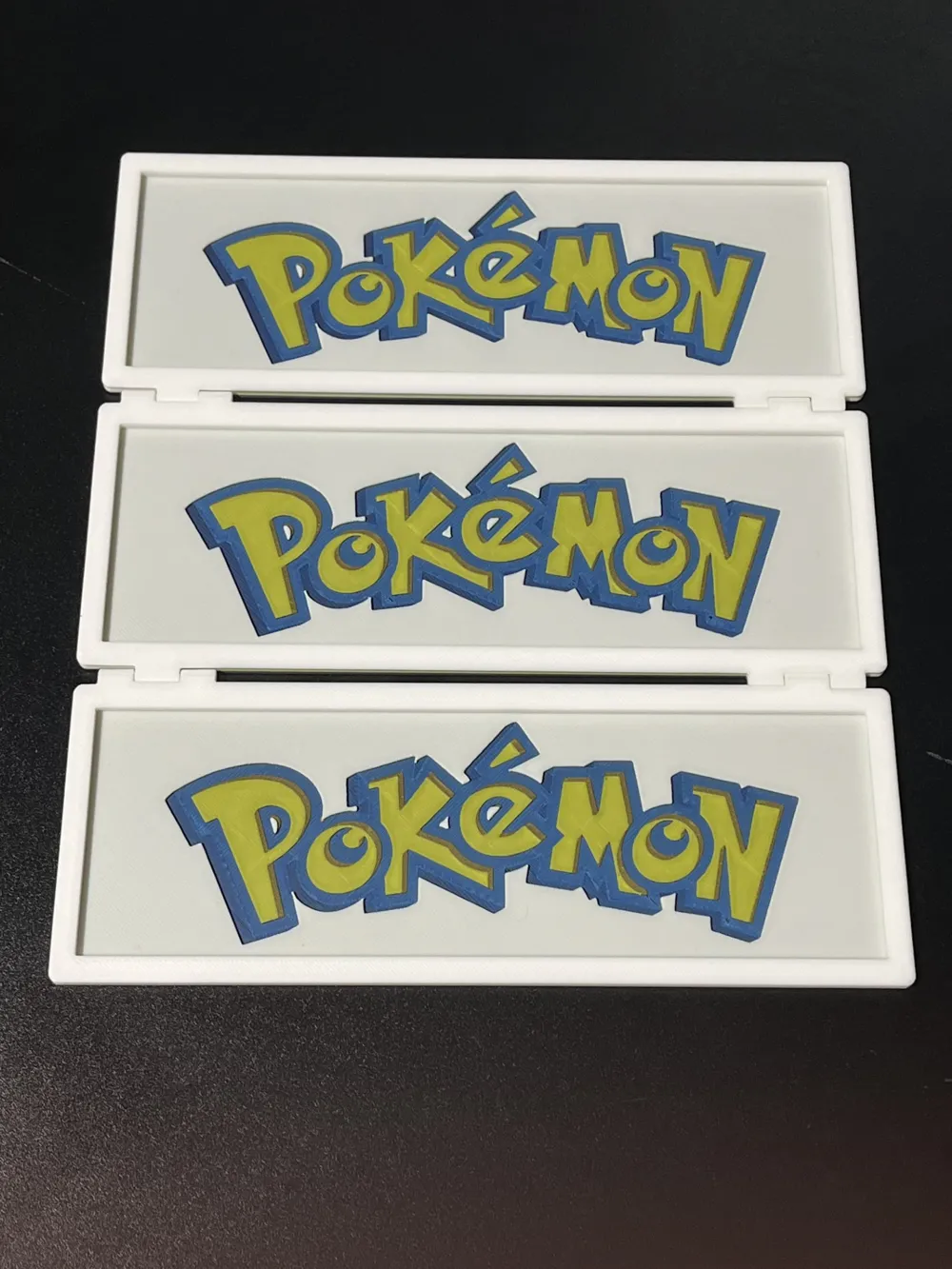
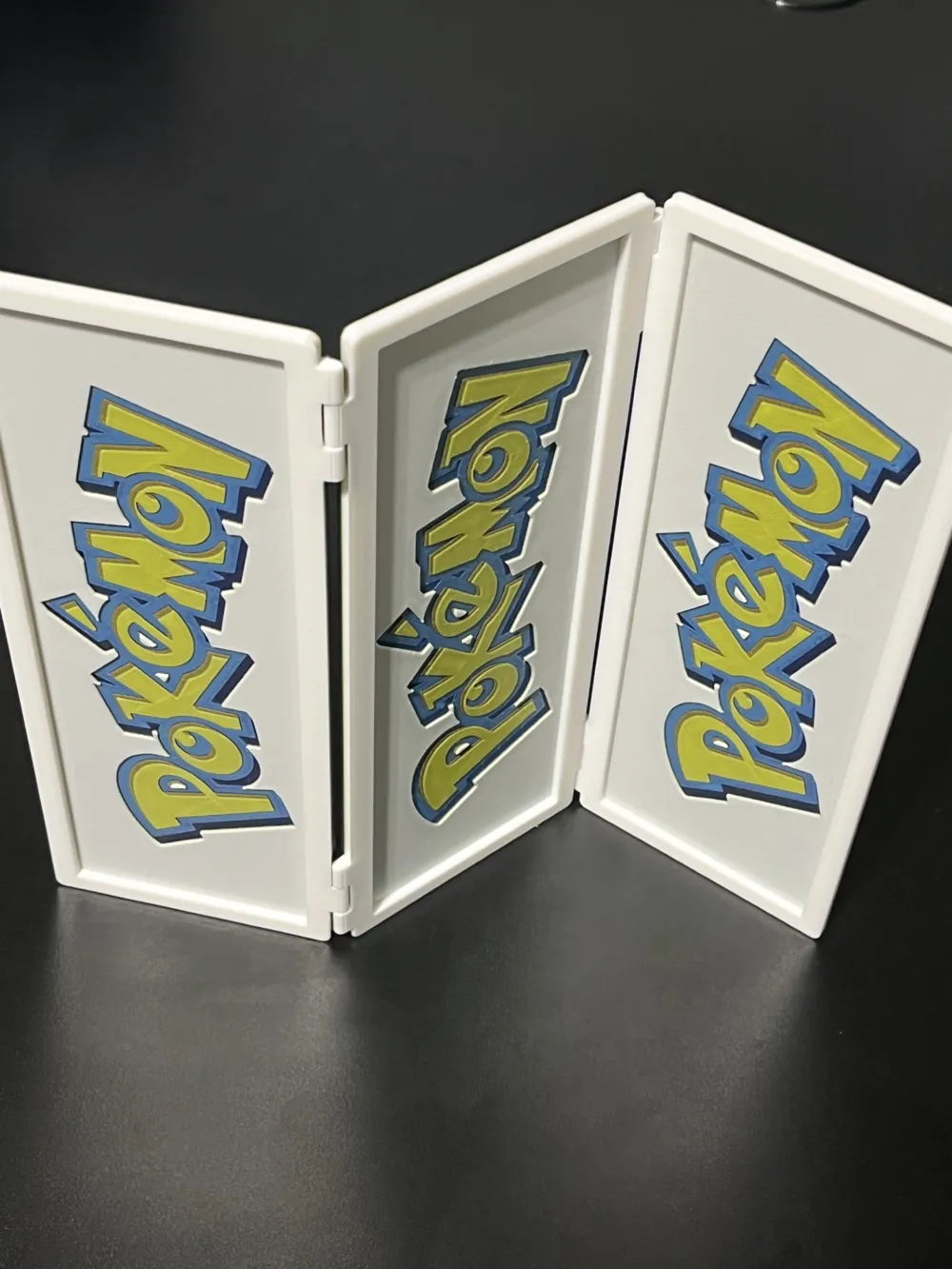
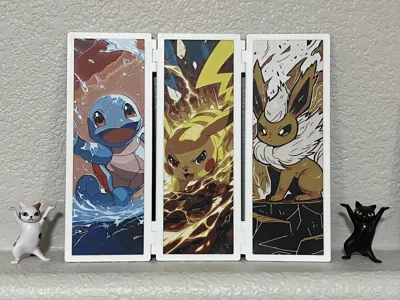
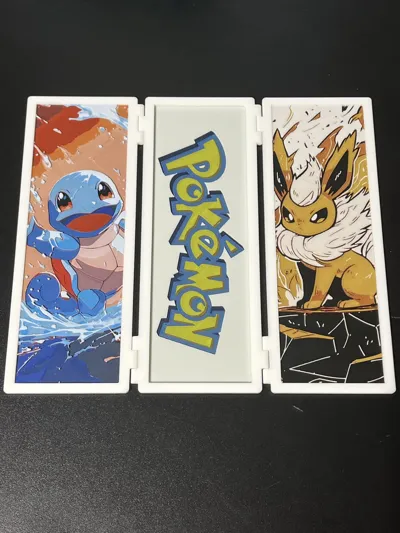
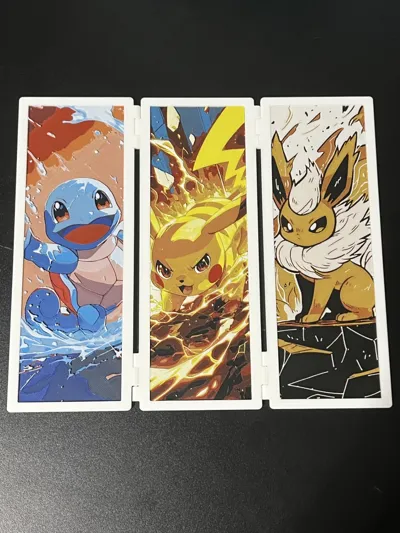
There are four print files included each of which should be printed separately. Do not adjust any print settings—they are already configured with pauses for color swaps.
Once printing is complete, simply insert the three HueForge pieces into the three panels of the folder. The dimensions have been carefully calculated with precise tolerances, ensuring that the inserts fit securely while still being easy to place.
For disassembly, you can use tweezers to slide into the tolerance gap, allowing the HueForge piece to be removed effortlessly.
Project: Pokemon Logo + Trifold.hfp
Print at 100% infill with a layer height of 0.08mm with a base layer of 0.16mm
You may print at higher layer heights below the Base Thickness of 0.48mm
The Max allowed Thickness is 2.24mm and the Actual Thickness is 1.44mm
Filaments Used:
#000000 PLA Basic Black Transmission Distance: 0.1
#0000ff PLA Blue Transmission Distance: 1.6
#0086d6 PLA Basic Cyan Transmission Distance: 2.4
#c00d1e PLA Basic Red Transmission Distance: 3.7
#fce300 PLA Basic Yellow Transmission Distance: 5.2
#ffffff PLA Basic Jade White Transmission Distance: 5.8
This print uses 6 unique filaments
Swap Instructions:
Start with Black
At layer #5 (0.48mm) swap to Blue
At layer #6 (0.56mm) swap to Cyan
At layer #7 (0.64mm) swap to Black
At layer #8 (0.72mm) swap to Red
At layer #9 (0.8mm) swap to Yellow
At layer #12 (1.04mm) swap to Jade White for the rest.
for only one AMS, start with 4 colors as follows:
Slot1: Black
Slot2: Blue
Slot3: Cyan
Slot4: Red
When printing reaches layer 7, you need manually do this swap before layer 9 (i didnt set pauses in the file):
Slot2: Blue --> Yellow
Slot3: Cyan --> White
Project: Eevee_65x200.hfp
Print at 100% infill with a layer height of 0.08mm with a base layer of 0.16mm
The Model is 65x200mm in size
You may print at higher layer heights below the Base Thickness of 0.48mm
The Max allowed Thickness is 2.24mm and the Actual Thickness is 2.08mm
Filaments Used:
#000000 PLA BambuLab Basic Black Transmission Distance: 0.1
#c00d1e PLA BambuLab Basic Red Transmission Distance: 3.7
#fce300 PLA BambuLab Basic Yellow Transmission Distance: 5.2
#ffffff PLA BambuLab Basic Jade White Transmission Distance: 5.8
This print uses 4 unique filaments
Swap Instructions:
Start with Black
At layer #10 (0.88mm) swap to Red
At layer #15 (1.28mm) swap to Yellow
At layer #18 (1.52mm) swap to Jade White for the rest.
Project: Pikachu_65x200.hfp
Print at 100% infill with a layer height of 0.08mm with a base layer of 0.16mm
The Model is 65x200mm in size
You may print at higher layer heights below the Base Thickness of 0.48mm
The Max allowed Thickness is 2.56mm and the Actual Thickness is 2.48mm
Filaments Used:
#000000 PLA BambuLab Basic Black Transmission Distance: 0.1
#0086d6 PLA BambuLab Basic Cyan Transmission Distance: 2.4
#c00d1e PLA BambuLab Basic Red Transmission Distance: 3.7
#fce300 PLA BambuLab Basic Yellow Transmission Distance: 5.2
#ffffff PLA BambuLab Basic Jade White Transmission Distance: 5.8
This print uses 5 unique filaments
Swap Instructions:
Start with Black
At layer #6 (0.56mm) swap to Cyan
At layer #8 (0.72mm) swap to Black
At layer #11 (0.96mm) swap to Red
At layer #16 (1.36mm) swap to Yellow
At layer #23 (1.92mm) swap to Jade White for the rest.
For only one AMS, start with 4 colors as follows,
Slot1: Black
Slot2: Cyan
Slot3: Red
Slot4: Yellow
Pause was set at layer 9 to allow color swap:
Slot2: Cyan --> White
Project: Squirtle_65x200.hfp
Print at 100% infill with a layer height of 0.08mm with a base layer of 0.16mm
The Model is 65x200mm in size
You may print at higher layer heights below the Base Thickness of 0.48mm
The Max allowed Thickness is 2.56mm and the Actual Thickness is 2.56mm
Filaments Used:
#000000 PLA BambuLab Basic Black Transmission Distance: 0.1
#00358e PLA BambuLab Basic Blue Transmission Distance: 4
#0086d6 PLA BambuLab Basic Cyan Transmission Distance: 2.4
#c00d1e PLA BambuLab Basic Red Transmission Distance: 3.7
#ffffff PLA BambuLab Basic Jade White Transmission Distance: 5.8
#fce300 PLA BambuLab Basic Yellow Transmission Distance: 5.2
This print uses 6 unique filaments
Swap Instructions:
Start with Black
At layer #6 (0.56mm) swap to Blue
At layer #9 (0.8mm) swap to Cyan
At layer #11 (0.96mm) swap to Red
At layer #12 (1.04mm) swap to Jade White
At layer #13 (1.12mm) swap to Red
At layer #18 (1.52mm) swap to Yellow
At layer #19 (1.6mm) swap to Jade White
At layer #22 (1.84mm) swap to Cyan
At layer #24 (2mm) swap to Jade White for the rest.
For only One AMS,
Start with 4 colors as follows:
Slot1: Black
Slot2: Blue
Slot3: Cyan
Slot4: Red
Pause was set Layer 10 to allow color swap:
Slot1: Black --> White
Slot2: Blue --> Yellow
******************************************************************************************
Boost Me (for free)
Not just 3D prints—each piece is a layered illusion of color, depth, and passion. Thanks for your visits, any feedback will be appreciated!
******************************************************************************************
License



Comment & Rating (11)