Search models, users, collections, and posts

FantasyZ
@FantasyZ
905
16.7 k
12.1 k
6.6 k
Bio
Life can be tough sometimes, so I’m really happy if my work can bring a little color to your day! If you are interested in more exclusive models and custom build, welcome to follow my patreon: https://www.patreon.com/c/FantasyZ
Achievements

MakerWorld Guardian
Active more than 20 days out of last 30 days UTC time

Popular Creator
More than 1,000 followers.

Stellar Reviewer
Rate or Comment 269 different models
Pioneer Maker
Print successful 190 different models and 4,512 hours
Recent Article
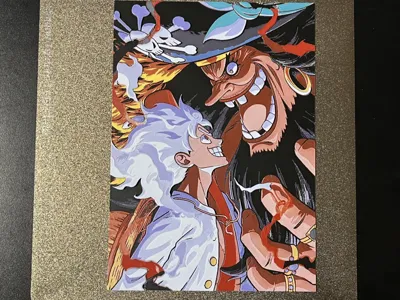
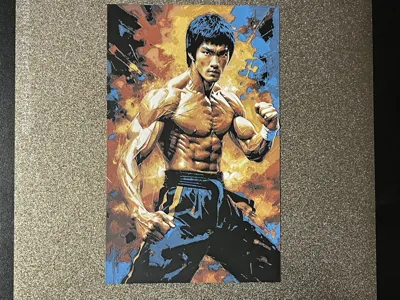
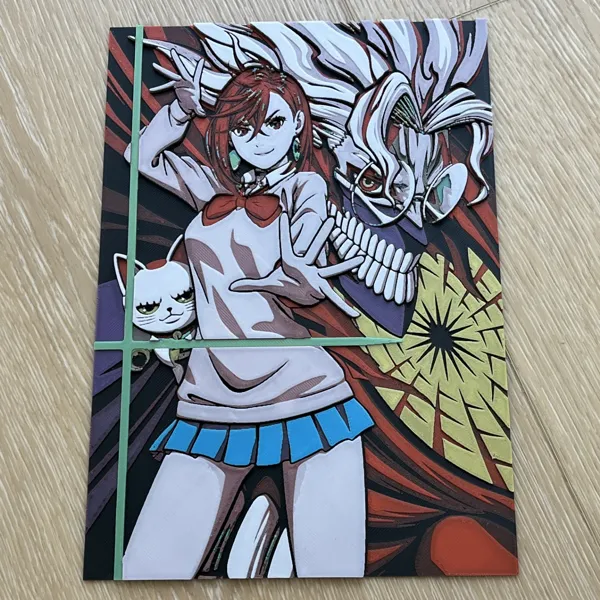
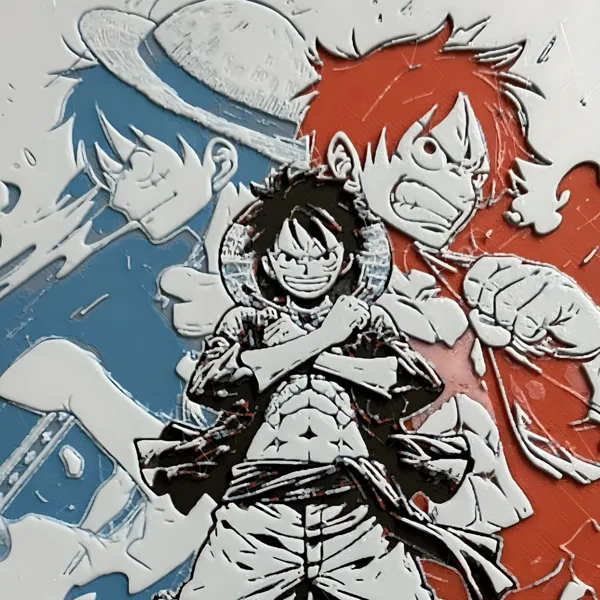
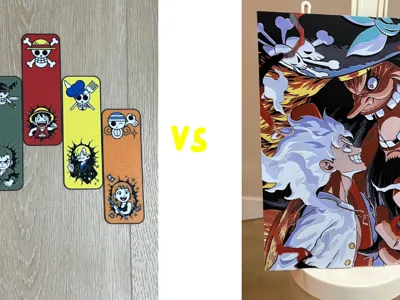
Multicolor tool comparison: Flexi vs Hueforge
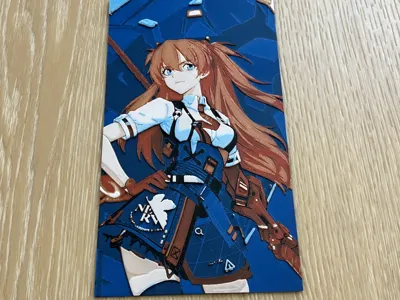
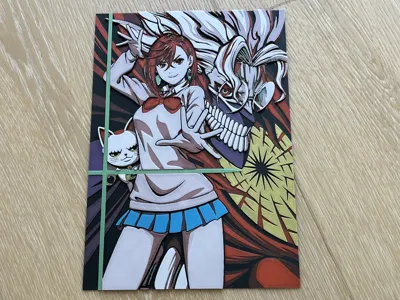
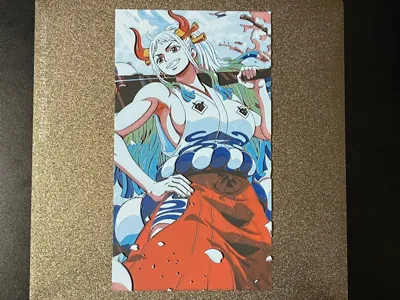
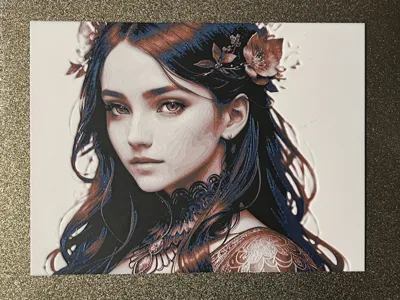
Multicolor tool comparison: Flexi vs HueforgeHi Community,Greetings to everyone! I started experimenting with the Bambu P1S earlier this year, and it quickly became a passion of mine. At first, I enjoyed printing 3D anime models and practical everyday tools (Thanks to the Makerworld team for building this platform for everyone to share and communicate!) . Later, once I discovered color filaments, I found it fantastic for creating posters and paintings as well.Lately, I’ve been fascinated by comparing two different tools for making 2D art: Flexi toys and HueForge. Here are some of my takeaways:Both are great for colorful 2D prints. Flexi is simple and intuitive, while HueForge takes more time to dial in the perfect color-to-layer settings.Each tool excels in different styles. Flexi is ideal for artwork with clean, distinct color areas—like the Luffy/One Piece bookmark I posted—where parts like the face, clothes, and hat use separate colors without overlap. The result looks crisp and pure. HueForge, on the other hand, is better for images with a wider range of colors that require detailed mixing. Achieving the desired hues often means adjusting layers carefully, which can take weeks or even months of fine-tuning.Print texture and detail. Flexi prints have a smoother surface finish, while HueForge produces topographical texture because of its layered color construction. That layering, however, can offer more detail and dynamic effects—especially when viewed from different angles.Process and print time. Flexi is much faster and easier in both image preparation and print time. HueForge, while more involved, allows for layer-by-layer color swaps thanks to Bambu’s pause feature. Flexi swaps colors within the same layer, and there’s no built-in way to pause between those swaps. This means you either rely entirely on your AMS (1 AMS = up to 4 colors), or you manually swap spools mid-layer—something I’ve done for 6-color prints. It’s risky but exciting 😄 I’ve been wondering: could Bambu introduce a way to pause mid-layer for color swaps? That would make Flexi even more powerful!Cost difference: Flexi is free, while HueForge is a paid tool 😊 Have a nice Sunday! Enjoy printing!Hueforge by FantasyZ MakerWorld: Download Free 3D Models