Search models, users, collections, and posts

Yoto Mini dock

IP Report

Print Profile(1)

All
P1S
H2D Pro
X1 Carbon
A1
P1P
H2S
X1
X1E
H2D
A1 mini
P2S
H2C
X2D
A2L

0.2mm layer, 2 walls, 15% infill
Designer
5.7 h
1 plate
5.0(27)

Open in Bambu Studio
Boost
96
425
35
13
434
329
Released 

Description

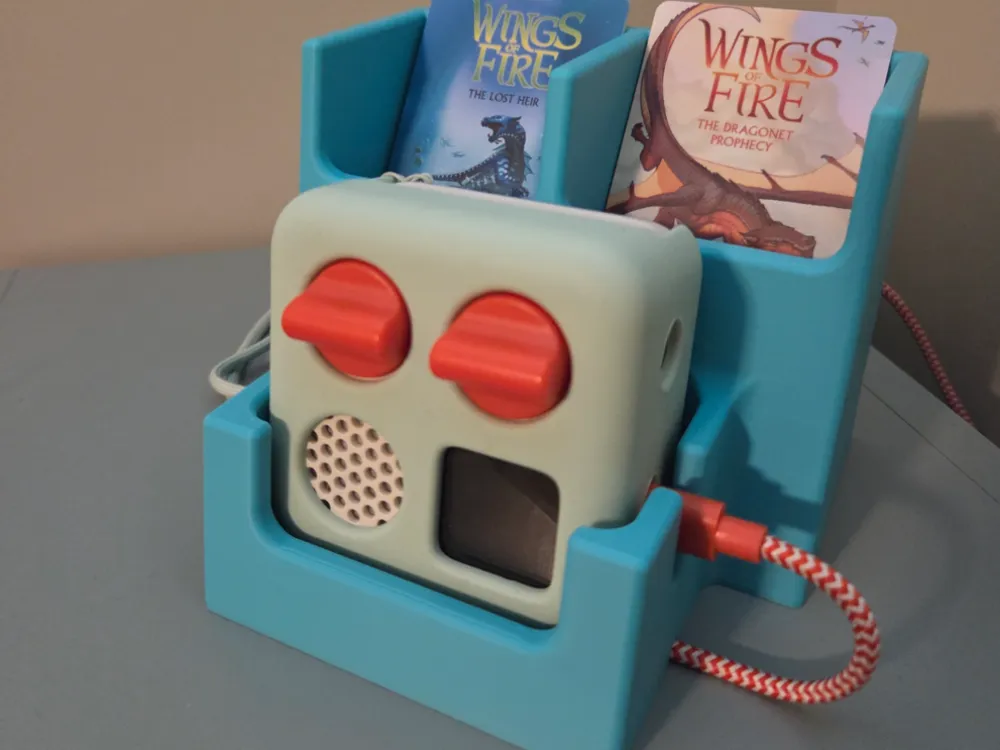
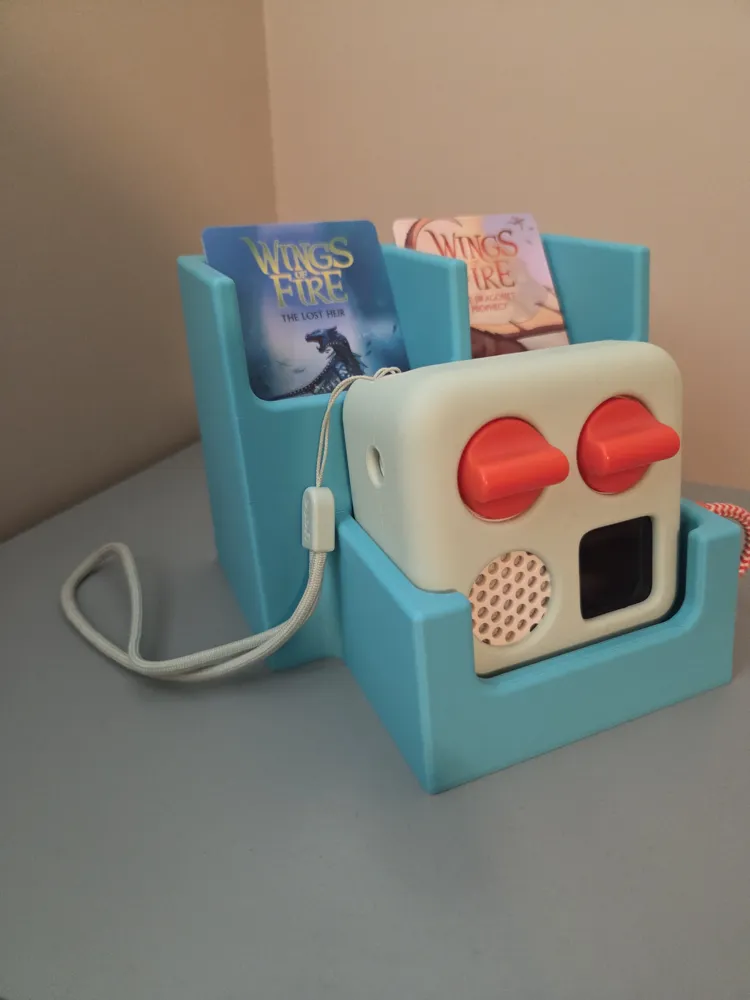
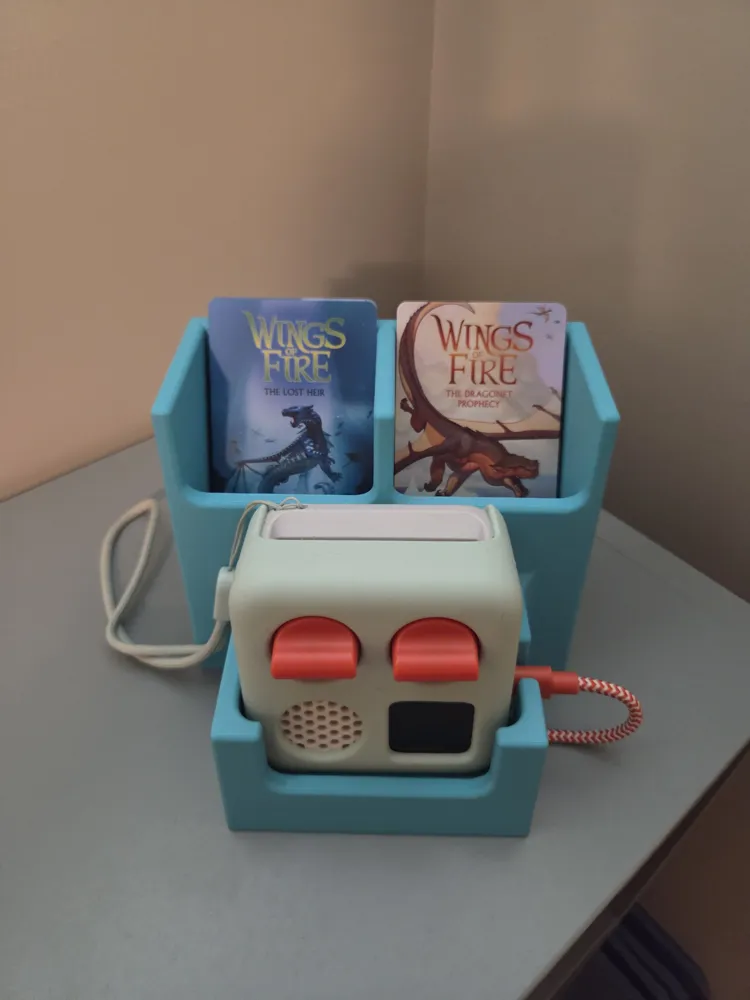
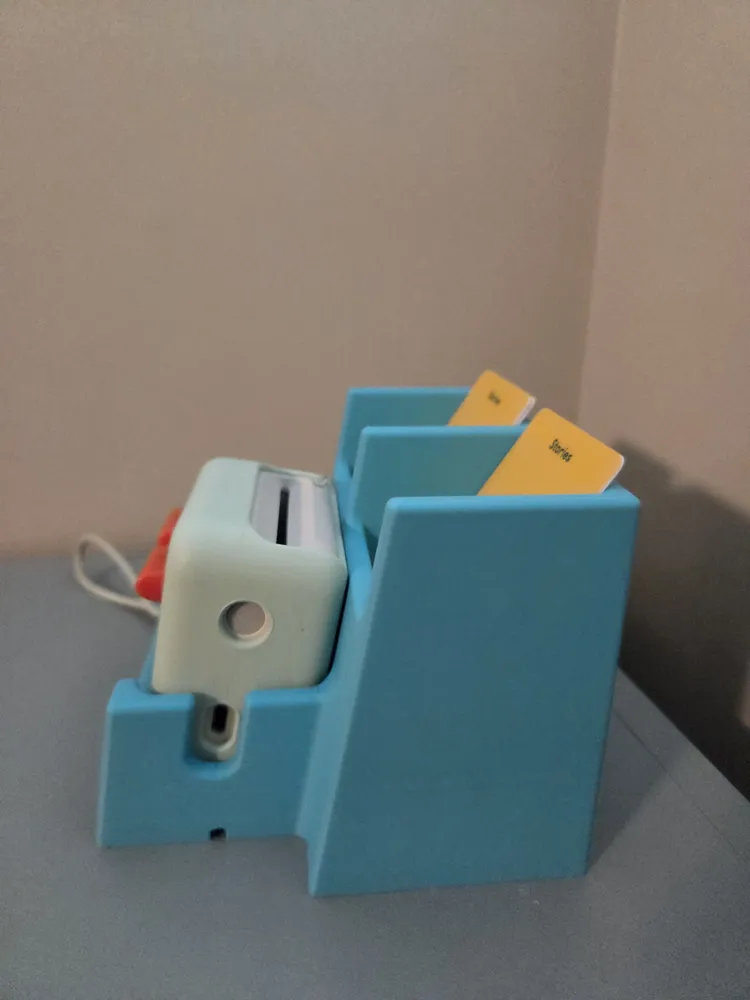
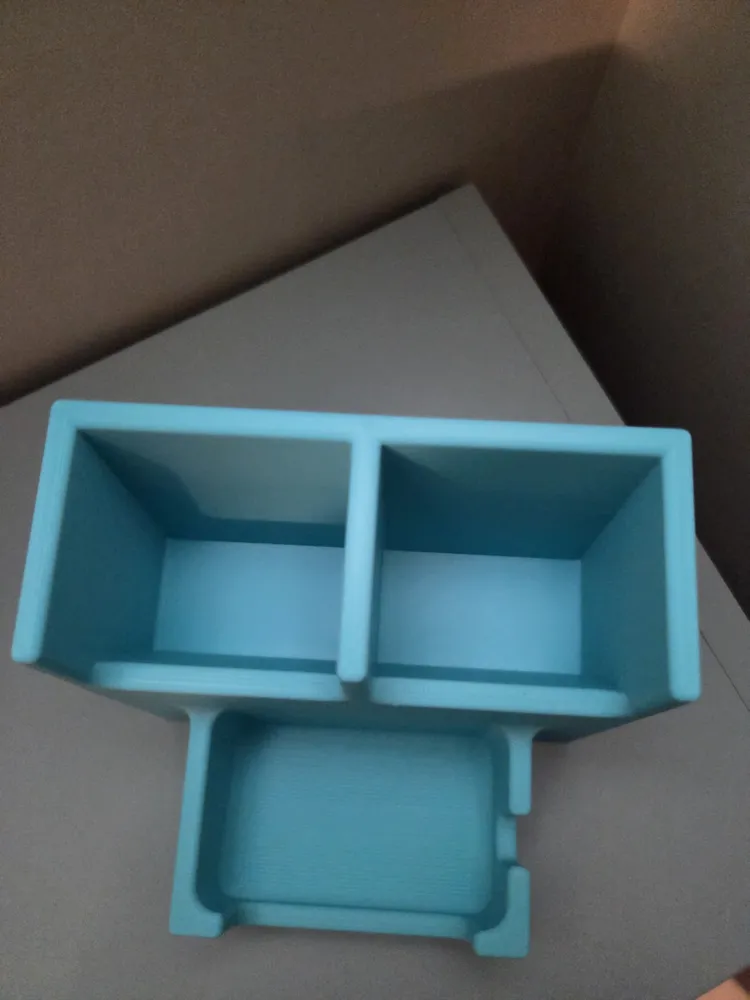
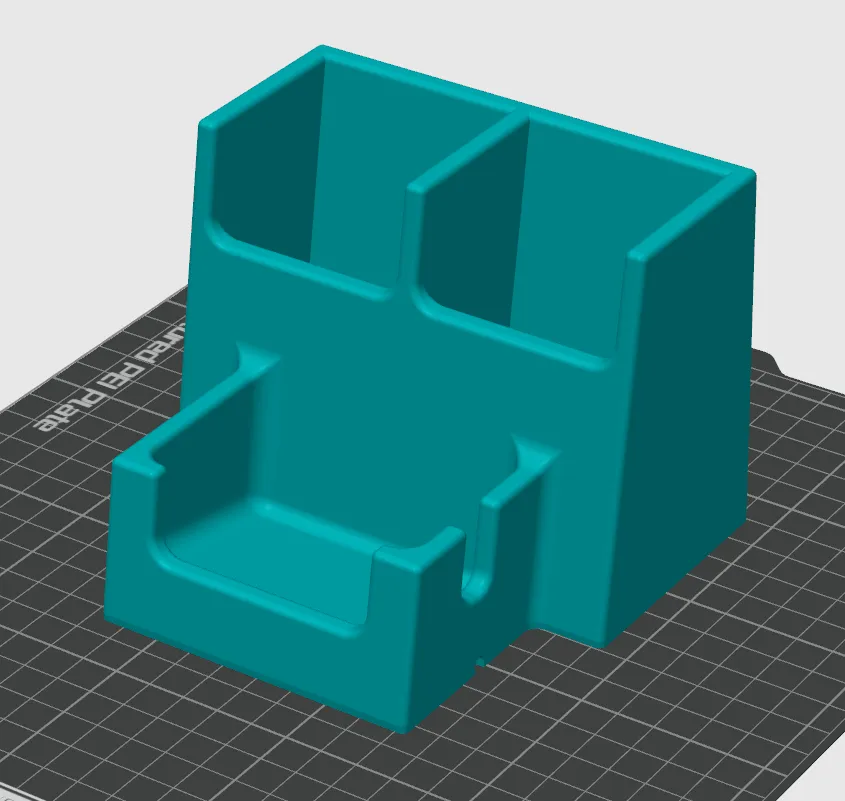
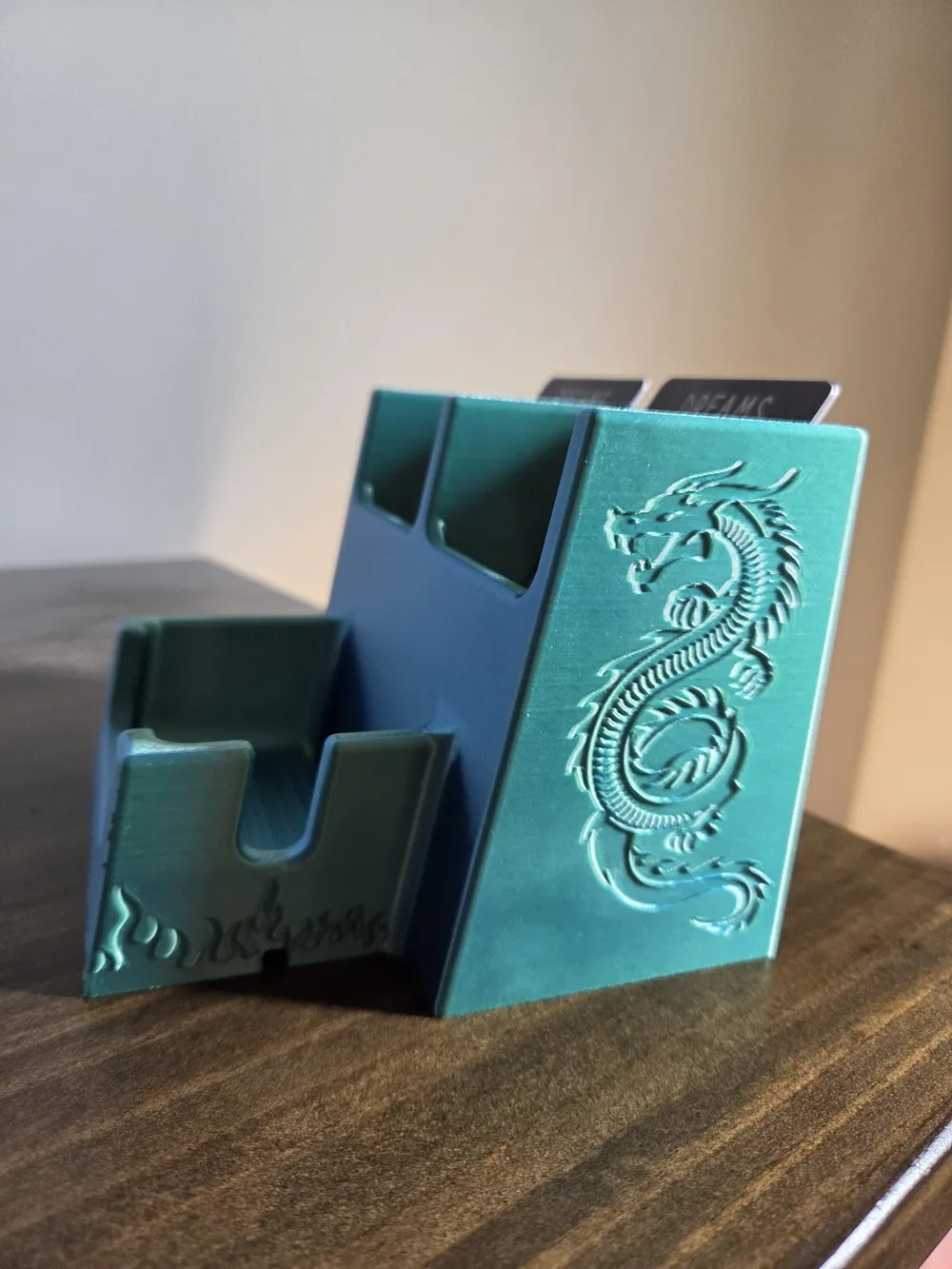
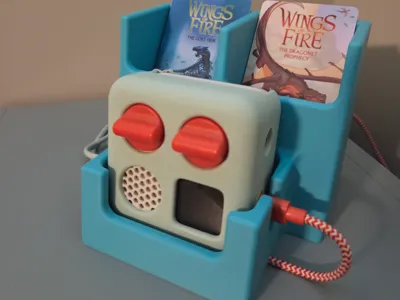
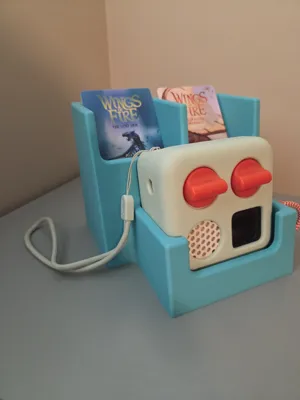
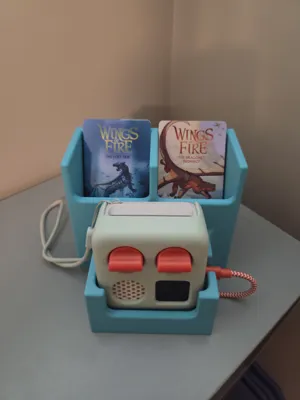
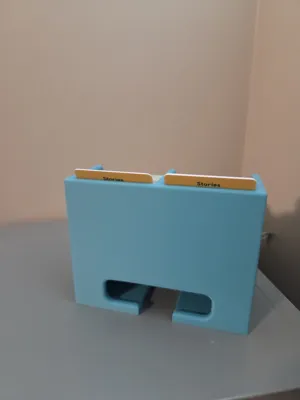
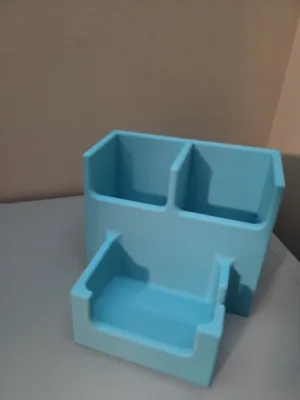
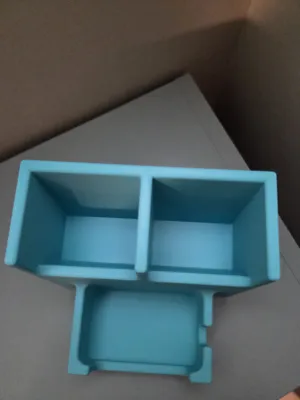
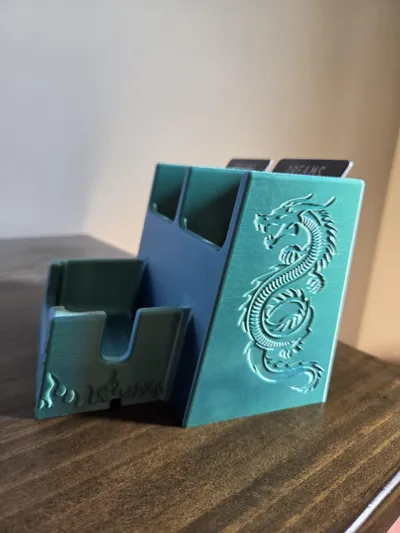
Keep your child's Yoto and cards stored neatly with this simple dock.

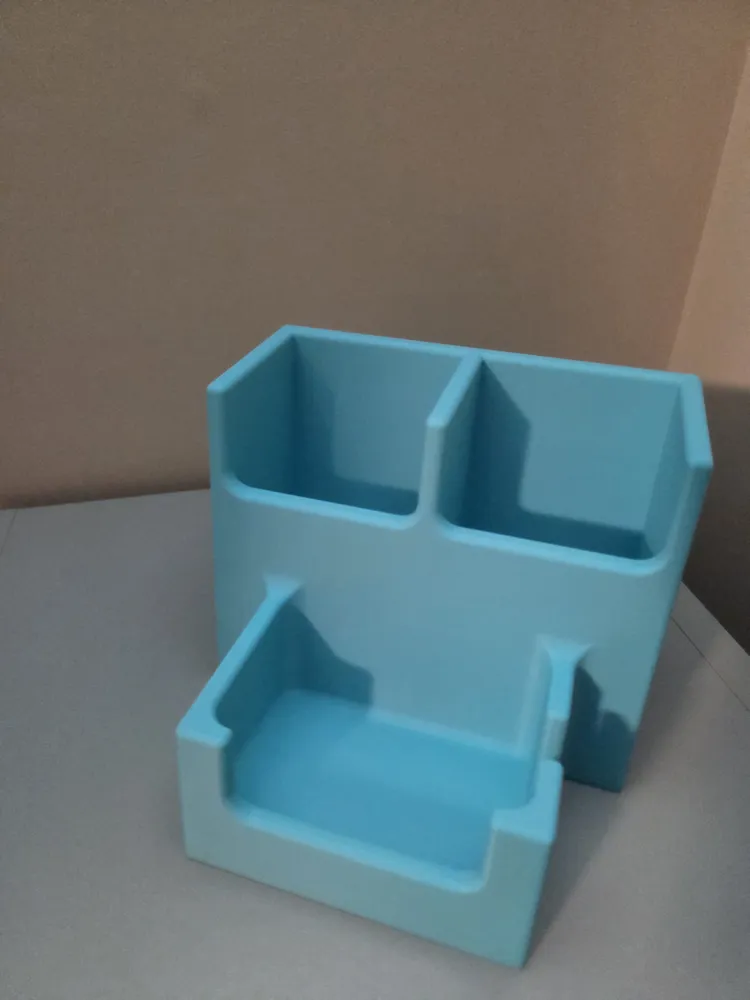
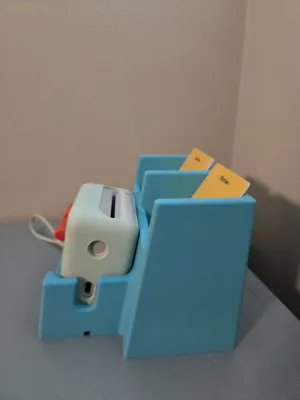
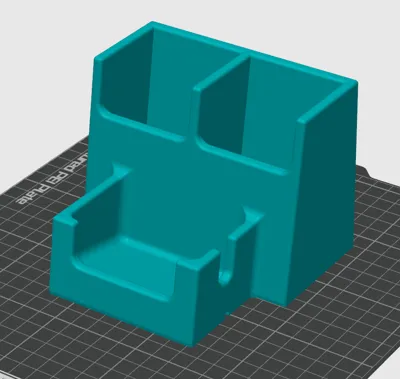
The dock features a slight slope to keep both the Yoto and the cards seated firmly while allowing easy access.

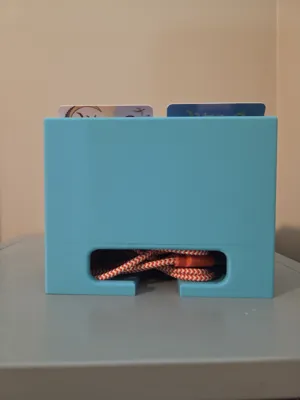
This dock holds a Yoto Mini with or without the silicone sleeve. It will also hold up to 64 Yoto cards.

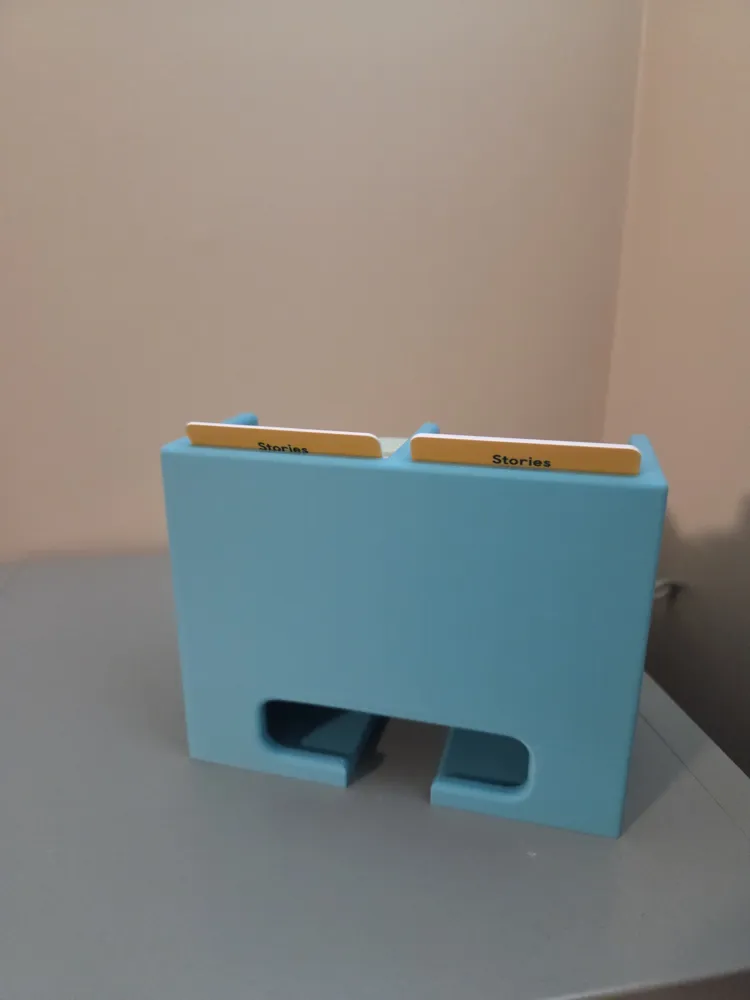
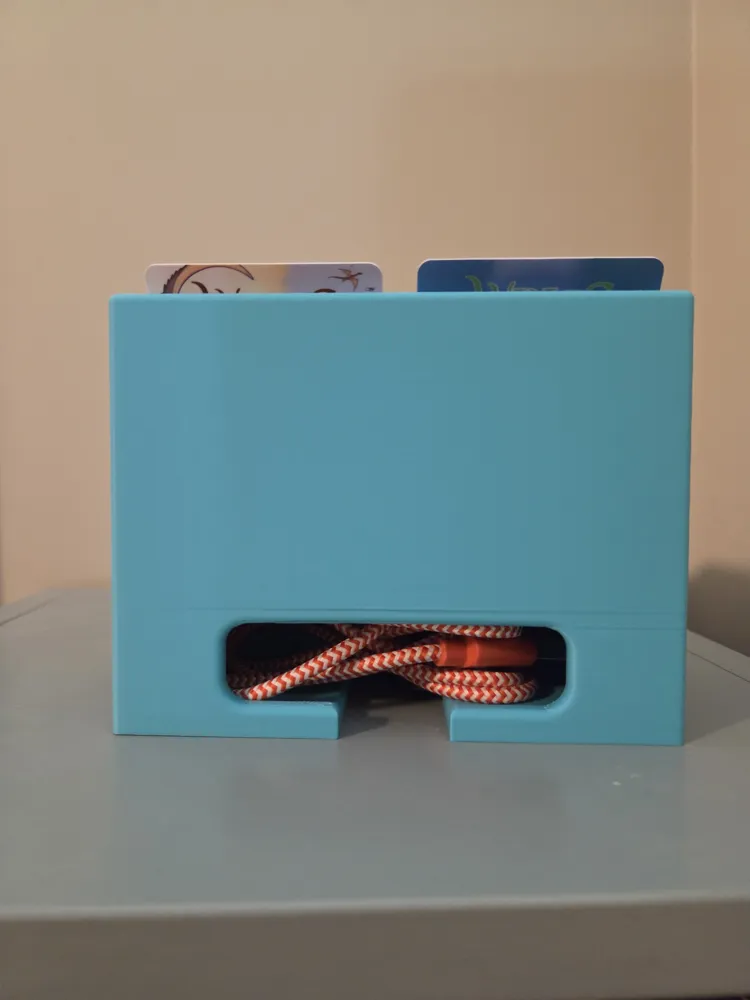
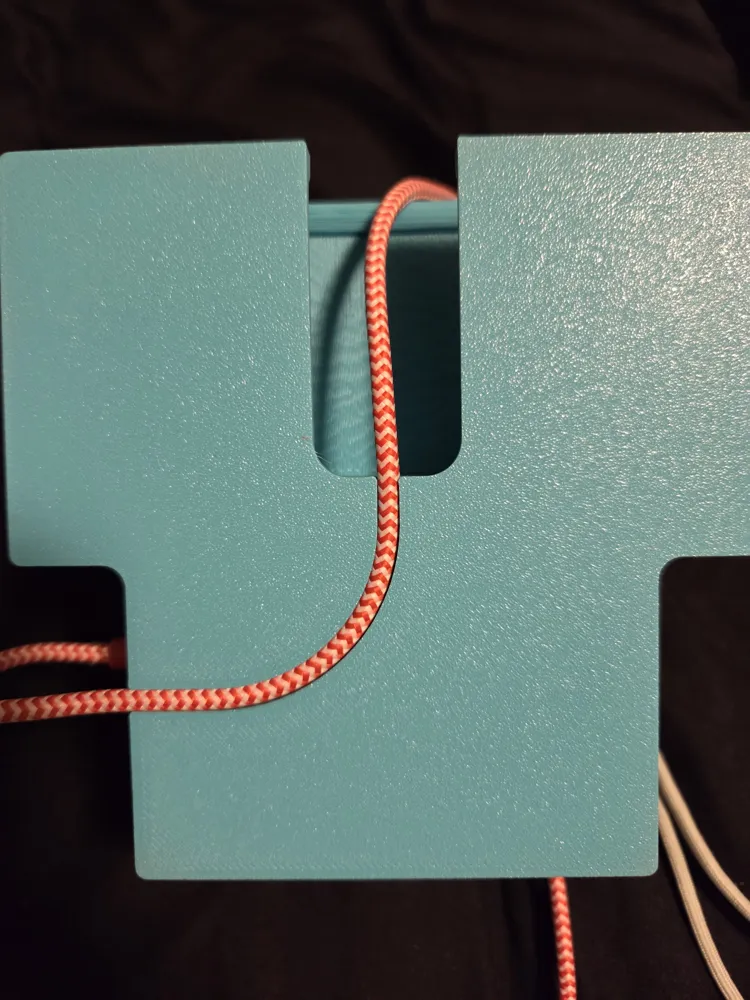
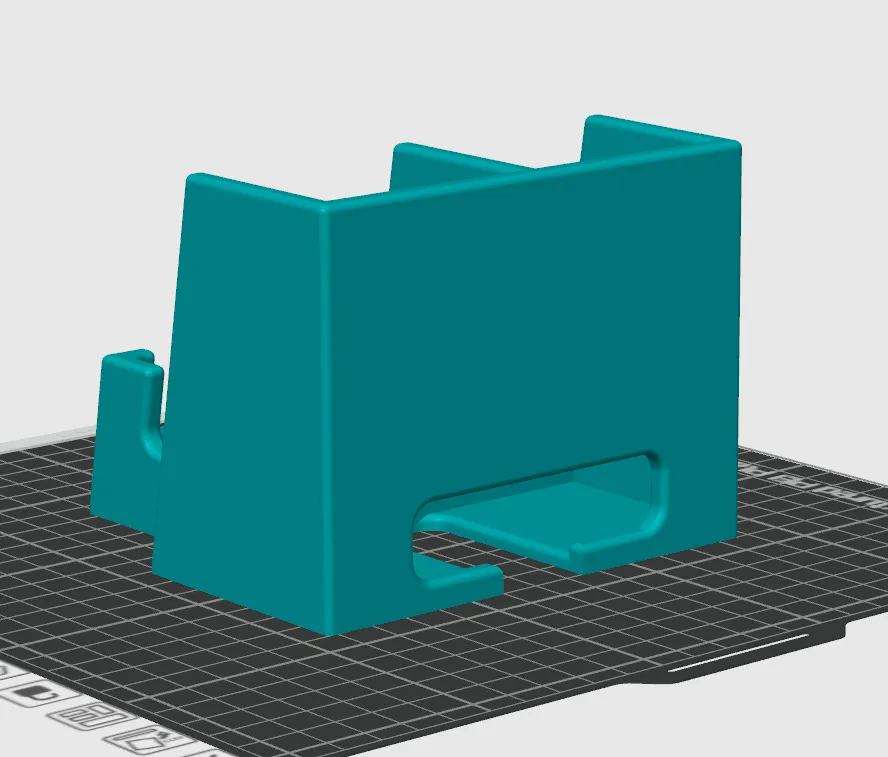
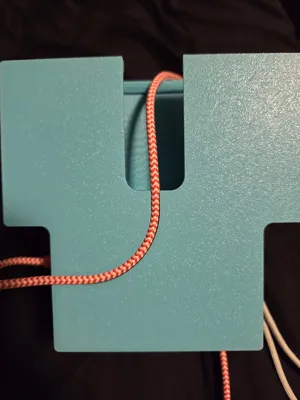
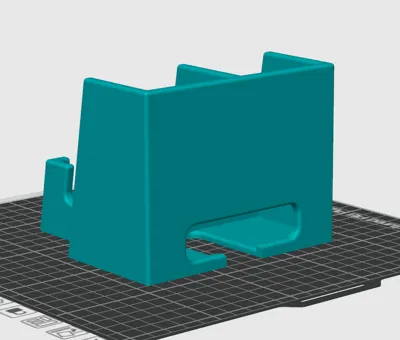
You may use the cord path to have the cord come out the back of the dock, preventing any tripping hazards while charging the Yoto.


The flat surfaces allow you to customize your dock to your liking with either an embedded image like what was shown in the last photo, or by adding your child's name or other custom text.

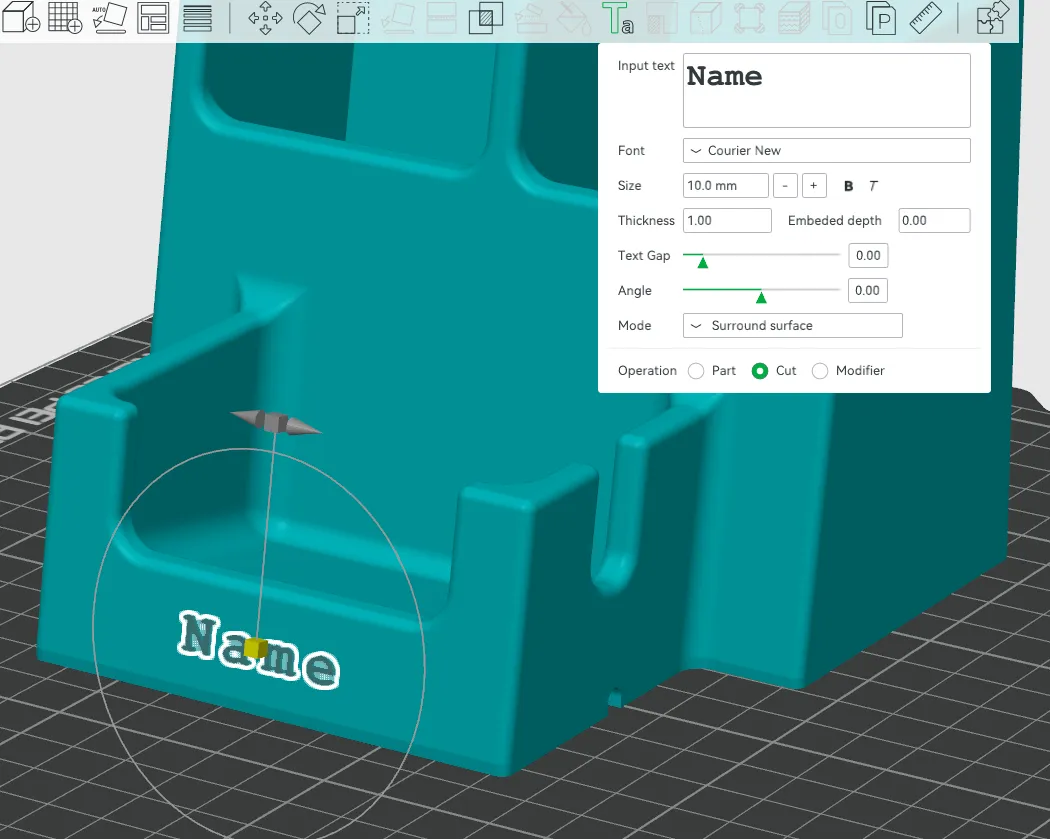
To customize with text simply select the model then click on the text tool or type “T”. Now you may type in what you like and move, rotate, and scale your text as you like.

You may choose to have it embossed or engraved, I recommend a 0.5-1mm thickness.
 

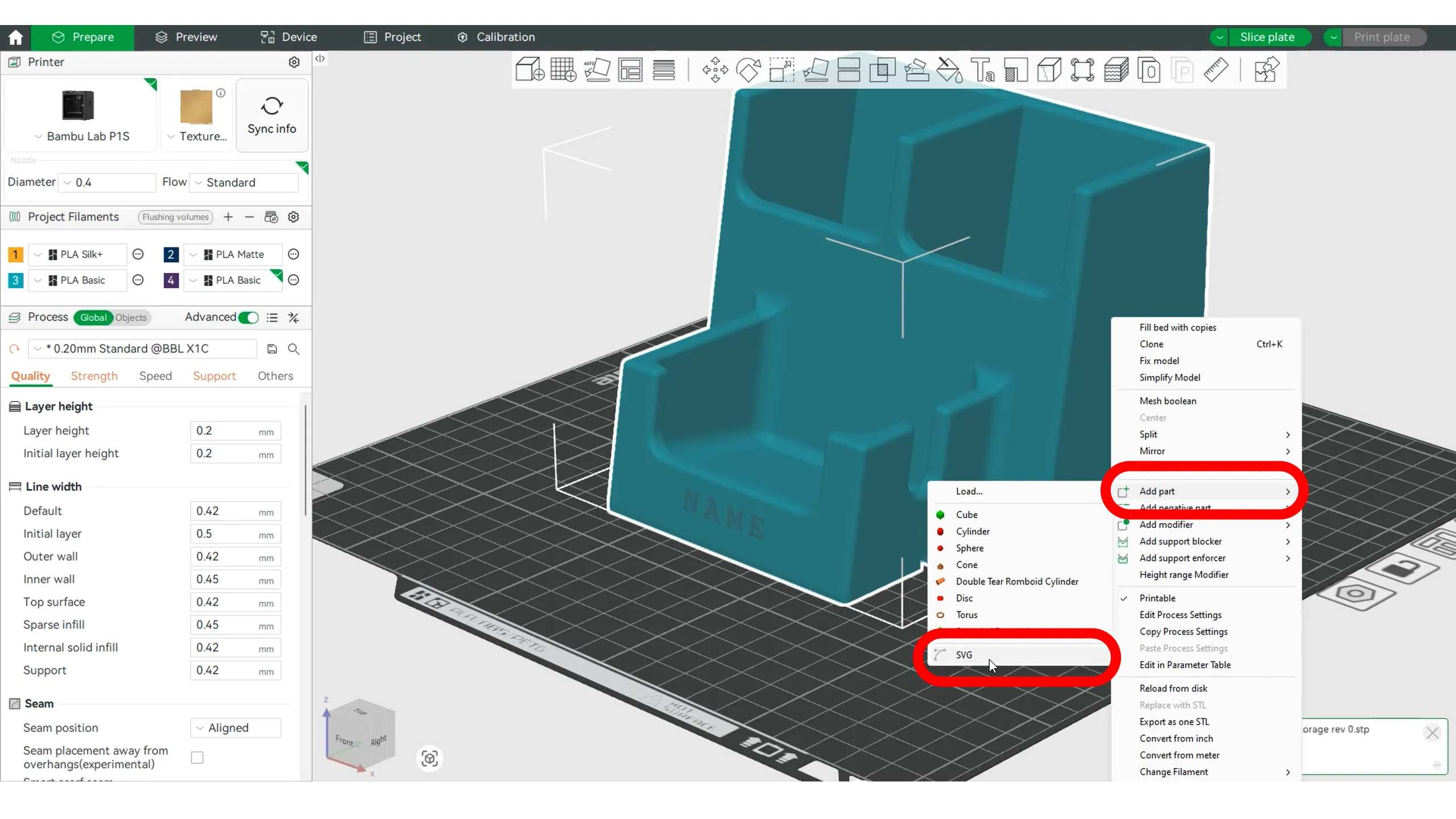
To add an image, you need an .svg file. You may either find can existing file you like or use a free online image converter to convert nearly any image to a .svg file.

Now select your model and right click, choose “add part” then select “.svg”

Open your file and move, rotate, and scale to fit. Just like with the text you may choose to have it embossed or engraved, I recommend a 0.5-1mm thickness.
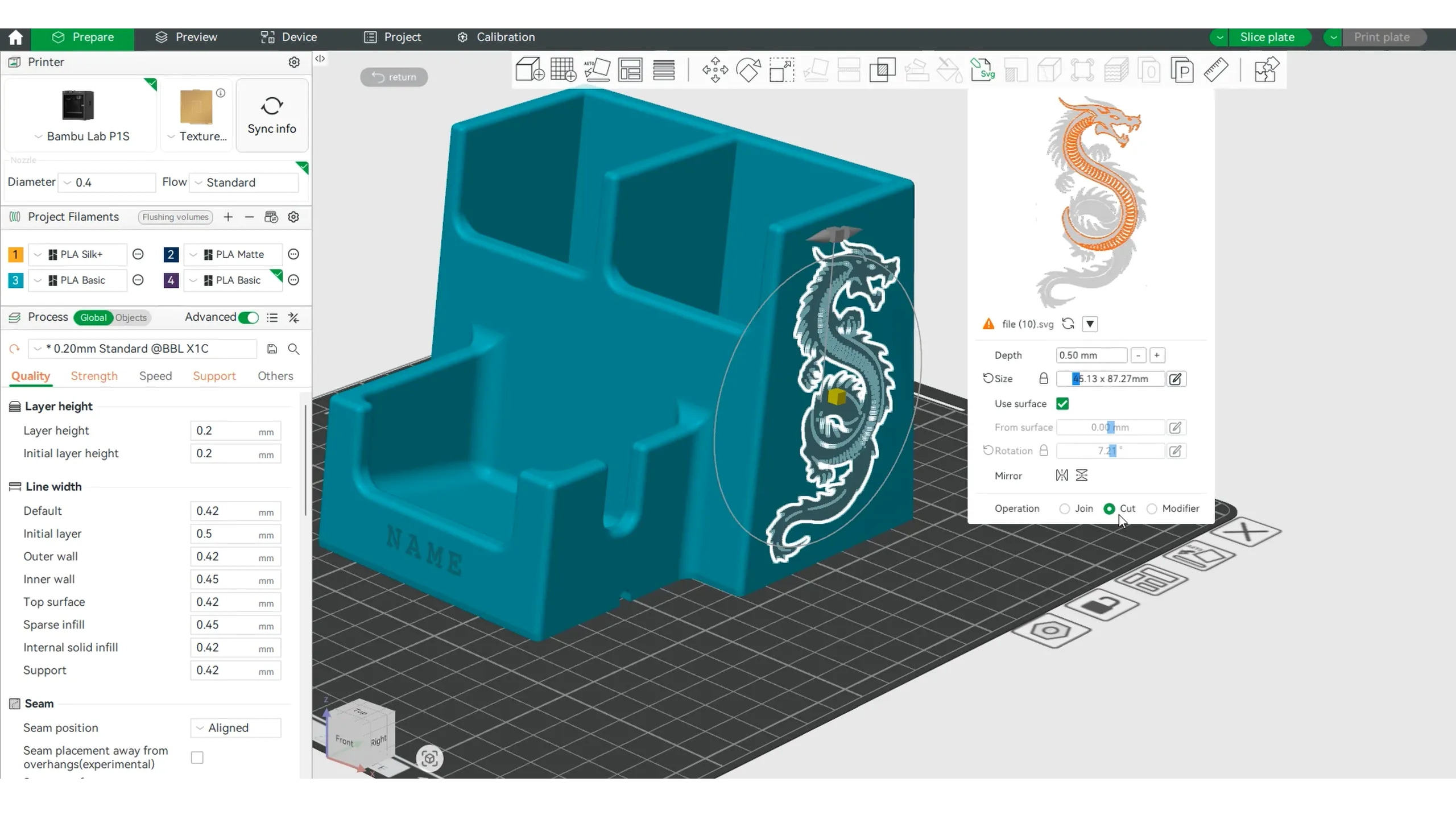
 

A note on supports:

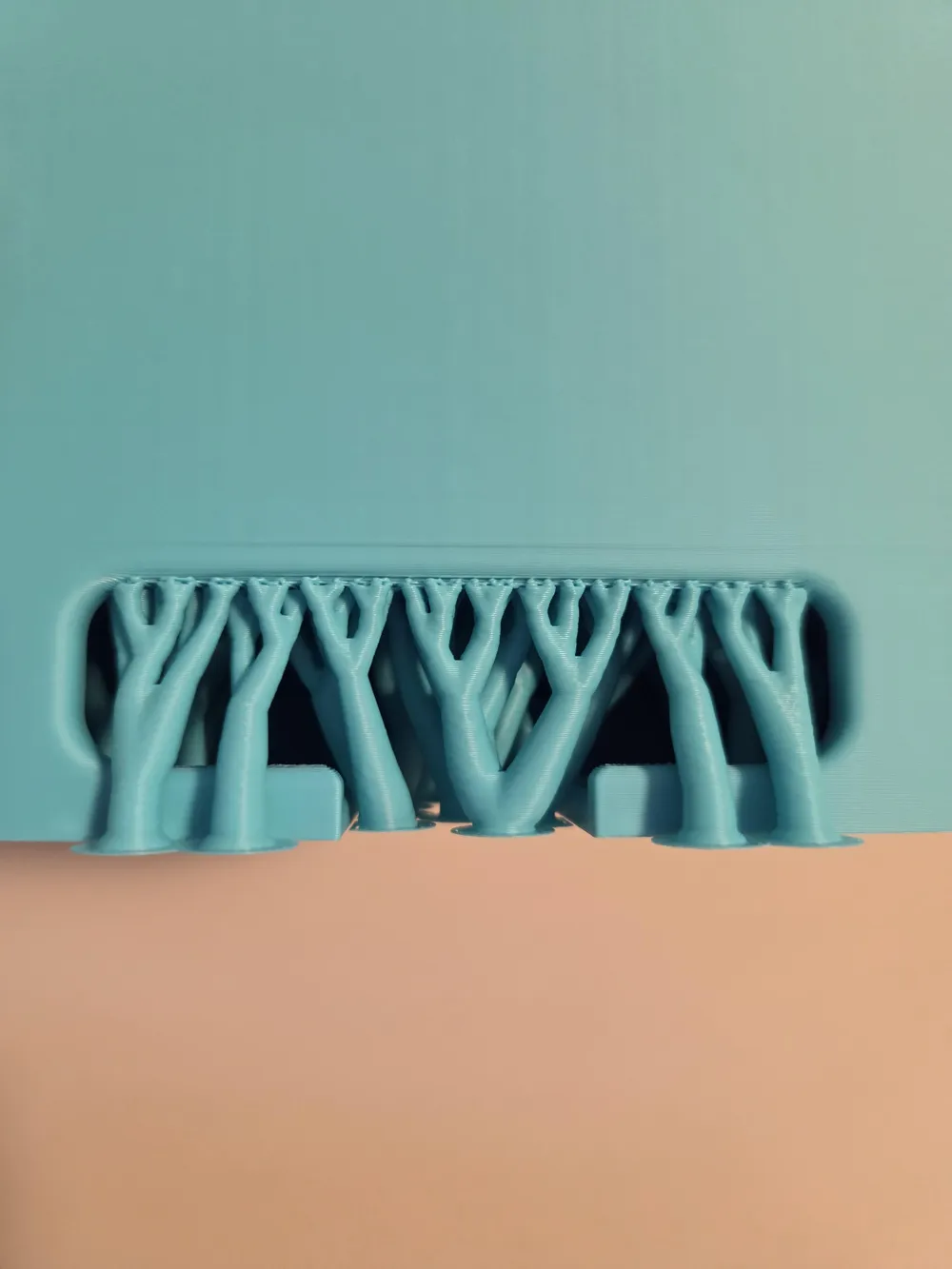
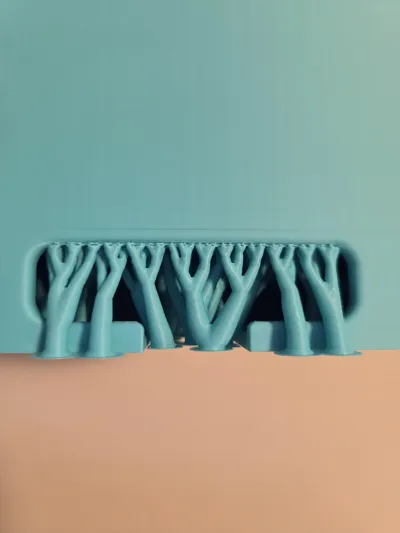
The model itself uses minimal support, only for the cord storage pocket, however depending on the bridging capabilities of your printer supports may not be necessary.

The model is defaulted to tree type support as I find this the easiest to remove. If you have any support filaments I recommend using the normal support style instead as it will provide a cleaner underside surface.

Comment & Rating (35)

(0/1000)

Print Profile
0.2mm layer, 2 walls, 15% infill
base profile worked first time and suited well to my needs. although I added raised patterns to the put side which really slowed the print down with switching colours. also be careful if you want to put a light behind it as a bot transparent atleast in yellow (not the best picture but hopefully shows the idea)
The profile uploader has replied
profile
1
Reply
I like the pattern you added! Yes, I can see how it looks transparent, it could use another wall or two especially if using lighter filaments in cases like this! Thanks for the photo and rating!
0
Reply
Print Profile
0.2mm layer, 2 walls, 15% infill
perfect
The profile uploader has replied
profile
1
Reply
That came out great! I like the font you used on the name! Thanks for sharing a photo and rating!
0
Reply
Boosted
Print Profile
0.2mm layer, 2 walls, 15% infill
turned out so good! my child loves it. thank you ❤️
The profile uploader has replied
profile
1
Reply
Thank you! That looks great, thanks for rating and sharing a photo!
0
Reply
Print Profile
0.2mm layer, 2 walls, 15% infill
Easy to print, top
The profile uploader has replied
Show original
profile
1
Reply
That looks great, thanks for rating and sharing your photo!
0
Reply
Print Profile
0.2mm layer, 2 walls, 15% infill
Nice design. I printed one with supports and one without. On a P1S I had no problem bridging without supports and I think it came out cleaner.
The profile uploader has replied
profile
1
Reply
Thank you! Glad your print without support also worked! I did not test without supports but figured it would work, so thanks for confirming it works!
0
Reply
I want to print this but I keep getting "invalid values" and to fix in parameters. I am quite new and still learning so have no idea what to do.
The designer has replied
0
Reply
Weird! Is it just this model you have the issue or others as well? The print profile is for a P1S with a 0.4 nozzle and regular PLA, if you have anything different you would need to adjust the values on your end (the Bambu slicer generally should do that automatically). If you are using a different filament or nozzle maybe double check the flow rates and temperatures. If you can let me know what printer, nozzle, and filament you are using I might be able to help more.
0
Reply
Print Profile
0.2mm layer, 2 walls, 15% infill
It came out perfect
profile
1
Reply
This printed perfectly, thank you!
0
Reply
Print Profile
0.2mm layer, 2 walls, 15% infill
great print.
0
Reply
Print Profile
0.2mm layer, 2 walls, 15% infill
Would be nice if the path for the charging cable was a little bit tighter fit.
0
Reply

License

This user content is licensed under a Standard Digital File License.

You shall not share, sub-license, sell, rent, host, transfer, or distribute in any way the digital or 3D printed versions of this object, nor any other derivative work of this object in its digital or physical format (including - but not limited to - remixes of this object, and hosting on other digital platforms). The objects may not be used without permission in any way whatsoever in which you charge money, or collect fees.
