Search models, users, collections, and posts

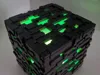
Minecraft Lamp

Print Profile(4)

All
P1S
H2S
H2D Pro
X1
H2D
P1P
P2S
X1E
X1 Carbon
A1
H2C
X2D
A2L
A1 mini

Lamp for Bambu lights 0.2 mm V1
Designer
8 h
3 plates
5.0(134)

a1 mini friendly
a1 mini friendly
34.5 h
7 plates

ESP32 WLED 12v Modified Base 0.2mm nozzle
7.2 h
1 plate

Redesigned Bottom Part for ESP32 + Addressable LED Strip
1.4 h
1 plate

Open in Bambu Studio
Boost
2217
5641
248
156
3.6 k
1.6 k
Released 

Bill of Materials

Maker's Supply Kits and Parts
Select all
LED Lamp Kit (1pcs) - MH001
Bambu Filaments
Select all
Matte Charcoal (11101) / Filament with spool / 1kg
Purple (13710) / Filament with spool / 1 kg
Light Jade (13510) / Filament with spool / 1 kg

Description

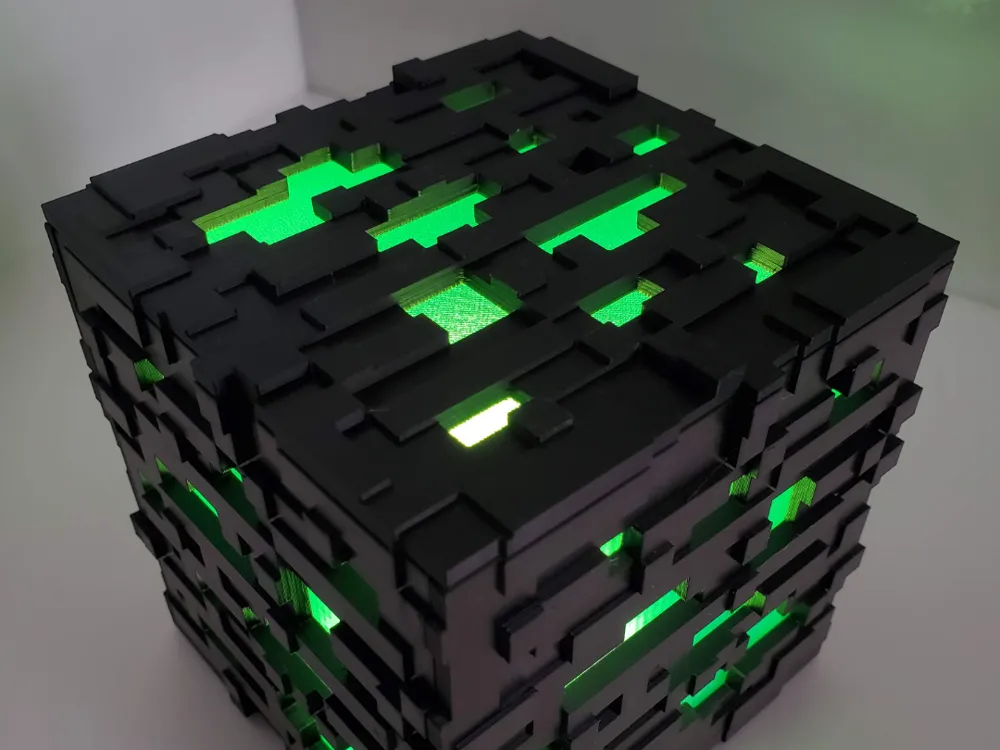
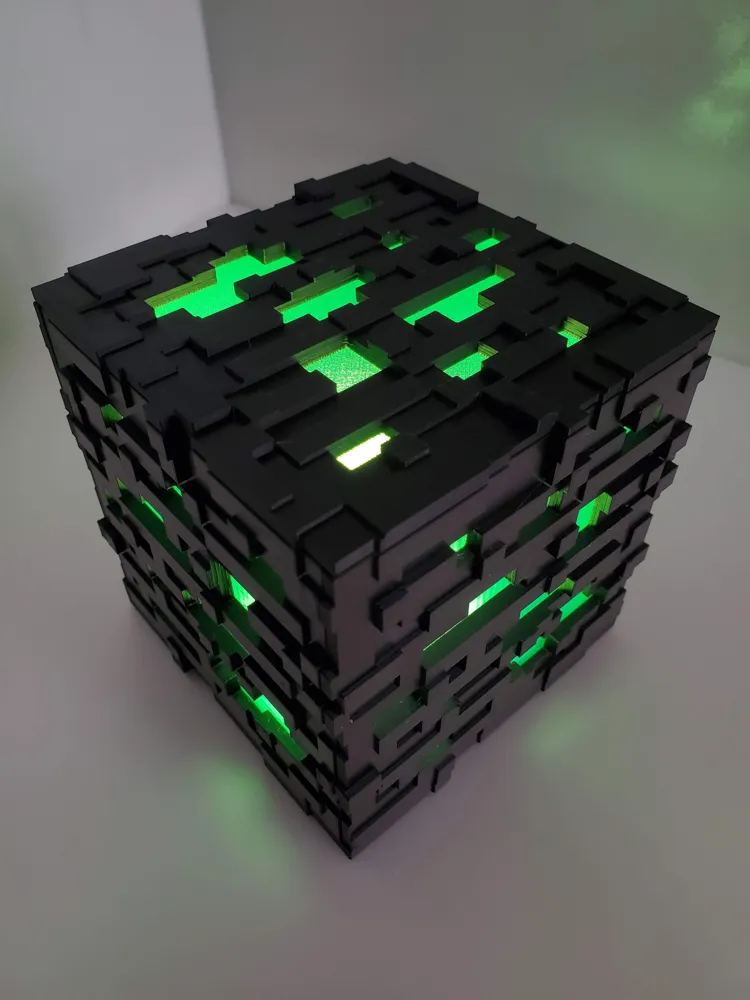
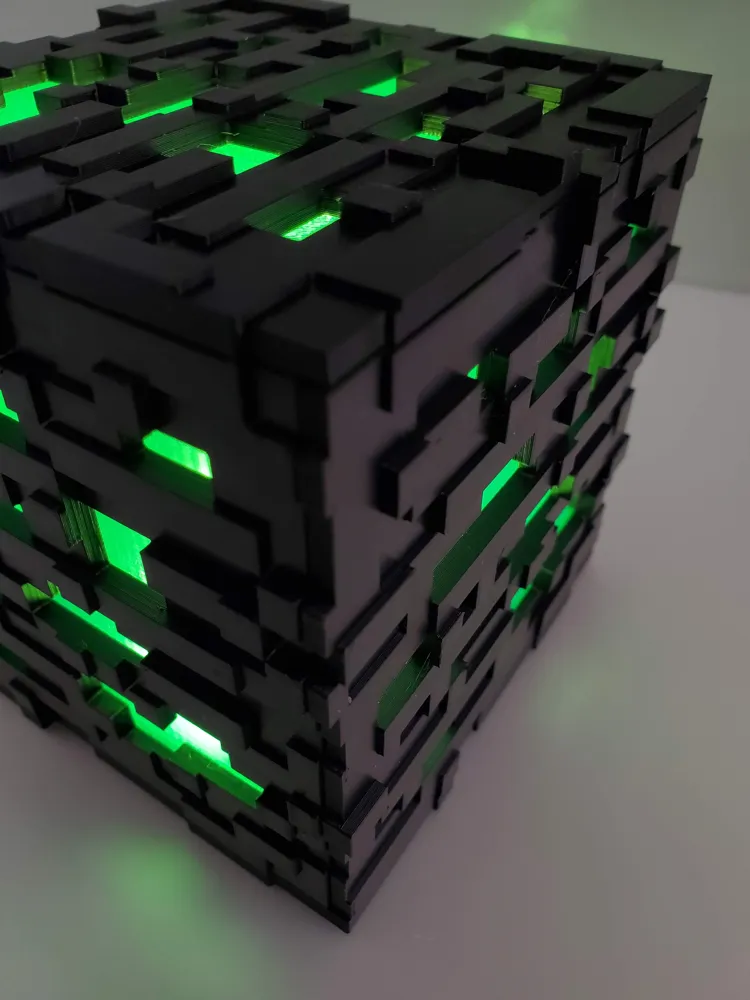
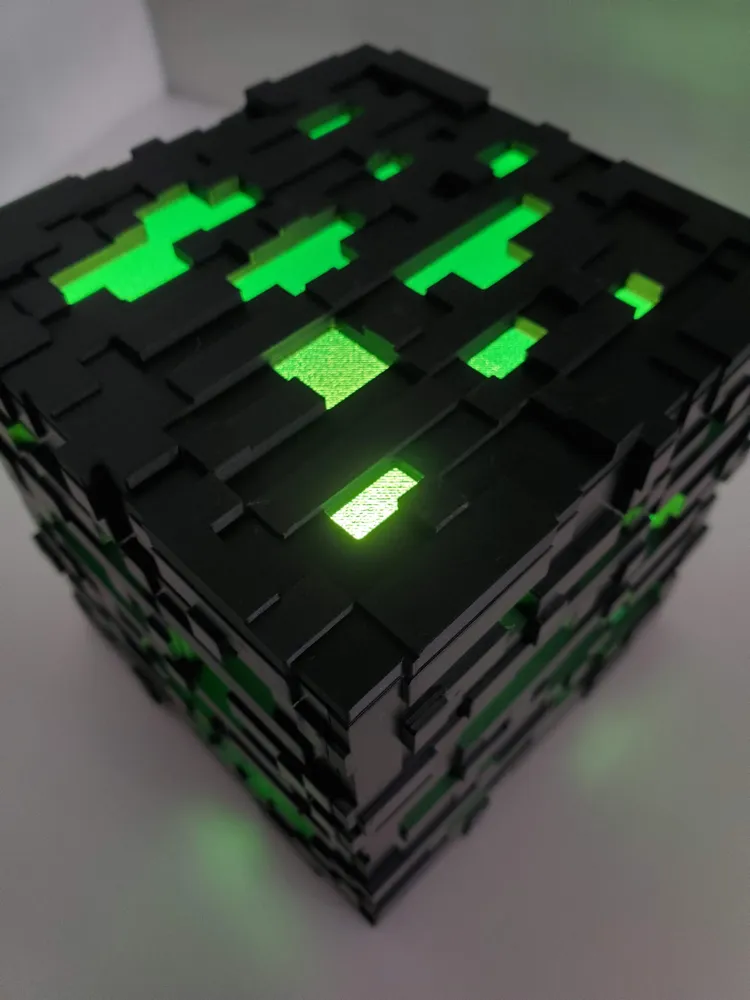
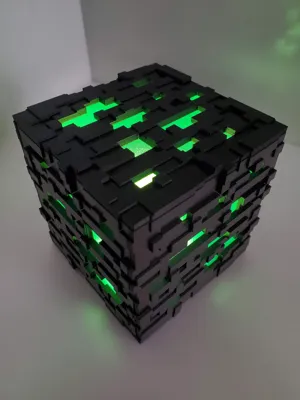
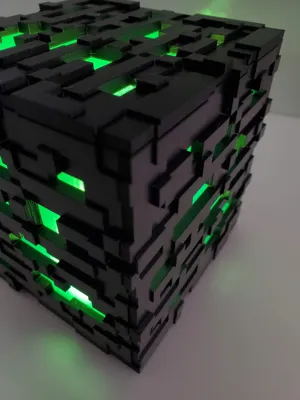
Minecraft Lamp 

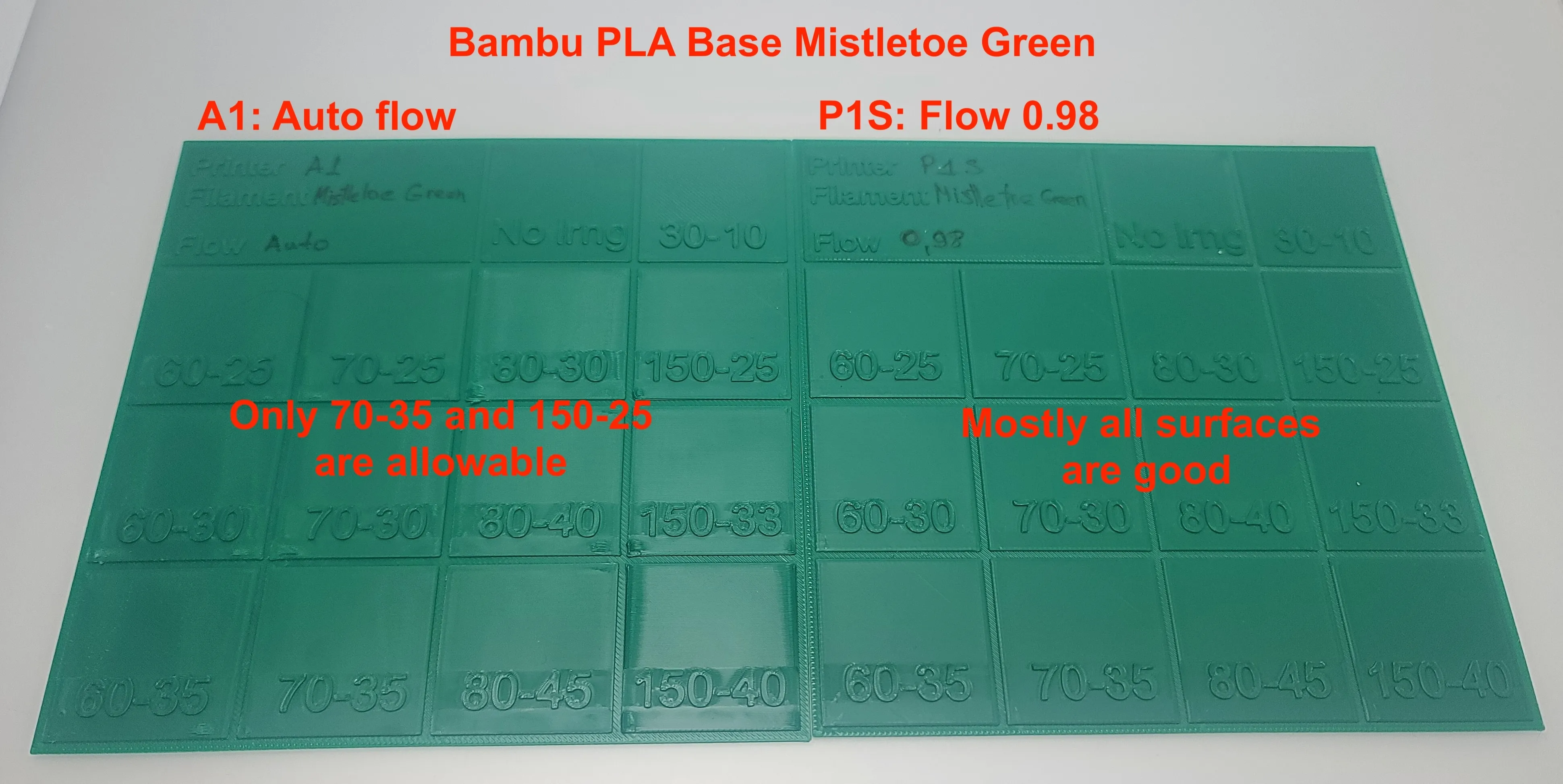
⚠️ Before printing, please do the Ironing test: https://makerworld.com/en/models/2267663

Why Ironing Calibration Matters: Ironing behavior varies significantly between printers and even between different PLA brands due to differences in extrusion, cooling, and filament formulation. Calibrating ironing settings for each filament on each printer ensures the smoothest possible top surfaces and prevents over- or under-ironing artefacts. Even the same filament can produce different results on identical printer models due to mechanical tolerances, wear, environmental conditions, and calibration differences.


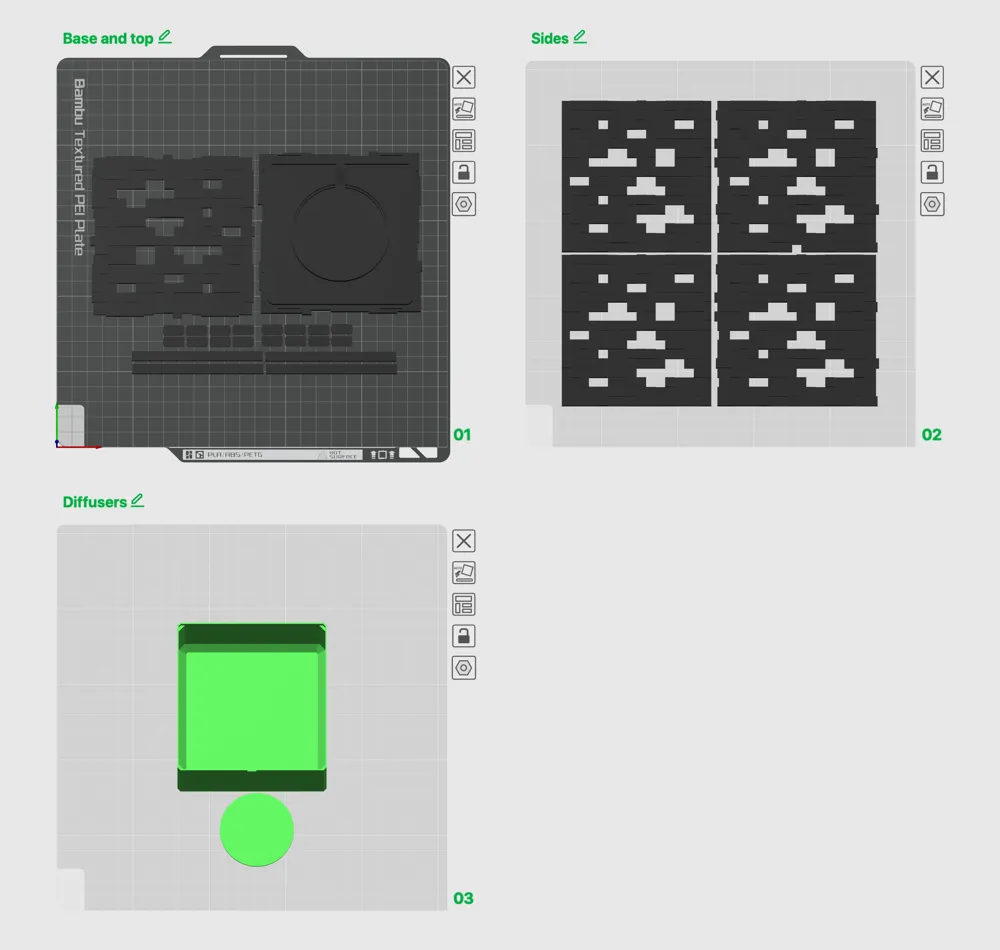
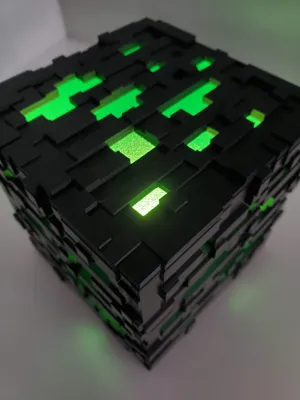
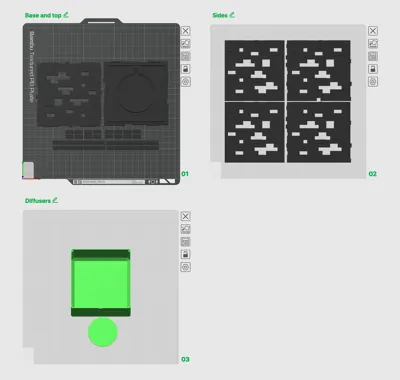
Print diffusers in any transparent colour you want.

Can be used with 2 types of Bambu lights:

NOTE: For a white colour light, use an additional internal diffuser for a better colour. I printed diffusers with PLA and PETG and the PLA rectangular shape is much better in the same time PETG loses its original shape and has wawes.


Boost Me (for free)

Did you like the model? Consider boosting, as it helps my models get seen and supports my work to bring you more models. Its free and I Thank you in advance!


Assembling:

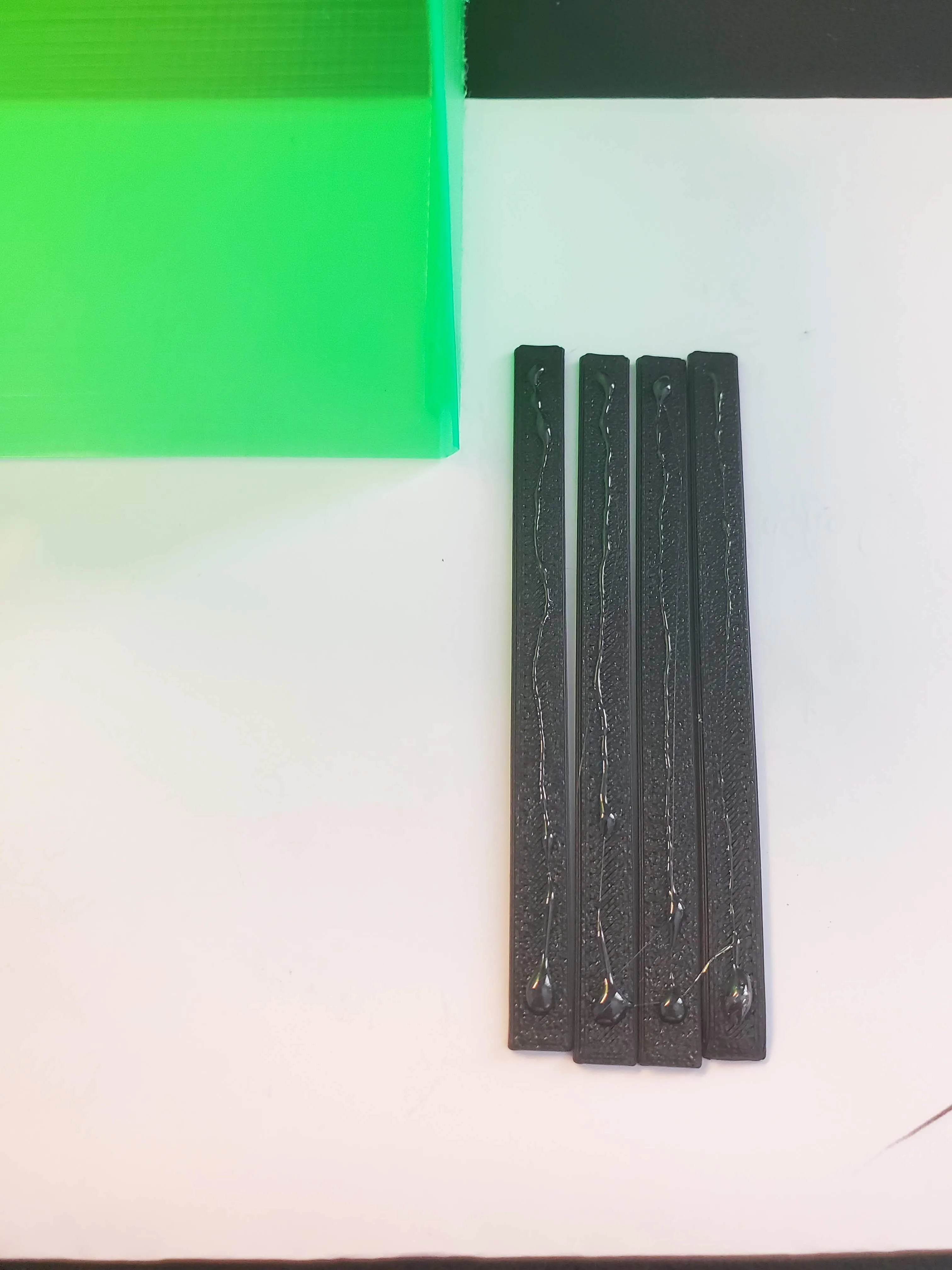
  1. Place the light (and diffuser) and stick it with double-sided tape or hot glue
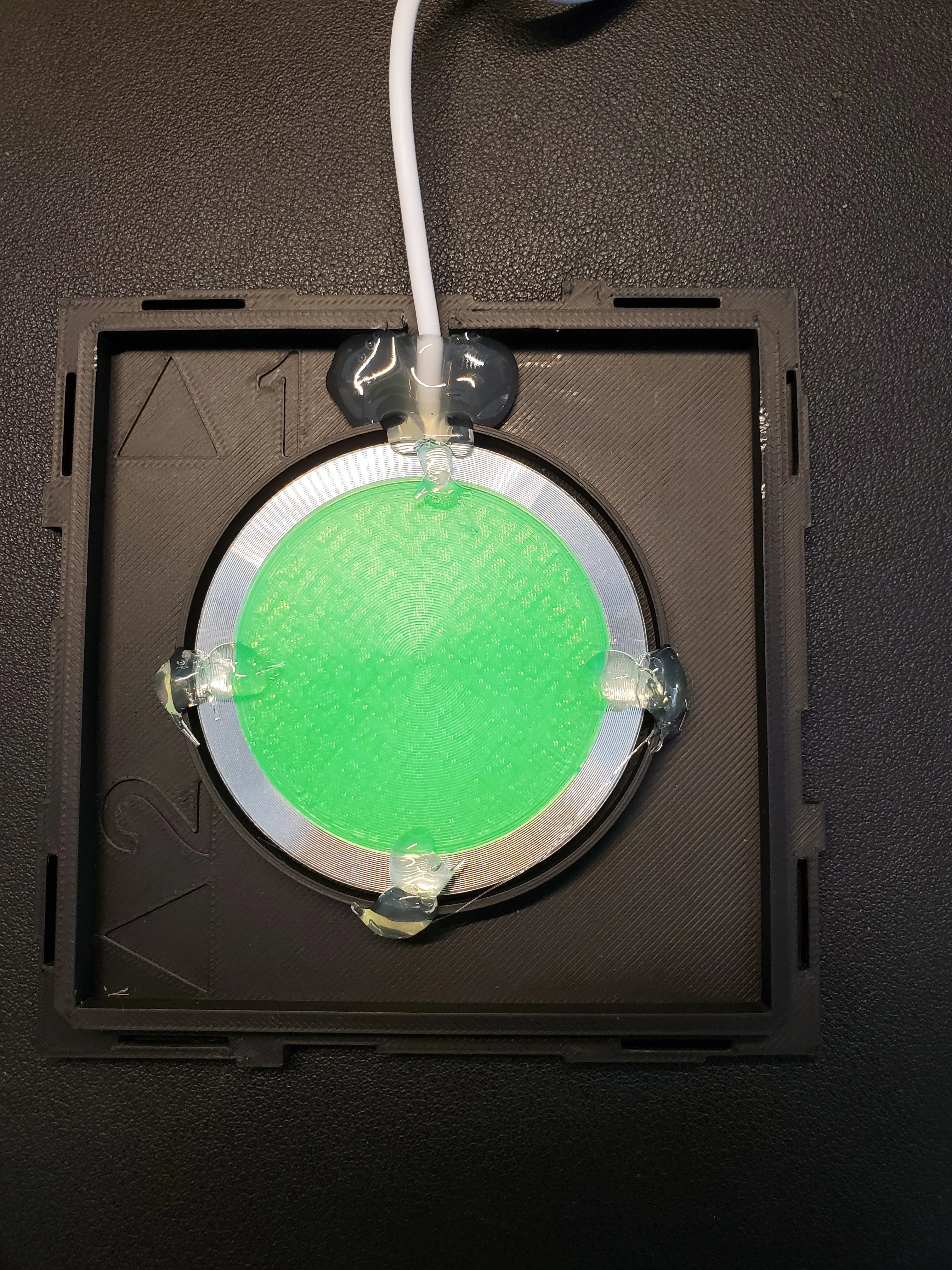
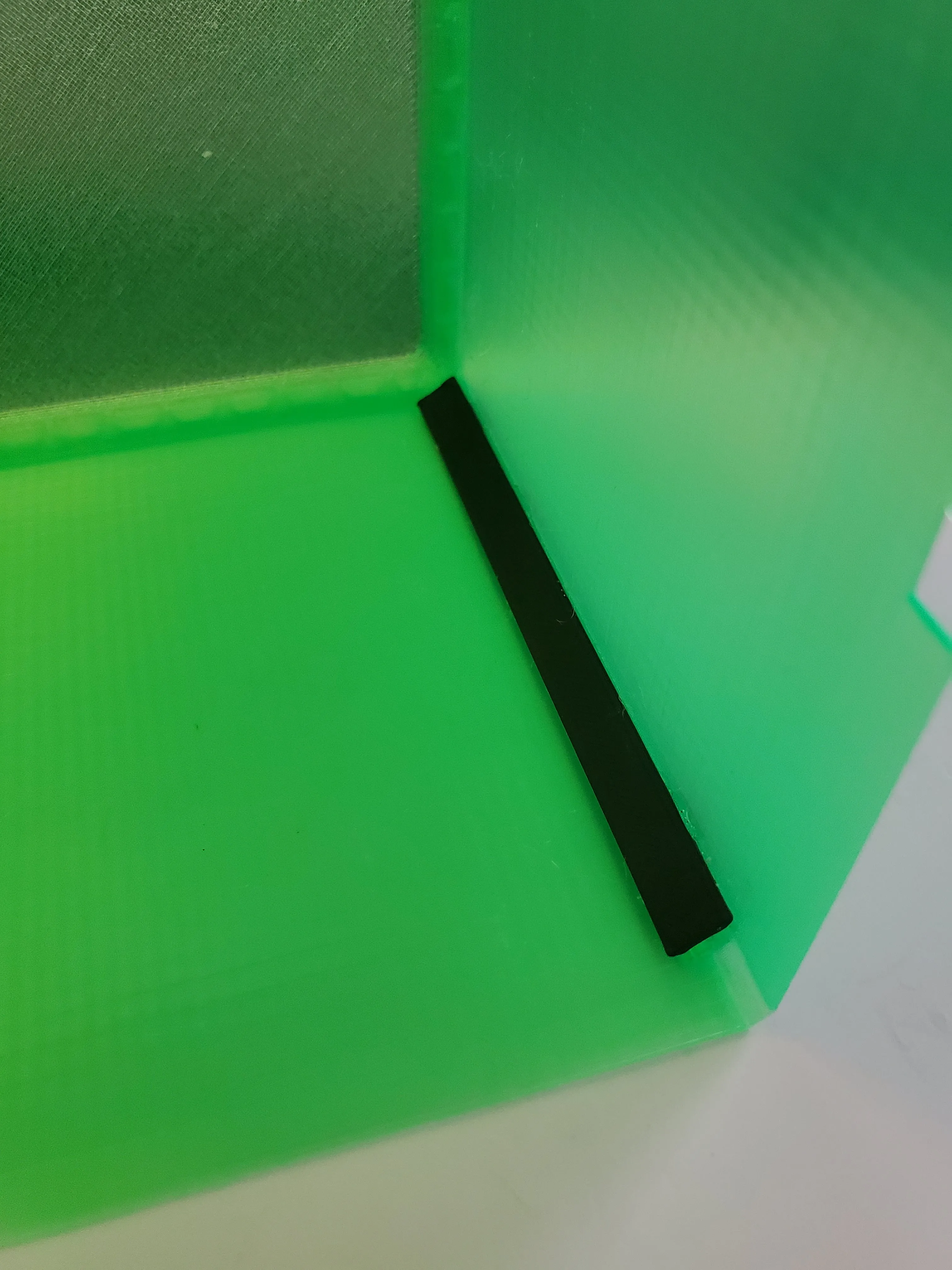
  2. Glue angle shadows 

    3. Insert pins only to the bottom side of the side elements
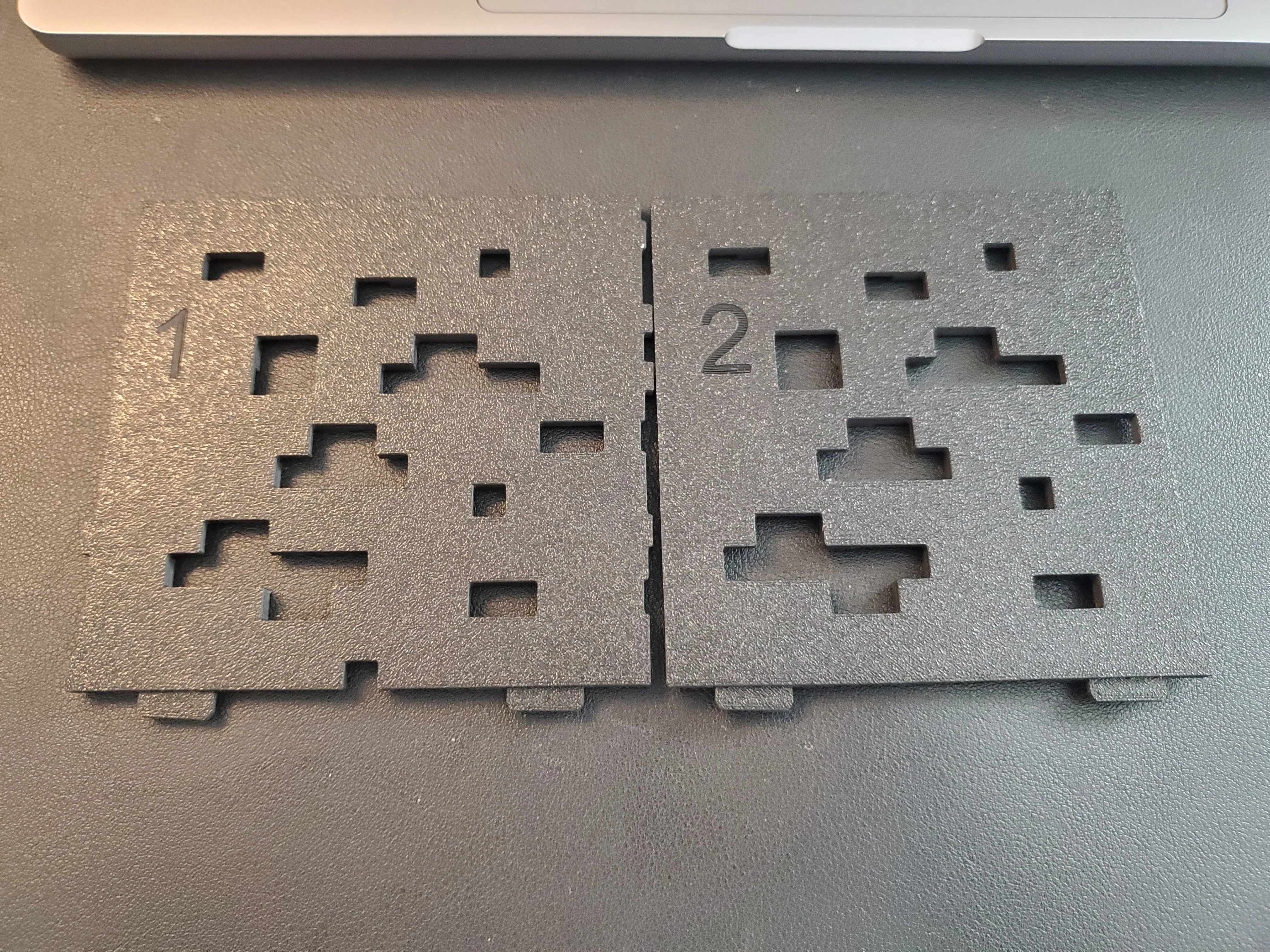
    4. Insert pins to the Top side, place it a paper and write sides on the paper
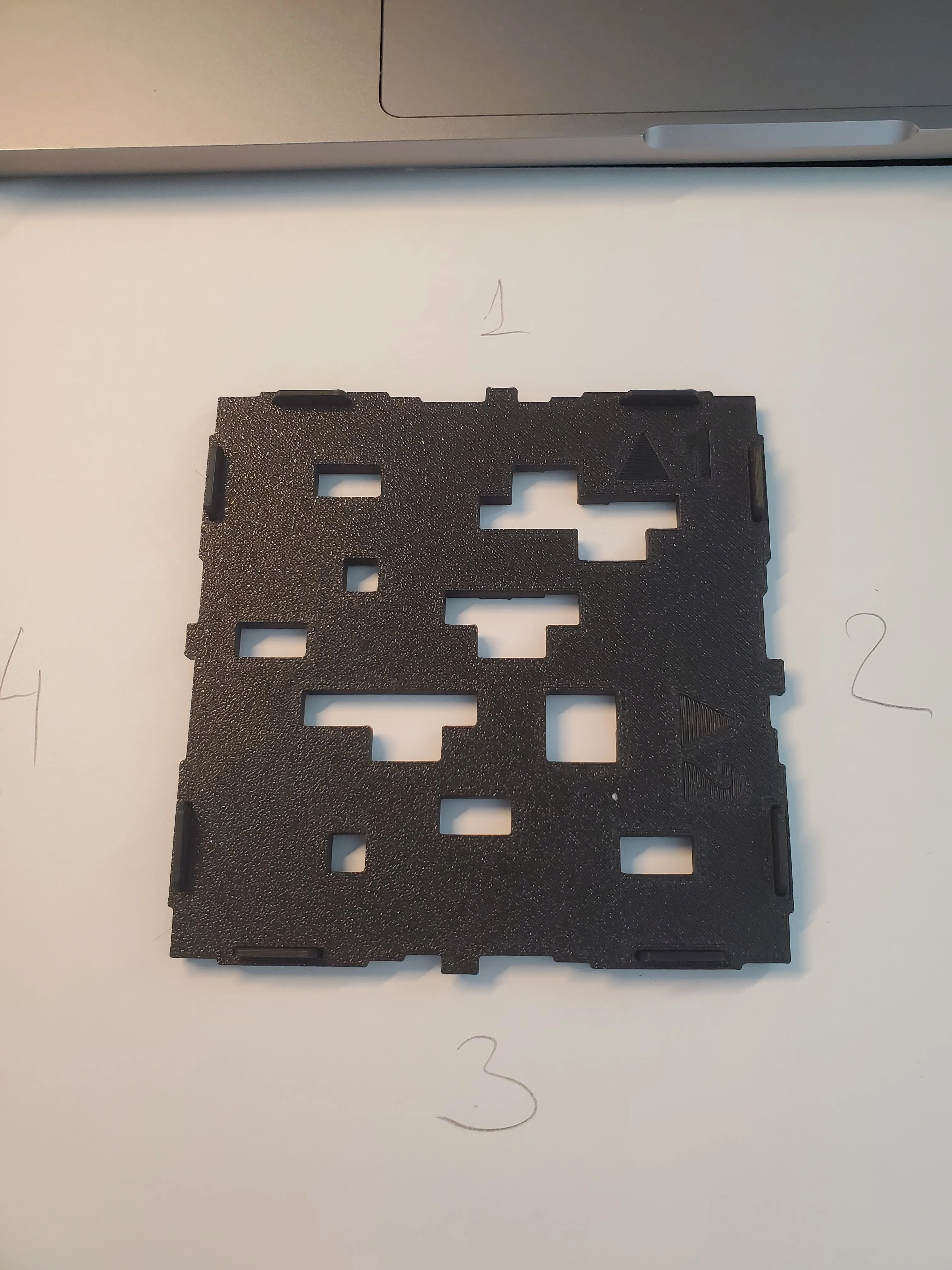
    5. Glue the diffuser and centre it by the sides according numbers on the paper. Don't glue sides on this step!
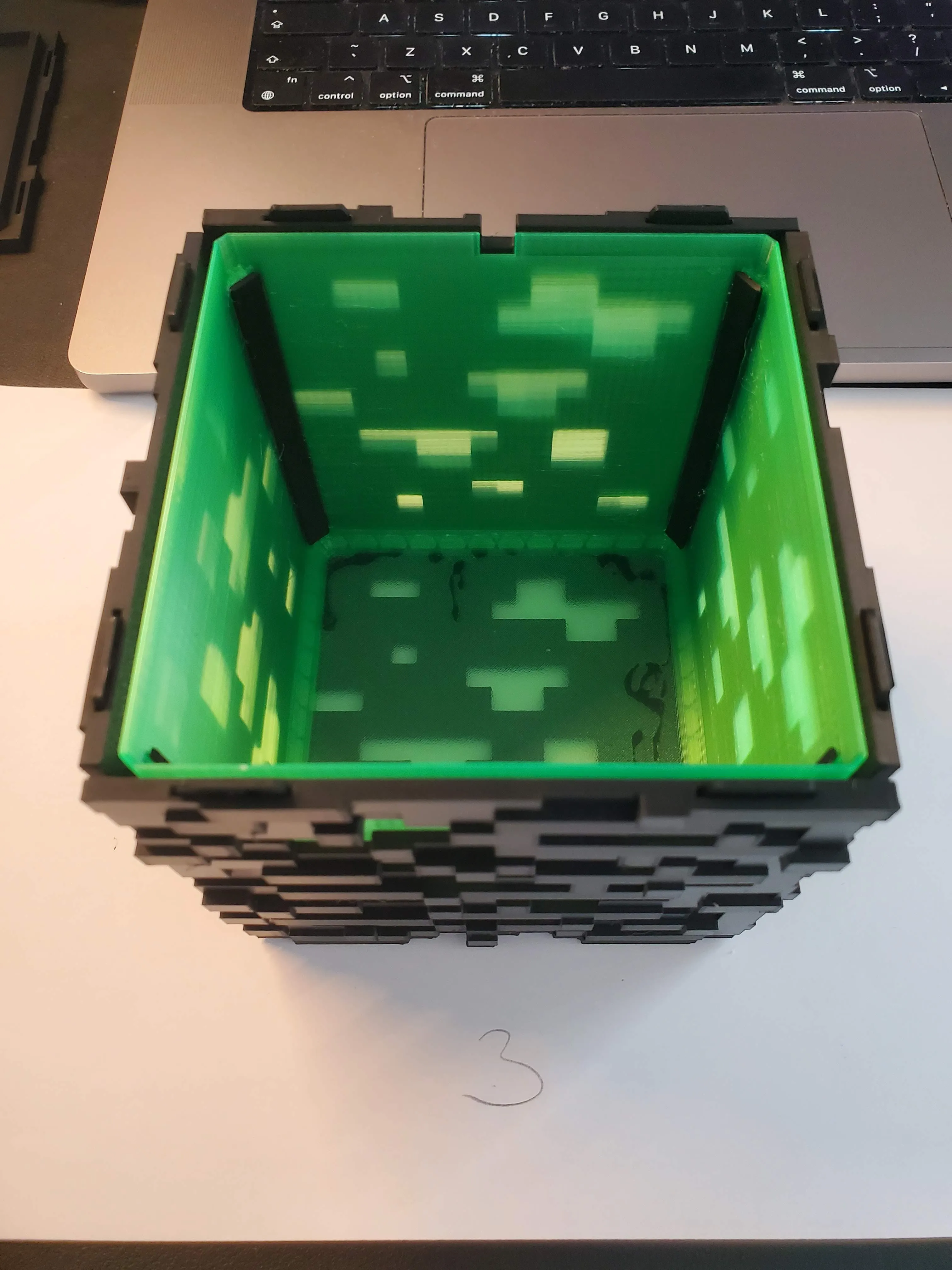
    6. Glue the sides one by one.
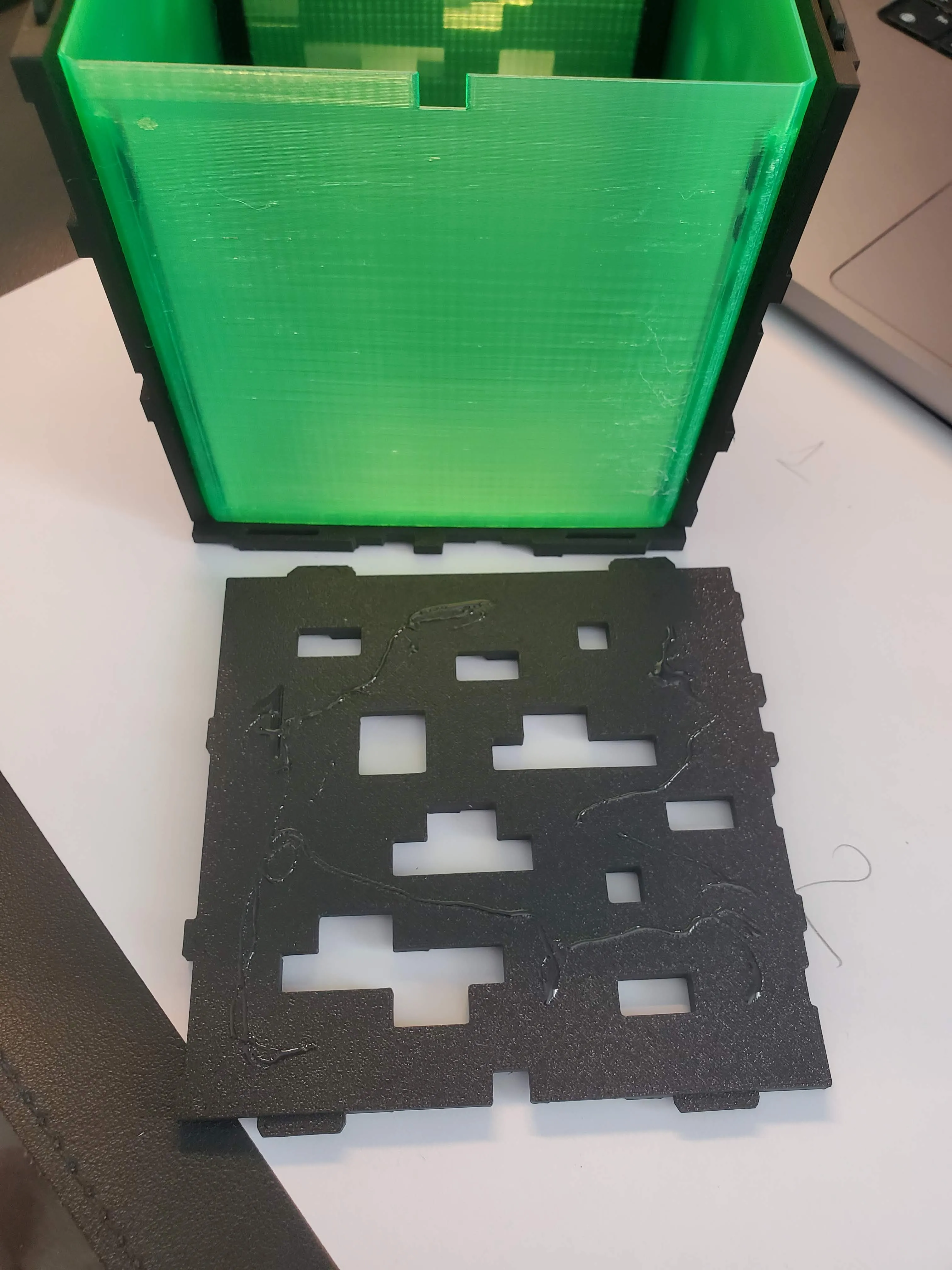
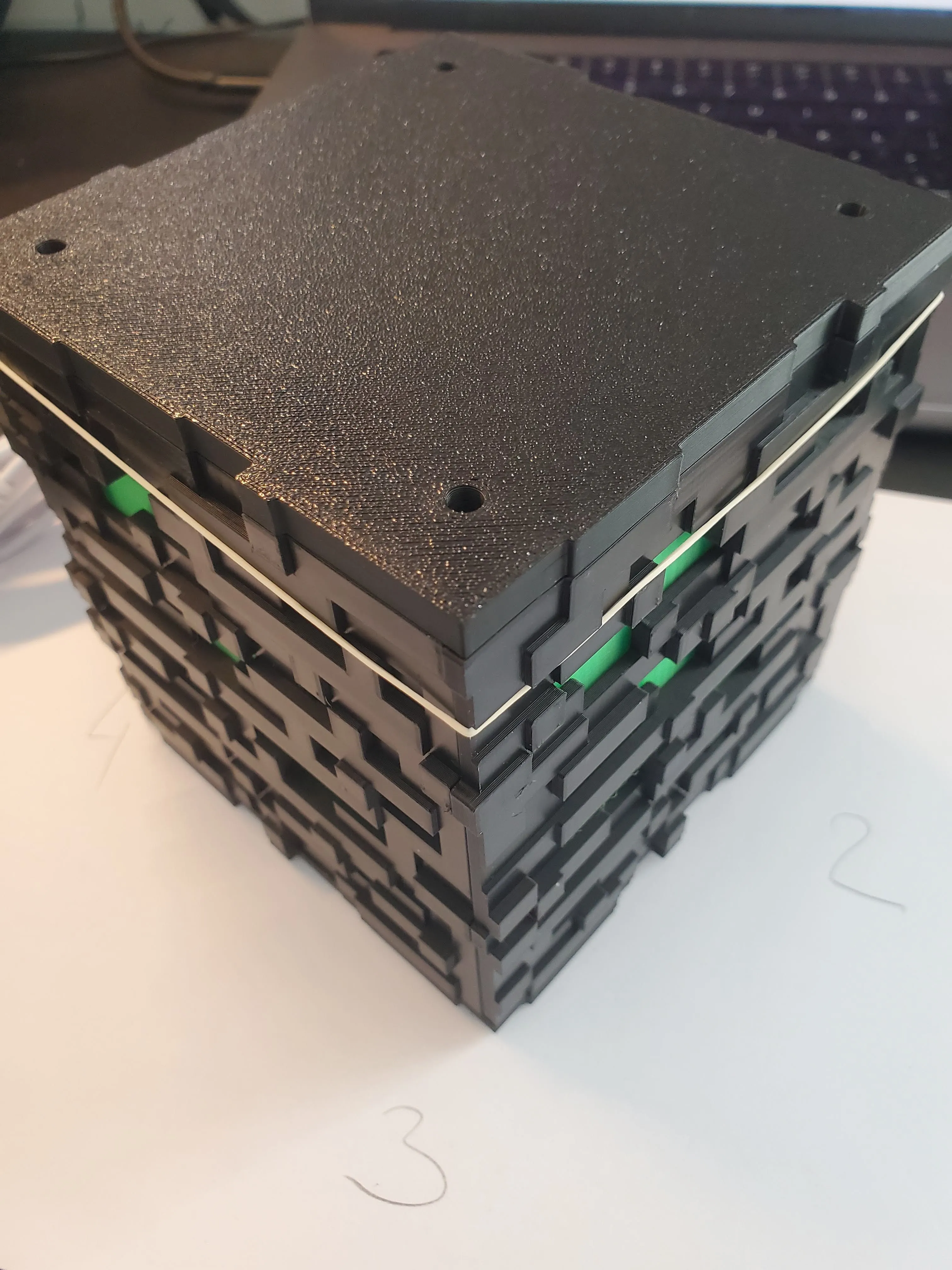
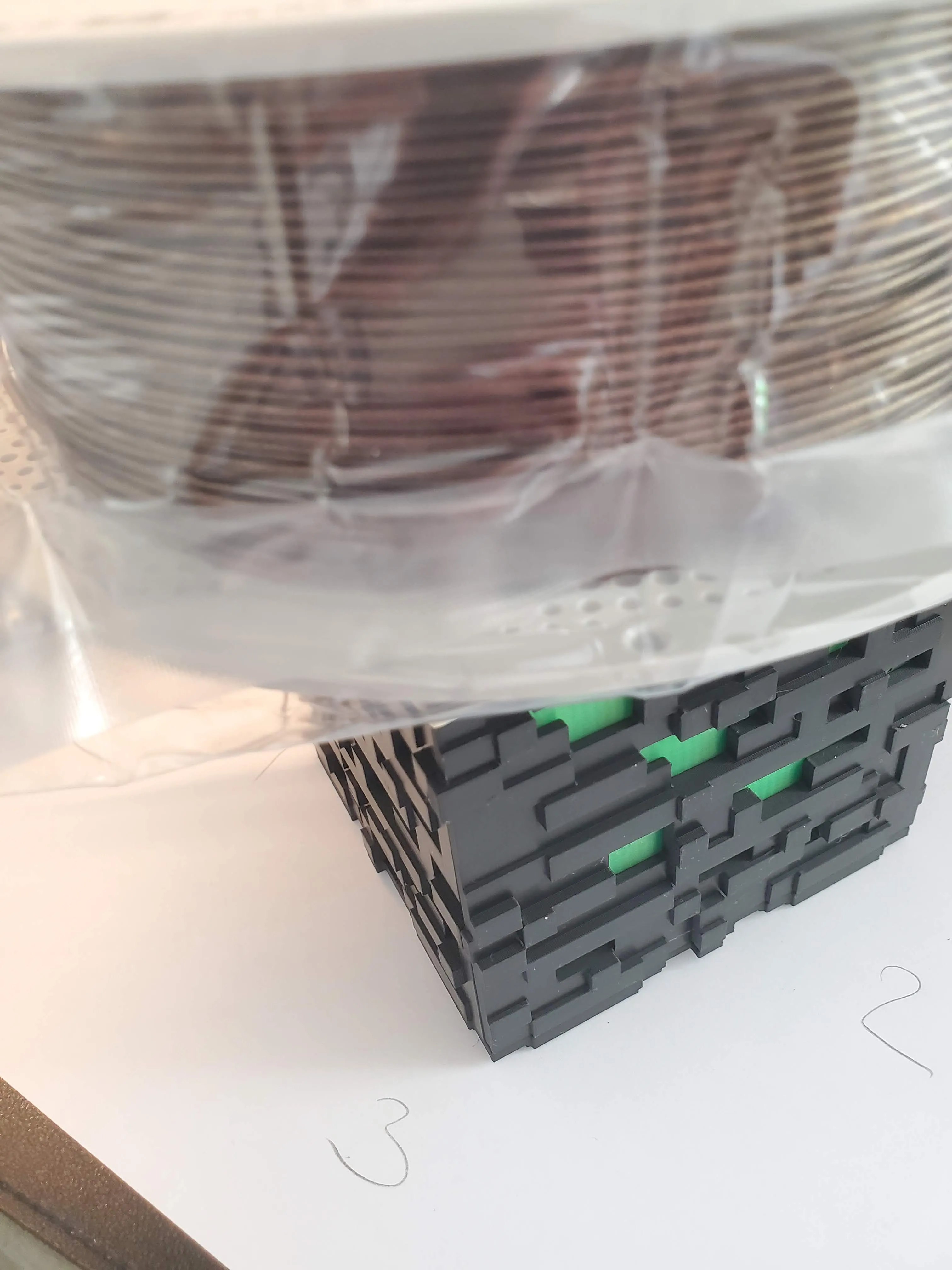
    7. Add the bottom part and apply some weight for a while. You don't need to glue the bottom part, it should hold together well, but if you want you can.
     

Comment & Rating (248)

(0/1000)

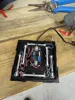
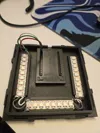
Very cool model — I had to tweak the bottom a bit for my ESP32 + WS2812 setup. But I kept all the mounting points, and it turned out great. 26 LEDs is probably overkill, but it looks awesome. The top part of the diffuser came out pretty thin in transparent PETG, so when I removed it, it started to tear. It didn’t really affect the quality much, though. Thanks for the model!
The designer has replied
designer
7
Reply
nice upgrade! Thank you for the feedback and photos. Just dont run on the max brightness, because one ws2812 its 60mA, and the max what you can get from the esp output its 2000mA. 60*26 = 1560 + 100(esp32 consumption), which is very close to the max power that can be used.
(Edited)
0
Reply
Replying to @up_3d :
Yes, I calculated the power consumption of each LED and picked that number specifically to stay within 2 amps — so there’s some headroom for other things, like a BLE Proxy.
designer
1
Reply
do you mind sharing the modification you made to the bottom side? i'm thinking of doing something like this
1
Reply
Print Profile
Lamp for Bambu lights 0.2 mm V1
awesome print, used pla black and white and rgb light.
The profile uploader has replied
profile
4
Reply
looks Amazing!
0
Reply
Print Profile
Lamp for Bambu lights 0.2 mm V1
used the RGB puck. it printed perfect and it’s a cool lamp. thanks!
The profile uploader has replied
profile
3
Reply
Thank you for the feedback!
0
Reply
Absolutely brilliant. Made this for my son. Printed on my Snapmaker U1 using black Snapmaker PLA and for the diffuser I used eSun translucent green filament. Used the multi colour BambuLab lamp. Works very well.
The designer has replied
designer
2
Reply
thank you for the feedback and photos, looks cool!
0
Reply
Boosted
Mega cool project, hats off to the designer. Unfortunately, I have the problem that my surfaces are not so smooth. I also performed this bracket test mentioned in the description. Here it is clearly stated that a setting of 80-40 as well as 60-35, 80-45 and 150-40 would be optimal. I tried it with 80-40 but unfortunately the same result. I used PLA+2.0 from Sunlu, new roll. Does anyone have an idea what I could do better? I'm still a greenhorn when it comes to this. Thanks in advance 🙌
The designer has replied
Show original
0
Reply
hi, may you take a photo of ironing test, please. also please dry the filament. which printer do you use?
1
Reply
Boosted
Hello, I'm printing on a P2S, the filament is fresh out of the package so it should be dry enough. Will dry it again in the next step though. Here is the photo And thanks for the answer and the tips 🙌
Show original
1
Reply
Replying to @paxx1988 :
The answer is a bit late, but this is most likely "warping". Your first layer lifts due to the cooling filament, causing the nozzle to accumulate material on the surface and occasionally scrape it off. I would increase the print bed temperature by 10°C and maybe even add a brim. Definitely clean the print bed well with dish soap. For large, square prints, the first layer is always extremely difficult, even if it looks good at first.
Show original
0
Reply
This is one of the best prints I've done. Used white pla for the diffuser and the multi coloured LED off amazon which is identical to the Bambu 001. It's come out brilliantly! Highly recommend to anyone thinking about this!
The designer has replied
designer
2
Reply
Perfect print, nice photos, thank you for the feedback!
0
Reply
Just printing the sides so far I can see it's going to be good, I'm pleased with the light defusion even with pla. Anyone wanting bambulab electronics buy them off aliexpress they are 4 xs cheaper!
The designer has replied
designer
1
Reply
thank you for the feedback
0
Reply
Cool. My kids liked it. Thank you
The designer has replied
designer
1
Reply
thank you for the feedback and photos, looks cool!
0
Reply
Print Profile
Lamp for Bambu lights 0.2 mm V1
After reading the reviews, decided to go with getting the light that changes color and printed in clear translucent and it turned out great. Thanks for the file.
The profile uploader has replied
profile
1
Reply
thank you for the feedback and photos, looks cool!
0
Reply
Great model, everything fits together perfectly. I modified the bottom to place an esp32 supermini and run WLED. The lamp integrates into Home Assistant, which is cool
The designer has replied
Show original
designer
1
Reply
Thank you for the feedback and photo! Cool upgrade💡!
0
Reply

License

This user content is licensed under a Standard Digital File License.

You shall not share, sub-license, sell, rent, host, transfer, or distribute in any way the digital or 3D printed versions of this object, nor any other derivative work of this object in its digital or physical format (including - but not limited to - remixes of this object, and hosting on other digital platforms). The objects may not be used without permission in any way whatsoever in which you charge money, or collect fees.