
BambuLab DVD Extruder
Print Profile(4)


Bill of Materials

Description
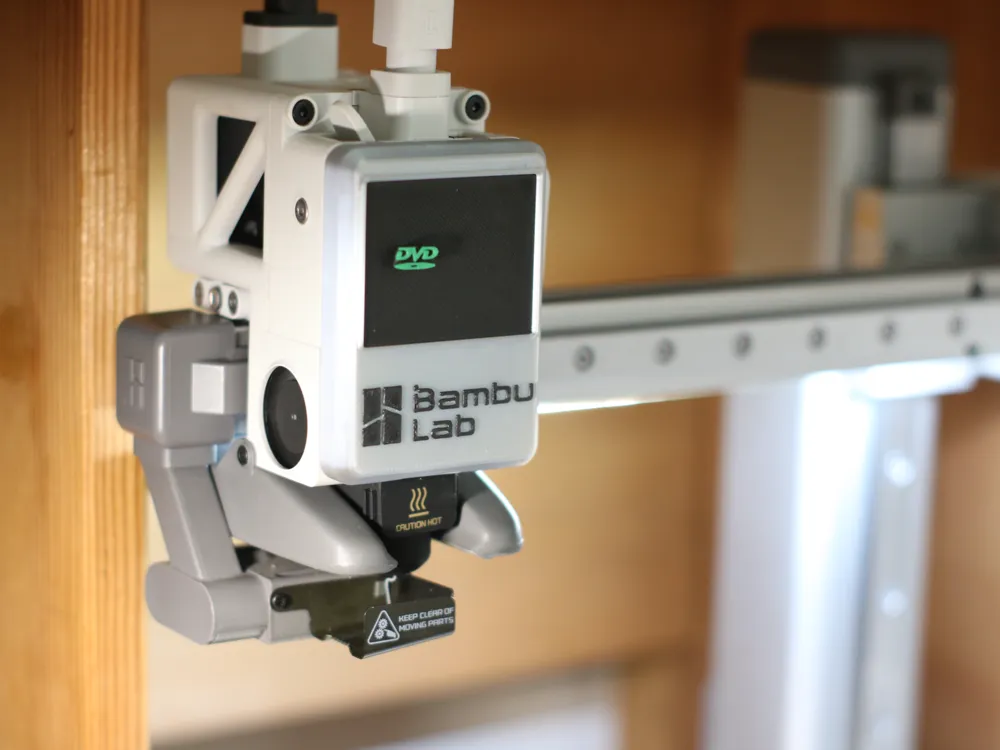

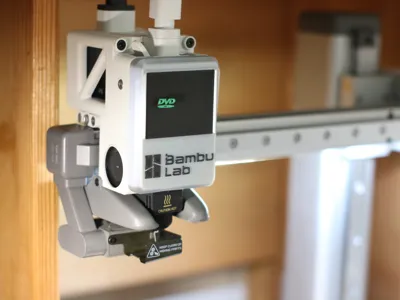
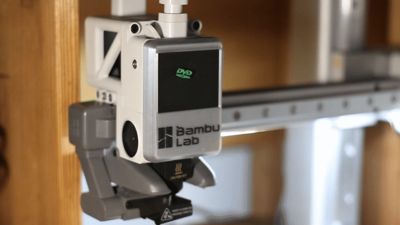
Here is a cover for the print head of an A1 or A1 mini printer.
You will need 4 cylindrical 5x3mm magnets (here on Maker's Supply)
The print must be very clean so that the gears do not bind
1- After printing, place two magnets in the cover, if they are not tight enough use superglue
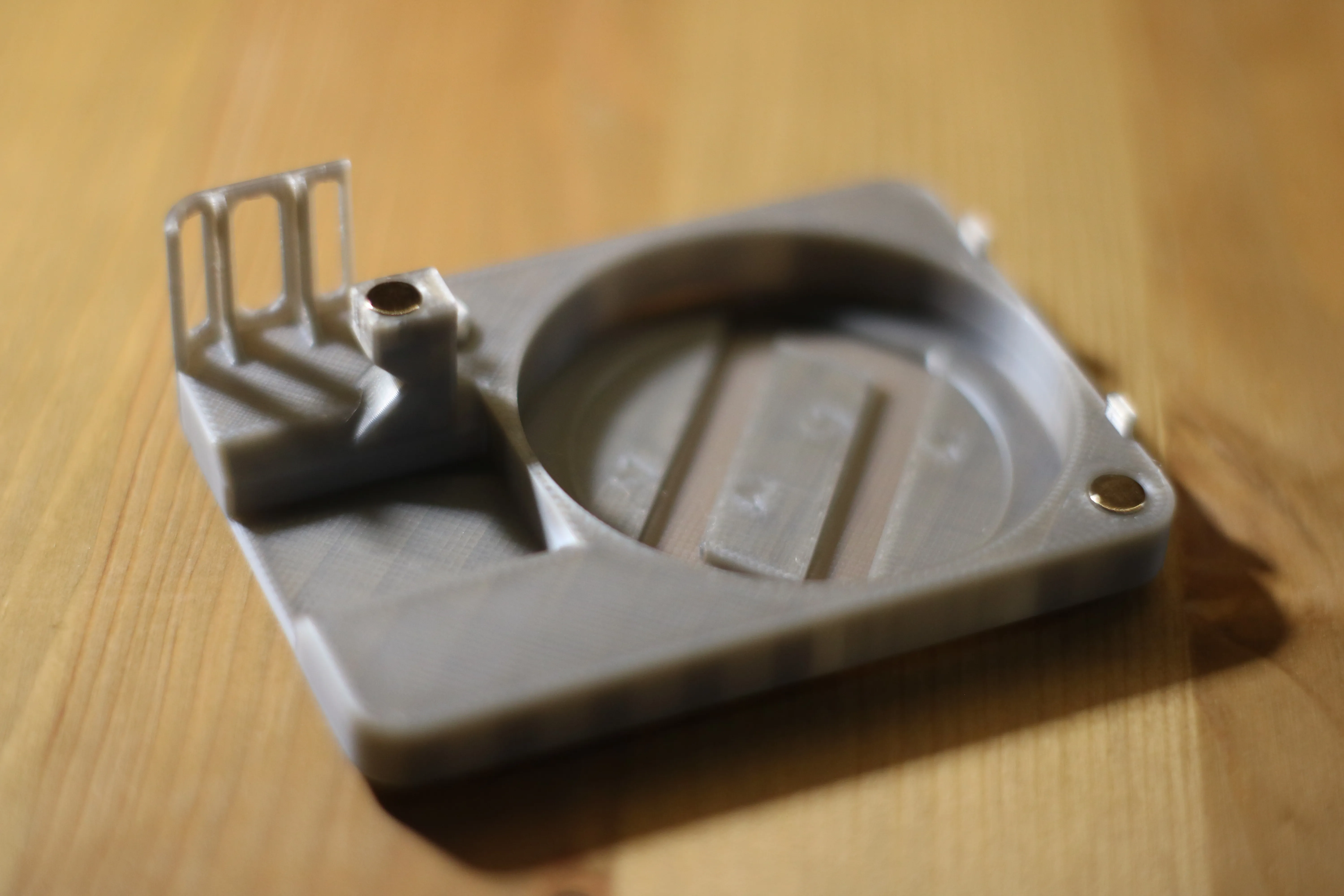
2- Glue the front panel onto the cover
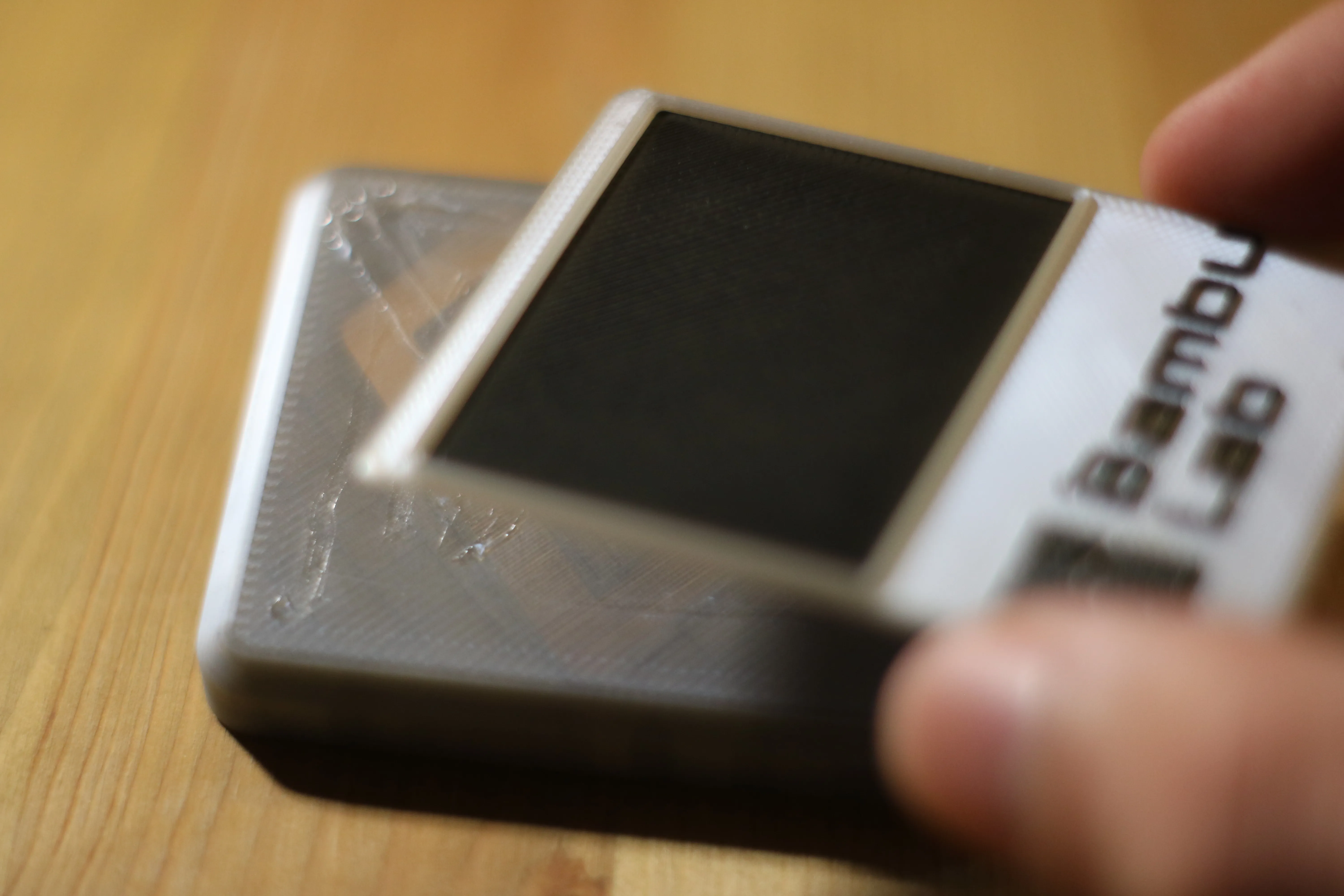
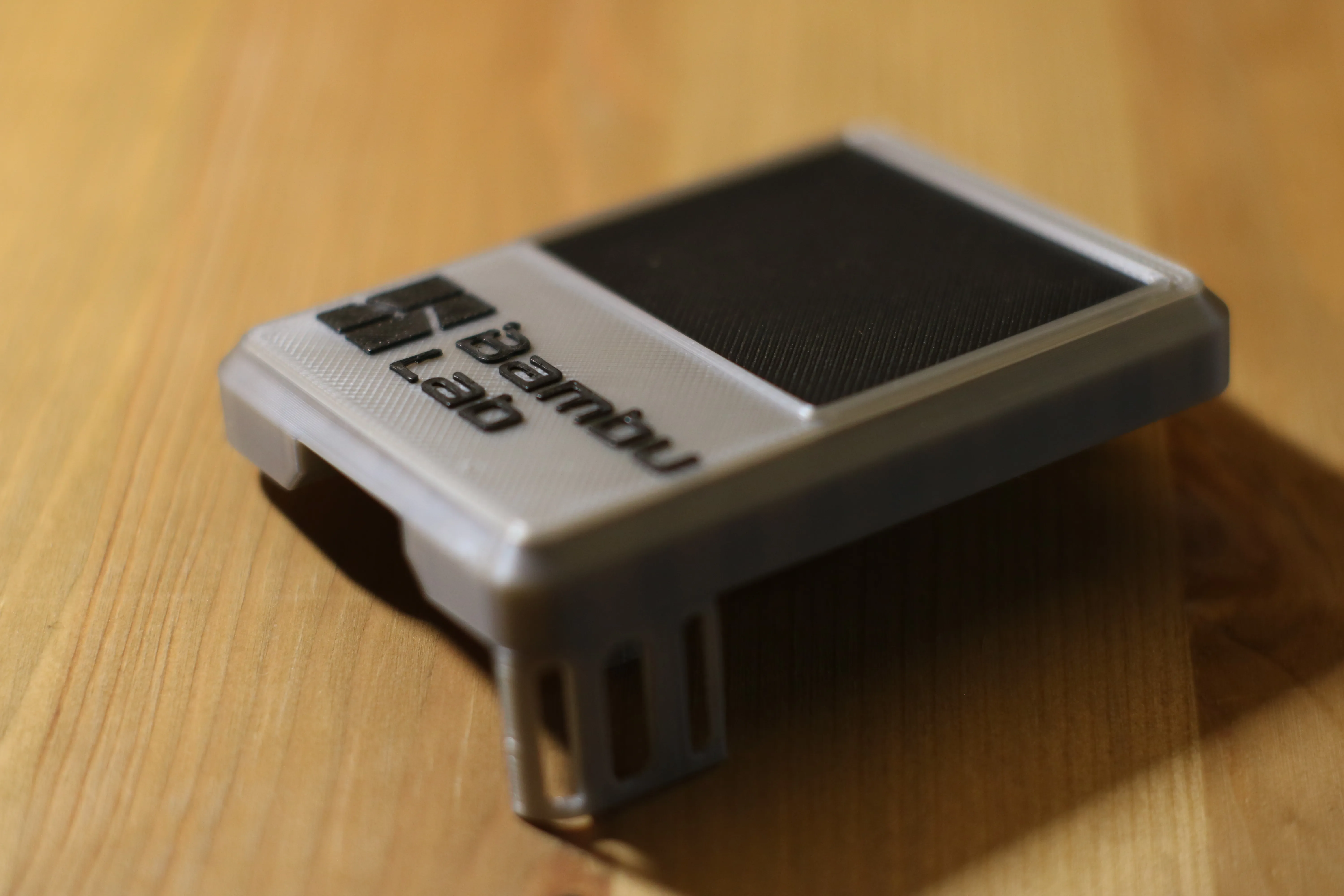
3- Glue a magnet to the back of the DVD logo
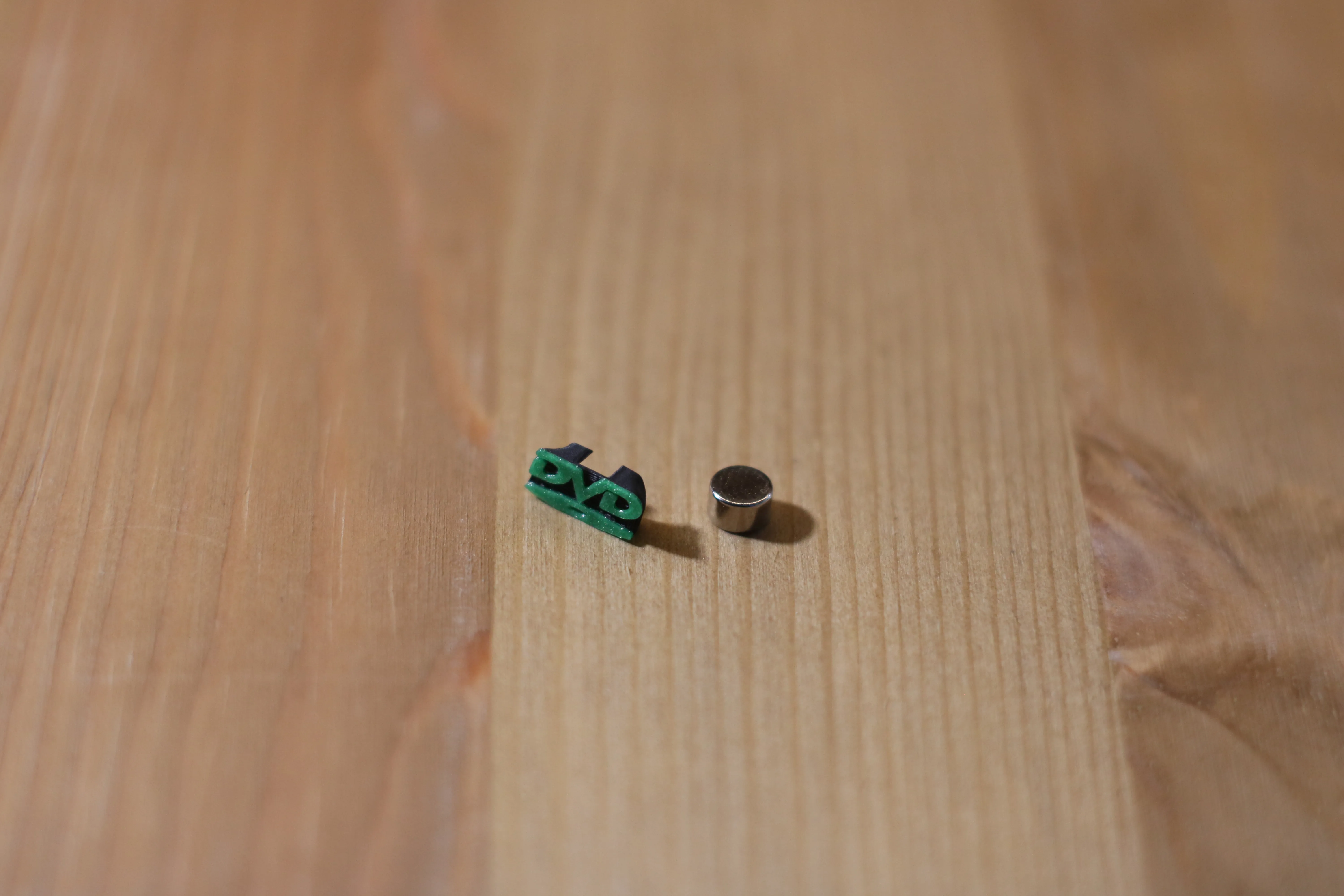
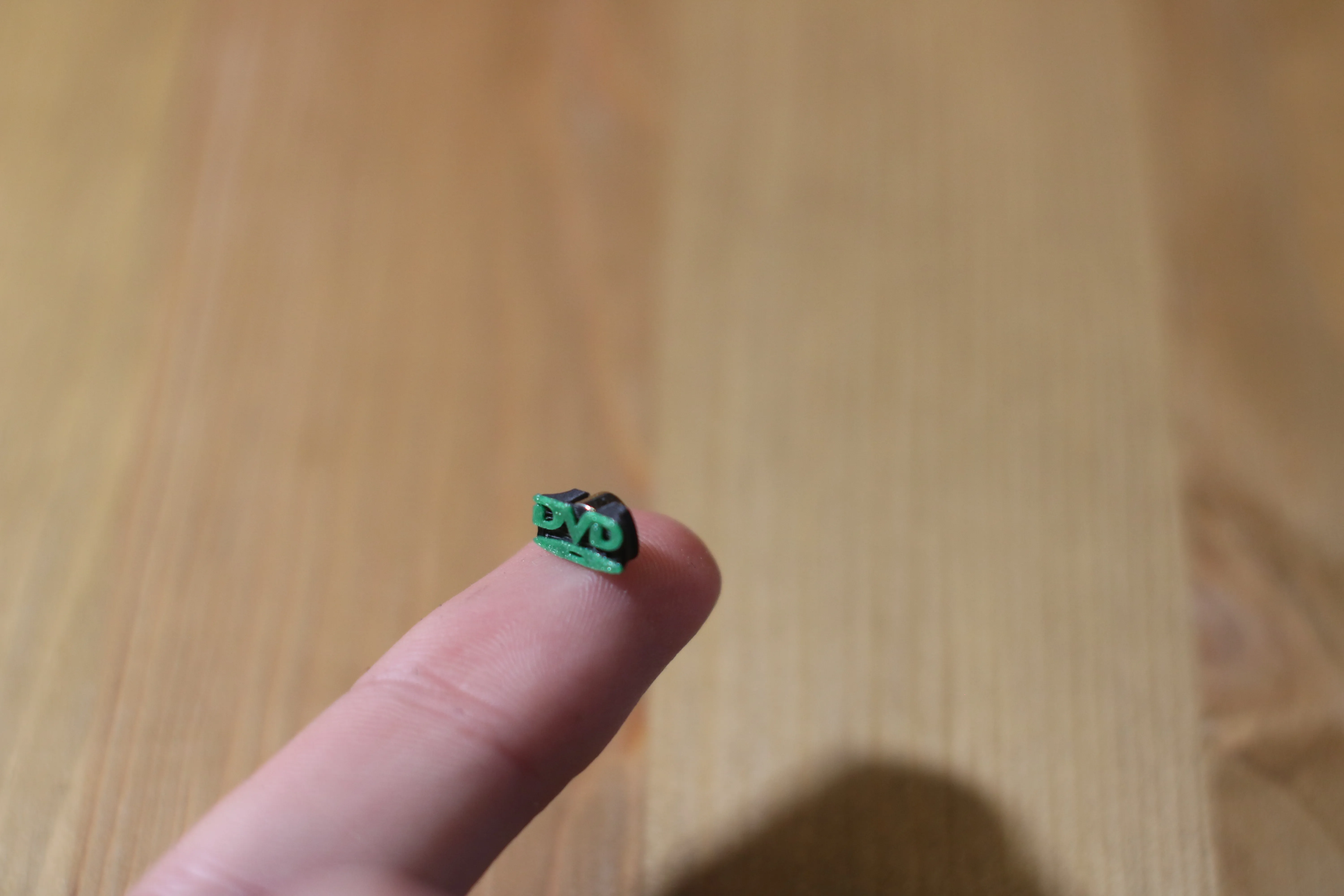
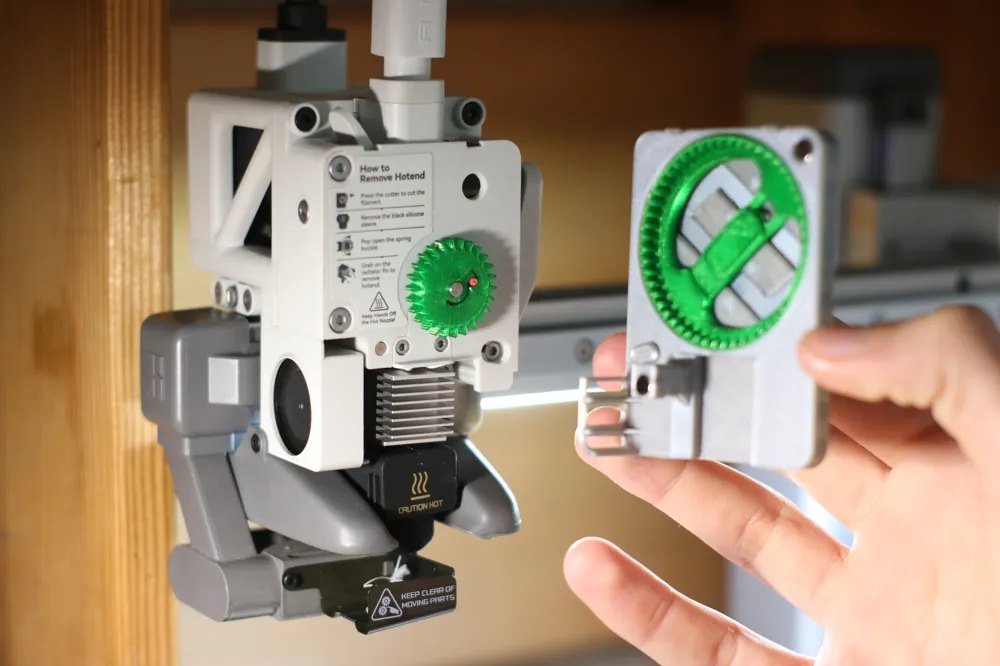
4- place the DVD logo against the front panel and put another magnet inside the cover (in the groove) then place the assembly at the indicators
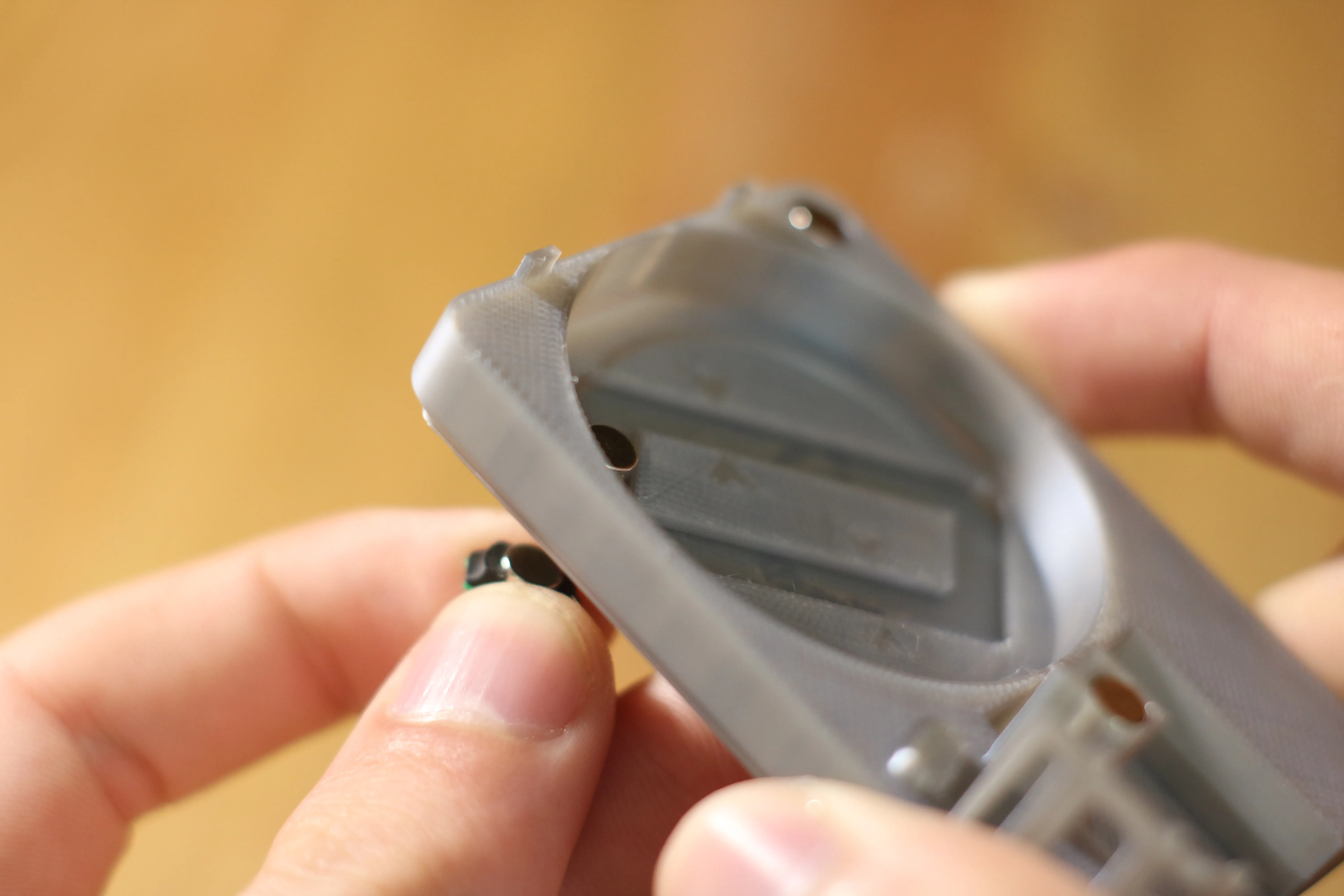
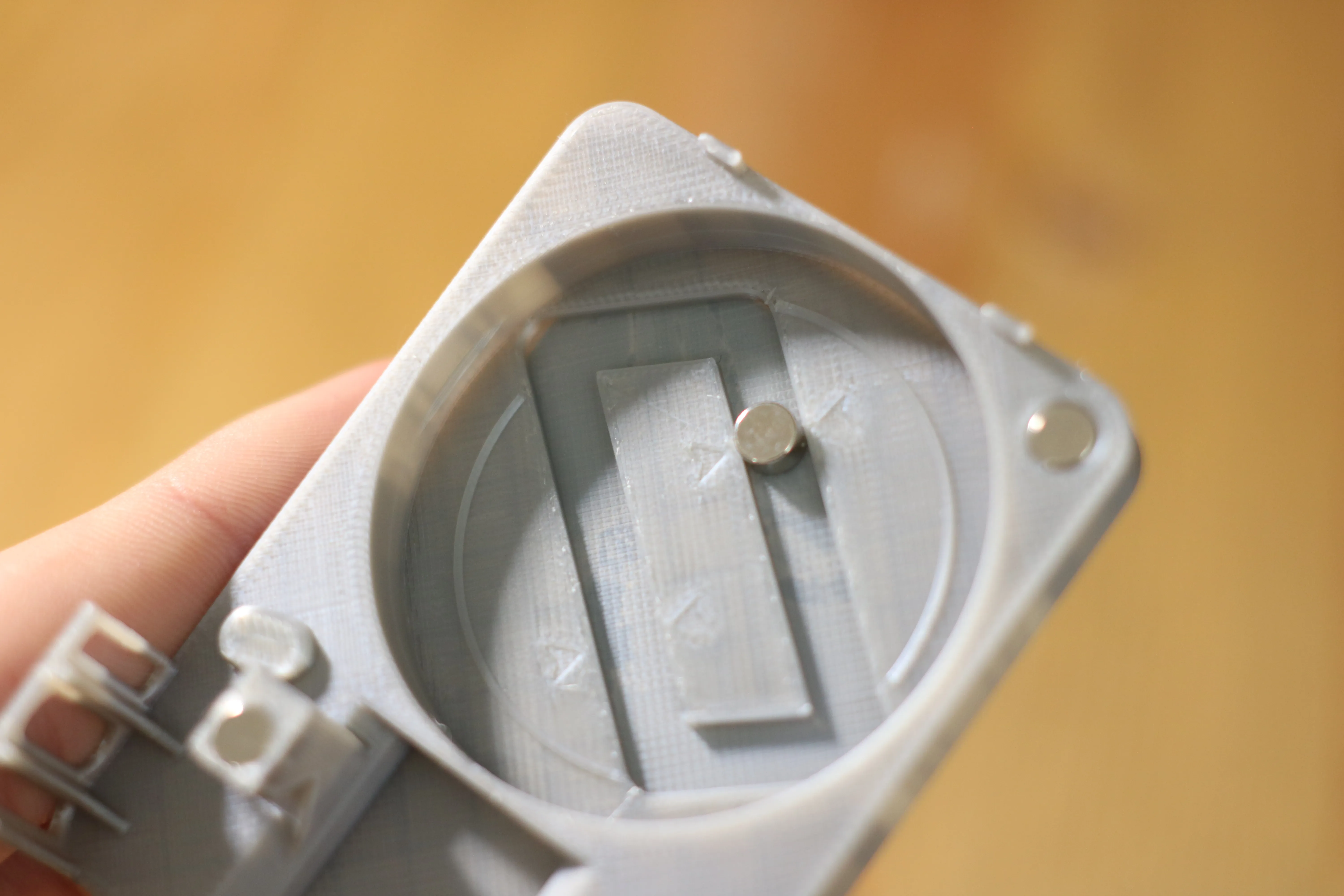
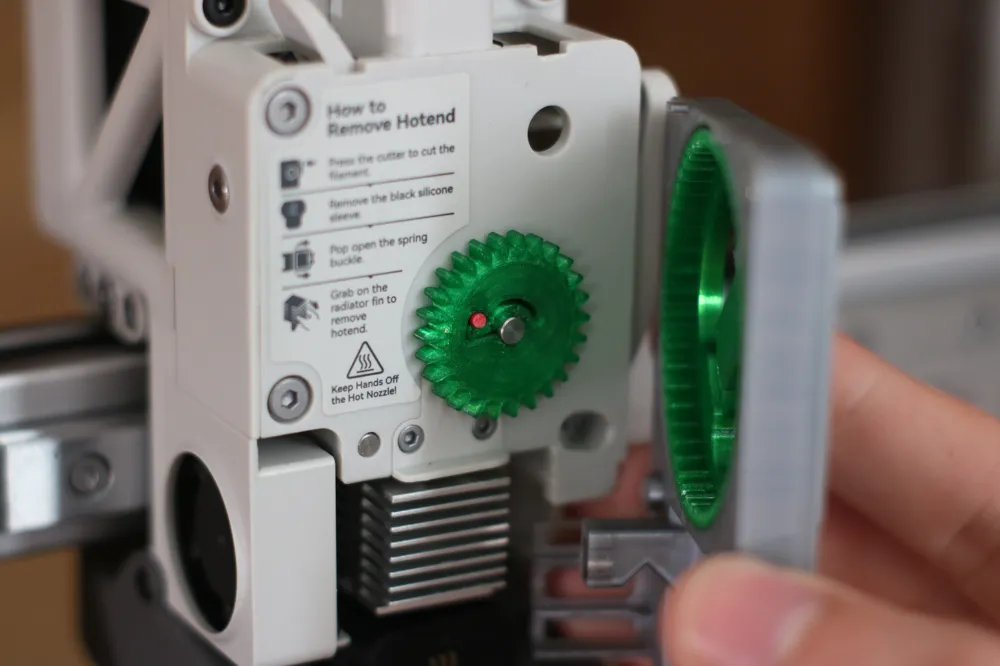
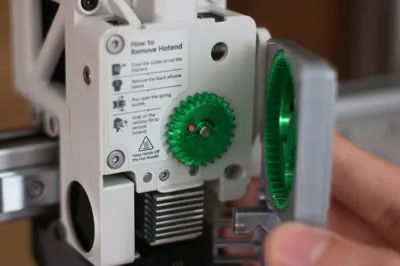
5- place the gear so that the magnet is guided
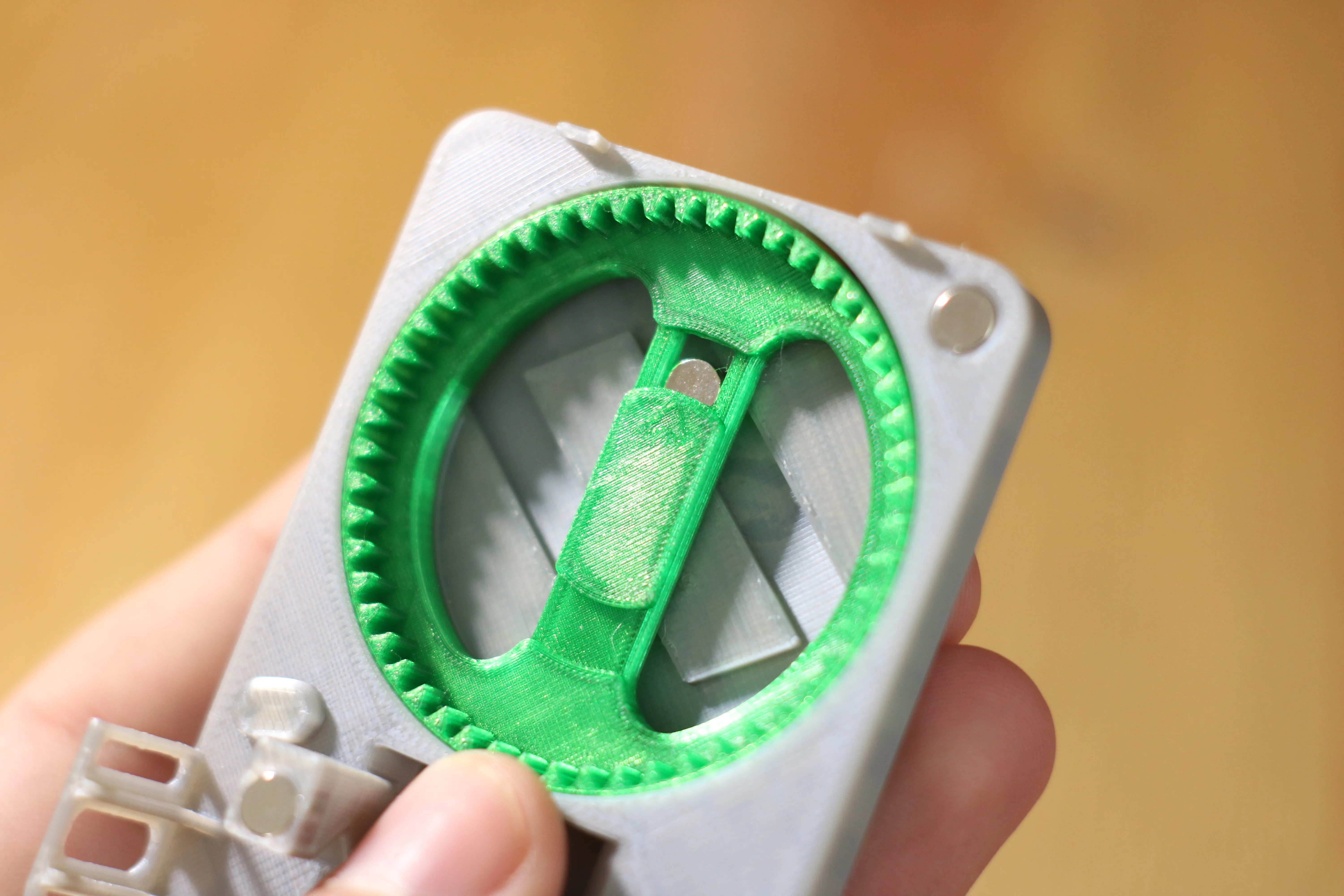
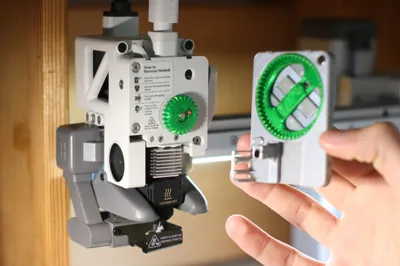
6- Remove the current front panel from the print head as well as the wheel then place the other gear in its place
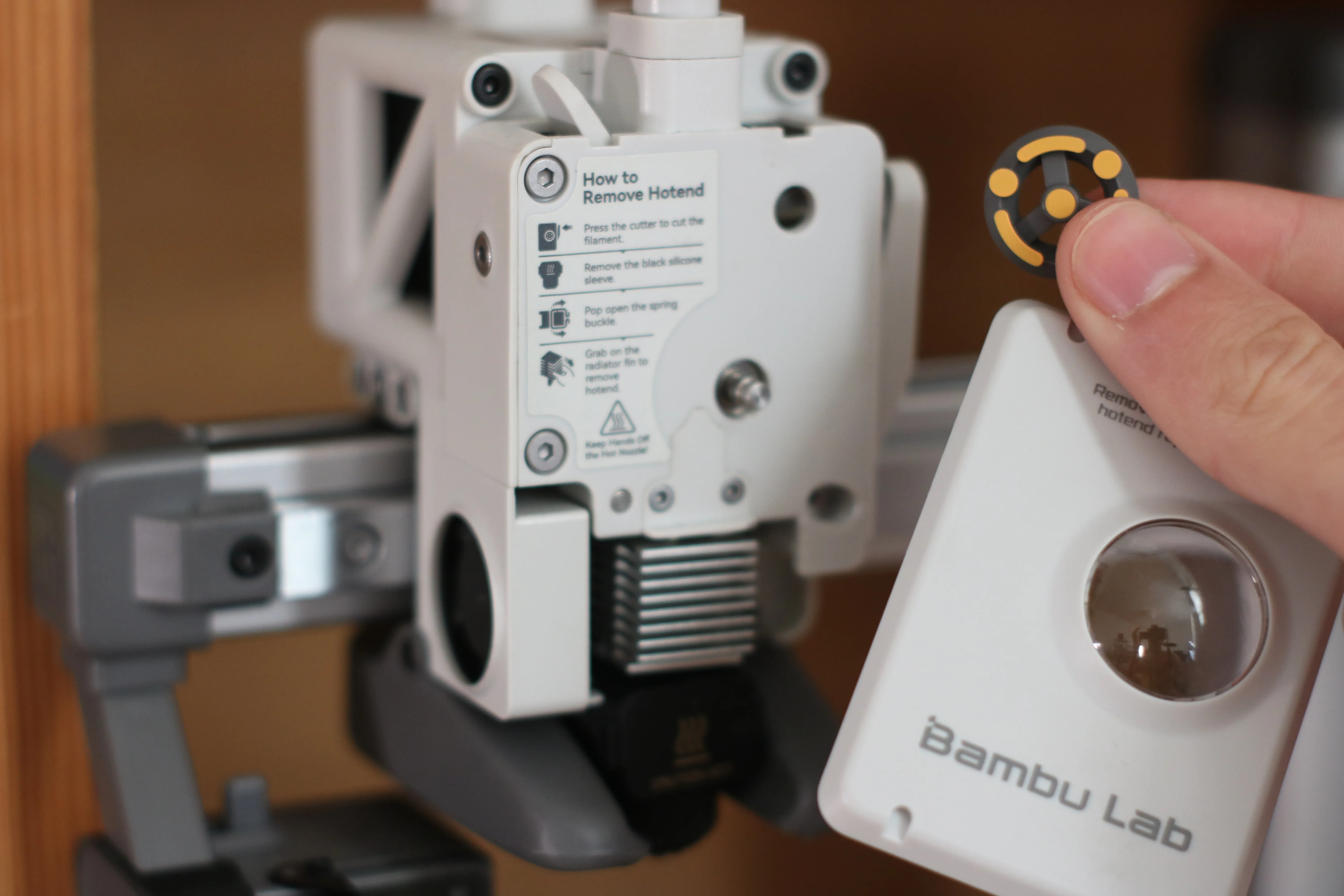
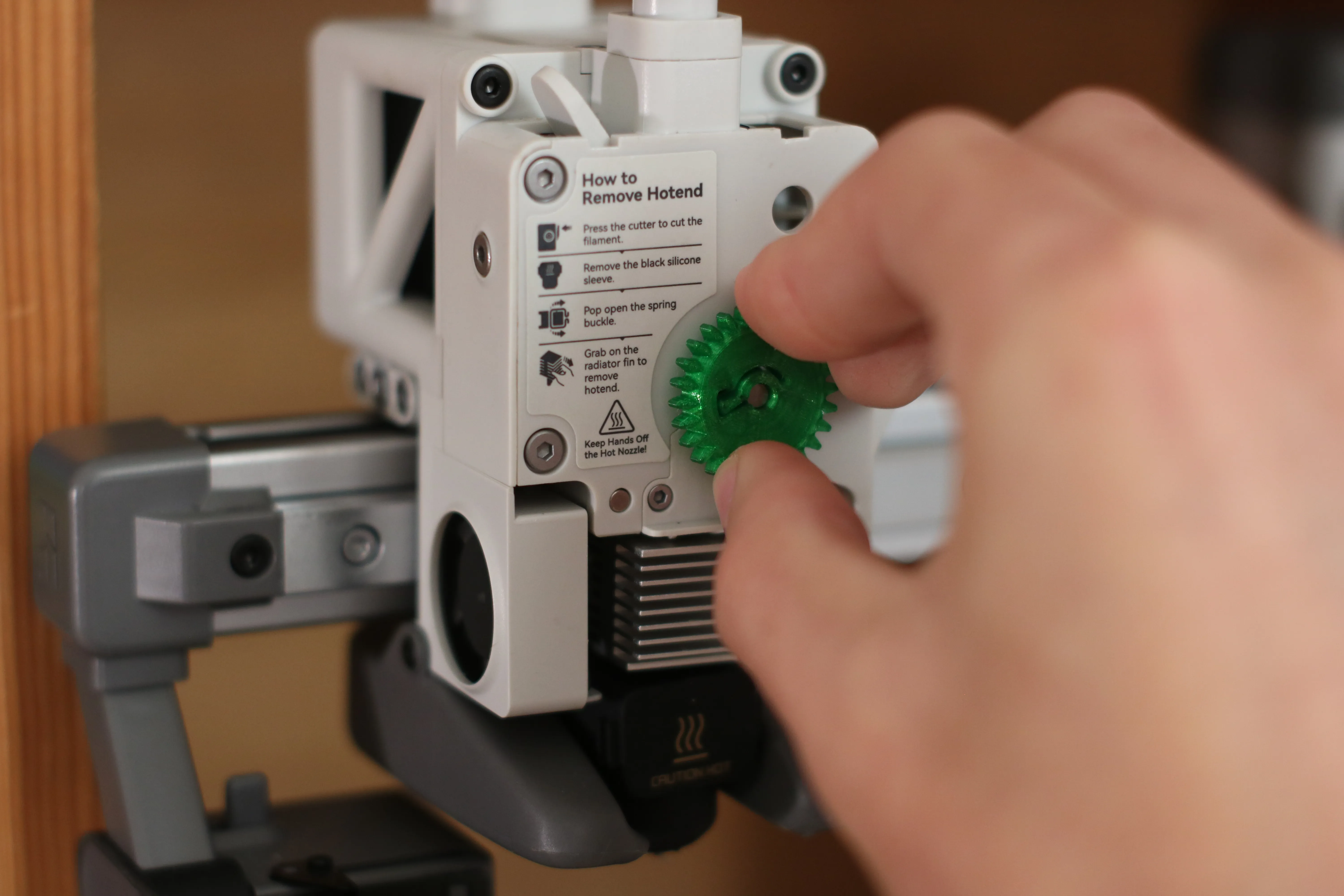
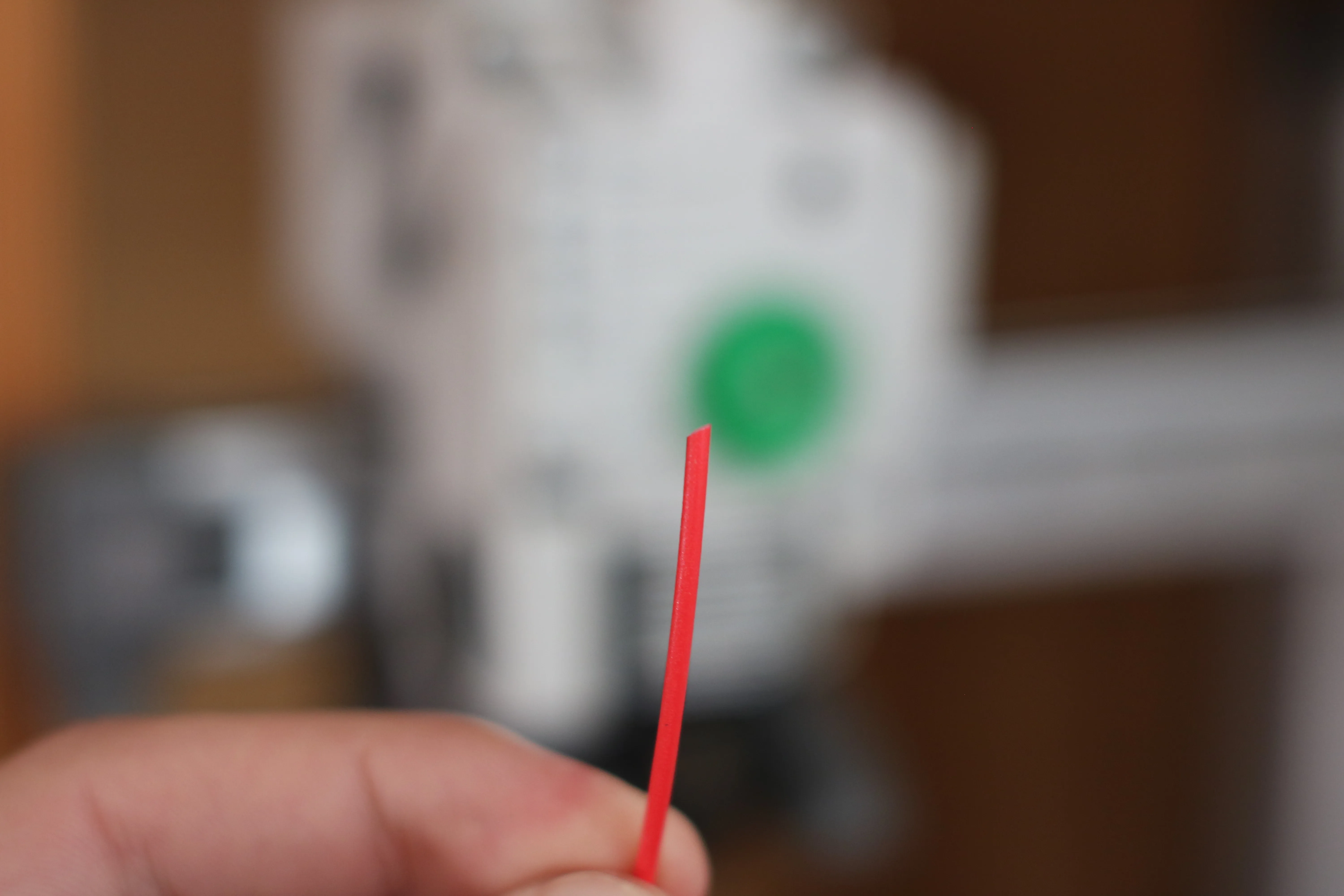
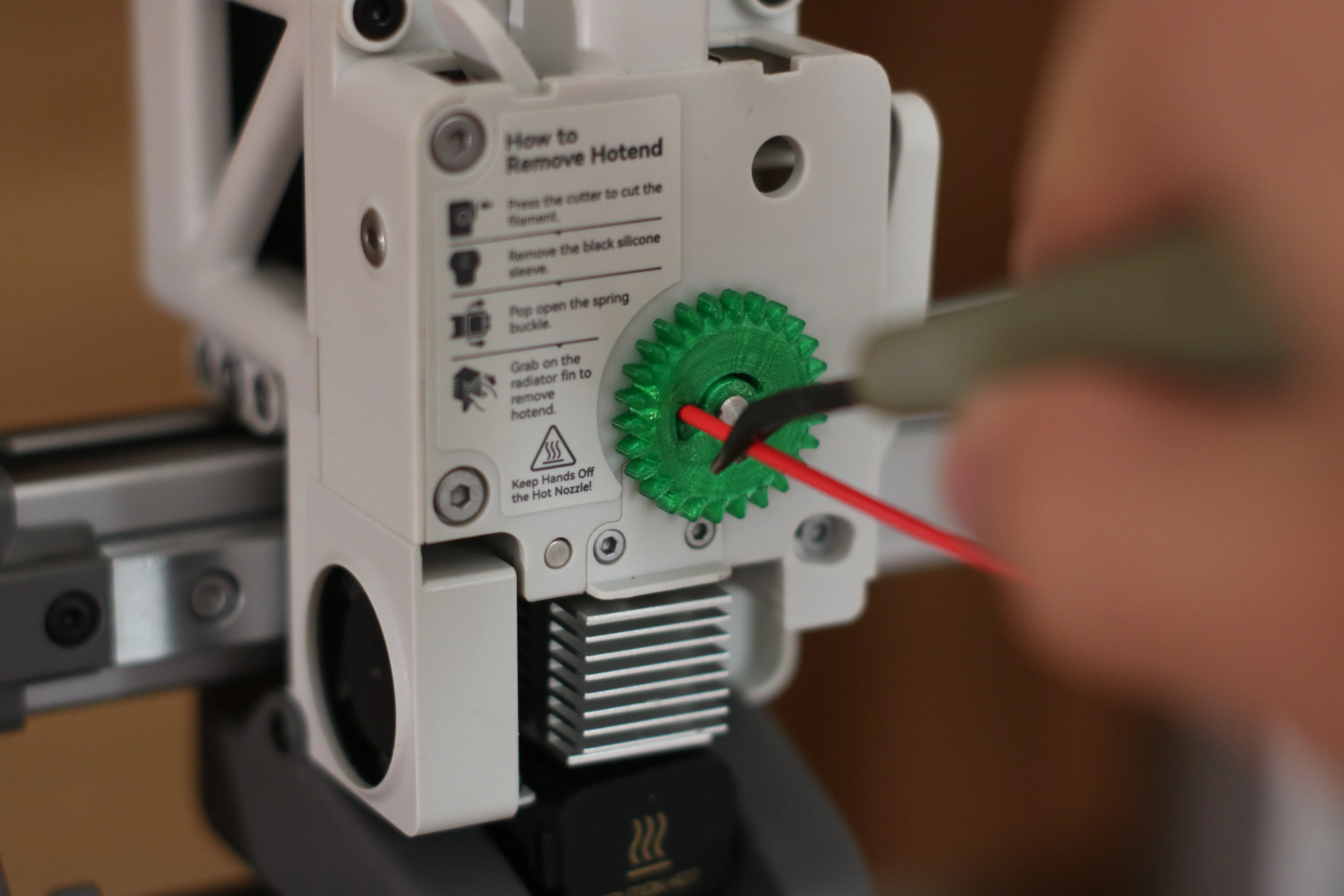
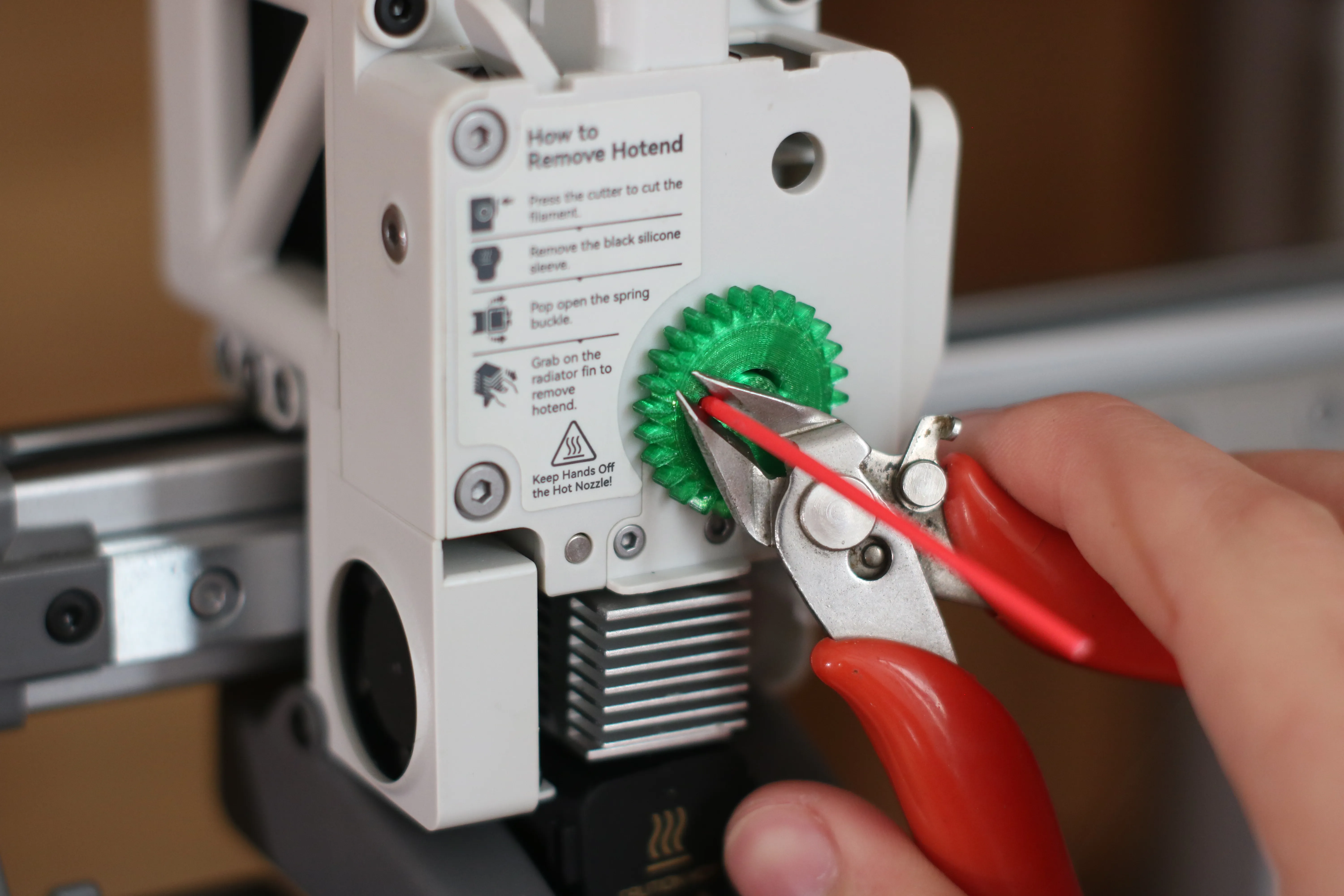
7- Force a beveled piece of filament to tighten the gear's fit then cut flush
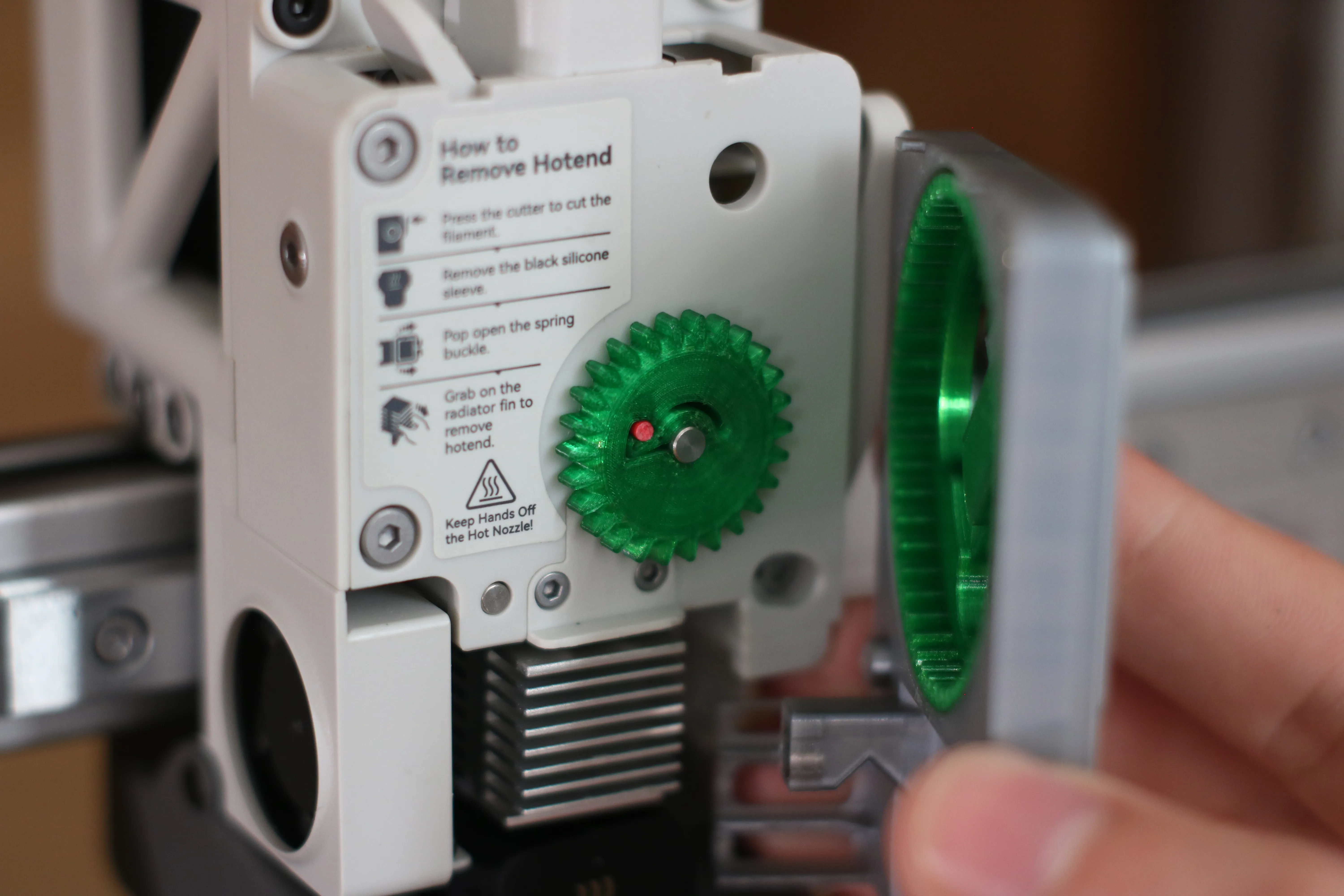
8- close with the lid
License



Comment & Rating (121)