
Easy-Feed Top Spool Holder
Print Profile(5)



Bill of Materials

Description
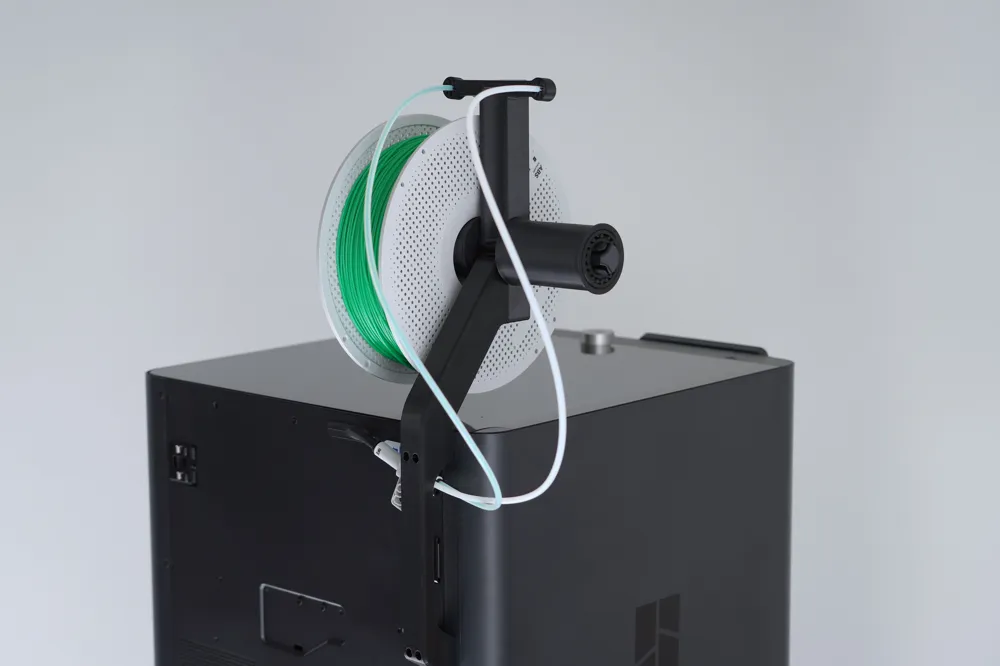
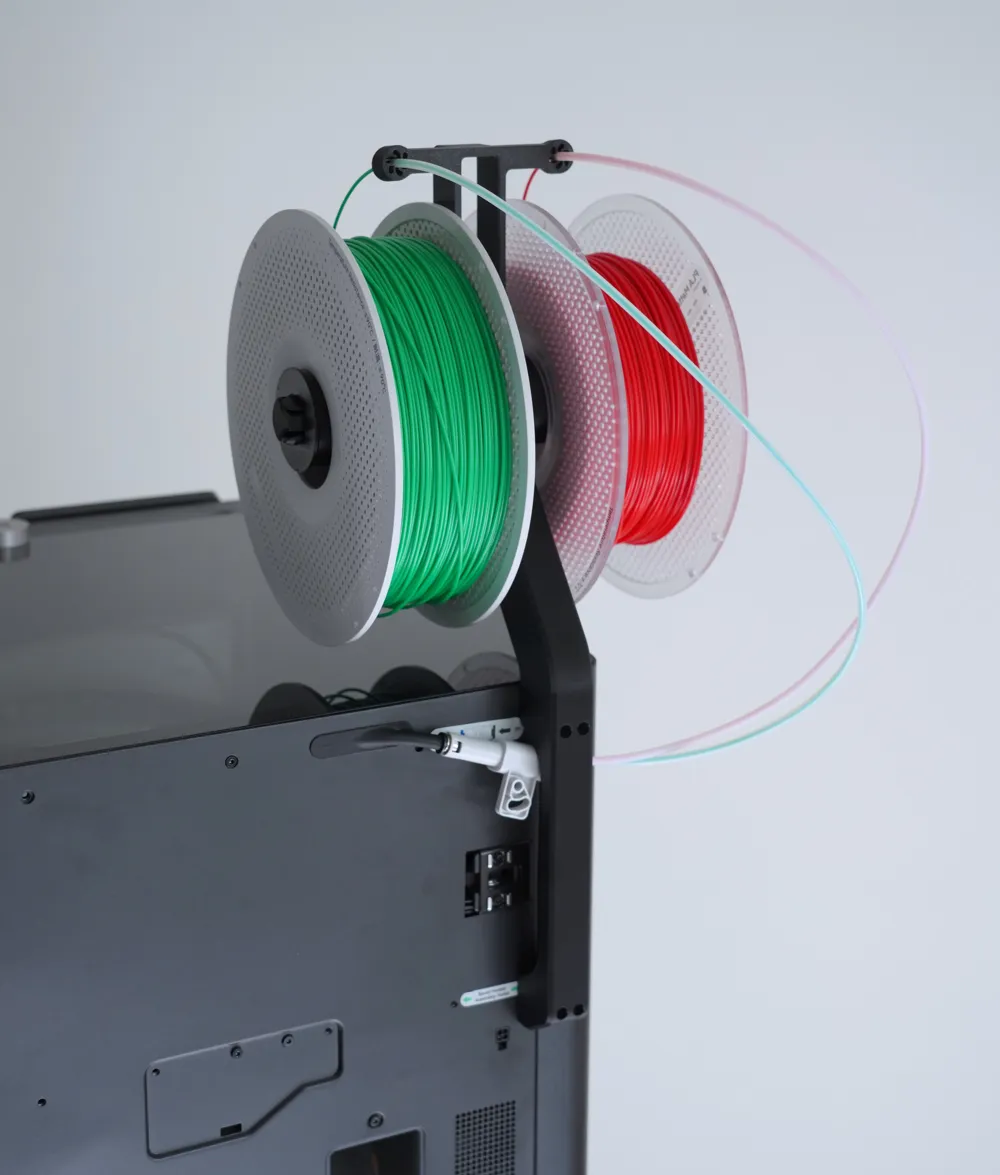
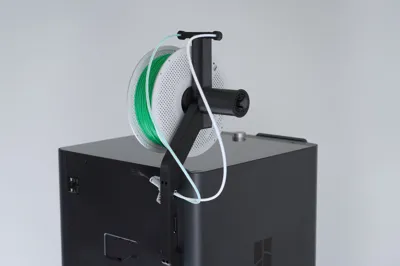
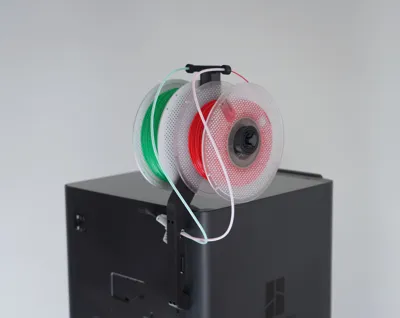
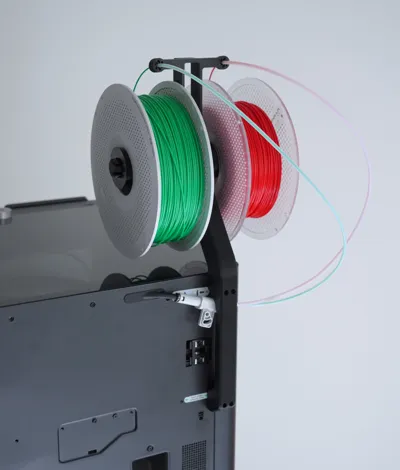
This is my take on a top Spool holder for the P1S/X1C.

I needed an easy and more convenient way to load filament for my P1S without an AMS so I designed this top spool holder.
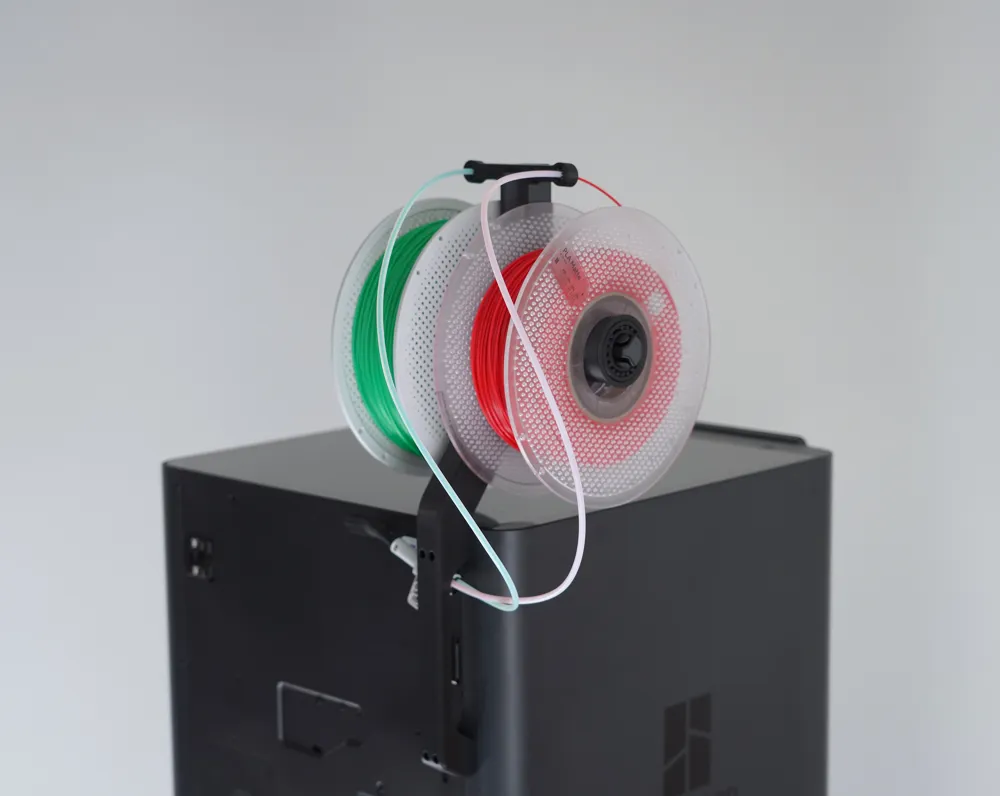
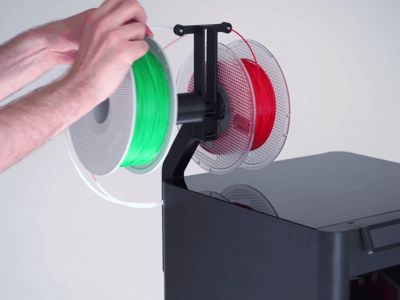
I focused on a strong design that is easy to use without having to access the printer from the back. While designing it I also created a dual spool version, that makes it easier to switch between two filaments and have them ready to go.
The Easy-feed top spool holder blocks the rear spool holder if you want an additional spool mount besides the top spool mount you can use
the side spool holder for the AMS Flipper as it is compatible with this top spool mount.
Features of the design:
- Easy loading of the spools, without accessing the back.
- includes 25mm taller version for risers
- no supports, easy to print
- integrated PTF guide
- dual spool mount version to have two filaments ready to go
- Strong design can easily hold two full spools

- The rear brackets have integrated handles which can be used to move the 3d printer.
Required Hardware:
- 4x countersunk m3x30mm screws
- depending on how long the PTFE tube on your printer is you might need a longer one.
- for the dual spool version you need Y-splitter for the two PTFE tubes.
Assembly:
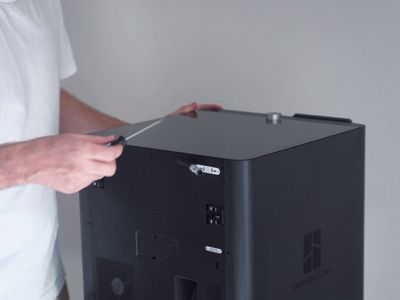
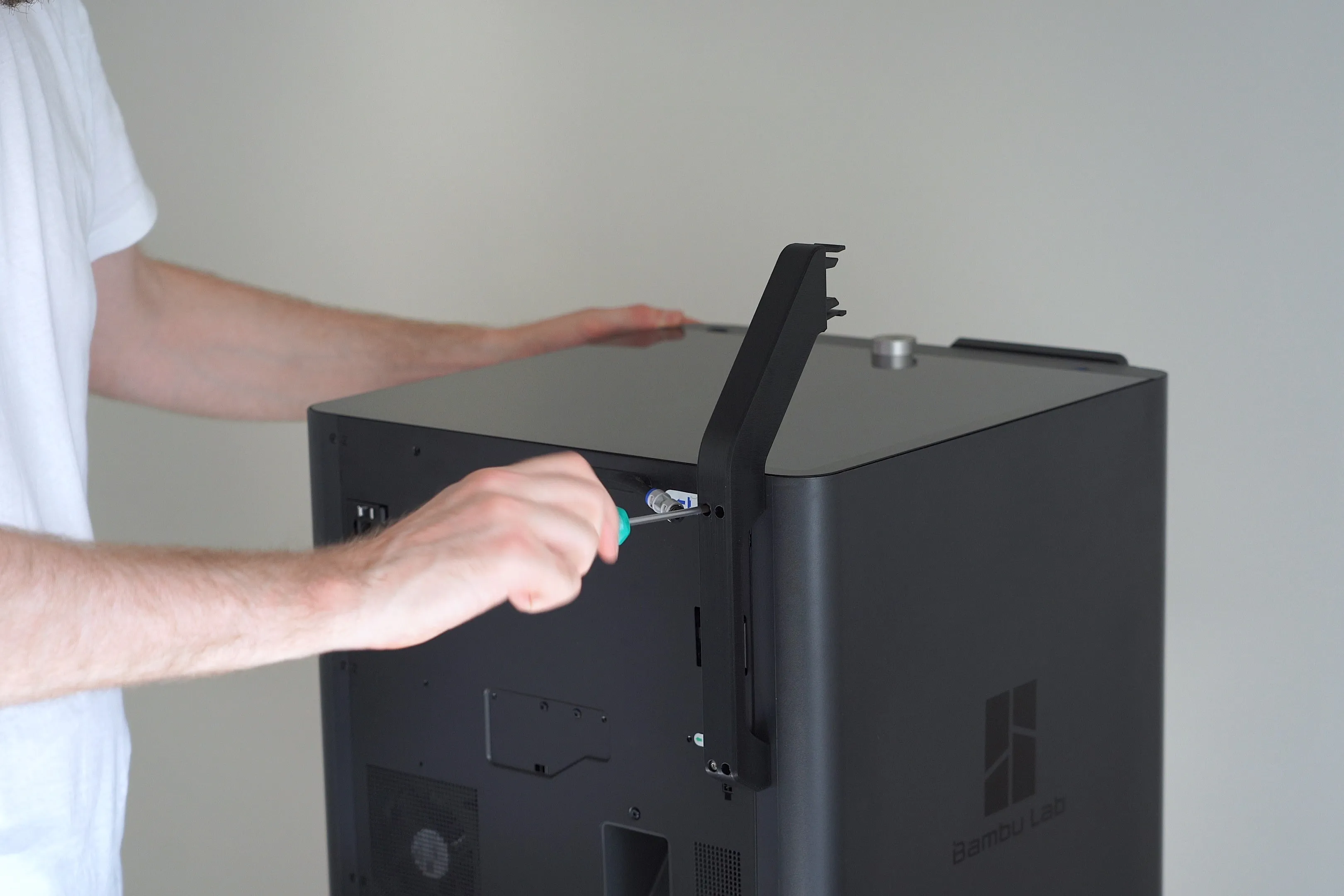
1. To add the rear bracket you first have to remove the four outer screws at the rear of the P1S/X1C.
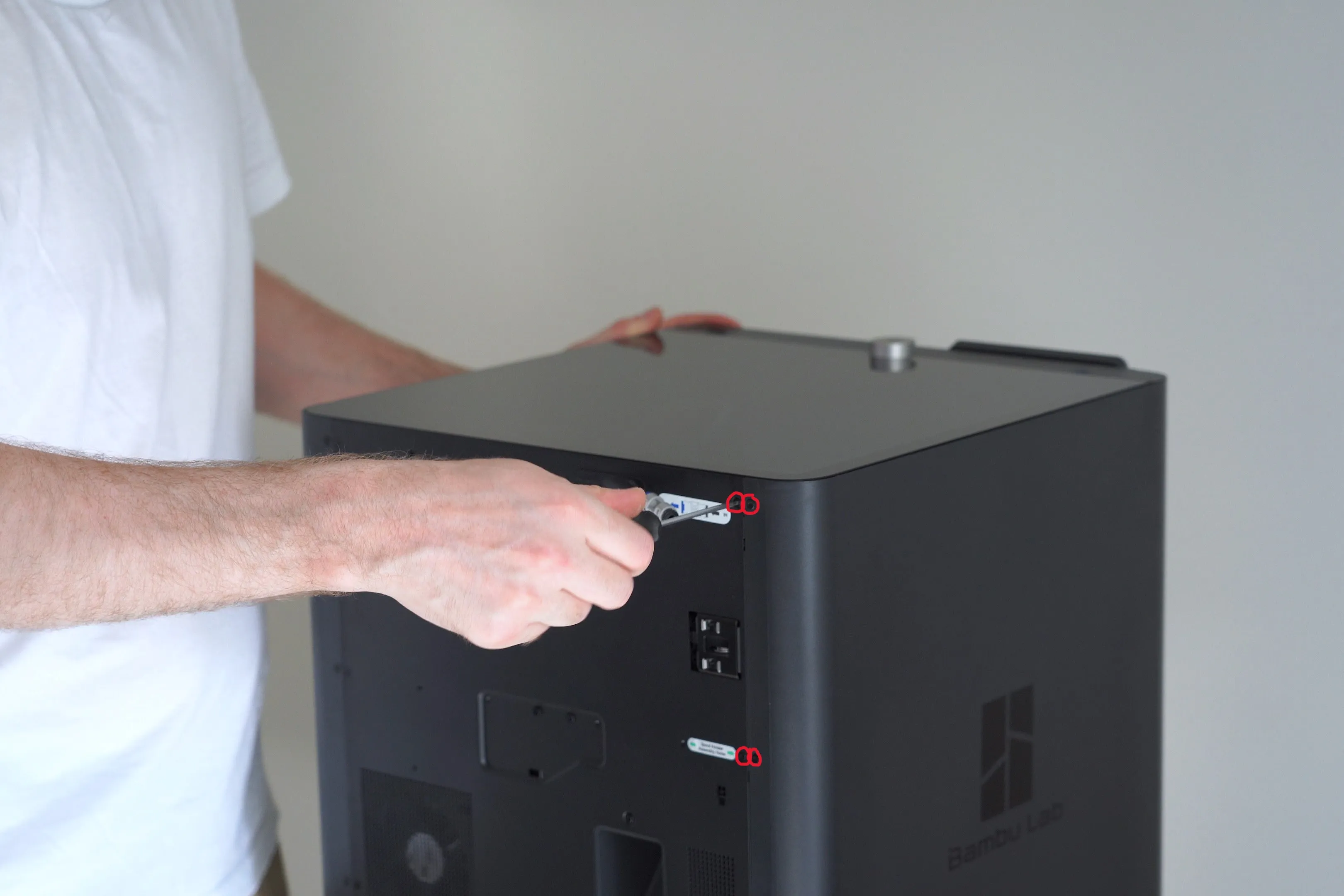
2. In the next step you can screw the rear bracket in place with four countersunk m3x30mm screws.
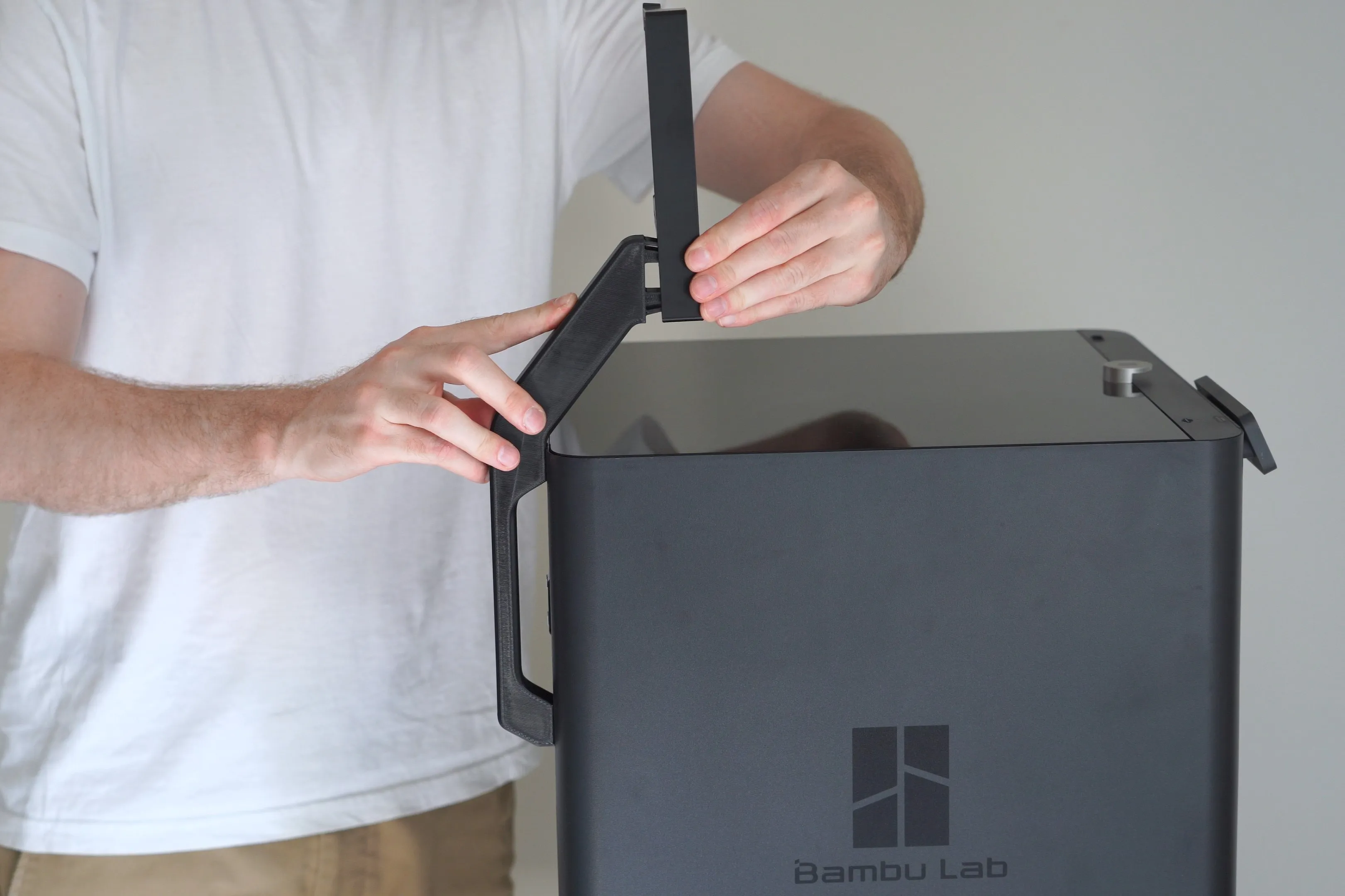
3. Once the rear bracket is attached to the frame you can simply press on the upper bracket (it should snap into place)
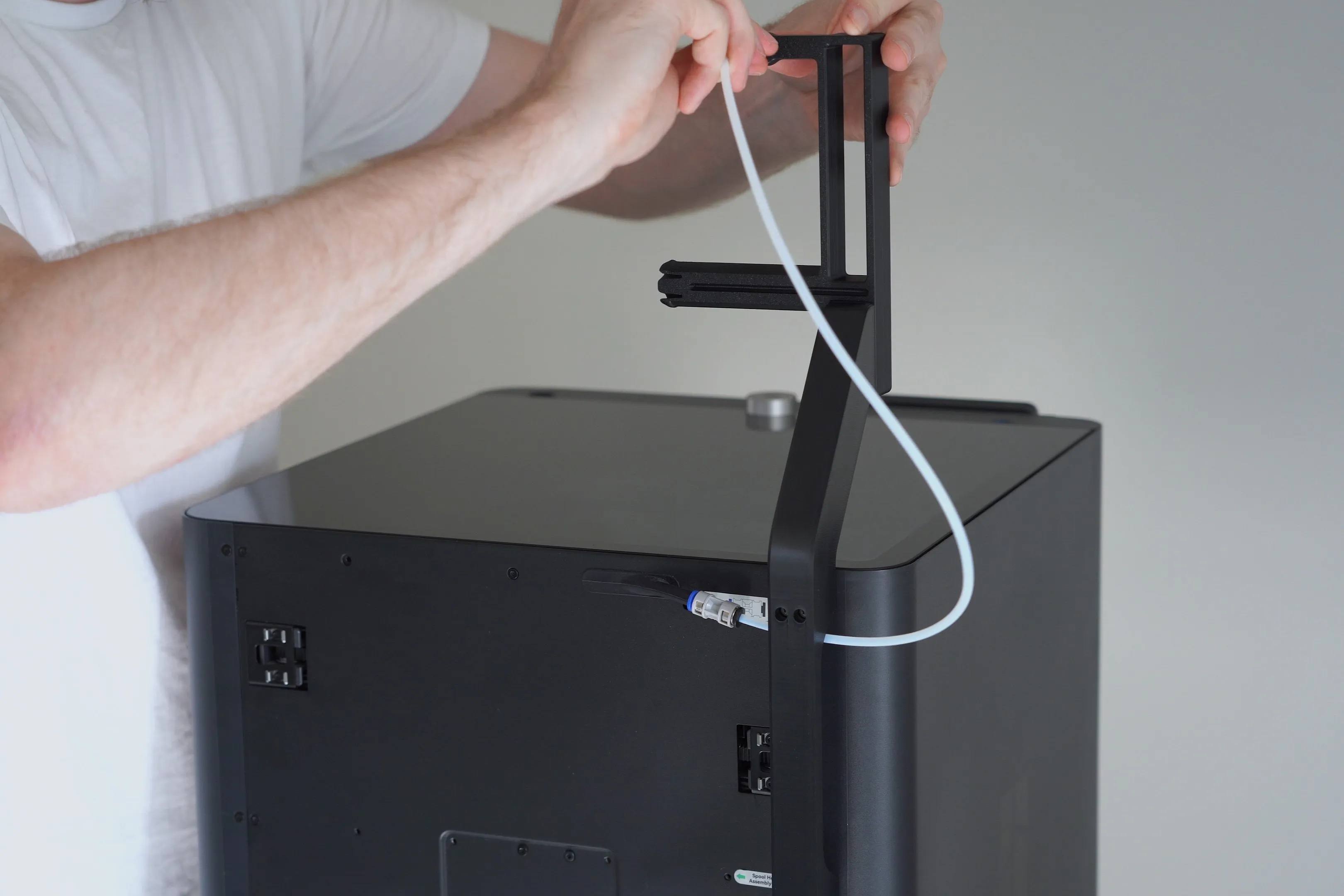
4. Now you can attach the PTFE tube from the rear of the printer to the top of the bracket (if you use the Dual bracket you need a Y splitter to attach two PTFE tubes)
5. Last step is to mount the spool drum for the filament by pressing it onto the axis.
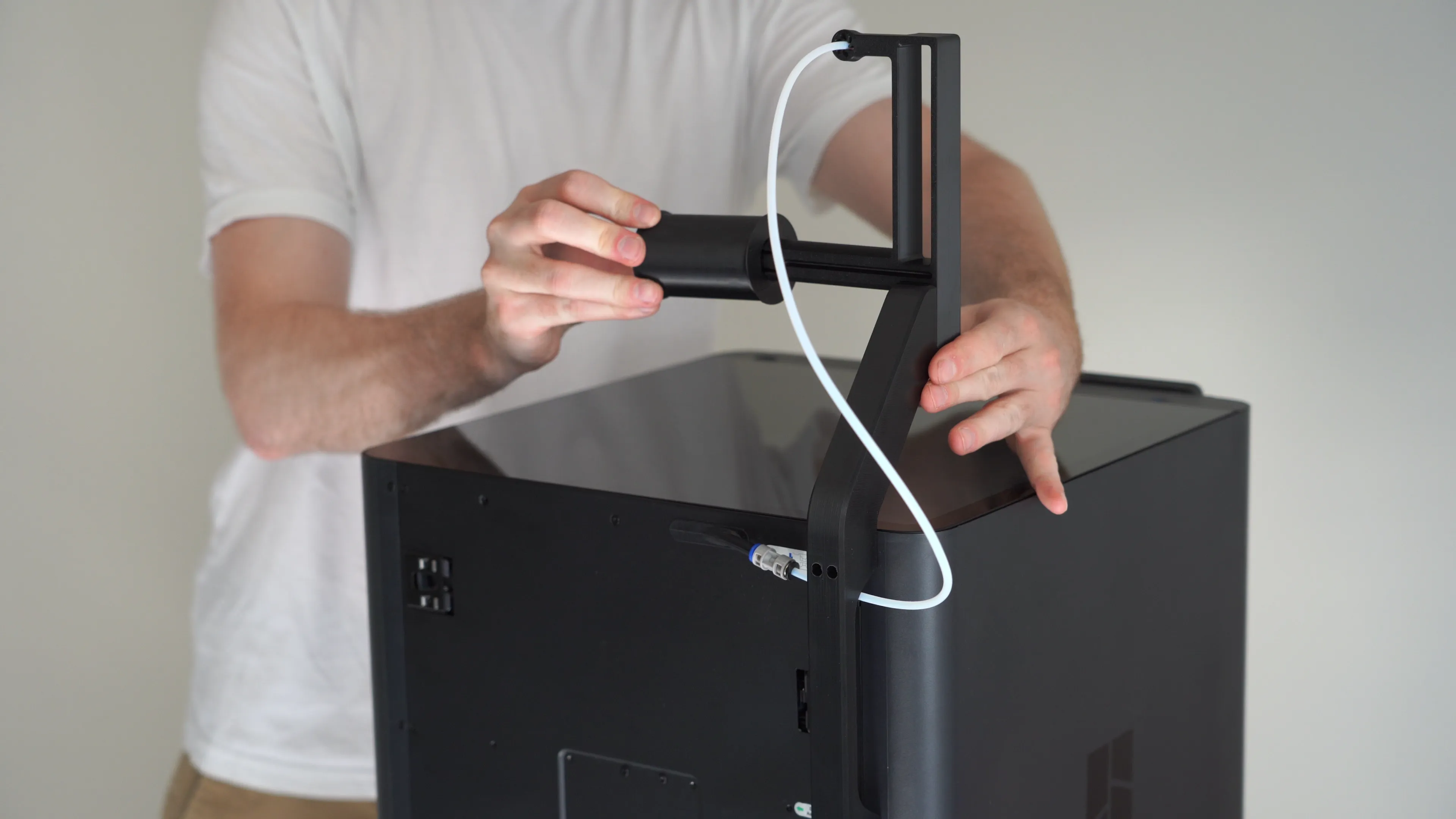
Now the Easy feed top spool holder is installed and you can use it.
Print recommendation:
All parts are designed to print without supports and fit on a single 256x256 buildplate.
I printed the brackets in Bambu Lab ABS, and scaled it to 100.5% to accommodate for any shrinkage (3MF of that print included).
PETg is an alternative, but I would avoid PLA, as might warp from the heat of the printer.
License

You shall not share, sub-license, sell, rent, host, transfer, or distribute in any way the digital or 3D printed versions of this object, nor any other derivative work of this object in its digital or physical format (including - but not limited to - remixes of this object, and hosting on other digital platforms). The objects may not be used without permission in any way whatsoever in which you charge money, or collect fees.


Comment & Rating (72)