
Gothic Window Book Nook + Stained Glass & Storage
Print Profile(2)


Bill of Materials












Description
♥ Patreon / Gallery / Discord / Instagram / Tiktok ♥
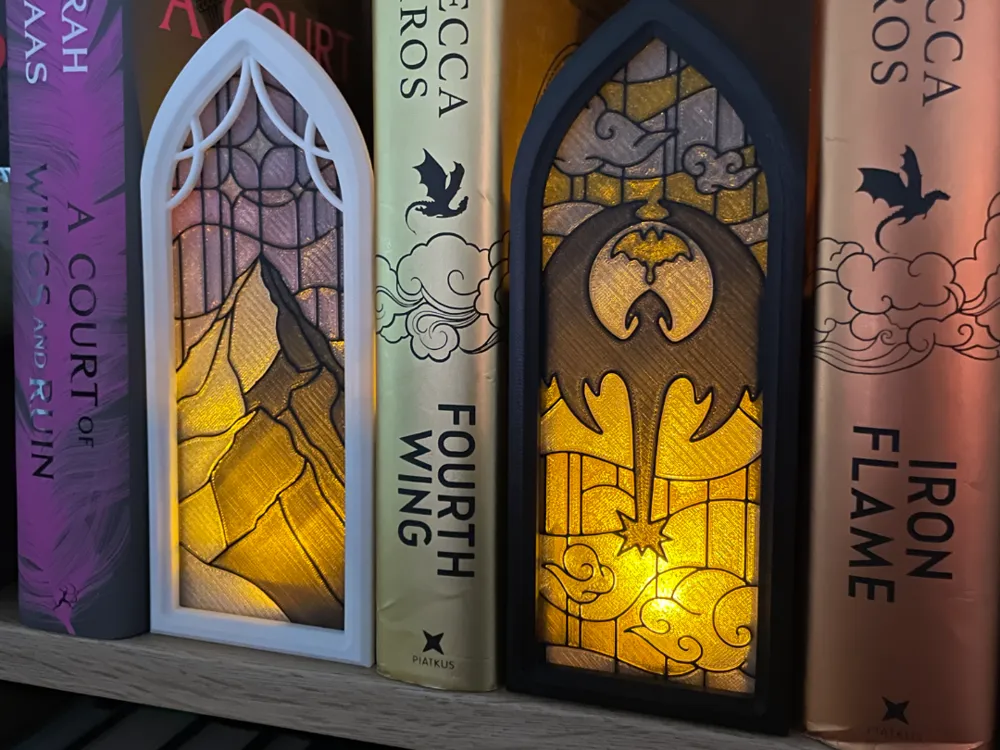
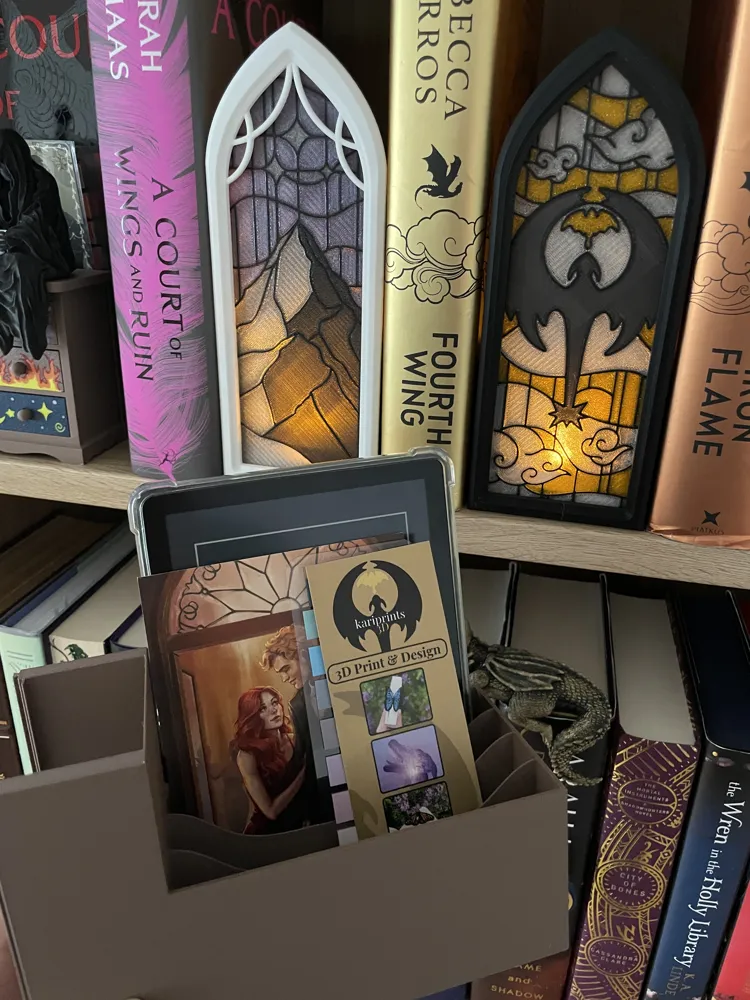
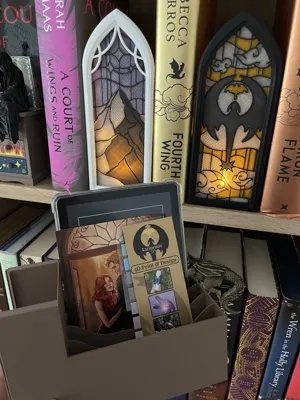
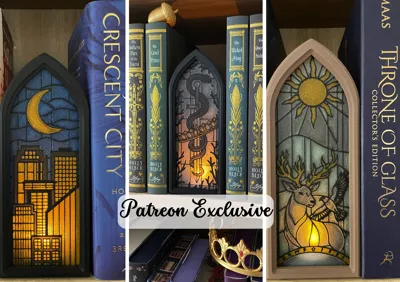
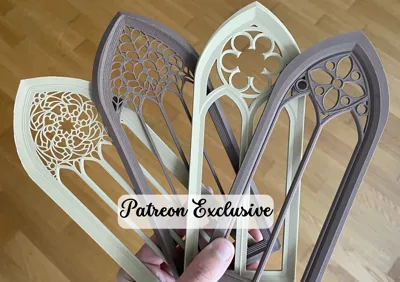
This set contains:
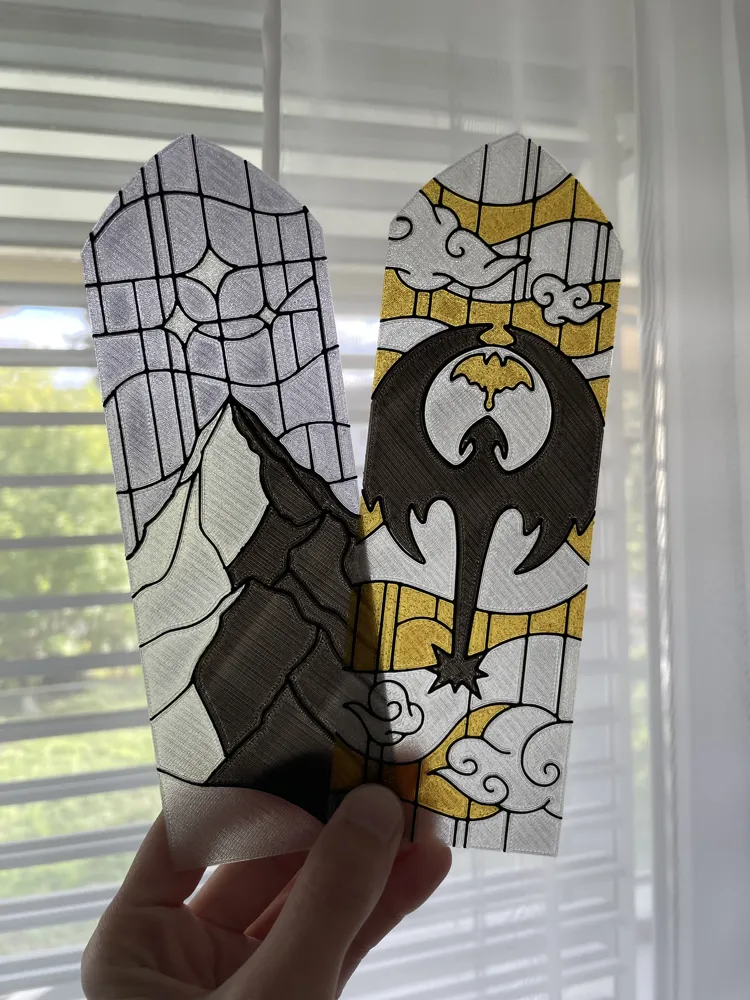
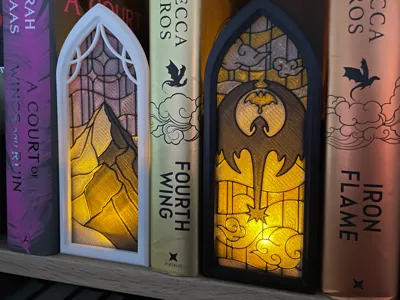
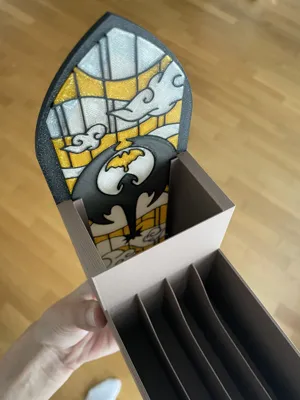
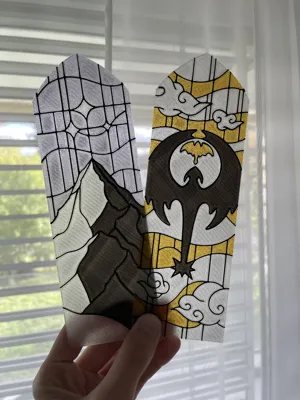
- 2 “stained glass” versions inspired by Fourth Wing and Acotar
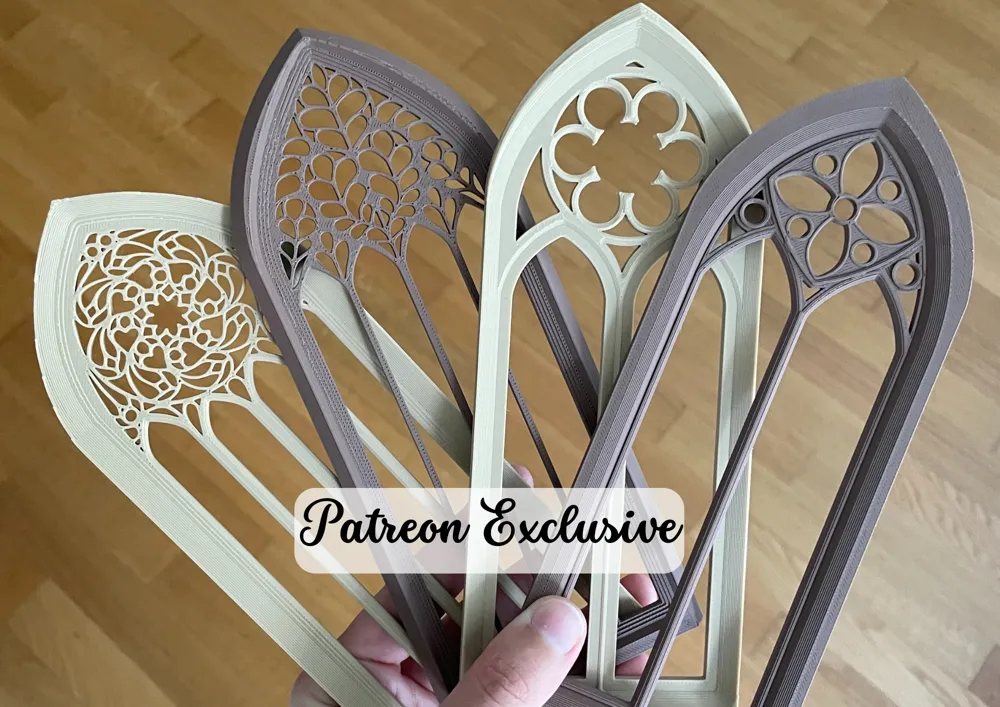
- 2 window frames
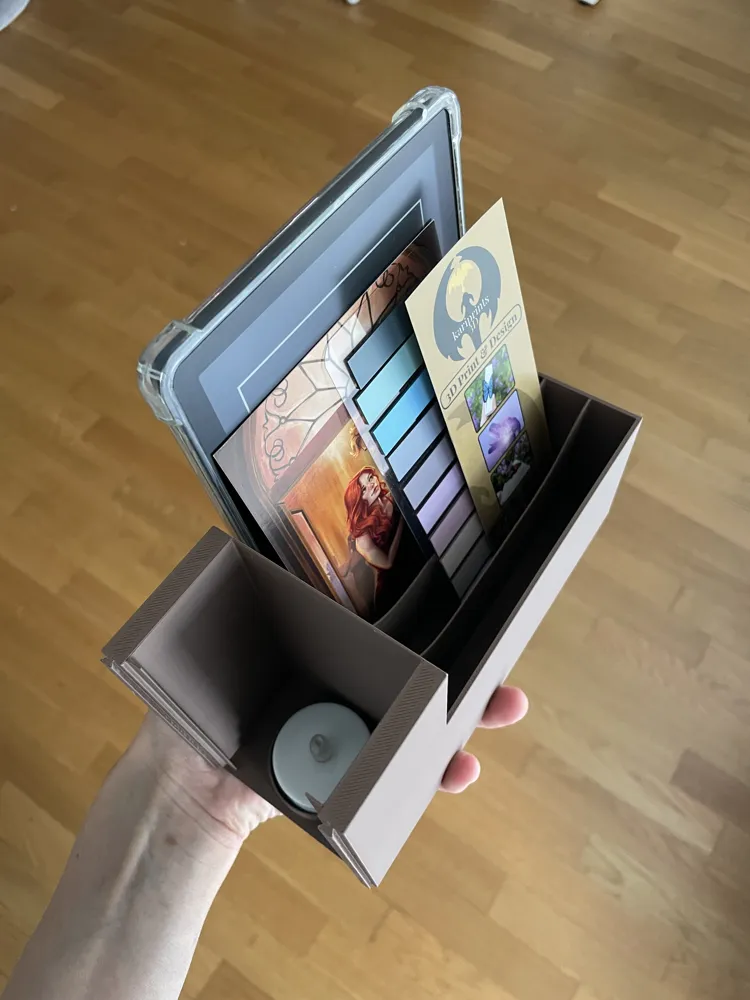
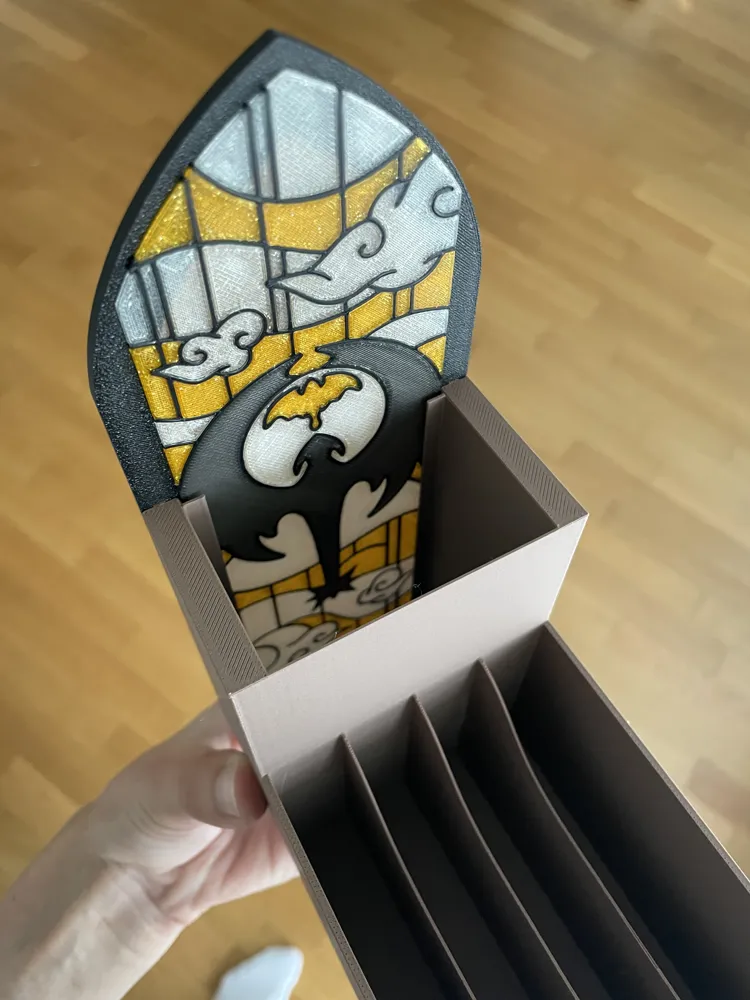
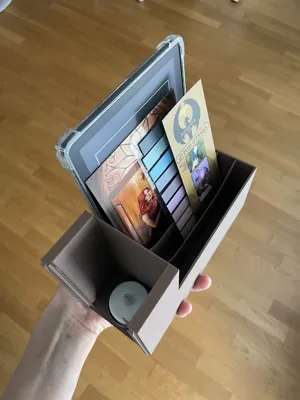
- 1 box with enough room for a led tealight, cards, bookmarks or even an eReader (max. 13.5cm width, for example kindle paperwhite with cover)
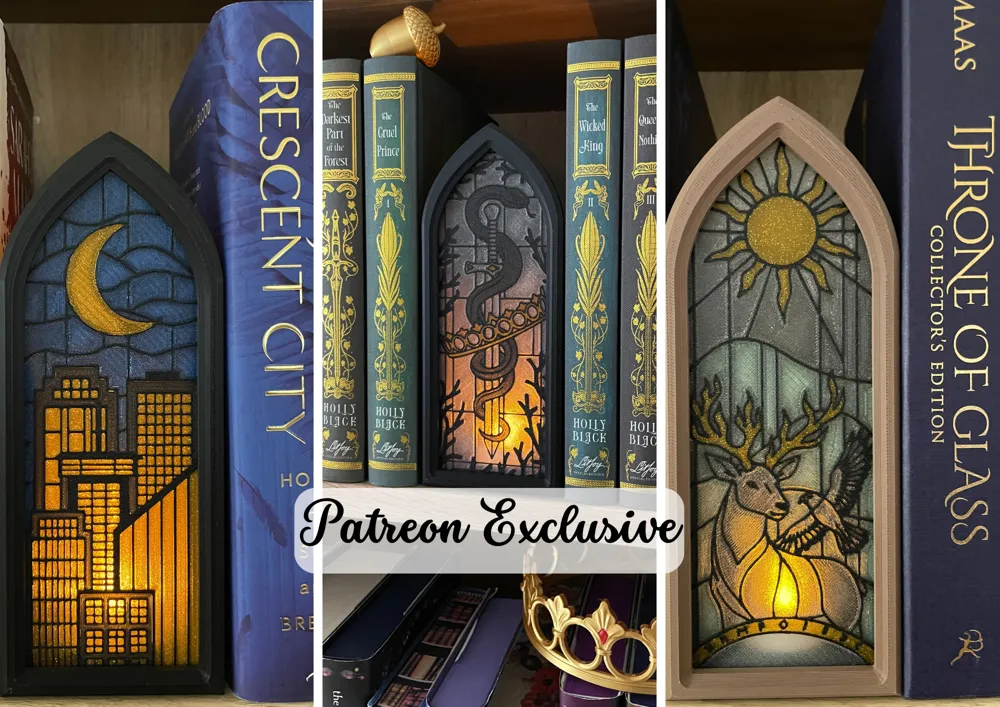
4 more window frames, 3 glass designs and a commercial license for all my designs is available through Patreon.
Everything prints without supports and is easy to assemble. Just slide in all the parts.
The glass needs to be printed in translucent filament in order to let light through. The rest can be printed in PLA or Matte PLA. Wood PLA might be too tight!
Feel free to make your own window glass, for example out of paper. In the included .zip file you can find a .psd file with a template for the glass. Here is how to use it:
1. Visit Photopea (free web based Photoshop alternative) and drop the file in
2. In the layer section on the right side, right click the top layer called “replace this”. Smart Object → Replace Contents → Chose a .png or .jpg from your computer.
3. Move the picture in your desired position. To scale it, click on “Edit” on the left top side → Free Transform → Scale as you like and confirm.
4. To print it out click on “File” on the left top side → Export → PNG → save on your computer and print it out. Do not rescale it in the printer menu!
Filaments used beside the ones that are linked below:
- Isanmate Glitter Orange (as translucent yellow/orange/gold-ish)
- Amolen Firefly Blue (as translucent grey)
- Sunlu Transparent Blue
Happy printing! I am always happy to see your creations ♥
Boost Me (for free)
Cool people press this buttom
License

You shall not share, sub-license, sell, rent, host, transfer, or distribute in any way the digital or 3D printed versions of this object, nor any other derivative work of this object in its digital or physical format (including - but not limited to - remixes of this object, and hosting on other digital platforms). The objects may not be used without permission in any way whatsoever in which you charge money, or collect fees.


Comment & Rating (249)