
Print Profile(1)

Description
If you like my models and want to support me, you can drop a one-time tip on PayPal, or you can purchase filaments through my links. Every bit of support keeps me motivated to make more awesome stuff. Thanks a lot!
https://www.paypal.com/ncp/payment/7WU9PZ7AA2TTA
Demon Slayer series: Demon Slayer Hueforge | Collection - MakerWorld: Download Free 3D Models
One Piece series: OnePiece_Hueforge | Collection - MakerWorld: Download Free 3D Models
Dan Da Dan series: https://makerworld.com/en/collections/7165703-dandadan_hueforge
Marvel series: Marvel_Hueforge | Collection - MakerWorld: Download Free 3D Models
Animal series: Animal_Hueforge | Collection - MakerWorld: Download Free 3D Models
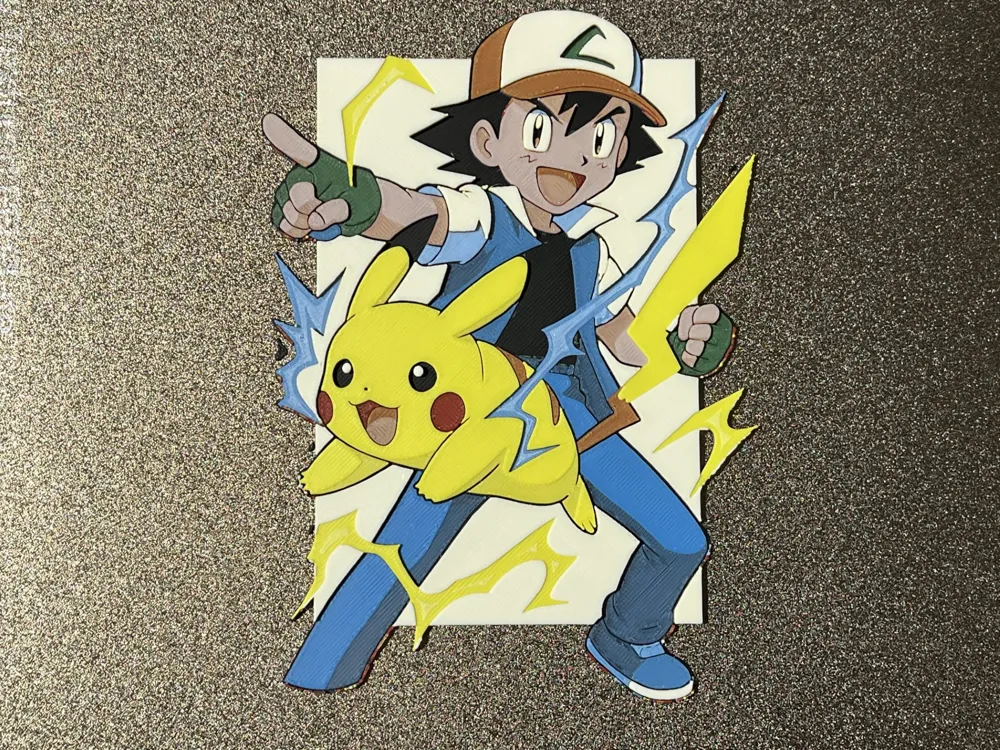
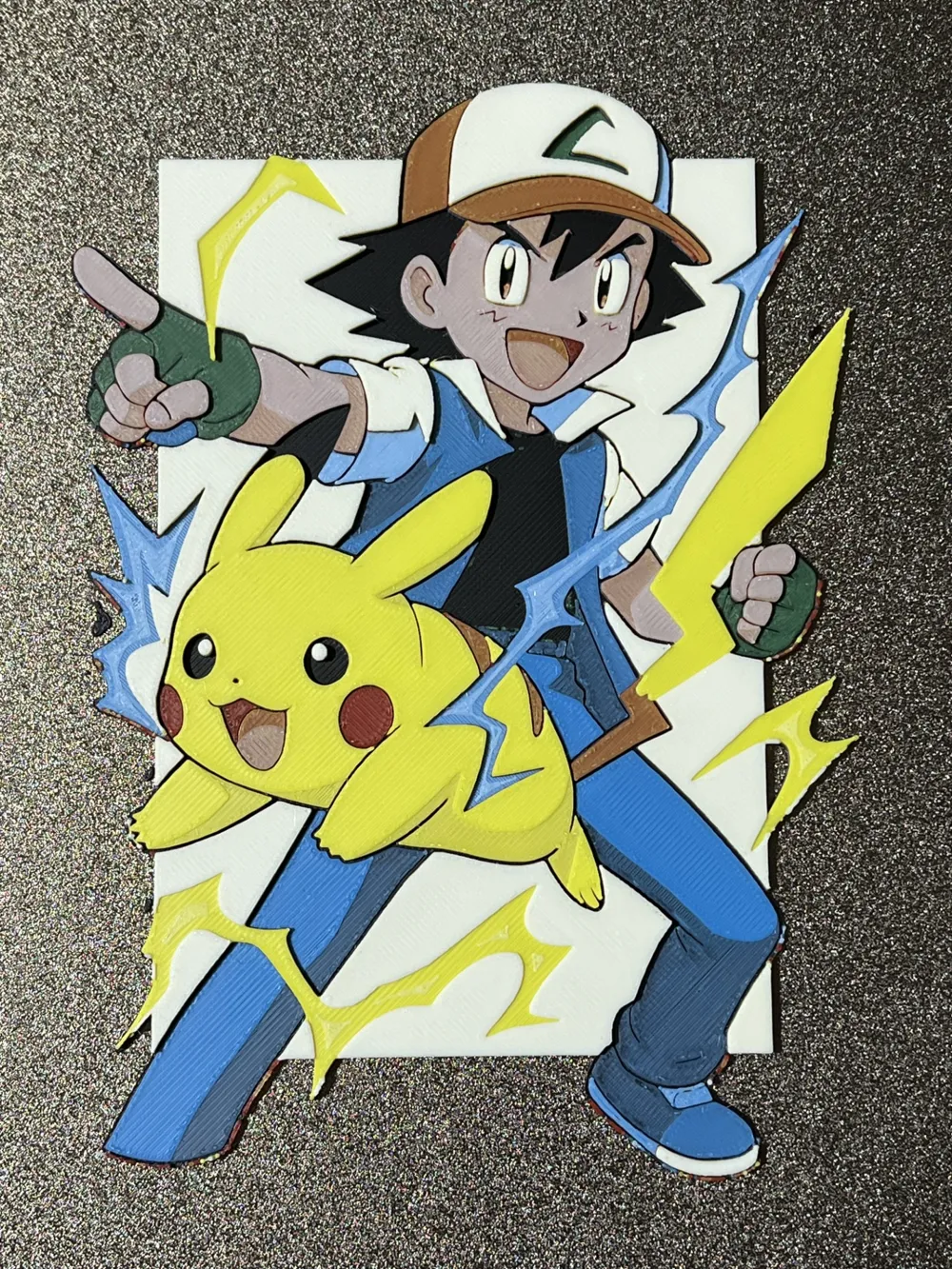
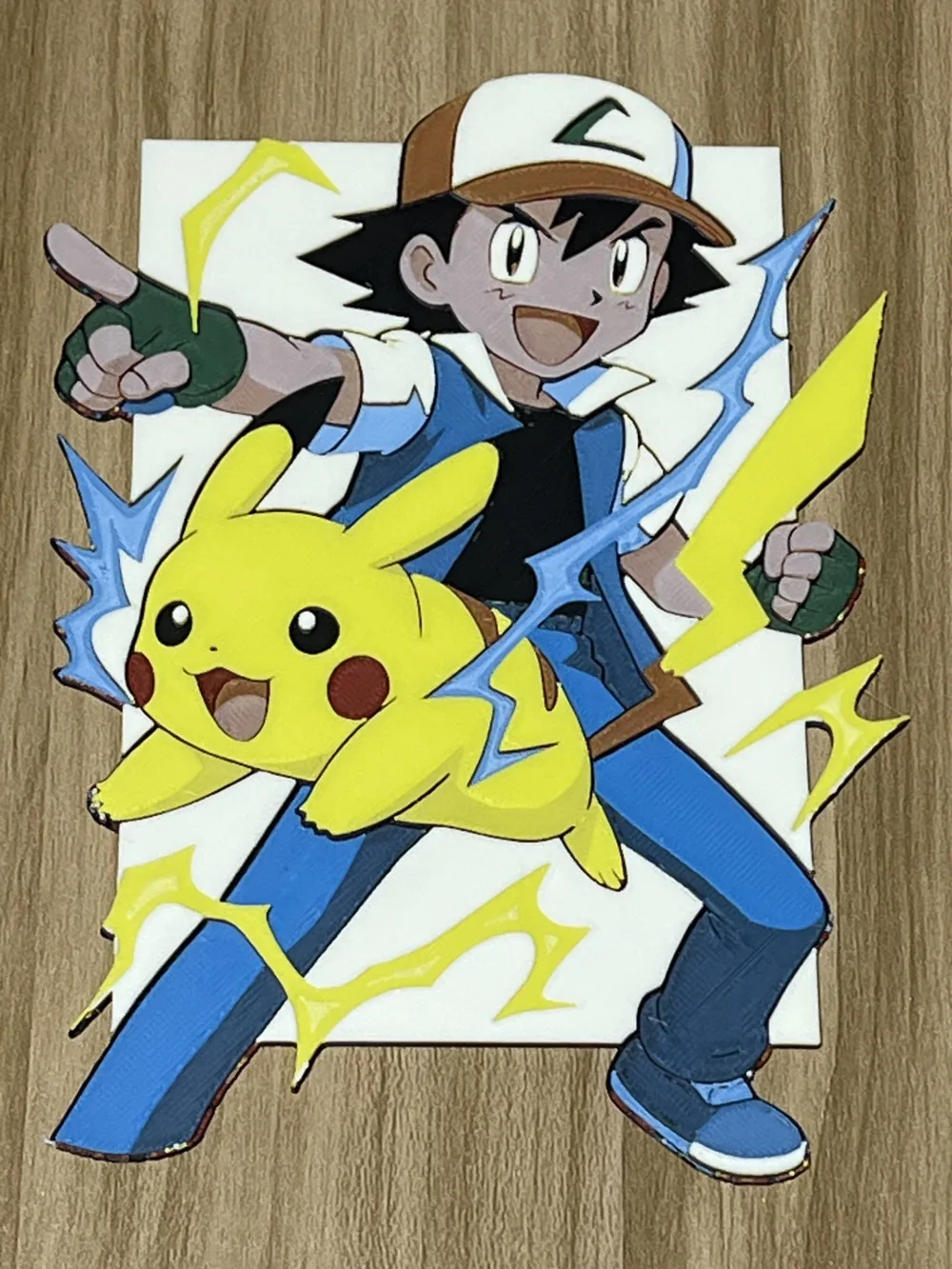
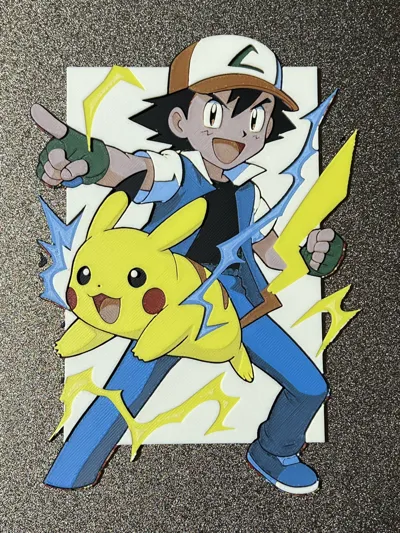
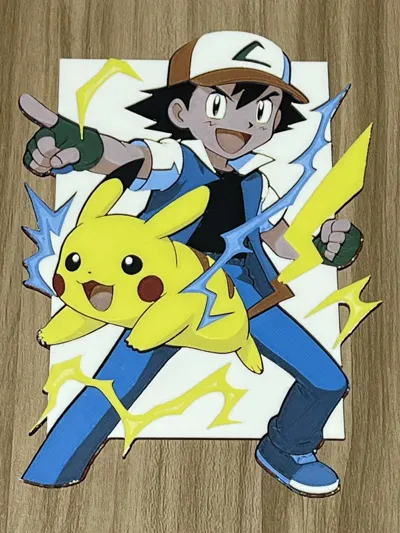
Experimenting to give an impression of 3D effect: make the background smaller to highlight the figures, Elements like Ash's outstretched arm and Pikachu's position demonstrate foreshortening, the overlapping position of Pikachu in front of Ash, may need further shady effect next step.
Print Instruction:
Print at 100% infill with a layer height of 0.08mm with a base layer of 0.16mm
The Model is 133.33x200mm in size
You may print at higher layer heights below the Base Thickness of 0.48mm
The Max allowed Thickness is 2.48mm and the Actual Thickness is 2.48mm
Filaments Used:
#000000 PLA Black Transmission Distance: 0.1
#00ae42 PLA Basic Green Transmission Distance: 2.6
#0086d6 PLA Basic Cyan Transmission Distance: 2.4
#ffffff PLA Basic Jade White Transmission Distance: 5
#c00d1e PLA Basic Red Transmission Distance: 4
#fce300 PLA Basic Yellow Transmission Distance: 6
This print uses 6 unique filaments
Swap Instructions:
Start with Black
At layer #6 (0.56mm) swap to Green
At layer #8 (0.72mm) swap to Black
At layer #9 (0.8mm) swap to Cyan
At layer #12 (1.04mm) swap to Jade White
At layer #14 (1.2mm) swap to Black
At layer #15 (1.28mm) swap to Red
At layer #19 (1.6mm) swap to Yellow
At layer #20 (1.68mm) swap to Jade White
At layer #22 (1.84mm) swap to Yellow
At layer #26 (2.16mm) swap to Jade White for the rest.
For only one AMS,
Start with 4 colors as follows:
Slot1: Black
Slot2: Green
Slot3: Cyan
Slot4: White
Pause was set at layer #13 to allow color swap:
Slot2: Green --> Red
Slot3: Cyan --> Yellow
******************************************************************************************
Boost Me (for free)
Not just 3D prints—each piece is a layered illusion of color, depth, and passion. Thanks for your visits, any feedback will be appreciated!
******************************************************************************************
License



Comment & Rating (2)