
Double Sided Tape VHB Tab Cutter
Print Profile(2)


Description
I use a lot of double-sided tape in my projects, especially VHB tape with the red backing. Some of the products I sell even use it. The biggest issue is that the red backing is really hard to peel off, which frustrates some customers. To make it easier, I like to create a small pull tab that lets the backing come off cleanly.
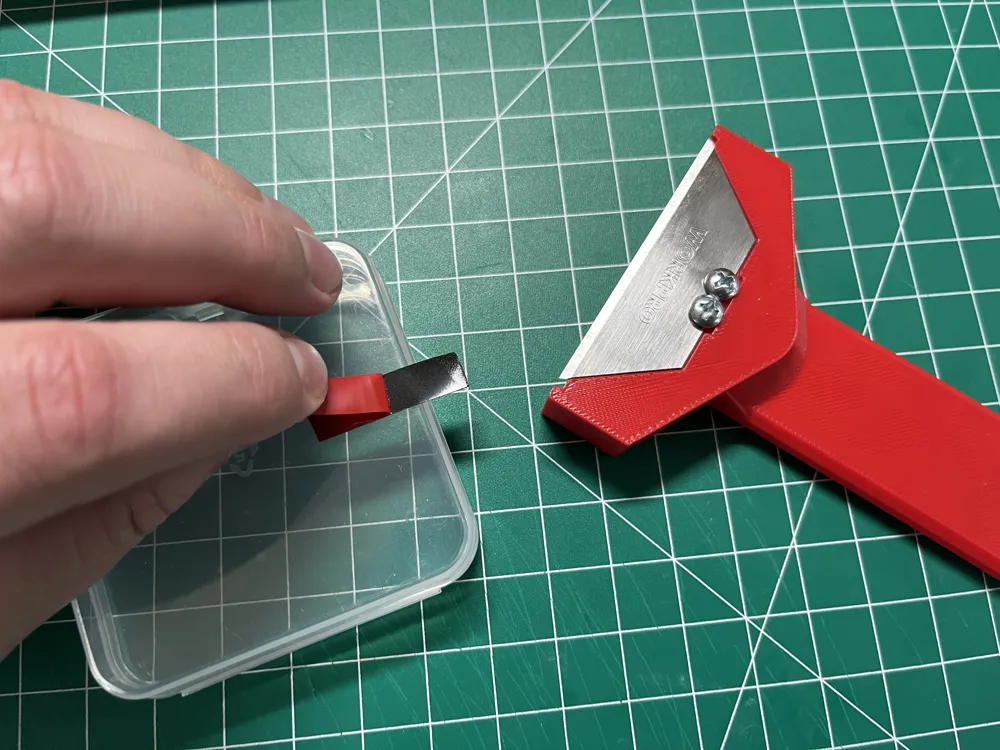
The problem is, making that tab with a regular utility knife is tricky. You need a razor-sharp blade, the right amount of pressure, and very careful control. If you cut too deep, you slice through the backing and lose the tab, so you have to start over. The goal is to cut away just the tape layer while leaving the red backing in place.
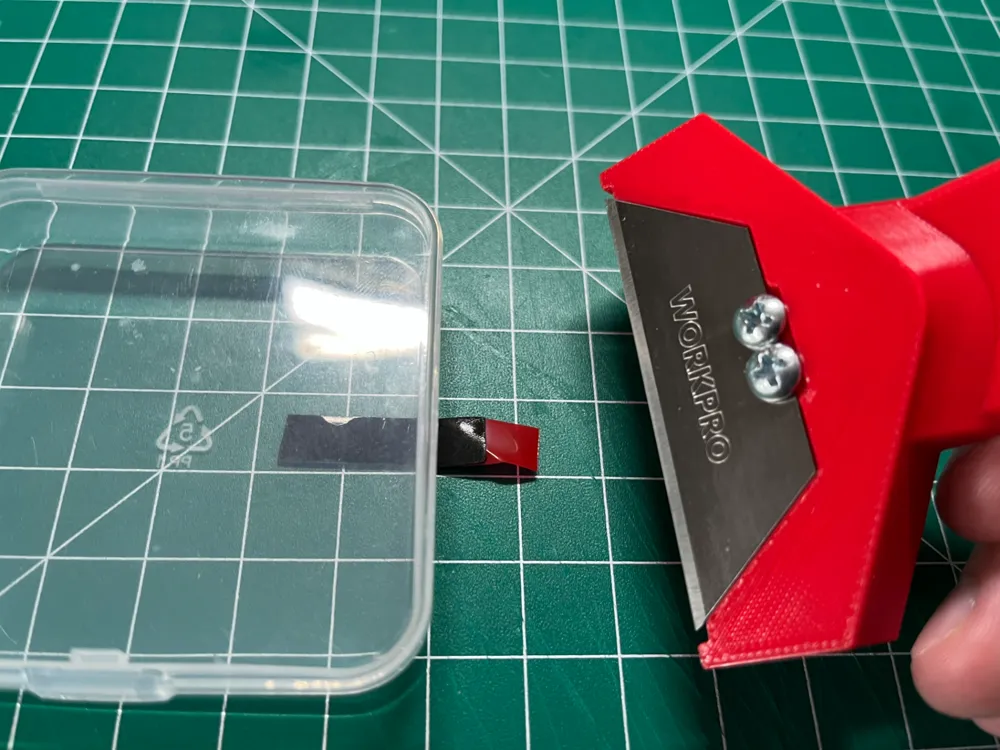
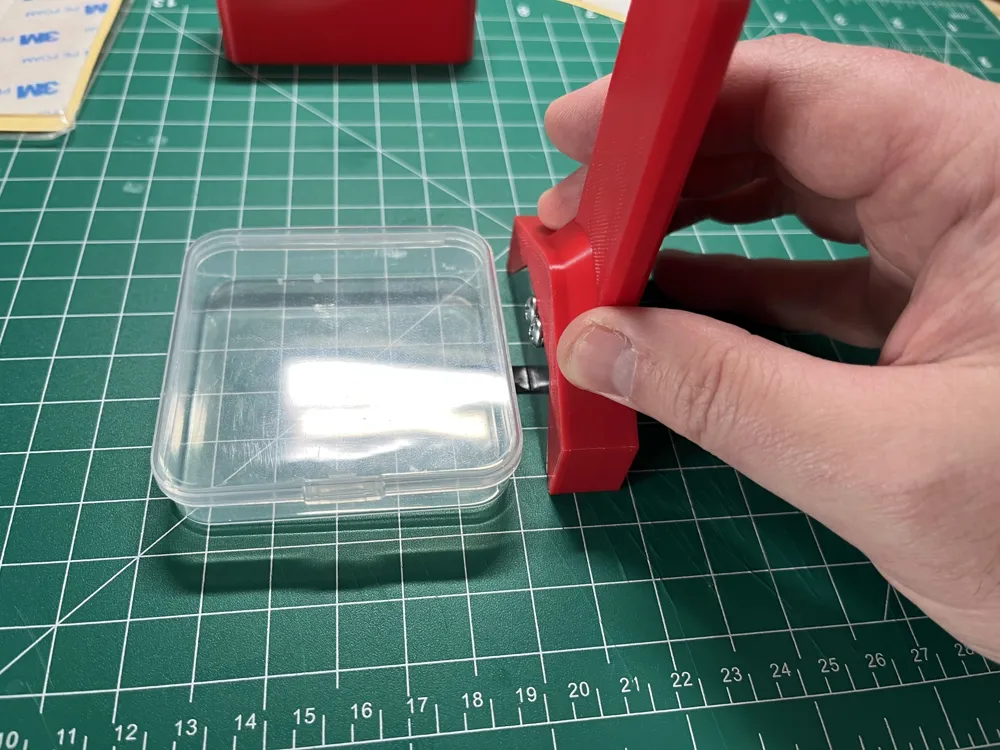
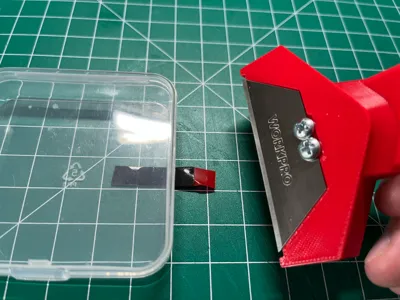
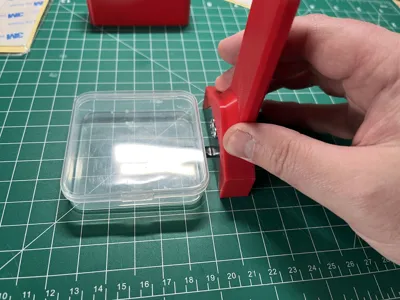
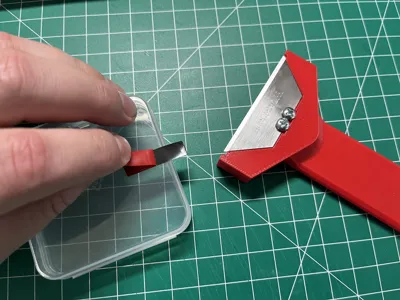
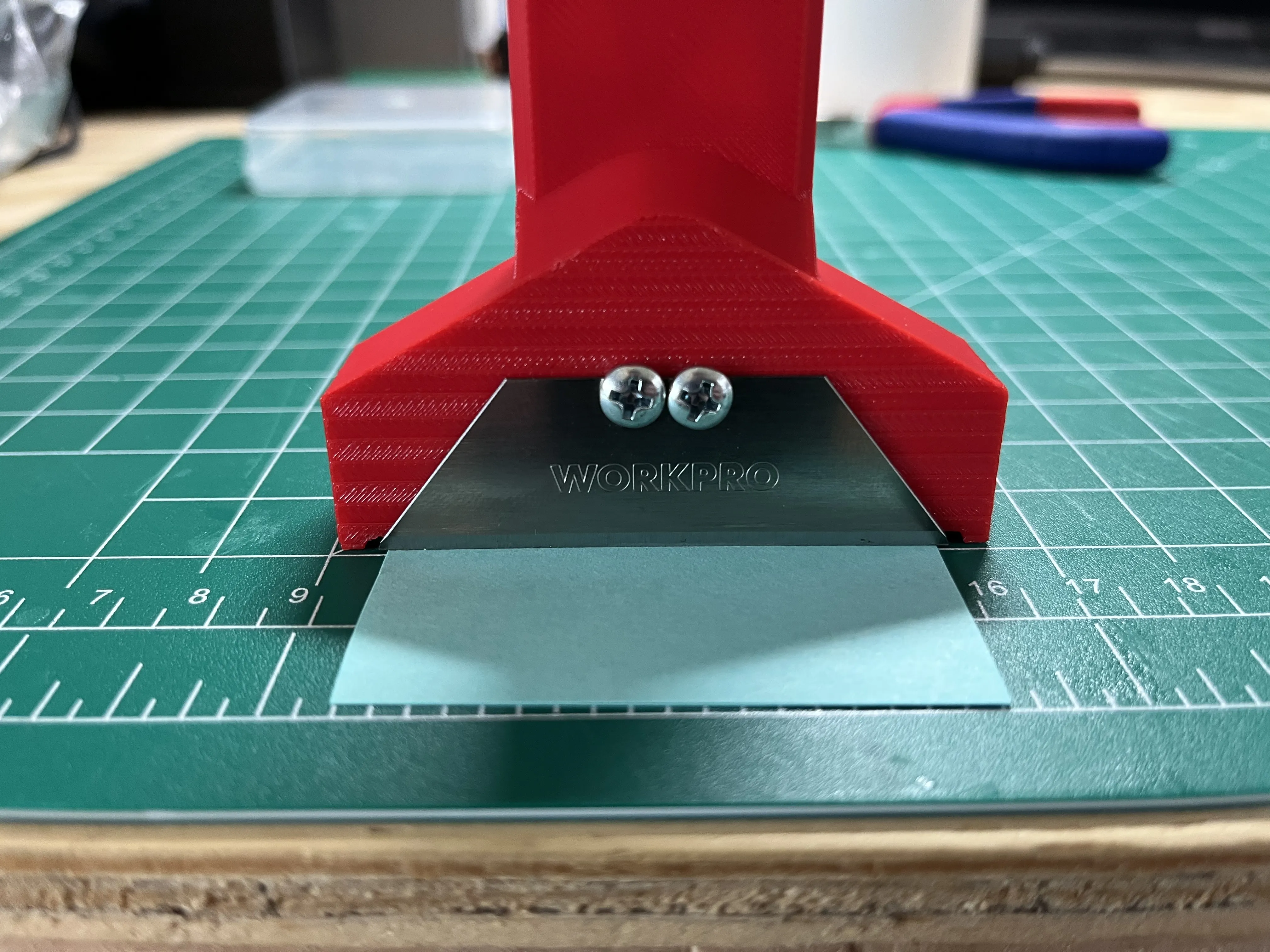
To solve this, I designed a tool that does exactly that—it cuts just deep enough to remove the tape while leaving the backing untouched, creating a pull tab.
Using it is simple: stick down your tape, place the blade where you want the tab, press lightly, and move the blade back and forth a few times. You don’t need much motion—you’ll feel when it’s cut. With VHB tape, you usually only need to cut halfway through, and the rest tears off easily. There’s a little bit of skill involved, but it’s far easier than using a normal utility knife.
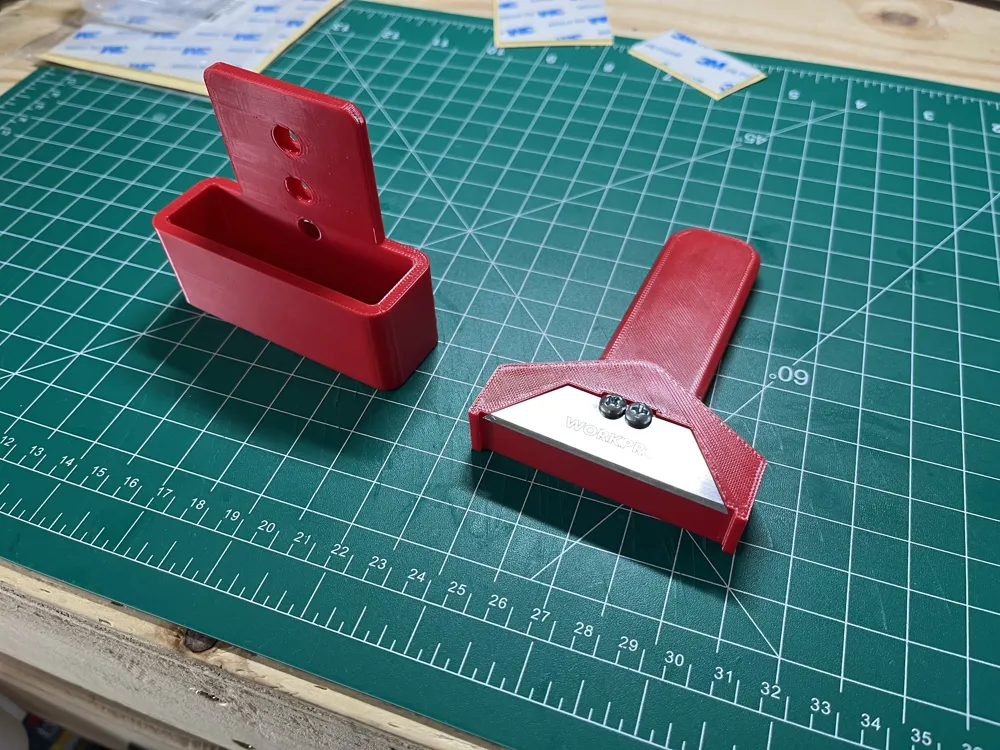
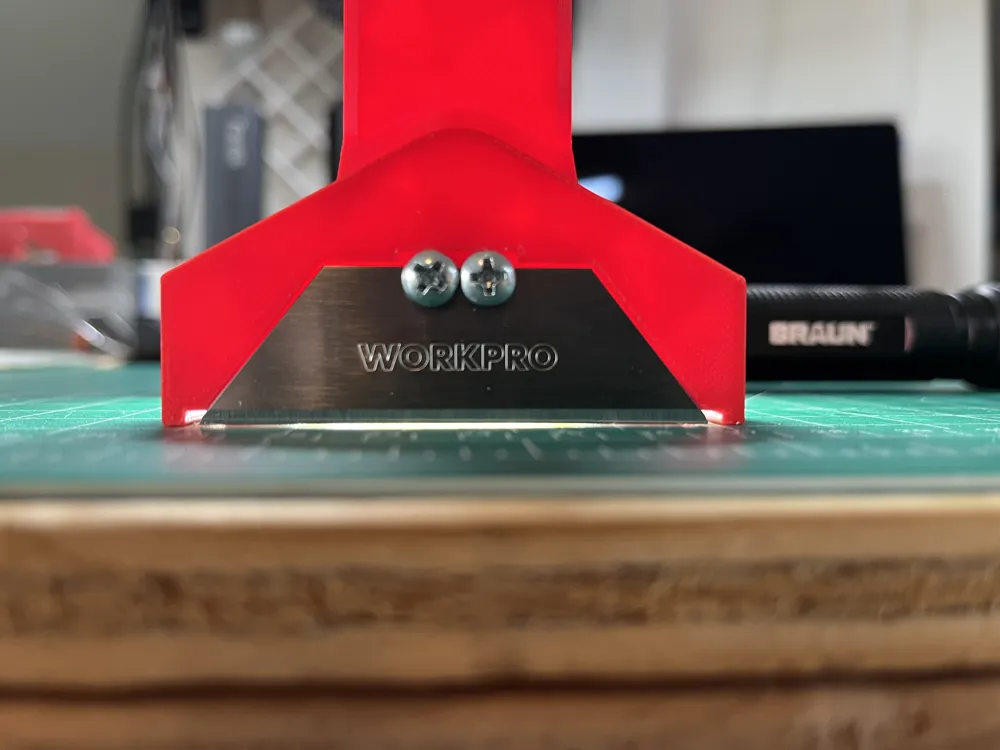
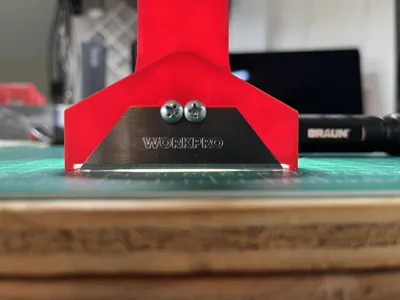
I’ve tested it on 8mm (¼") and ¾" VHB tape with red backing, and it works great. It also works on regular double-sided tape with white foam backing. The screws used to attach the razor blade to the holder are two (#6 ½" panhead screws).
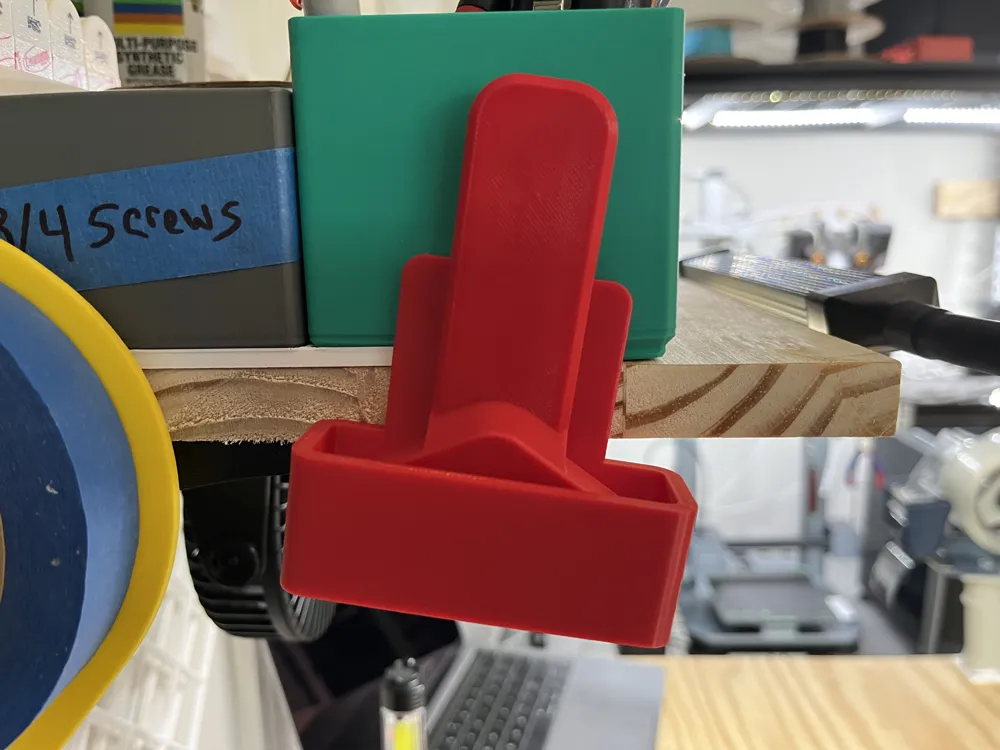
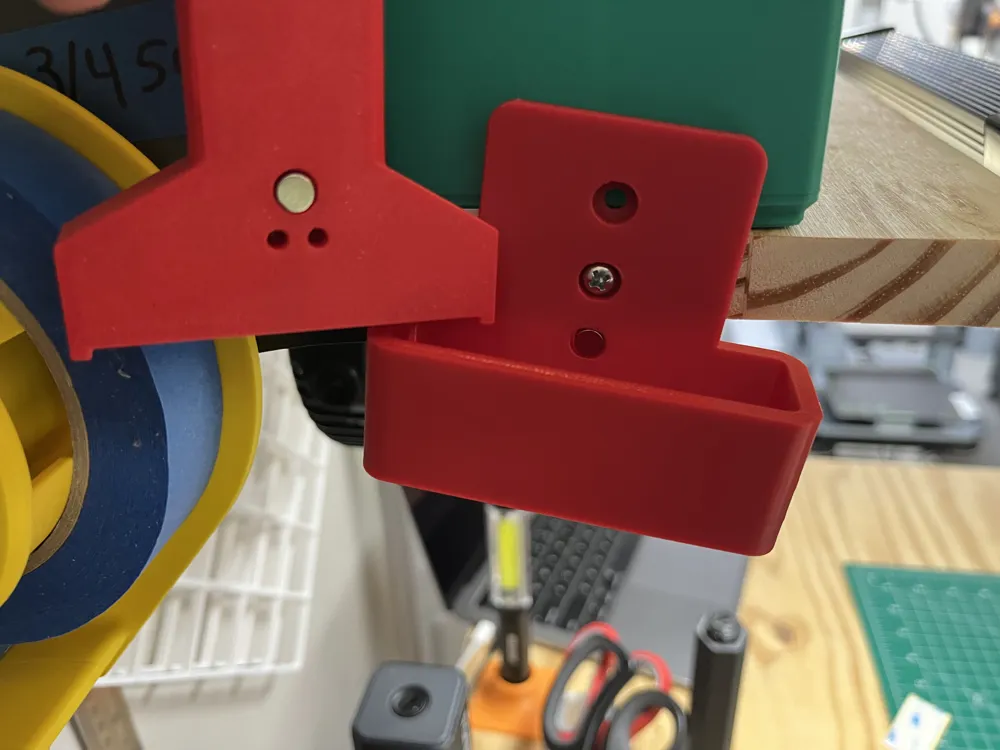
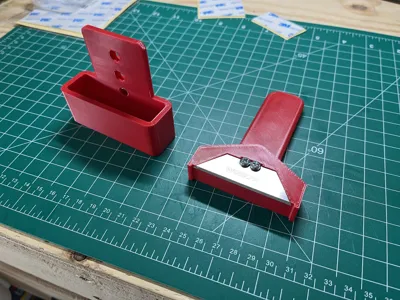
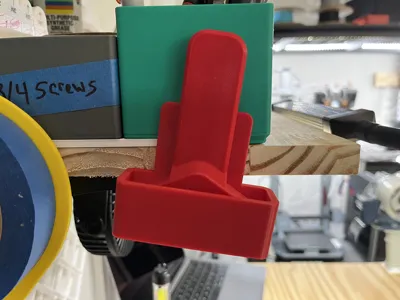
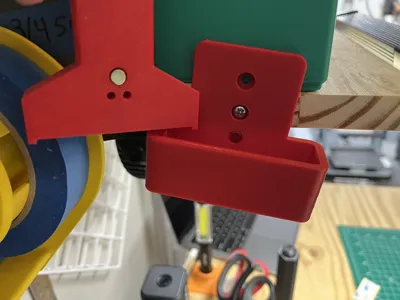
I even made a holder for the tool, and both the tool and holder have spots for 6x3 magnets, so the tool snaps into place with a satisfying click.
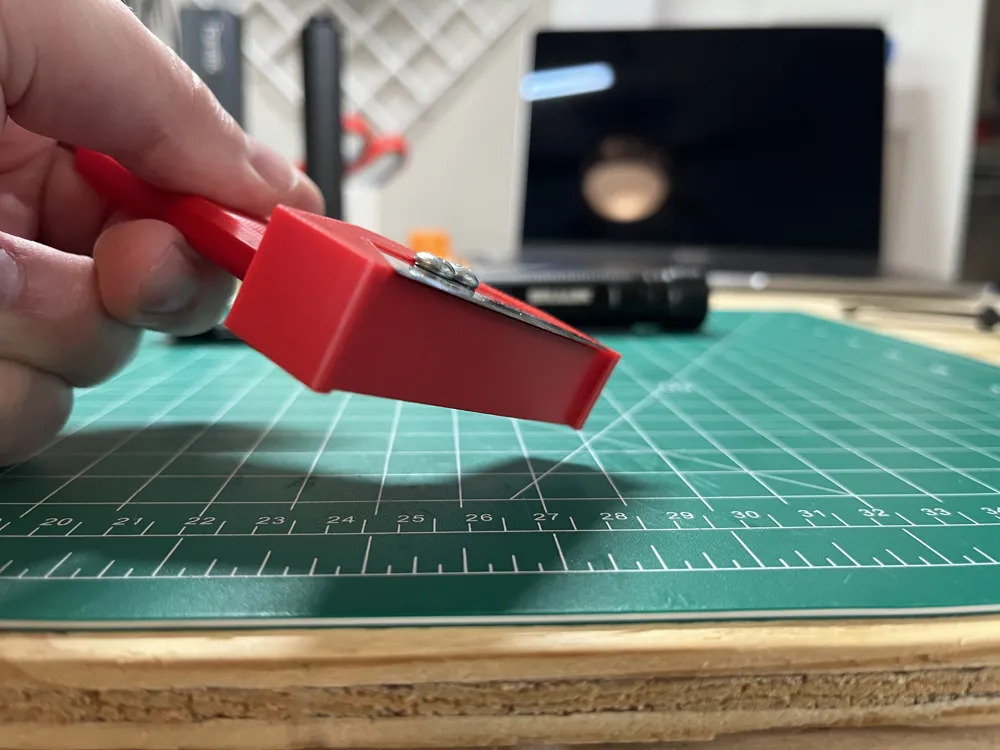
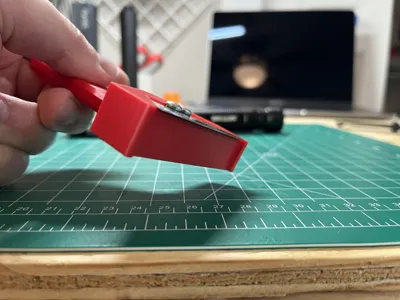
Version 2 - I've added version 2 as a new print profile. V2 angles the blade so you can do an easier flush cut. With this new version you can also slightly adjust the blade height by loosening the screws. To set the blade height, I use two Post-it notes cut to fit under the blade and then carefully tighten the screws. The height of 2 Post-it notes seems to be the perfect cutting height for the VHB tape I have.
License



Comment & Rating (0)