
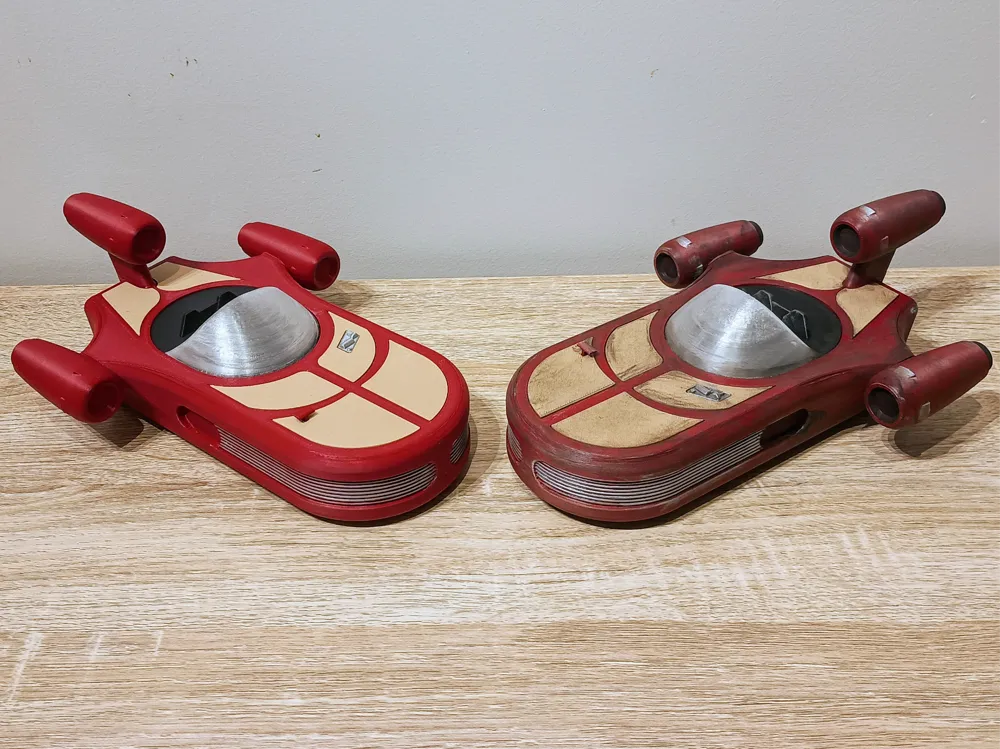
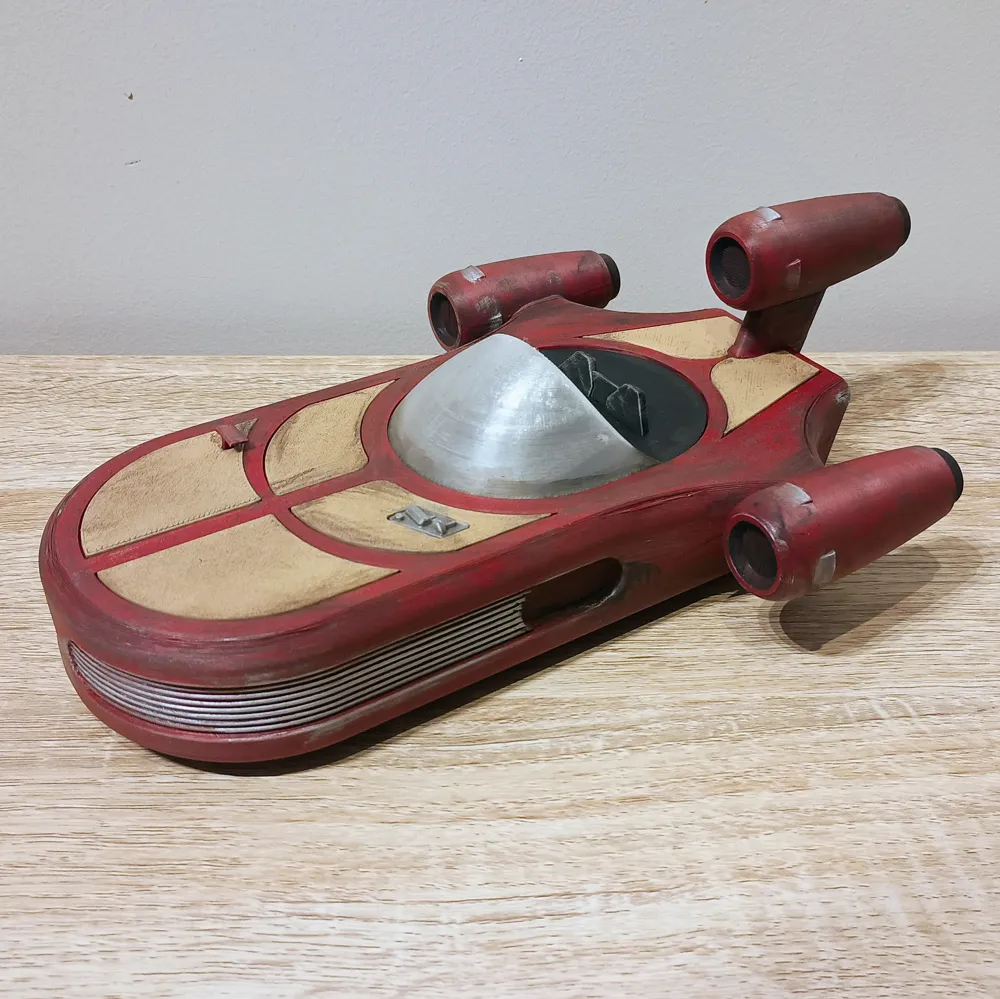
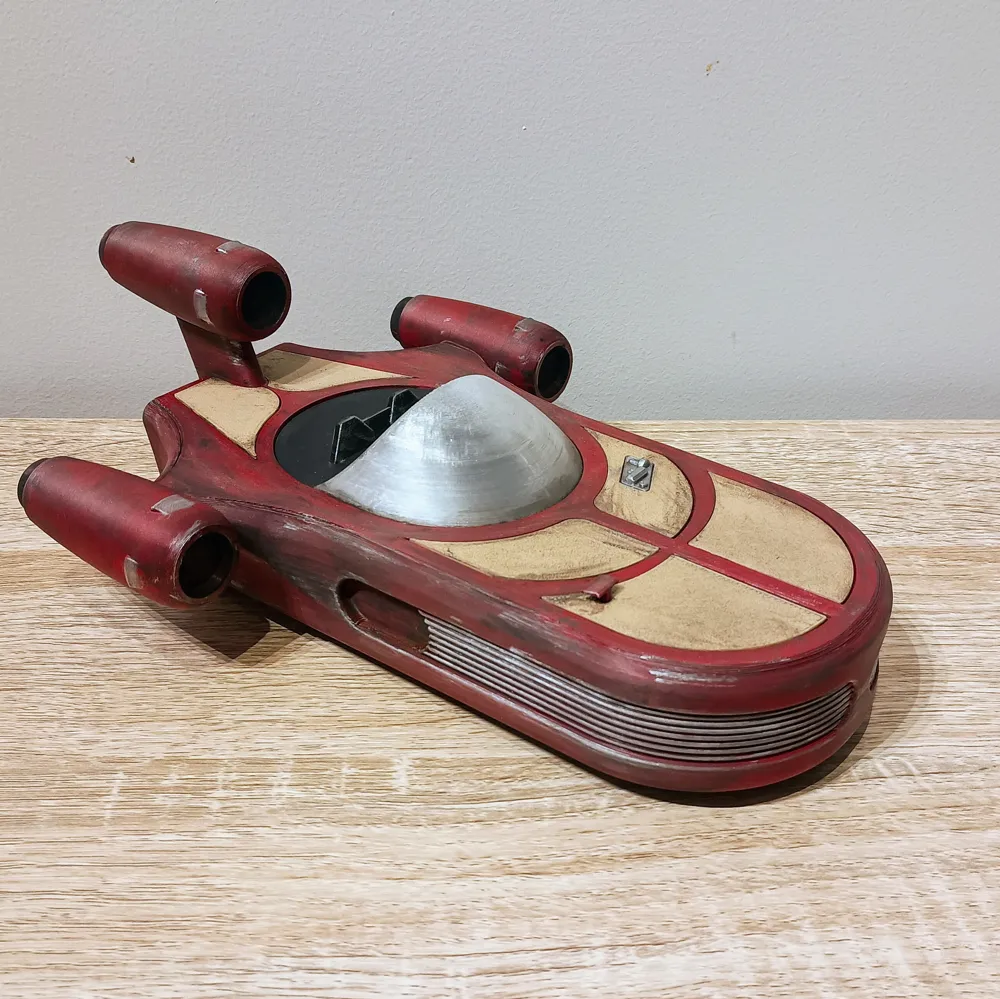
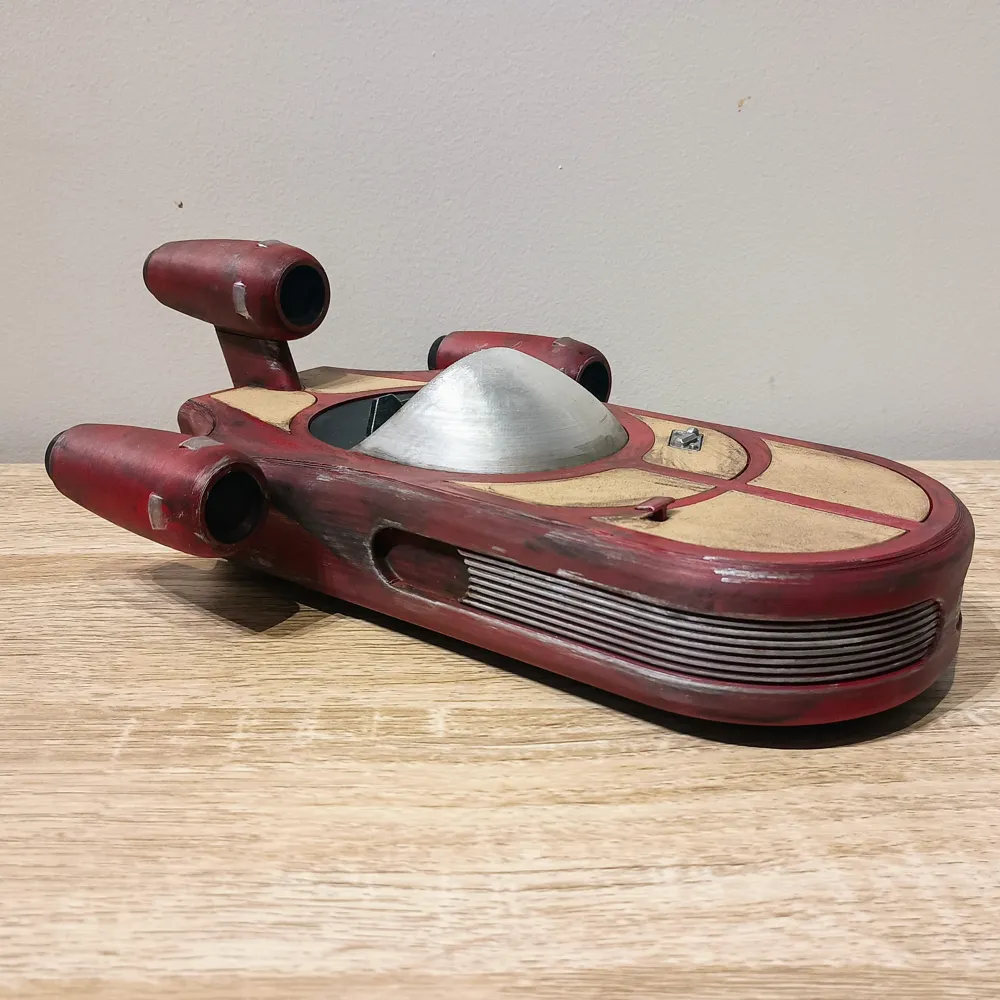
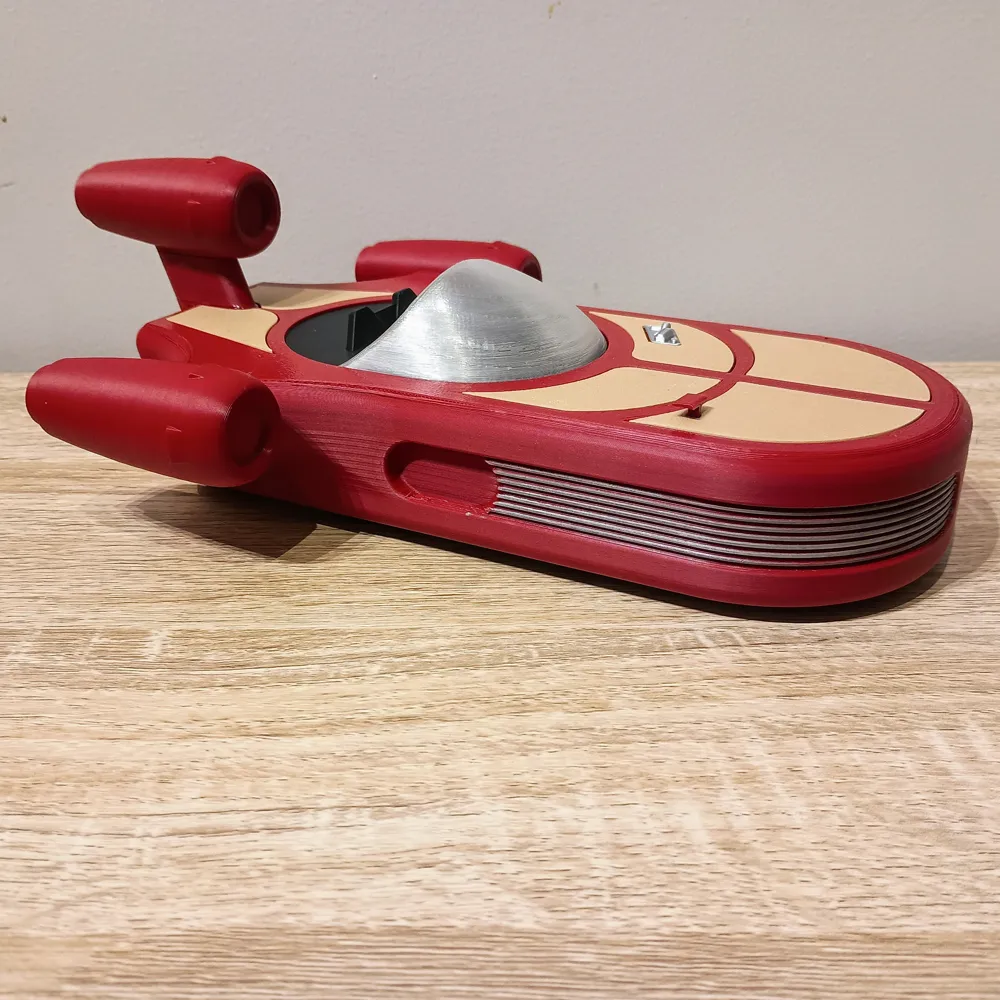
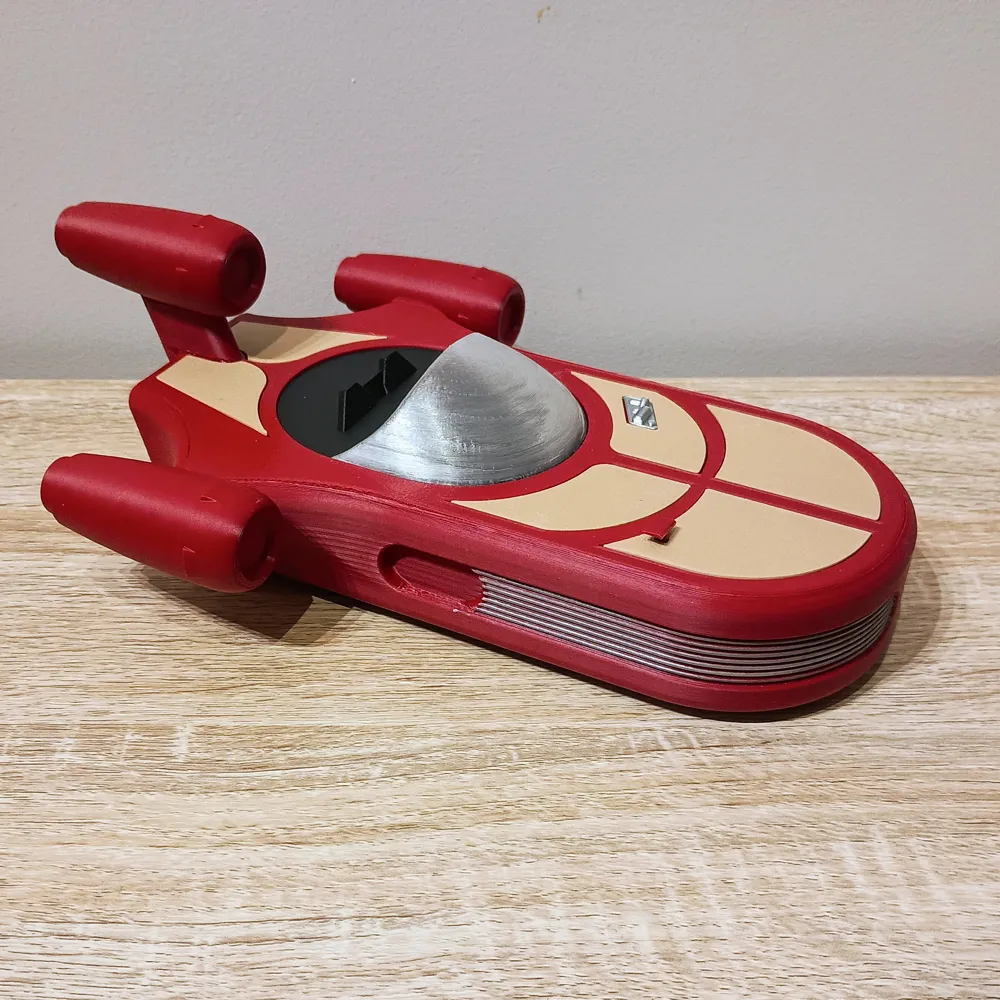
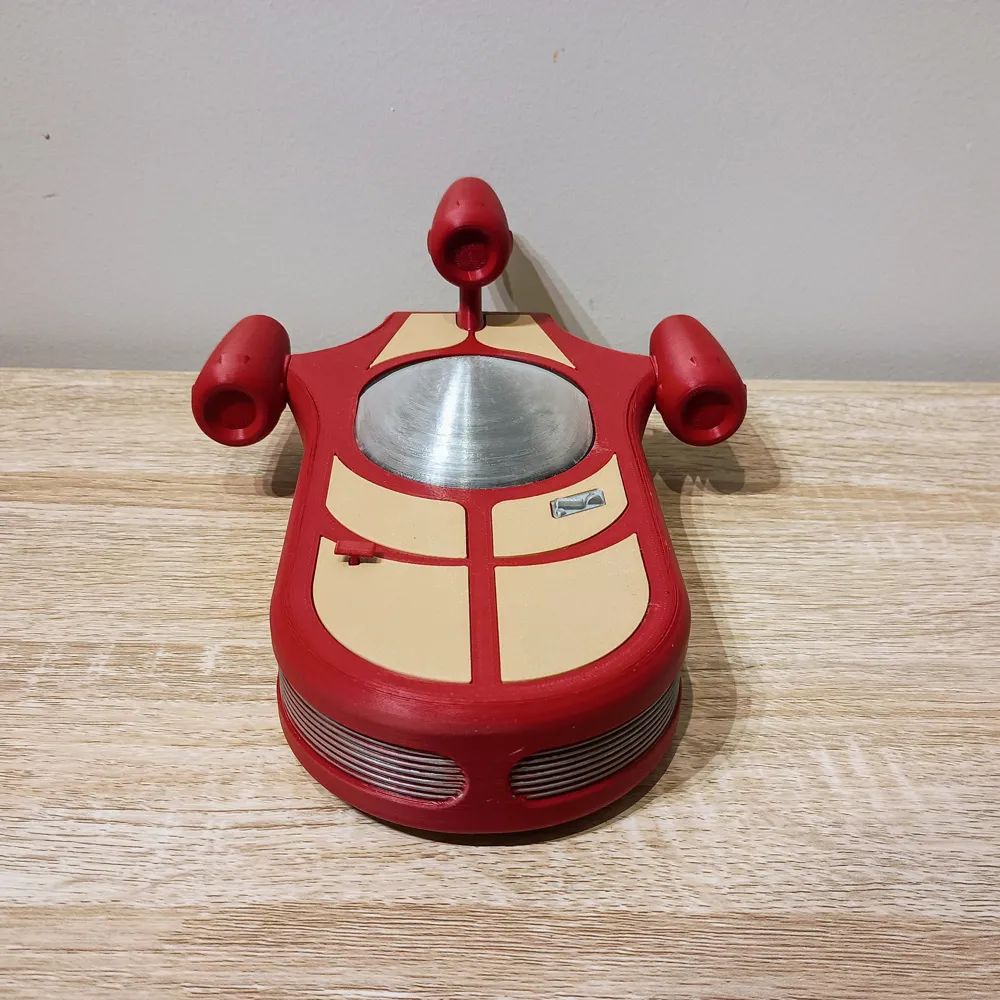
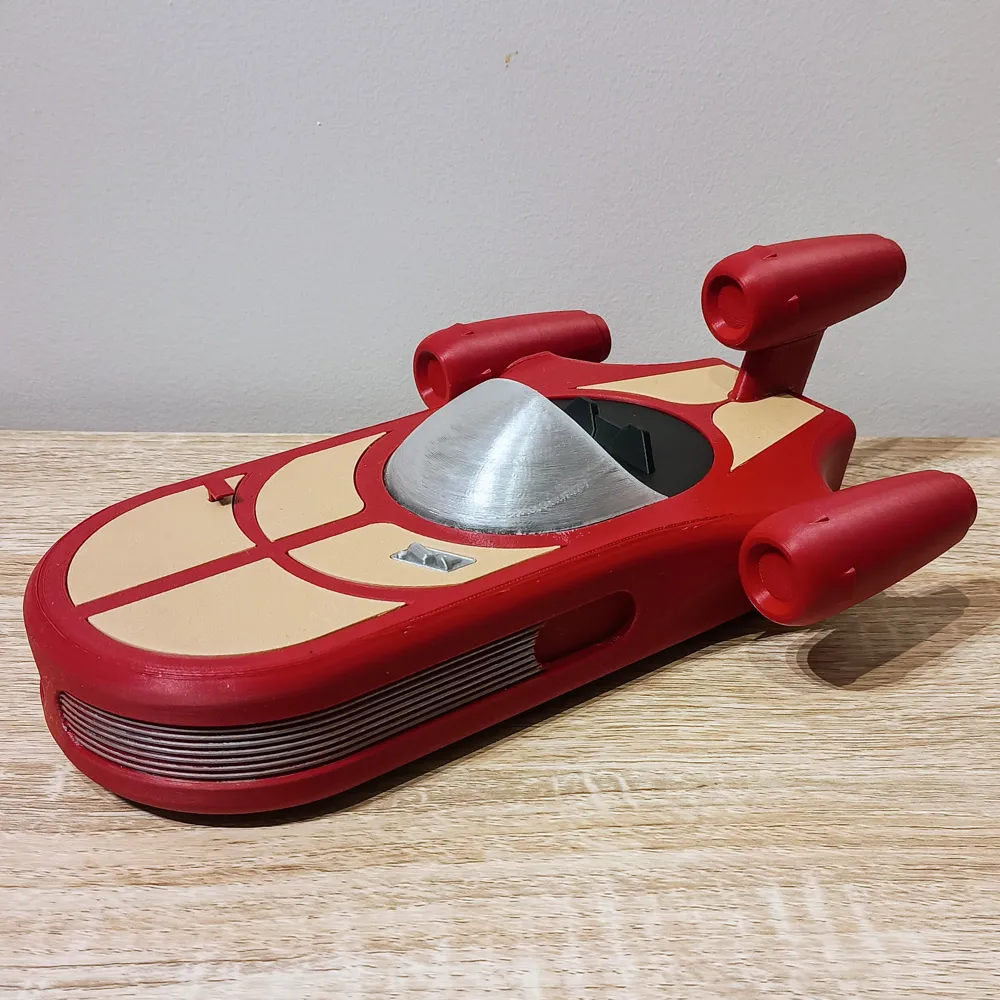
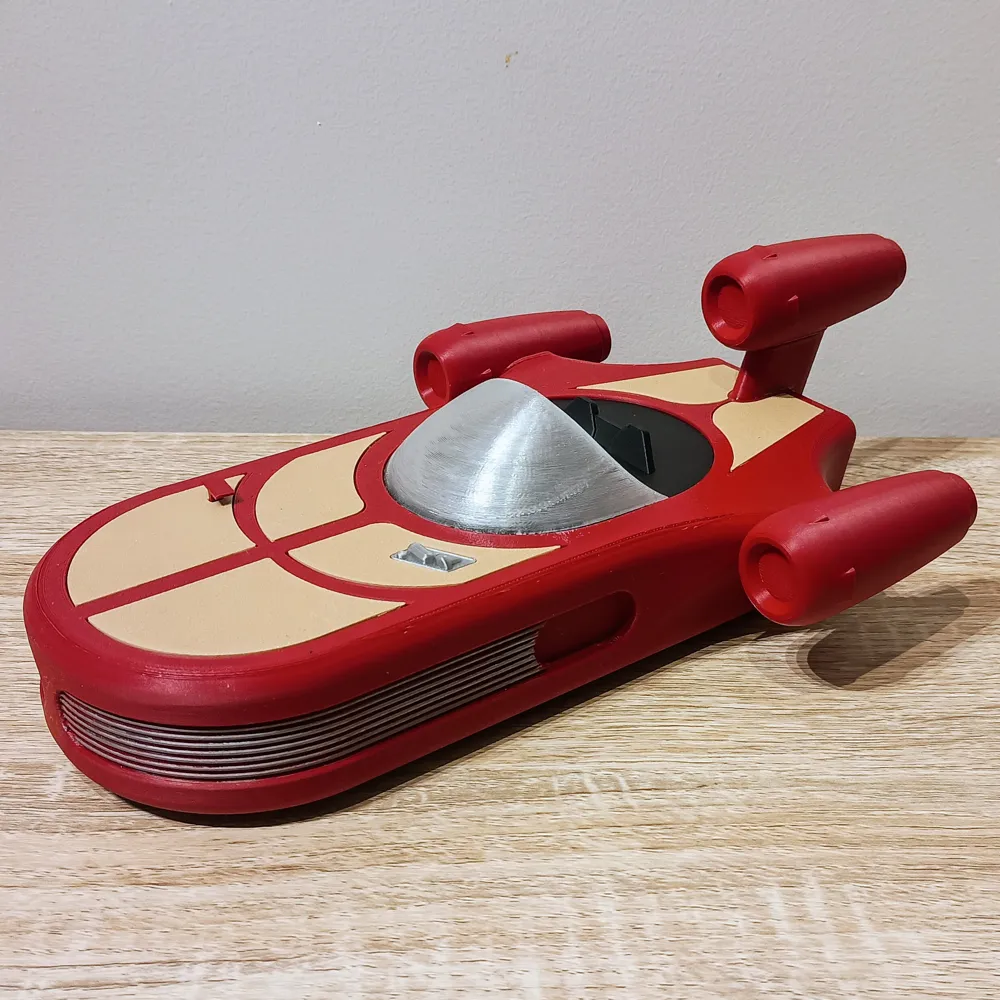
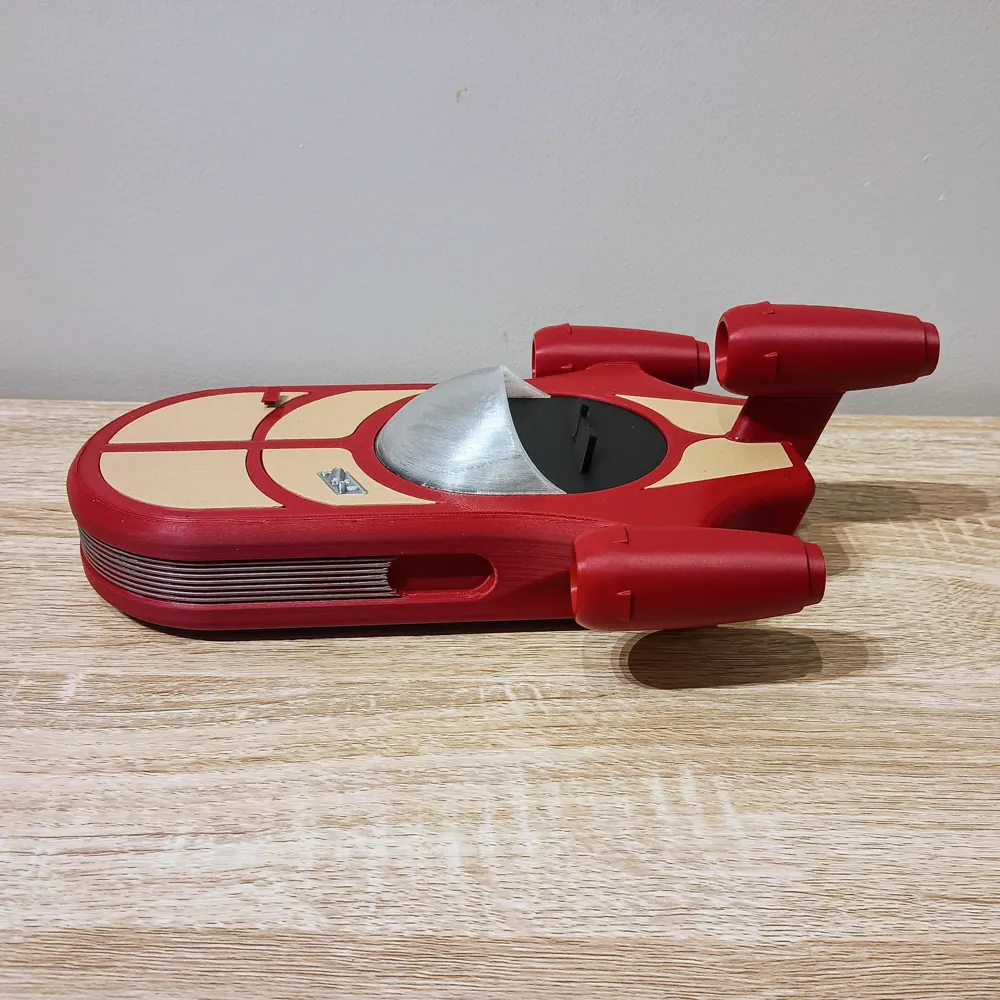
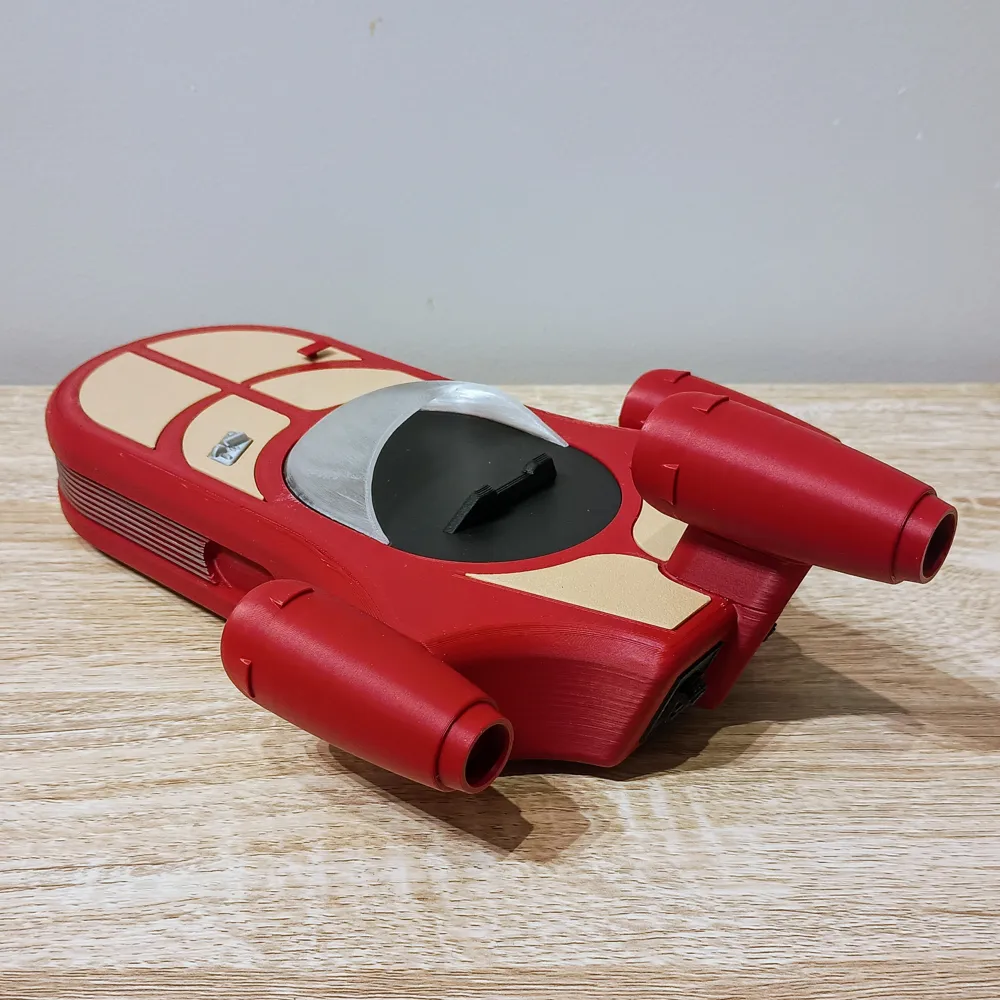
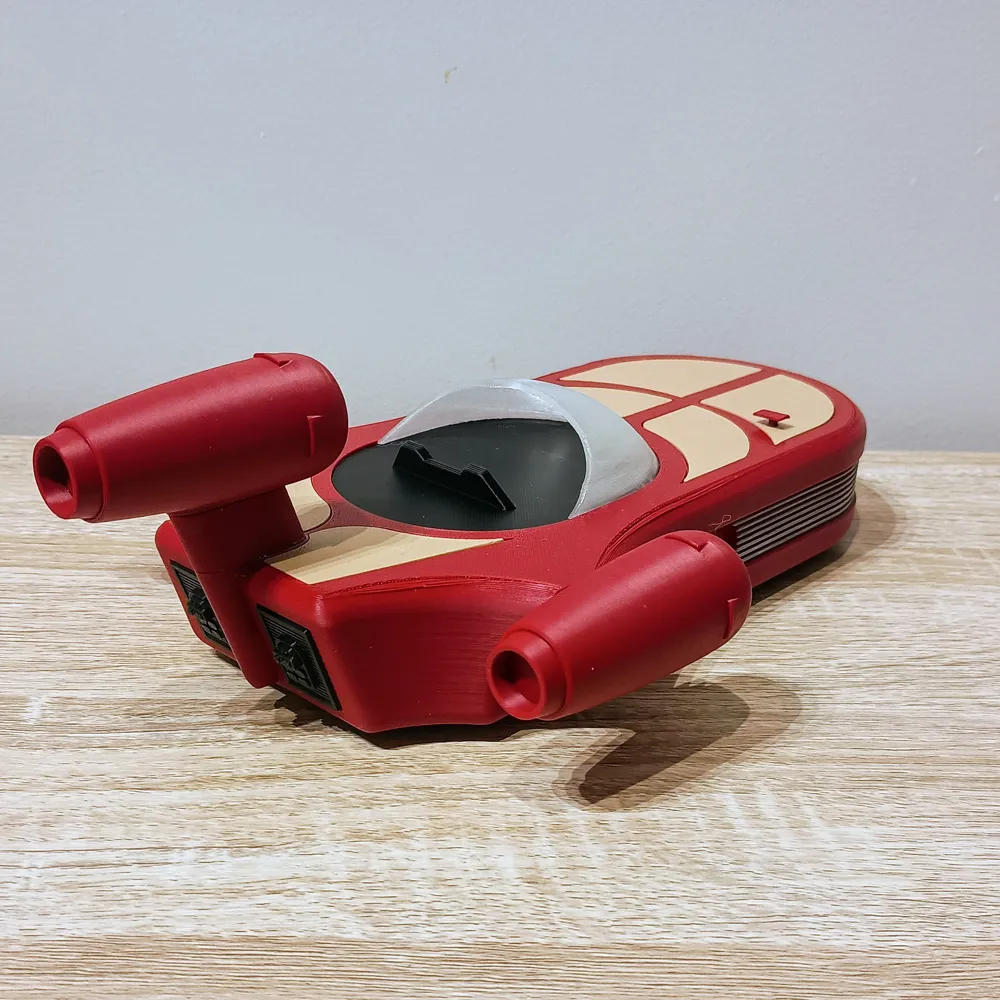
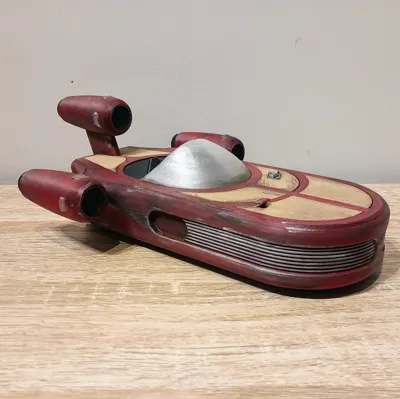
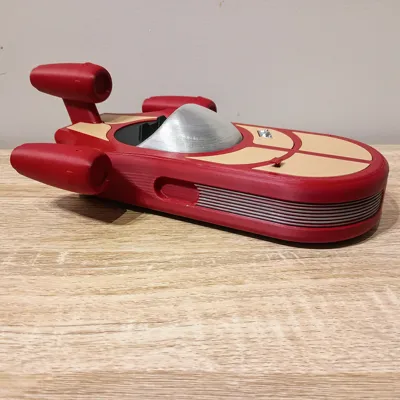
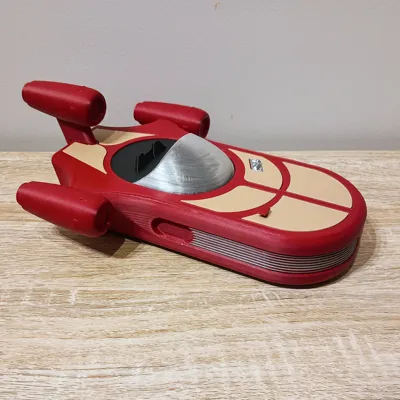
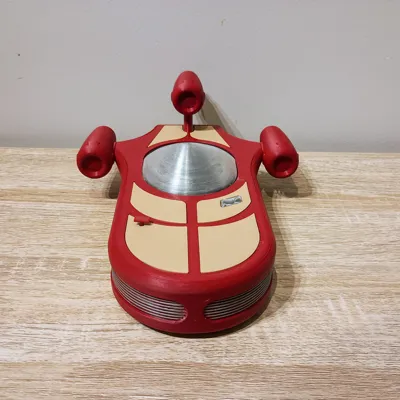
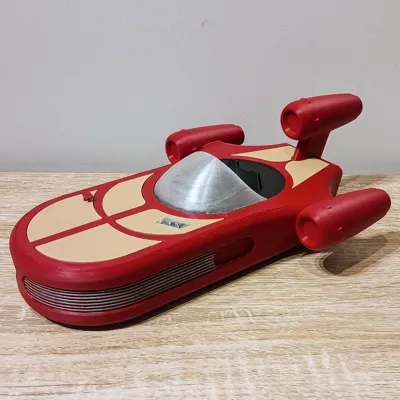
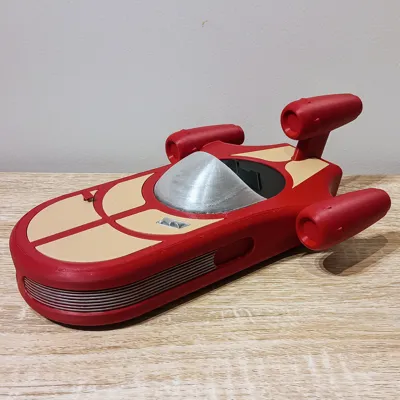
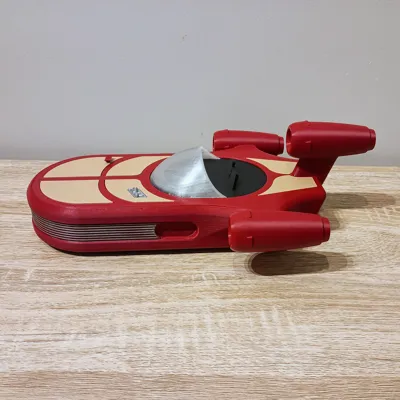
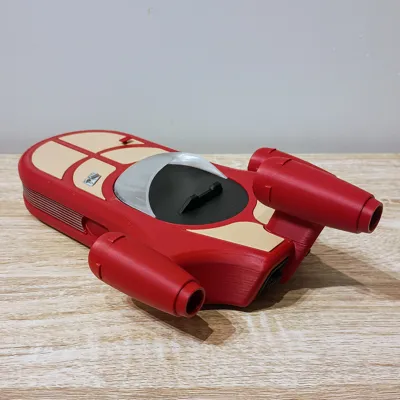
Luke Skywalker's Mini RC Landspeeder
Print Profile(1)

Bill of Materials


.png)






Description
Thanks for checking out my model! Interested in supporting my work or selling prints?
Support Crew – Show some love and help keep the projects flowing
Galactic Maker Foundry – Sell physical prints of my original designs
Foundry License+ – Sell prints and use my photos for listings
🎉 Supporter-only Discord coming soon – get early access, tips, and sneak peeks!
Membership
Join here to support or get a license
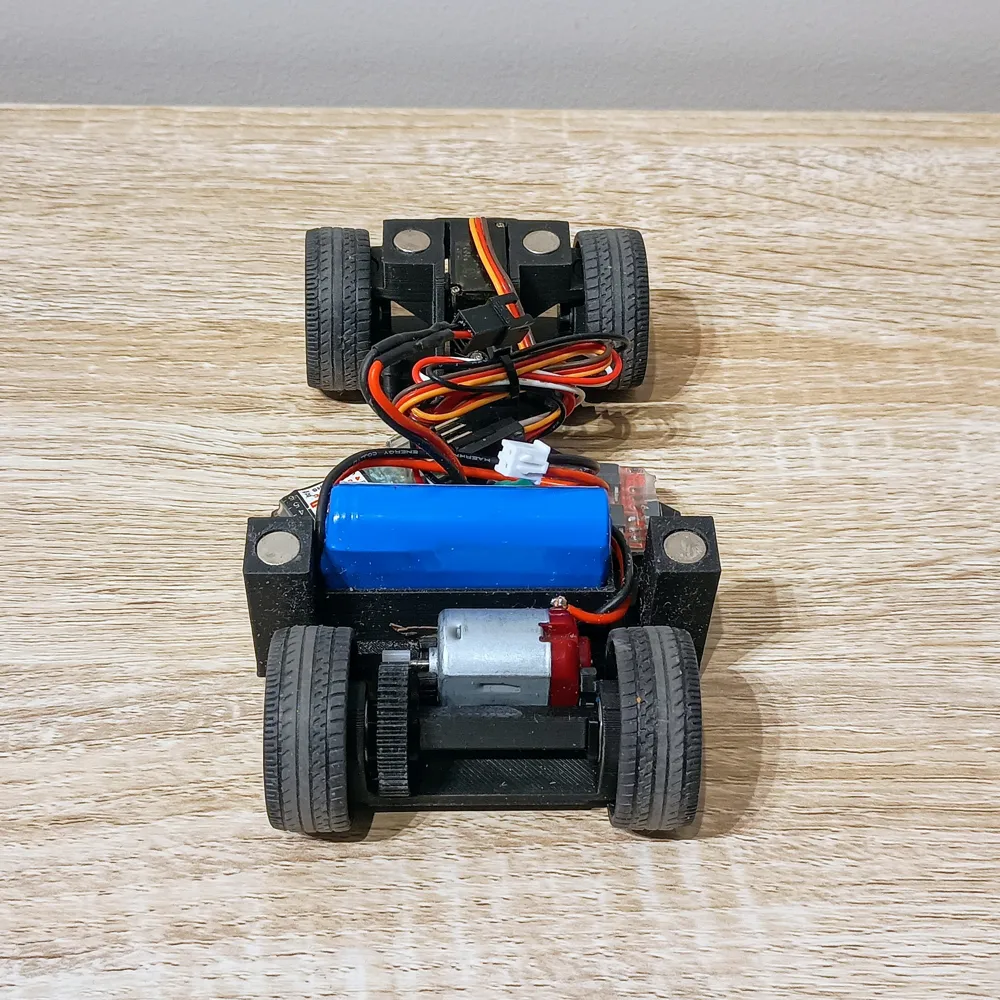
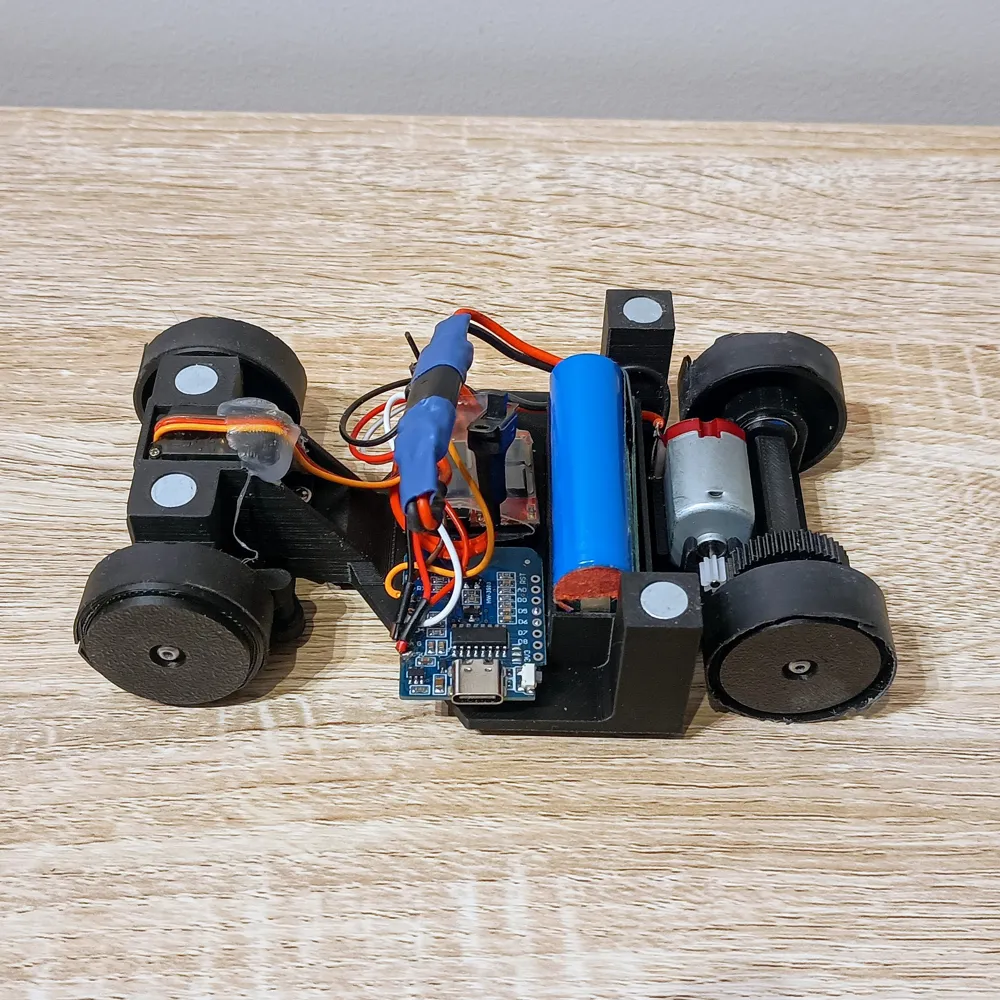
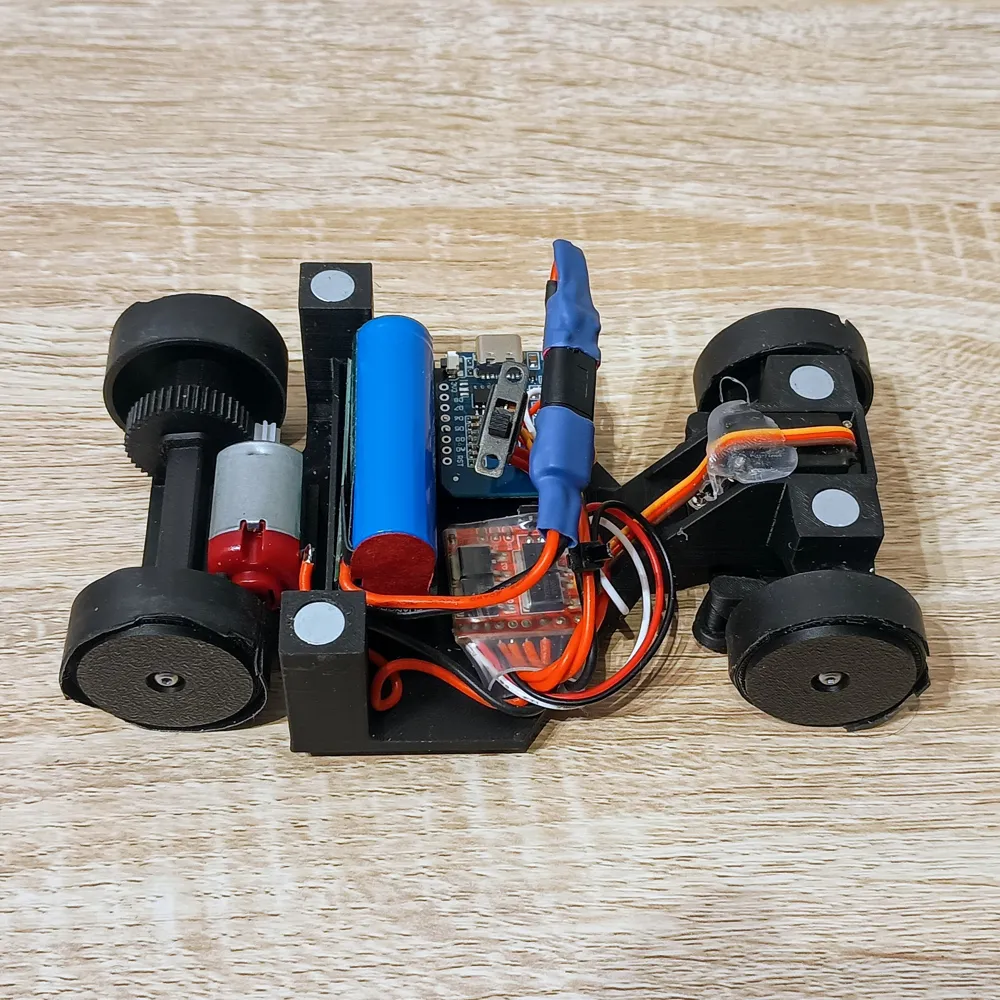
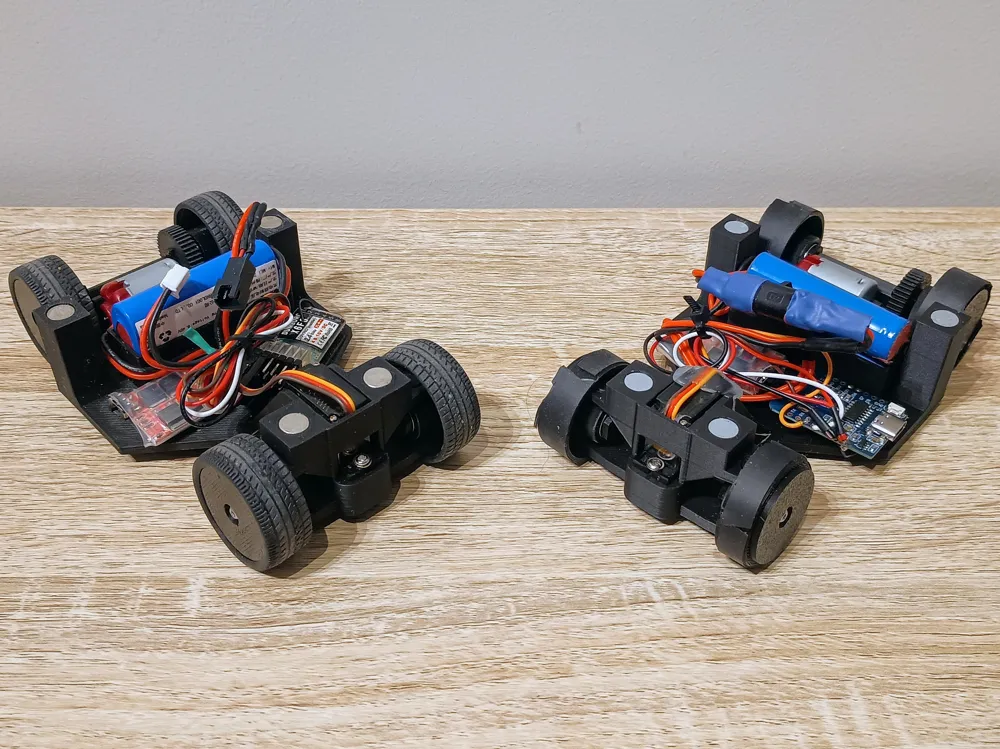
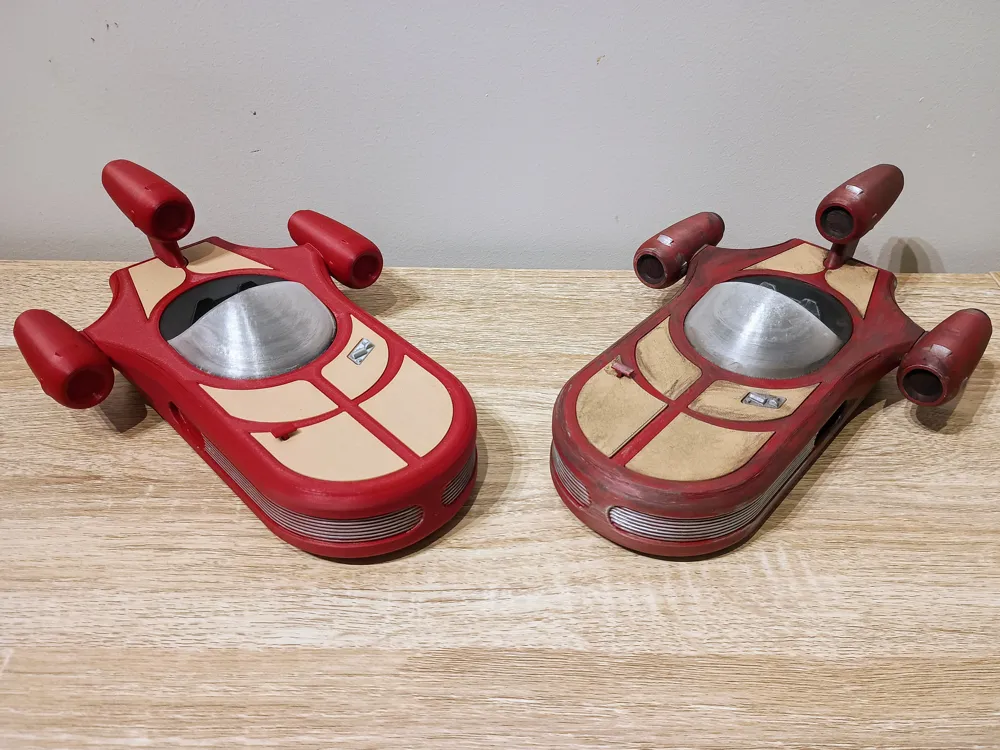
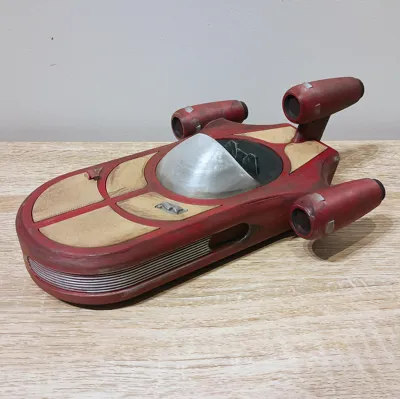
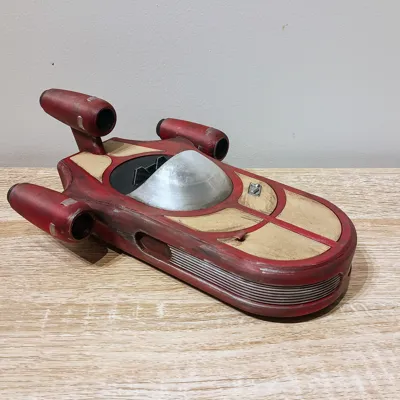
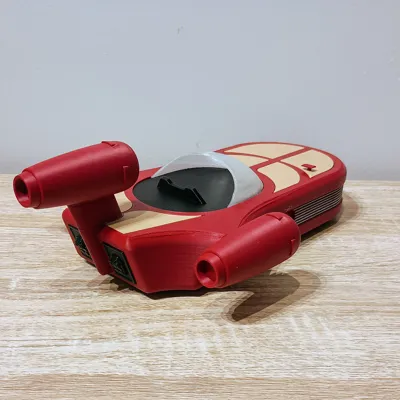
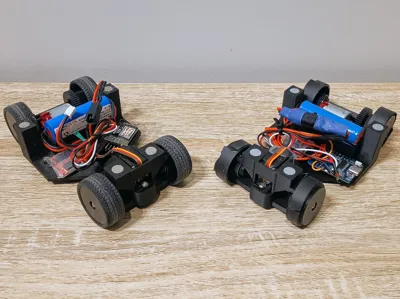
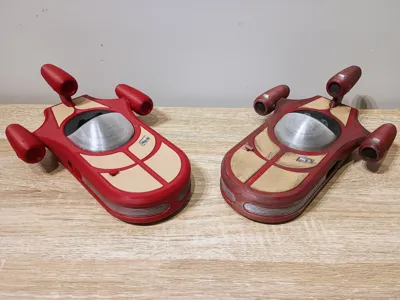
Ever wanted to zip around your living room in Luke Skywalker’s X-34 Landspeeder? Now you can — this project combines a fully 3D-printed landspeeder shell with a modular print-in-place RC chassis that I designed to be reused for future models.
Why This Chassis?
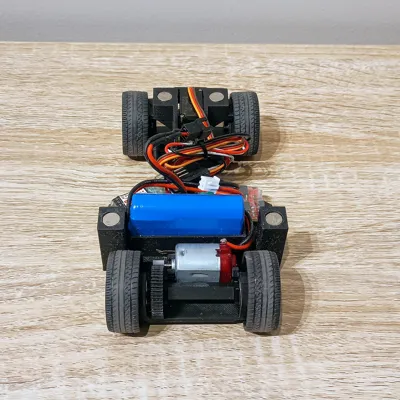
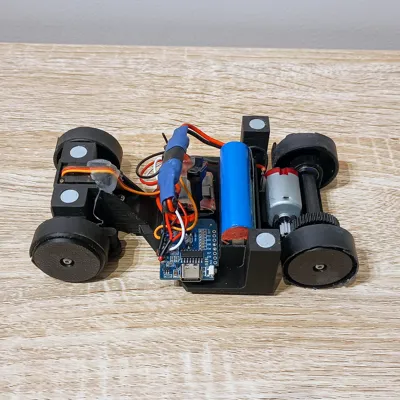
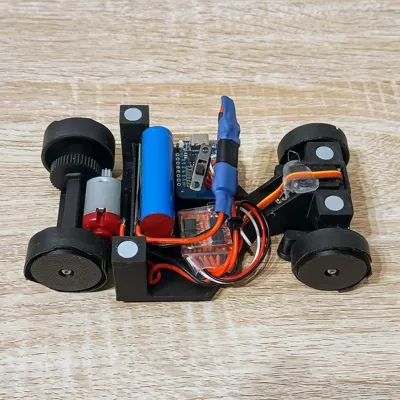
I didn’t want to reinvent the wheel every time I designed a new RC model, so I built a universal, easy-to-print RC chassis as the base.
- Print-in-place design – no crazy assembly required
- Cheap & simple – about $30 with WiFi electronics, or $60 with a full RC transmitter/receiver setup
- Repair-friendly – no over-complication, easy to swap parts
- Best for indoors & smooth concrete – it’s a fun driver, not a rock crawler (no suspension)
- Scalable – chassis is ~140mm long, while the Landspeeder shell is ~250mm
Two Ways to Drive
- Traditional RC Setup
- Standard transmitter & receiver
- Brushed ESC
- Steering servo
- 130-sized motor
- Costs about $60 with Transmitter (plus battery if you don’t already own them)
- WiFi Control with D1 Mini
- D1 Mini ESP8266 + my Arduino code
- Control via the RemoteXY app (iOS/Android)
- Super simple: flash the D1 Mini, open the app, and my control layout is ready to go — no coding needed
- Brushed ESC
- Steering servo
- 130-sized motor
- Costs about $30 total
👉 Arduino sketch available on GitHub:
RC Landspeeder ESP8266 RemoteXY Project
Printing & Build Notes
- Chassis prints mostly support-free (a little stringing around the front turnbuckles, but that’s it)
- Adding a few tree supports works fine if you want a cleaner finish
- Uses 8mm x 2mm round magnets for easy access – no fiddly screw mounts or complex clips, just snap-fit with magnets
- Powered by a Bambu Lab 2S Li-ion battery, but you can use any 2-cell Li-ion or LiPo pack
Why Not CyberBrick?
CyberBrick is neat, but it’s expensive and restrictive:
- Uses only 030 motors → slow and underpowered
- Feels more like a robotics kit than an RC model platform
- Harder to scale up to fun, mid-sized vehicles like this Landspeeder (~250mm long)
This project keeps things cheap, modular, and expandable — once you have the transmitter and batteries, adding a new vehicle is only about $15–$25 in extra electronics.
Bill of Materials (BOM)
Common Parts
Option 1: D1 Mini (Wi-Fi RemoteXY Version)
| Item | Quantity | Link |
|---|---|---|
| D1 Mini (ESP8266) | 1 | https://www.aliexpress.com/item/1005006235653025.html |
Option 2: Traditional RC Version
| Item | Quantity | Link |
|---|---|---|
| RC Transmitter (DUMBORC X4) | 1 | https://www.aliexpress.com/item/1005009055830027.html |
| RC Receiver (DUMBORC P6F mini) | 1 | https://www.aliexpress.com/item/1005005806609827.html |
Assembly Instructions
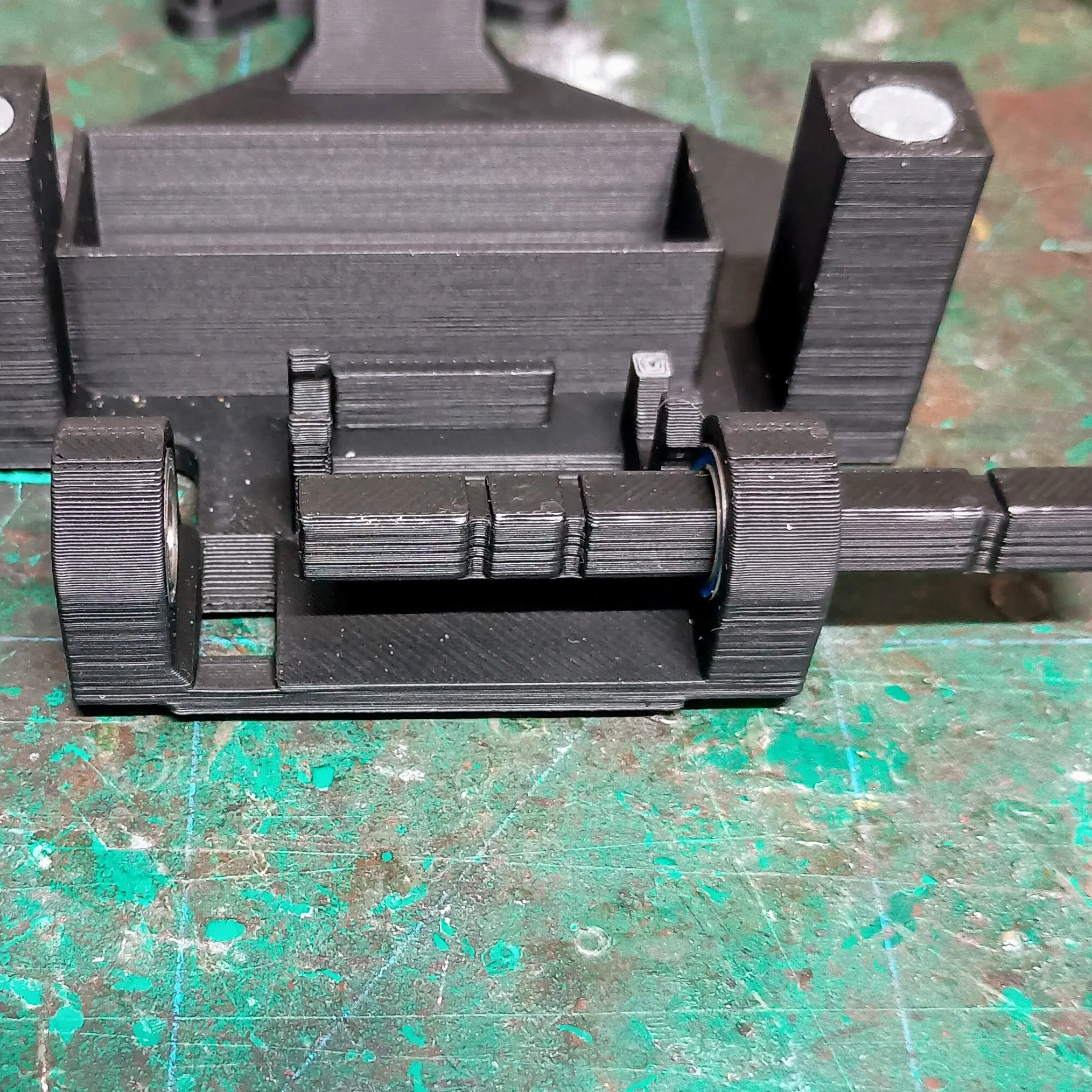
1. Rear Axle & Bearings
- Start with the rear bearing holders (the sockets at the back of the chassis).
- If there’s any stringing from bridging, clean it up with a file or snips.
- Press-fit two bearings into each side.
- Slide the axle in from the right rear, through the spur gear (it sits in the chassis cutout), and into the left side bearings.
- Place the three U-clips on the axle:
- One on each side of the spur gear.
- One on the inside of the right bearing.
These are friction fit and just keep things aligned.
Add the rear wheels and secure them with M2.5 × 6mm screws.
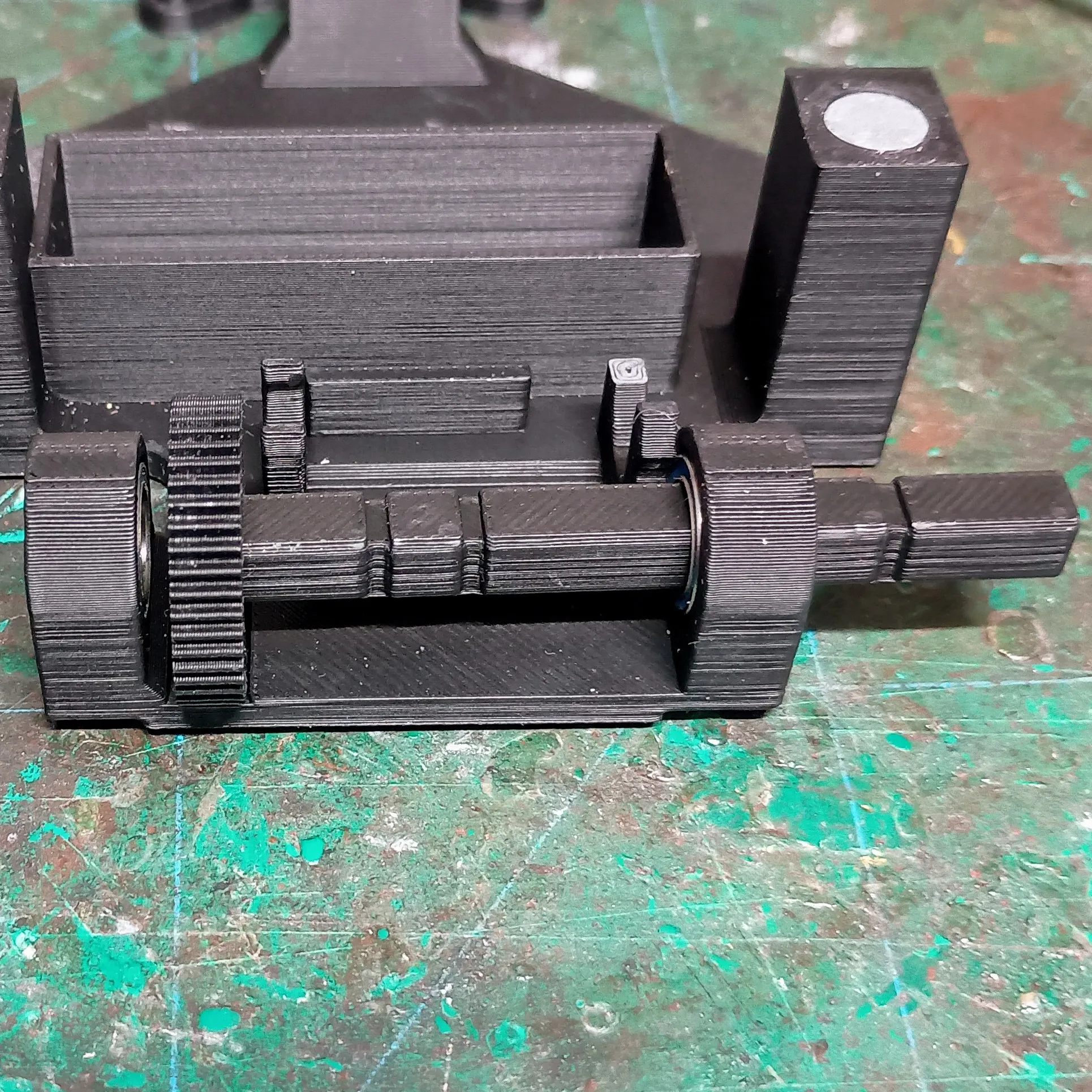
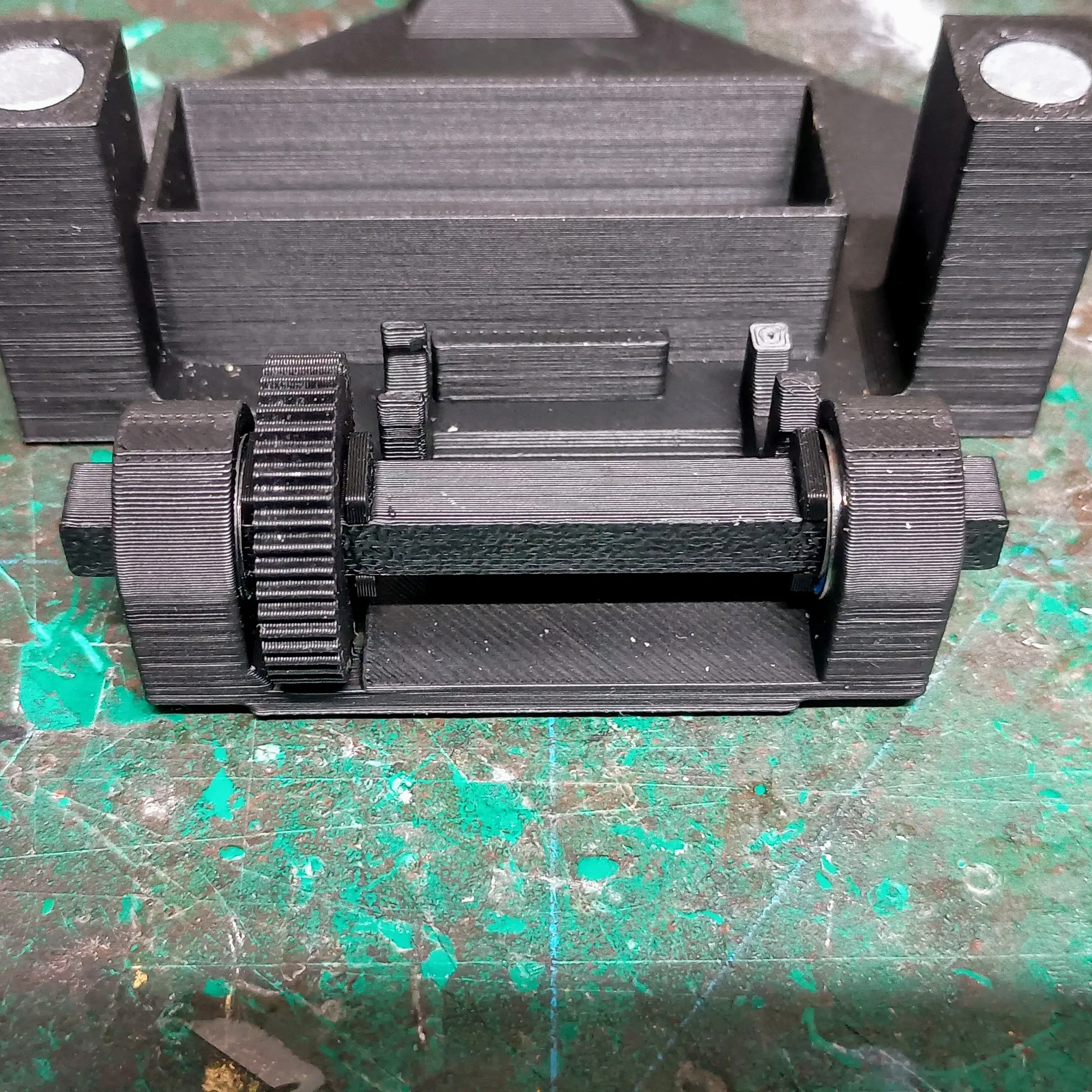
2. Front Axles
- Take a front axle, slide a bearing on it, and insert it into the steering knuckle from inside to outside while the knuckle is turned outward.
- Press the outer bearing into place.
- Attach a wheel with an M2.5 × 6mm screw.
- Repeat for the other side.
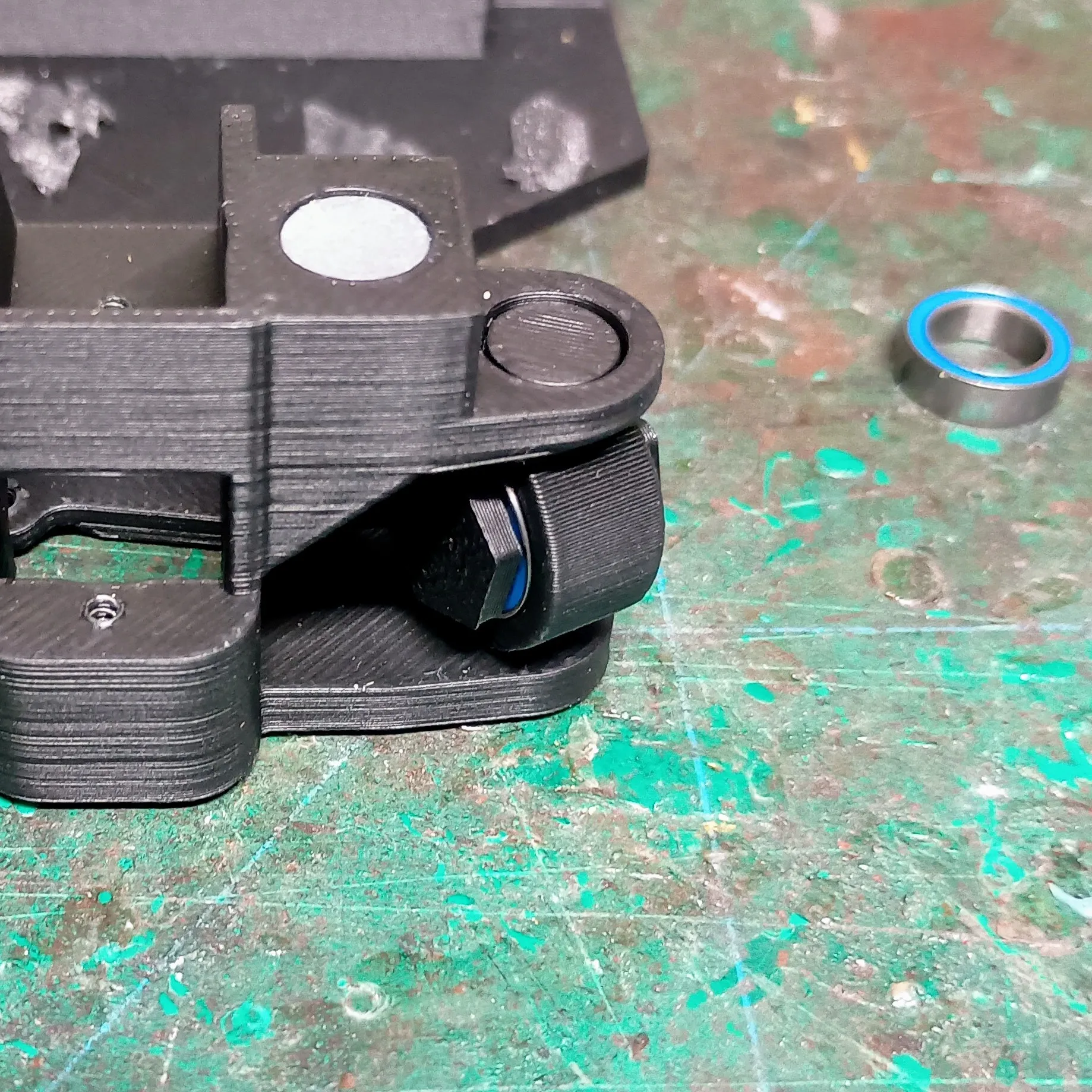
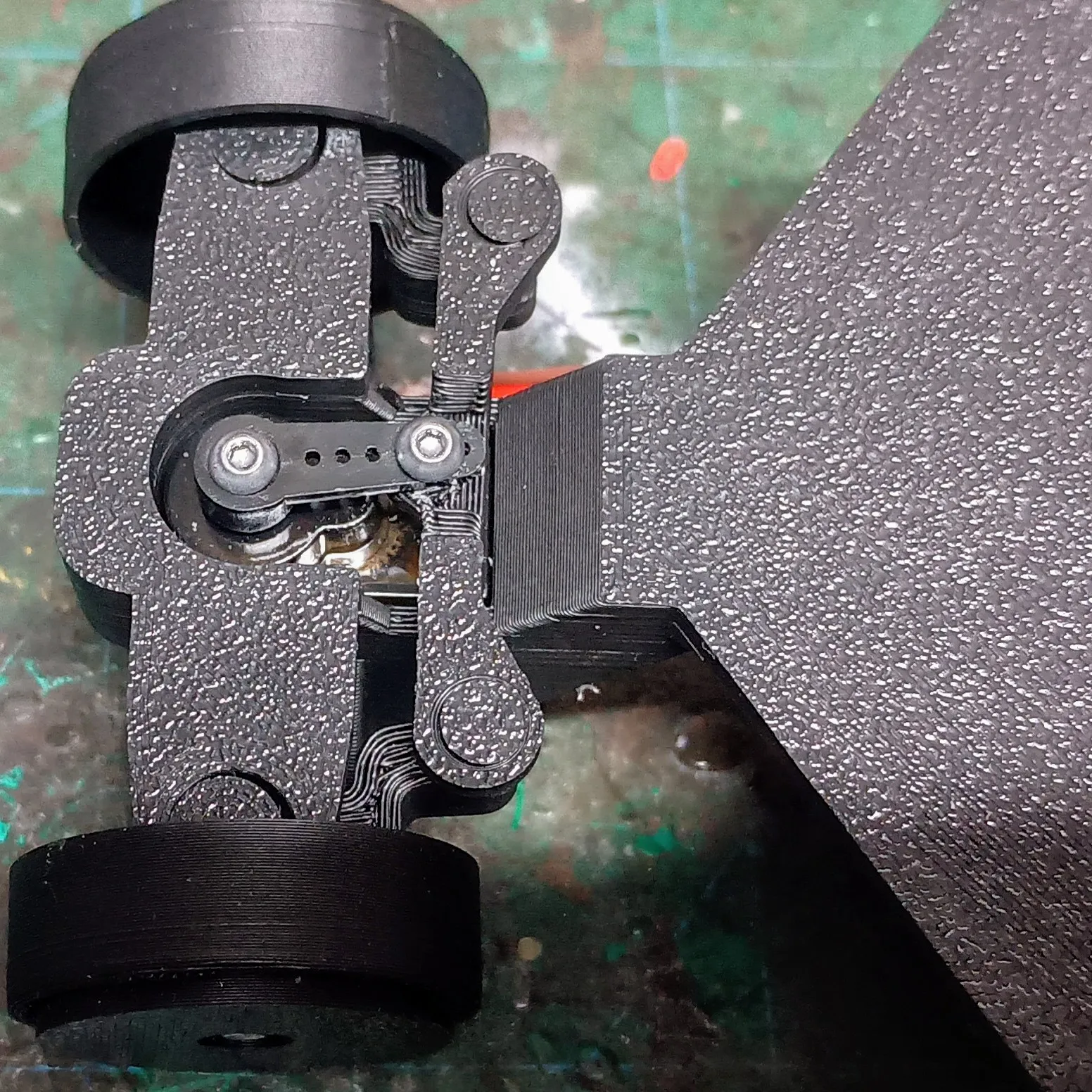
3. Servo Installation
- Insert the steering servo with the spline shaft facing forward and down.
Use the included self-tapping screws to secure it.
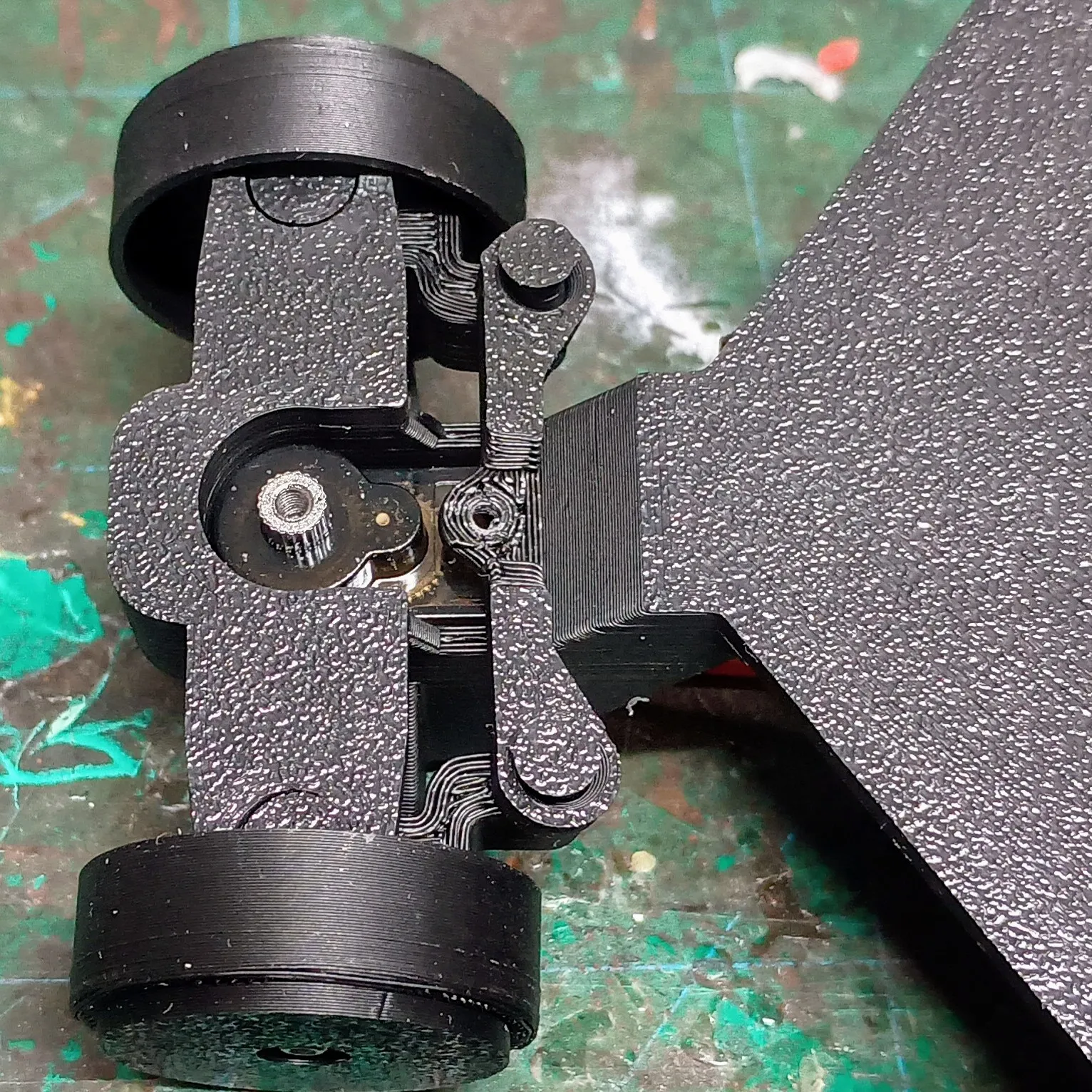
4. Electronics (D1 Mini Wi-Fi Control)
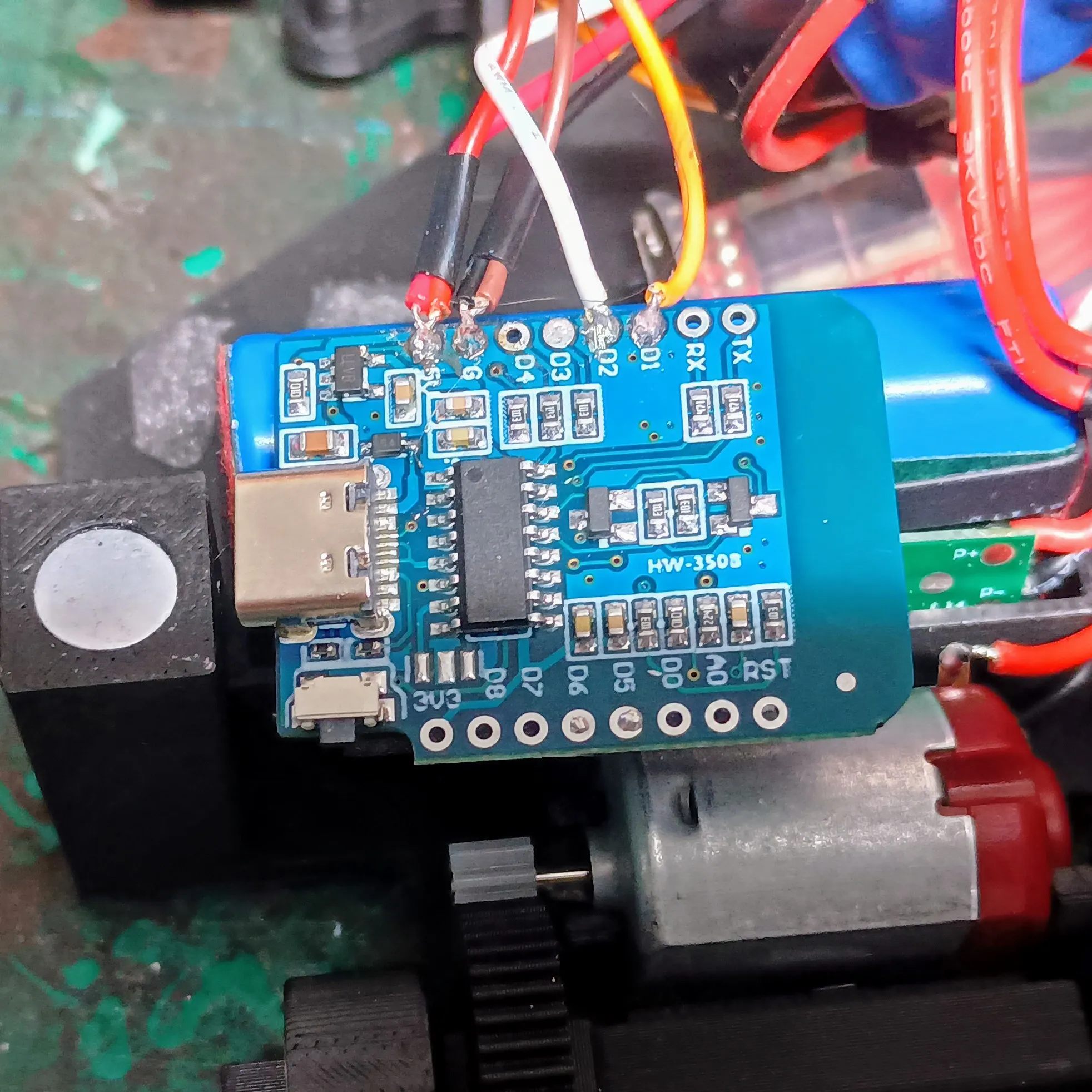
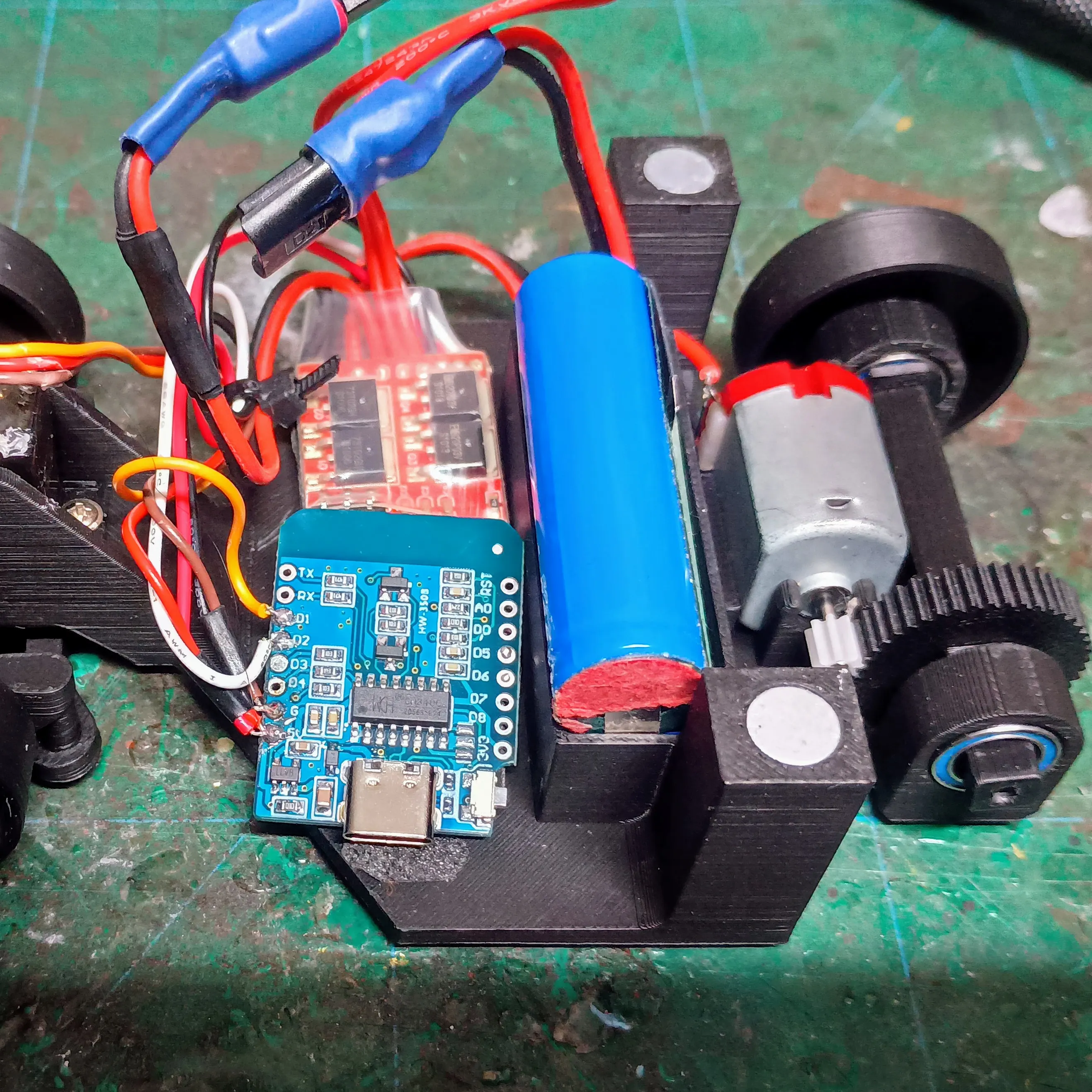
- Flash the D1 Mini with the included firmware (see [GitHub link] for details).
- Cut the servo and ESC plugs off. Strip the red and black/brown wires.
- Twist the two red wires together, and the two black/brown wires together.
- Tin and solder the red pair → 5V on the D1 Mini, and the black pair → GND.
- Solder the servo signal wire → D1.
- Solder the ESC signal wire → D2.
- The ESC’s BEC powers the servo directly, so no strain goes through the D1 Mini.
Mount the ESC and D1 Mini with VHB tape and tidy up the wiring.
RemoteXY Setup:
- Download the RemoteXY app (Android/iOS).
- Add a new device → choose Wi-Fi point.
- Look for the network Landspeeder.
- No password
- Once connected, the app interface will appear and you’re ready to drive.
5. Electronics (Standard RC Controller Option)
- Plug the steering servo into Channel 1 on your receiver.
- Plug the ESC into Channel 2.
- Mount the receiver and ESC with VHB tape.
- Bind the receiver to your transmitter (follow your brand’s manual).
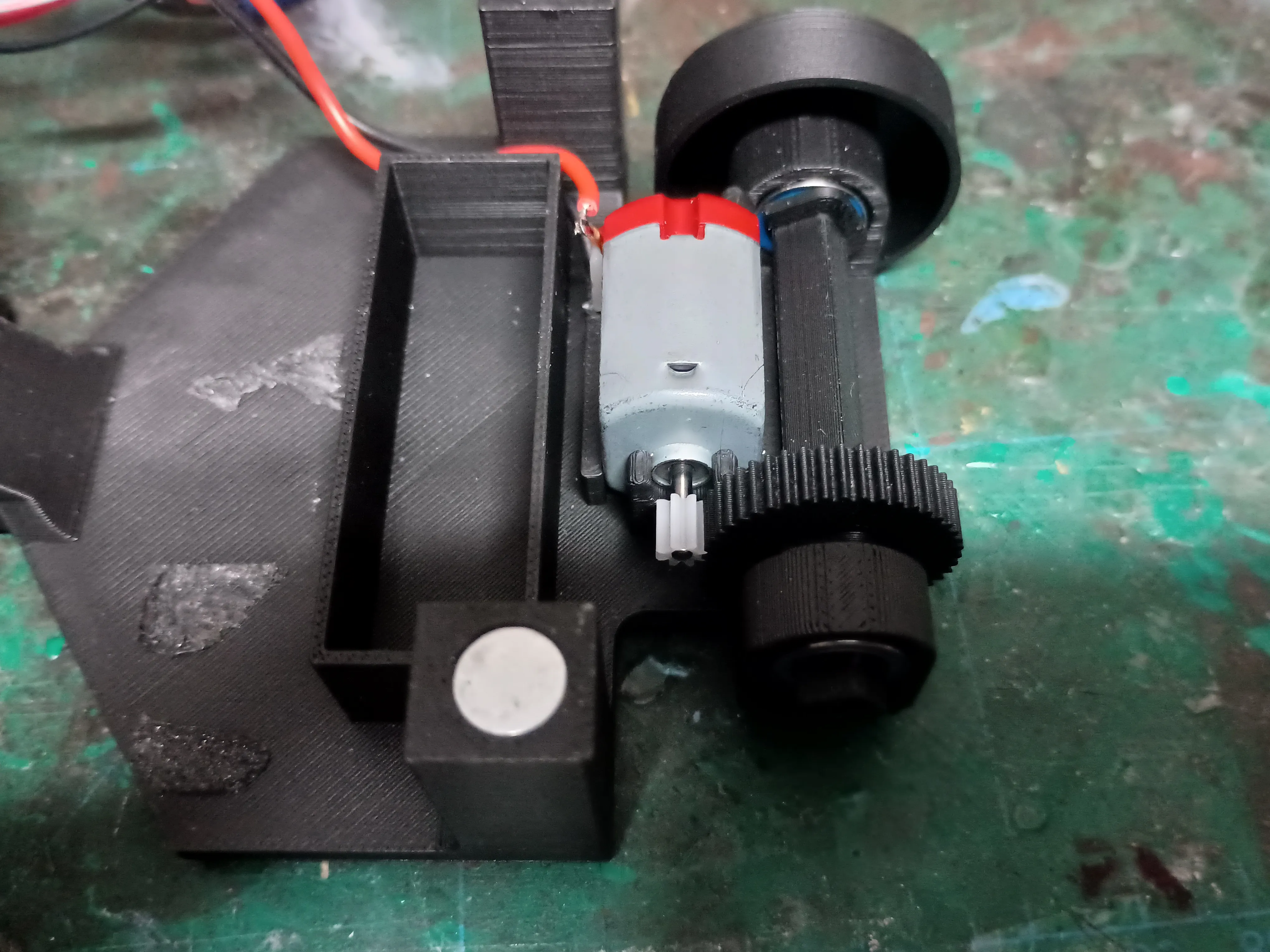
6. Motor & Pinion Gear
- Solder the ESC motor wires to the motor tabs.
- If it runs backwards, just swap the wires.
- Press the pinion gear onto the motor shaft.
- Mount the motor in the chassis: the flat side of the housing locks in place.
Check the pinion and spur gear mesh.
7. Power
- For a clean setup, swap the ESC connector to match the Bambu Lab battery pack (so you can use their USB charger).
- Double-check all wiring for shorts before plugging in.
- The ESC has a switch — you can either keep it, or bridge the pins to have power always on.
8. Wheels & Tires
- Slide the rubber tires onto the wheels.
- Remove the rear ones if you want to do burnouts, donuts, or drifting.
9. Landspeeder Body
- Assemble the Landspeeder shell:
- Use the pins for the engines.
- The middle engine strut uses the thinner 3mm pins.
- For attachment:
- Use 8mm × 2mm round magnets (no screws or complicated mounts).
- Fit 2 magnets per chassis post and 1 per body hole.
- The magnets make it easy to remove the body for battery swaps or maintenance.
10. Finishing Touches
- Paint or weather as you like. A bit of silver Rub ’n Buff on the side grill looks great, even without full weathering.
- Slide the body on, check fit, and you’re ready.
Final Step: Take it out, cruise the Dune Sea, and pretend you’re a certain moisture-farming kid dreaming of adventure.
License

You shall not share, sub-license, sell, rent, host, transfer, or distribute in any way the digital or 3D printed versions of this object, nor any other derivative work of this object in its digital or physical format (including - but not limited to - remixes of this object, and hosting on other digital platforms). The objects may not be used without permission in any way whatsoever in which you charge money, or collect fees.


Comment & Rating (4)