
Mini Moving Head Projector
Print Profile(2)


Description
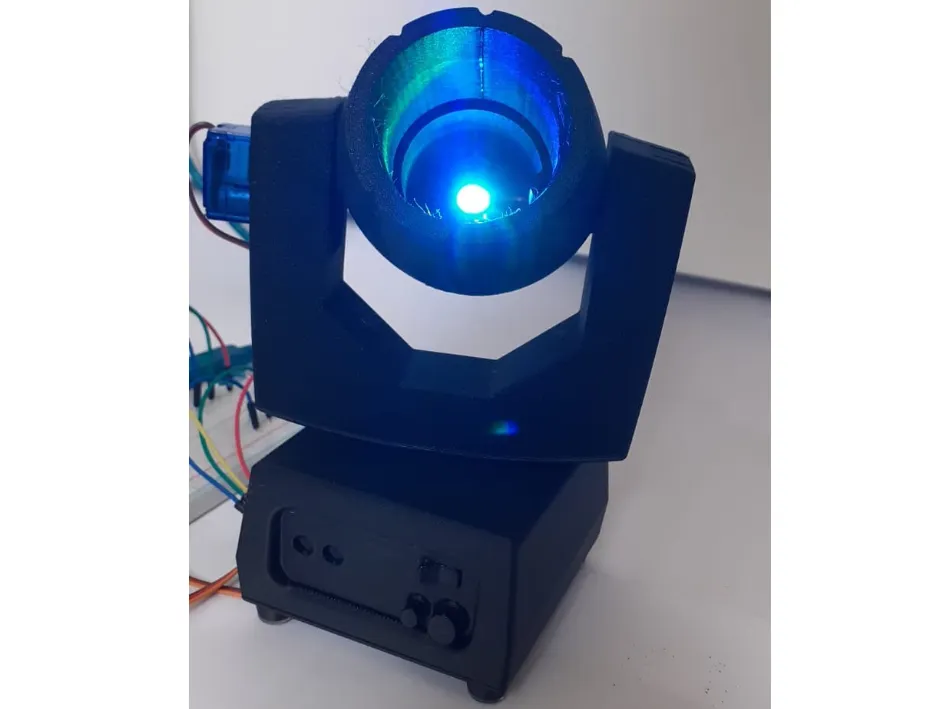
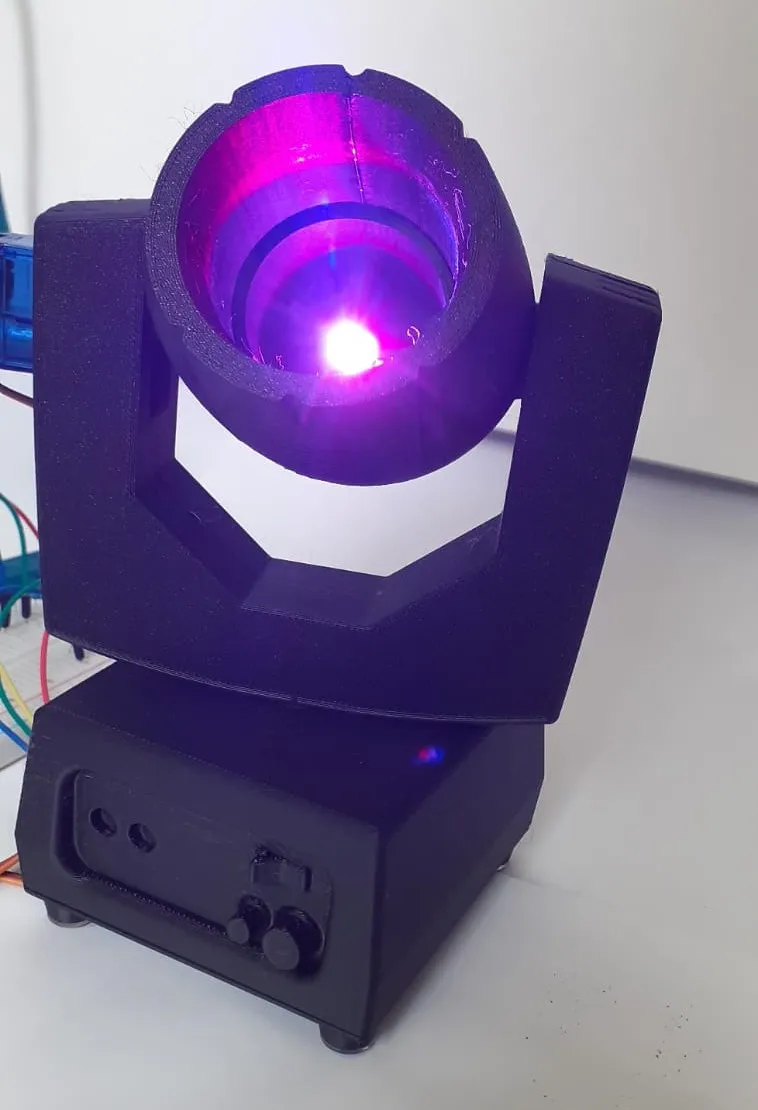
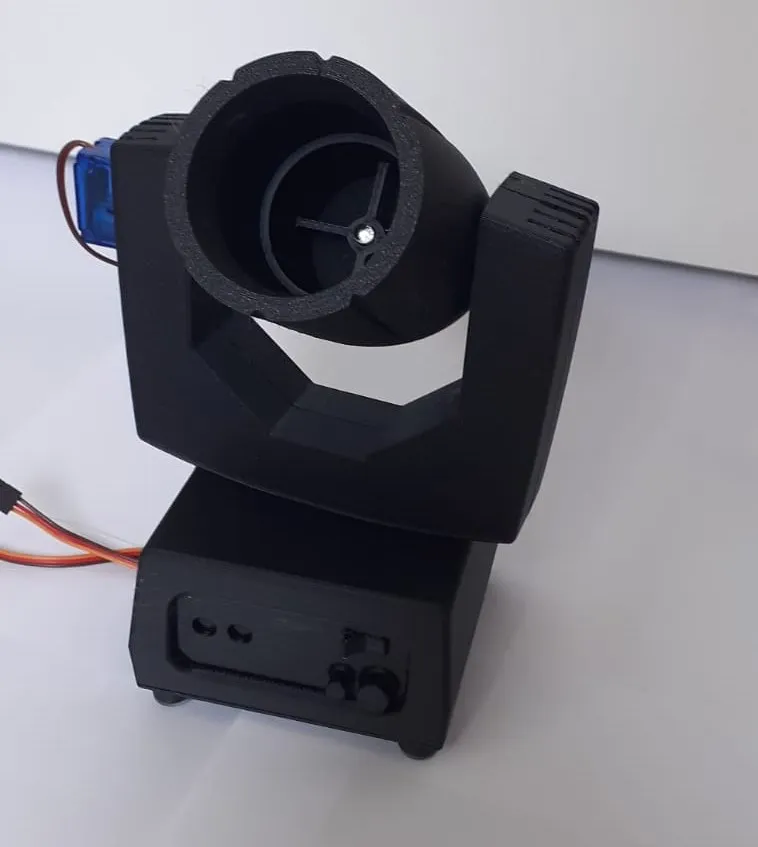
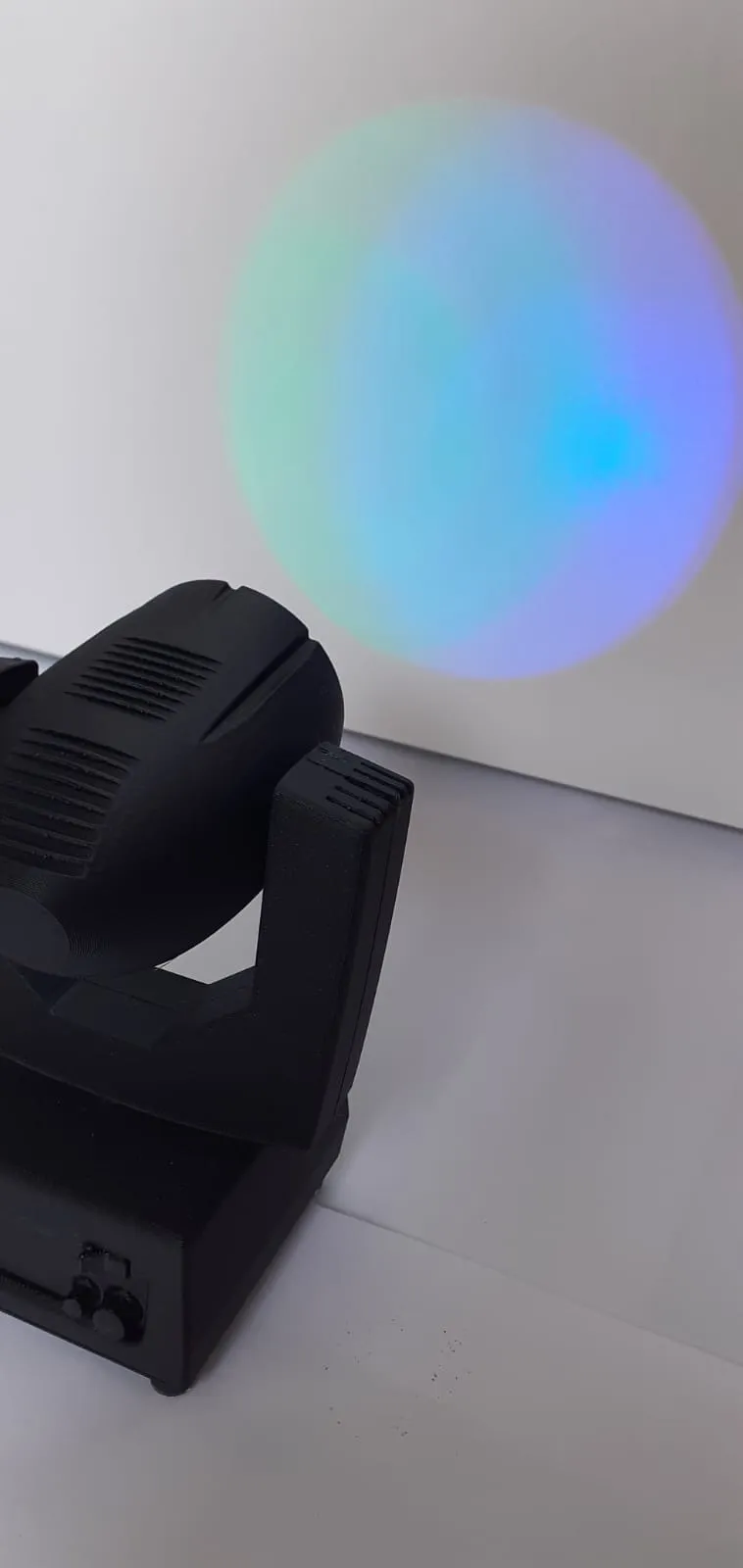
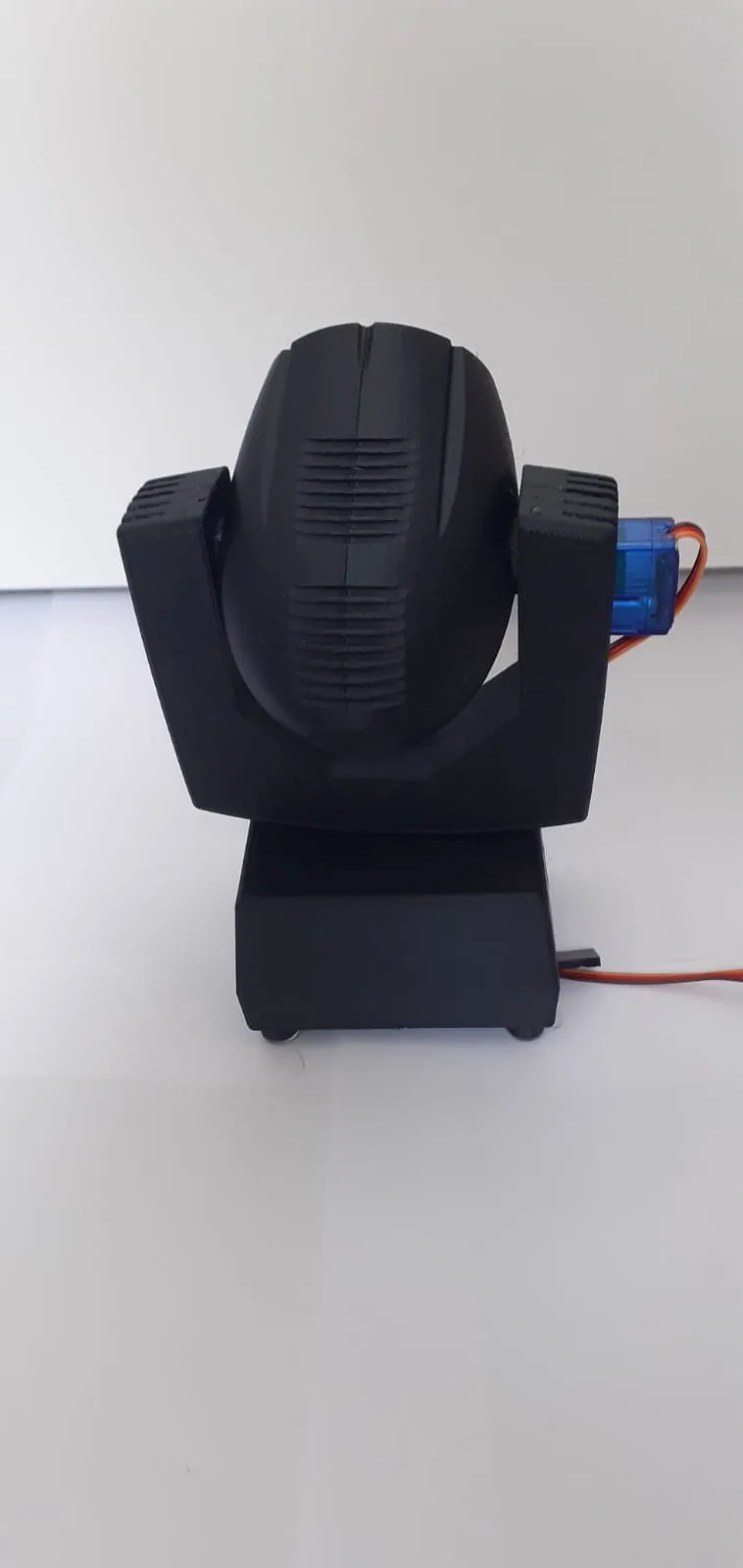
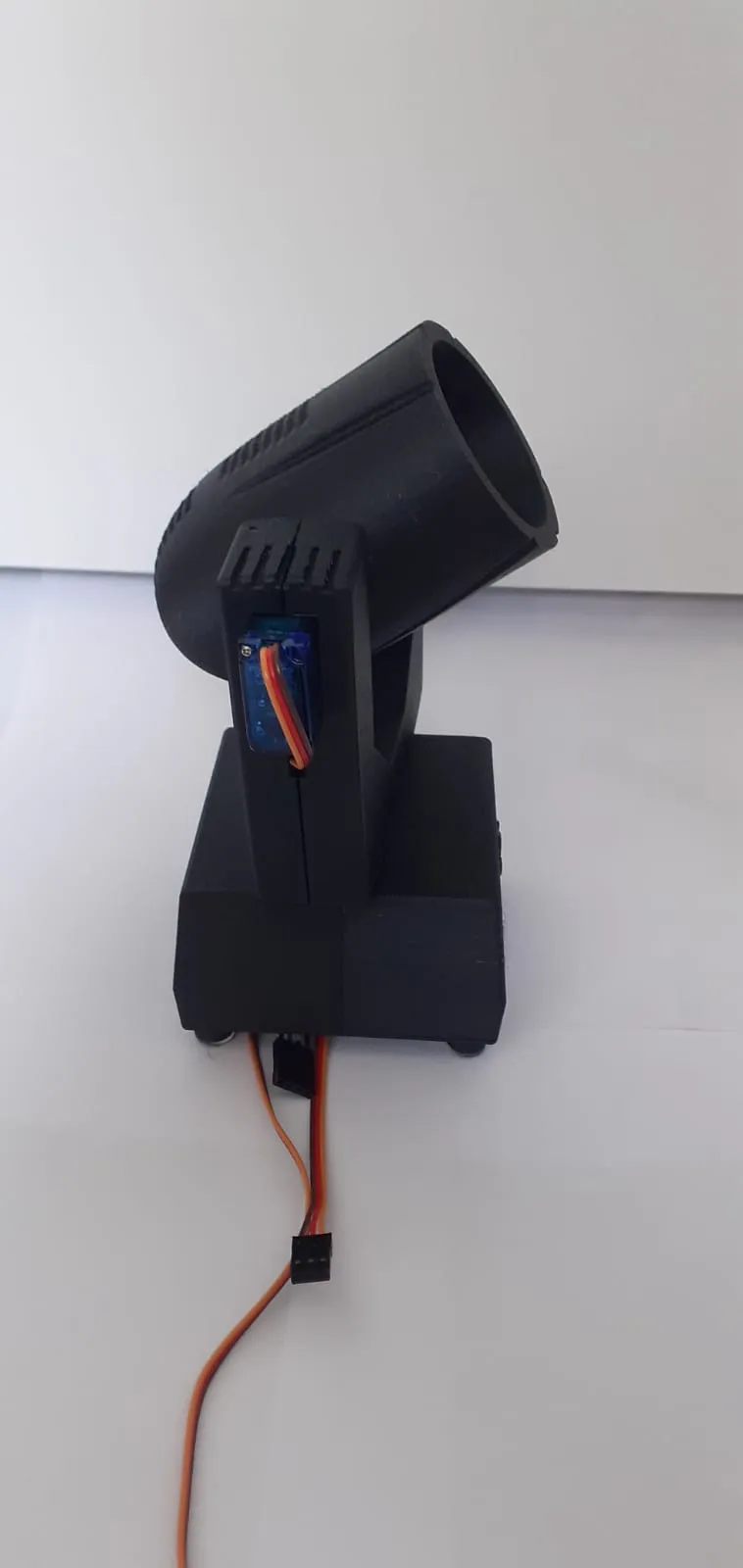
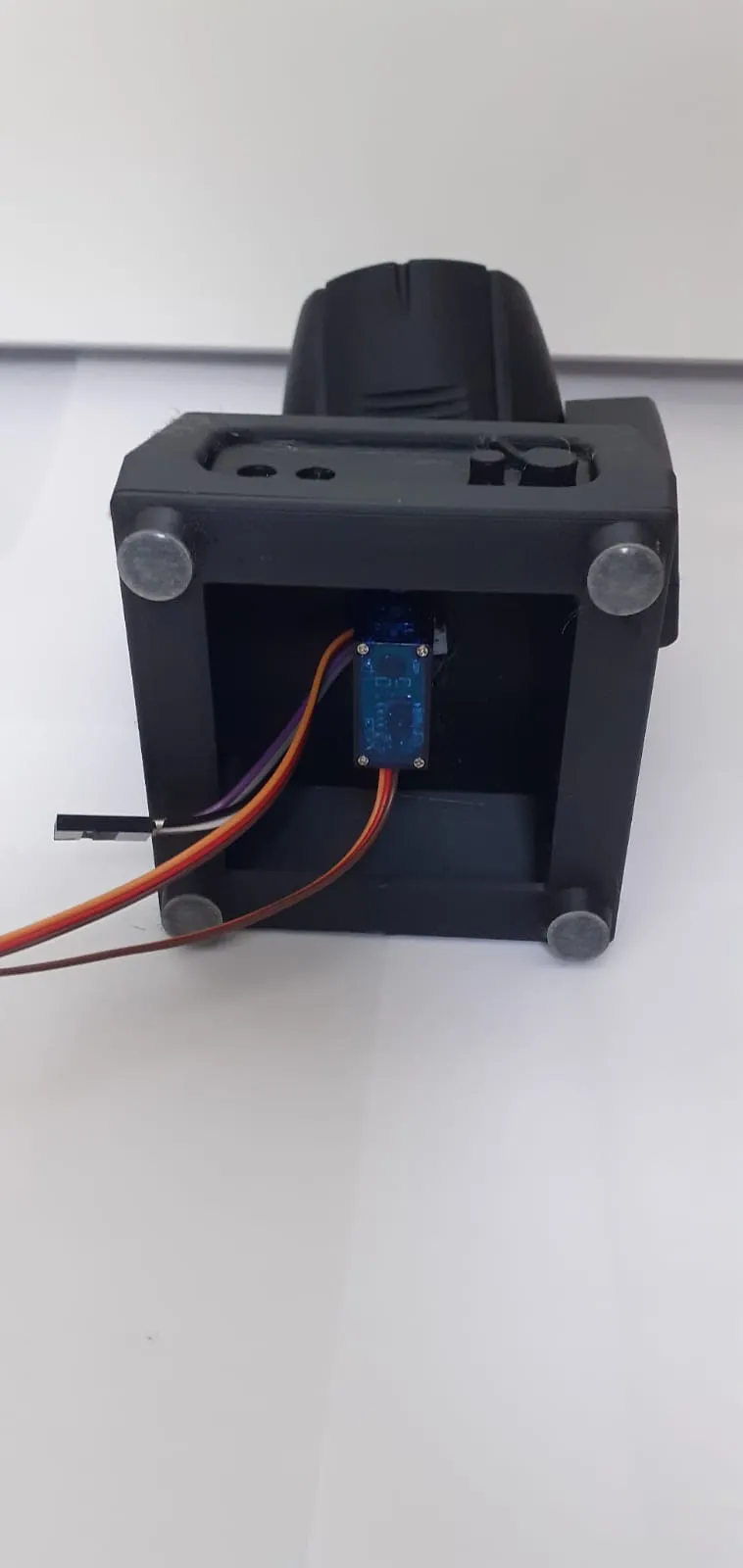
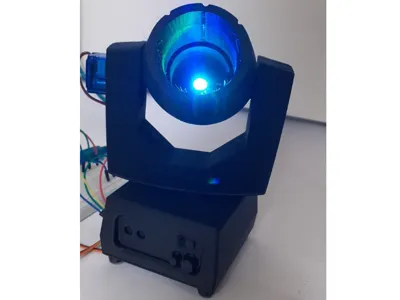
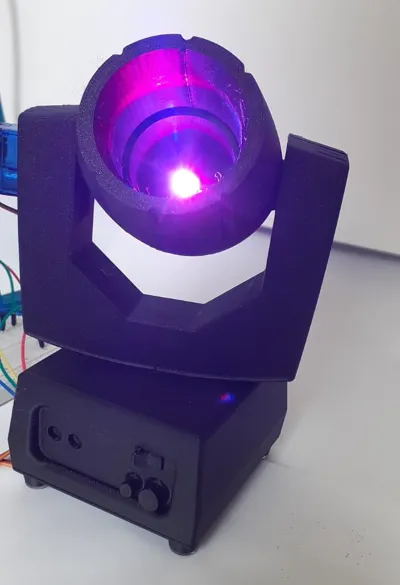
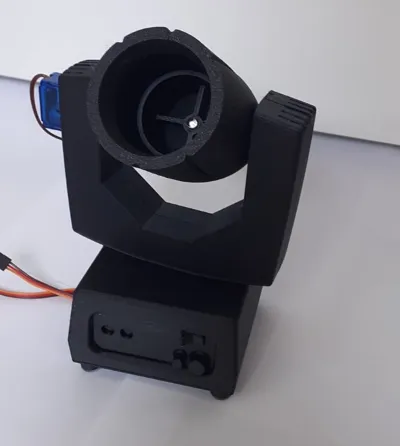
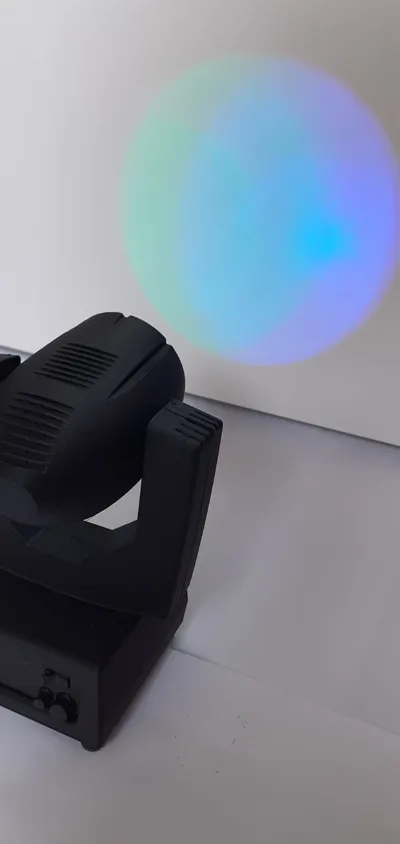
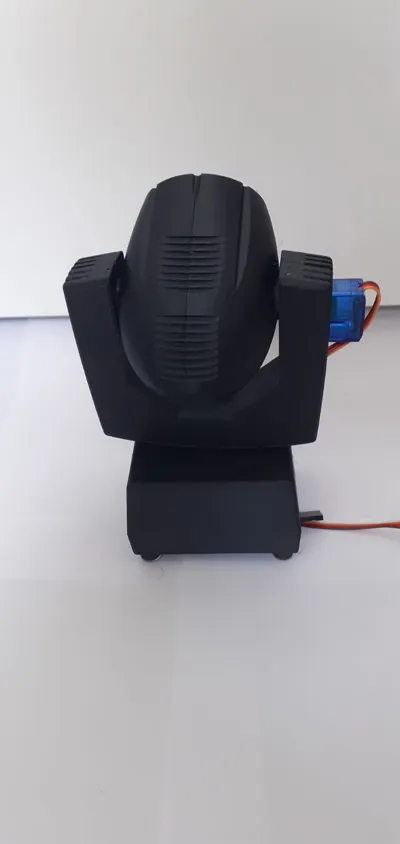
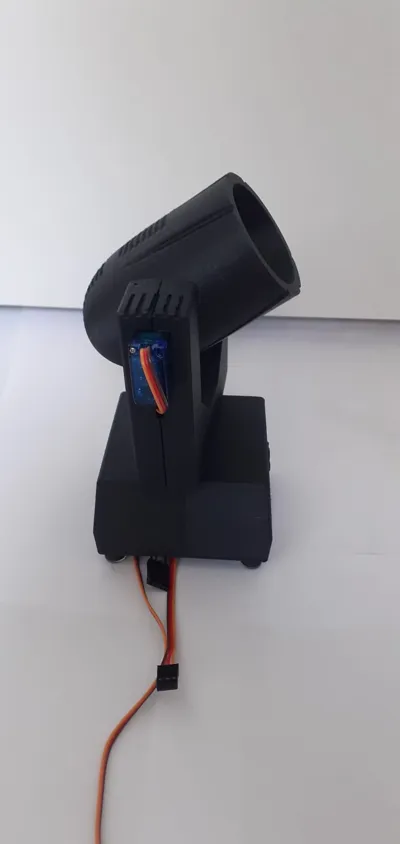
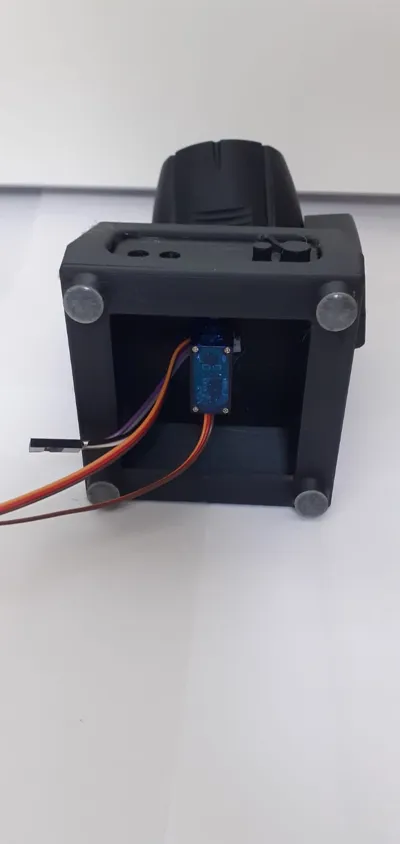
Here is a functional mini moving head projector. Everything works thanks to 2 servo motors controlled by a joystick, and for the light, it is a simple RGB LED that changes color using the joystick button
If you have any questions, feel free to leave a comment, I will answer them as quickly as possible
I plan to release a tutorial video soon (like for the LED panel) so to not miss its release, it's this way 👉 https://www.youtube.com/@Tim_bricolage
Here is the tutorial video: https://youtu.be/61YztvEllS4
It supports me and makes me want to release more projects
For printing, 15% infill is sufficient, 0.2mm layer height. All models require supports
Required materials:
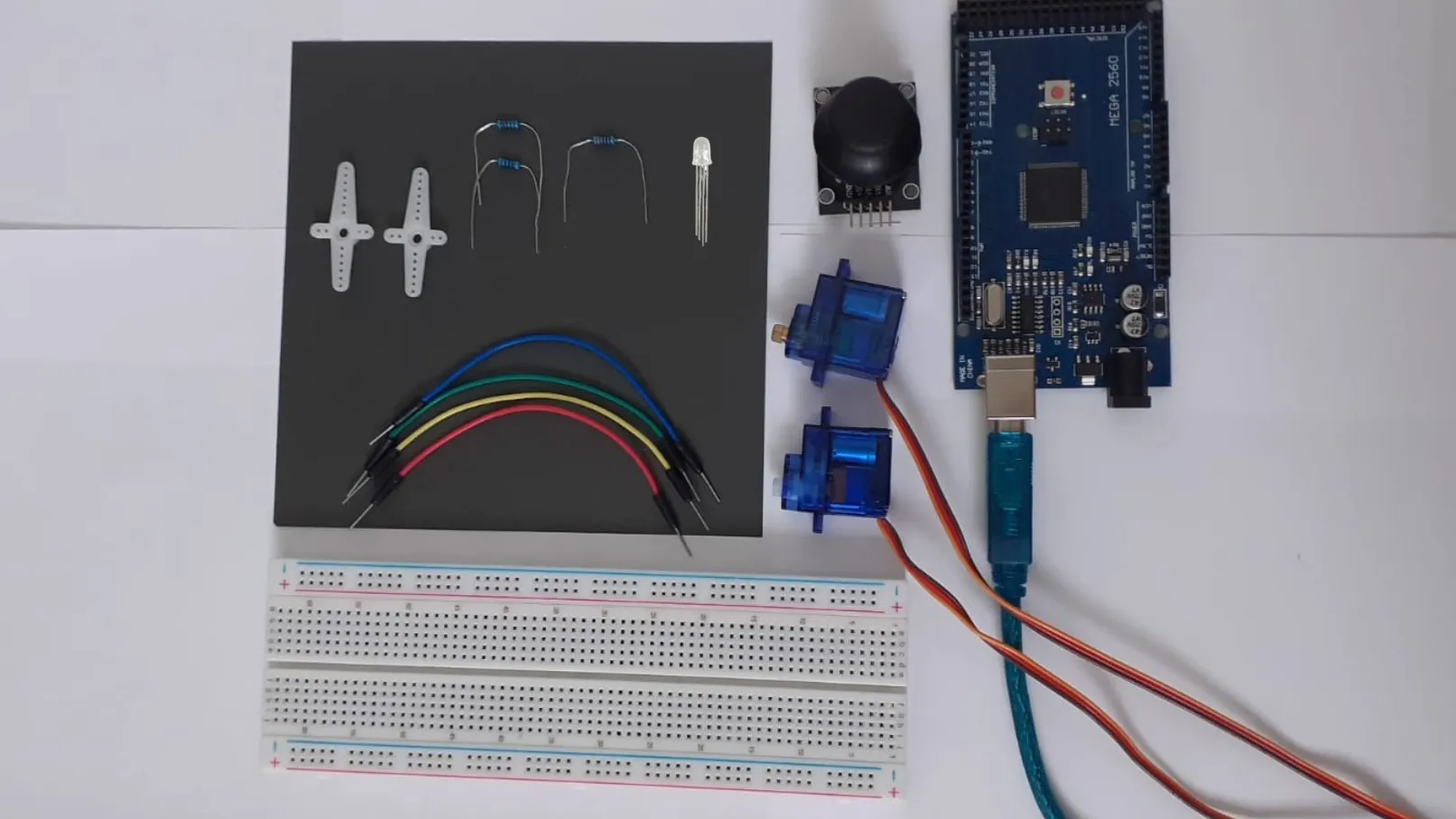
-2 tips (white crosses)
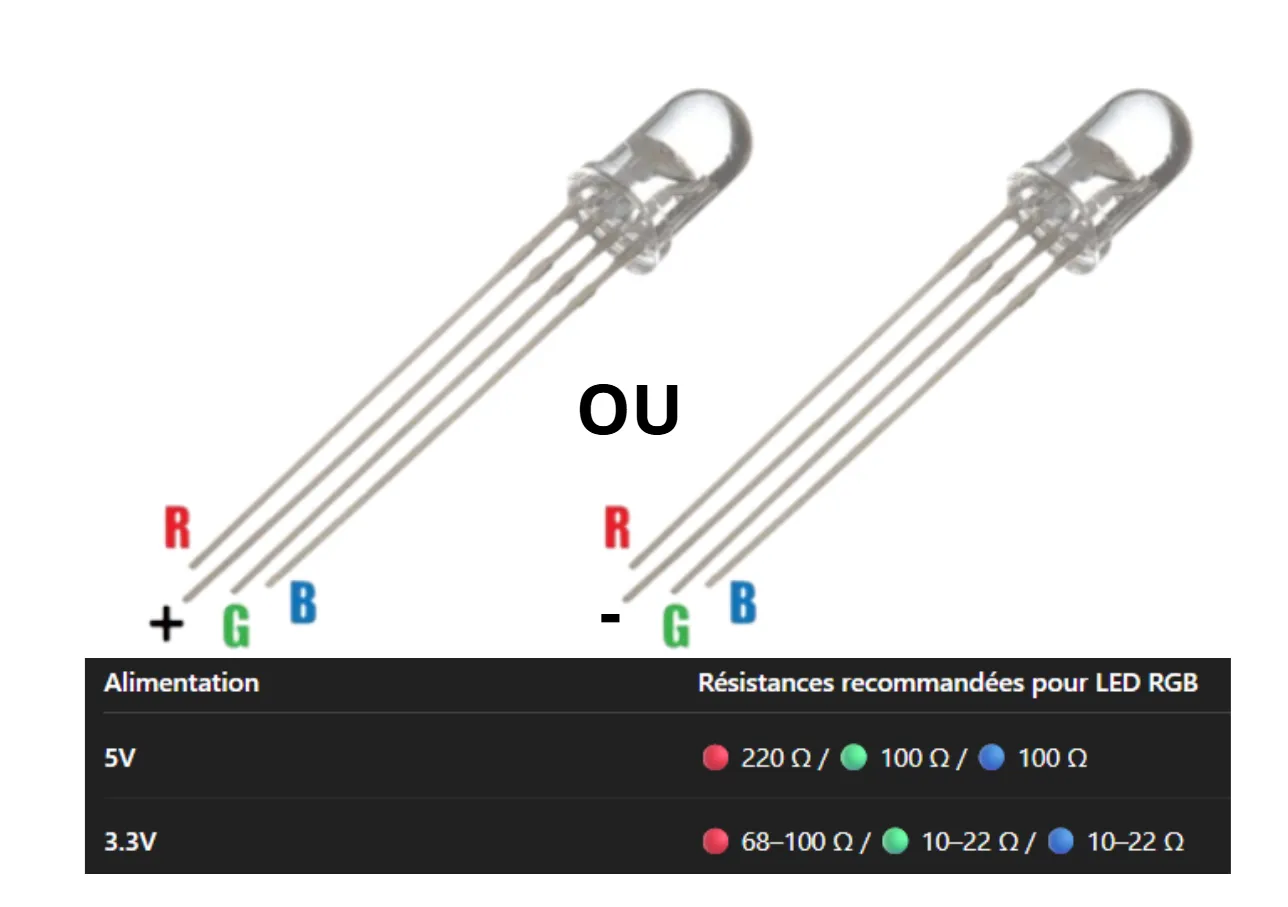
-2 100 Ω resistors (for the green and blue LED)
-1 220 Ω resistor (for the red LED)
-1 RGB LED
-1 joystick
-2 servo motors
-1 Arduino breadboard
-1 Arduino board (Mega 2560)
-Cables
For wiring:
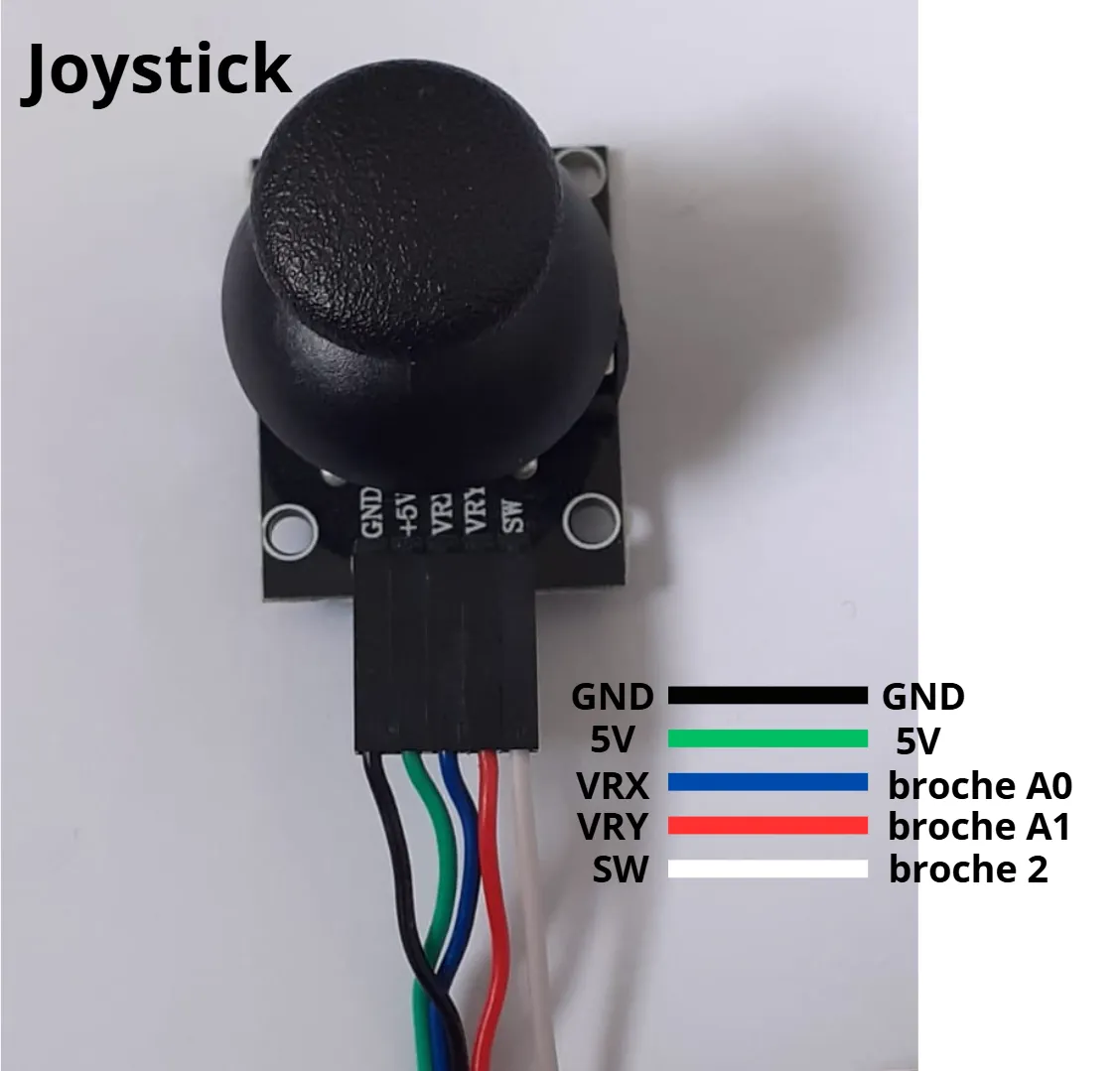
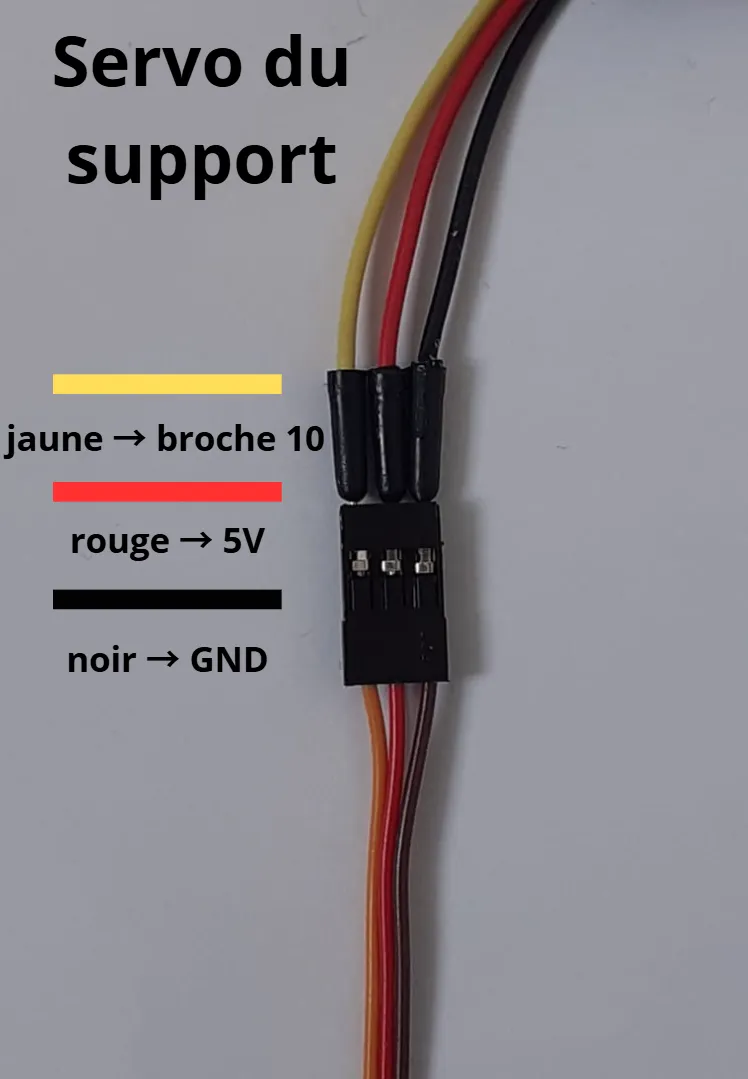
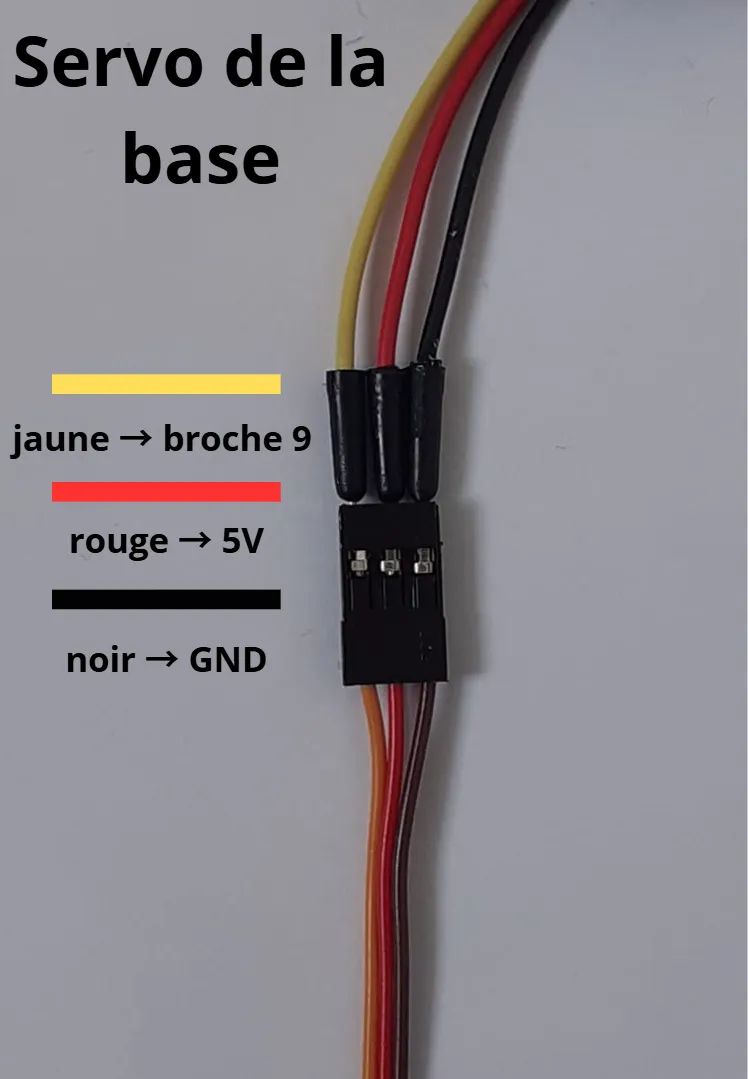
There are 2 types of RGB LEDs, one with the longest pin that must be connected to 5V (like mine) and the second type must be connected to GND. So check
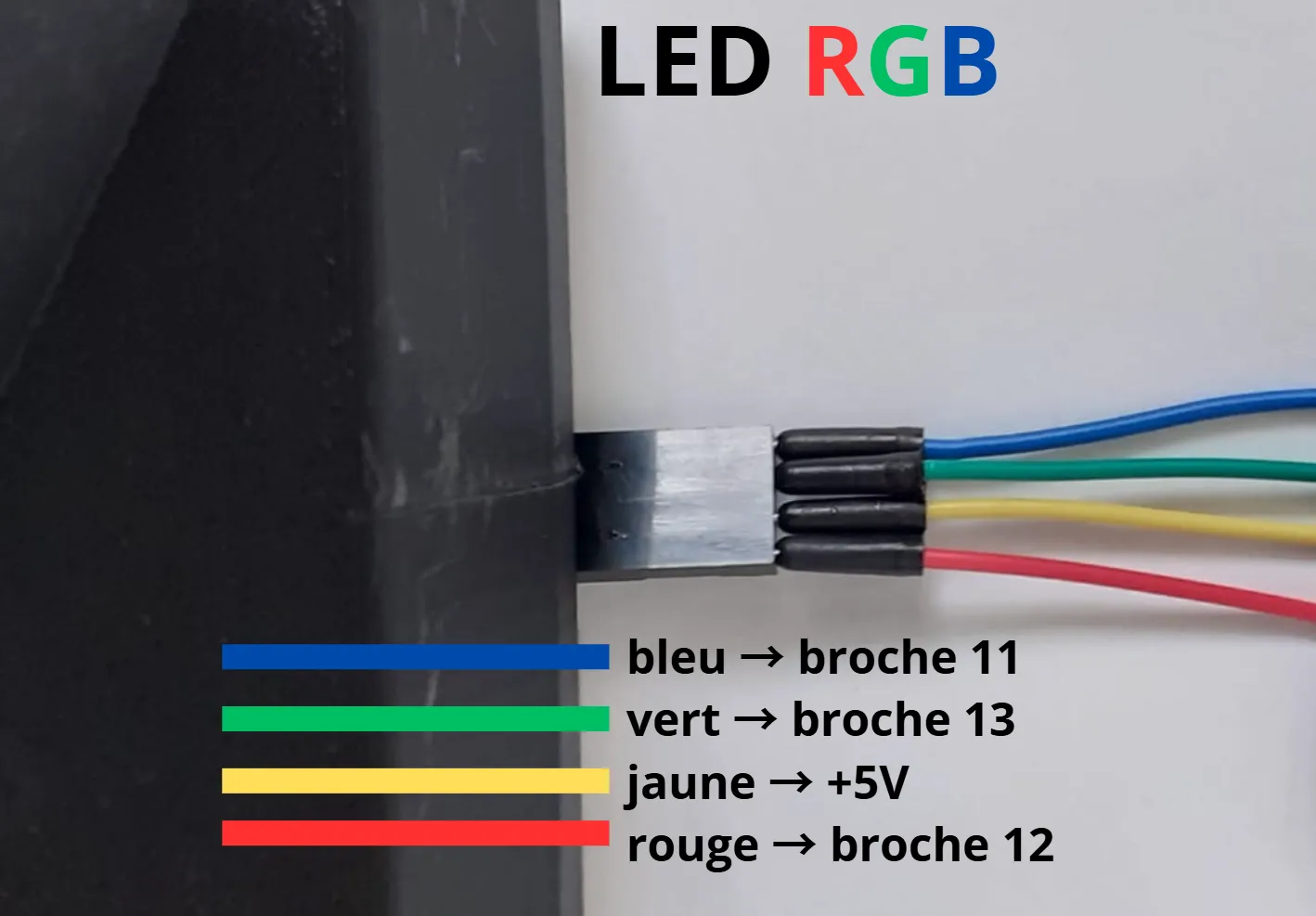
Once the connections are done, it looks like this:
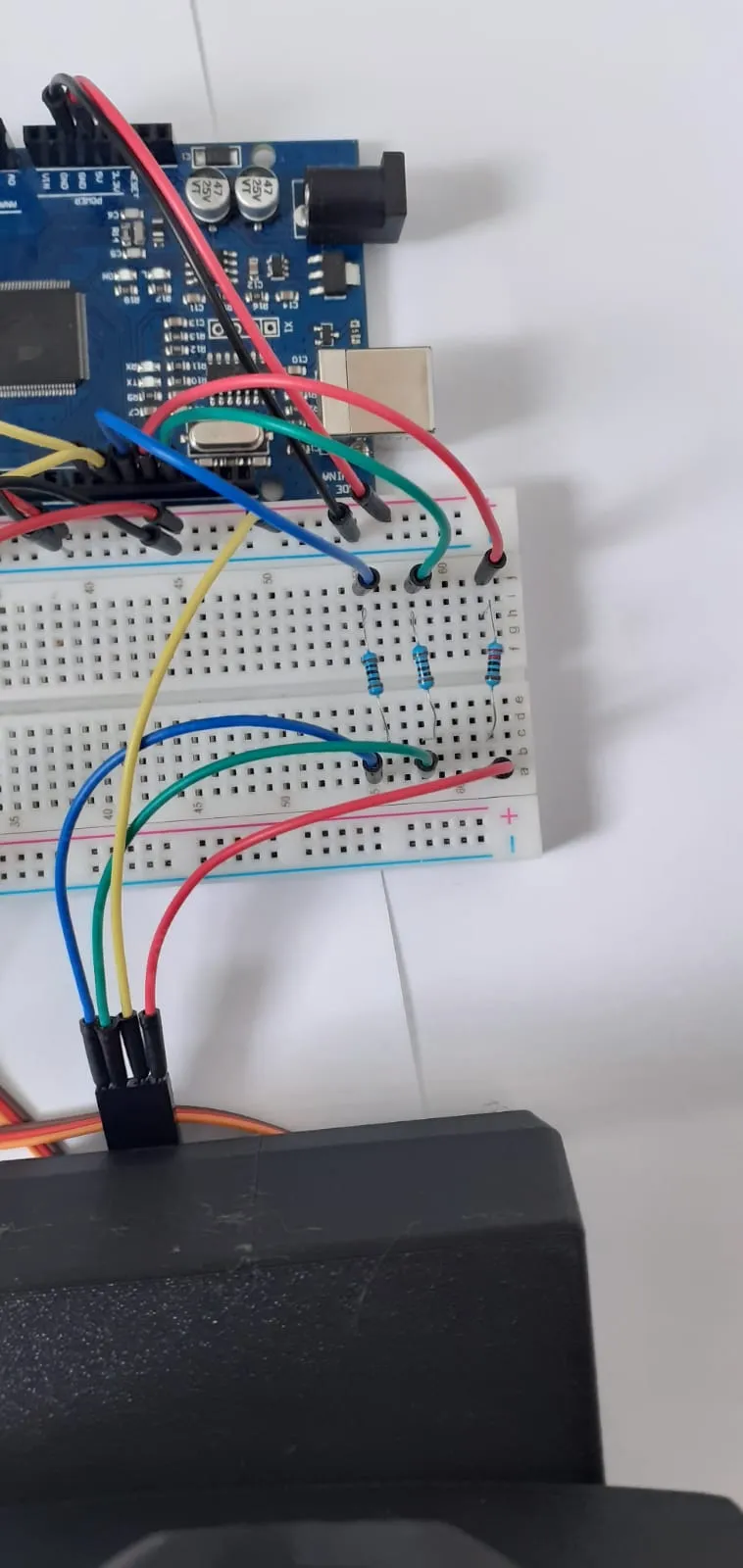
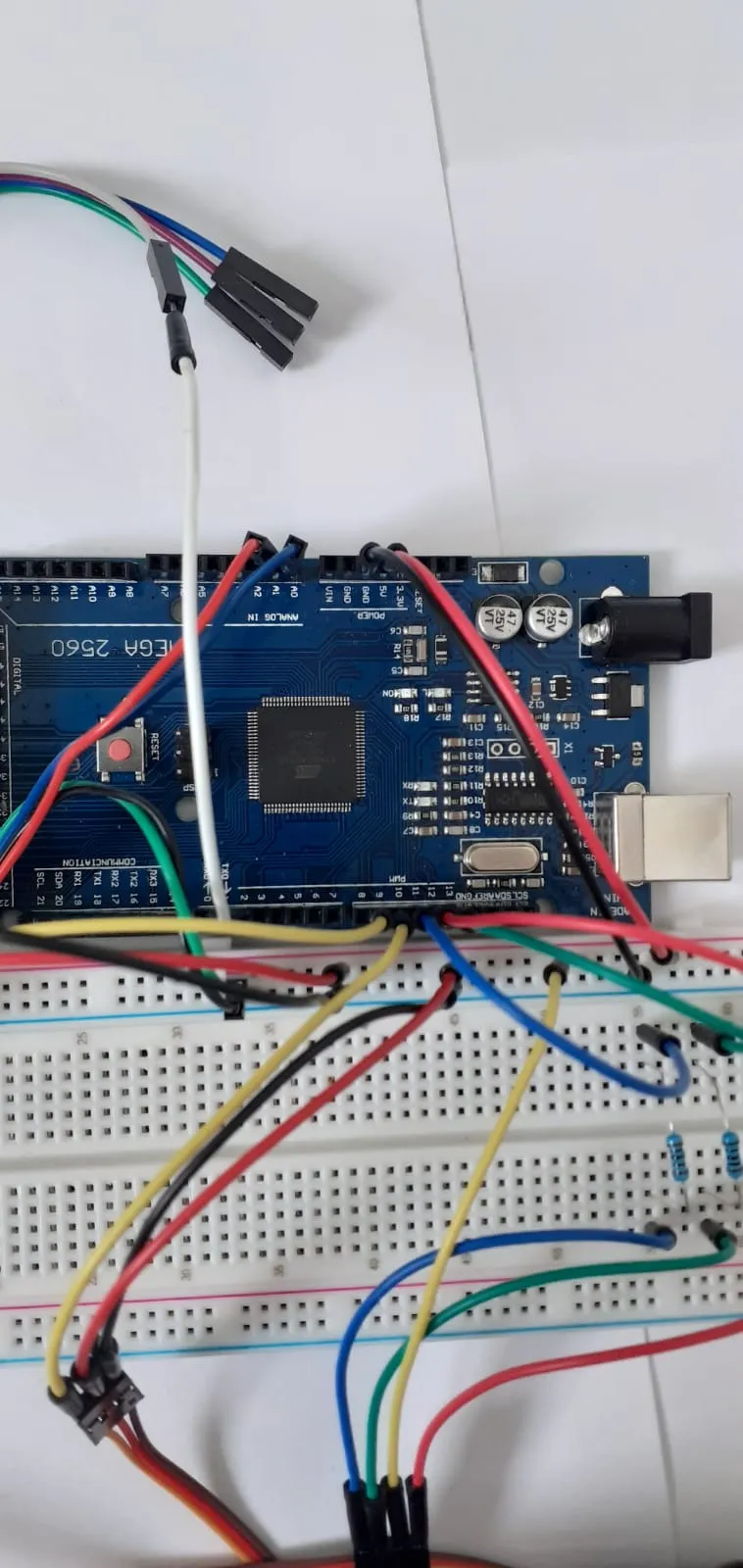
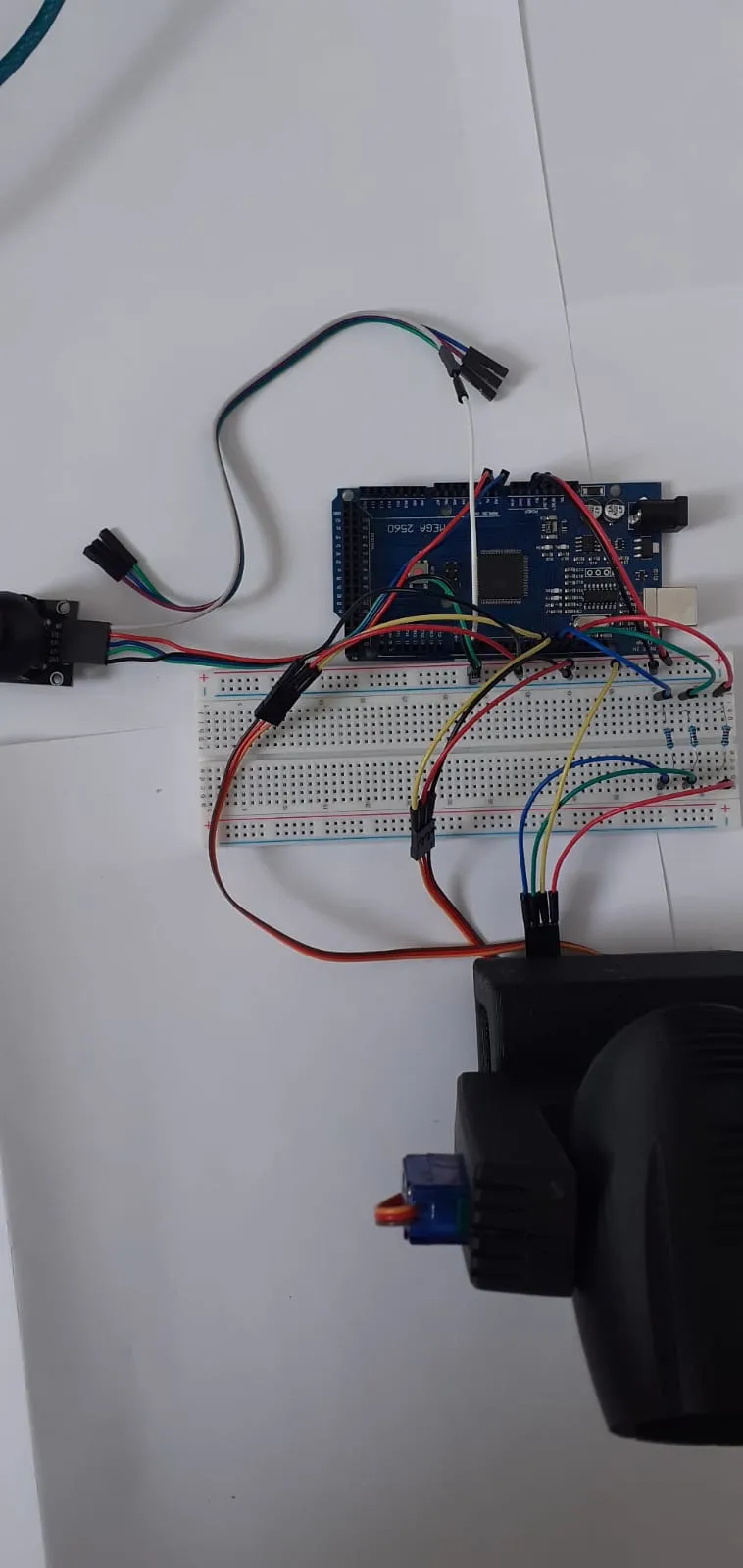
For the program to copy and paste into Arduino IDE:
#include <Servo.h>
Servo servoBase;
Servo servoTilt;
const int joyXPin = A0;
const int joyYPin = A1;
const int joyBtnPin = 2;
const int ledR = 12;
const int ledG = 13;
const int ledB = 11;
float angleBase = 90;
float angleTilt = 90;
const int deadZone = 50;
const int fullPush = 250; // joystick must exceed ±250 from center
const float maxSpeed = 3; // max servo speed
const int colors[][3] = {
{255, 0, 0}, // Red
{0, 255, 0}, // Green
{0, 0, 255}, // Blue
{255, 255, 0}, // Yellow
{0, 255, 255}, // Cyan
{255, 0, 255}, // Magenta
{255, 255, 255} // White
};
const int colorCount = sizeof(colors) / sizeof(colors[0]);
int currentColor = 0;
bool lastButtonState = HIGH;
bool baseActive = false;
bool tiltActive = false;
void setup() {
Serial.begin(9600);
pinMode(joyBtnPin, INPUT_PULLUP);
pinMode(ledR, OUTPUT);
pinMode(ledG, OUTPUT);
pinMode(ledB, OUTPUT);
updateLEDColor();
}
void loop() {
int joyX = analogRead(joyXPin);
int joyY = analogRead(joyYPin);
int offsetX = joyX - 512;
int offsetY = joyY - 512;
// --- Servo Base (left/right rotation with threshold) ---
if (abs(offsetX) > fullPush) {
if (!baseActive) {
servoBase.attach(9);
baseActive = true;
}
float speedX = map(abs(offsetX), fullPush, 512, 0, maxSpeed);
if (offsetX < 0) speedX = -speedX;
angleBase += speedX;
angleBase = constrain(angleBase, 0, 180);
servoBase.write((int)angleBase);
} else if (baseActive) {
servoBase.detach();
baseActive = false;
}
// --- Servo Tilt (smooth up/down) ---
if (abs(offsetY) > deadZone) {
if (!tiltActive) {
servoTilt.attach(10);
tiltActive = true;
}
float speedY = map(abs(offsetY), deadZone, 512, 0, maxSpeed);
if (offsetY < 0) speedY = -speedY;
angleTilt += speedY;
angleTilt = constrain(angleTilt, 0, 180);
servoTilt.write((int)angleTilt);
} else if (tiltActive) {
servoTilt.detach();
tiltActive = false;
}
// --- LED color change ---
bool btnState = digitalRead(joyBtnPin);
if (lastButtonState == HIGH && btnState == LOW) {
currentColor = (currentColor + 1) % colorCount;
updateLEDColor();
Serial.print("Color changed: ");
Serial.println(currentColor);
delay(200);
}
lastButtonState = btnState;
delay(20);
}
void updateLEDColor() {
analogWrite(ledR, colors[currentColor][0]);
analogWrite(ledG, colors[currentColor][1]);
analogWrite(ledB, colors[currentColor][2]);
}
License

You shall not share, sub-license, sell, rent, host, transfer, or distribute in any way the digital or 3D printed versions of this object, nor any other derivative work of this object in its digital or physical format (including - but not limited to - remixes of this object, and hosting on other digital platforms). The objects may not be used without permission in any way whatsoever in which you charge money, or collect fees.


Comment & Rating (3)