
Raspberry Pi 5 Case WiFi 7 - Waveshare M.2 HAT
Print Profile(1)

Description
📄 Funktion
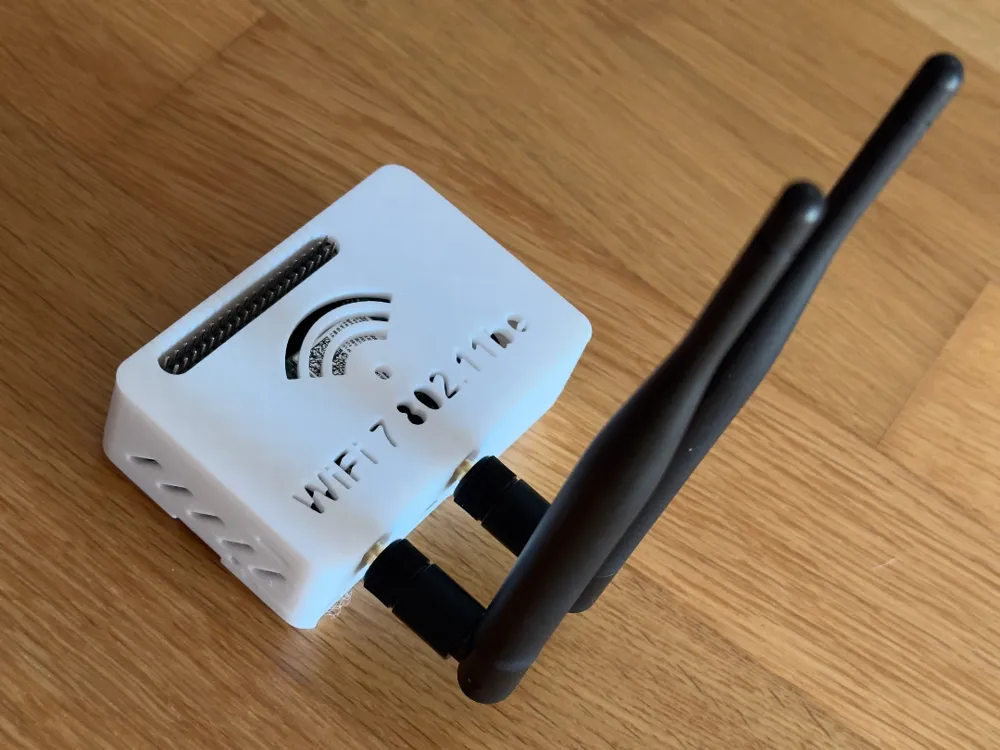
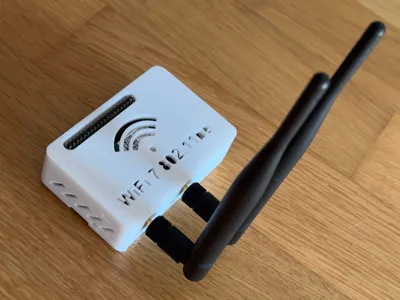
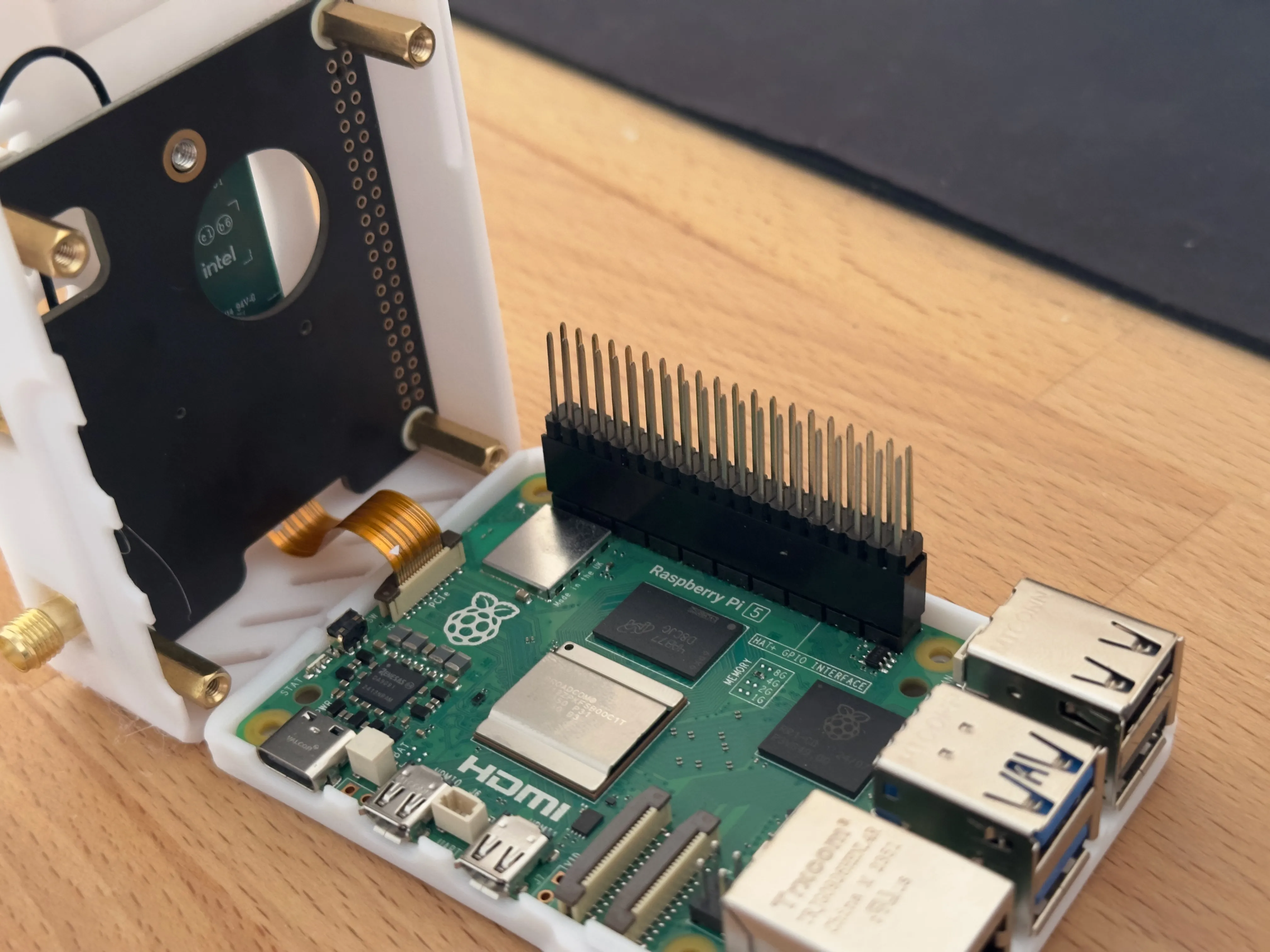
Raspberry 5 + Waveshare PCIe to M.2 E Key HAT + Waveshare Wireless BE200 NIC
🪛Build
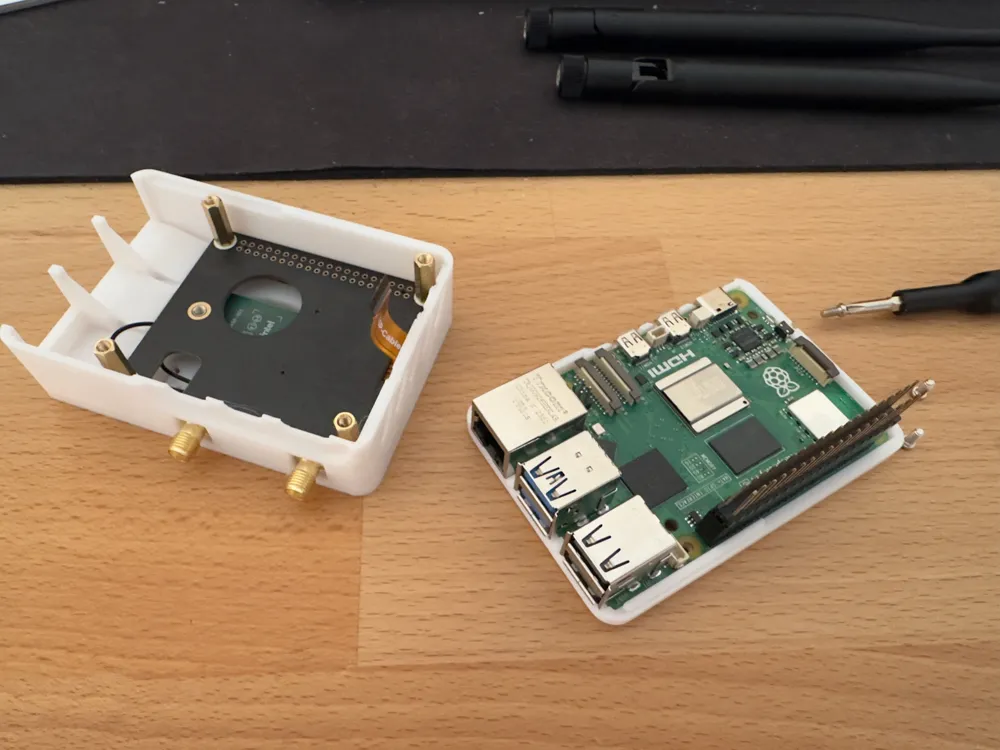
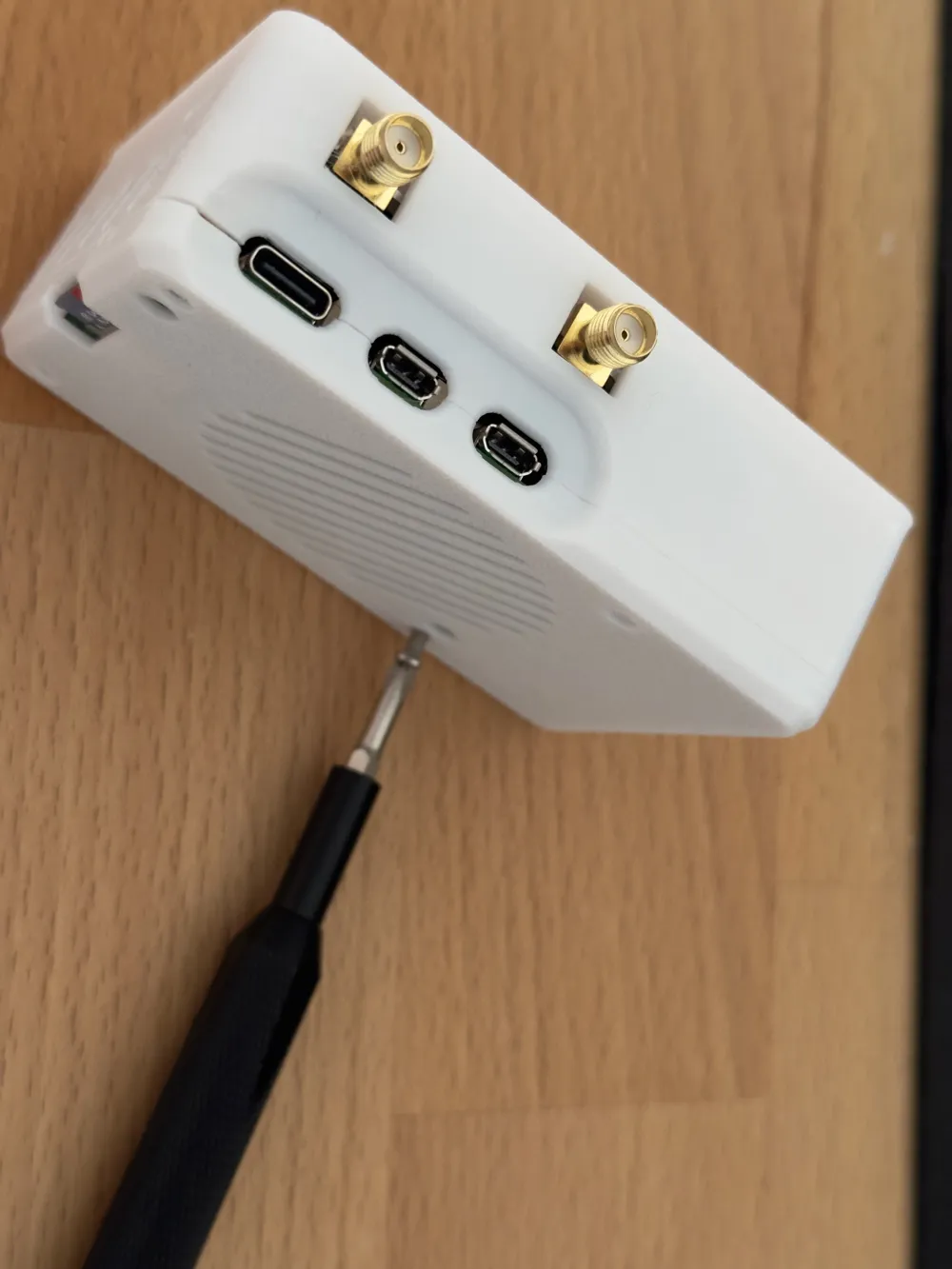
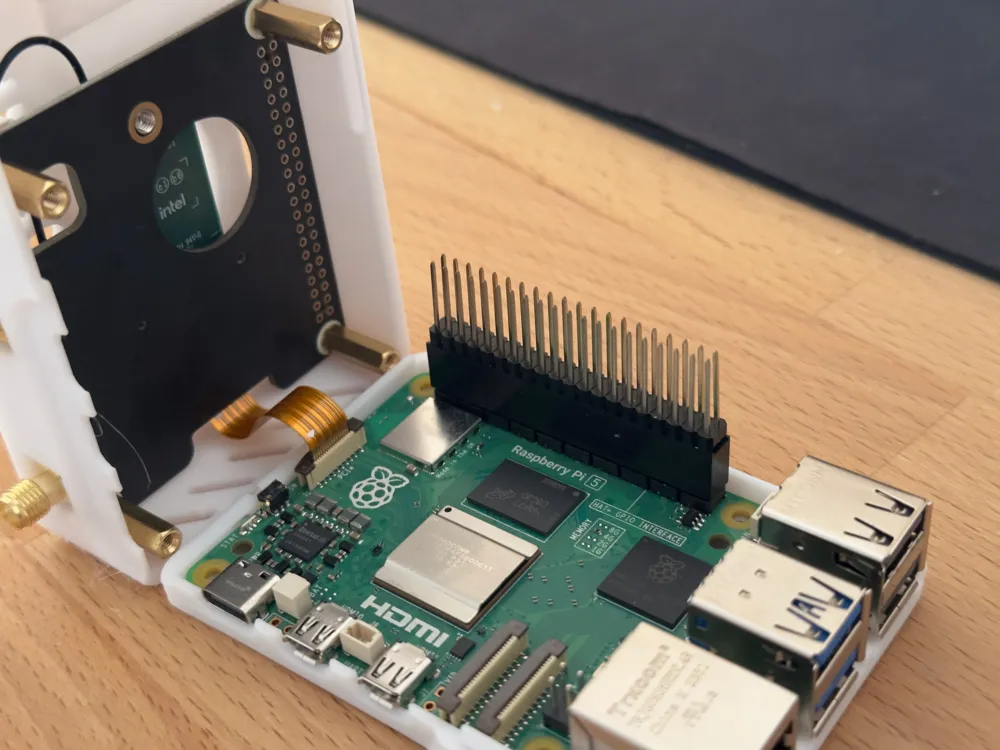
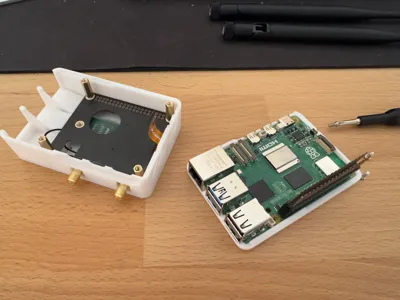
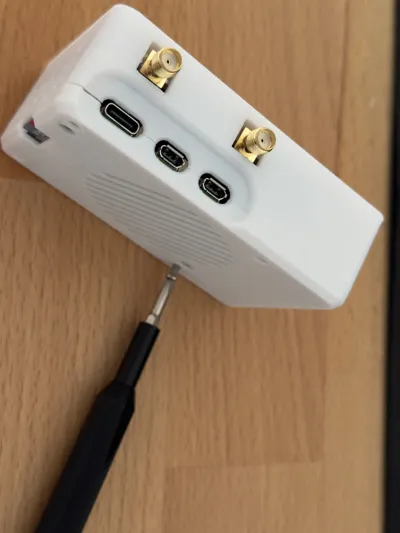
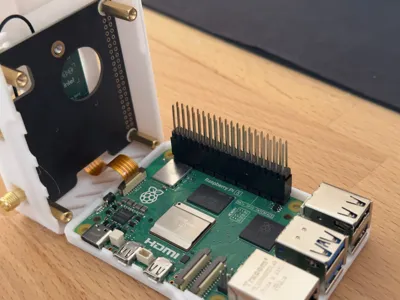
First, check the spacers on the M2 and attach the ribbon cable. Insert the BE200 card into the slot, look at it, and connect the antennas. Place the HAT in the upper half of the case and the Raspberry Pi 5 in the lower half. Carefully connect the ribbon cable and close the case. Screw the 4 screws into the case from the bottom.
Boost Me (for free)
Boost me, its FREE :)
License

You shall not share, sub-license, sell, rent, host, transfer, or distribute in any way the digital or 3D printed versions of this object, nor any other derivative work of this object in its digital or physical format (including - but not limited to - remixes of this object, and hosting on other digital platforms). The objects may not be used without permission in any way whatsoever in which you charge money, or collect fees.


Comment & Rating (1)