
Fractal Meshify 3,5 inches Hard Disk adapter
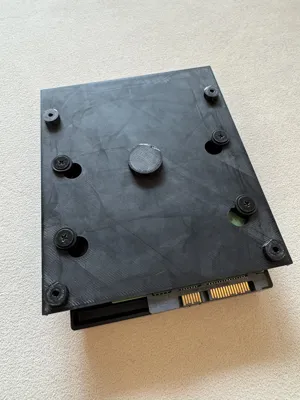
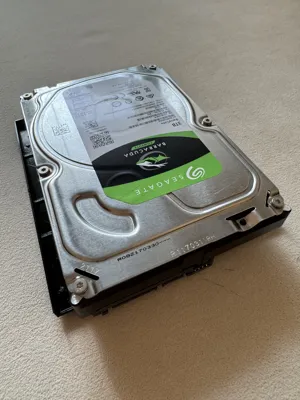
Print Profile(1)

Description
1. OVERVIEW
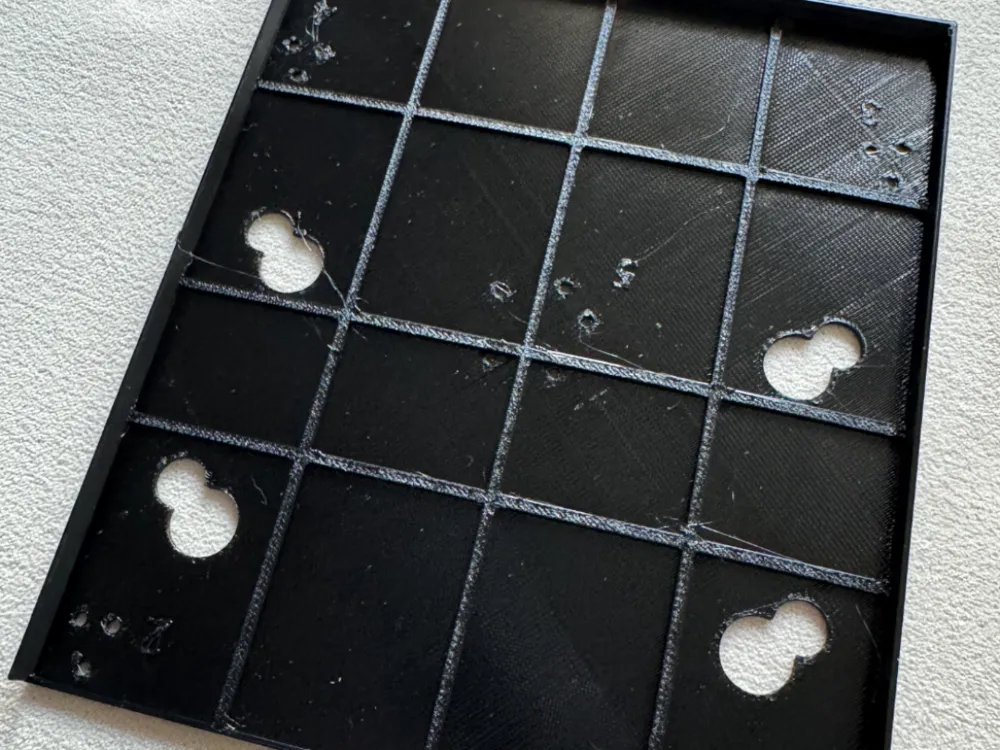
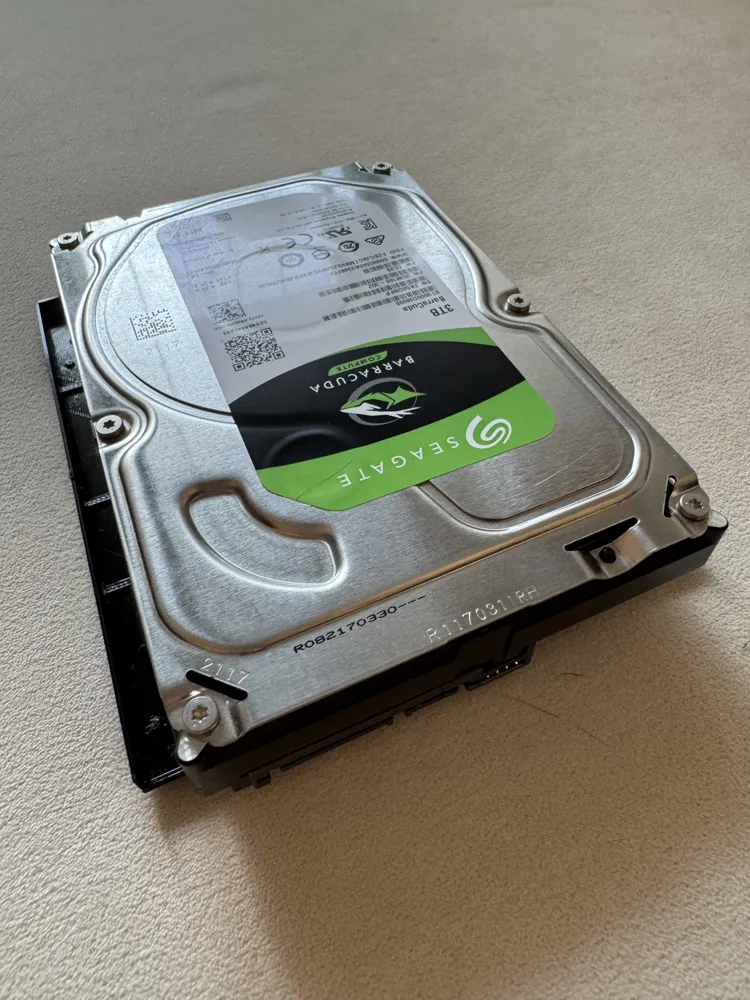
This model is a Hard Disk adapter for Fractal Design Meshify 2 computer case.
(this model should fit into others Fractal Design cases if similar bottom design of the computer case)
Purpose is to replace the original Hard Disk cage (see below) which is far too big, especially if you have no space in the bottom part of the case.
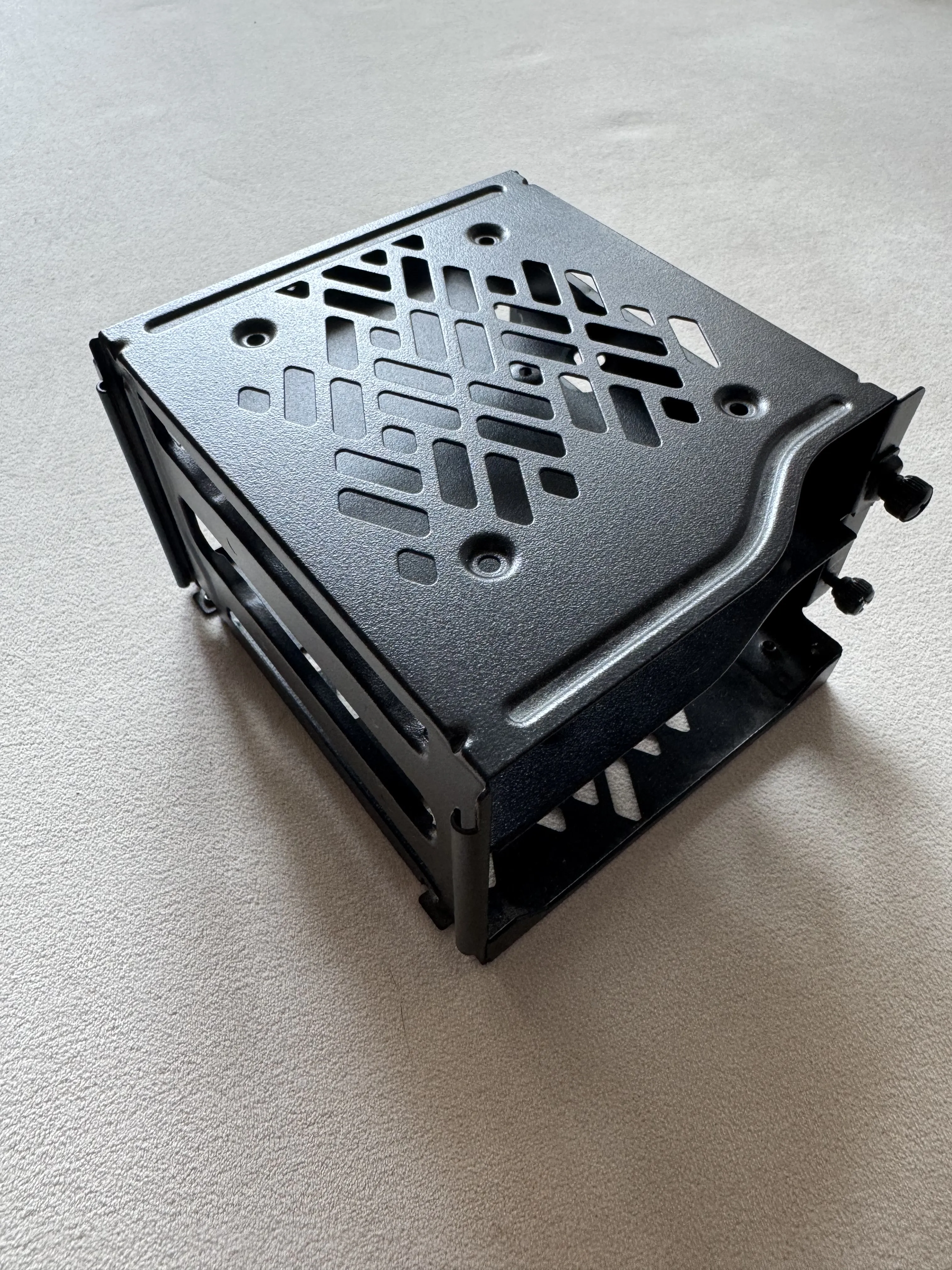
General idea is to keep the original interfaces between the HD and the cage, and between the cage and the case, but with a compact design.
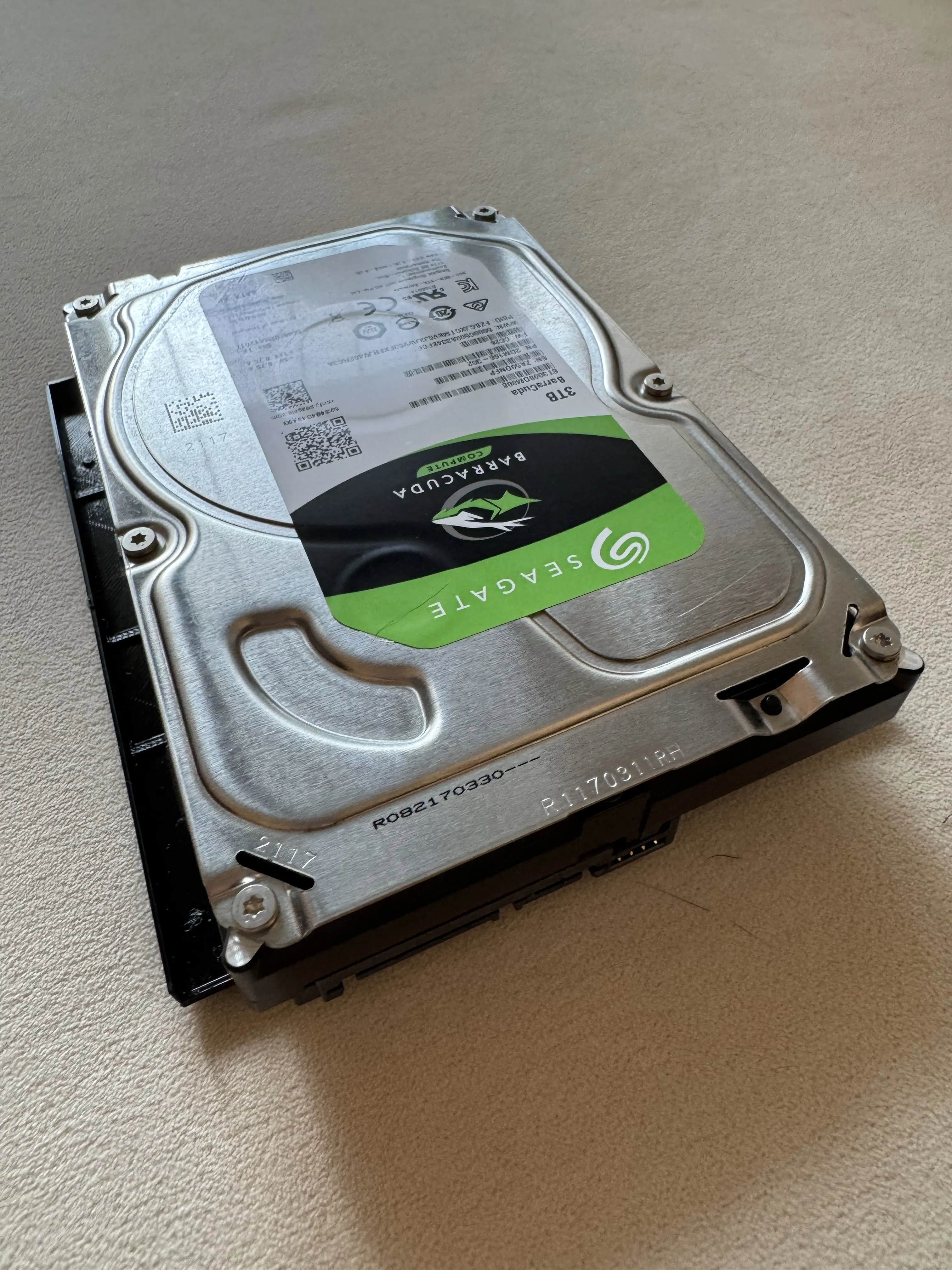
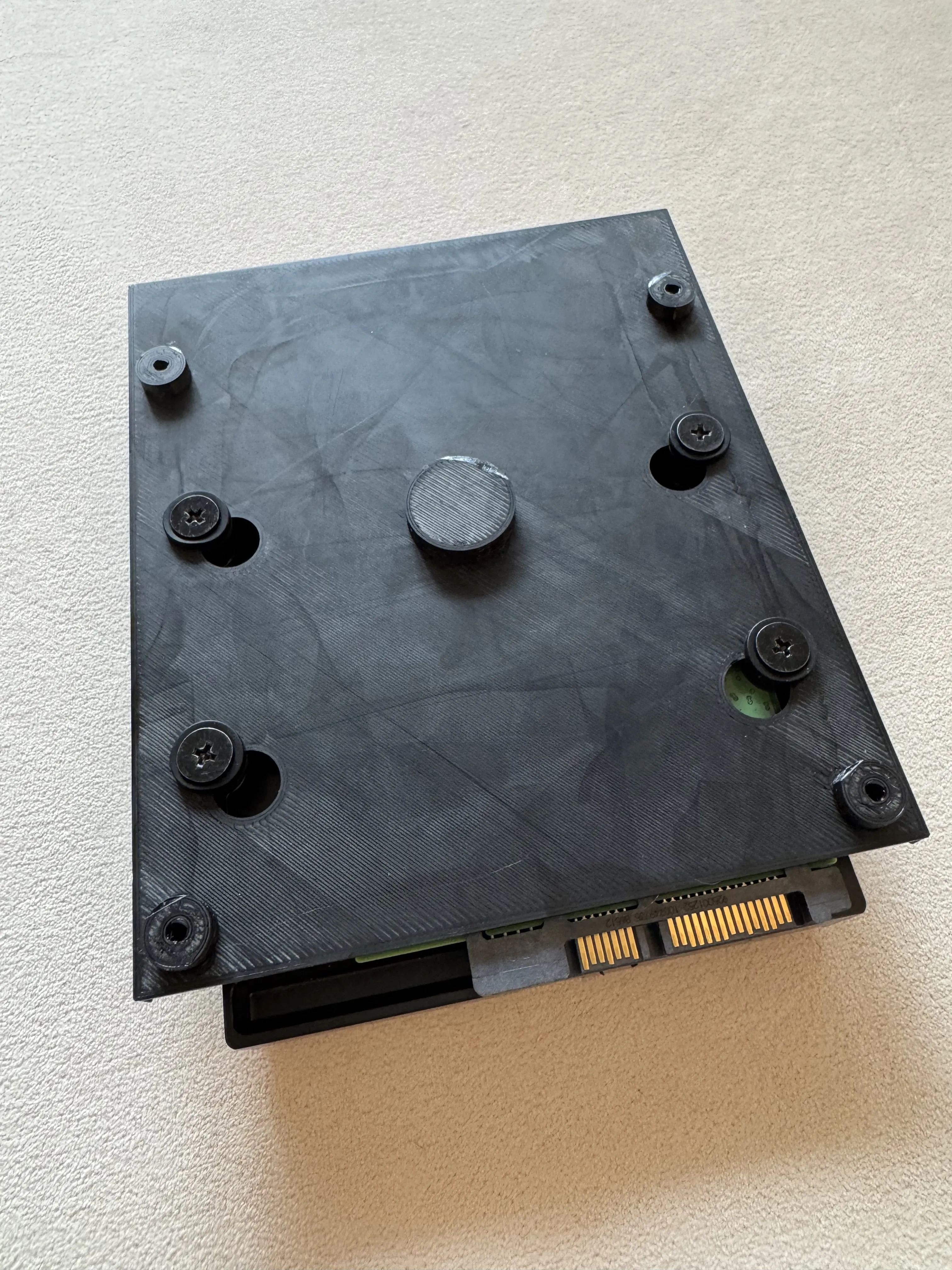
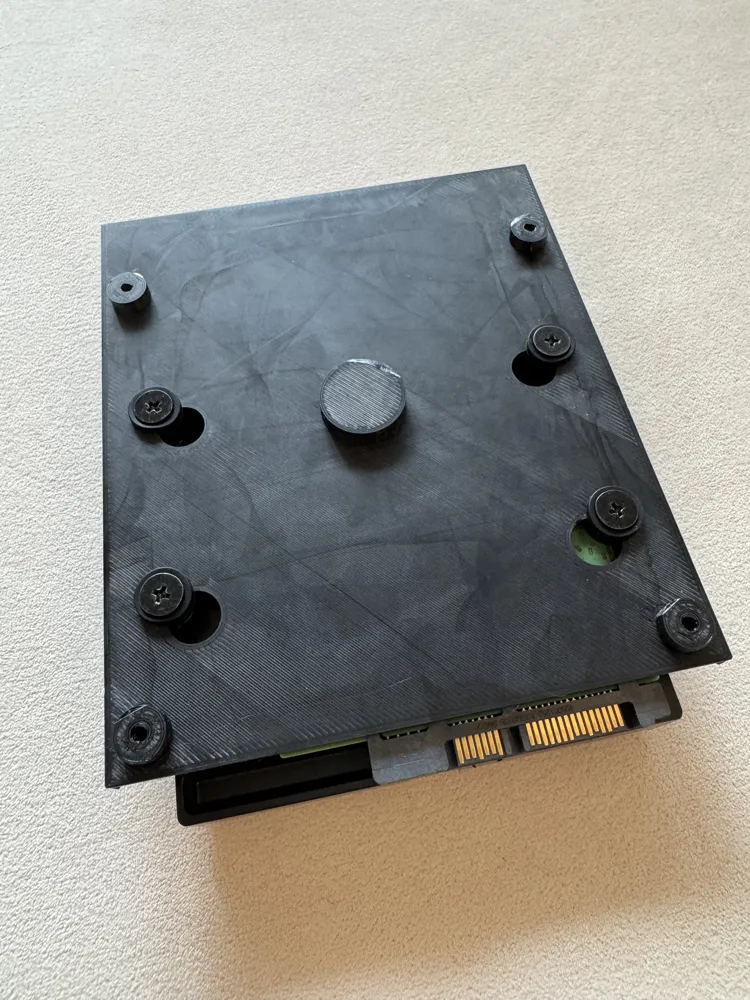
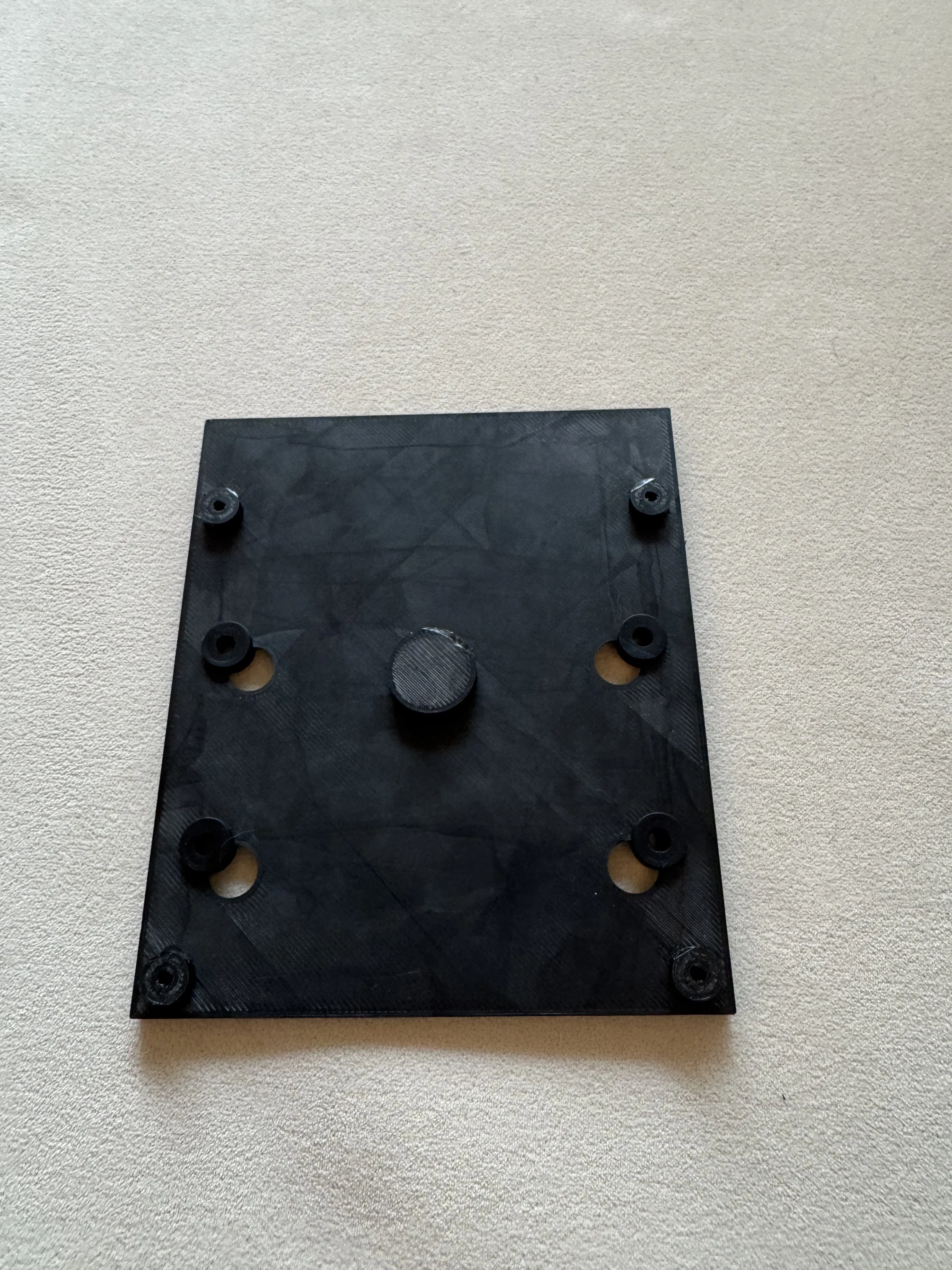
The adapter is made of the HD box and 5 round legs to fit to the computer case.
I used PETG to print this model for a better heat resistance, but PLA should work also.
You will need some parts coming from the Fractal computer case to finish the assembly :
- 4x Rubber skate
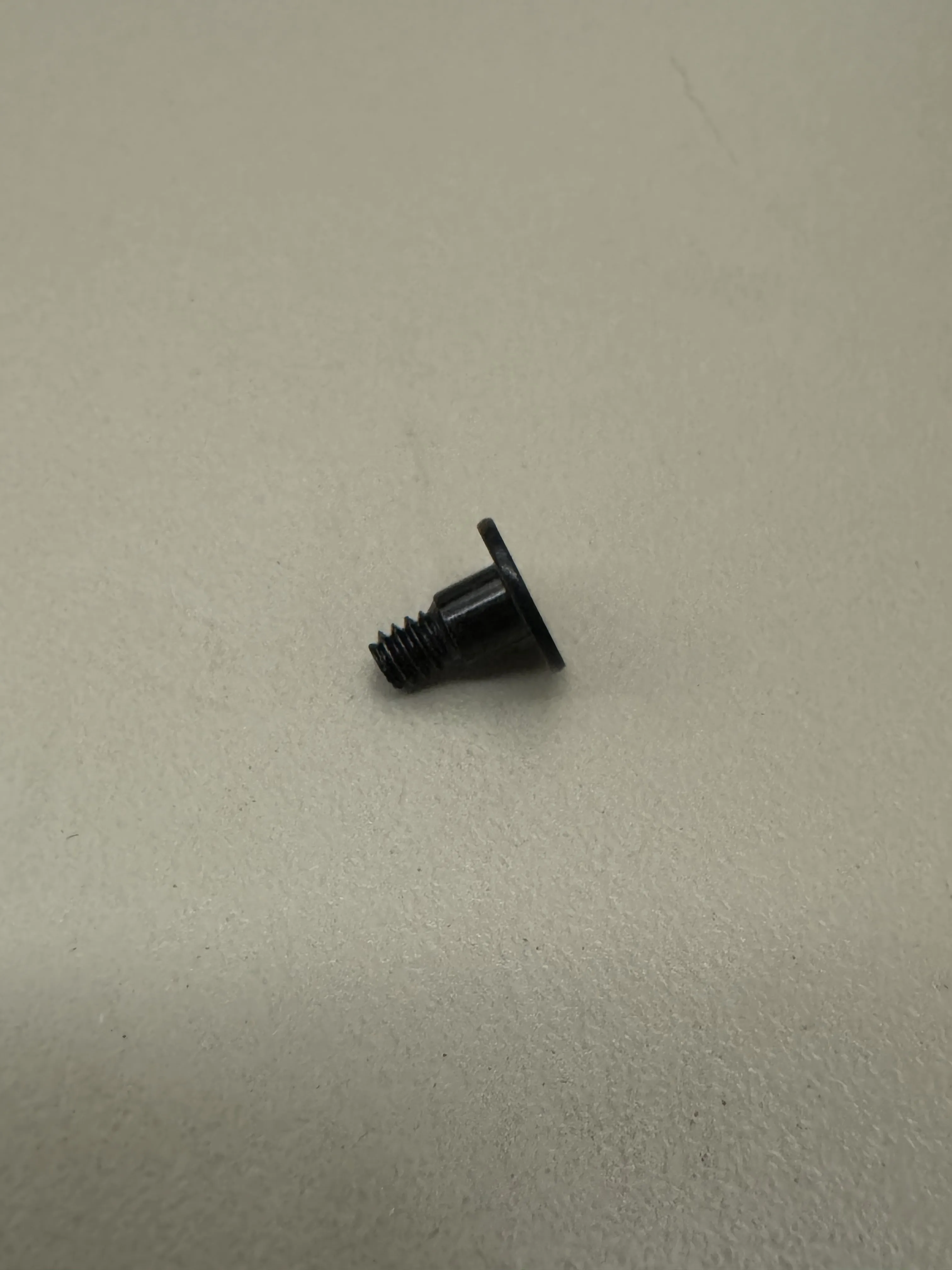
- 4x M3,5 flat screw
- 4x M3,5 flat screw with washer
I recommand to use a Bambu Smooth Plate, or any flat plate, for a better assembly of the legs
2. ASSEMBLY INSTRUCTION
Clean the printed parts, remove stringing and elephant's foot on the round legs connectors.
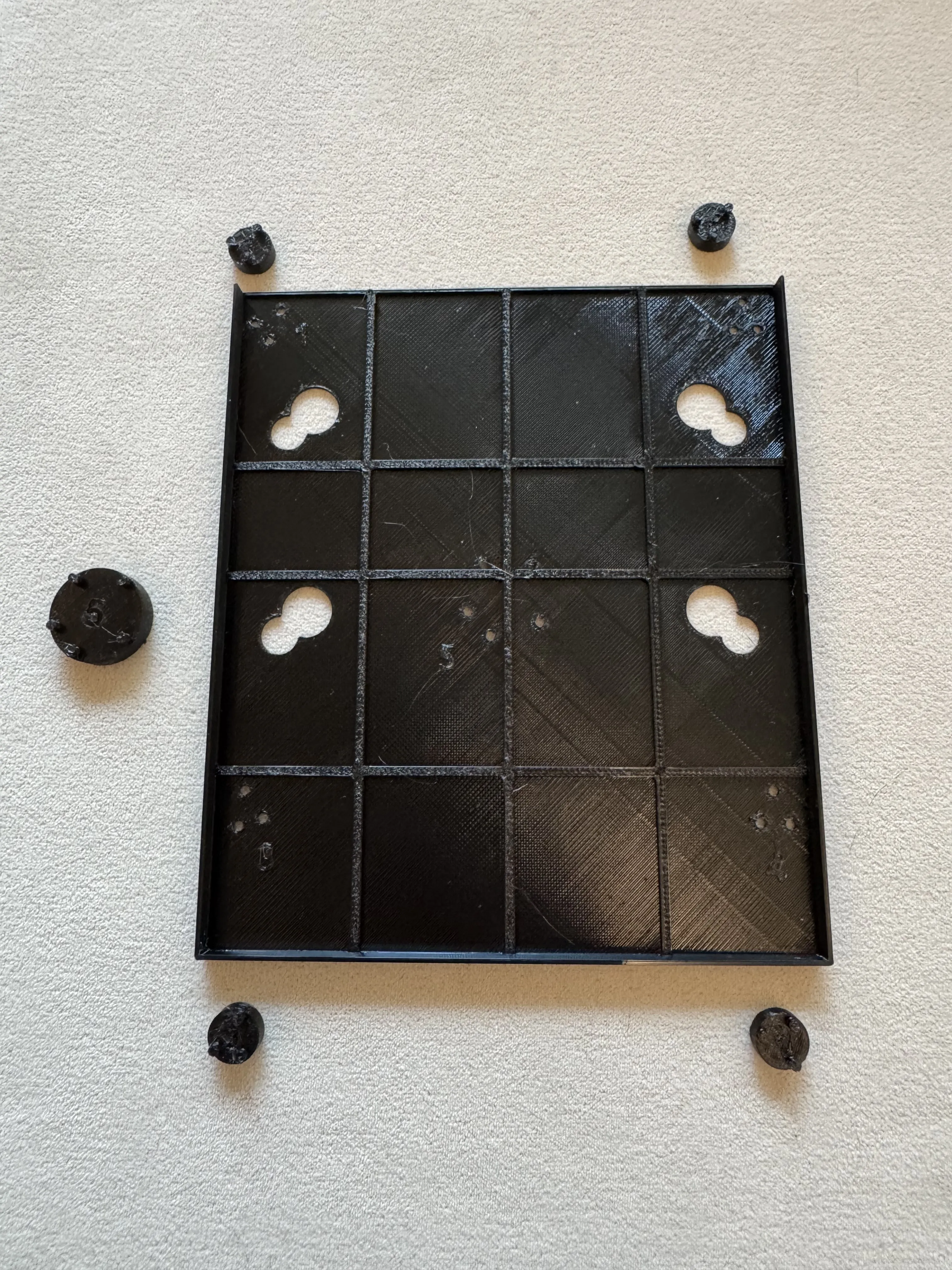
- Round legs are numbered from 1 to 4, assemble them to the HD box according to the same number on it.
Important : It is strongly advised to glue the 4 legs to the HD box to strengthen the assembly Insert the x4 rubber skates into the HD box
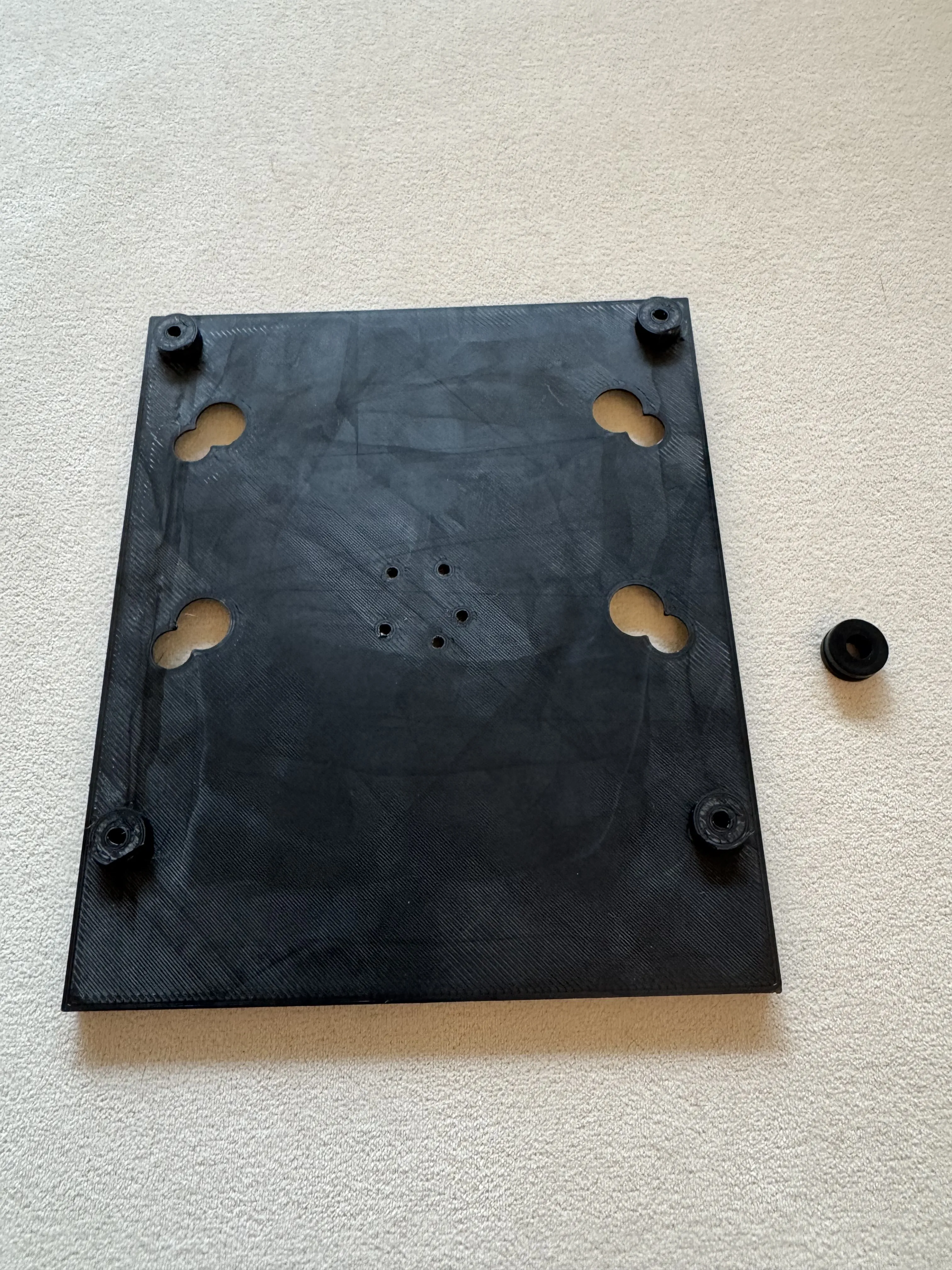
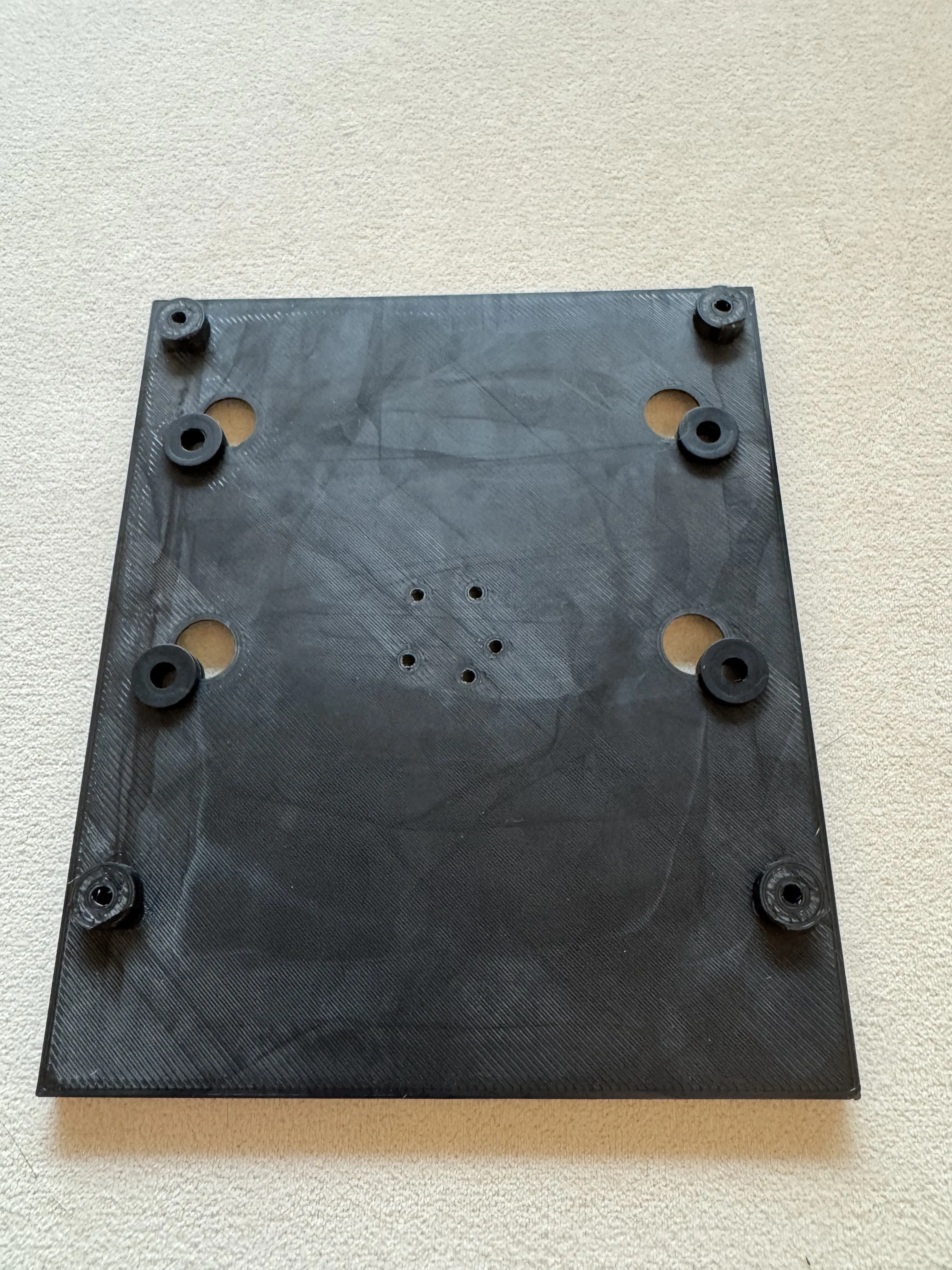
Assemble the central leg to the HD box
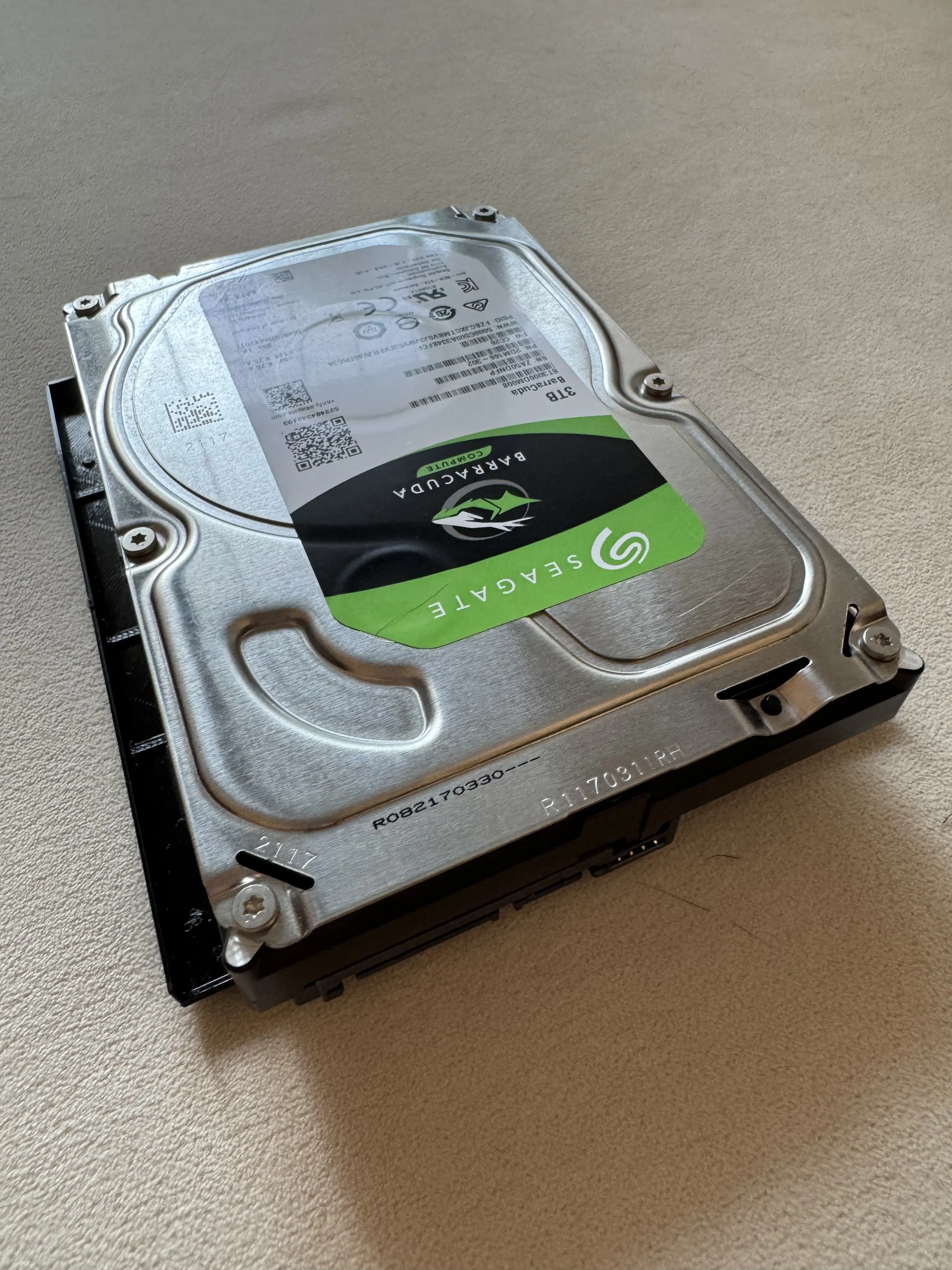
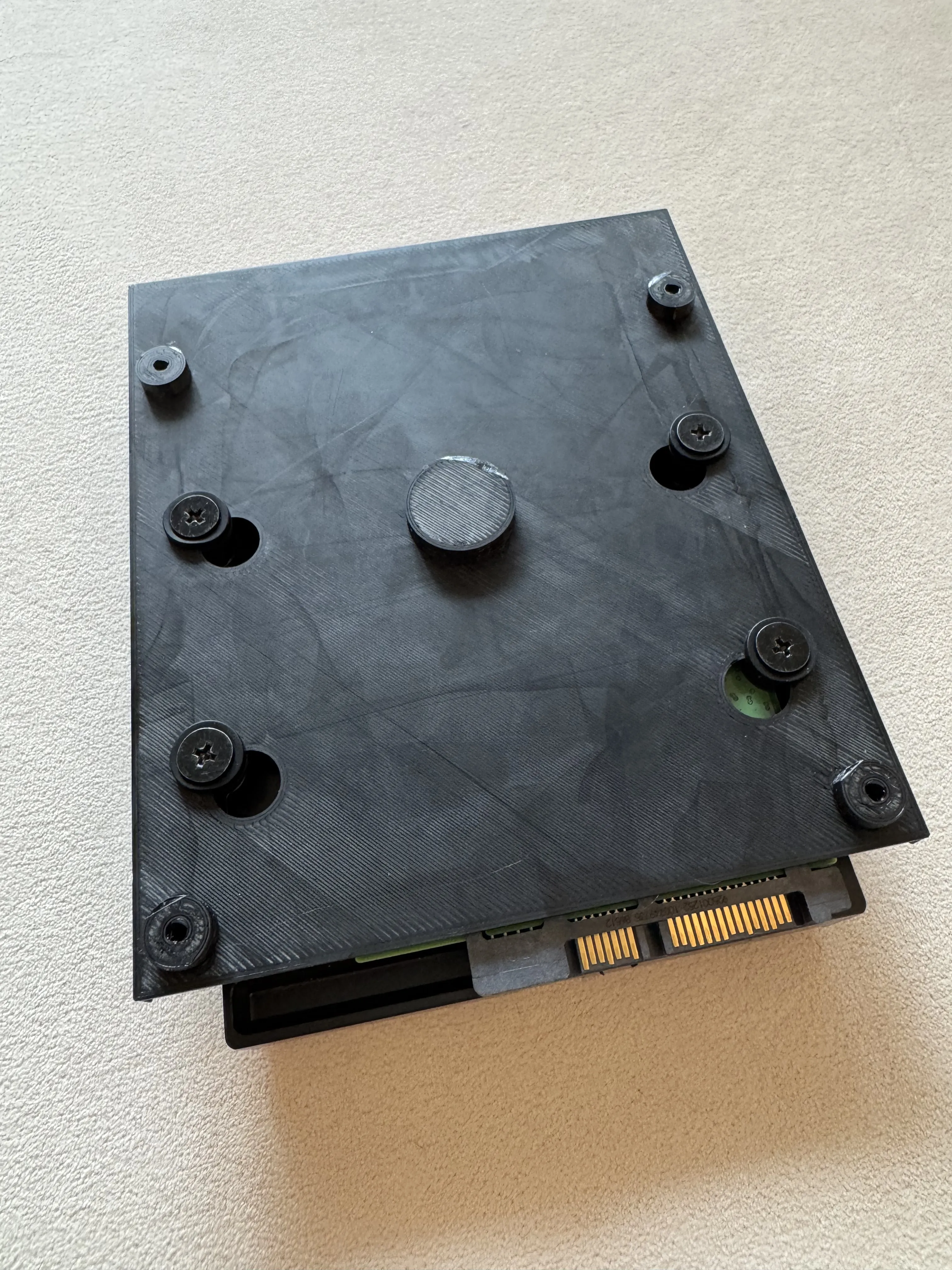
Use the x4 M3,5 screws with washer to assemble your 3,5" Hard Drive to the Box
- Open your computer case, remove side wall and bottom dust filter
Use the x4 flat M3,5 screws to assemble the HD box to the computer case (screw from the bottom of the case)
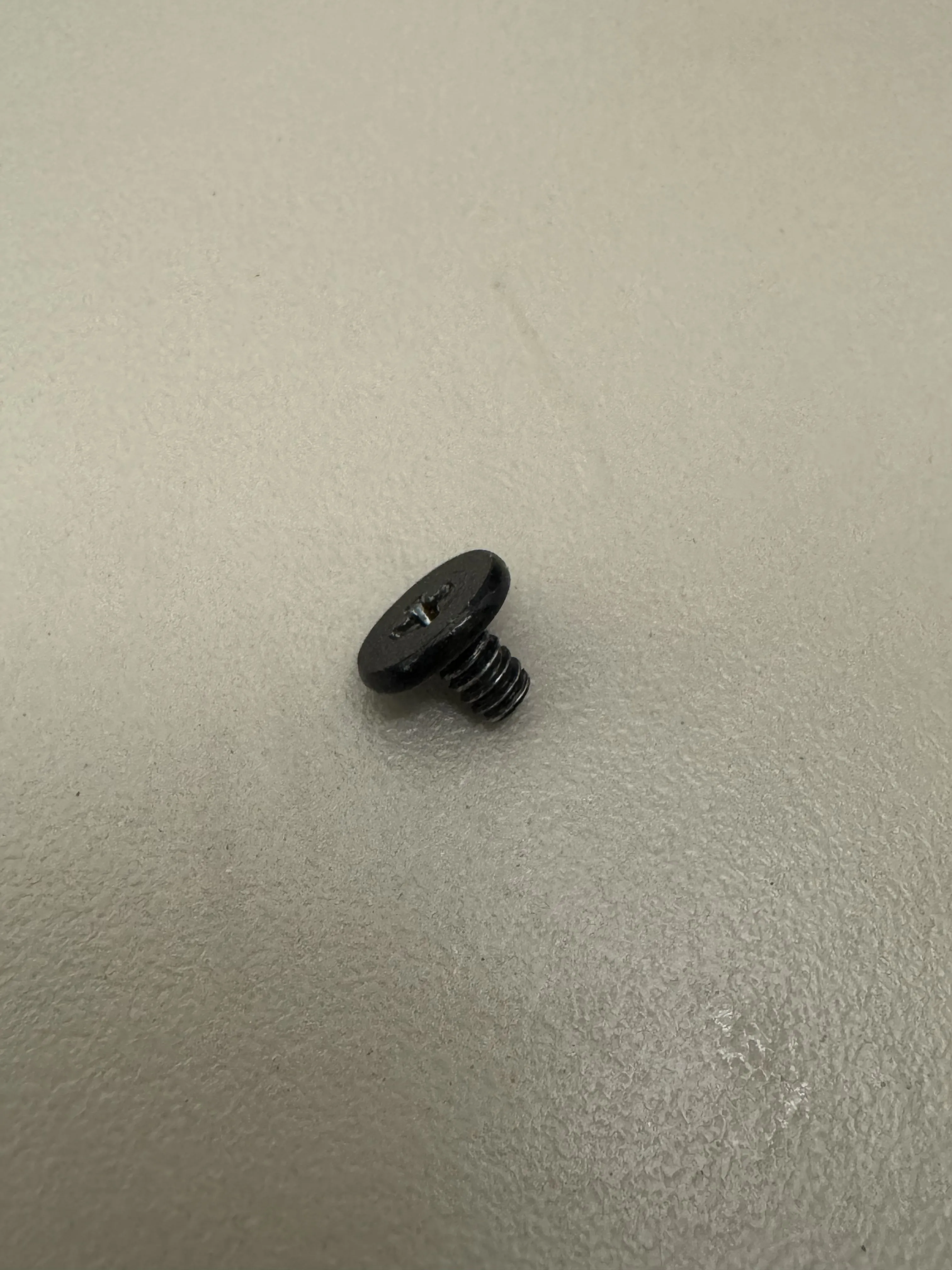
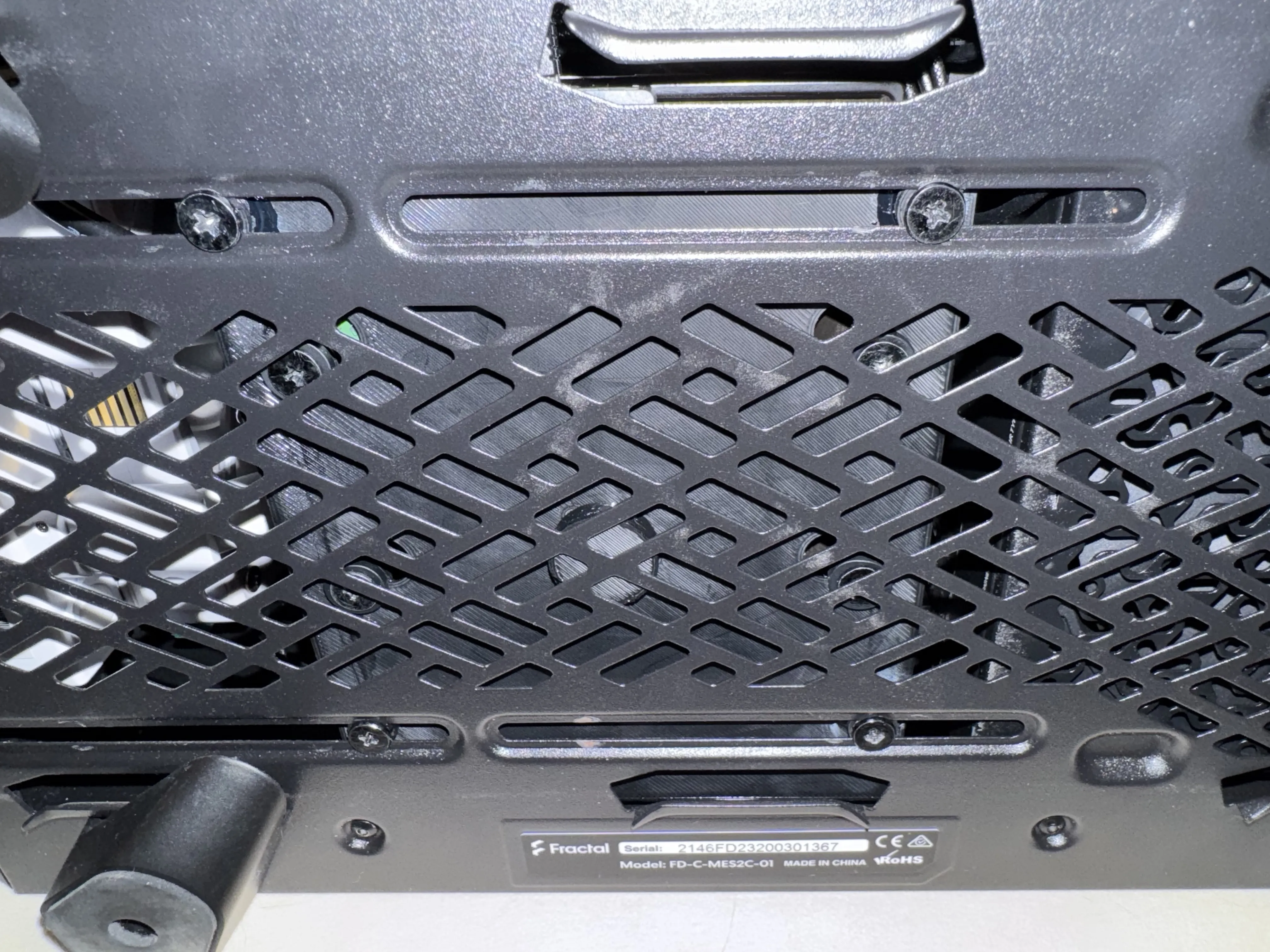
- Connect SATA cable and power supply to the Hard Drive. That's it !
License



Comment & Rating (0)