
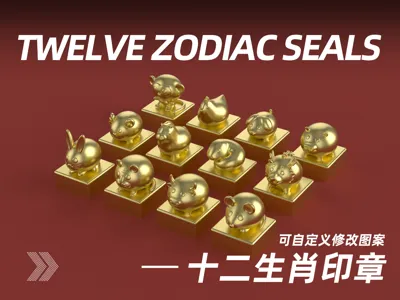
Ugly-cute Chinese zodiac seals (customizable stamp content)
Print Profile(14)


Description
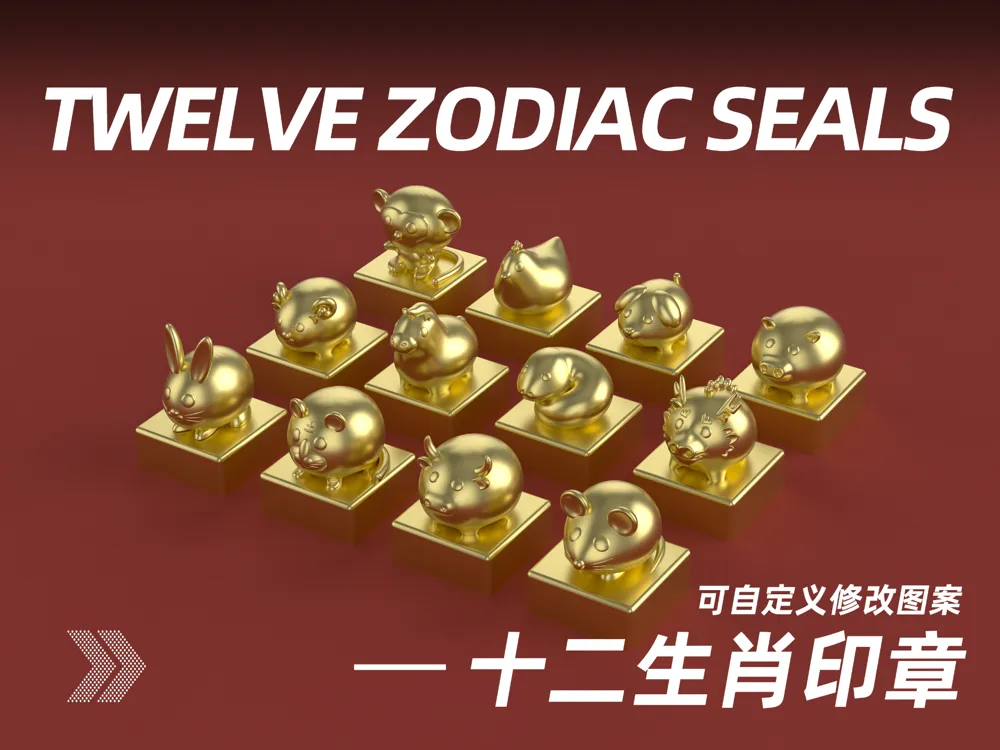
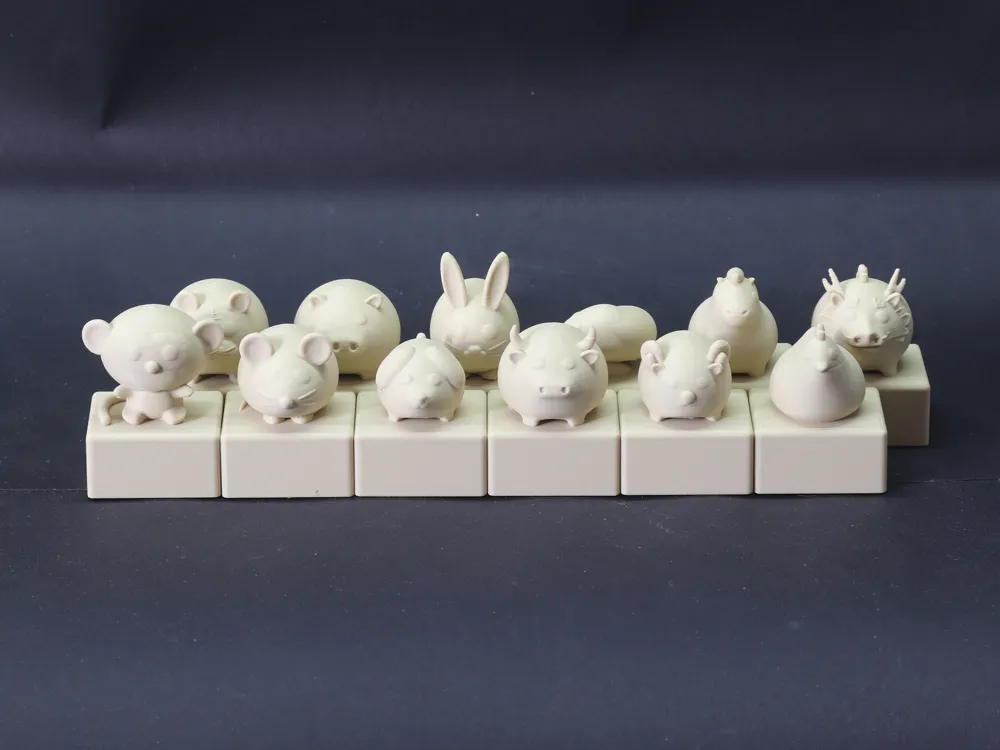
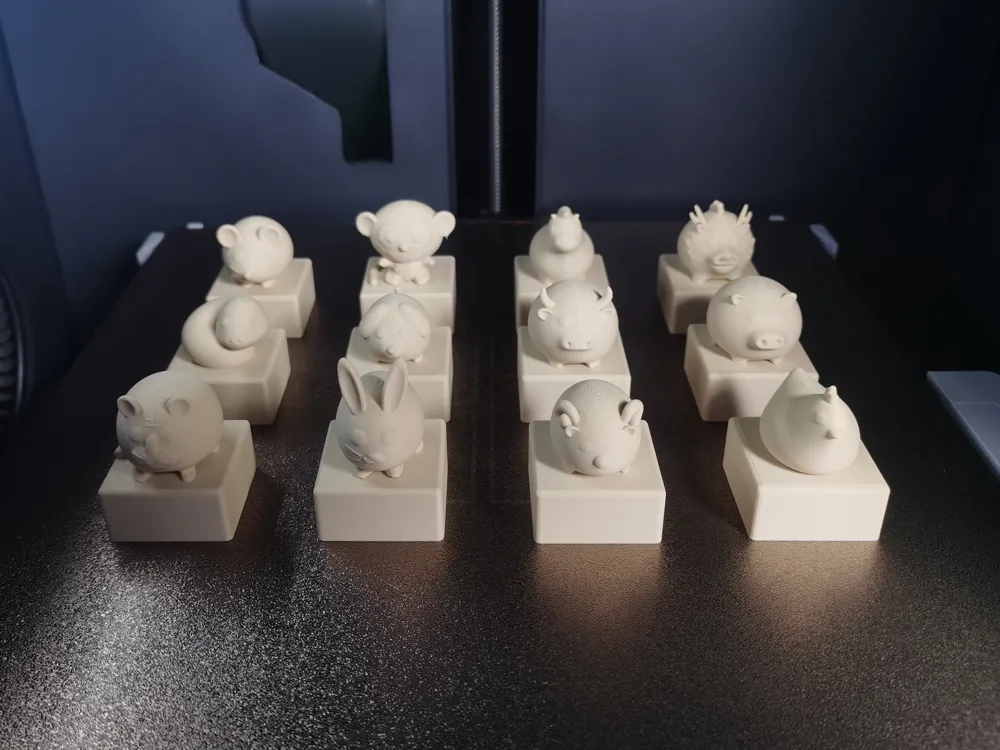
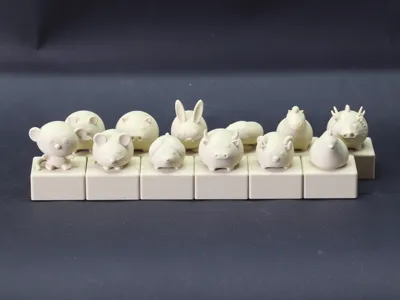
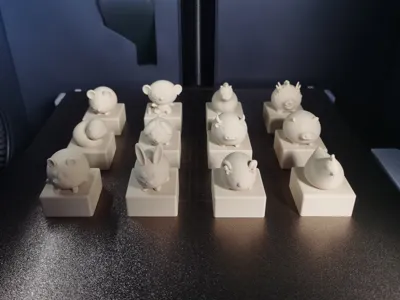
The Chinese zodiac is a complex cultural phenomenon that integrates history, mythology, folklore, and ancient astronomical calendars. Although its exact origin is difficult to fully ascertain, academia generally believes it originated in China. So, I used the Chinese zodiac as a reference and, combined with my amateur modeling skills, created this set of slightly plump Chinese zodiac stamps. Of course, being plump is also a different kind of beauty; at least it means good digestion and absorption, enjoying food, having a good mindset, and being generous, hahaha
Boost Me (for free)
If you like it, please give me a free boost
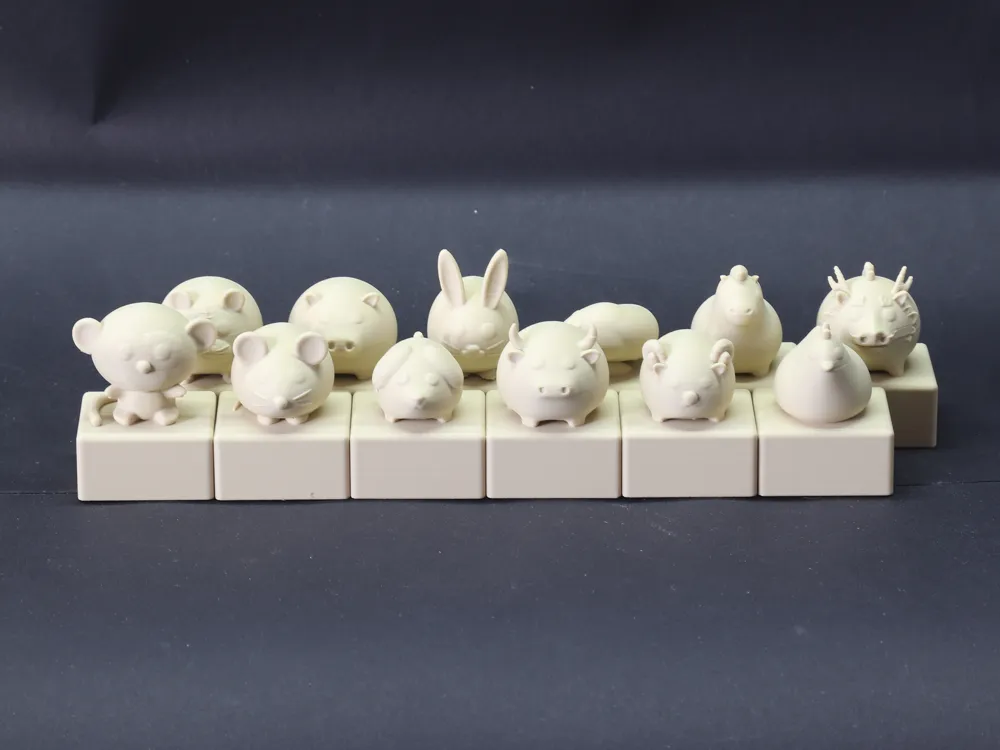
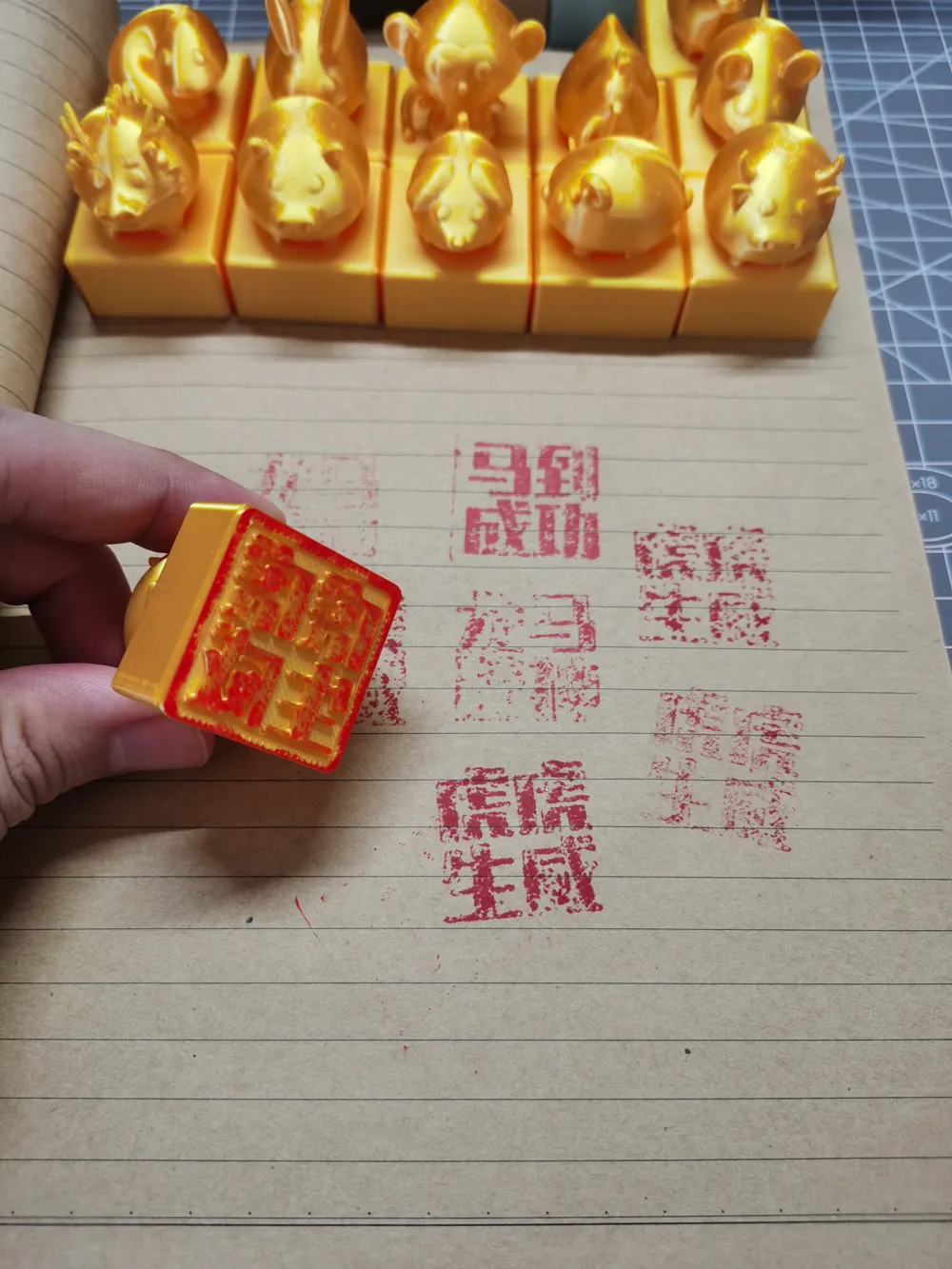
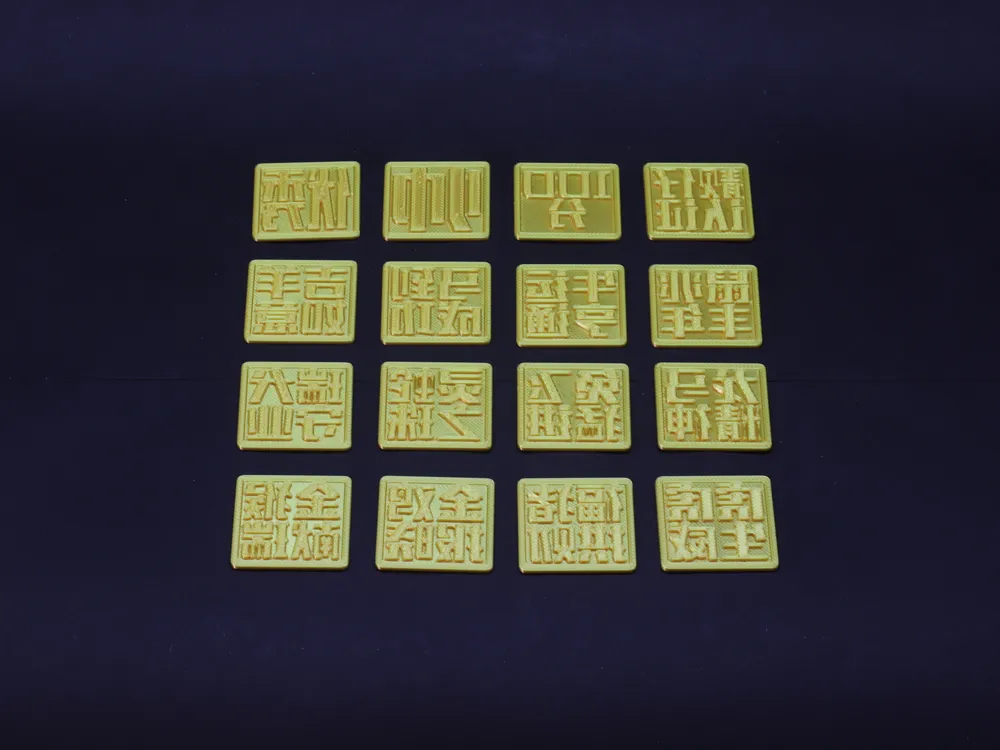
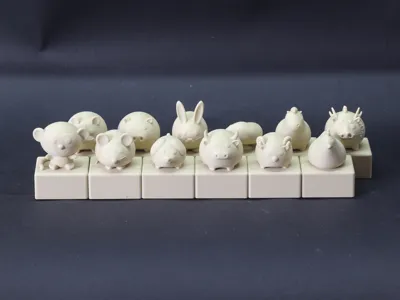
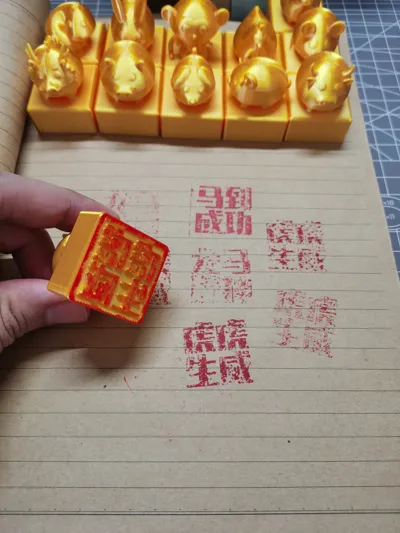
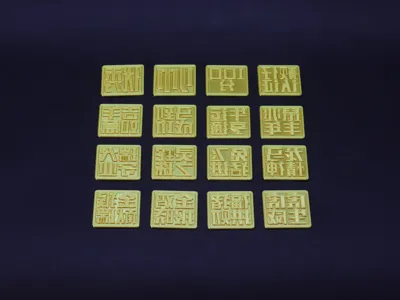
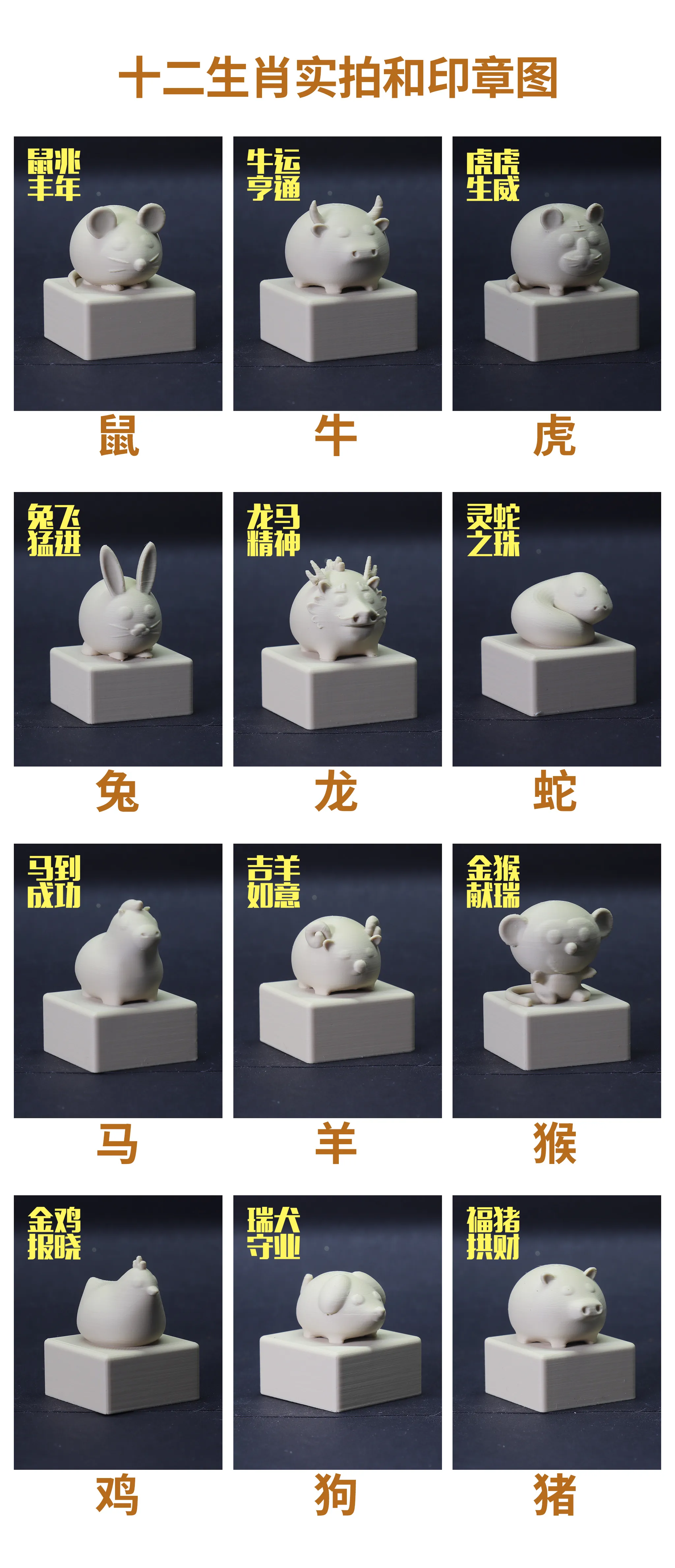
Each stamp face measures approximately 30*30 millimeters. The stamp face and the main body are separate and interchangeable. A set includes 12 stamps and 16 patterns
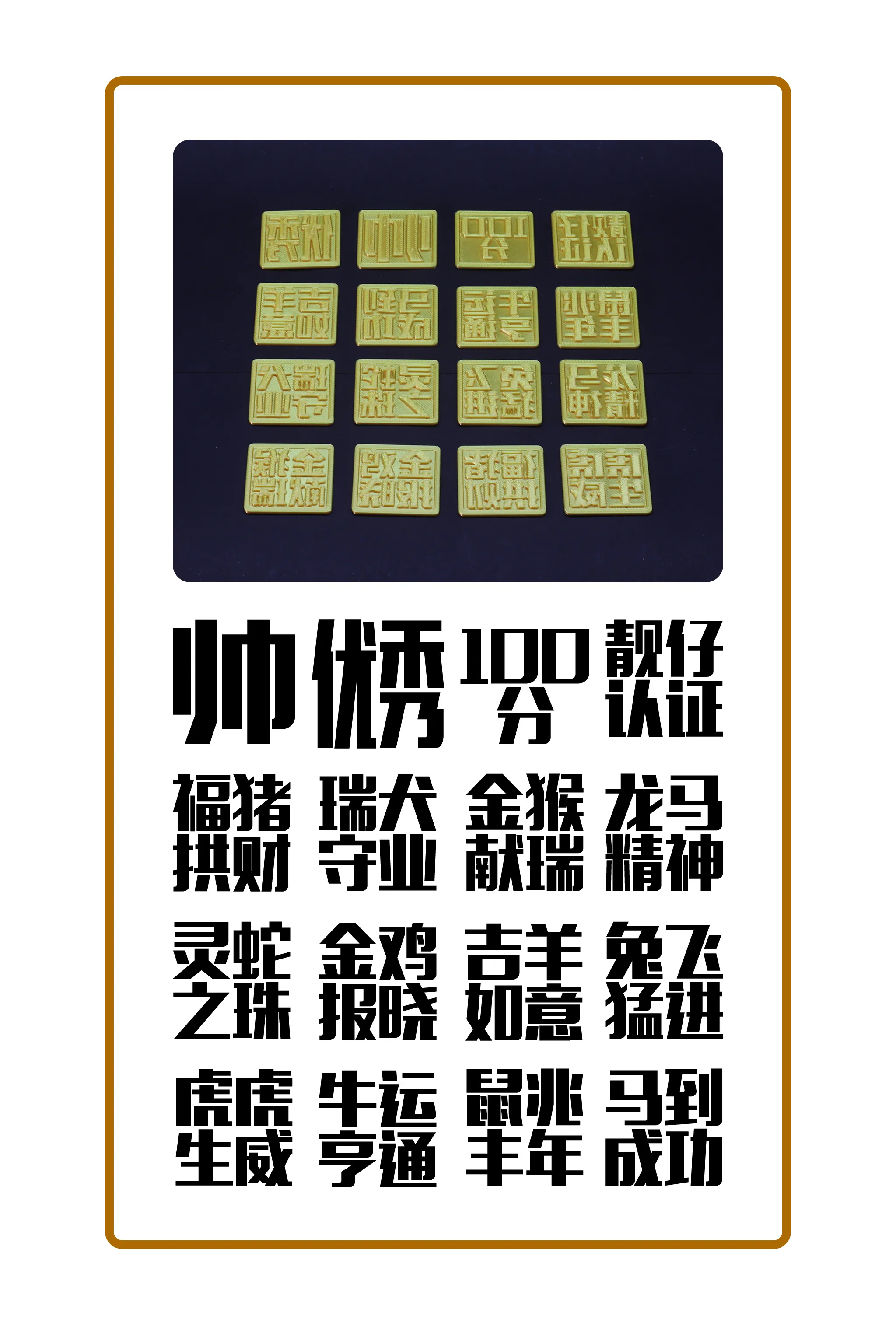
Considering that many users are not professional 3D modelers, I designed the stamp face to be separate from the main body from the start. You can create your own custom patterns and then attach them to the main body with double-sided tape. Scroll down to the bottom for a custom pattern tutorial
How to customize patterns:
- Use MakerWorld - Sign Creator to make (https://makerworld.com.cn/makerlab/makeMySign)
- On your computer, open the Bambu Lab MakerWorld homepage, find ""MakerLab"", select "Sign Creator", then select "New Empty Project", finally select rectangle, adjust the data for length and width borders to 30mm, border radius to 2mm, choose moderate width, border distance to 0, then exit and save as a draft
- Go back to "MakerLab", select "Image Keychain Generator", create an "Empty Project", then drag in the pattern or text image you want to create (preferably black and white and square), then check if the image is suitable in the pop-up image pre-processing box, click confirm, after processing is complete, click "Confirm" again, finally click "Download", select "Export to Sign Creator" from the dropdown, then the page will pop up with the draft you created in the first step, select your created draft, click "import"
- After clicking import, the page will jump to the Sign Creator, click on your created image, adjust the size to fit (length and width less than 30mm), then click "Flip", finally check the image effect, then click to download the 3mf file, and you can print your exclusive stamp pattern
Notes:
- Please clean the build plate before printing and ensure filament is properly dried
- It is recommended to use double-sided tape to secure the model main body and the stamp face, as this makes it easy to remove if you want to change the stamp pattern later
License

You shall not share, sub-license, sell, rent, host, transfer, or distribute in any way the digital or 3D printed versions of this object, nor any other derivative work of this object in its digital or physical format (including - but not limited to - remixes of this object, and hosting on other digital platforms). The objects may not be used without permission in any way whatsoever in which you charge money, or collect fees.


Comment & Rating (0)