
Spring-Axis Lock Folding Utility Knife - F3DP
Print Profile(6)


Bill of Materials


Description
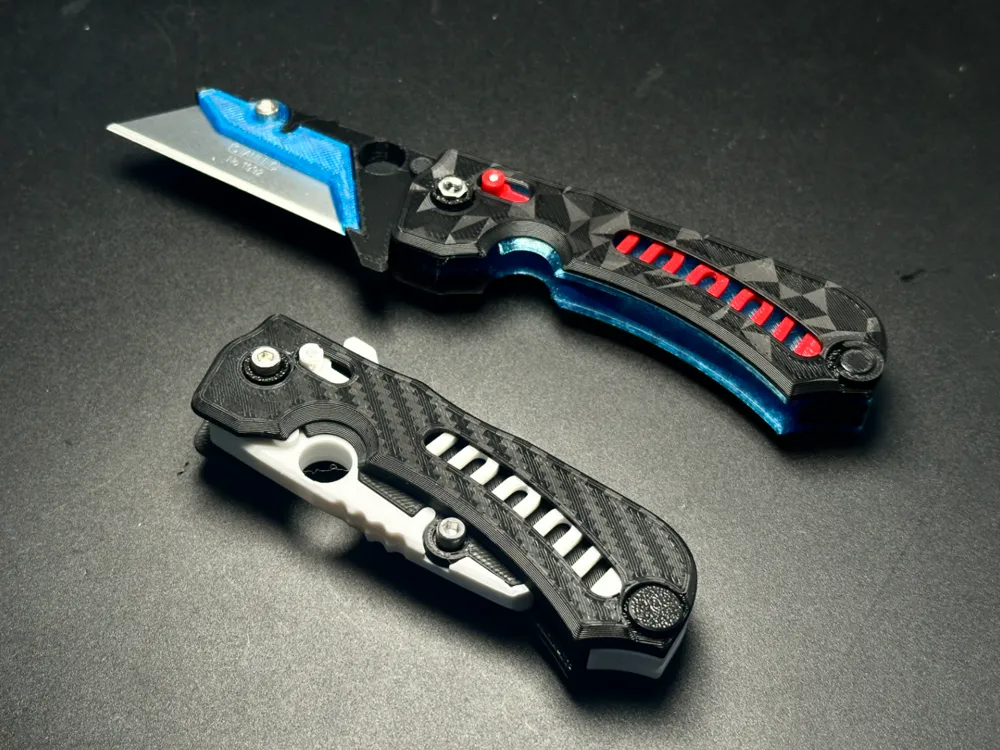
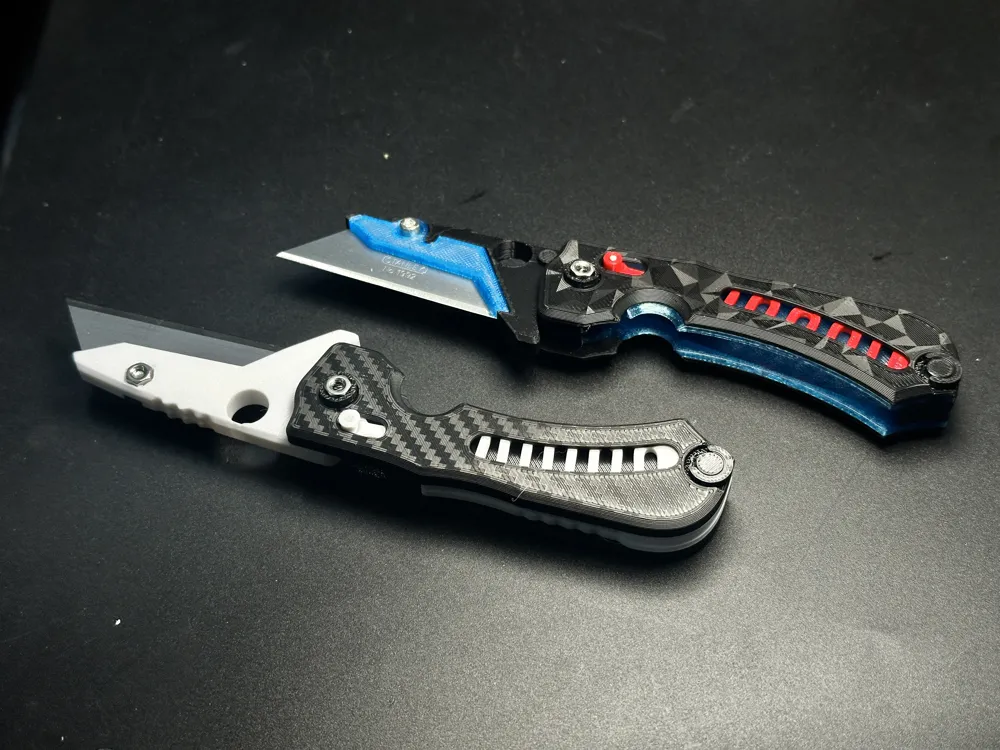
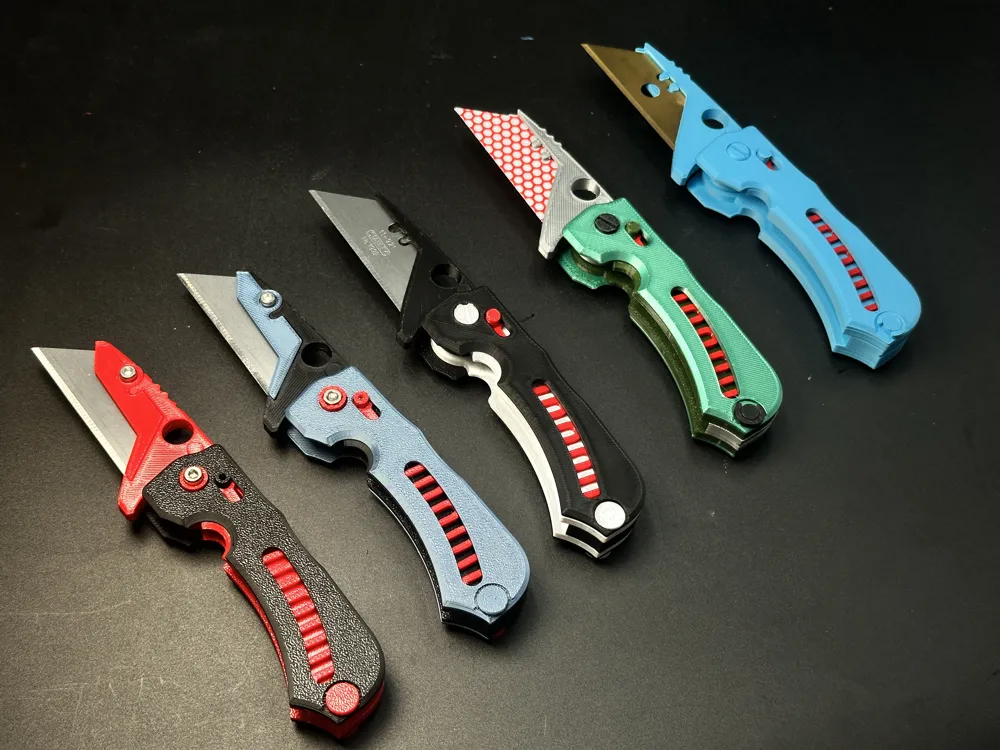
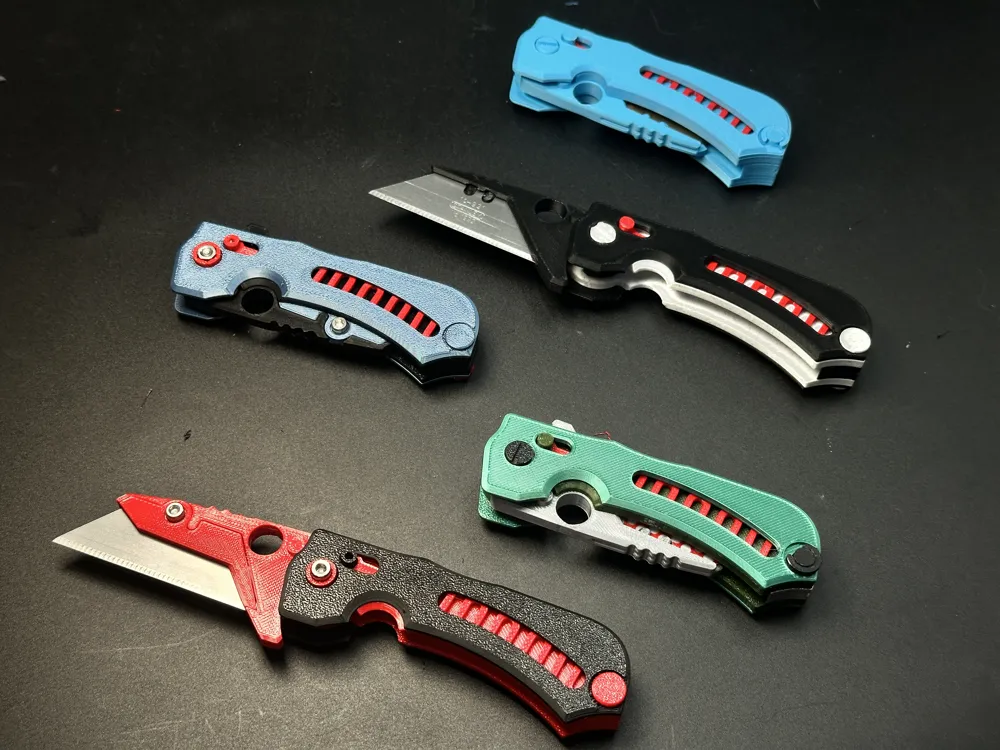
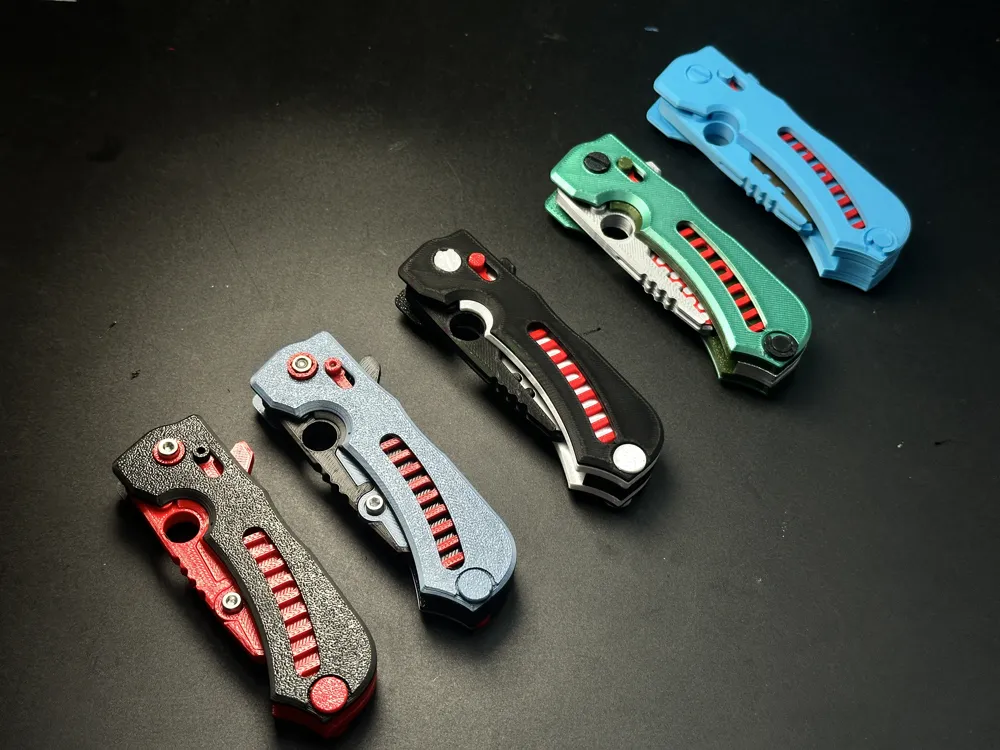
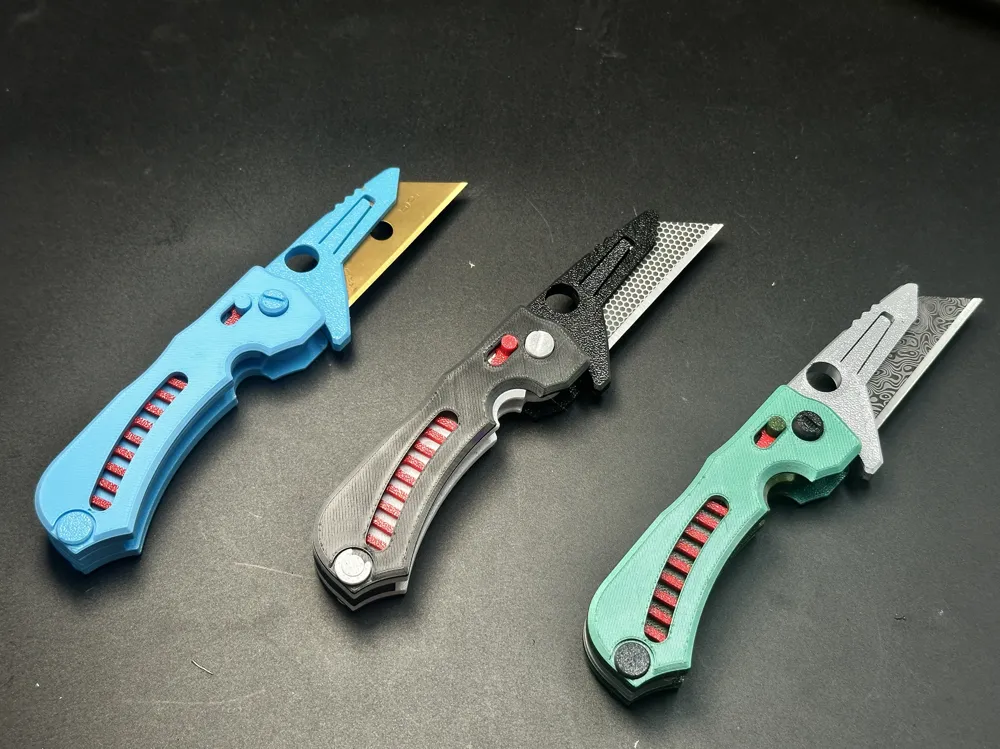
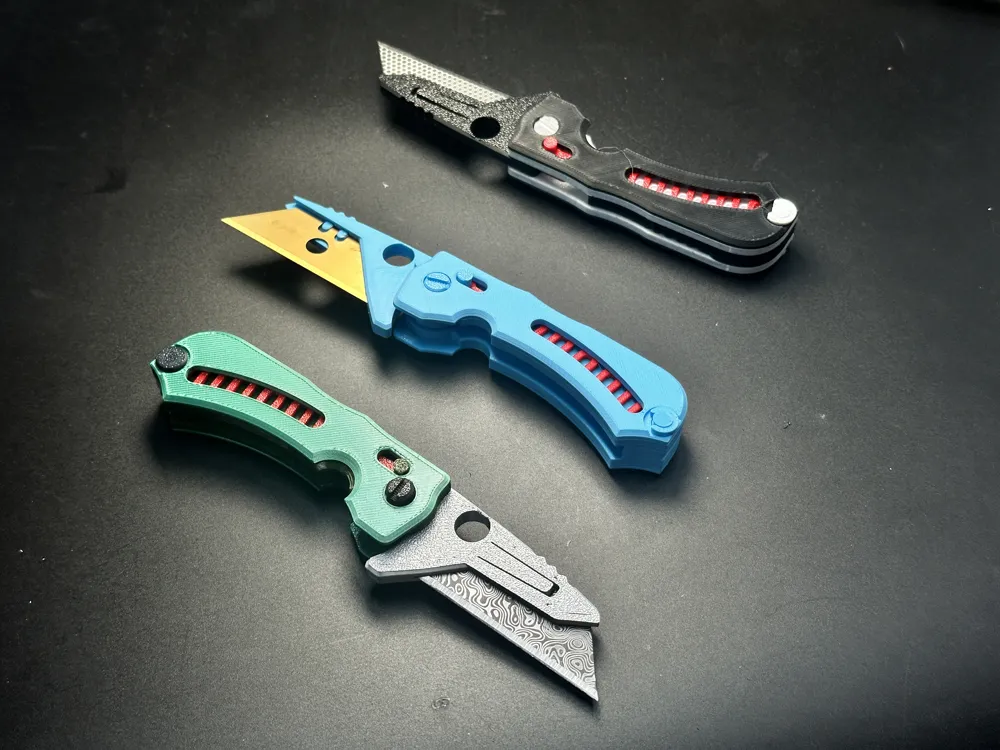
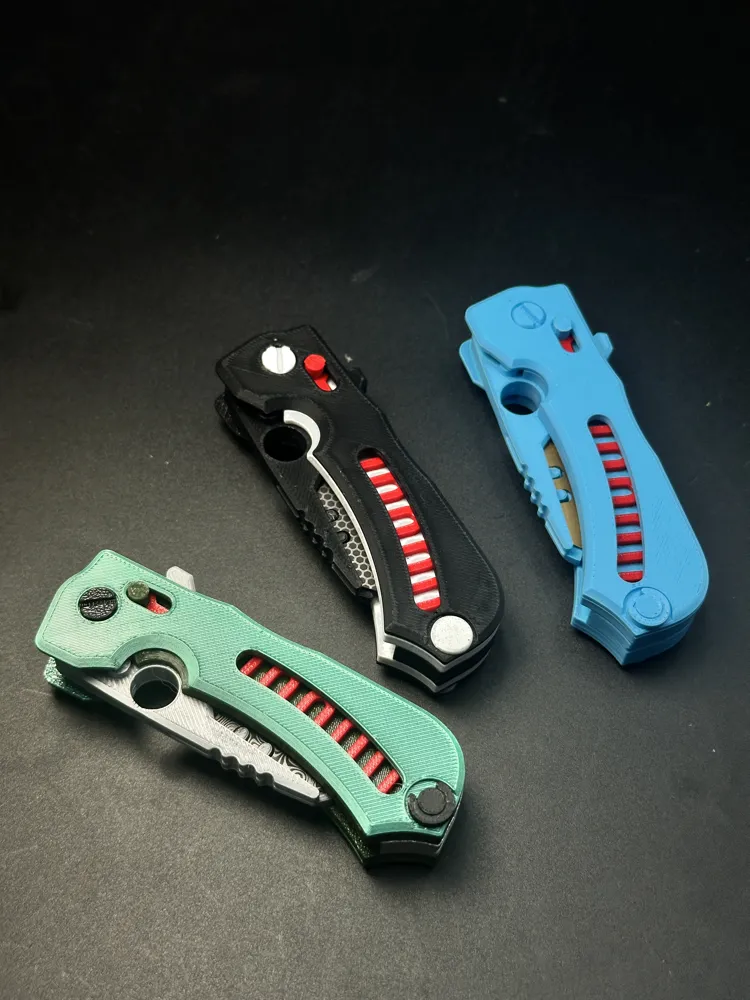
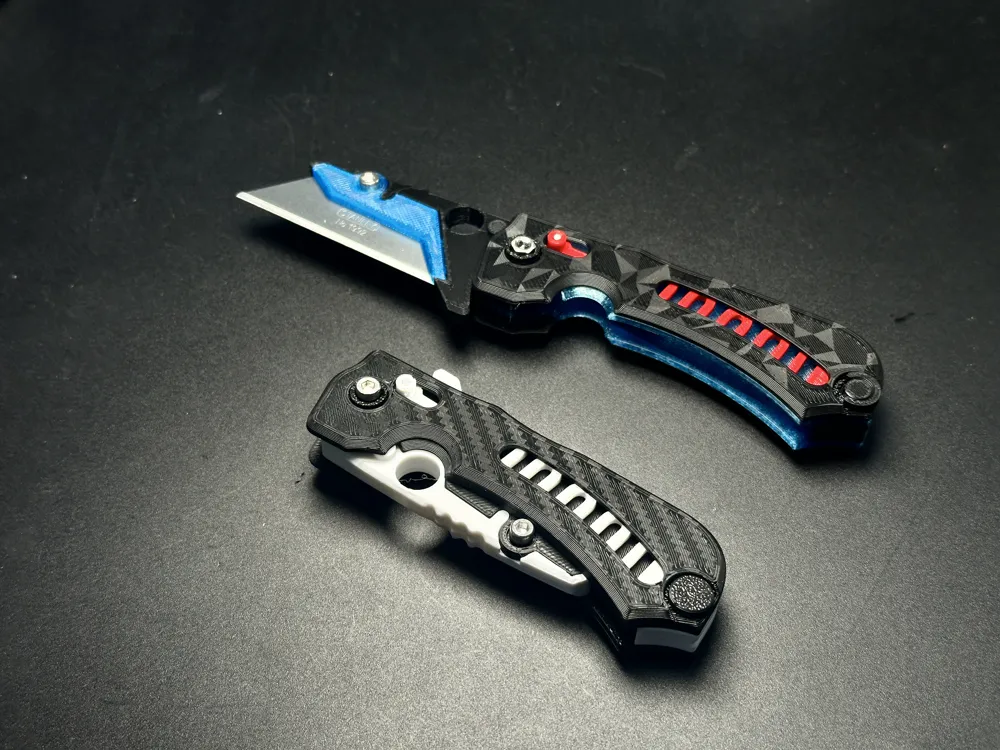
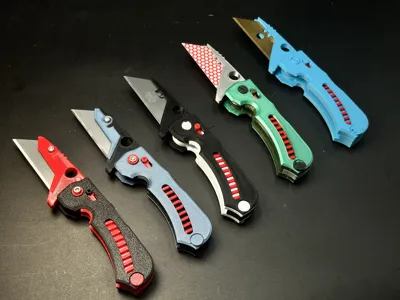
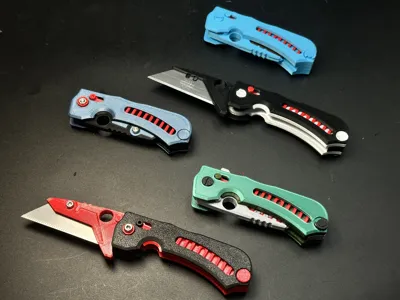
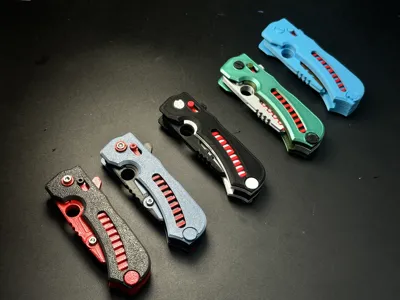
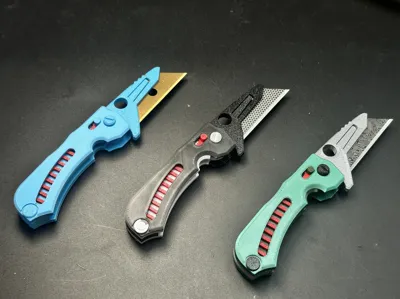
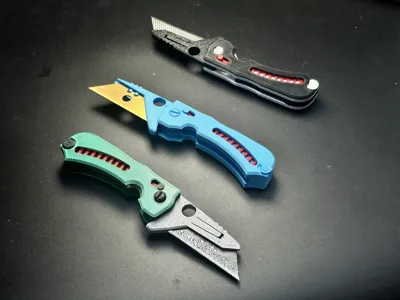
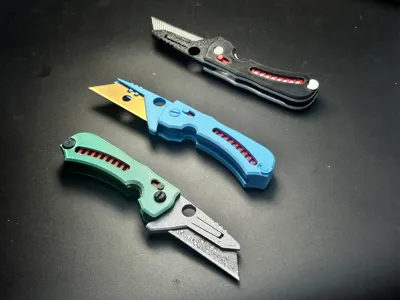
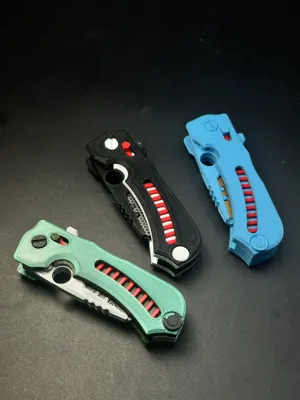
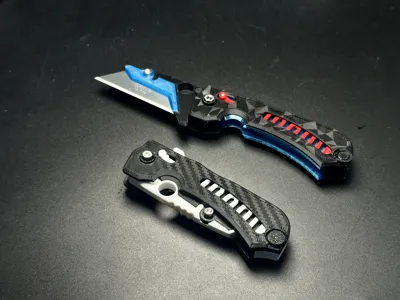
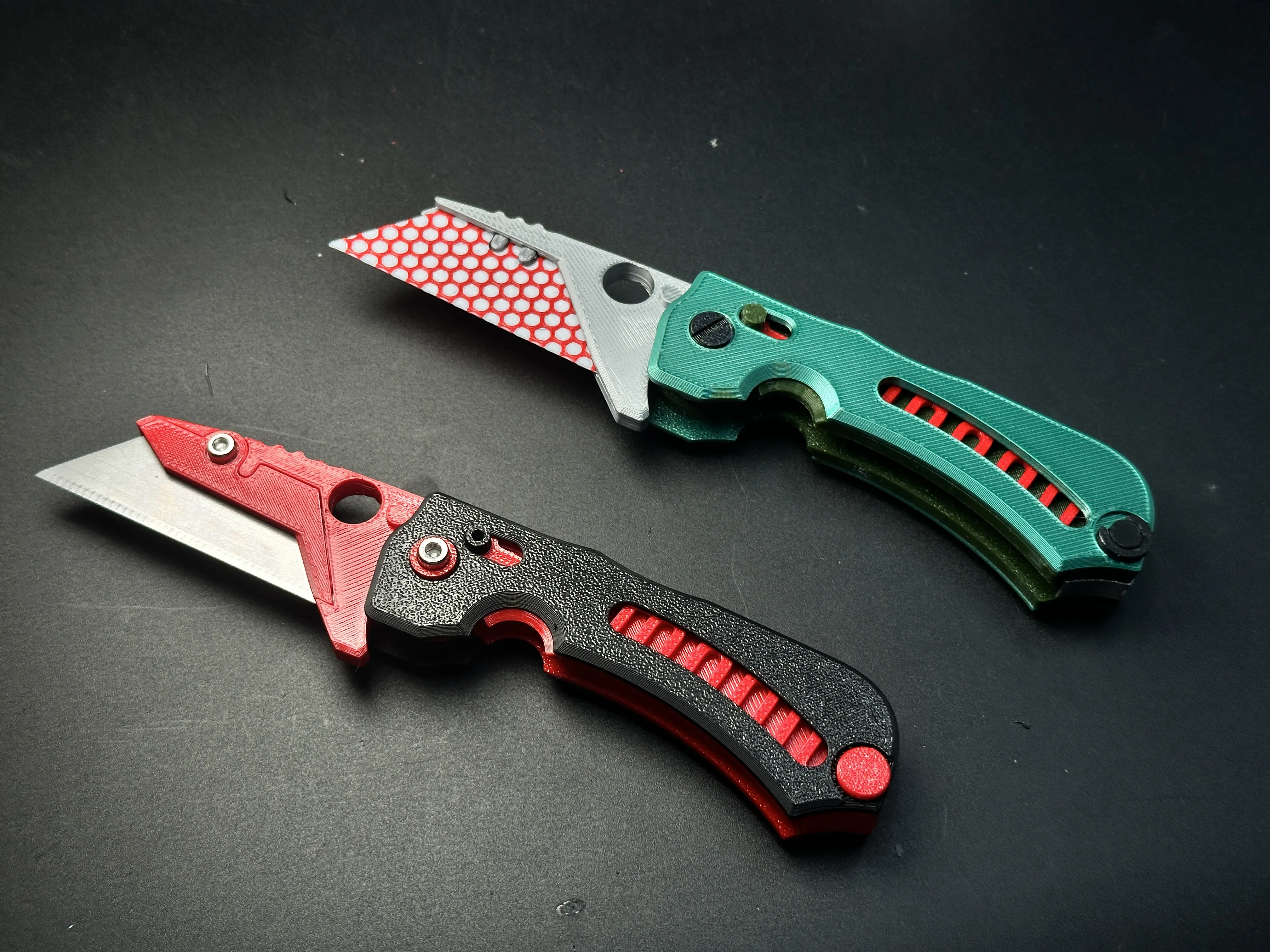
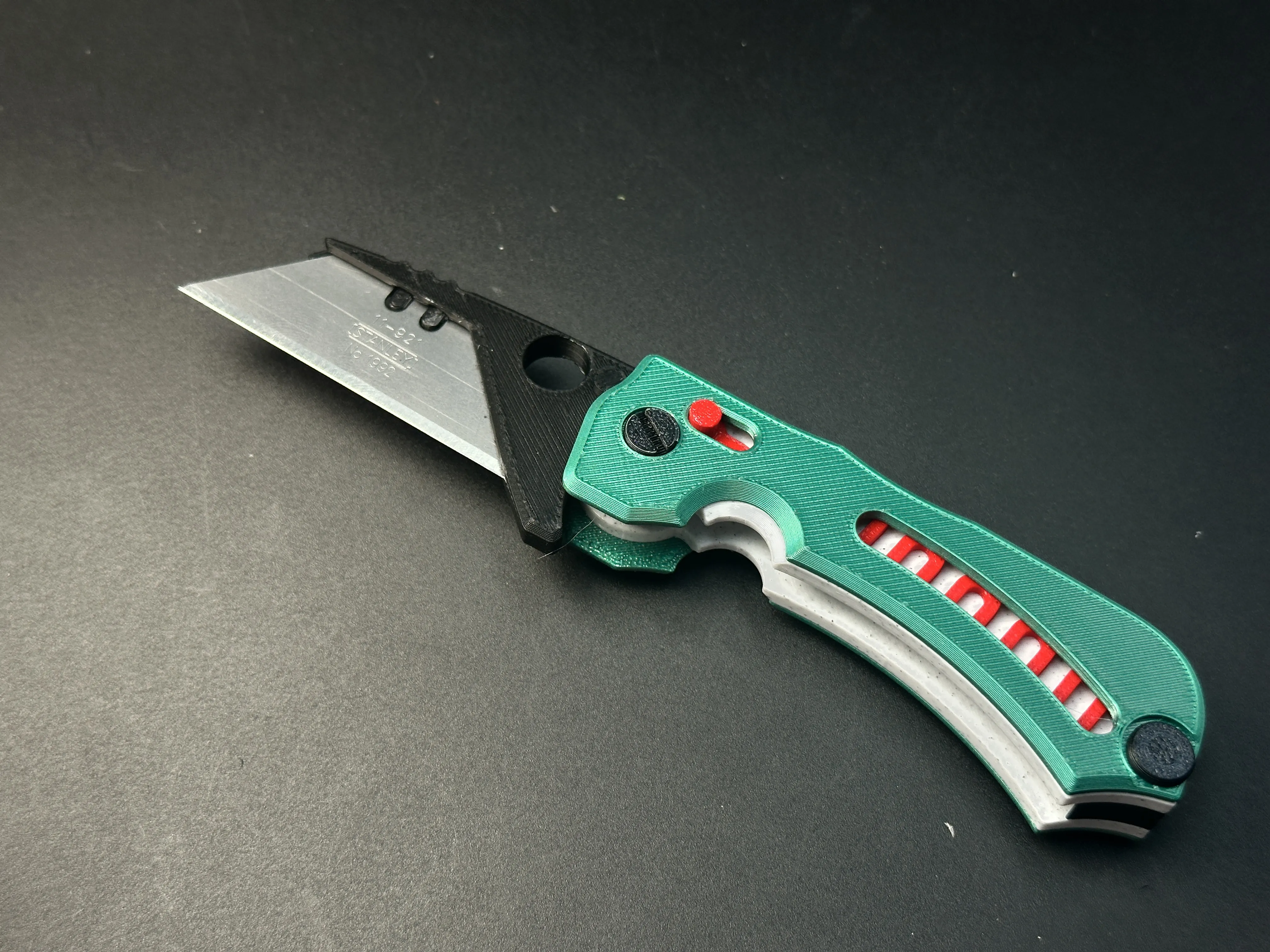
This is an intricately designed folding utility knife featuring an axis-lock mechanism. It is 100% 3D printable without supports, requires no hardware or glue for assembly, and stands as my most satisfying creation to date.
Two versions available:
- Fully 3D printable version (no hardware needed)
- Hardware-enhanced version (for strength upgrade)
⚠️ Heads up: The hardware-enhanced version is only for experienced users—please read the instructions at the end before printing and assembly!
Key Features:

✅ Automatic Locking: Locks securely with a crisp "click" sound when fully deployed. Press the unlock button to fold.
✅ Safe Deployment: In the folded state, opening requires overcoming spring tension, preventing accidental deployment during carry.
✅ One-Handed Operation: Smoothly deploy or collapse the blade with a single hand.
Design Notes & Warnings:
⚠️ Structural Limits:
- The handle thickness (≈18mm) accommodates internal mechanisms but limits strength.
Fine parts are fragile – strictly for light-duty tasks (e.g., opening packages). Do not use for heavy cutting!
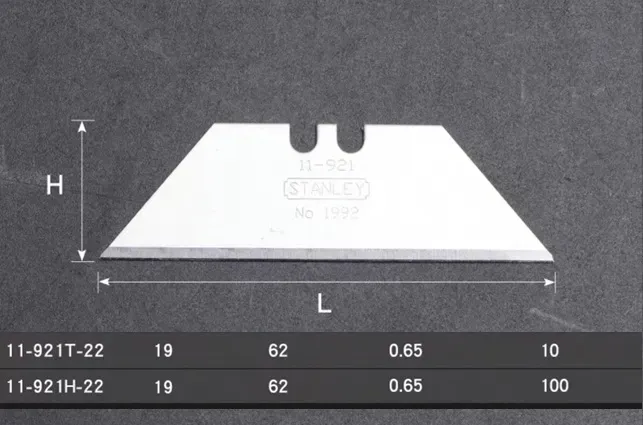
The test used Stanley brand blades
🔧 Blade Options:
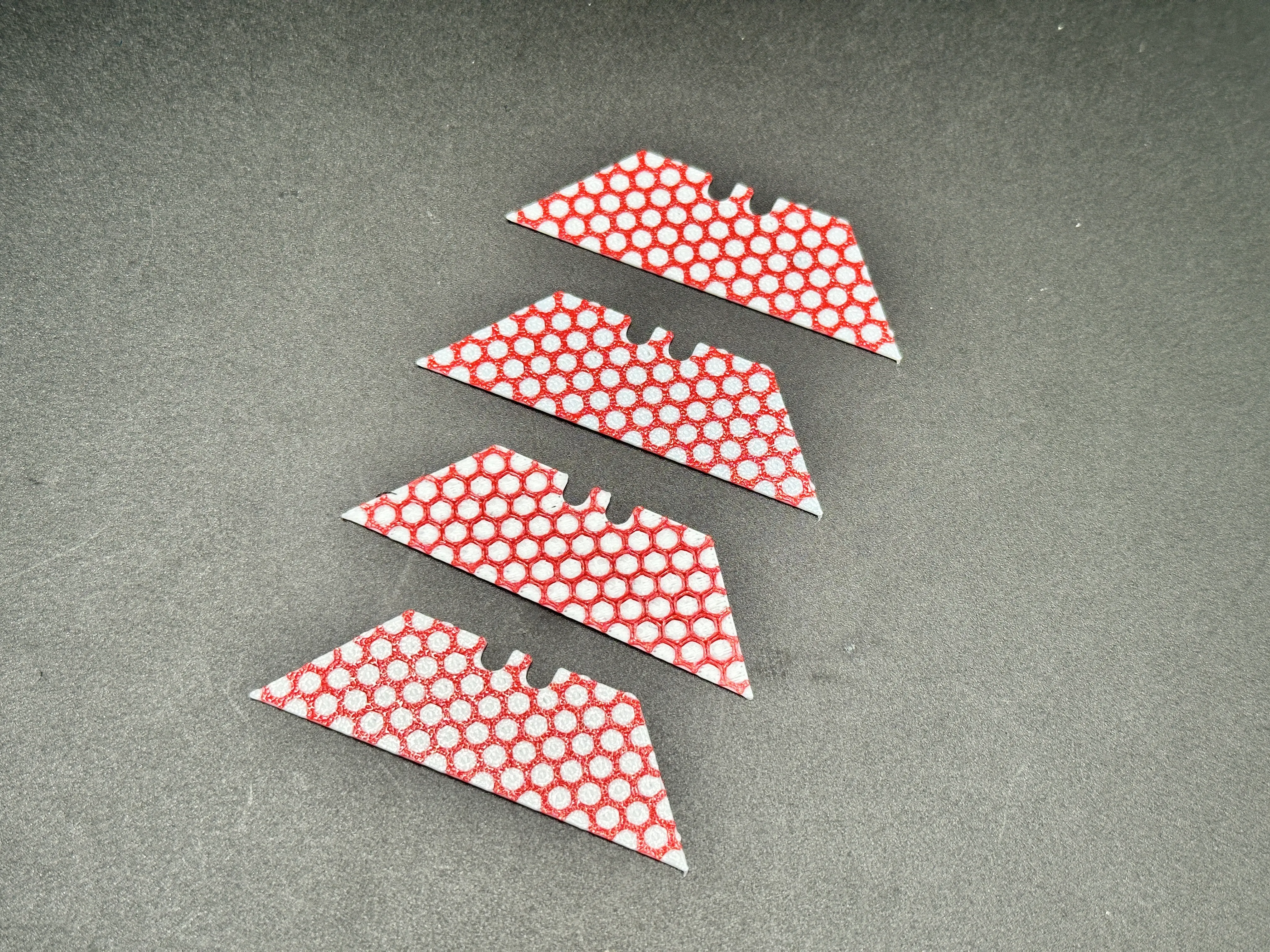
- Use standard replaceable utility blades OR the included 3D-printed dummy blade (provided as a separate .3mf file).
Assembly Instructions
(Watch assembly video first!)
Base Frame
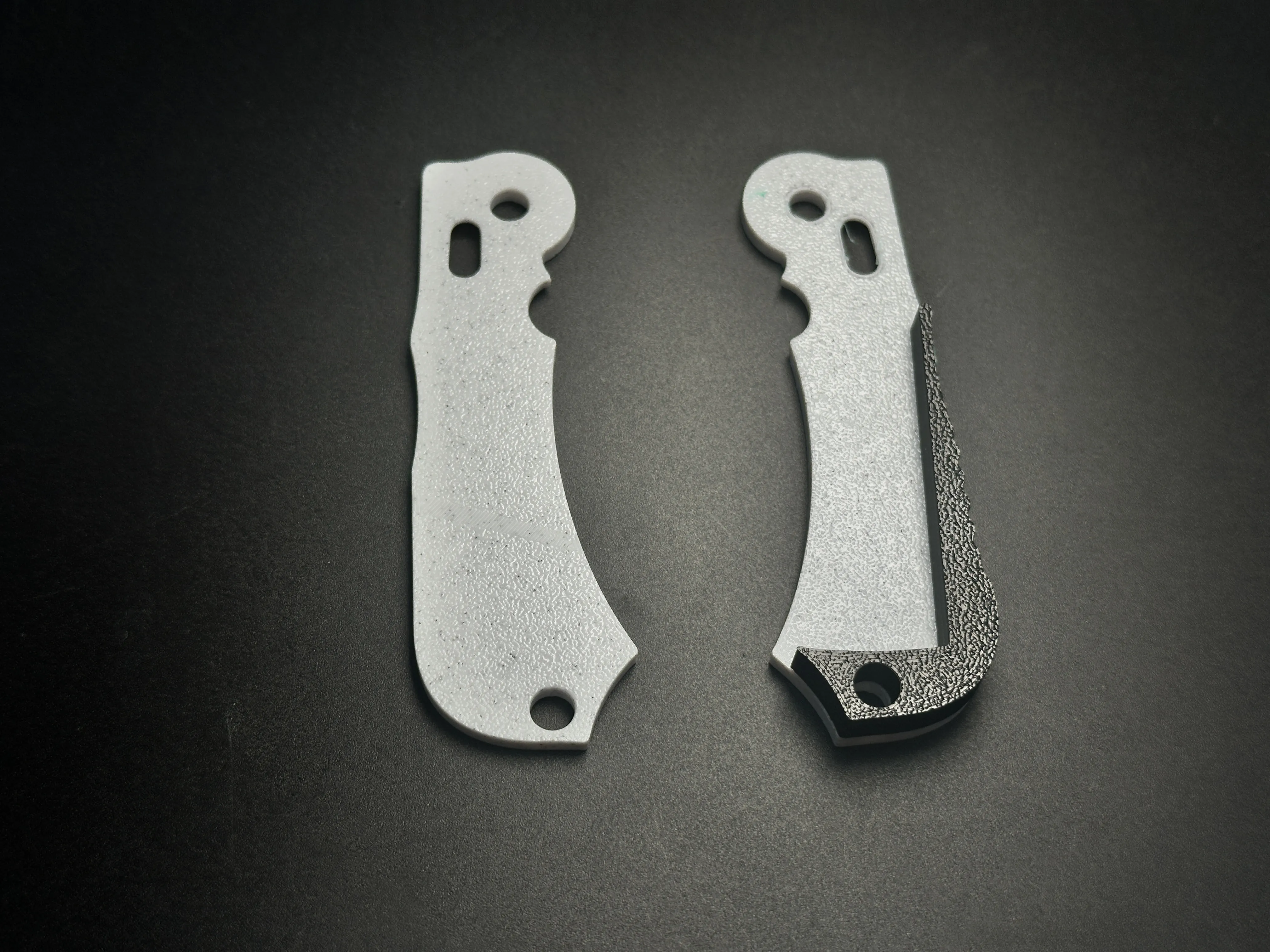
Snap the black frame part into the white handle halves. If clips break during fitting, don’t panic – they’re non-structural.
Spring-Lock Mechanism
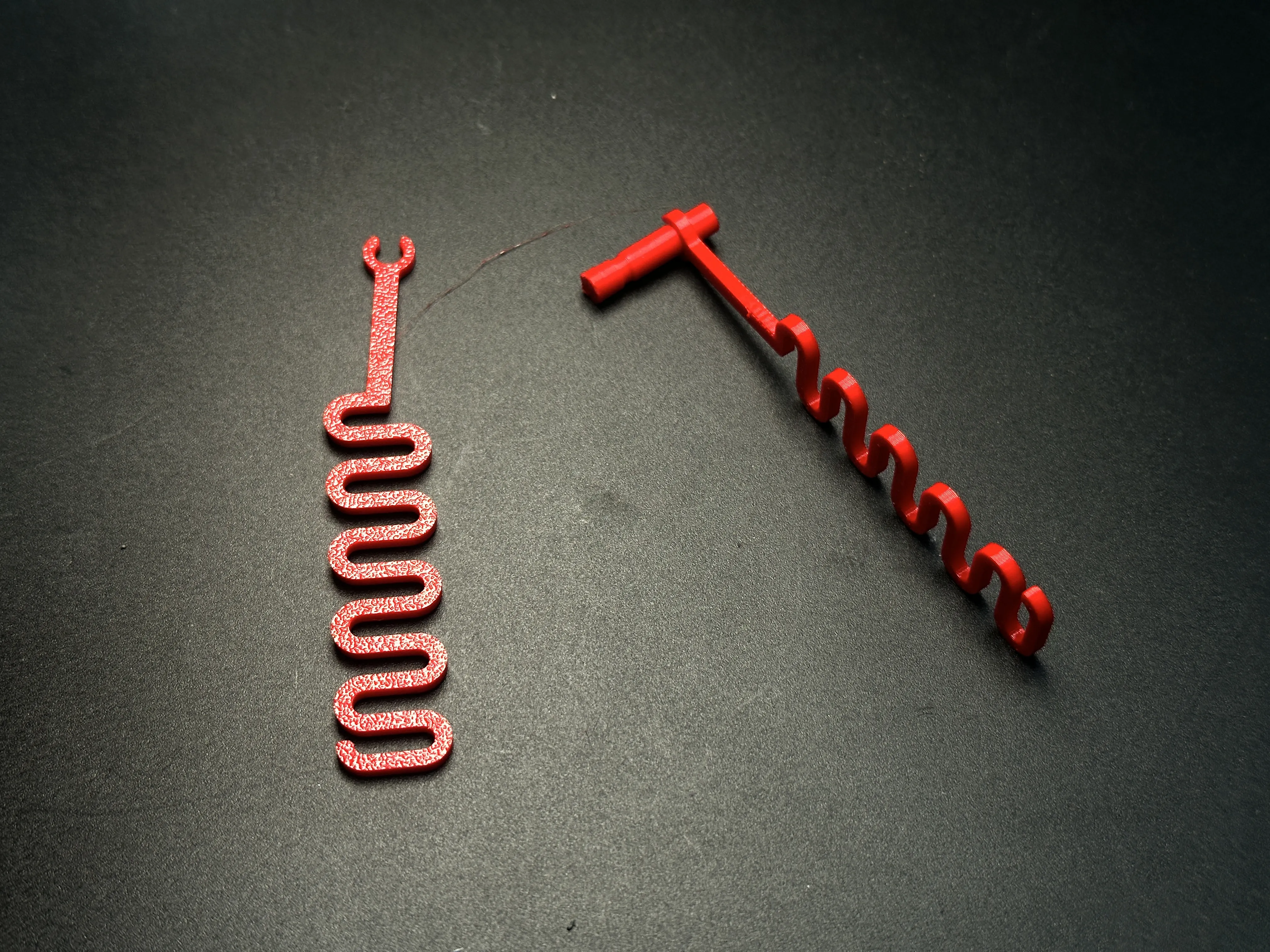
Attach one end of the red spring to the cylindrical lock button using its clip. Install only one spring initially.
Handle Alignment
Align both white handle halves, ensuring the red lock button slides through the oval slot.
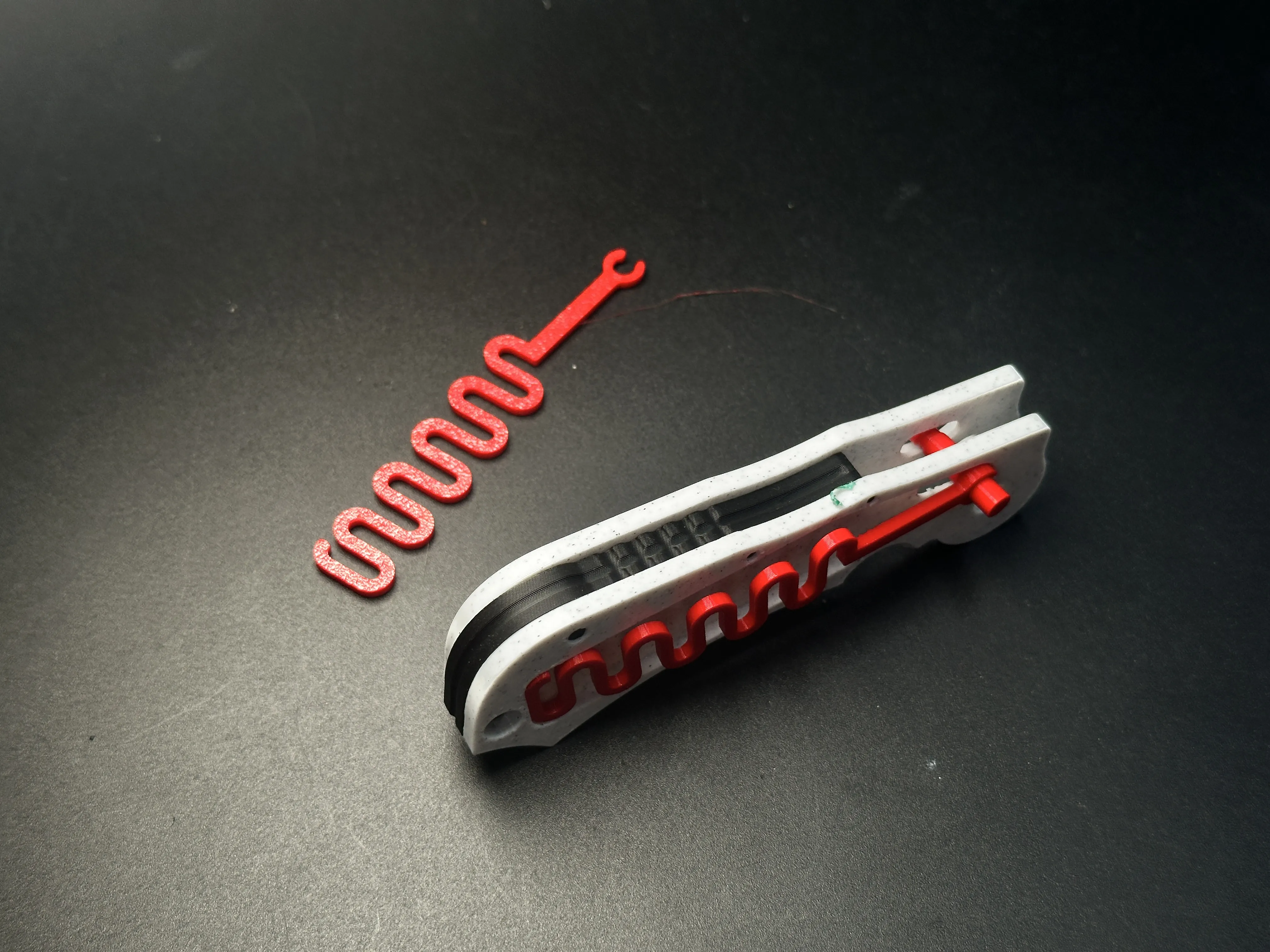
Second Spring
Repeat Step 2 to install the second spring. Both springs should nest into the handle’s side grooves.
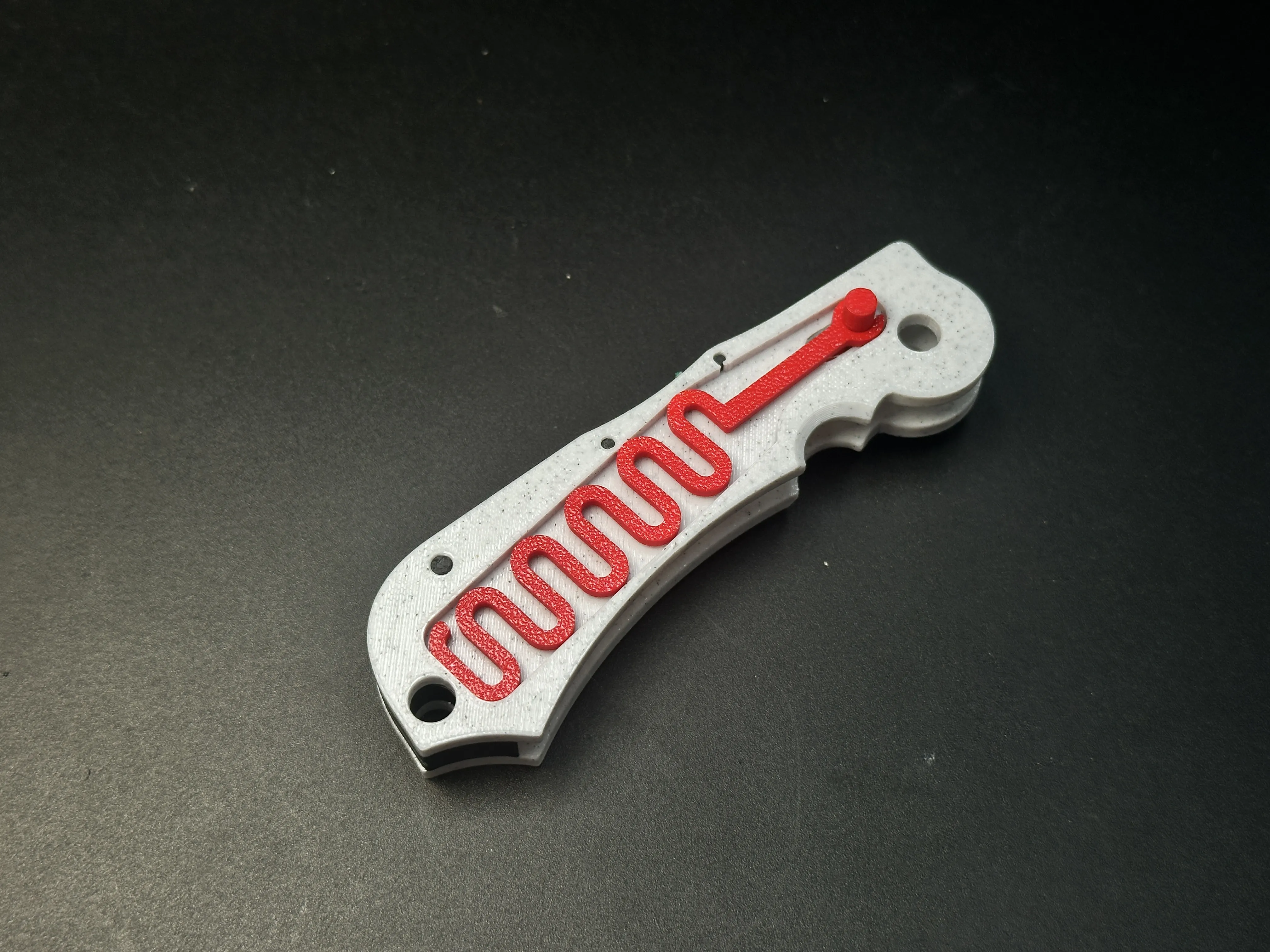
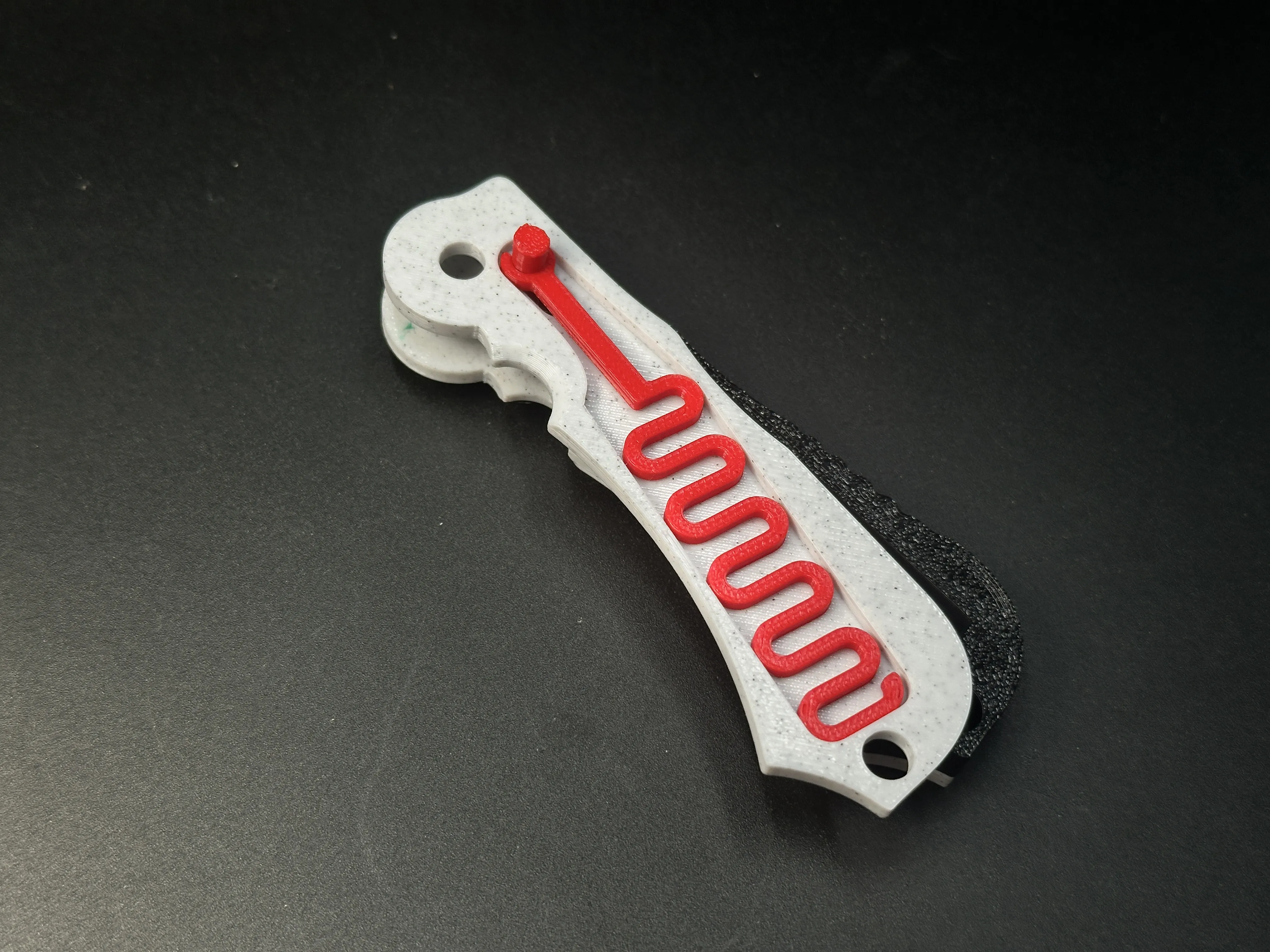
Cover Installation
Secure the green handle covers to both sides. Lock the assembly at the rear with the black slotted pin.
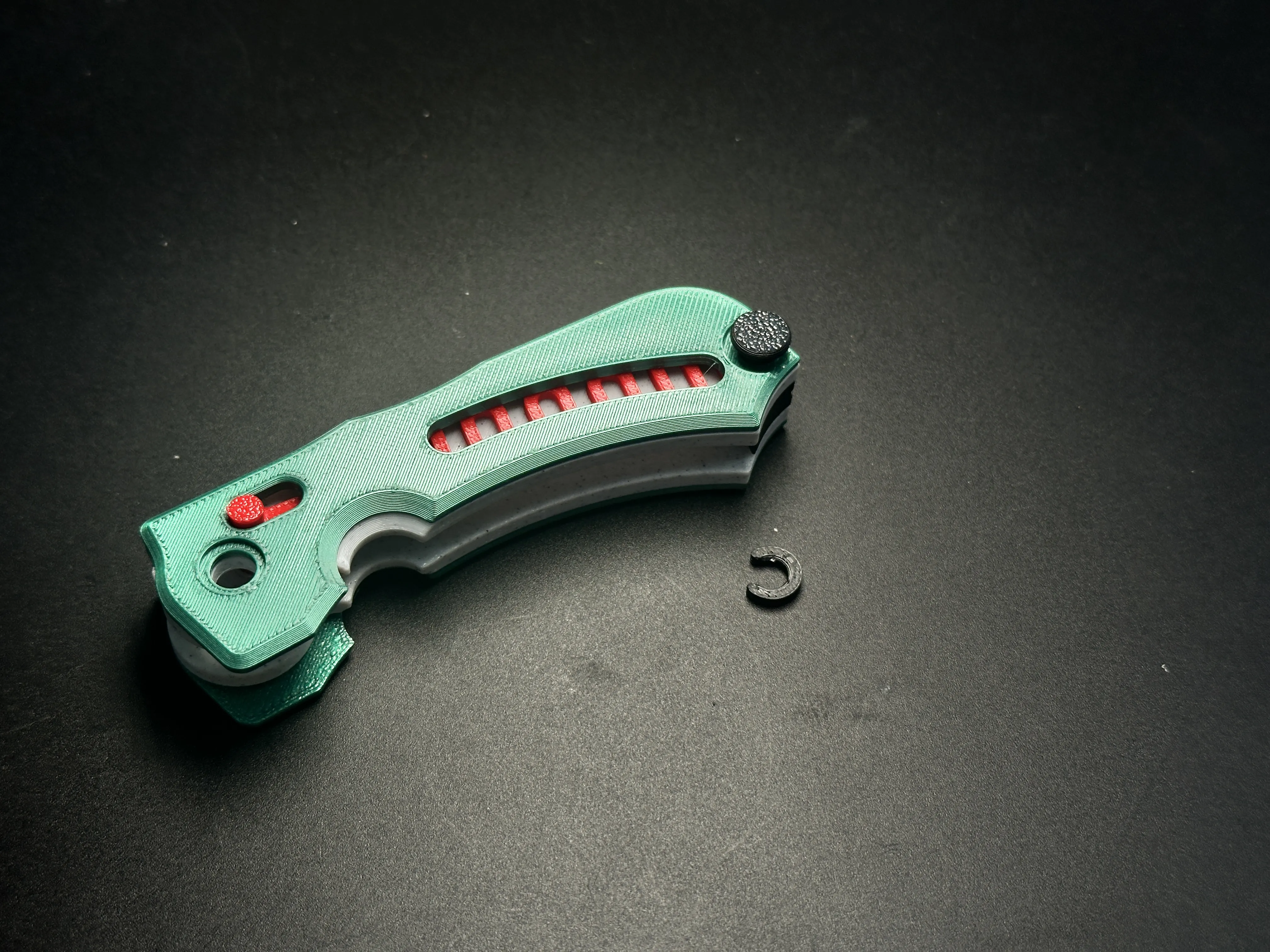
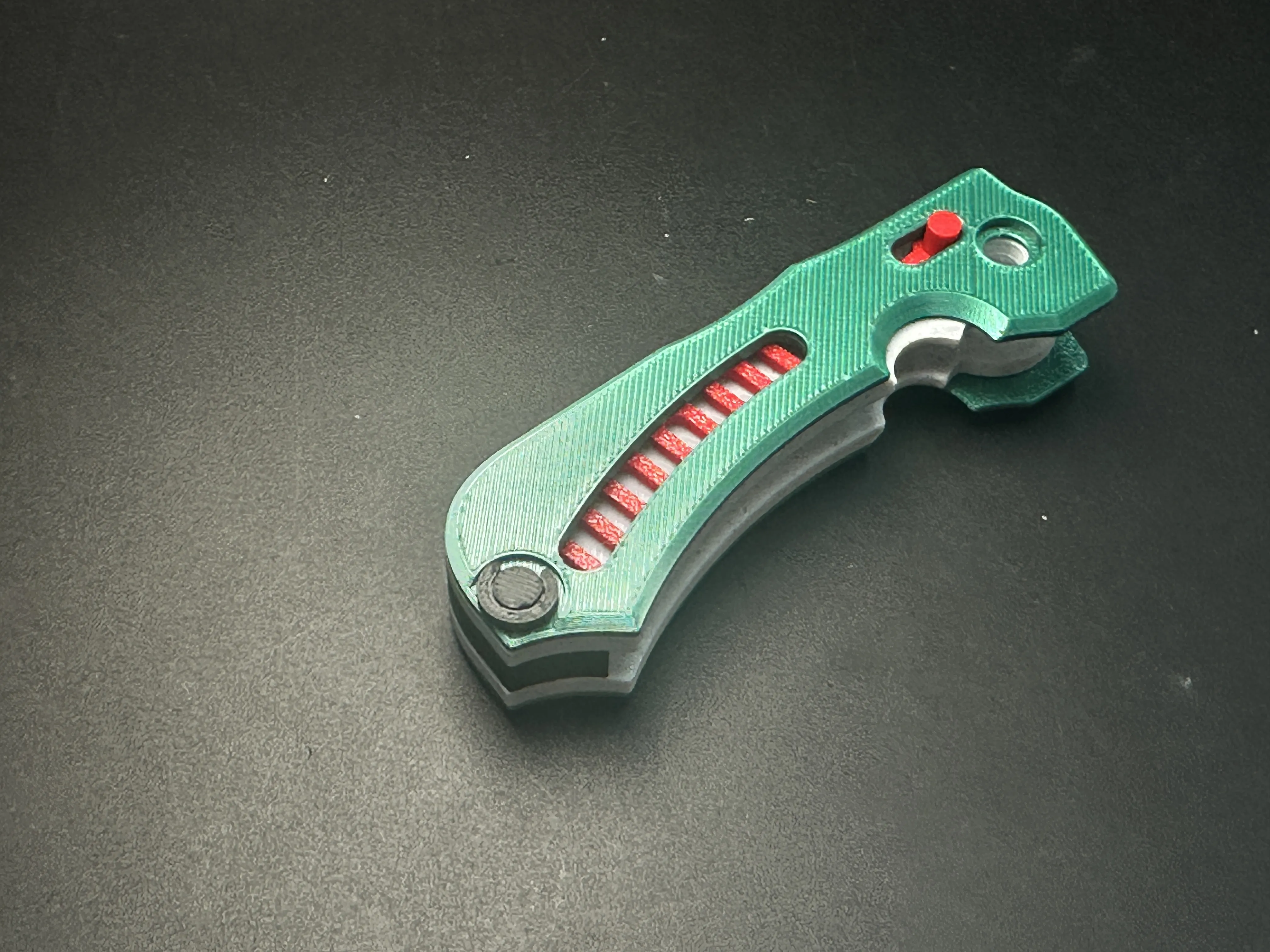
Blade Holder
Fix the black blade holder using the black threaded pin.
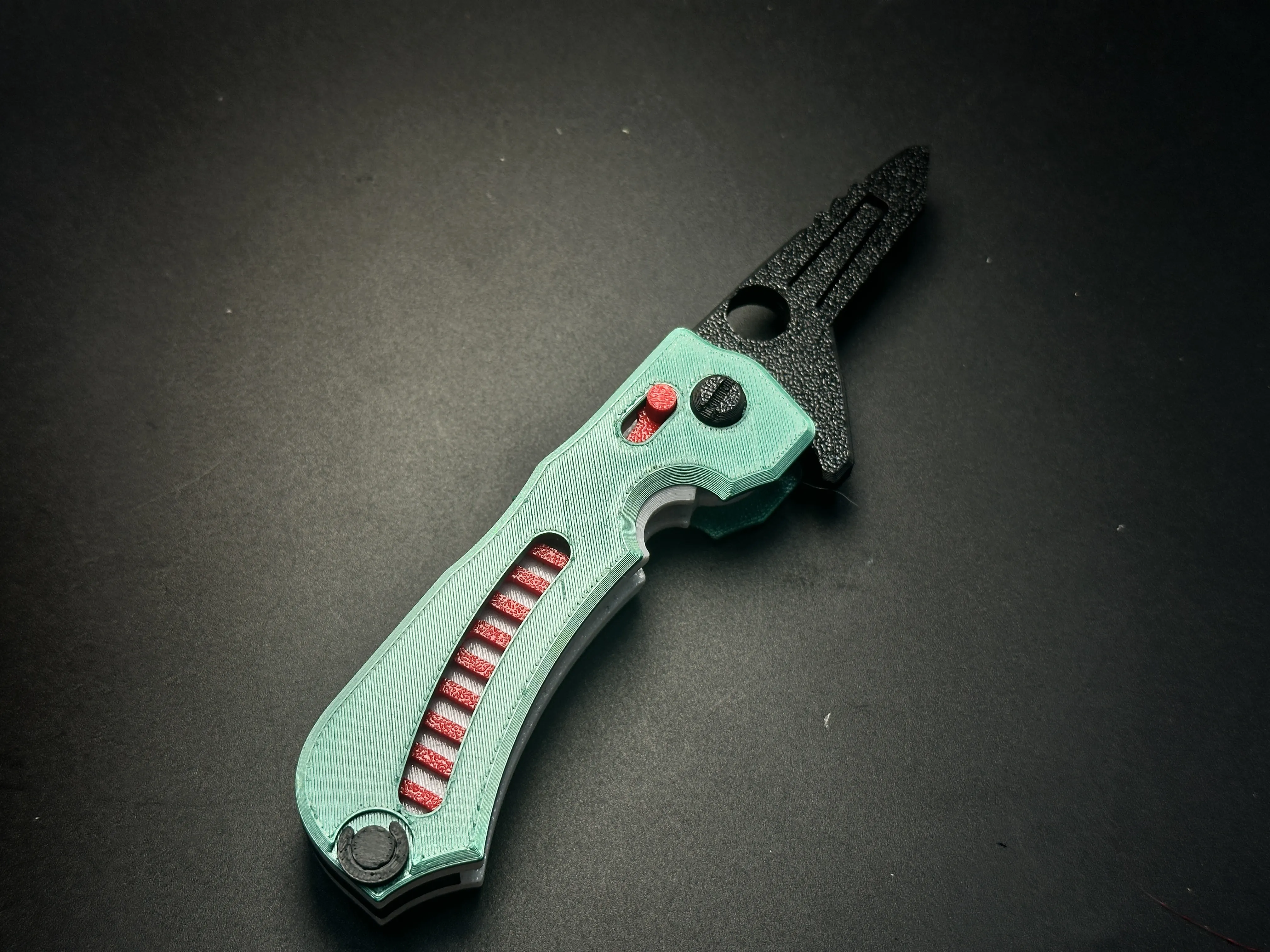
Final Step
Insert a standard blade or the 3D-printed dummy blade. Exercise extreme caution when handling sharp blades!
UPdate:Enhanced Hardware Version (For Experienced Users Only!)
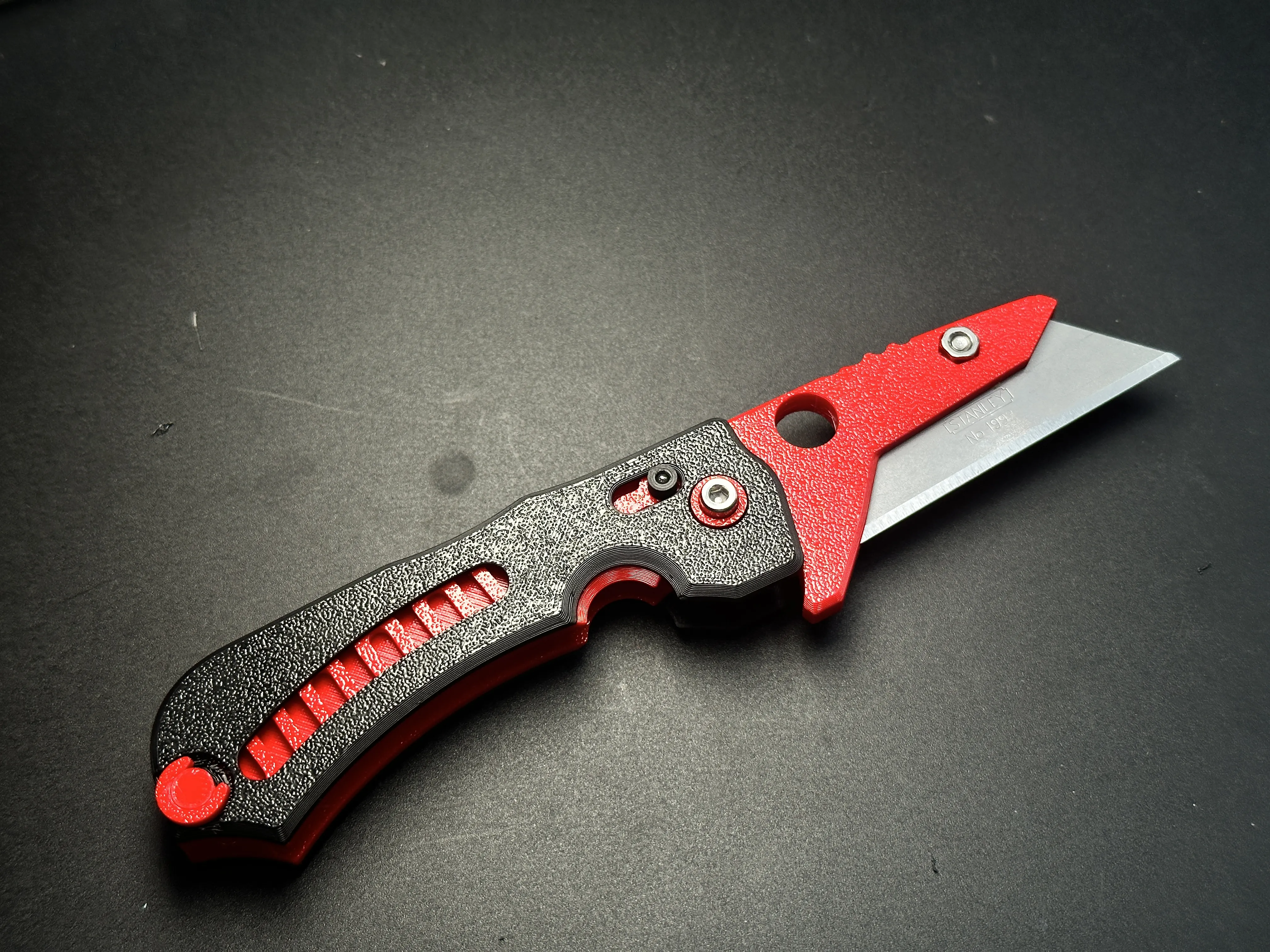
Key Upgrades:
Thinner Handle: 2mm slimmer than the all-printed version → most parts aren't interchangeable!
Blade Holder Compatibility: Works with the standard version if you just want screw-locked blades → Print this part separately to upgrade!
Required Hardware:
M3 Screw 6mm length *1 For blade fixation
M3 Screw 16mm length *1 Reinforced pivot axis
M3 Nut Standard *2 Paired with above screw
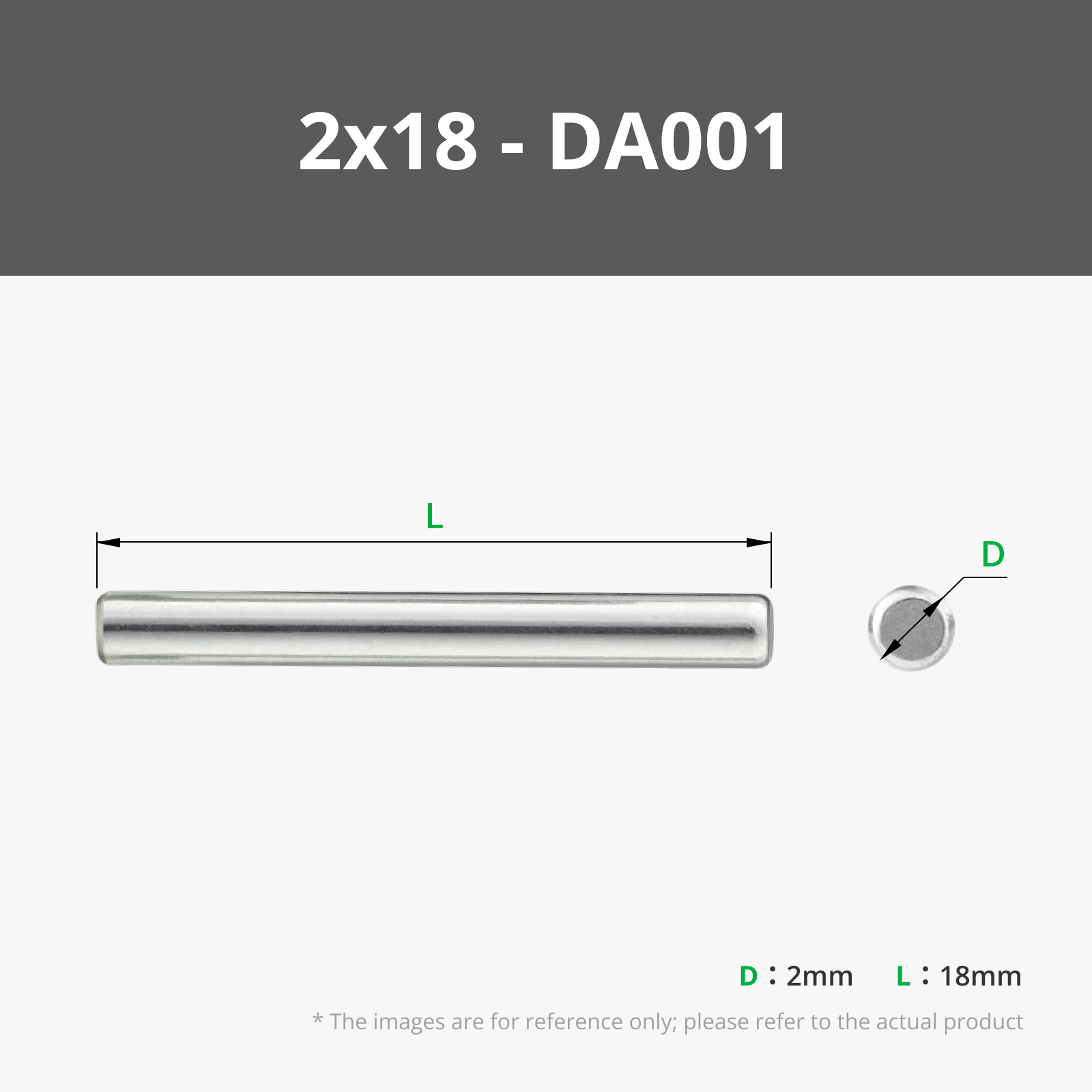
Optional Dowel Pin Ø2mm × 18mm *1 Locks the button (alternative: printed button included)
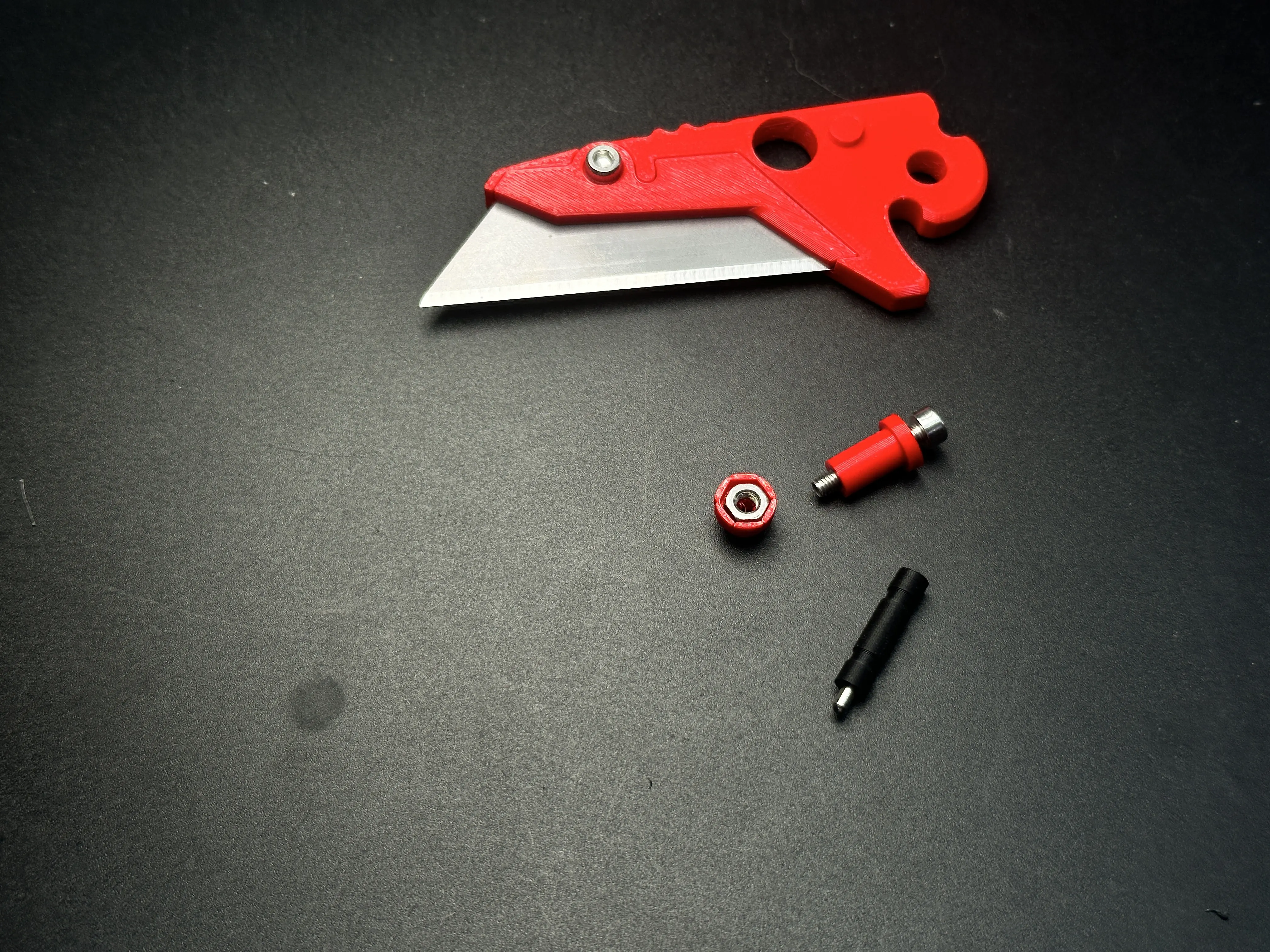
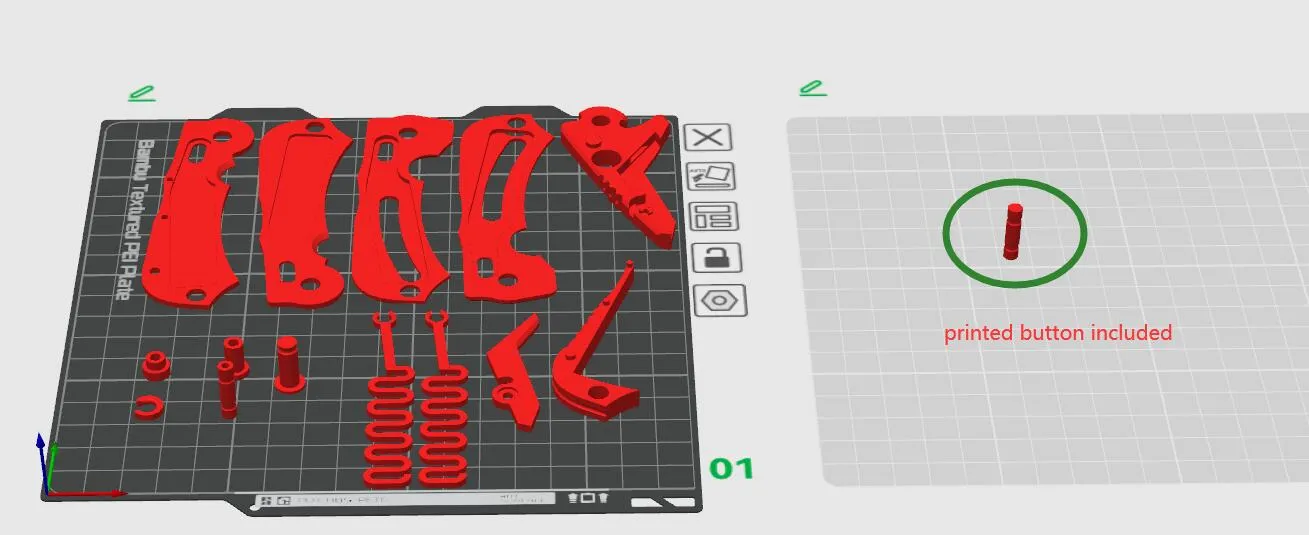
Critical Notes:
Hardware Sizing:
Designed for Bambu Lab's slightly oversized screws/nuts (common smaller ones still work per my tests) .
Support Structures:
Minimal supports only in screw counterbores → Carefully remove supports with a craft knife or pliers! (Unlike the support-free all-printed version).
The strength of 3D-printed knives cannot be guaranteed and they are suitable only for light-duty tasks, such as cutting paper or opening Amazon packages. Unless otherwise specified, all of my knife designs are intended for light-duty use only.
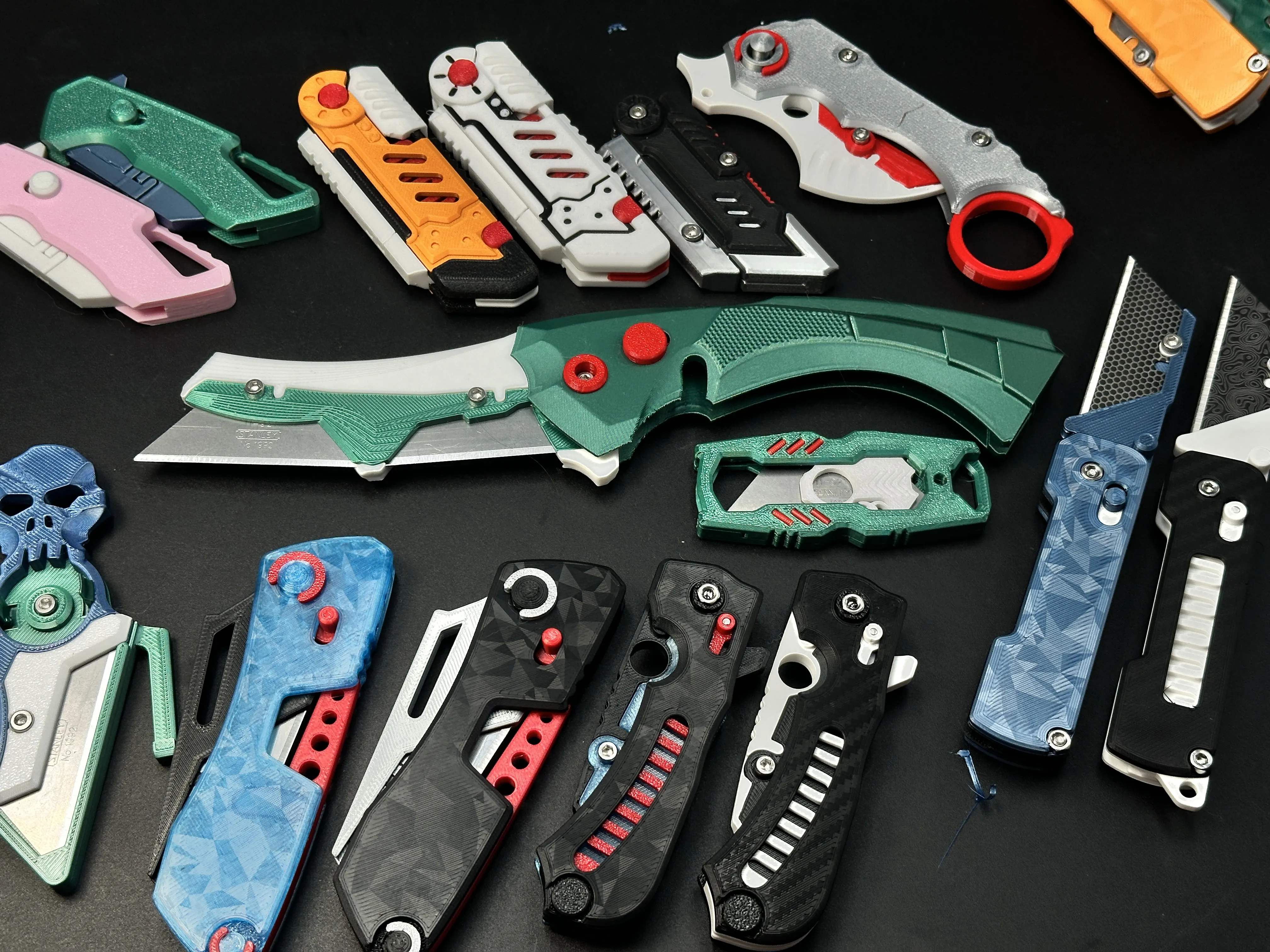
My similar projects, click on the picture
Membership
License

You shall not share, sub-license, sell, rent, host, transfer, or distribute in any way the digital or 3D printed versions of this object, nor any other derivative work of this object in its digital or physical format (including - but not limited to - remixes of this object, and hosting on other digital platforms). The objects may not be used without permission in any way whatsoever in which you charge money, or collect fees.


Comment & Rating (280)