
Timelapse A1 / A1 Mini - Tuto 100% + Support
Print Profile(1)

Description
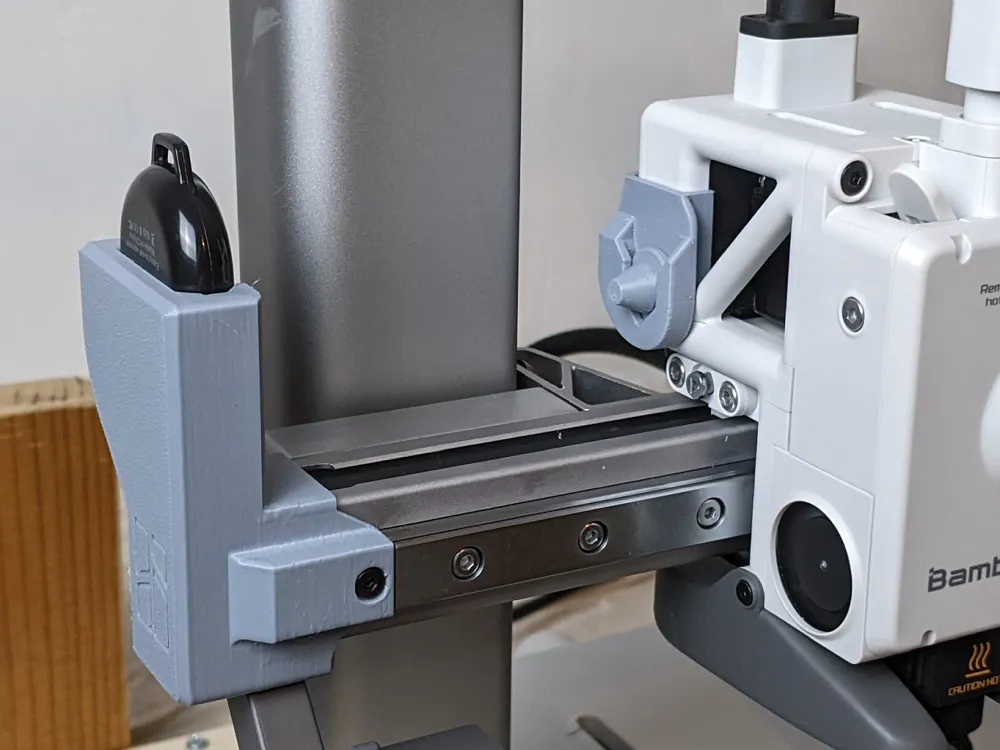
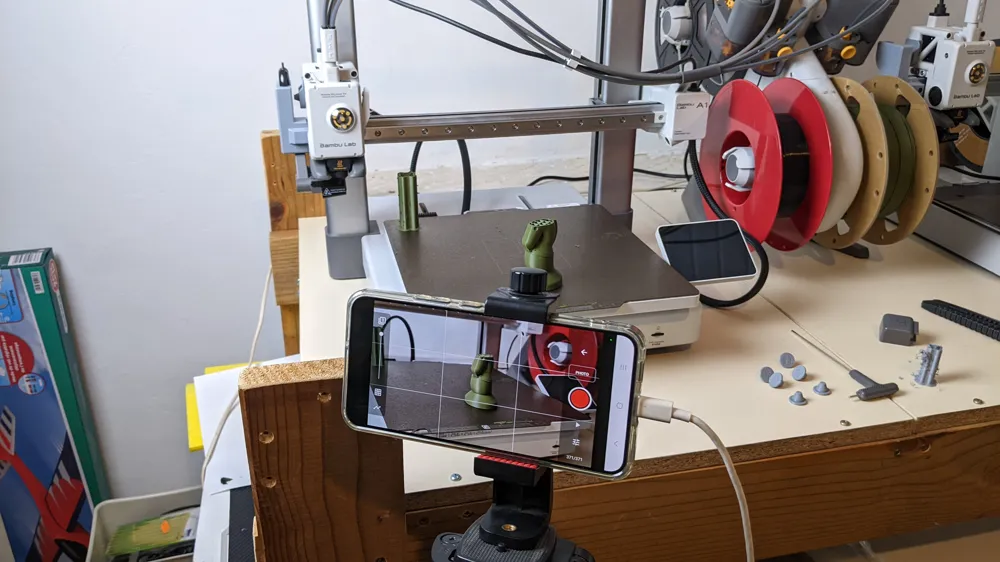
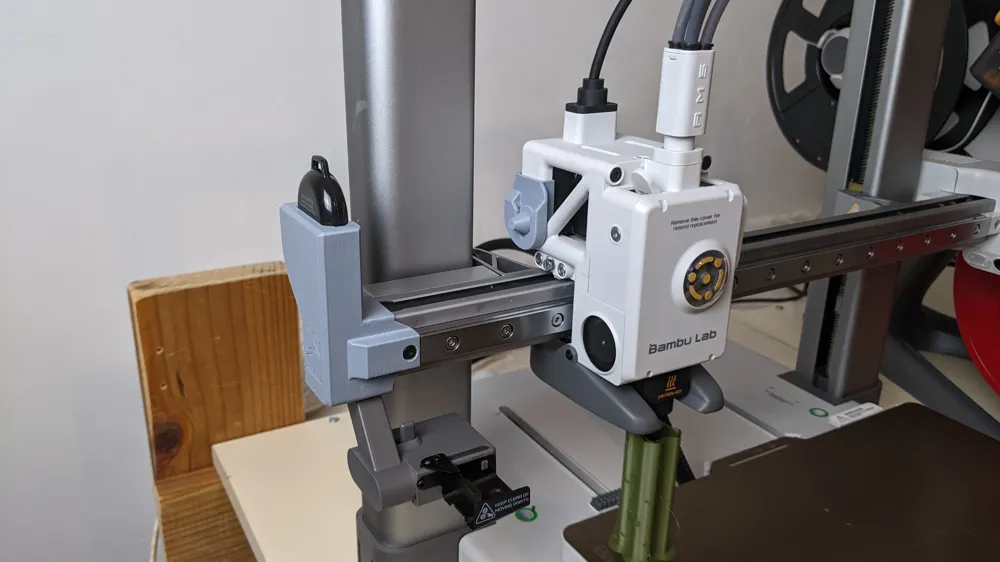
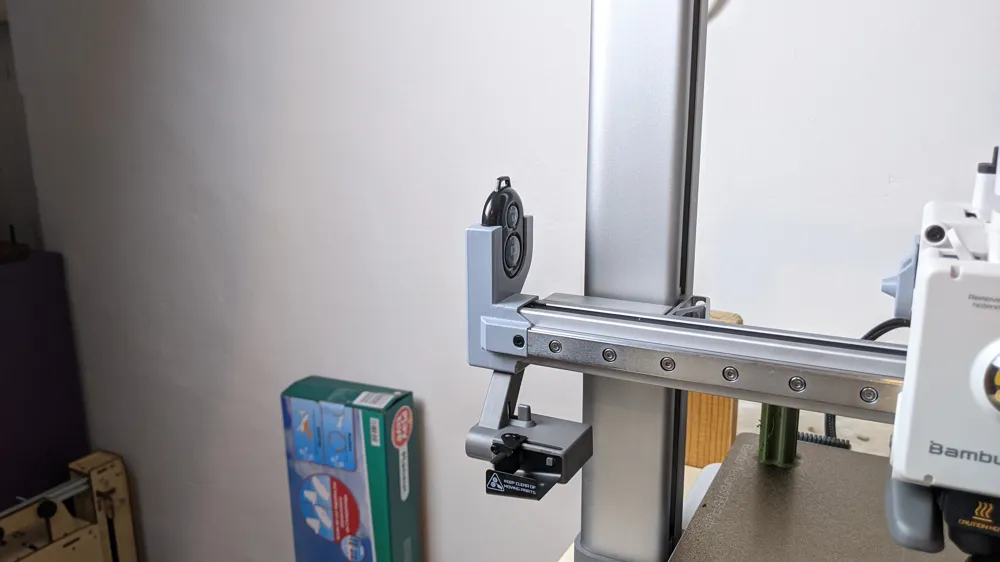
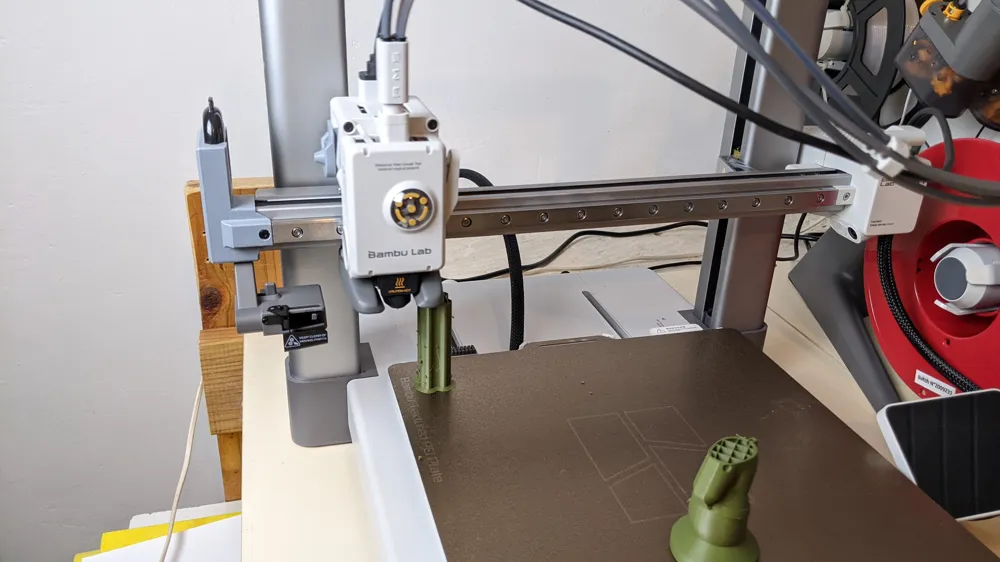
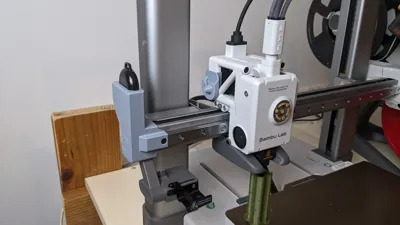
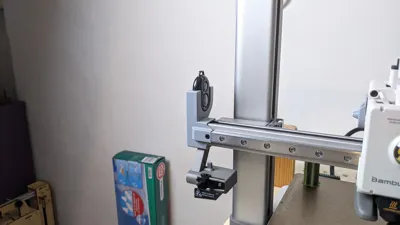
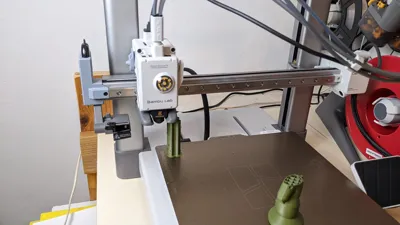
📸 Remote control holder for timelapse with Bambu Lab A1 / A1 Mini

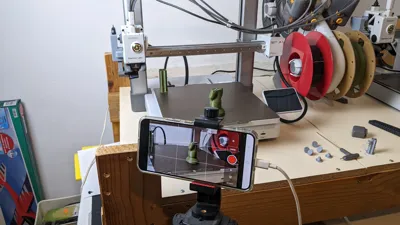
This project allows you to create high-quality timelapses with your Bambu Lab A1 or A1 Mini 3D printer, simply by using a smartphone and a 7€ Bluetooth remote control.
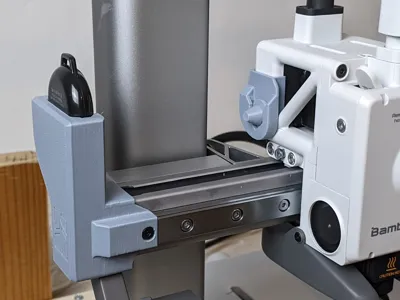
🧩 The provided holder here is 3D Printed, then to be mounted on your printer’s X-axis. It allows the print head to mechanically activate the remote control at each layer, to take a picture.
📷 The whole is combined with a G-code modification in Bambu Studio and the application Stop Motion Studio on a smartphone.
🎬 See the full tutorial here (click on the video title to watch it on YouTube and access the description):
⚠️ Warning
This project is shared for informational purposes.
I cannot be held responsible for any assembly errors, material damage, or misuse.
Make sure to check and test all your settings before starting a print.
⚙️ Custom G-code to insert into Bambu Studio
🟦 For Bambu Lab A1 Mini
In the G-code Timelapse section, replace this:
G1 Z{max_layer_z + 0.4}
G1 X0 Y{first_layer_center_no_wipe_tower[1]} F18000 ; move to safe pos
G1 X-13.0 F3000 ; move to safe pos
M400 M1004 S5 P1 ; external shutter
M400 P300
With this custom code:
G1 Z{max_layer_z + 0.4}
G1 X0 Y150 F18000 ; advance the bed to take the photo
G1 X-13.0 F3000 ; move to photo trigger position
M400 P300 ; wait 0.3s to ensure firm button press
G1 X-10 F3000 ; move back 3mm to trigger the photo
M400 P1500 ; wait 1.5s for photo to be taken while the head is stationary
🟨 For Bambu Lab A1
In the G-code Timelapse section, replace this:
G1 Z{max_layer_z + 0.4}
G1 X0 Y{first_layer_center_no_wipe_tower[1]} F18000 ; move to safe pos
G1 X-48.2 F3000 ; move to safe pos
M400 M1004 S5 P1 ; external shutter
M400 P300
With this custom code:
G1 Z{max_layer_z + 0.4}
G1 X0 Y220 F18000 ; advance the bed to take the photo
G1 X-48.2 F3000 ; move to photo trigger position
M400 P300 ; wait 0.3s to ensure firm button press
G1 X-45.2 F3000 ; move back 3mm to trigger the photo
M400 P1500 ; wait 1.5s for photo to be taken while the head is stationary
Summary article on my site : realise-de-superbes-timelapses-avec-ta-bambu-a1-ou-a1-mini/
✅ Happy printing and filming, comment here and below the video to tell me how it goes!
License



Comment & Rating (27)