
Stacked HSW Wall Panels 2/4/6/8x211x248
Print Profile(4)
Description
UPDATE May 15, 2026:
Per user request, I have added print profiles with stacks that have 3 layers (0.75mm) of separation at each level, versus the original single-layer (0.28mm) versions. My test-prints turned out great, looking at them I believe that this gives better assurance that there is full coverage of the surfaces in the separation layers. I have also changed the layer height to 0.25, so that there is an even division of the panel height (8mm).
I am marking the old versions “deprecated” and I recommend printing these new versions going forward for less chance of a misprint that won't separate.
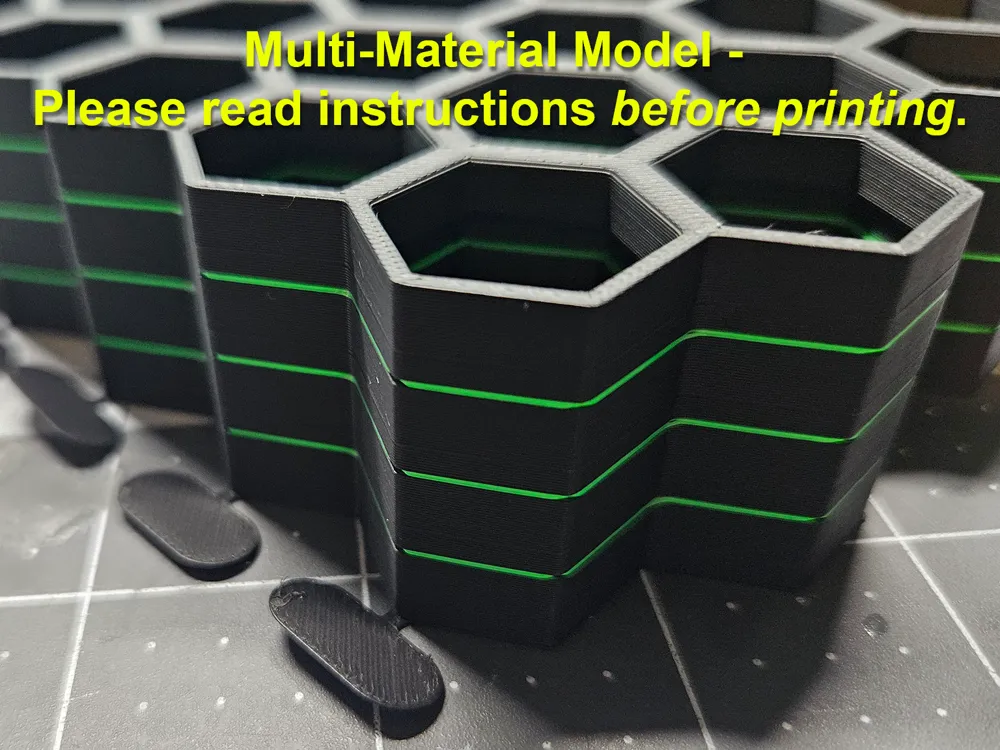
THIS IS A MULTI-MATERIAL MODEL THAT MIXES PLA and PETG - PLEASE READ ALL INSTRUCTIONS BEFORE PRINTING
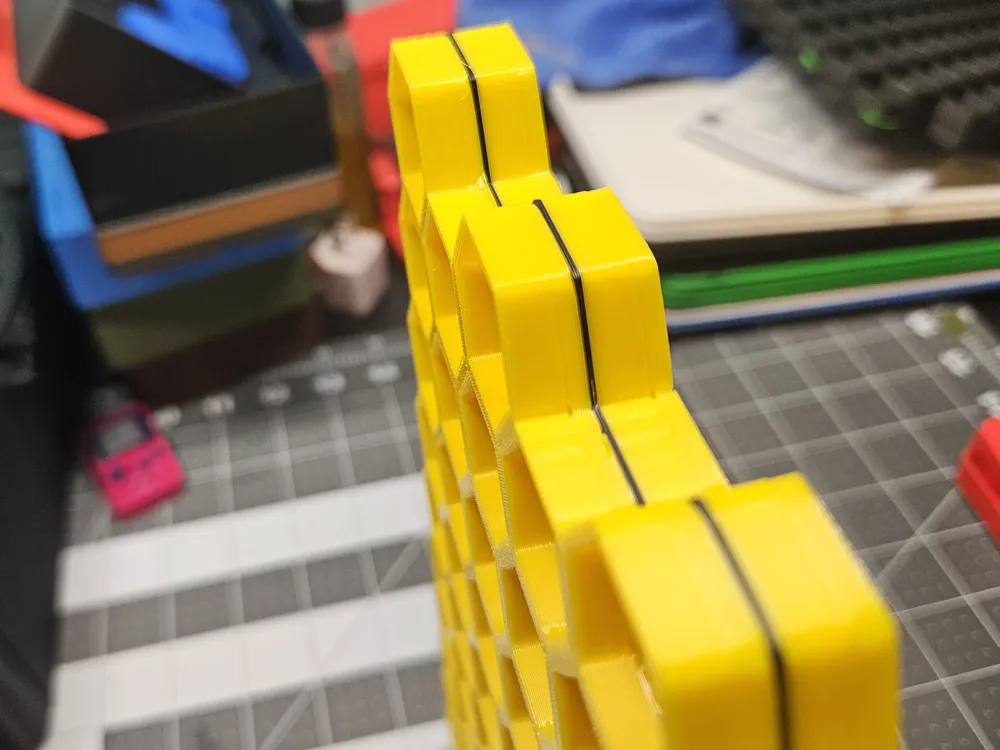
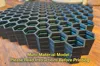
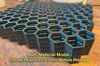
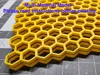
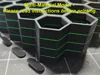
These are 2-, 4-, 6-, and 8-stack versions of the HSW 211x248 wall panel.
PLEASE NOTE: the panels in these stacks are not spaced apart from each other, they are separated by thin intermediate layers that must be printed in a different material (PETG or PLA) or you will not be able to pull them apart.
Printing stacked models that mix PLA and PETG is not as straightforward as every day printing. Please take this into account and ensure that your printer is well calibrated, your filament is high quality and dry, your build plate is clean, and the printer and filament profiles you are using are standard.
Before slicing, change the filament of the intermediate layers to the correct material:
- If you are printing in PLA, the intermediate layers should be PETG (or PLA support material but that's $$$)
- If you are printing in PETG, the intermediate layers should be PLA
If you do this, the panels will pull apart with a firm tug and the intermediate layers will pull right off.
You should also set the flush volumes between the PLA and PETG to maximum (900) to ensure that each is thoroughly purged before printing the other. If even a little of one is mixed into to the other when laying down your layers, there is a high potential for failures during or after printing.
If you are importing the model file individually, you will need to , split the object into parts (not objects), then set the filament of the separation layers to PETG if you're printing PLA, or vice versa.
This remix is based on

License



Comment & Rating (127)