
Customize Make Your Name Decorative Fun Letters
Print Profile(2)

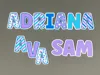
Description
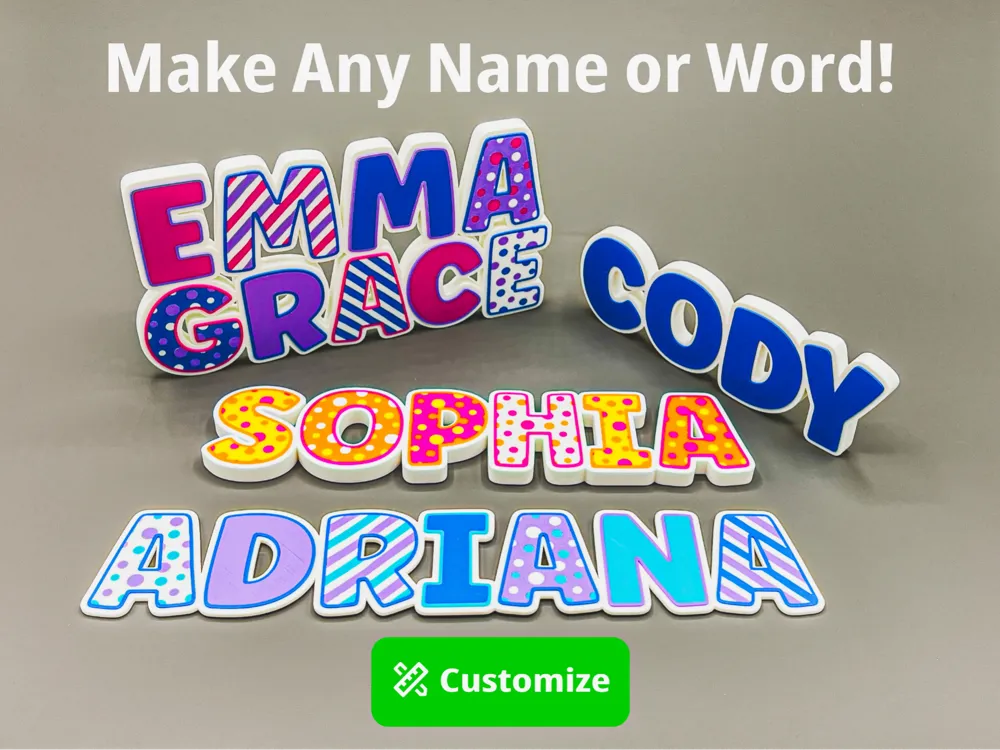
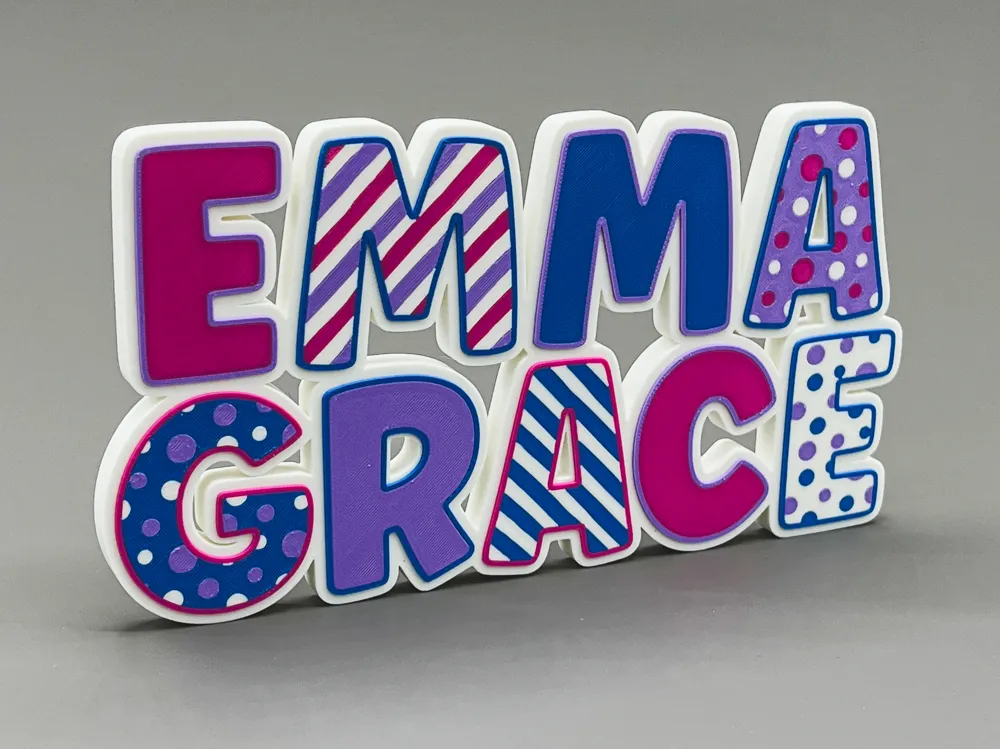
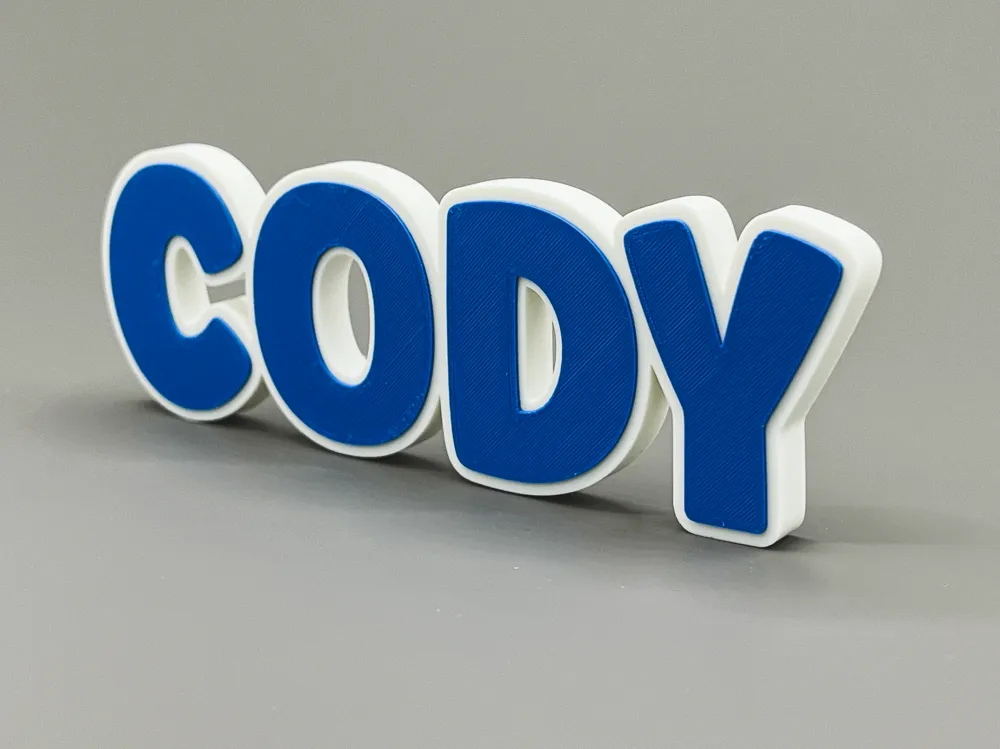
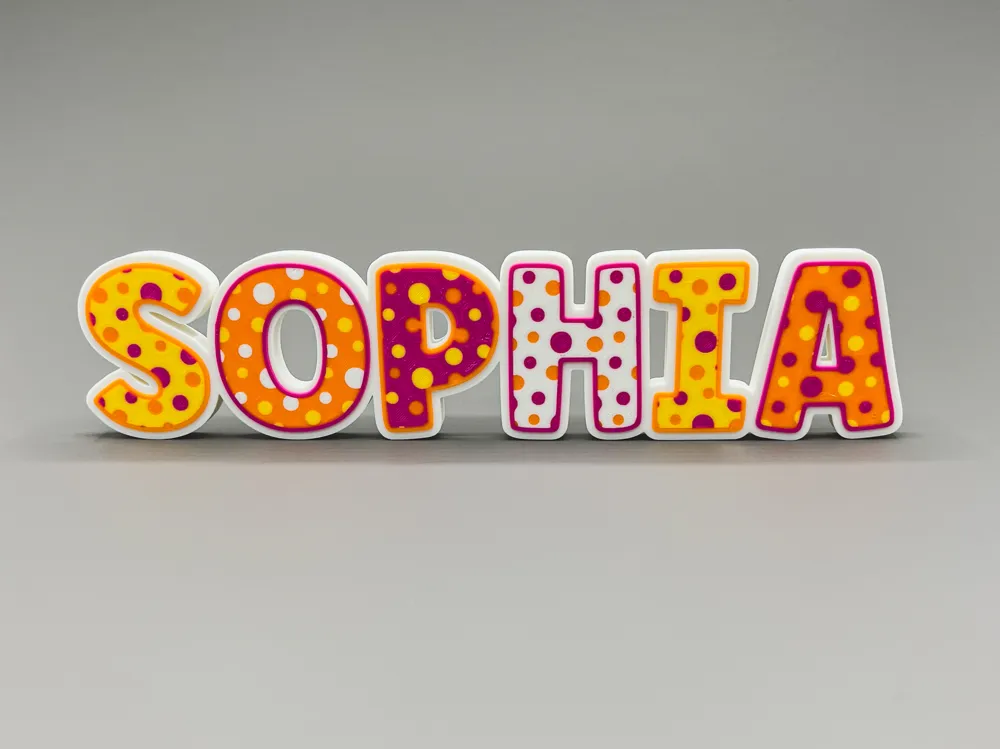
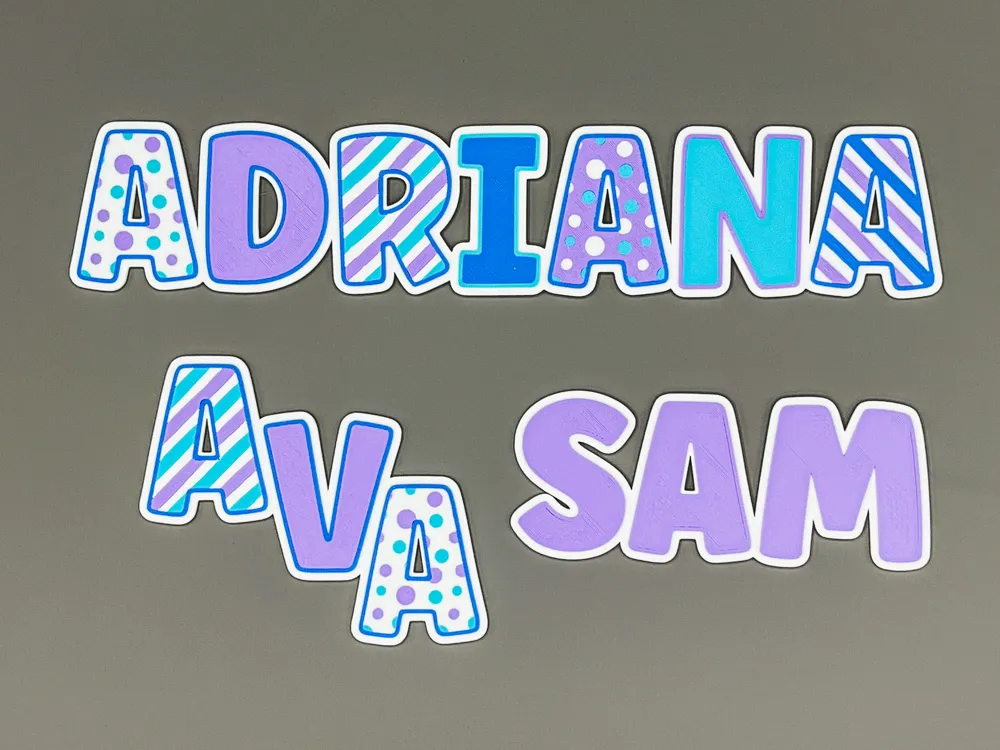
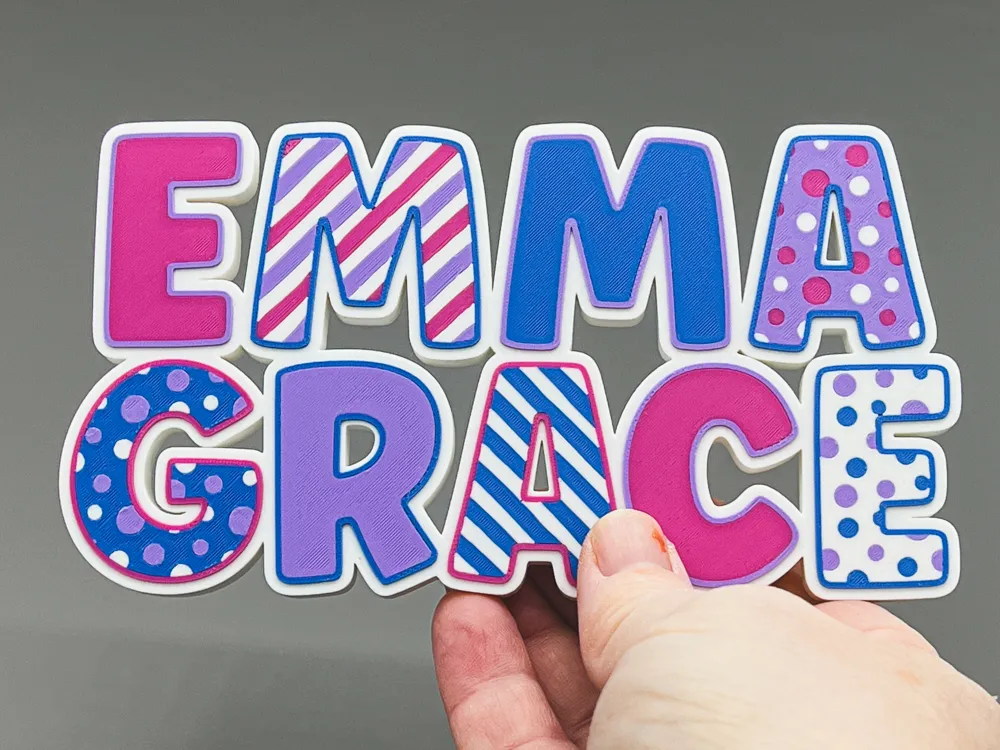
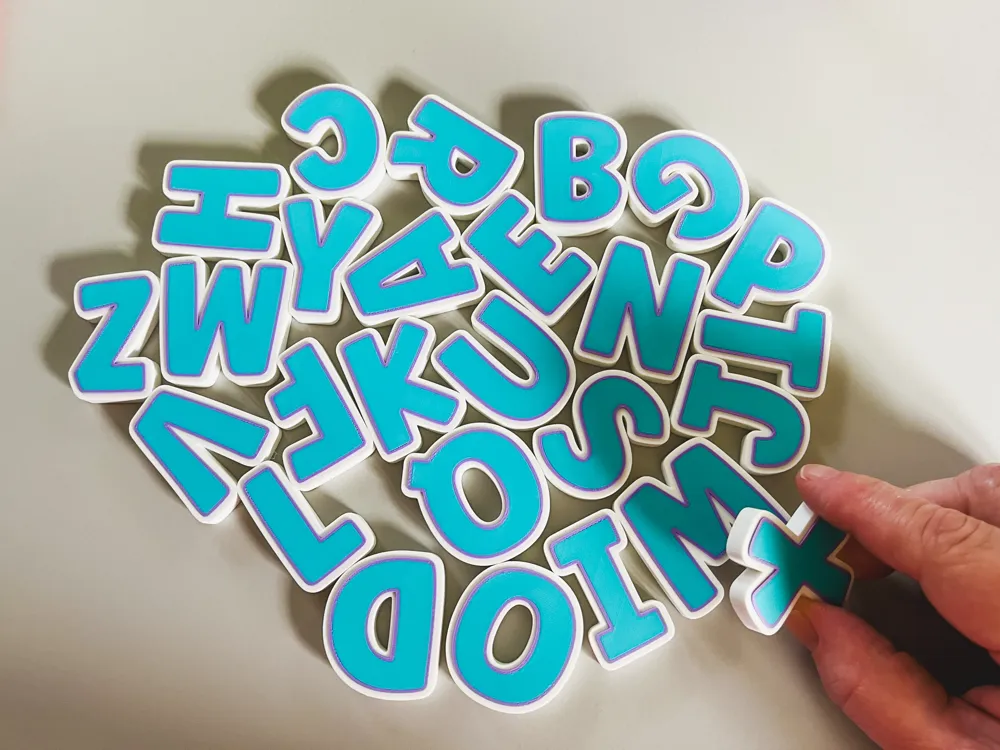
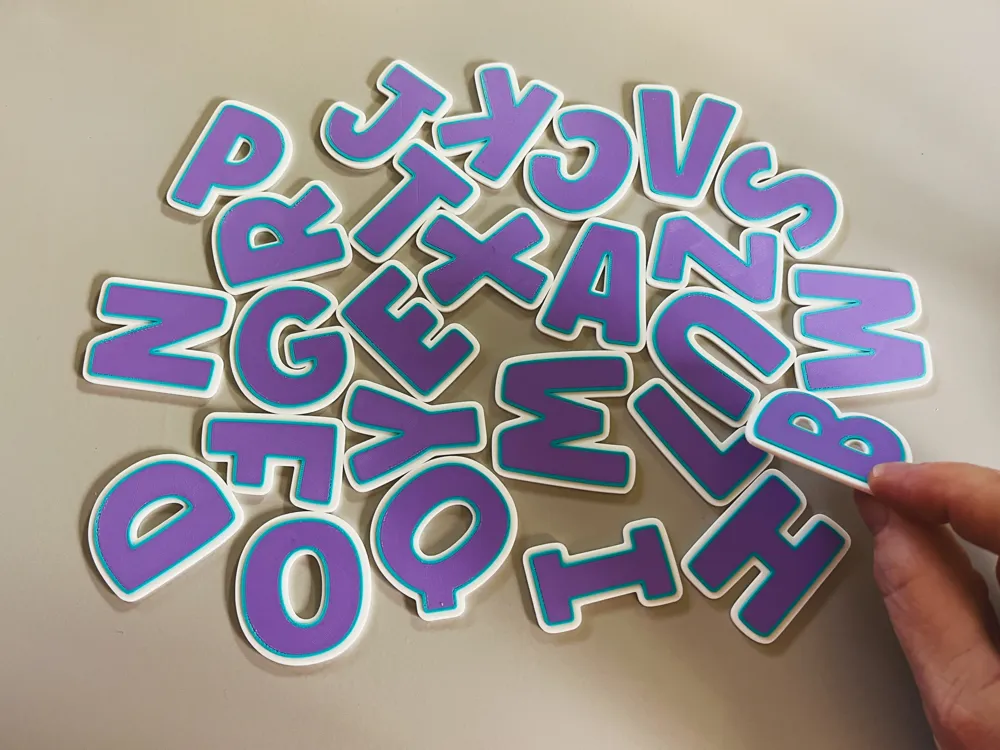
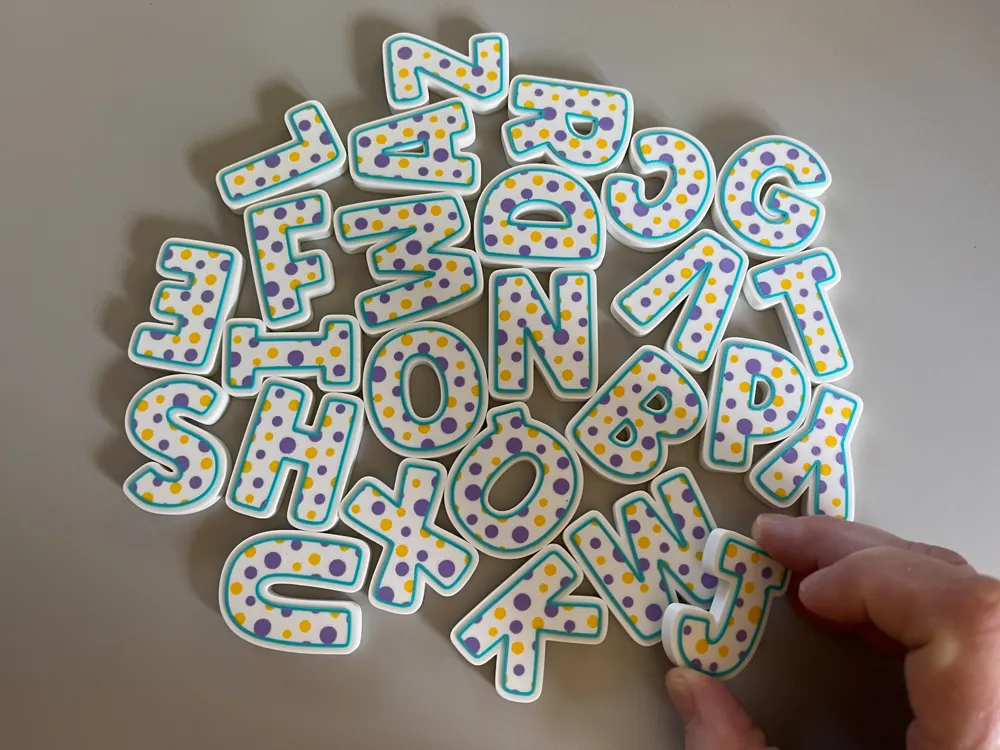
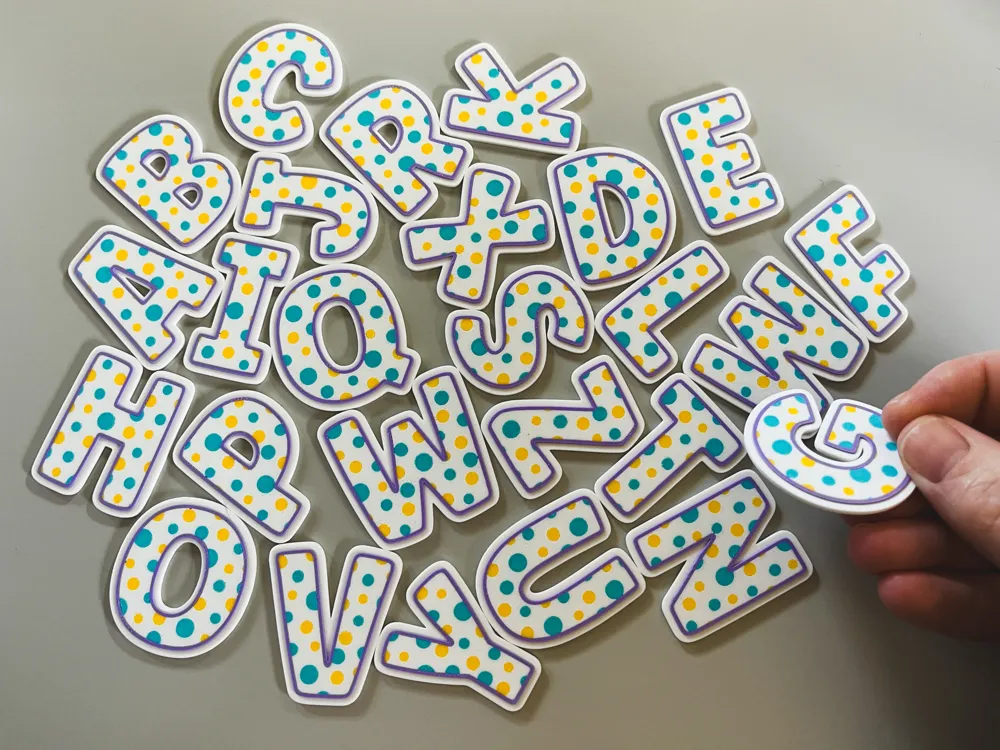
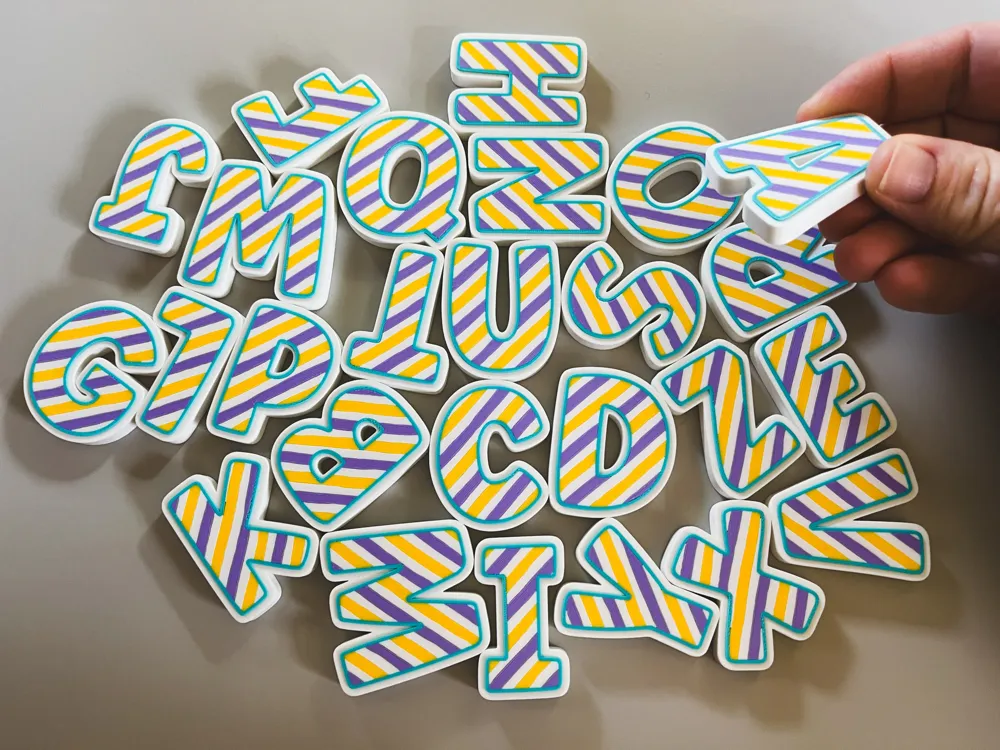
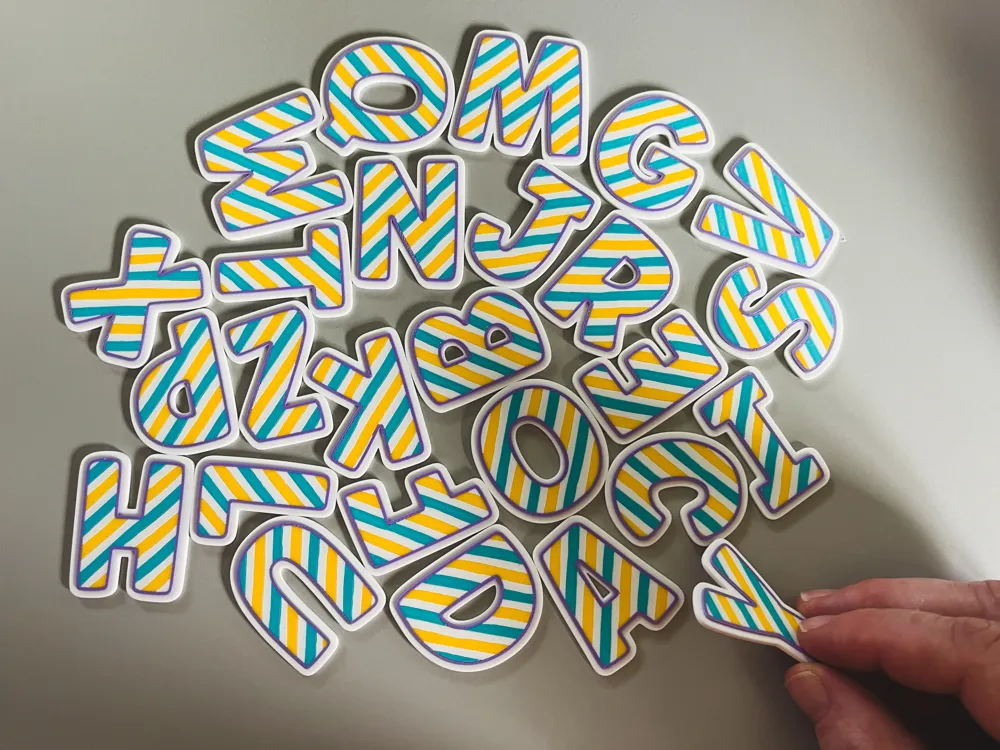
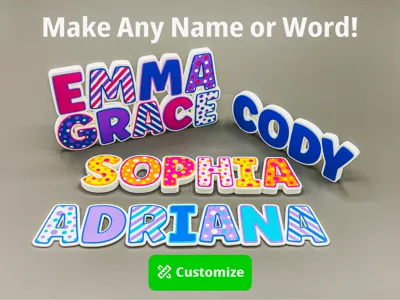
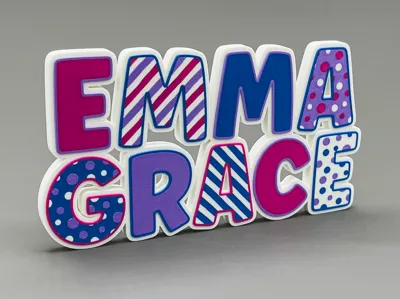
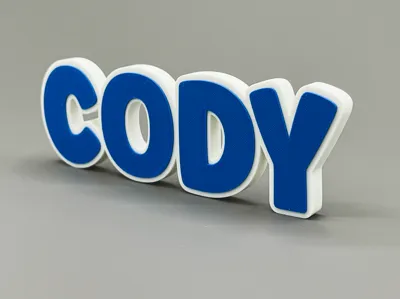
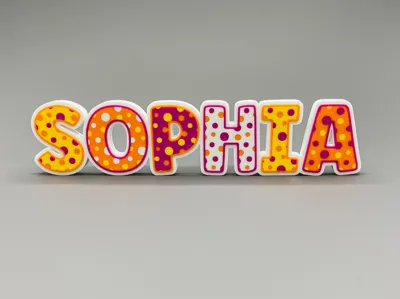
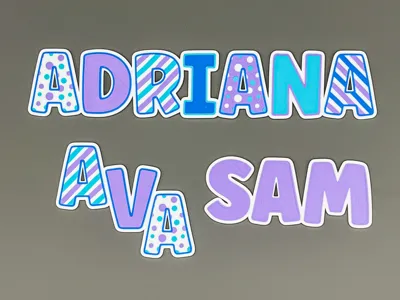
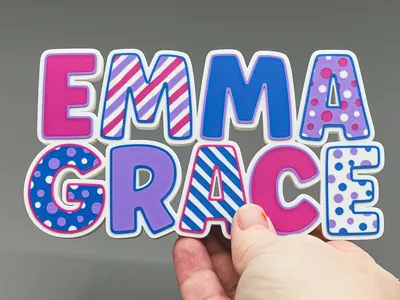
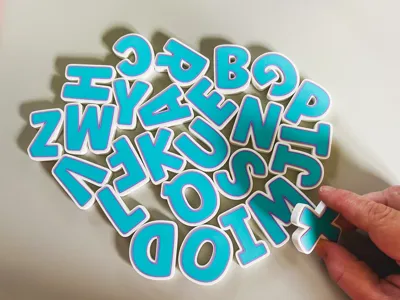
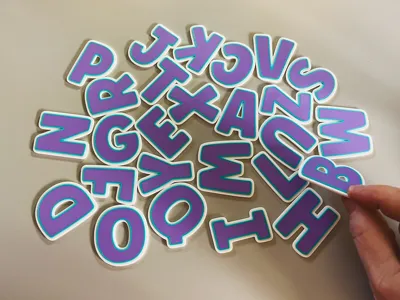
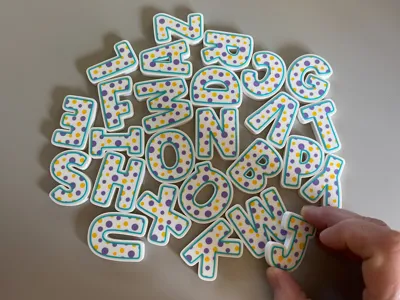
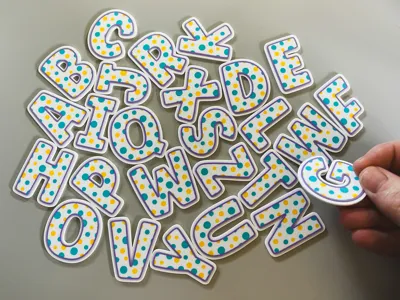
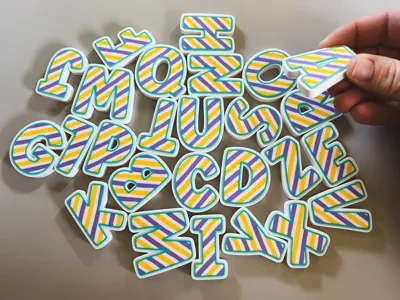
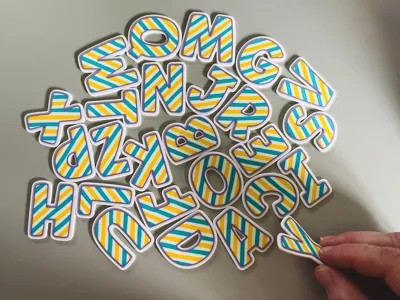
Build your own decorative names, or any words! Just clone the letters you want, put them together, and merge them to create a single object for printing. Each letter can be customized in multiple ways for endless variety! There are two profiles: one for a “thick” name that will stand on it's own, the other “thin” profile suitable for hanging on a wall.
Steps:
- Clone the letters you want and build your word. Align the letters with the outermost outlines overlapping (see example ABC in model). If you are making a stand-alone name, make sure the bottom edges are in alignment.
- Select your colors. There are so many combinations that will make great-looking models!
- If you want your letters to stand up, use the “Thick” profile. Most words will stand fine as-is, but if you want a rock-solid base that won't tip add the optional base. Just scale the X-Value to the length of your word and place it just underneath the letters (see example ABC).
- Once your name looks the way you want it, merge all the letters and optional stand/hanger together (select all and right-click “Merge”). Then you're ready to print!
Here's a short video showing the process of creating a name.
Helpful Hints:
- At this scale, everything prints well with a 0.4mm nozzle (although it will look best with a 0.2mm). If you size the letters down, you should switch to a 0.2mm nozzle.
- The top color layers are set to a total height of 0.5mm. I find this works well to cover a white base layer. If you are using a darker color for the base, make sure you are using Matte PLA which is less opaque than Basic PLA, or scale the Z-Value up to make a thicker design.
- Scale the X and Y values freely to get the size you want - make taller or chunkier letters for even more variety! Note that changing the Z Value will change the overall thickness of the top color layers.
- Some letters (A,H,I,M,O,T,U,V,W,X,Y) can be mirrored on the X-Axis, which reverses the direction of the diagonal lines for even more variety.
Wondering why we didn't create this as an OpenSCAD project? Our testing shows the multi-color functions currently in development do not consistently export usable files. Which means we went old school! We will continue to research and will hopefully get this project into a more automated form. For now, enjoy putting your letters together!
Boost Me (for free)
If you like my designs, I would appreciate a boost!
License

You shall not share, sub-license, sell, rent, host, transfer, or distribute in any way the digital or 3D printed versions of this object, nor any other derivative work of this object in its digital or physical format (including - but not limited to - remixes of this object, and hosting on other digital platforms). The objects may not be used without permission in any way whatsoever in which you charge money, or collect fees.


Comment & Rating (43)