
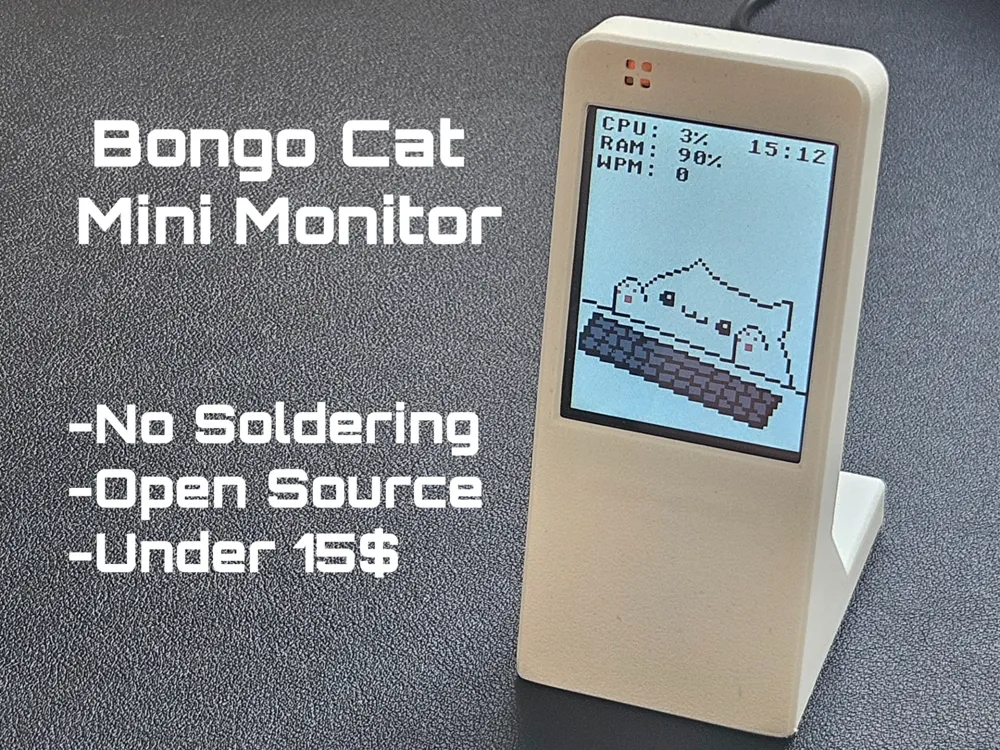
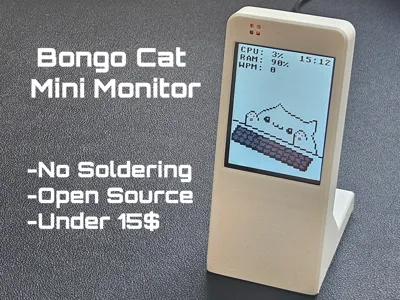
Bongo Cat Mini Monitor – Animated ESP32 Display
Print Profile(8)

Description
If this model was useful, please like it and follow me for more designs.
Boost Me (for free)
It's free and directly supports my work.
Membership
Personal prints are free. To sell prints, join my membership to get a commercial license.
Want to support my work? You can buy me a coffee.
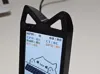
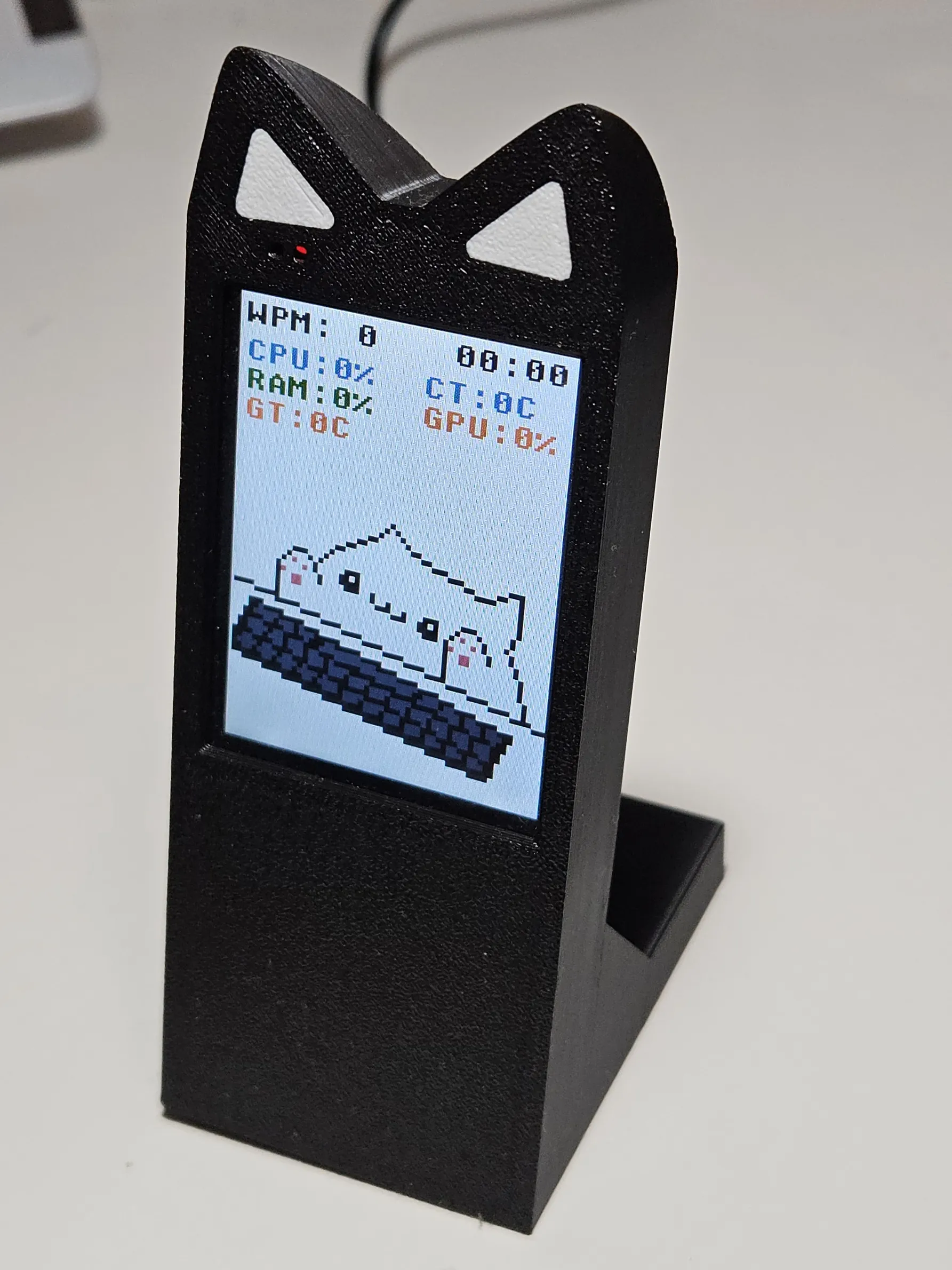
UPDATE 5.0: Added print profile for cases with better stability, stock option and with cat ears
 |
UPDATE 4.0: Fixed Inverted Colors (2.4" & 2.8" Displays)
A lot of you reported issues with colors showing up inverted on both the 2.4" and 2.8" boards. I’ve added a new firmware build that fixes this problem!
UPDATE 3.0: Crowdfunding Launch!
Since this project taking a lot of time and work to improve and support i decided to launch the Maker World Crowdfunding Compaign!
Now you can not only support development of new and better Bongo Cat Mini Monitor V2.0 but aslo take part in shaping it! All backers will play part in deciding what skins, features and customizations to add to the project.
You can check it out here:
https://makerworld.com/crowdfunding/53-bongo-cat-mini-monitor-2-0-new-features-upgrades
Thank you everobody!
---------------------------------------------------------------------------------------------------
UPDATE 2.0: Now with 2.8" board support!
These boards are the same ones used in the Aura Project, where you can also find links to the boards and cases
You can now flash Bongo Cat onto a 2.8" screen board directly from the WebFlasher.
Big thanks to @cosmith for providing the edited and compiled binary that made this possible.
---------------------------------------------------------------------------------------------------
UPDATE: NOW AVAILABLE FOR MACOS
Thanks to everyone for your boosts, support, and feedback! A lot of you asked for Mac compatibility and it's finally here. You can now use the Bongo Cat Web Flasher and companion app on MacOS. Instructions are available on the Web Flasher page and in the GitHub repo.
Got suggestions? Drop a comment, let’s keep improving Bongo Cat Monitor together!
---------------------------------------------------------------------------------------------------
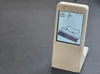
Inspired by the amazing Aura project, I wanted to build something just as fun, but a bit more chaotic. That’s how the Bongo Cat Mini Monitor was born.
This tiny animated display is under $15, requires no soldering, and is completely open-source. All files, code, and instructions are available on GitHub:
https://github.com/vostoklabs/bongo_cat_monitor
What It Does
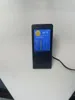
This is your pixelated office buddy.

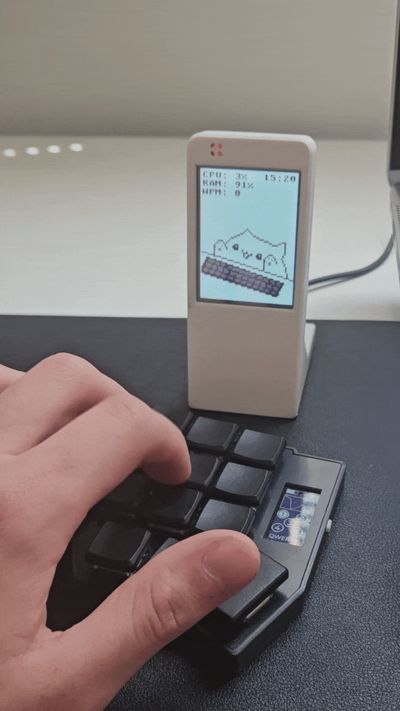
- Bongo Cat types when you type, matching your speed (WPM tracked).
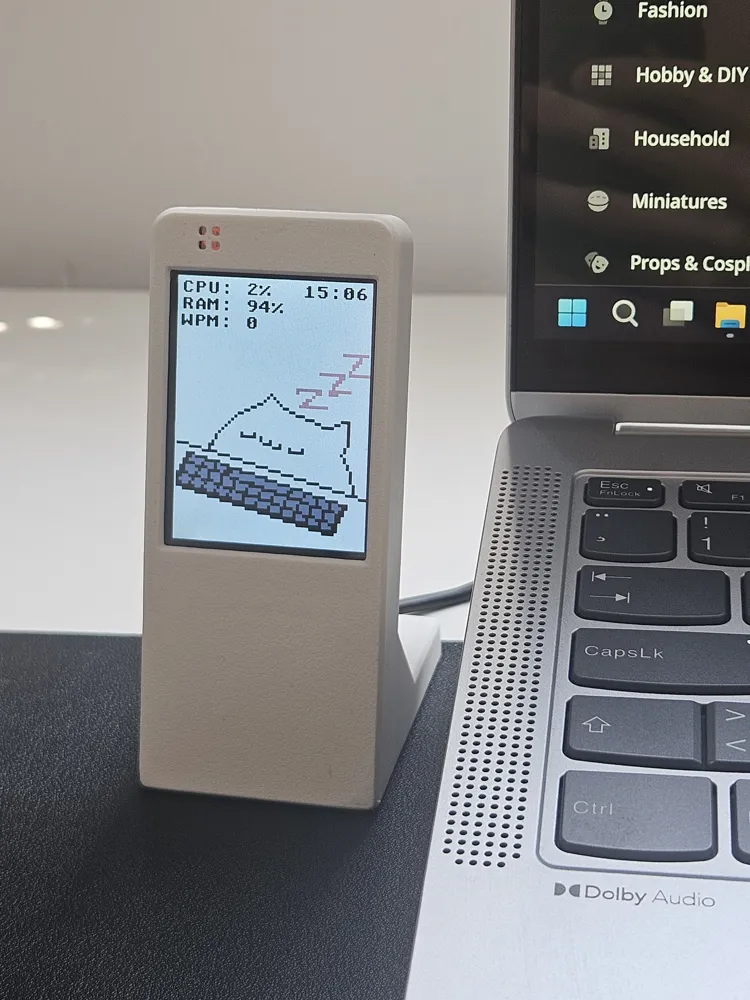
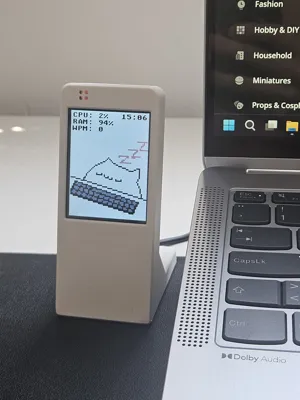
- Goes to sleep when you’re idle.
- Displays your CPU usage, RAM load, and time.
- Choose between 12h/24h format and customize what info is shown.
What You Need
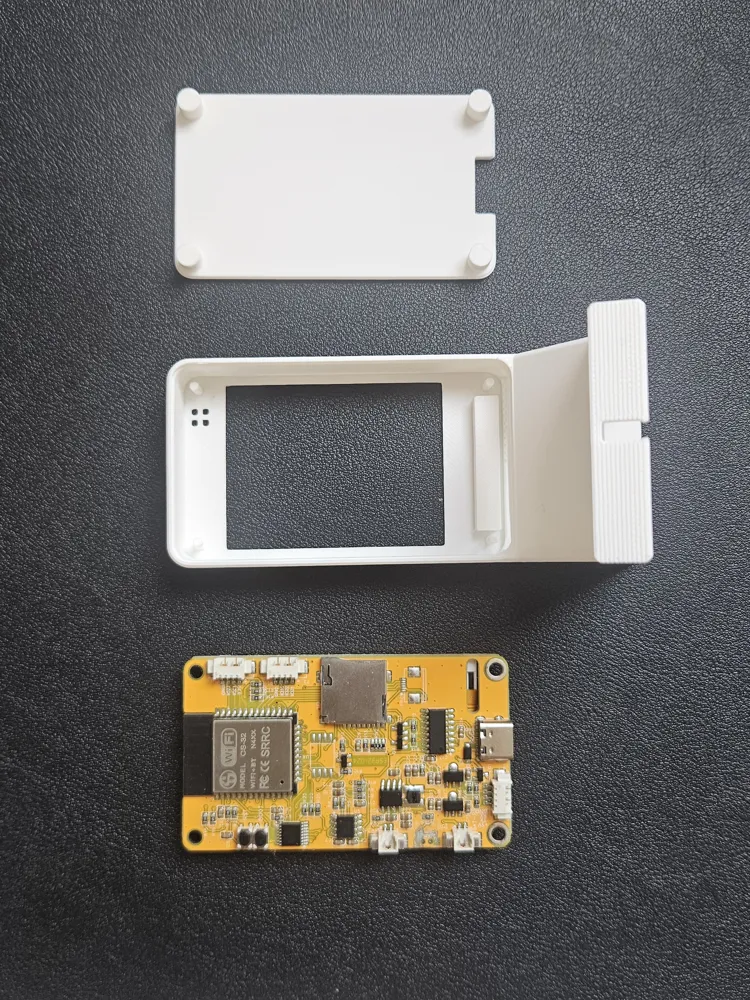
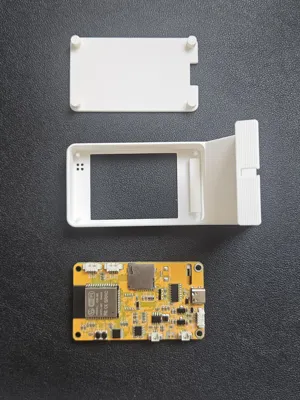
- ESP32 board with 2.4" TFT screen
I used This one from AliExpress - Printed case
USB-C cable
How to Set It Up
- Flash the firmware via the Bongo Cat Web Flasher:
https://vostoklabs.github.io/Bongo_cat_webflasher/ Download the Windows companion app from the same page.
Note: Chrome might flag the .exe as suspicious: this is normal for unsigned apps. The full source code is on GitHub so you can verify or build it yourself.
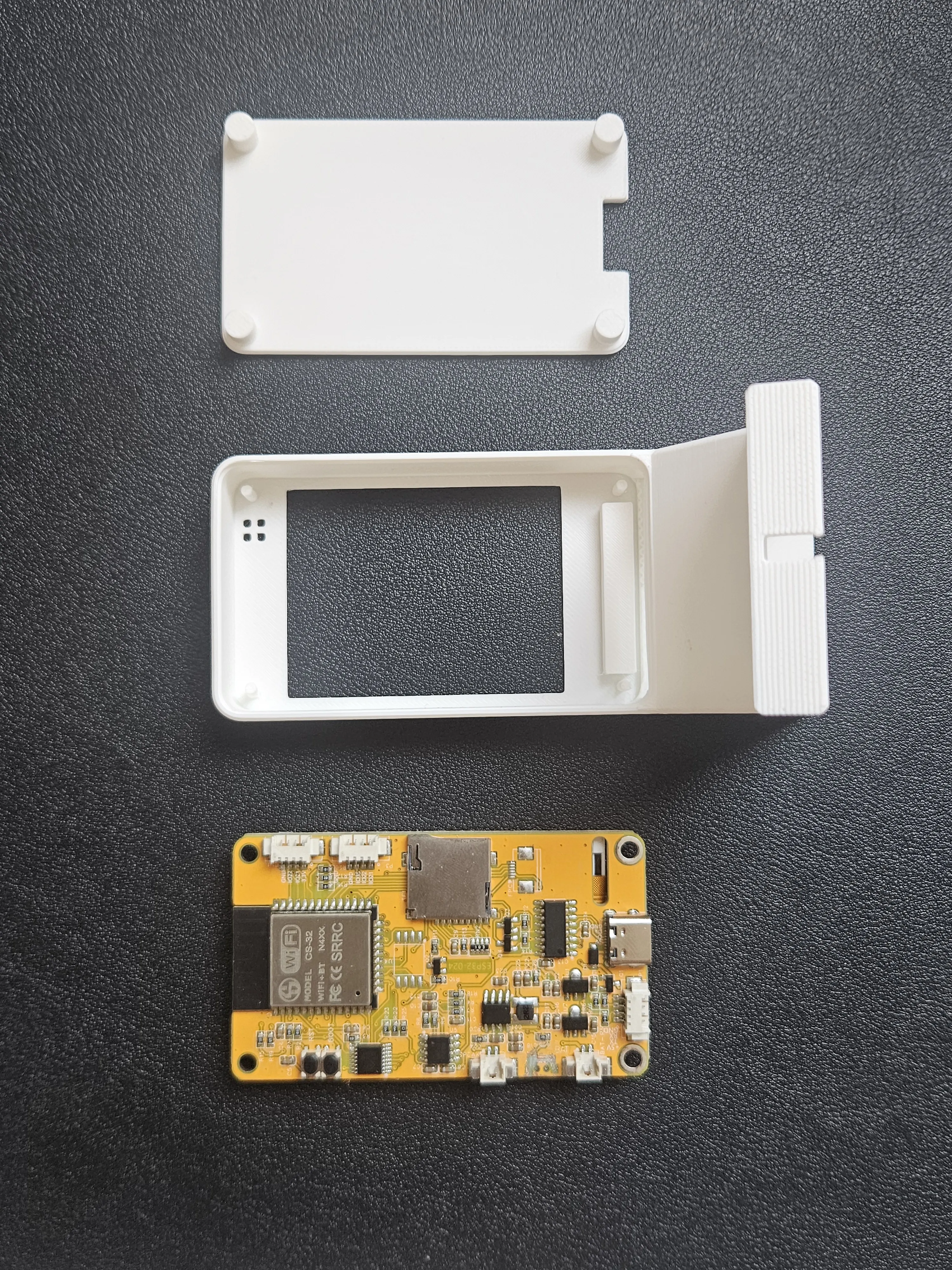
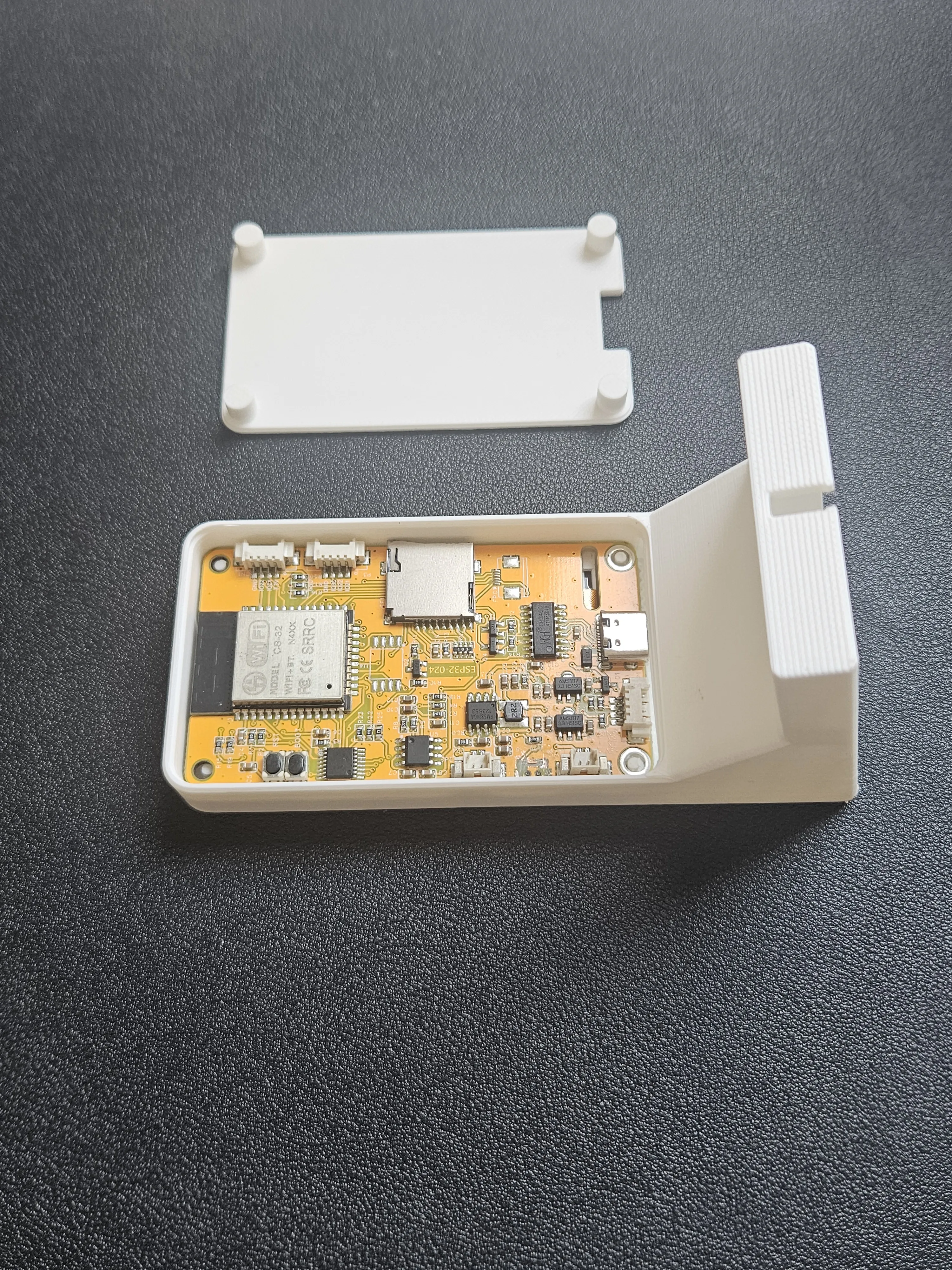
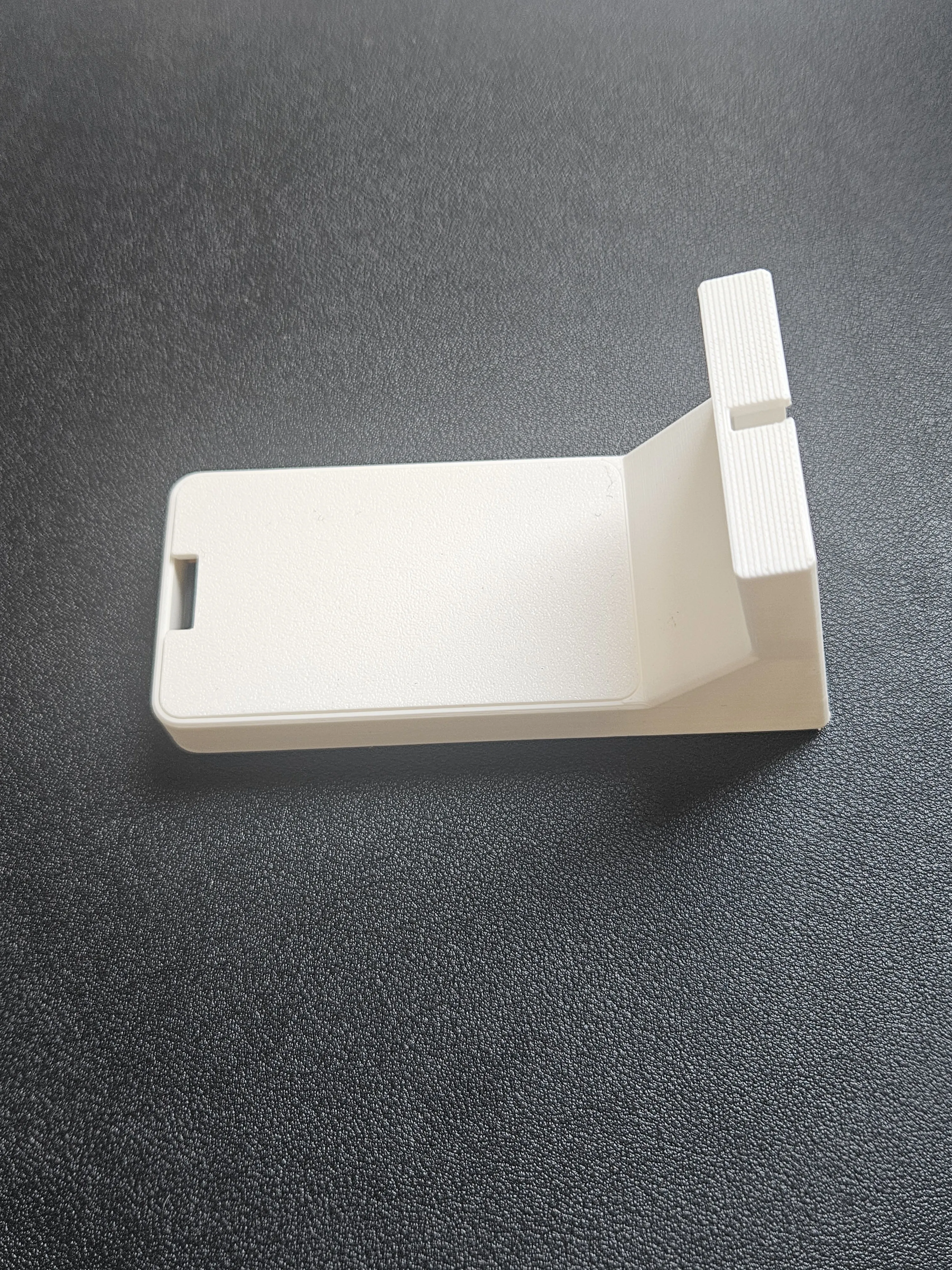
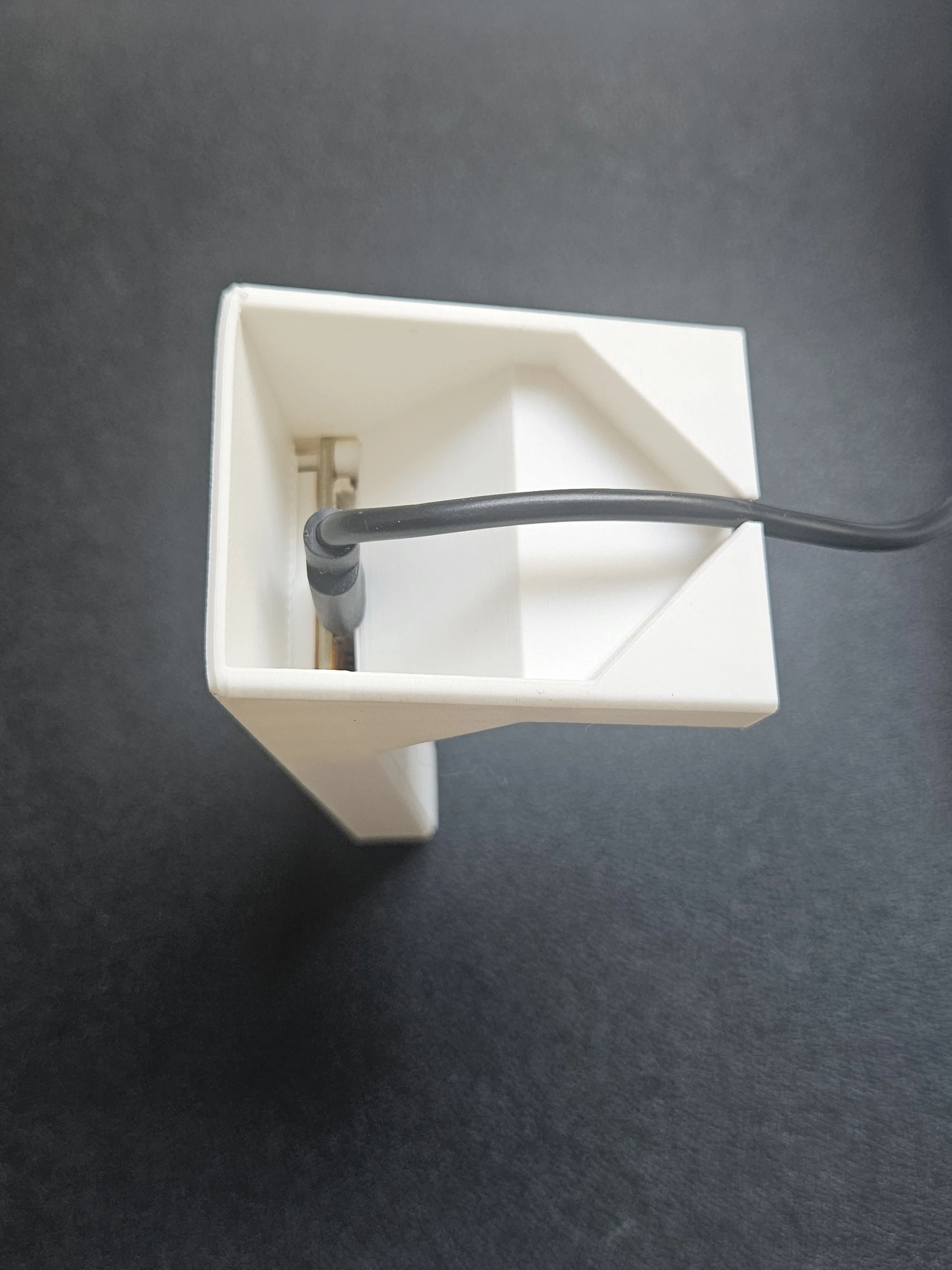
- Assemble the case: drop the board in with the USB port facing down, add the lid, and plug in the cable. Done!
Very easy assembly
| Prepare all parts | Drop the board with usb facing down | Close the lid | Connect usb cable |
 |  |  |  |
About the Companion App
The Windows companion app runs quietly in the background. You can access it any time by right-clicking the cat icon in the windows tray
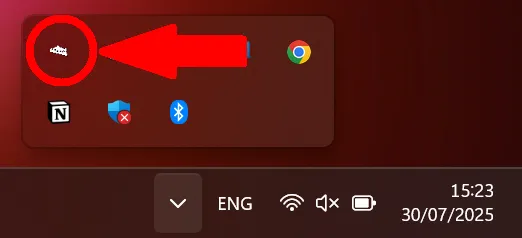 | 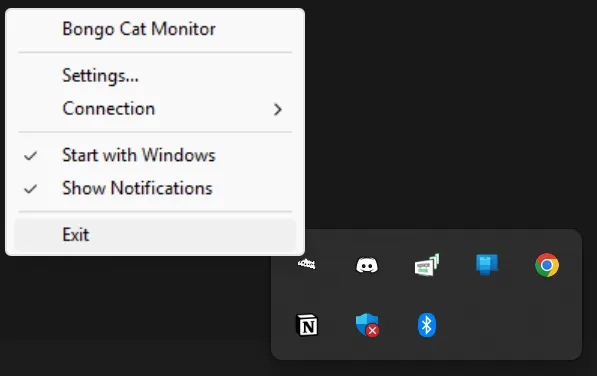 |
From the tray menu, you can:
- Open Settings
- Reconnect the device if it's not responding
- Exit the app
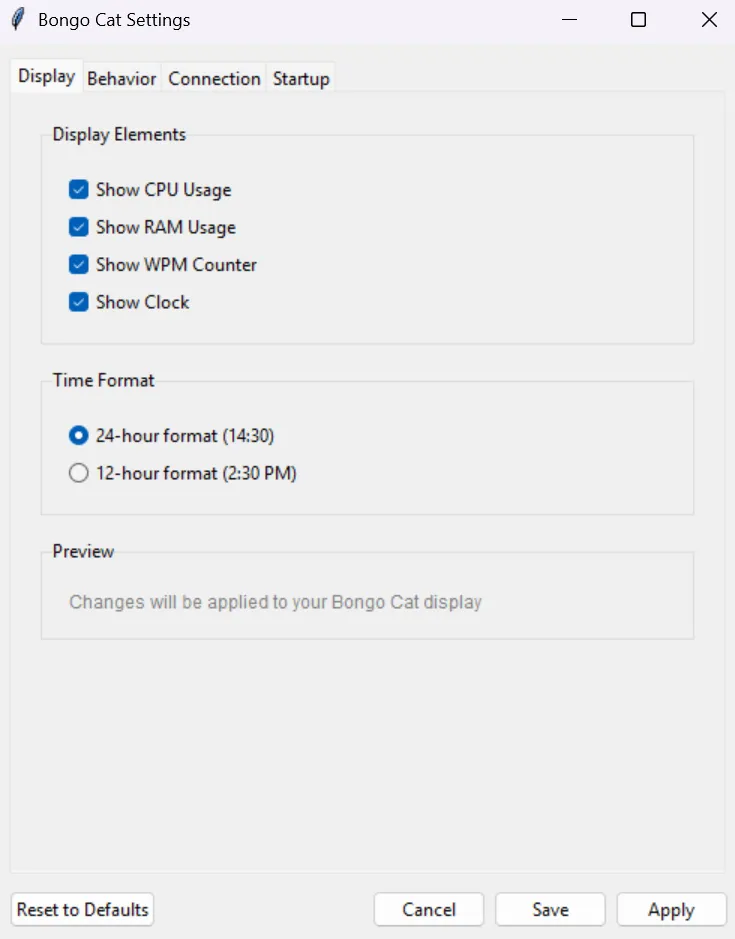
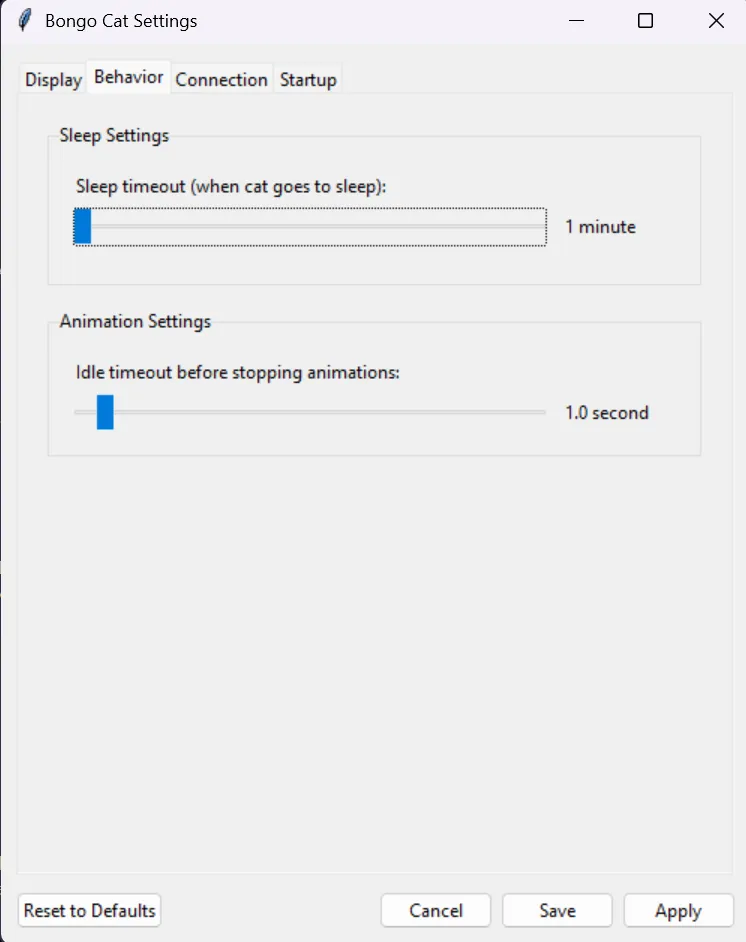
In Settings, you can configure:
- What info to show on the screen (CPU, RAM, WPM, clock)
- Choose between 12h / 24h time formats
- Set idle timeout (how long before Bongo Cat goes to sleep if you're not typing)
 |  |
If the board isn’t detected, right-click the tray icon and select Disconnect, then Reconnect. This solves most connection issues.
Animation Showcase



Here are a few example animations you’ll see in action:
| Slow Typing | Fast Typing | Blinking Idle |
 |  |  |
Current Status & What's Next
This is the initial release, and I plan to keep improving it. I’d love your suggestions, feel free to drop a comment!
Note: The case could be more compact, but I didn’t have an L-shaped USB-C adapter. I’ve included STEP files, so feel free to remix the enclosure.
Everything here code, animations and 3D files was made from scratch by me. You’re free to remix, reuse, and improve it however you like. Just link back if you publish!
Enjoy printing!
Click here to see my other designs.
License

You shall not share, sub-license, sell, rent, host, transfer, or distribute in any way the digital or 3D printed versions of this object, nor any other derivative work of this object in its digital or physical format (including - but not limited to - remixes of this object, and hosting on other digital platforms). The objects may not be used without permission in any way whatsoever in which you charge money, or collect fees.


Comment & Rating (599)