
Seal Box Generator
Print Profile(1)

Description
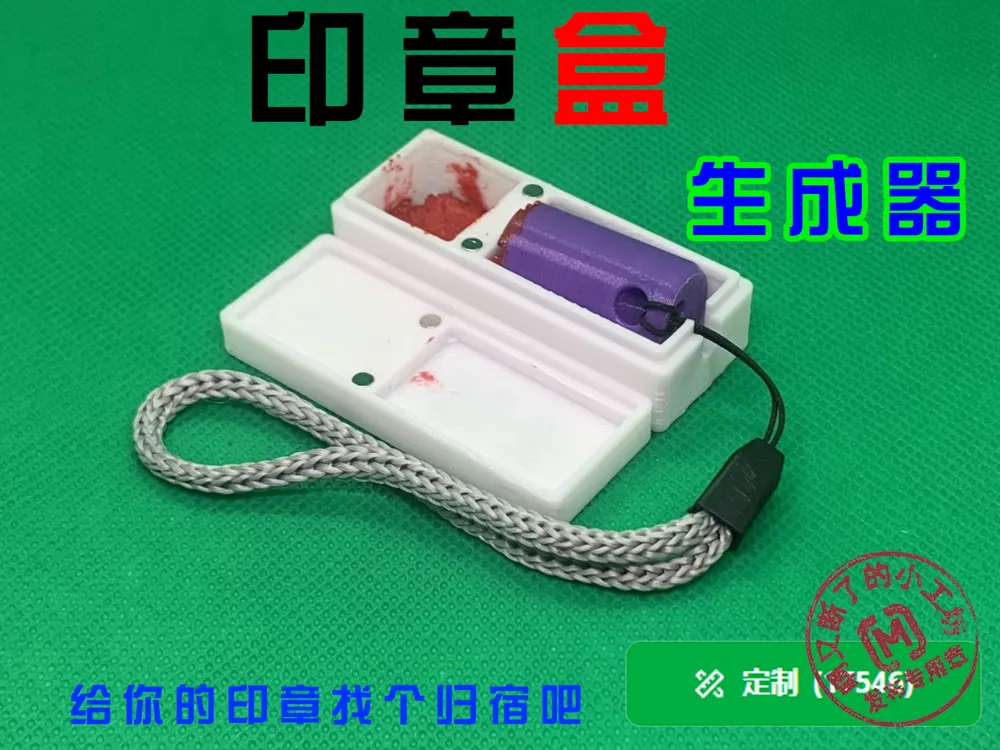
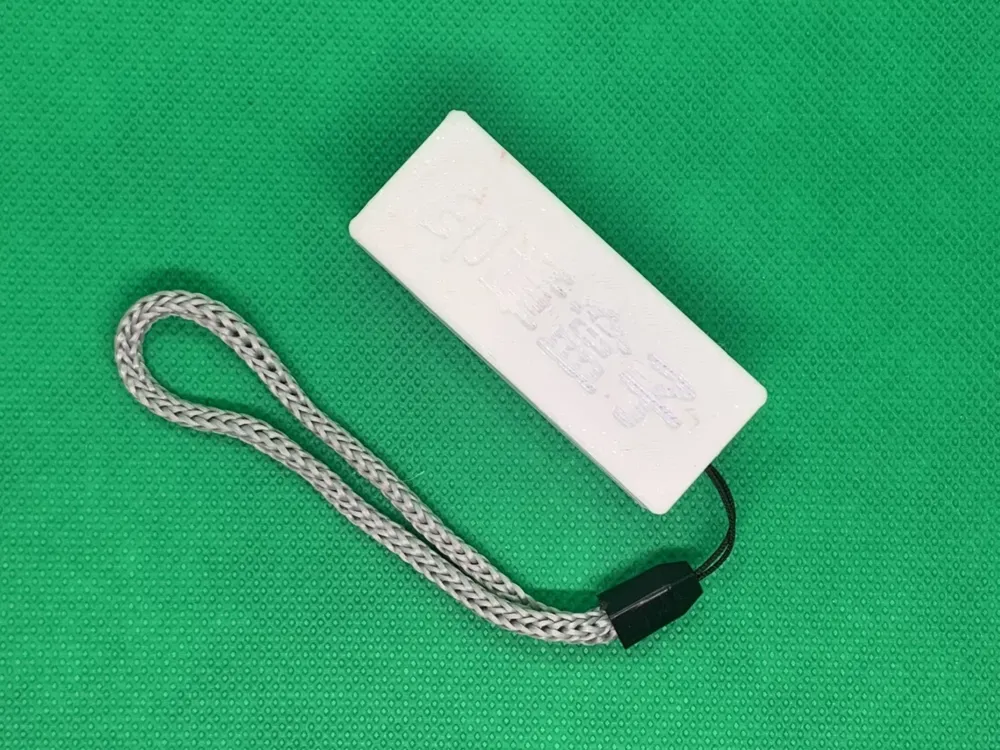
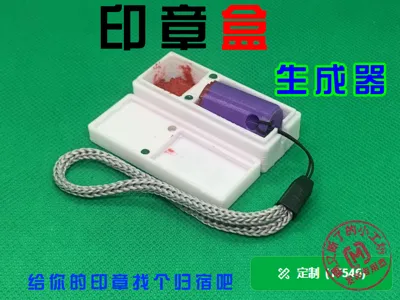
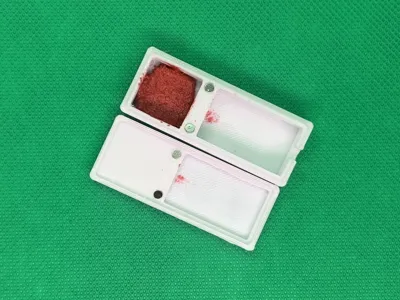
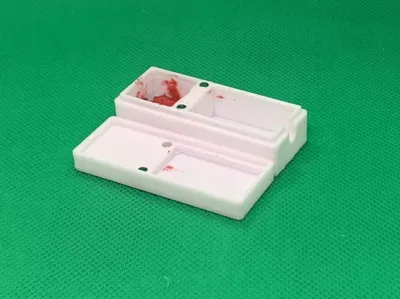
This utility enables the swift generation of custom containers for your seals and inkpads
Procedural Steps
1 Design Your Seal Box
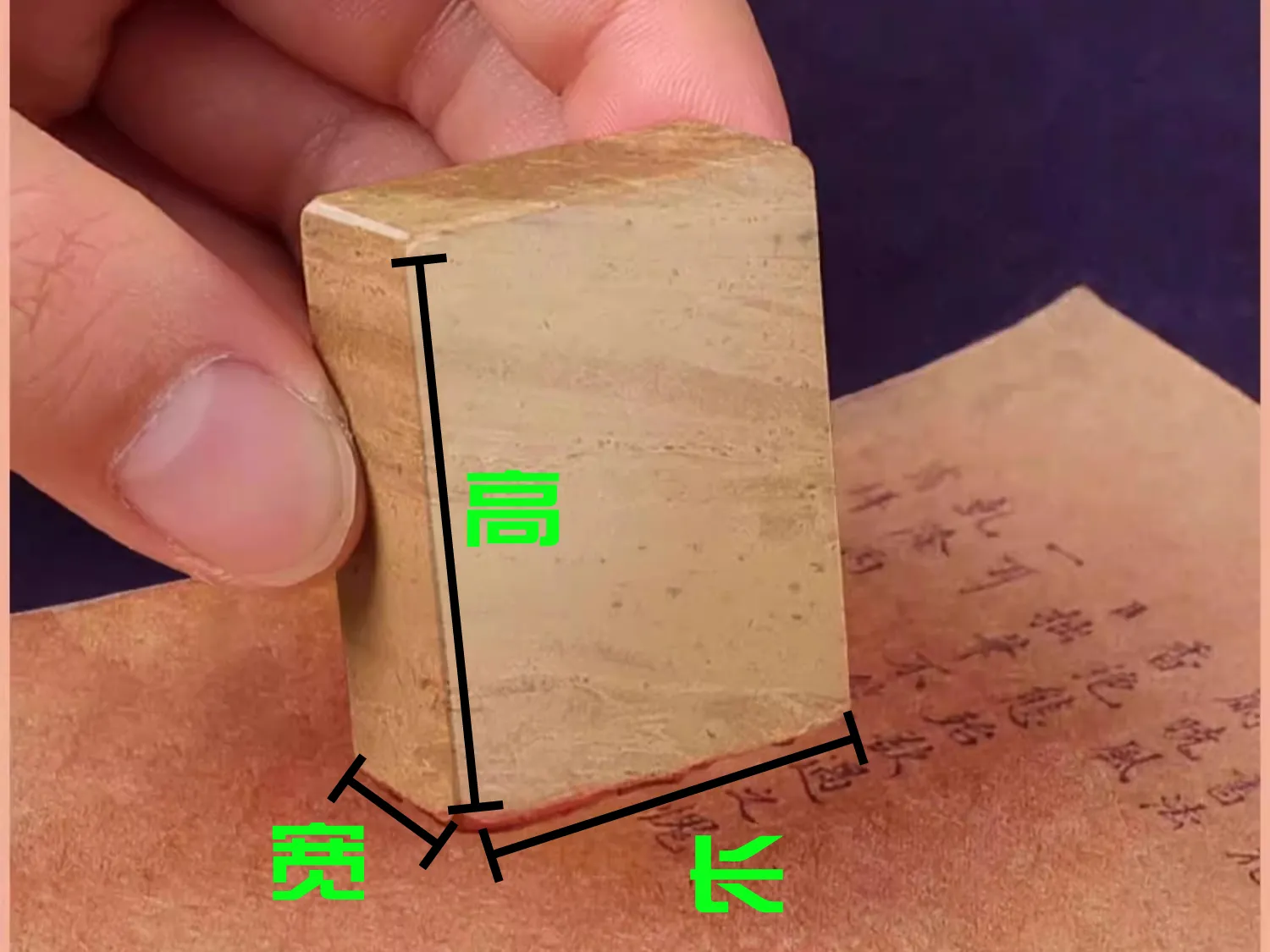
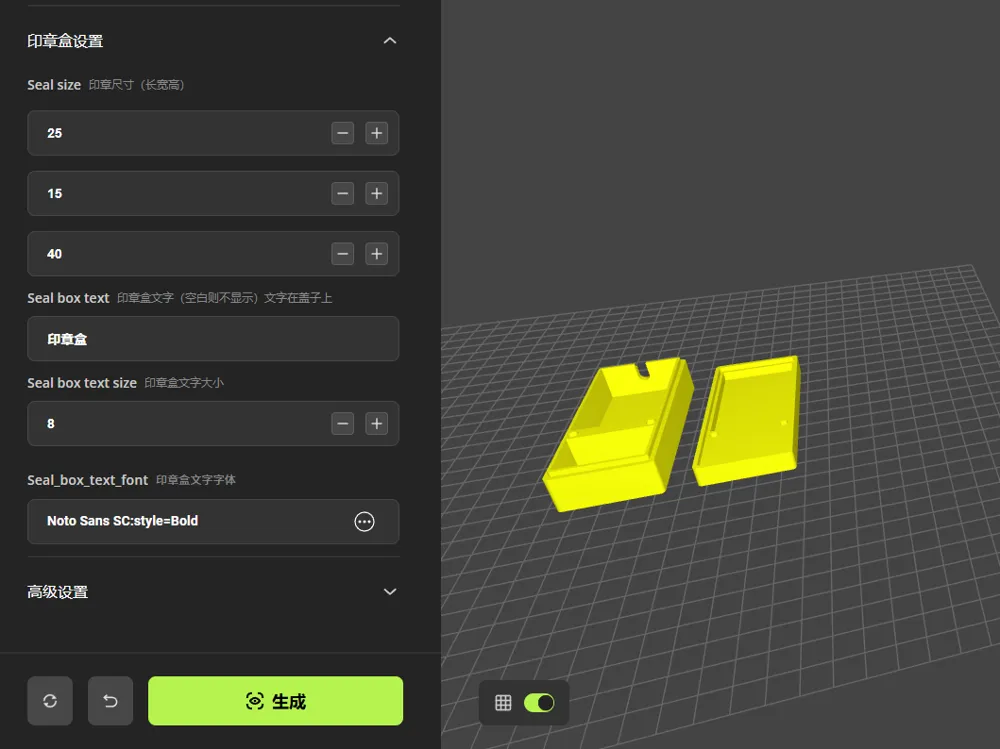
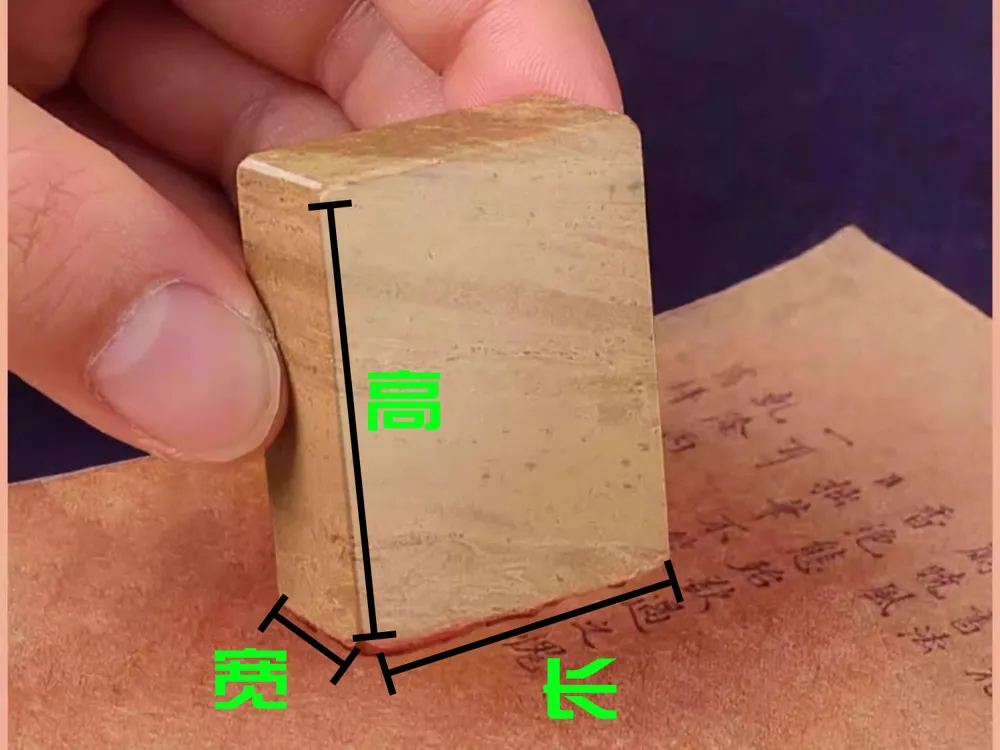
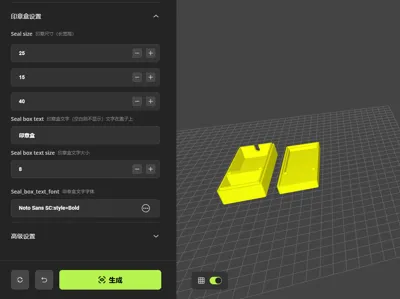
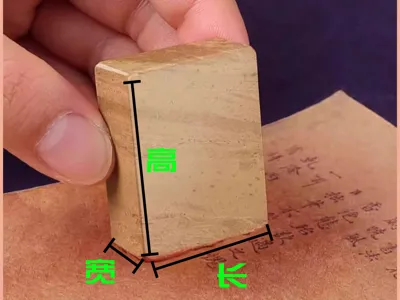
- Select the Customize icon to launch the "Seal Box Generator" customization tool, then input the dimensions (length, width, and height) of your seal and click Generate to create your bespoke seal box
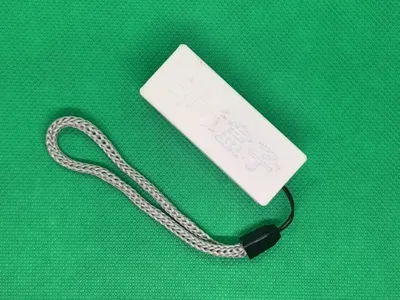
- You have the option to engrave text onto the seal box lid, with adjustable text size and font If the input field is left blank, no text will be inscribed
- Furthermore, less frequently utilized features are housed within the 'Advanced Settings', such as the ability to fine-tune the incremental dimensions for the seal's length, width, and height
2 Export Your Model
Upon completion of the design, export the model as a 3MF or STL file, and subsequently load it into the Bambu Studio slicing software
3 Printing and Post-Processing
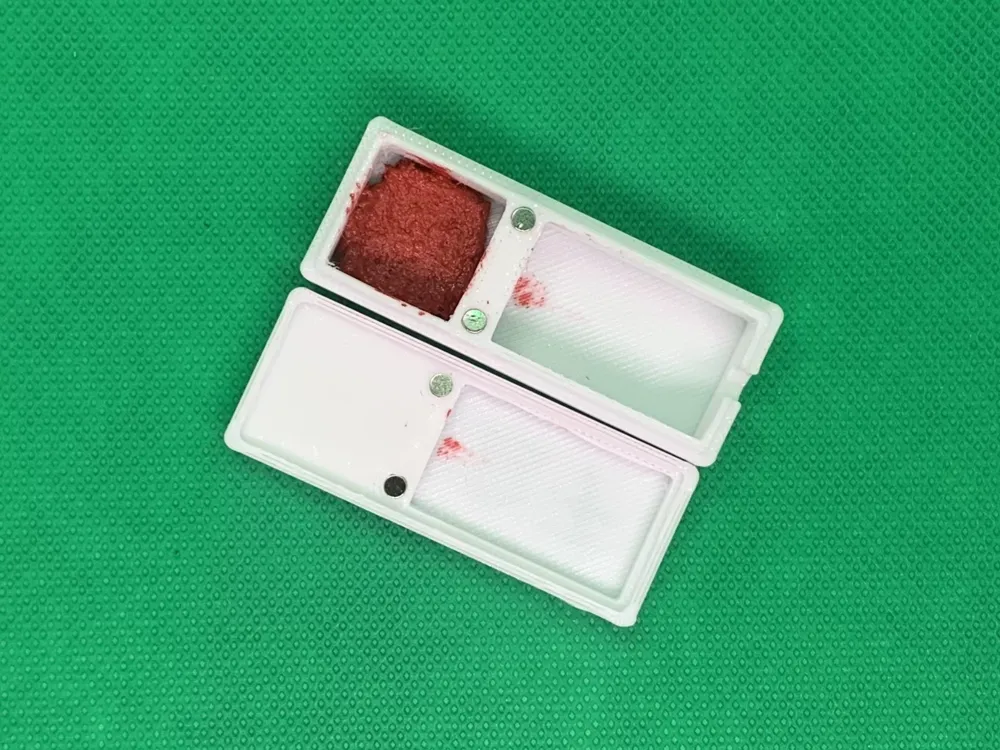
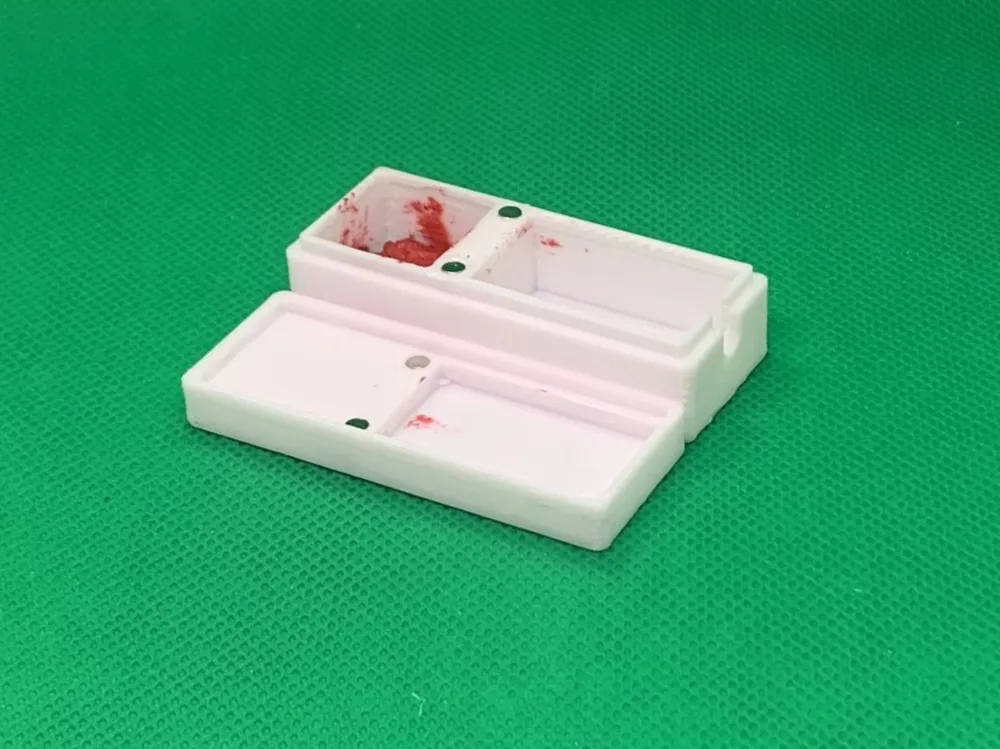
Print your seal box The assembly of the seal box necessitates foursmall magnets, each 3mm in diameter and 2mm in height
Other Models
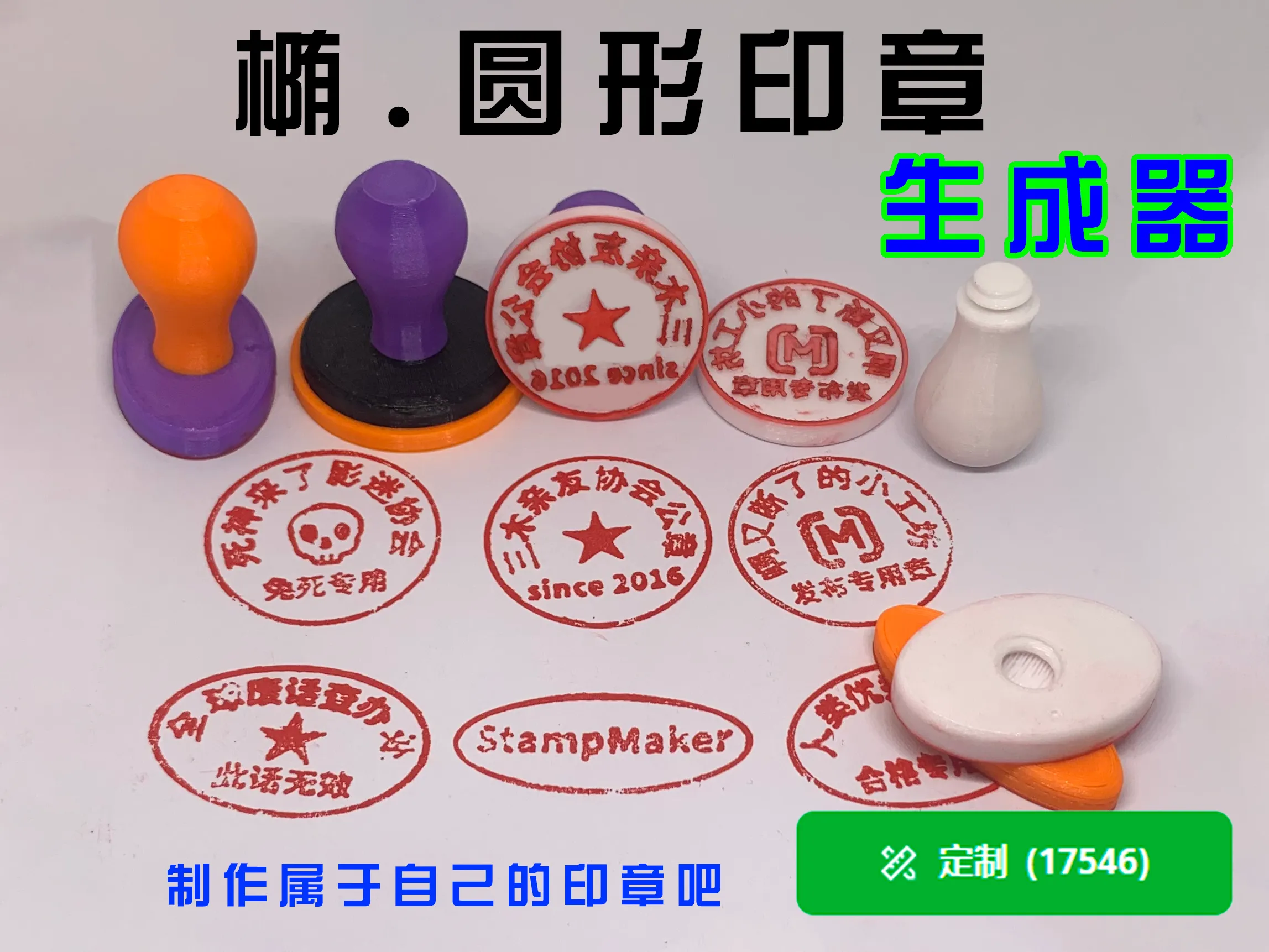
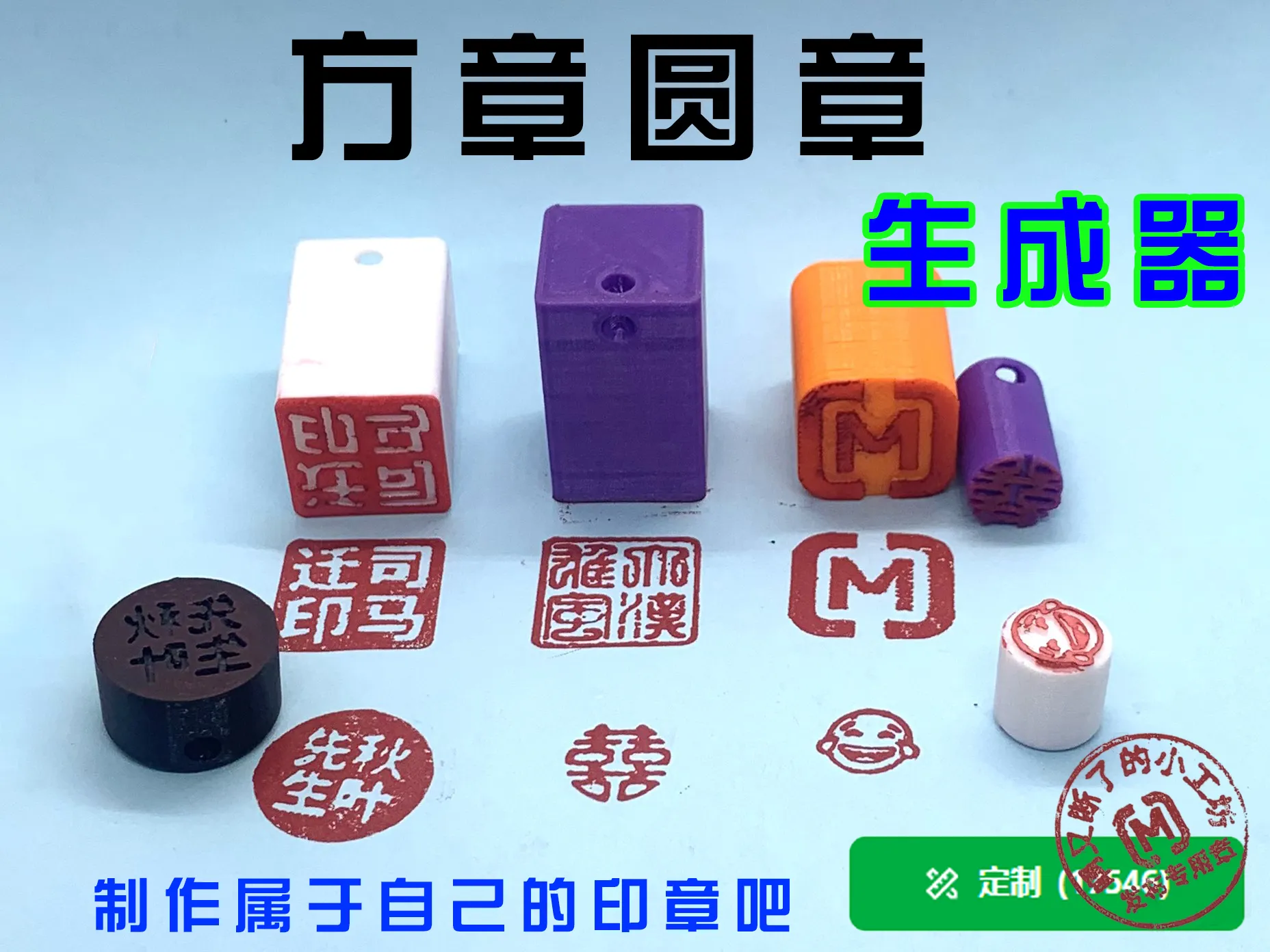
Should you have an interest in seals, you are welcome to explore my collection of seal designs
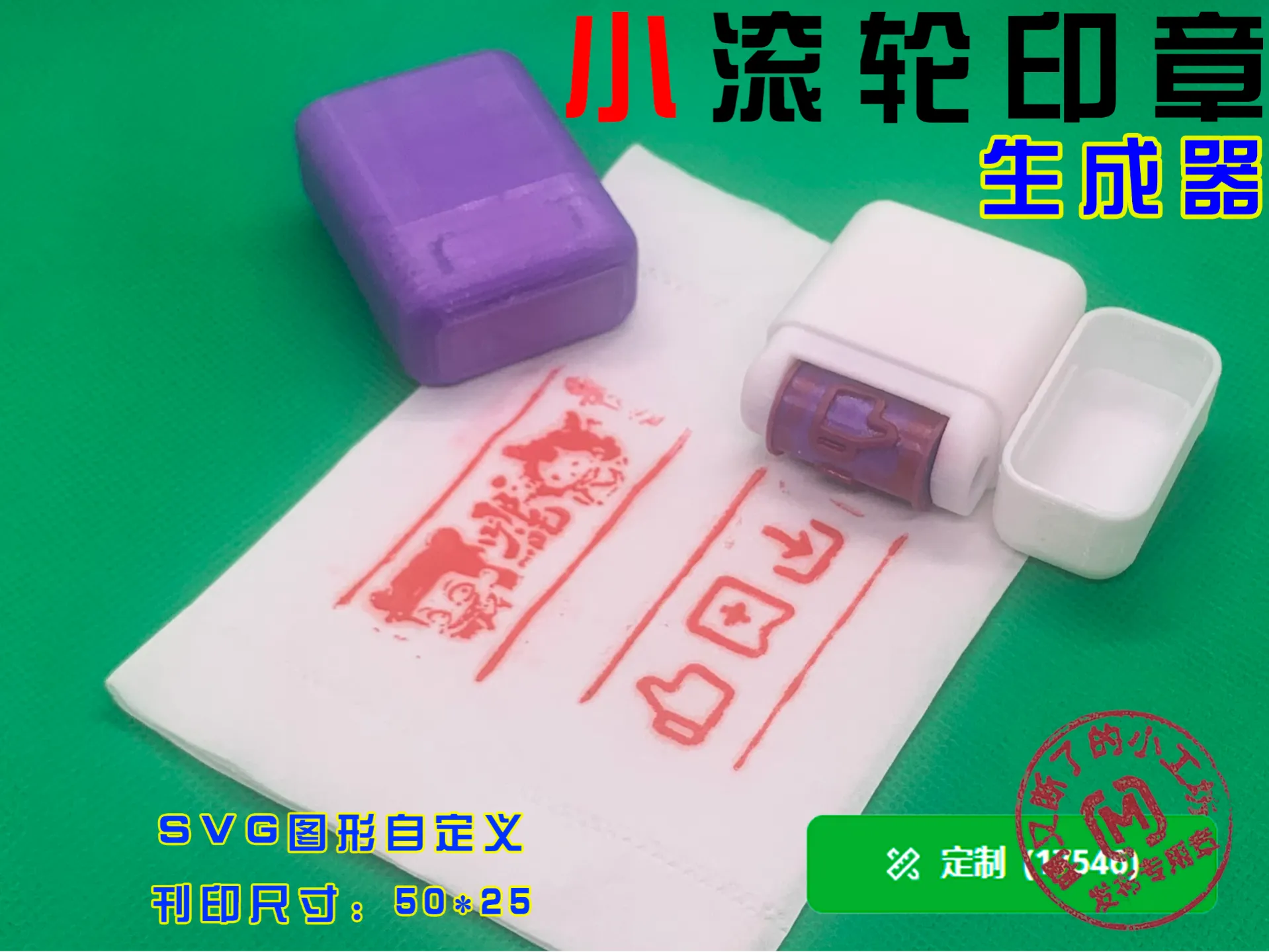
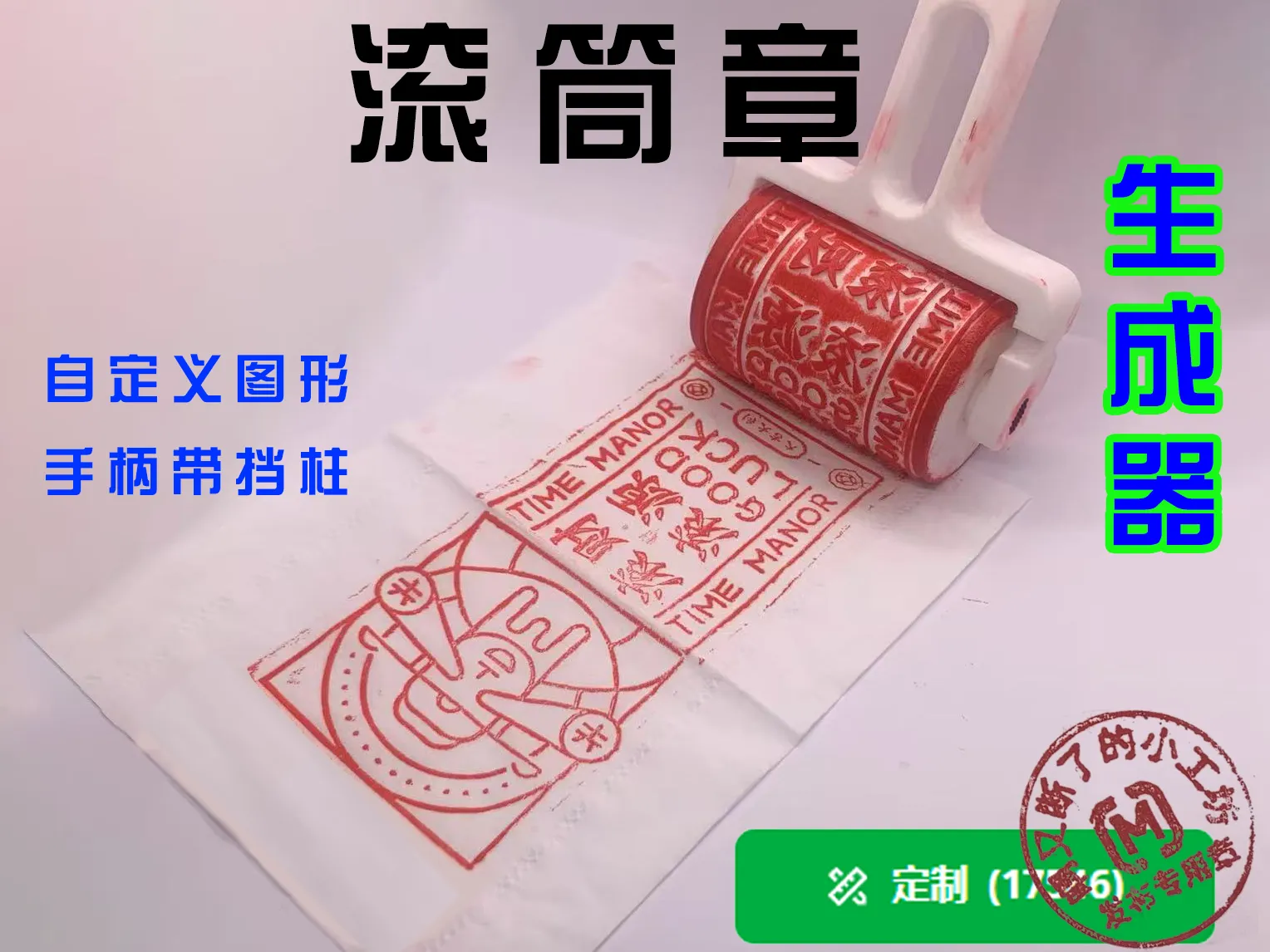
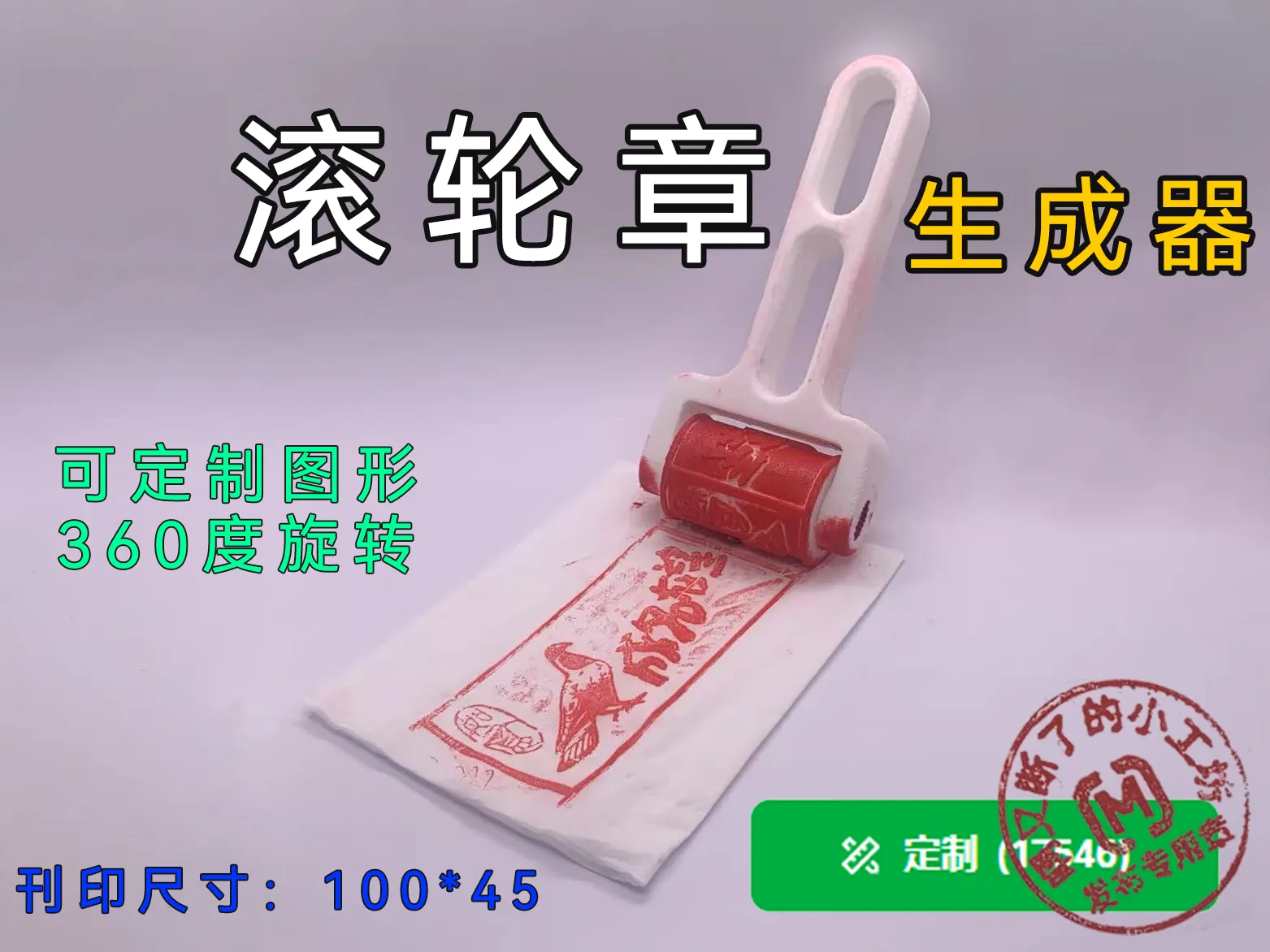
Square and Round Seal Generator
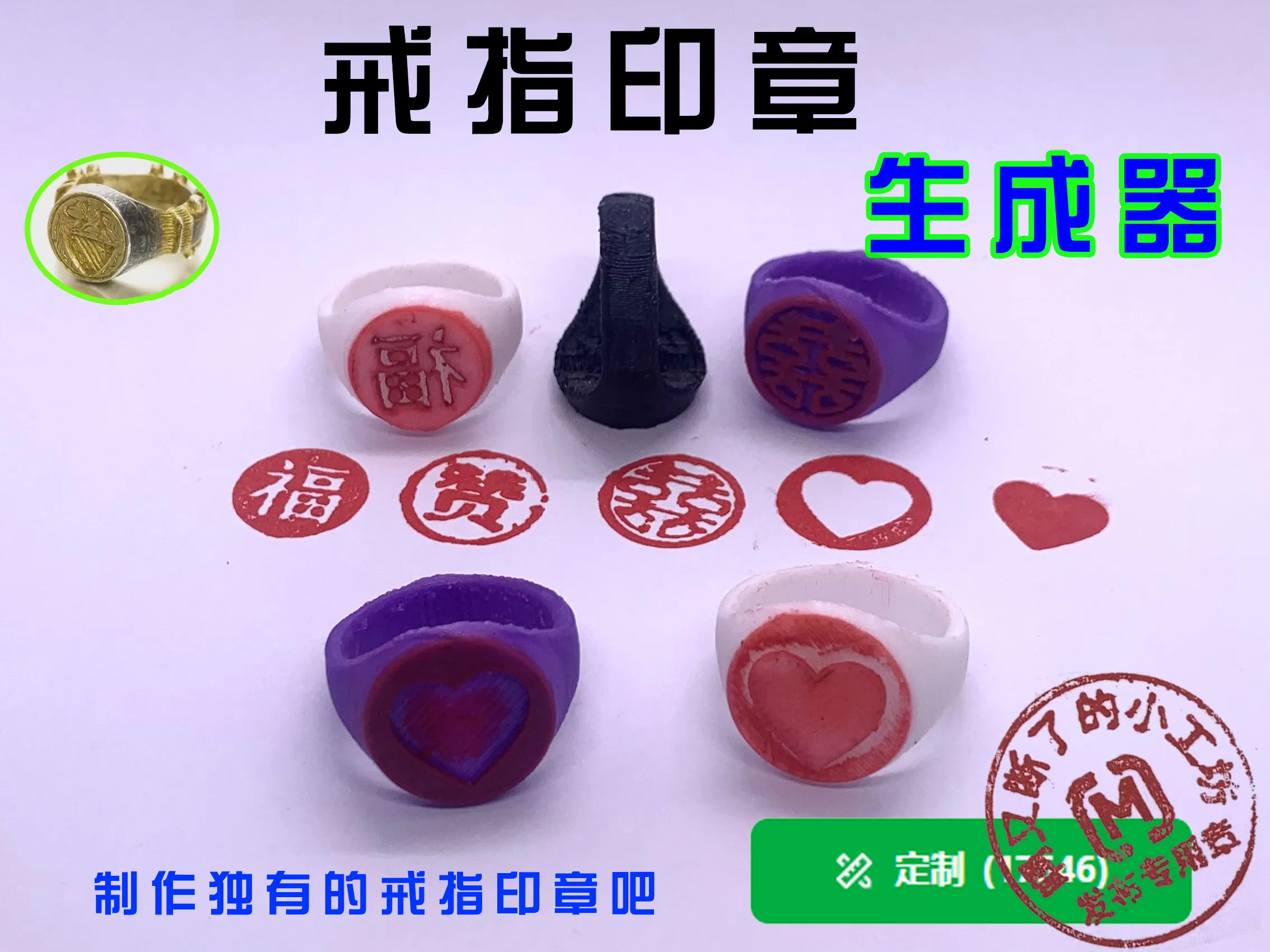
Model Recommendation


License

You shall not share, sub-license, sell, rent, host, transfer, or distribute in any way the digital or 3D printed versions of this object, nor any other derivative work of this object in its digital or physical format (including - but not limited to - remixes of this object, and hosting on other digital platforms). The objects may not be used without permission in any way whatsoever in which you charge money, or collect fees.


Comment & Rating (0)