






Print Profile(3)







Description
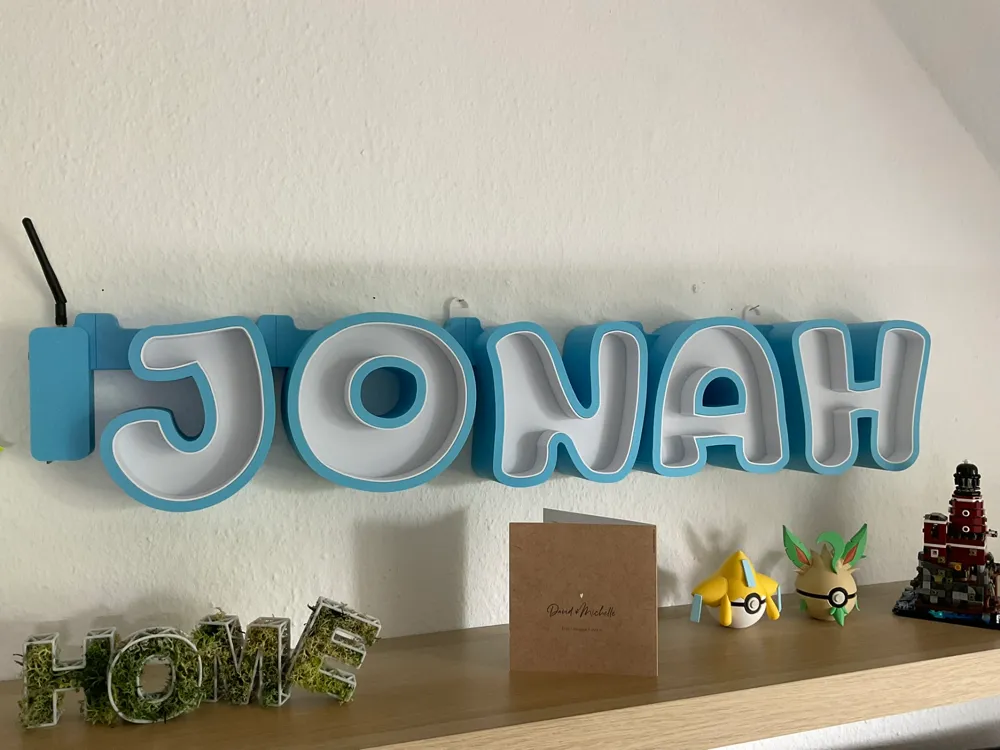
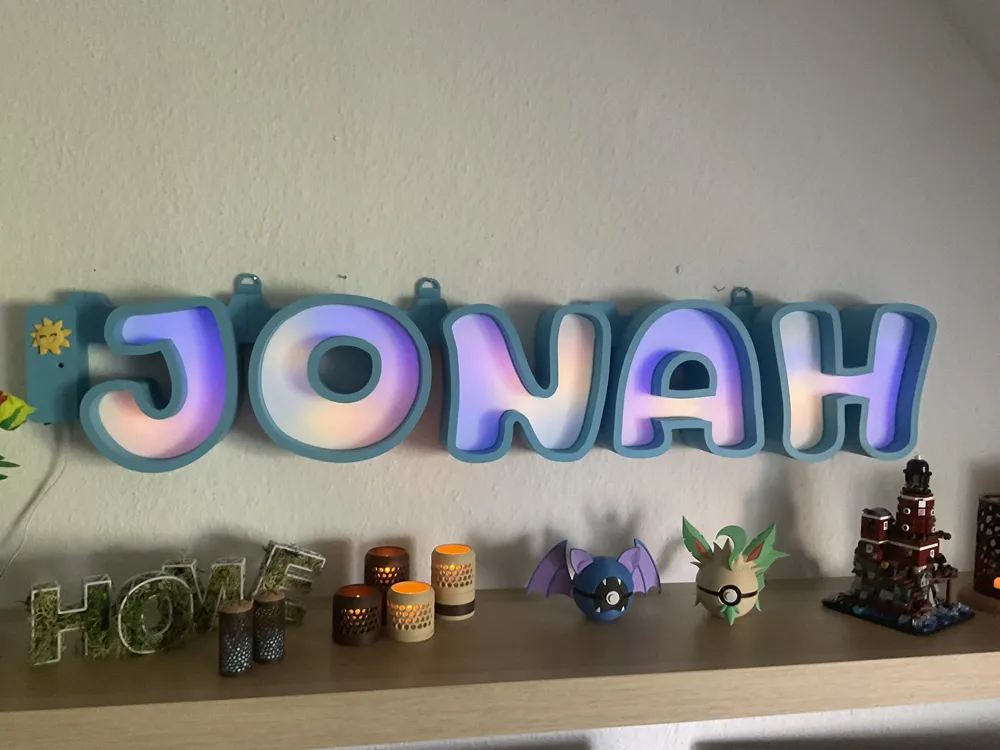
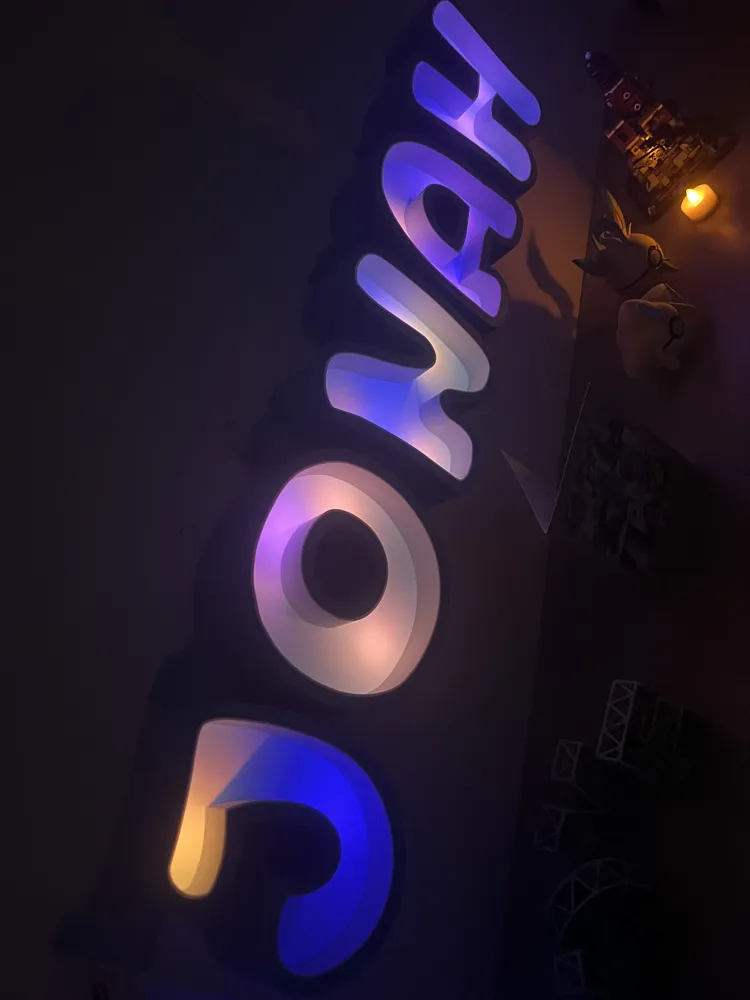
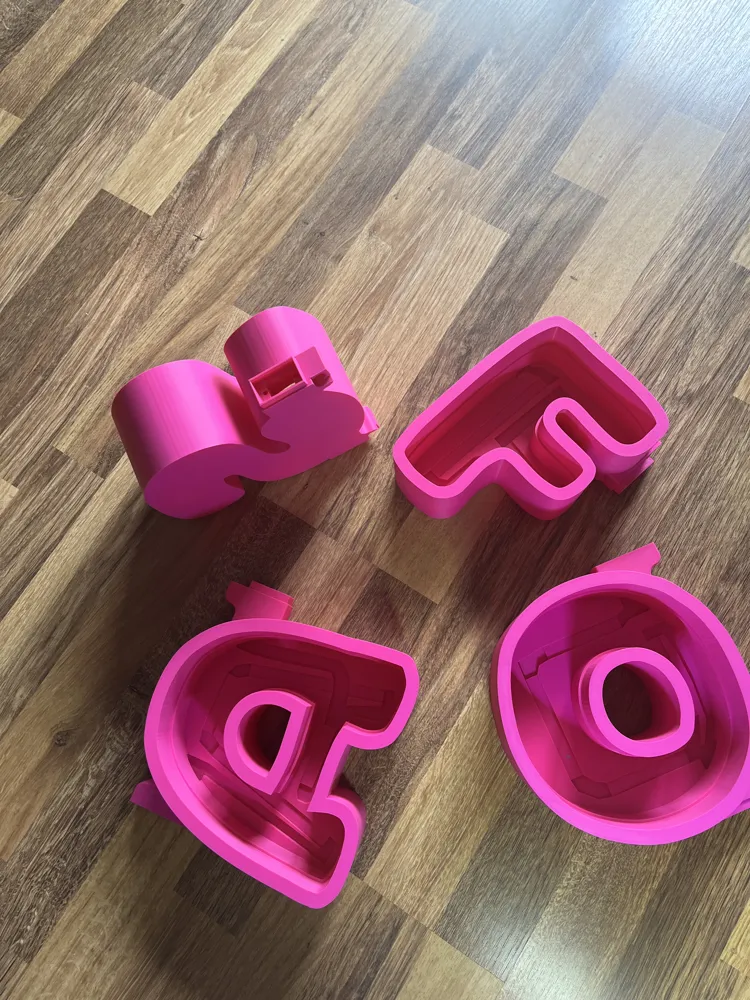
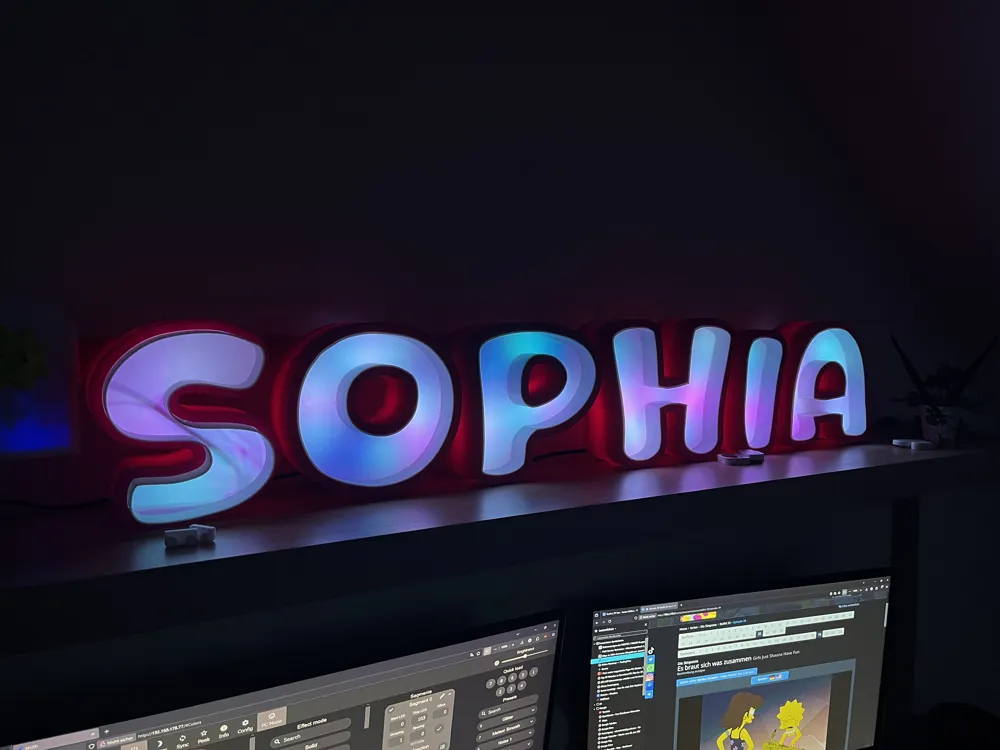
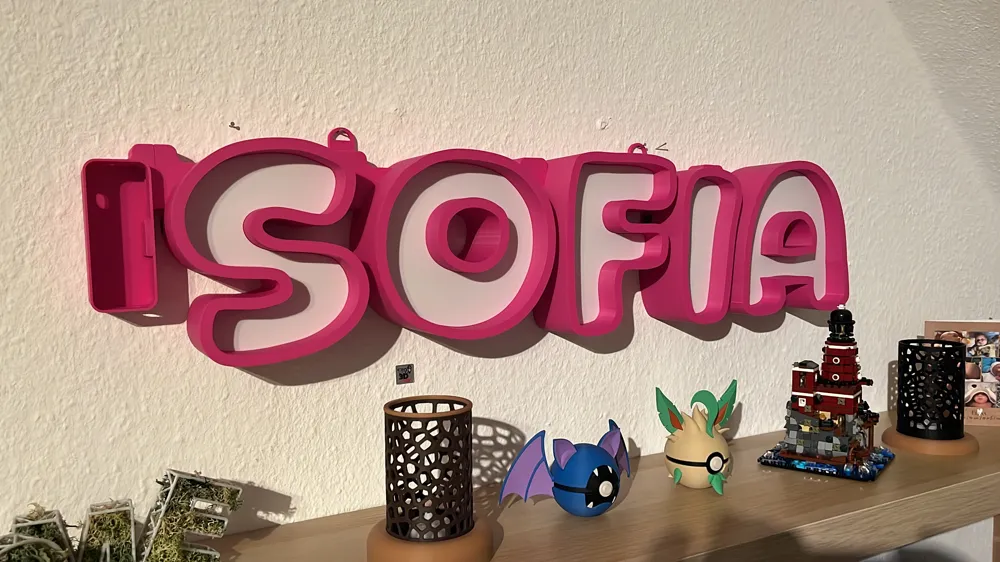
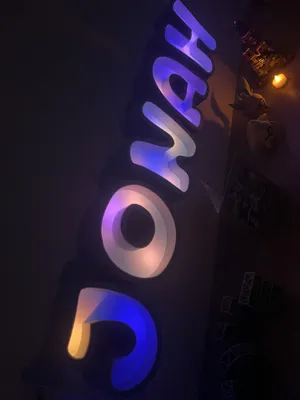
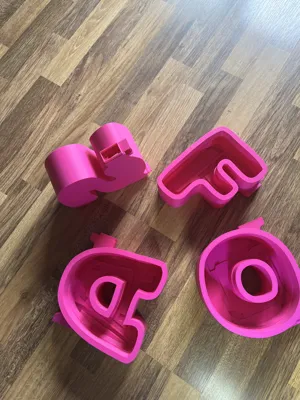
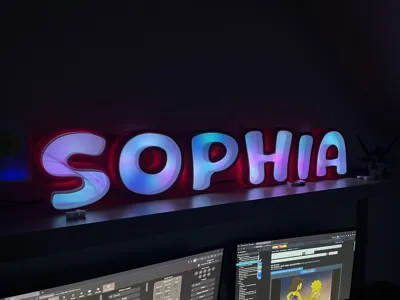
💡 Project: Pluggable LED Letters with WLED Control
✨ Project Description:
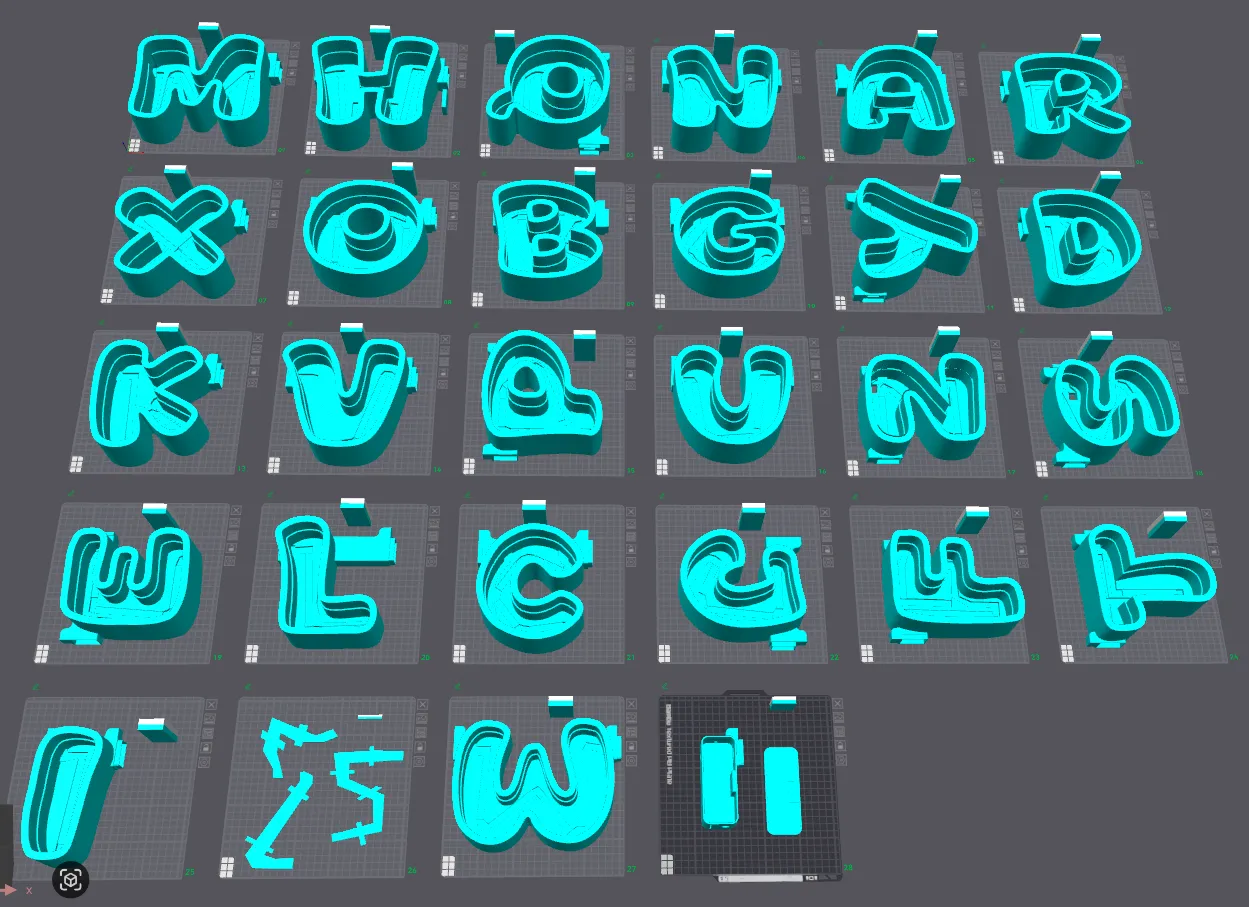
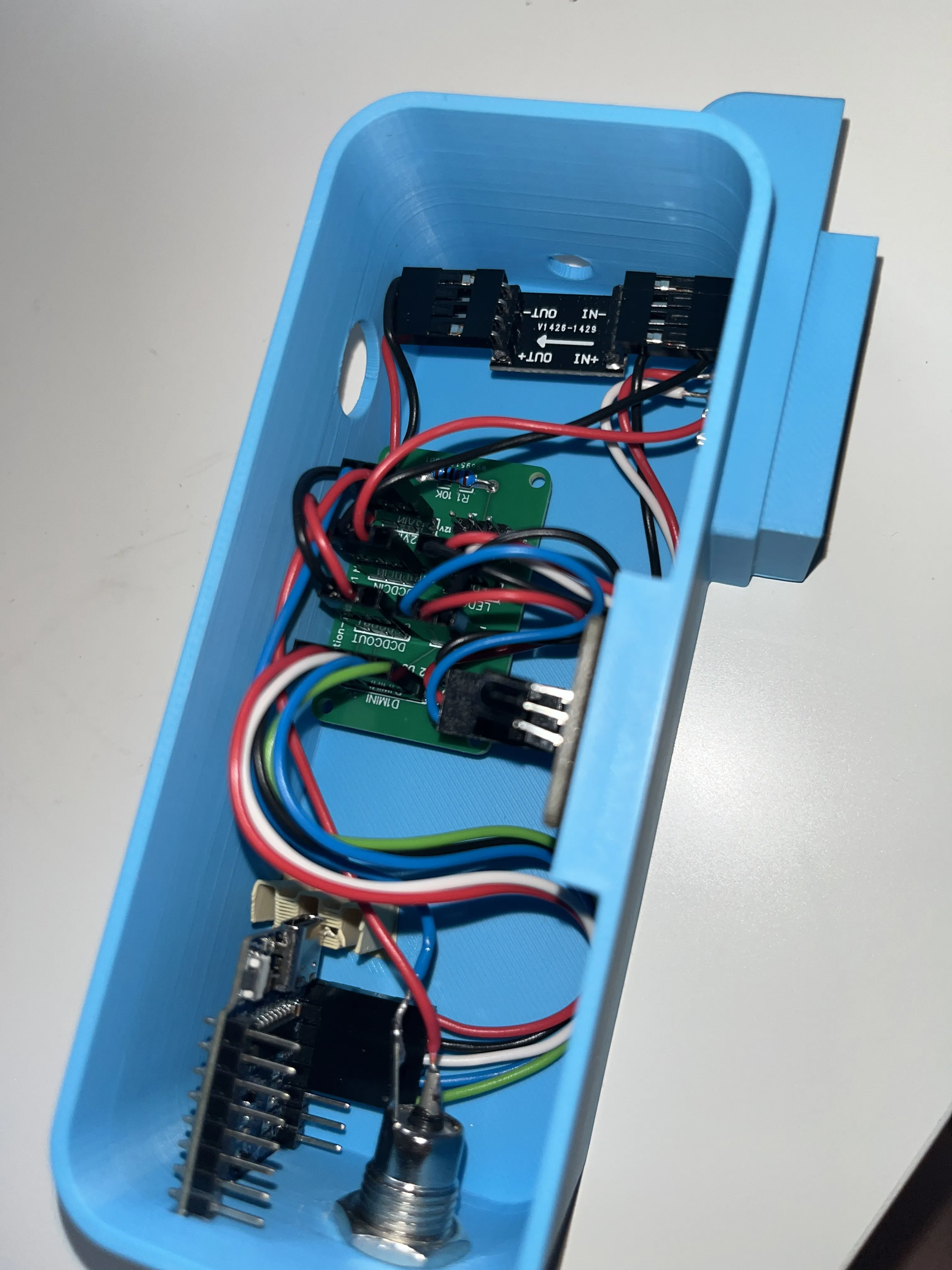
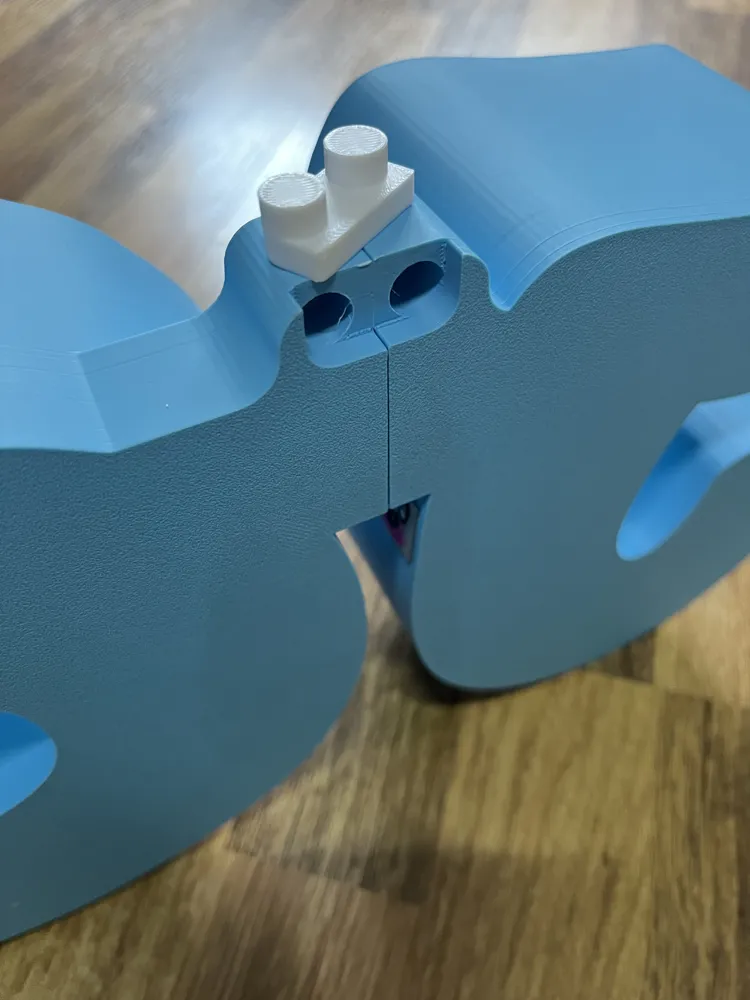
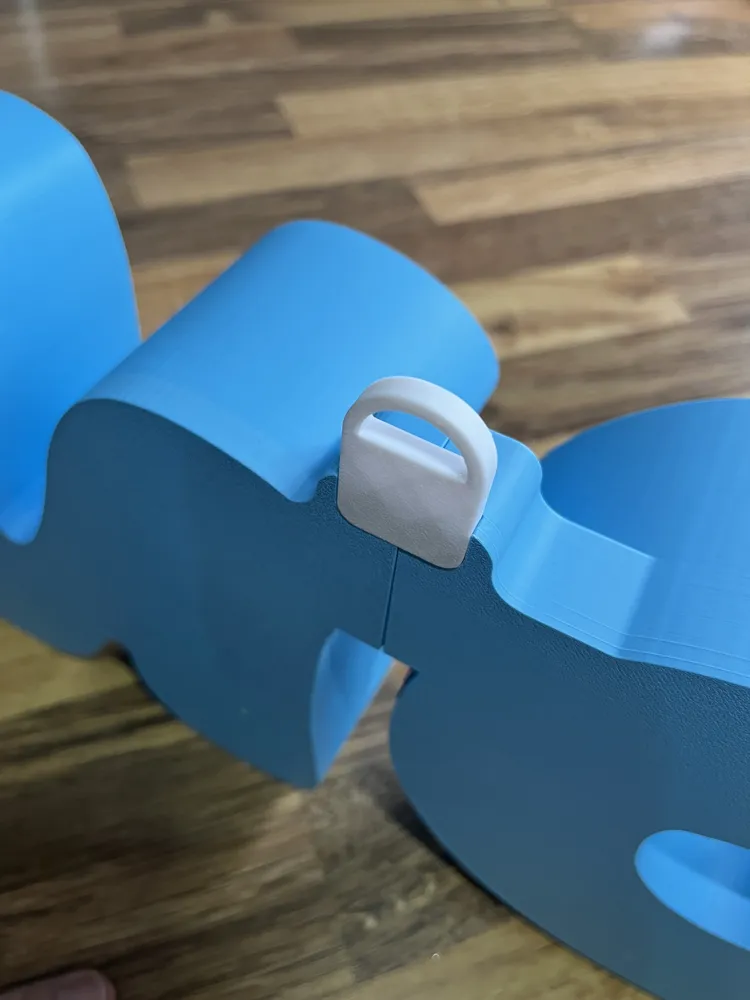
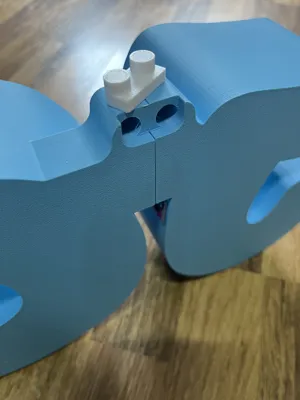
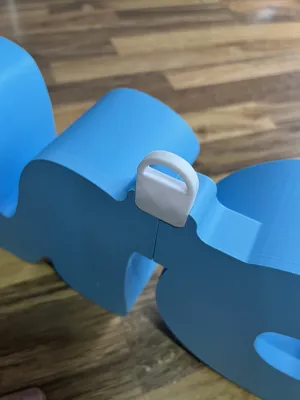
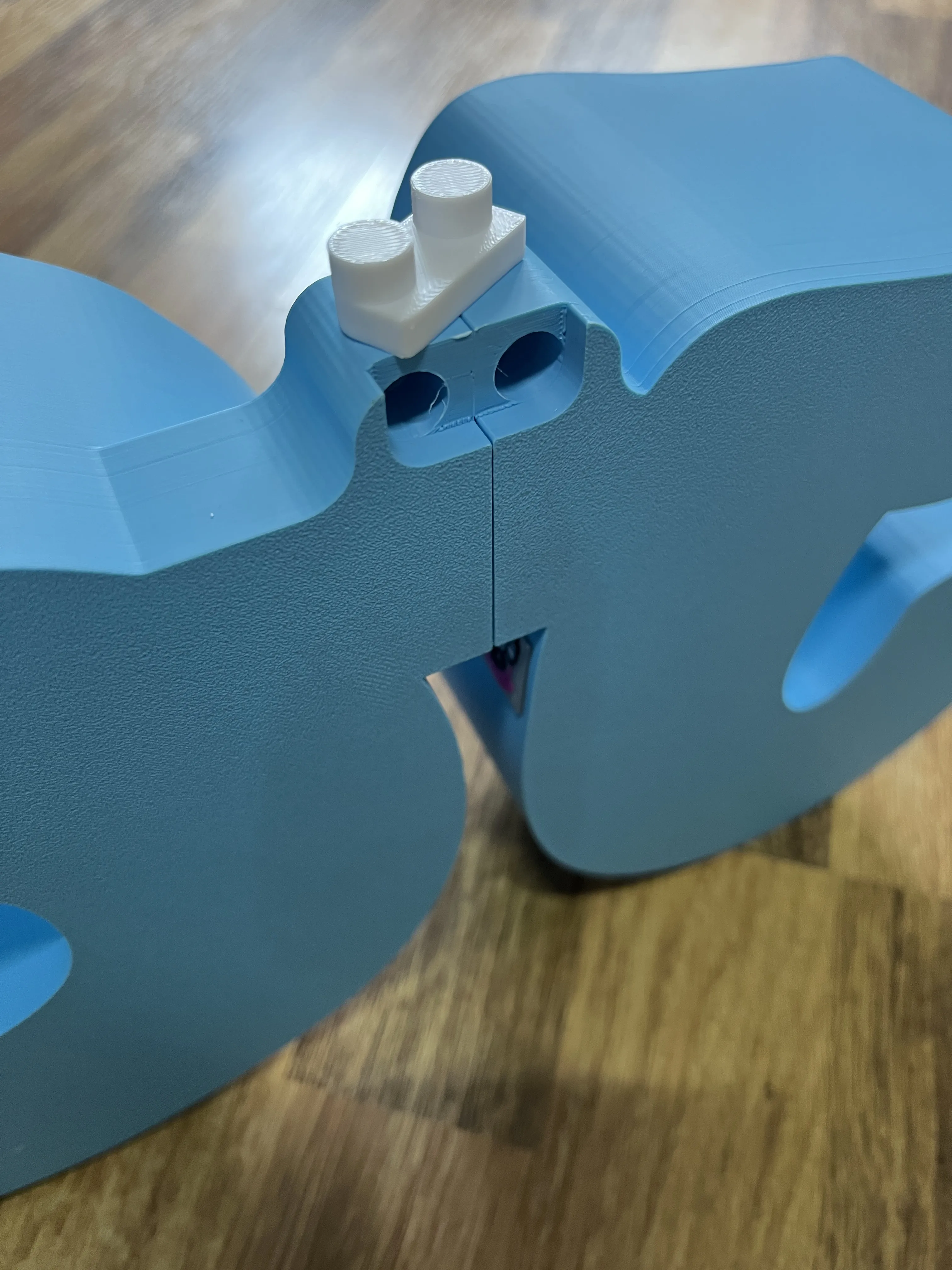
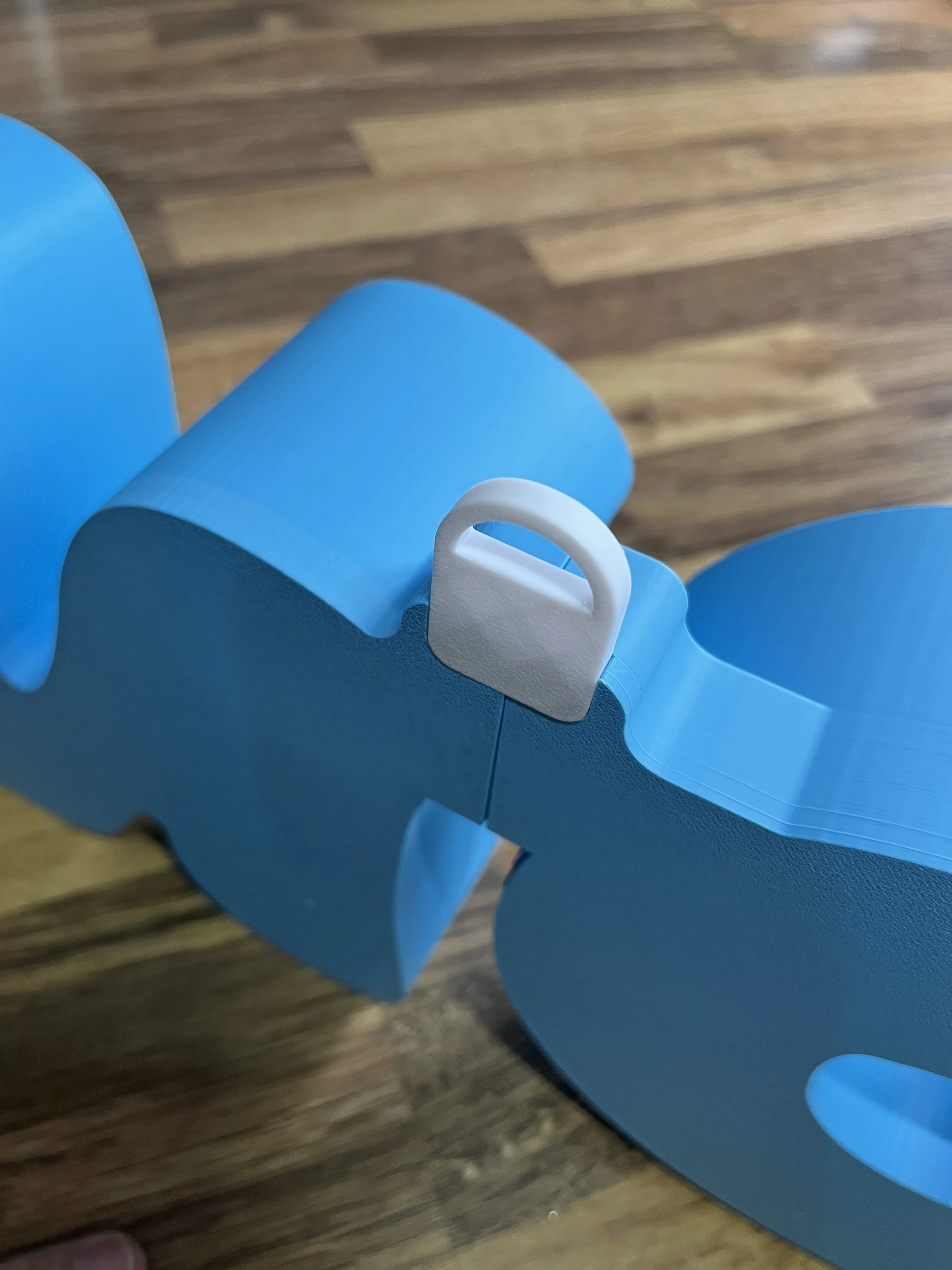
Plug connection or gluing possible!!!
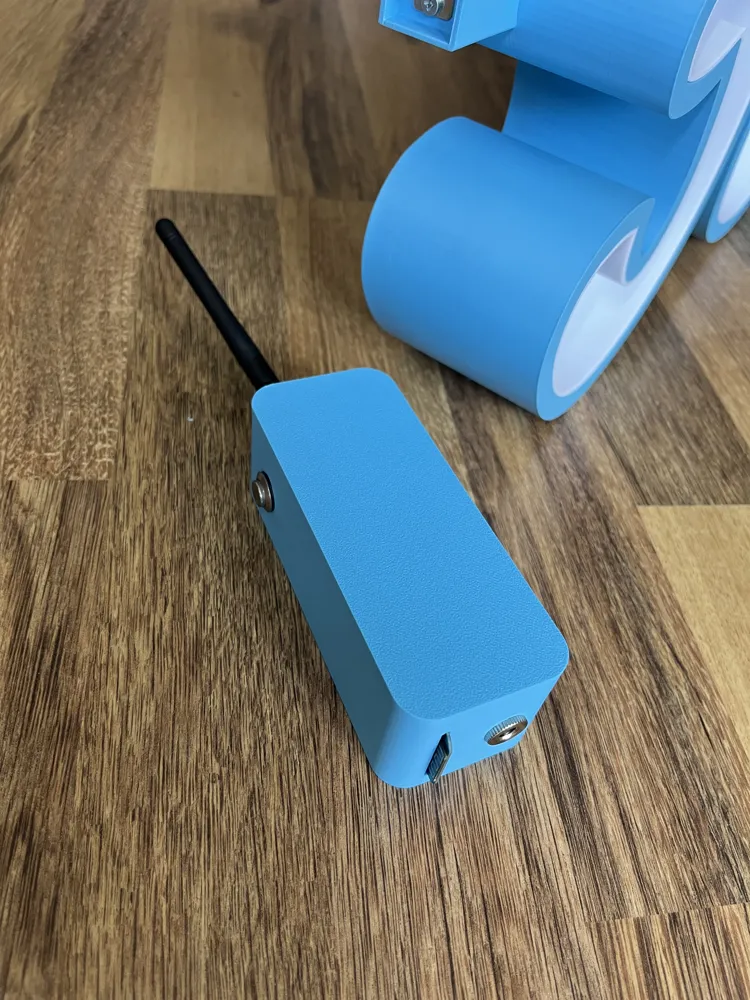
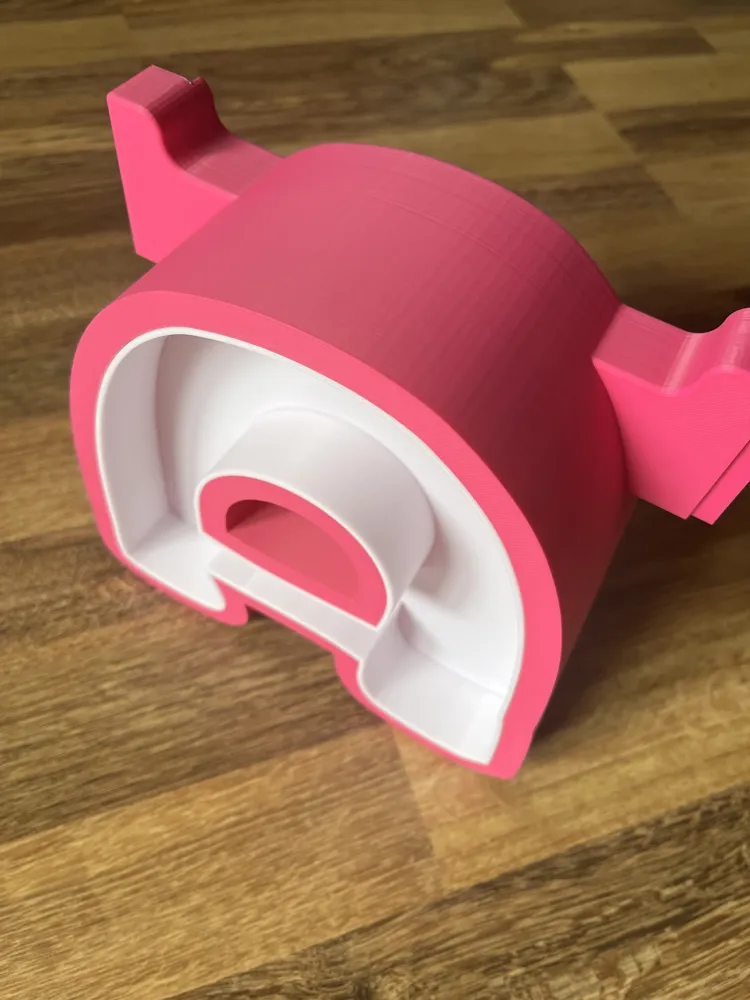
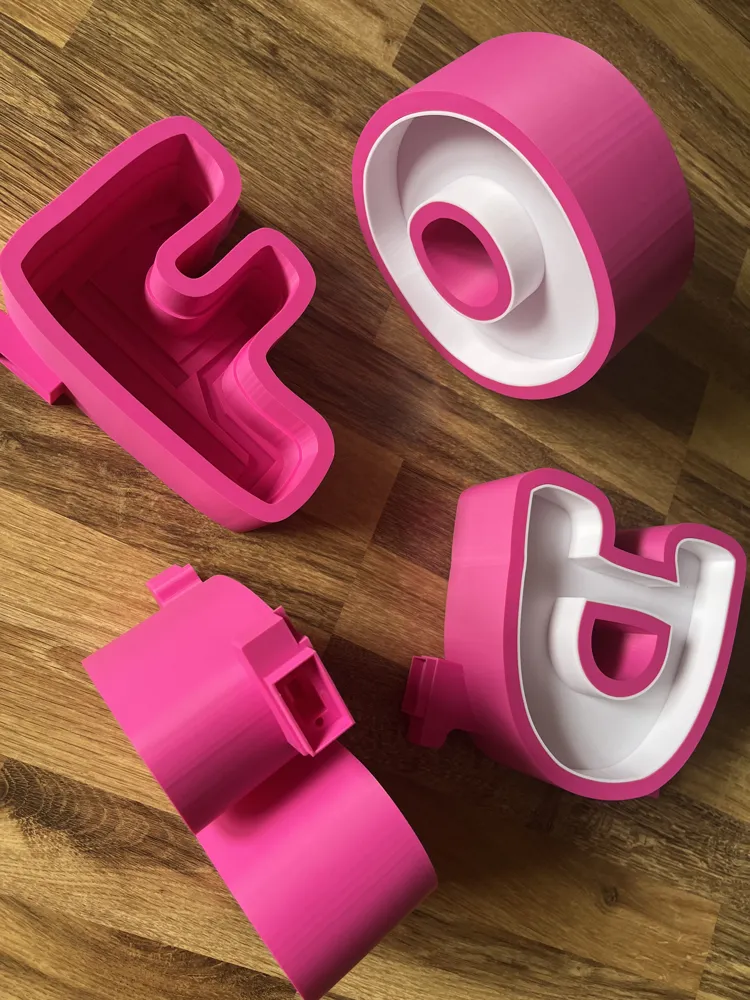
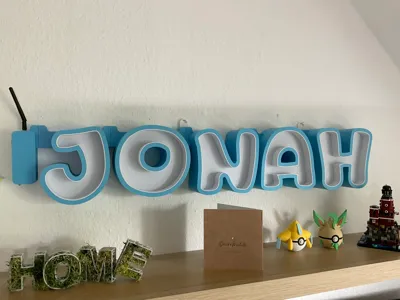
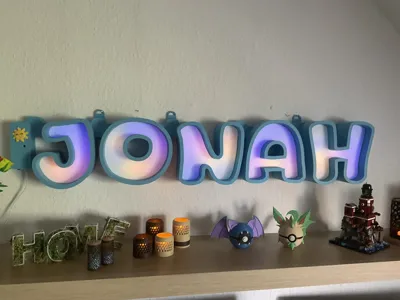
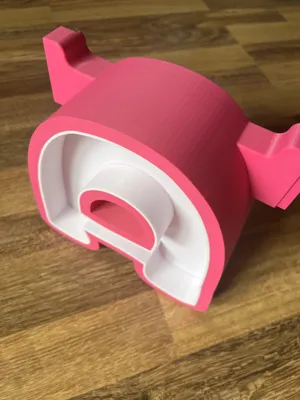
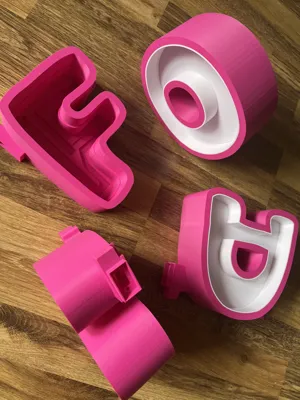
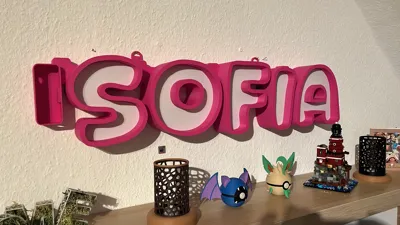
This project combines modular LED letters with the smart WLED firmware on a Wemos D1 Mini. Each letter is pluggable, allowing for individual letterings and atmospheres to be created – perfect for events, home decor, or Maker Fairs
Control can optionally be done via:
- WiFi or Bluetooth
- WLED App (Android/iOS)
- IR remote control
- Time control (Timer/Sleep)
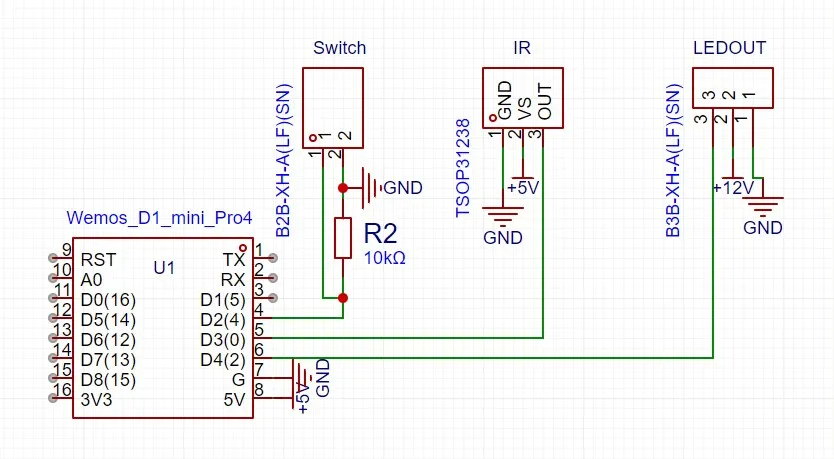
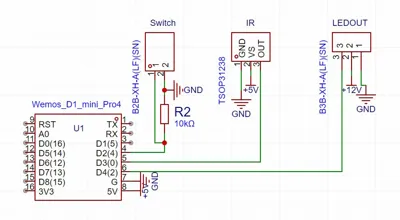
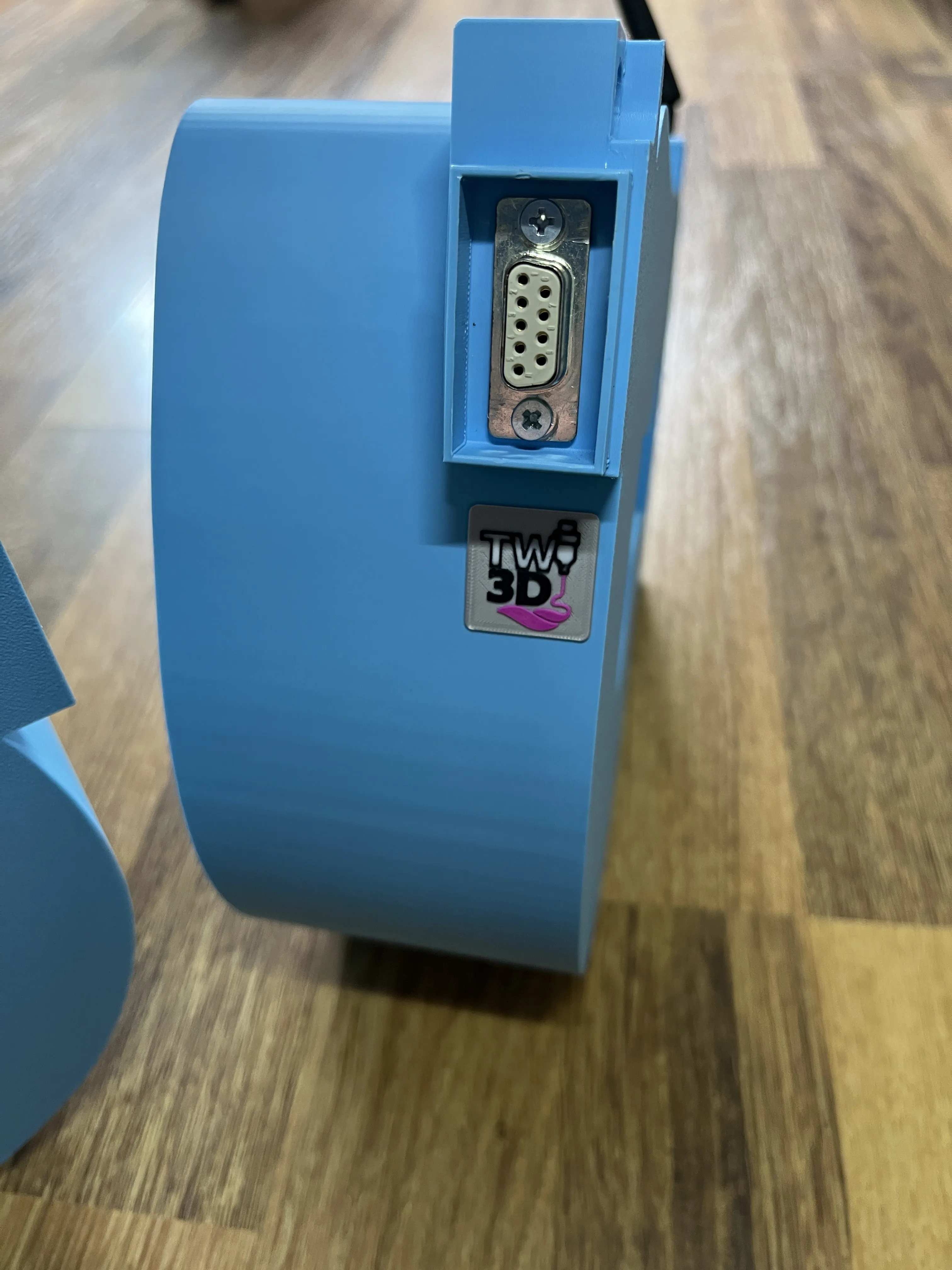
- Physical button with 10 kΩ pulldown resistor
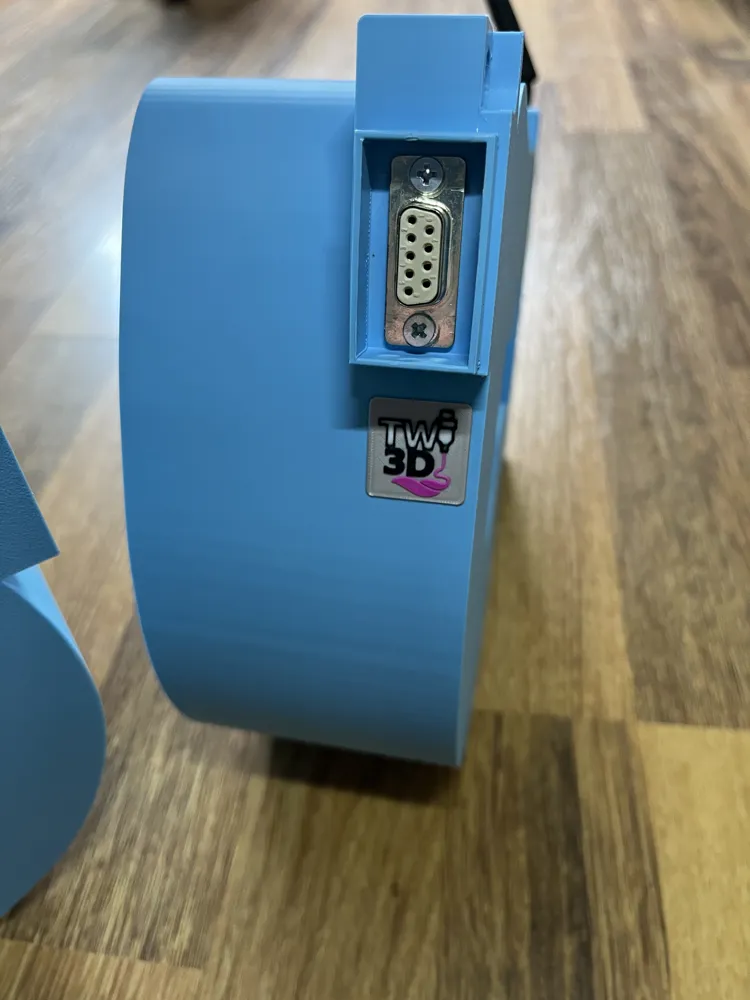
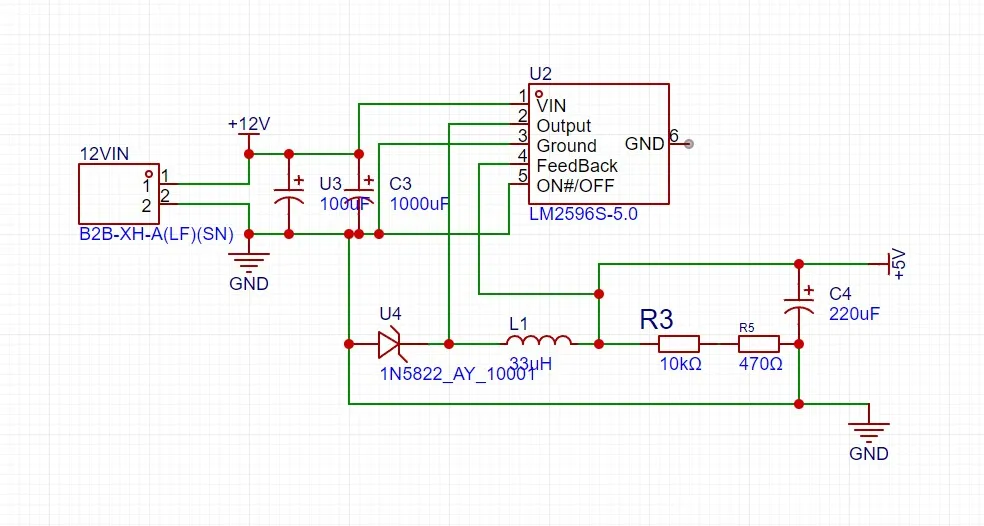
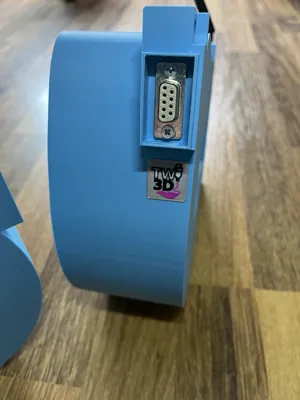
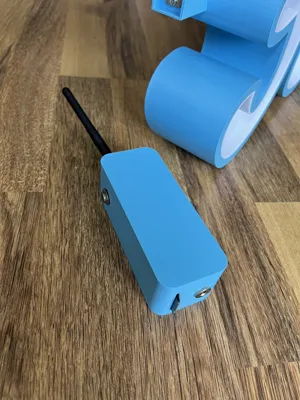
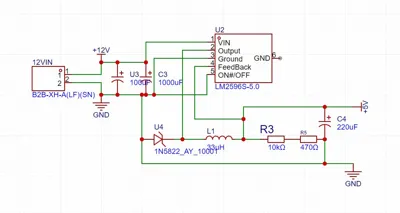
An external antenna ensures better range. The system is powered by 12 V and uses a step-down converter to supply 5 V to the D1 Mini
🛠️ Functions & Highlights:
- WiFi & Bluetooth: wireless control via app or web interface
- App-compatible: native WLED app available in App Store & Play Store
- IR control: easy control via remote
- Timer & Sleep mode: automation of switching on/off
- Physical button: locally controllable – with short or long press
- Modular & pluggable: free design of letters/words
- External antenna: better range with poor WiFi coverage
📲 Software & Setup:
- Flash WLED: via USB to the D1 Mini (https://install.wled.me/)
- Configure LEDs: quantity, color, GPIO (e.g. D4 for Data)
- Configure button & IR: via "Usermods" or standard GPIO settings
- Set Timer & Effects: easily adjustable in the app or WebUI
🧠 Notes:
- Ensure sufficient cooling for the step-down module and IR sensor
- For longer LED chains, additional power injection points are recommended
- Optionally, the button can also be used as a reset/mode switcher (long press)
- For RGBW letters, I recommend SK6812 in RGBW version for warmer white
📦 Bill of Materials:
| Component | Description | Quantity |
|---|---|---|
| Wemos D1 Mini | Microcontroller with ESP8266 for WiFi/WLED | 1 |
| WLED Firmware | Open-source software for LED control (https://kno.wled.ge/) | 1 |
| WS2812B / SK6812 LED Strips | RGB or RGBW LEDs, e.g. 5V or 12V version (depending on power requirements) | Variable |
| LED Letters | 3D printed or purchased, pluggable & translucent | Variable |
| Step-Down Converter (Buck) | e.g. LM2596 module for 12V → 5V regulation | 1 |
| 12V Power Supply | Matching the LED quantity (e.g. 5A for ~60 LEDs) | 1 |
| IR Receiver | e.g. VS1838B – compatible with WLED | 1 |
| IR Remote Control | Any, e.g. 24/44/44-Key for LED strips | 1 |
| Button (e.g. 12mm metal) | On/Off control via GPIO (short/long press, etc) | 1 |
| 10 kΩ Resistor | Pulldown resistor for button | 1 |
| External WiFi Antenna | Optional – e.g. ESP8266 module with U.FL socket or D1 Mini with external antenna | 1 |
| Jumper Cables / Dupont Cables | For connecting the modules | Variable |
| Plugging System for Letters | Magnetic or electrical (e.g. with Pogo-Pins) | Variable |
| Enclosure / Holder | Optional – for wall mounting or stand | 1 |
License

You shall not share, sub-license, sell, rent, host, transfer, or distribute in any way the digital or 3D printed versions of this object, nor any other derivative work of this object in its digital or physical format (including - but not limited to - remixes of this object, and hosting on other digital platforms). The objects may not be used without permission in any way whatsoever in which you charge money, or collect fees.


Comment & Rating (27)