
Square and Round Seal Generator + Seal Box
Print Profile(3)


Description
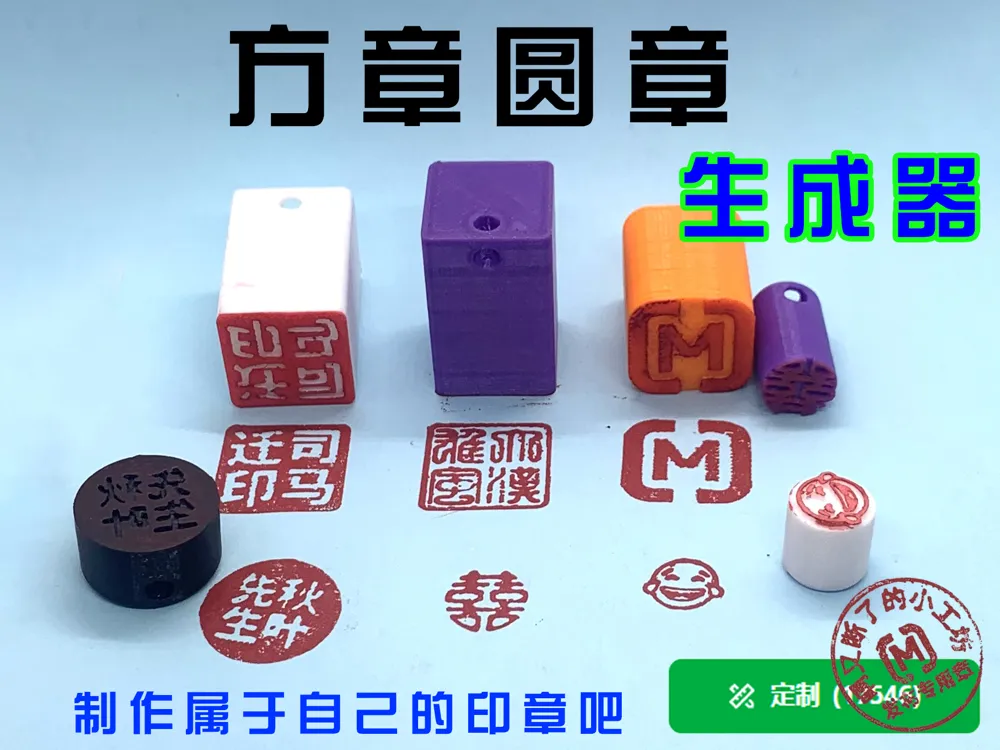
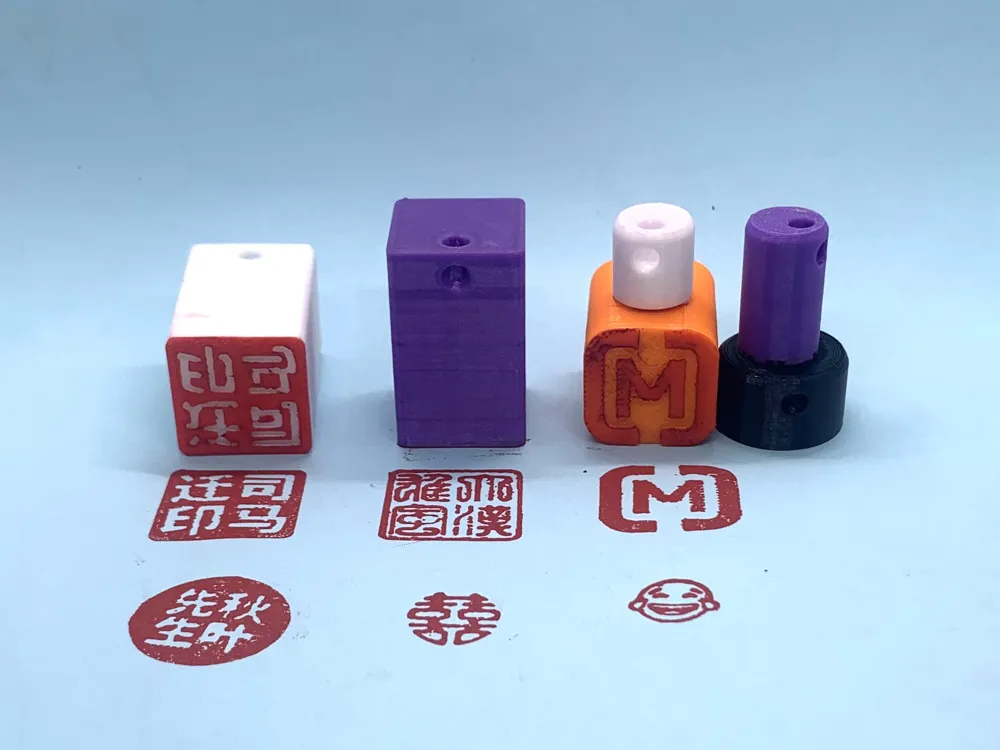
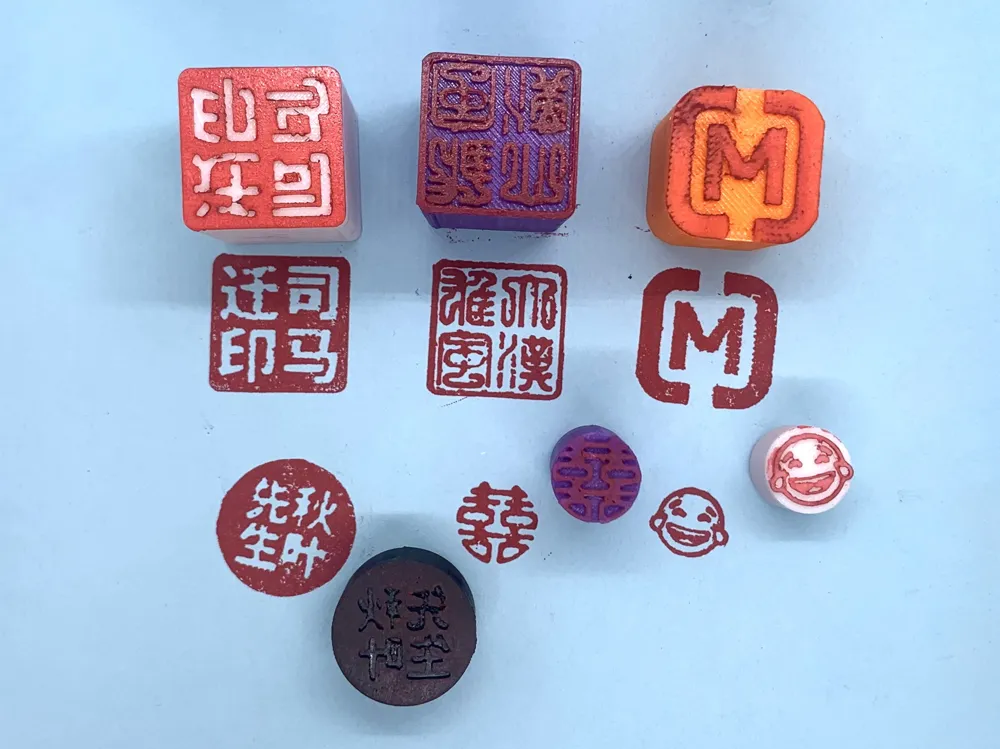
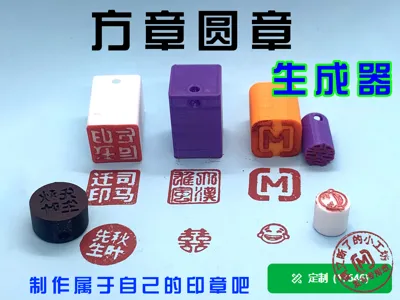
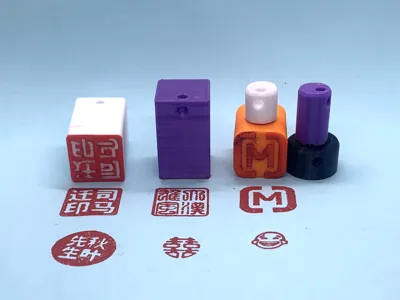
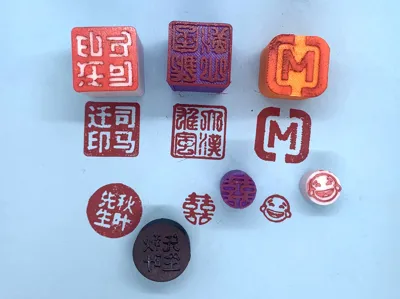
Can help you quickly generate personalized square or round stamps
Operation Steps
1. Design your stamp
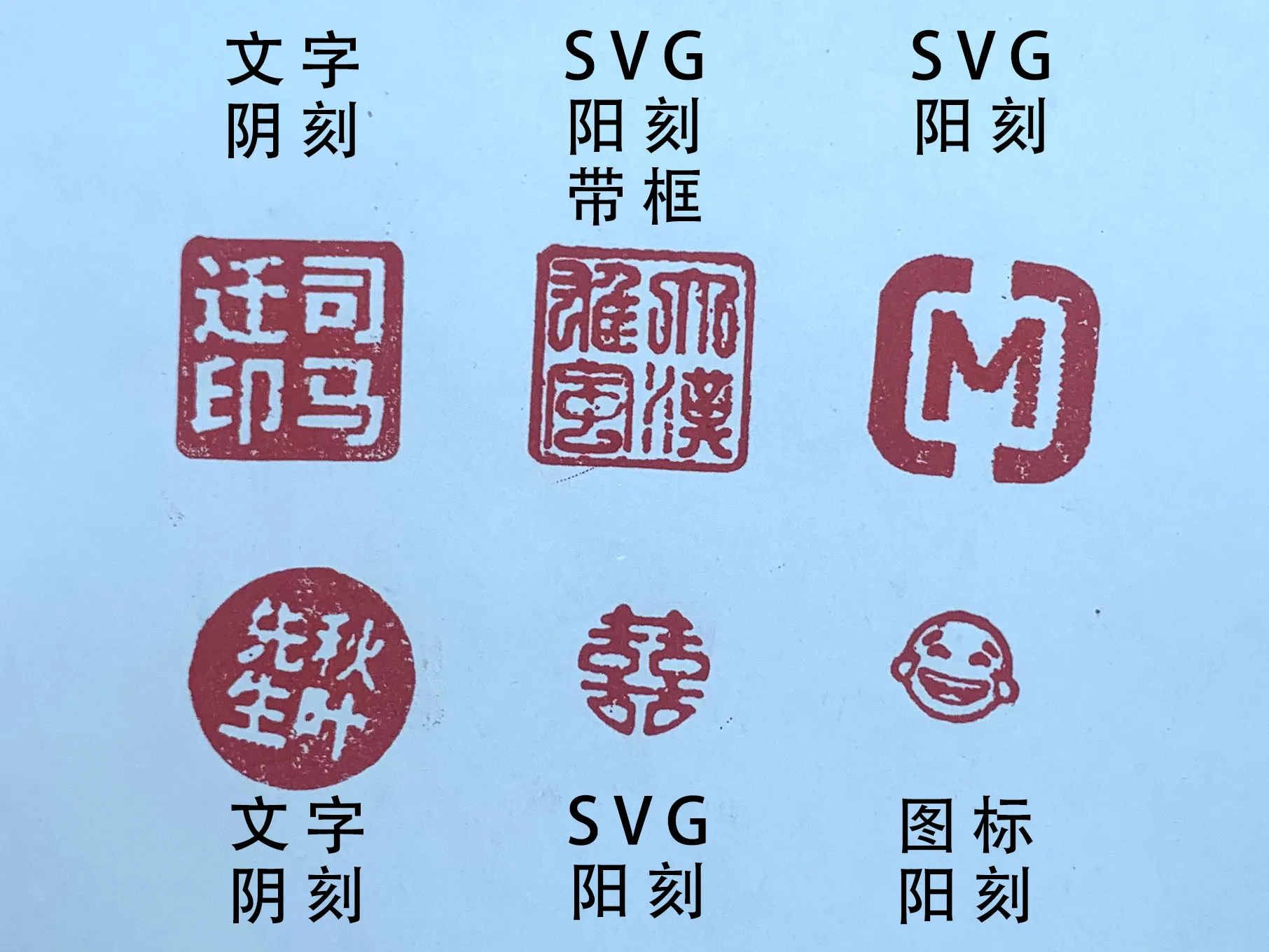
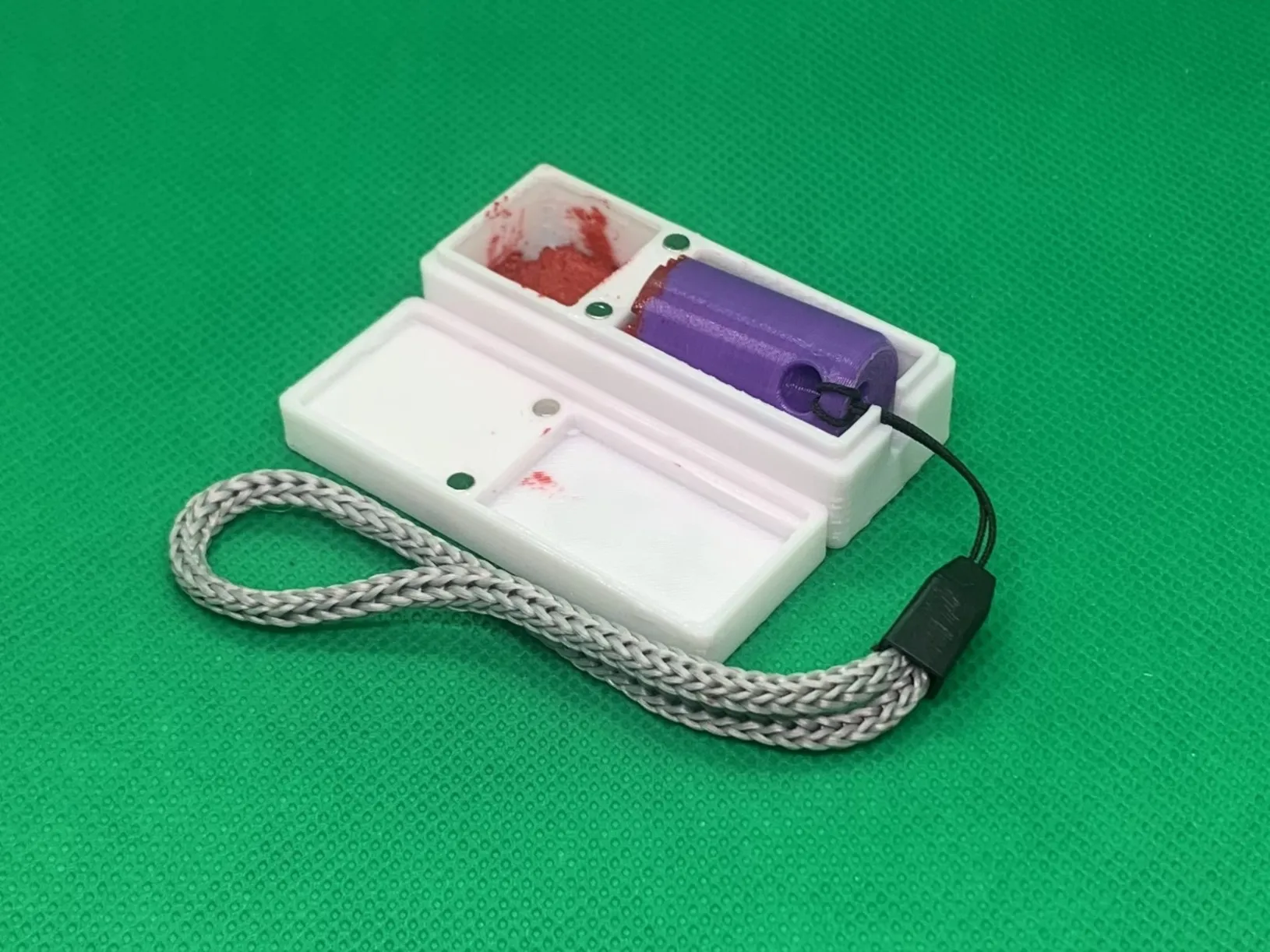
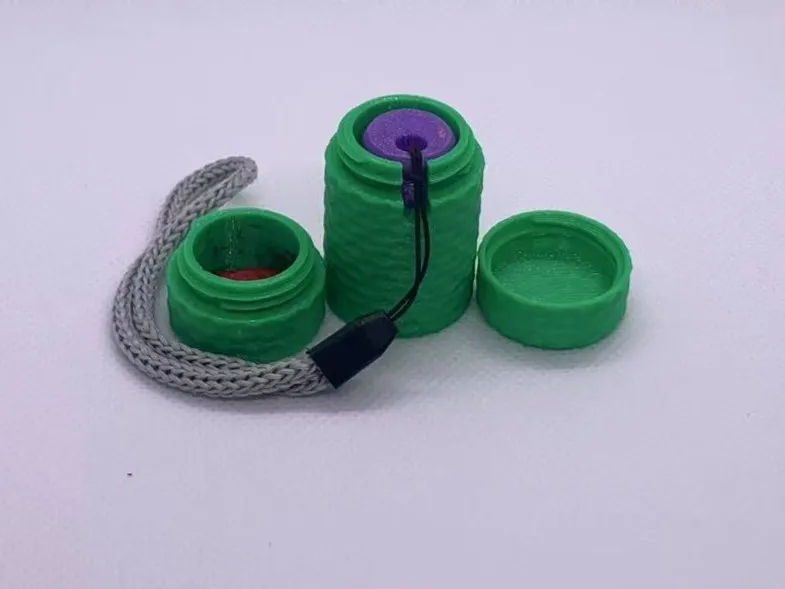
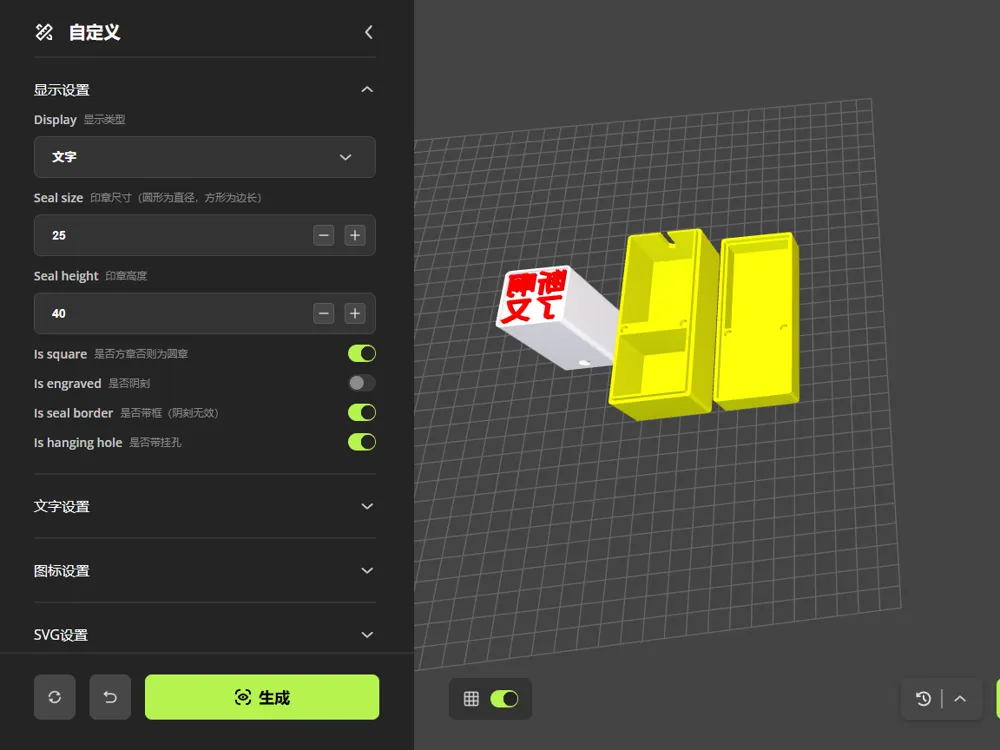
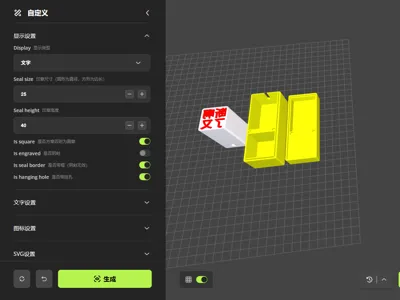
- Click the Customize icon to open the "Square and Round Stamp Generator" customization tool, set according to the text instructions, and click Generate to create your custom stamp
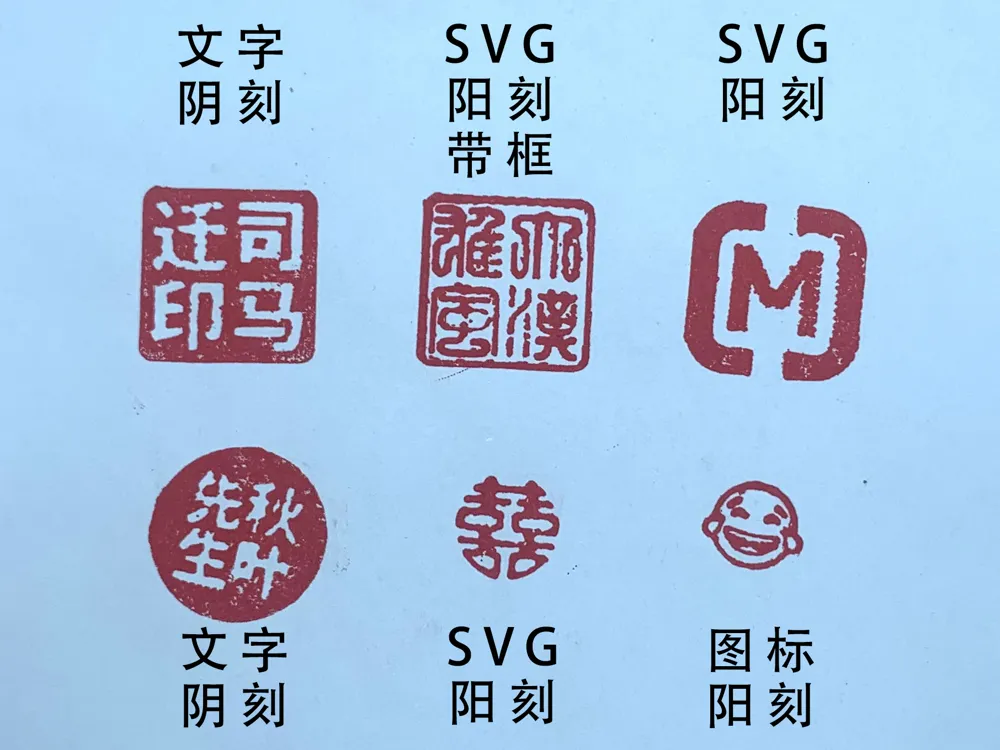
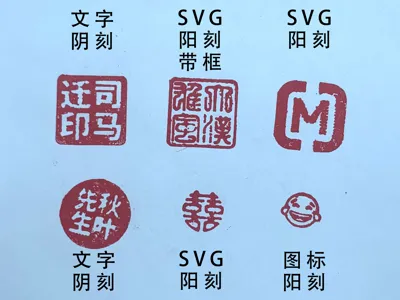
- You can set the stamp size, stamp height, choose between a square or round stamp, set intaglio or relief, choose whether to have a border, and whether to include a stamp hanging hole
- In text mode, you can set the text size and font
- In icon mode, press "Win key" + "." to select your preferred icon symbol, set the icon size, and choose whether the icon is filled (filled means solid)
- In SVG mode, import custom SVG vector graphics and set the scaling ratio of the graphic
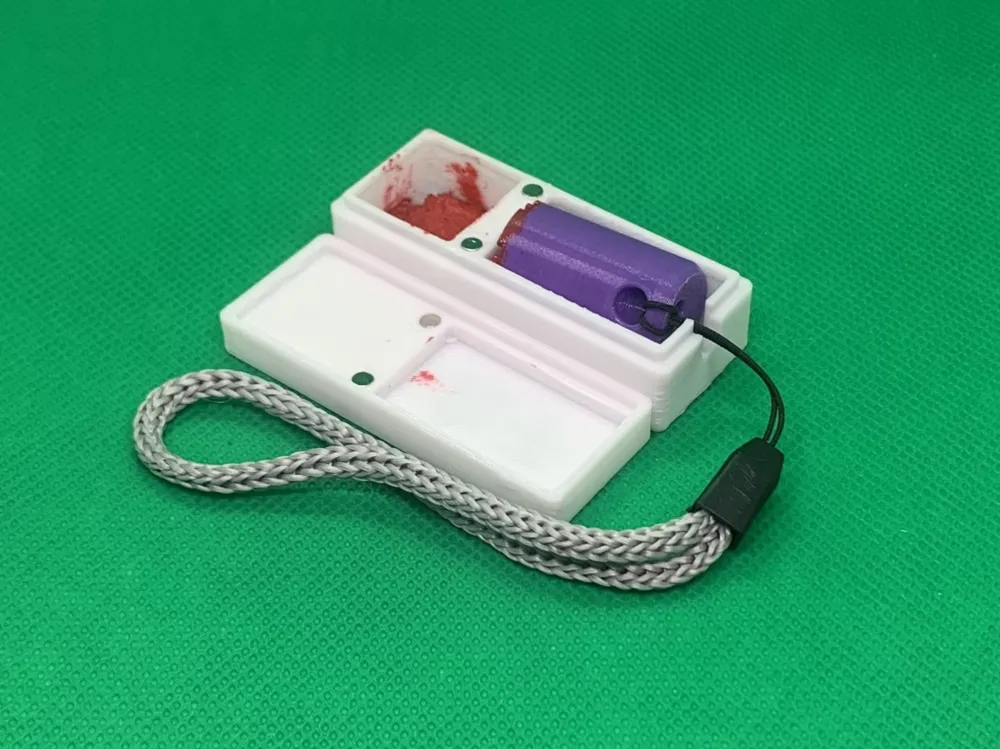
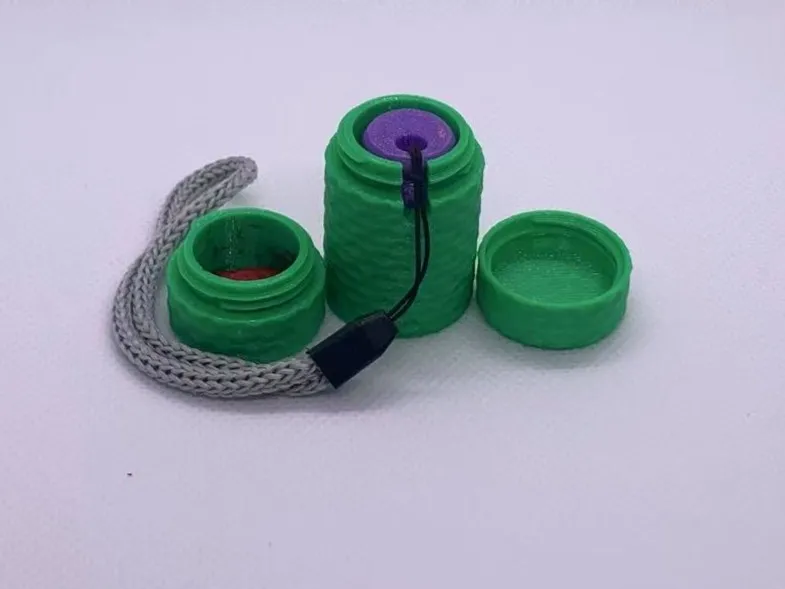
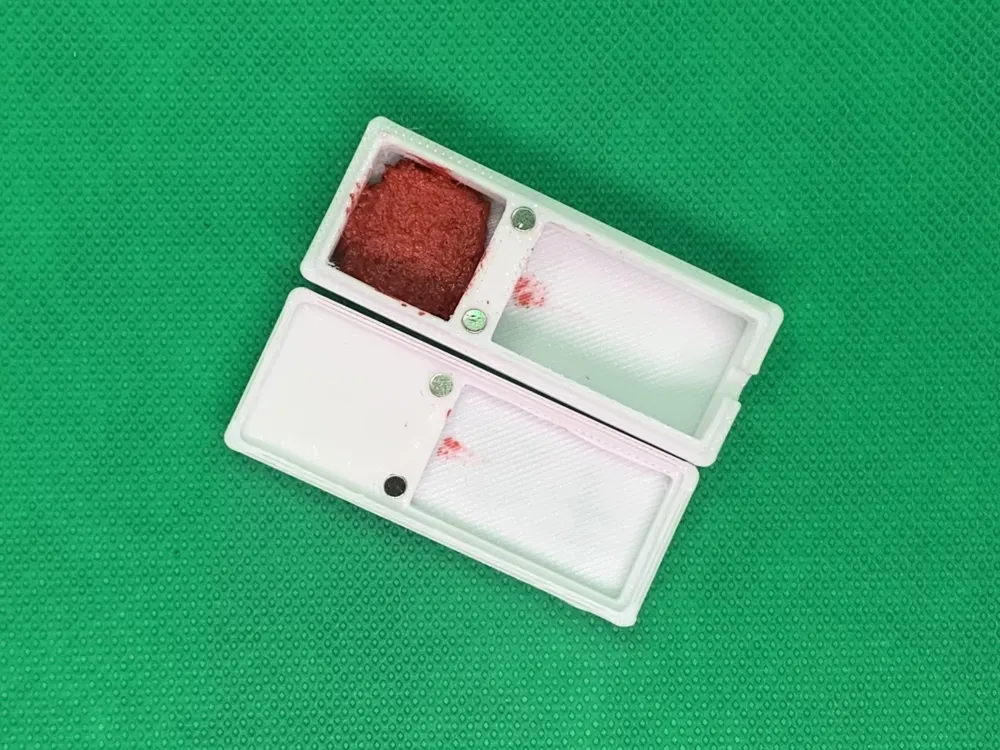
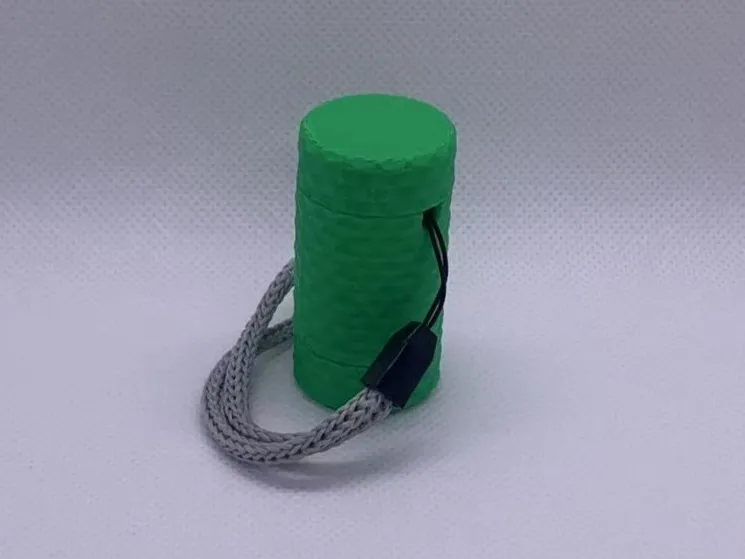
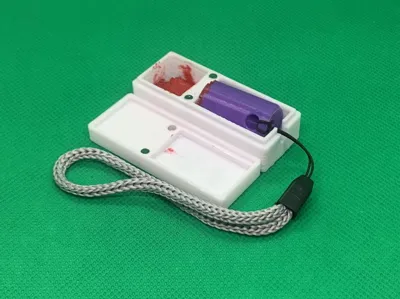
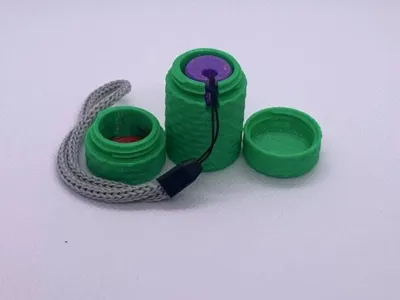
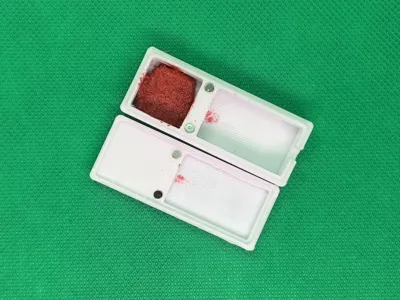
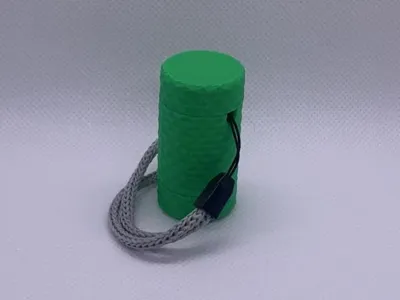
- In the stamp box settings, you can choose whether to generate a stamp box. There are two types of stamp boxes available: cylindrical and rectangular. When choosing the rectangular box, you can engrave text on the stamp box lid and set the text size and font
There are also some less frequently used features that I have placed in advanced settings, such as fine-tuning the position of the impression graphic, setting the border width, setting the rounded corner size of the stamp, and defining the stamp's color and so on
2. Export your model
Once designed, export it as a 3MF or STL file, then load it into Bambu Studio slicing software
3. Printing and Post-processing
Print your stamp; it is best to enable "top surface" ironing mode in the print settings for a smoother surface
For a better stamping effect, it is recommended to sand the raised surface of the stamp
PS: If you have a smooth printing plate, print the stamp face down. This will make the stamp surface very smooth, and the impression effect will be excellent
If a rectangular stamp box is generated, the stamp box requires 4 small magnets with a diameter of 3mm and a height of 2mm
Updates
2026.5.25
Changed the method of changing SVG dimensions from scaling to direct setting of width and height
2025.8.5
Based on the suggestion from netizen redis, a cylindrical stamp box type has been added
2025.8.3
Based on the suggestion from netizen 王牌飞行员, chamfers have been added to the outer edges of the stamp box
2025.7.28
Based on the suggestion from netizen redis, a stamp box generation function has been added to the Square and Round Stamp Generator, and the box will automatically adjust its size according to the stamp's dimensions
Recommended Tools
Many users like to create their private stamps using SVG graphics, so here are some helpful tools
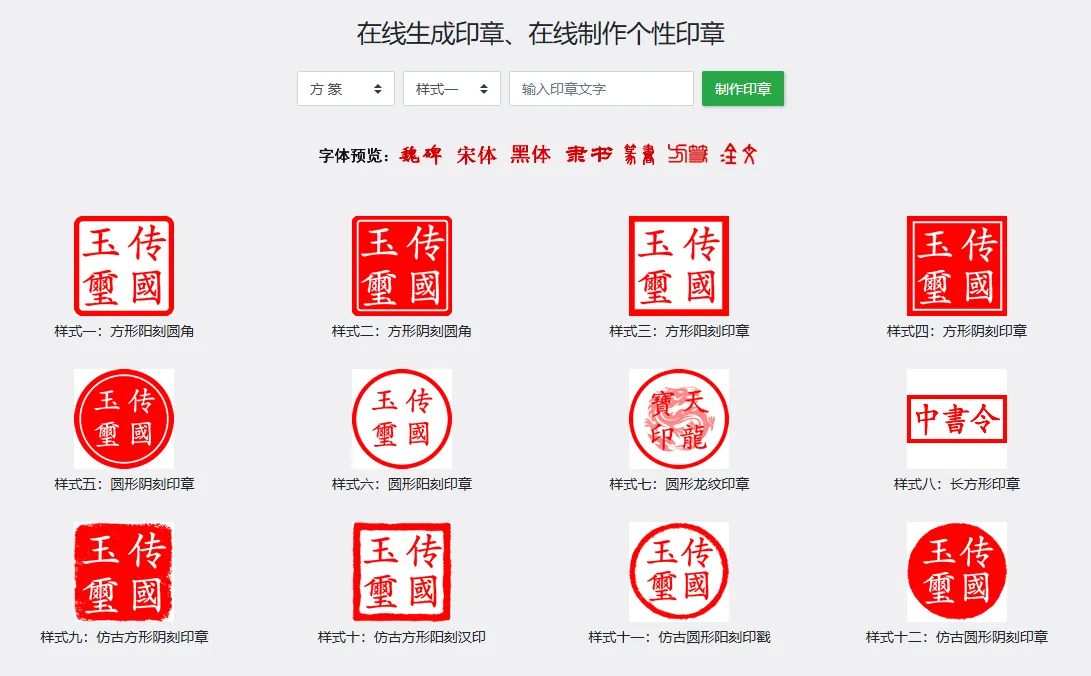
1. Online Personal Stamp Maker Website, this website can generate PNG images of stamps with traditional fonts
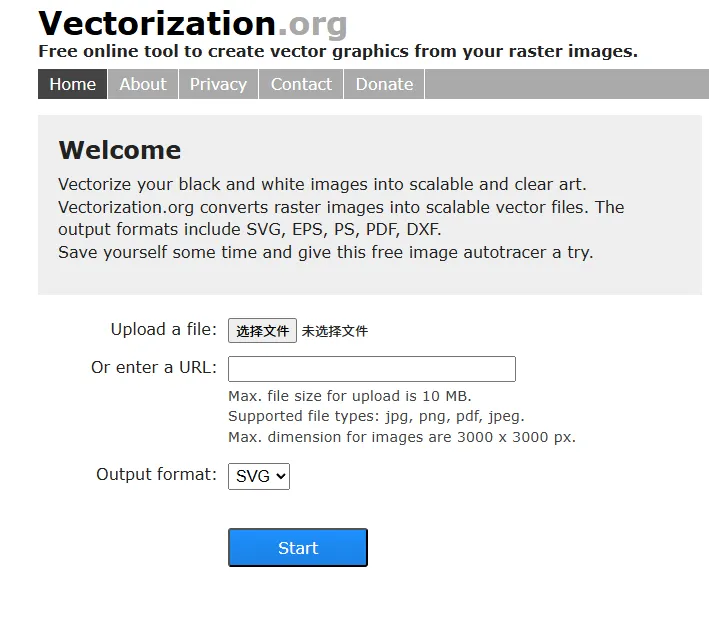
2. PNG to SVG Tool Website, this website can convert images of various formats into SVG graphics
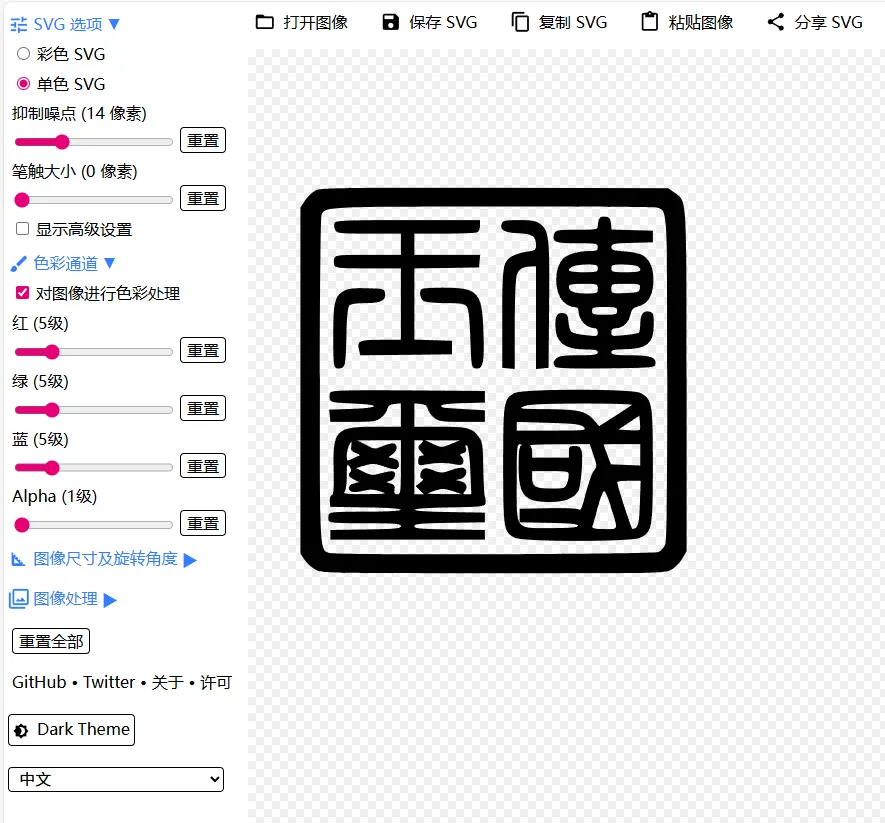
3. Online SVG Editor Website, you can import images of various graphic formats, then automatically convert them into vector graphics, and make simple settings. (Note: Select "Monochrome SVG")
Other Models
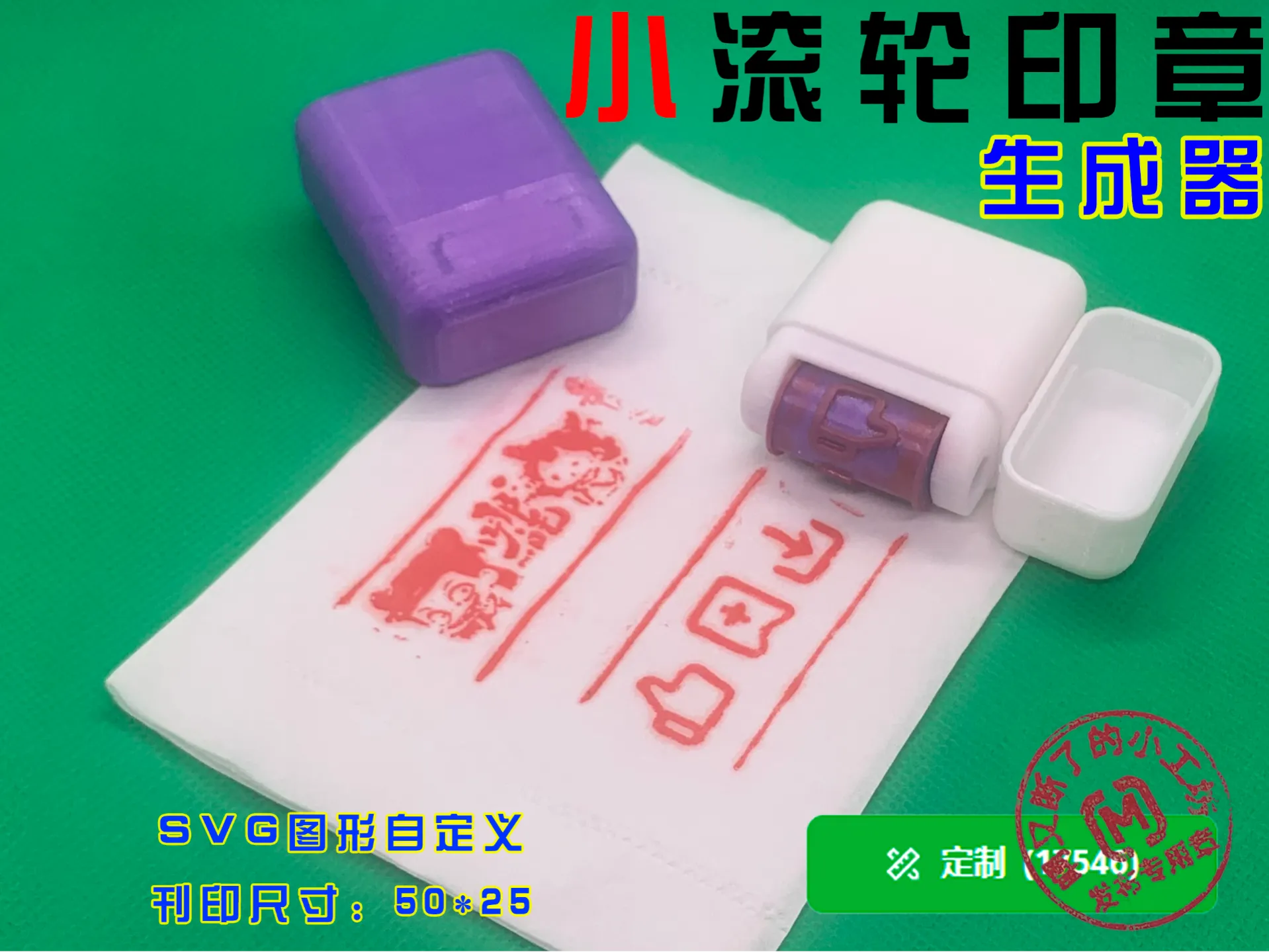
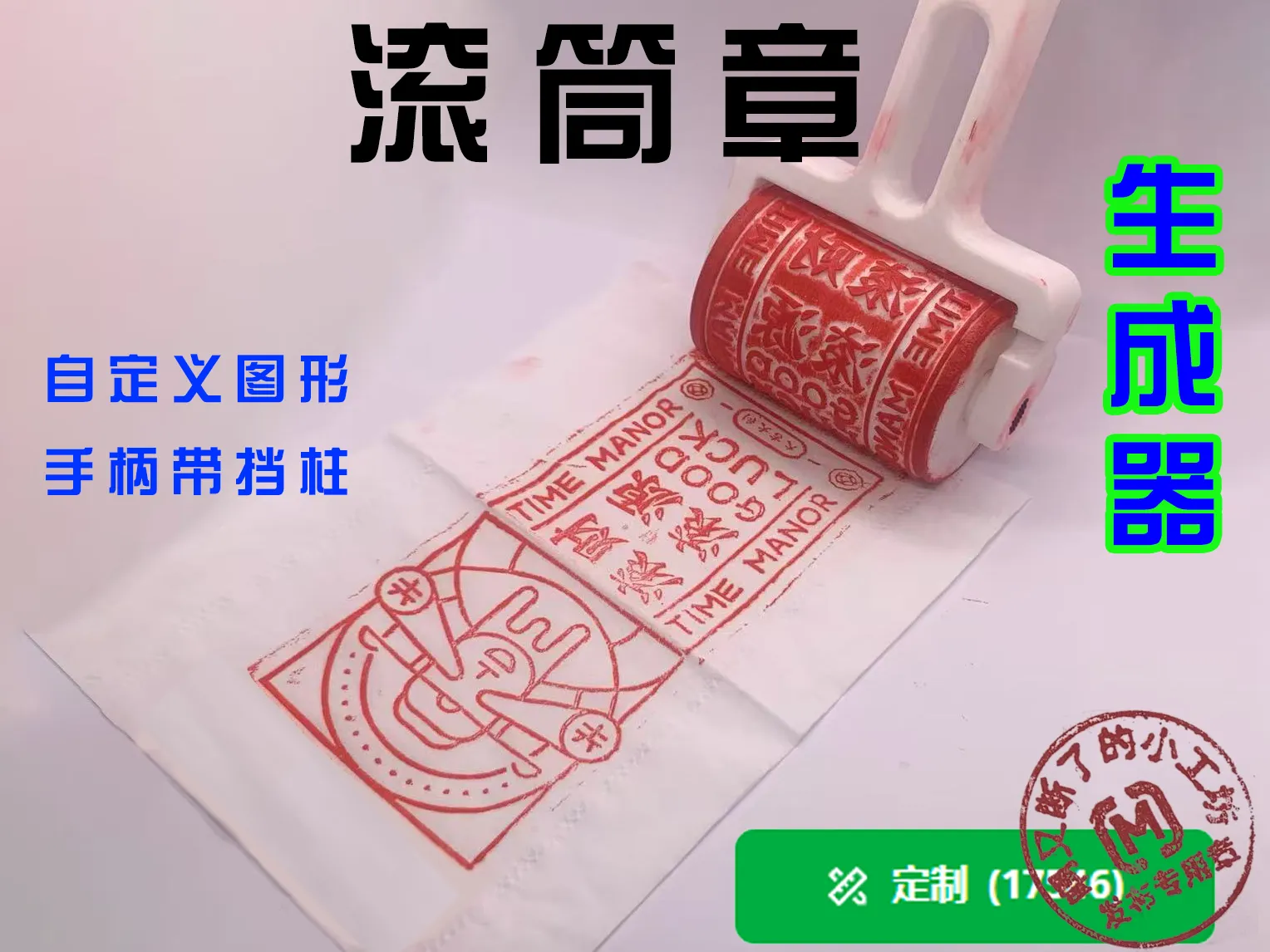
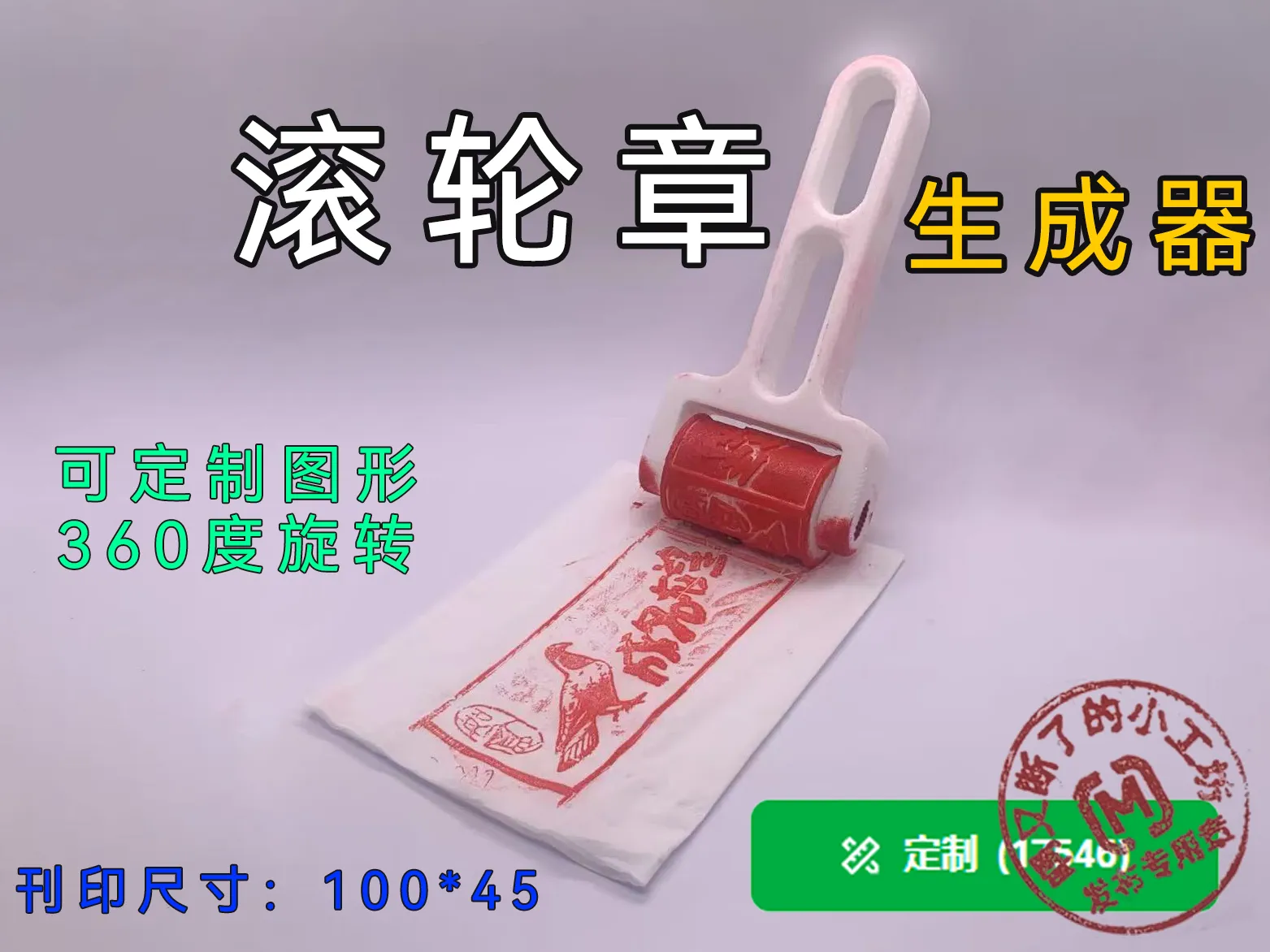
If you like stamps, you can check out my other stamp designs
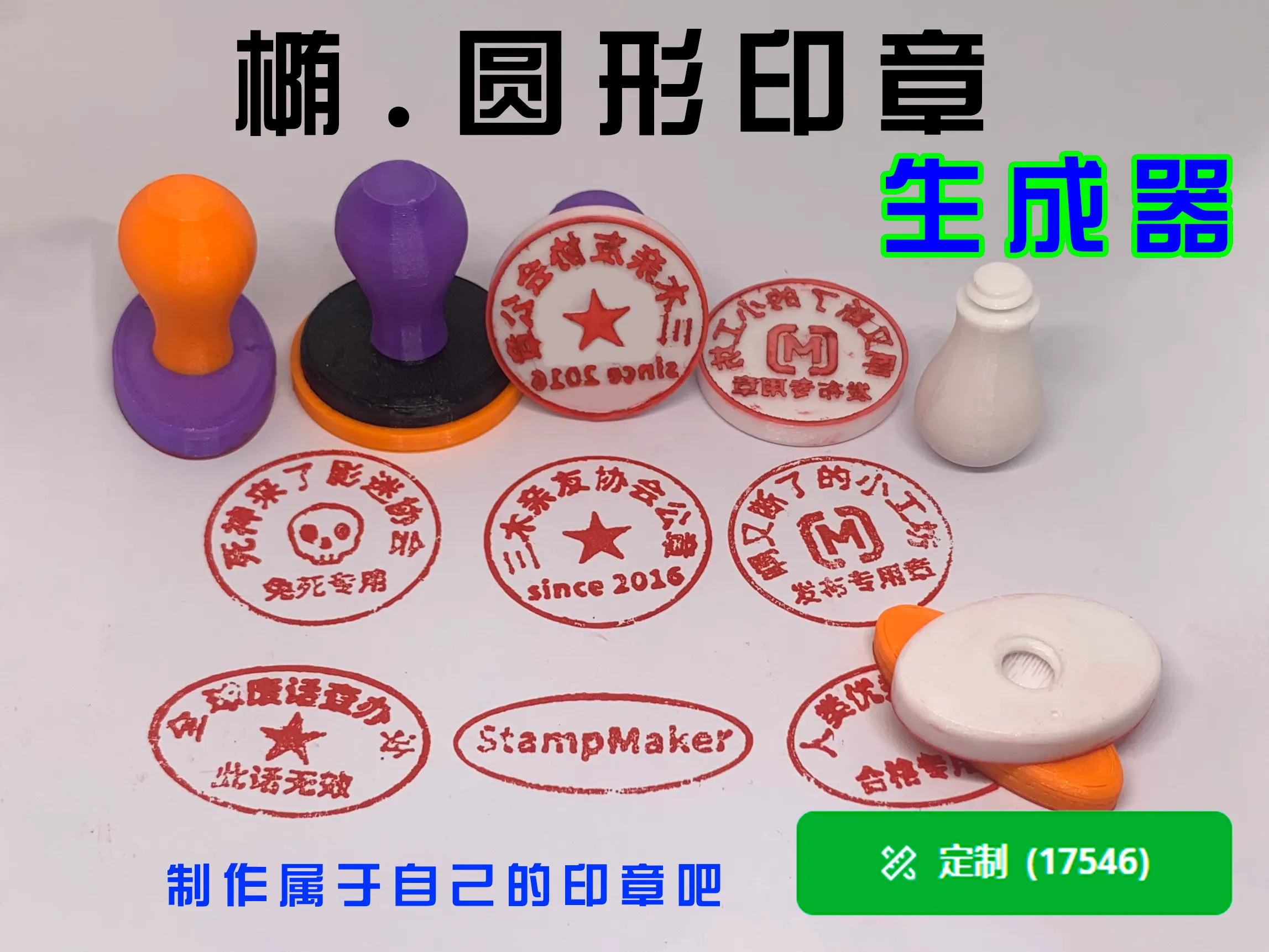
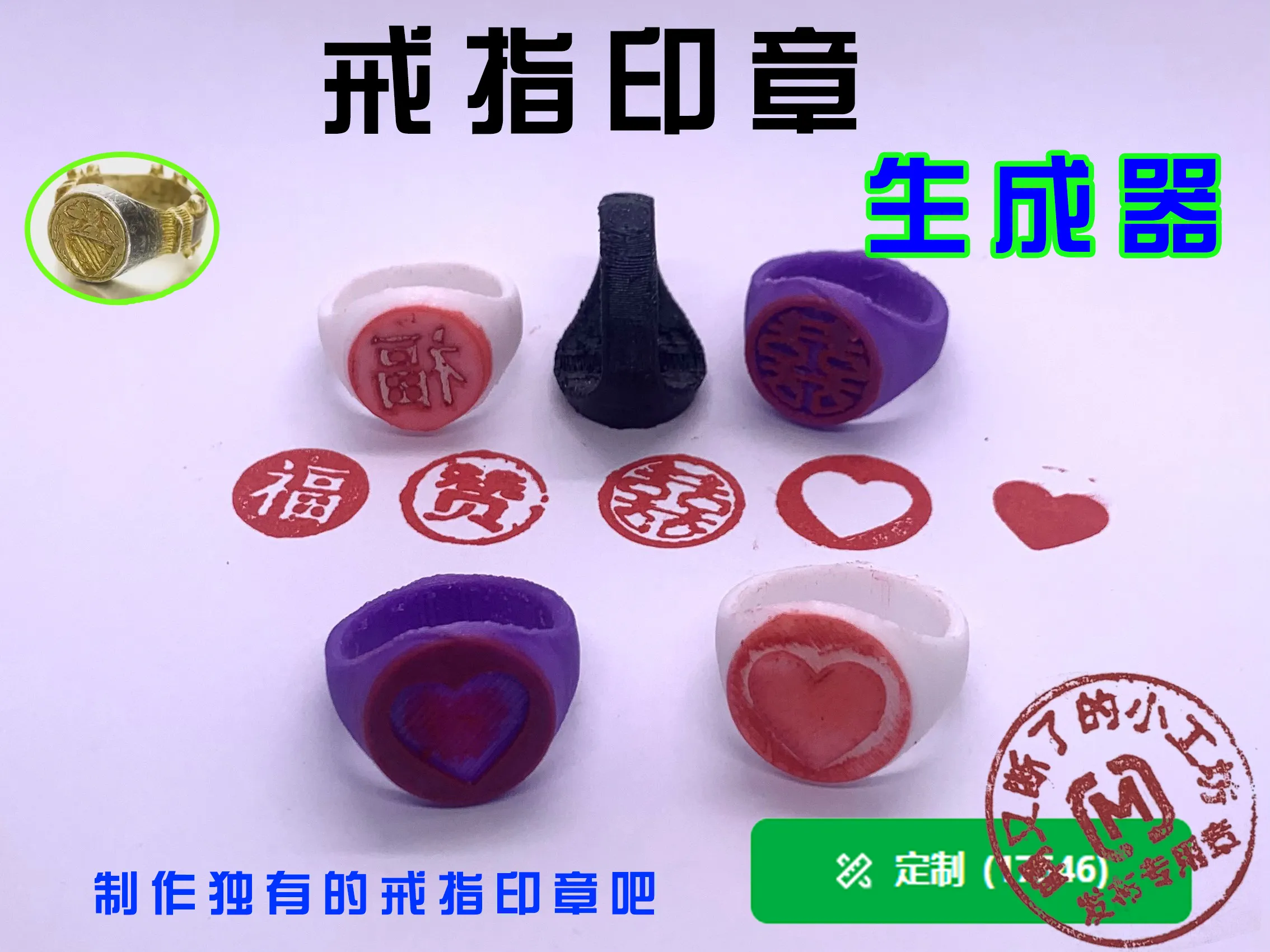
Model Recommendation


License

You may create derivative works based on this object, provided that all such derivative works are published exclusively on the MakerWorld platform and include proper attribution to the original creator. You may not share, upload, host, distribute, or publish this object—or any derivative work of this object—on any other digital platform, marketplace, or distribution channel. Commercial use of this object and any derivative works is strictly prohibited. This includes, but is not limited to, selling, renting, sublicensing, or using the object in any context in which you receive monetary compensation or other financial benefits.


Comment & Rating (2)