
Japanese Dragon – HueForge Bookmark
Print Profile(1)
Description
GeckoGrid is now in pre-launch on MakerWorld Crowdfunding.
Follow the campaign to support the launch, get notified when it goes live, and stay updated as new features and stretch goals are revealed.


Membership
Prefer to stay on MakerWorld? Subscribe here to access MakerWorld-exclusive models, get a commercial license for all MakerWorld uploads, and receive access to my free Patreon tier for updates & news.

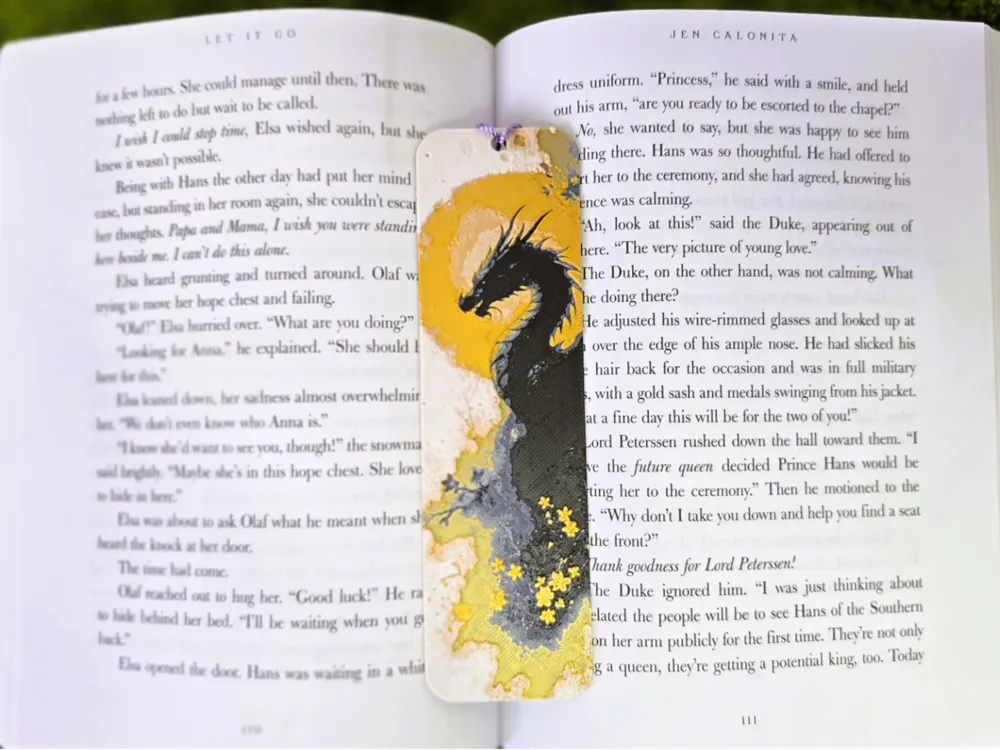
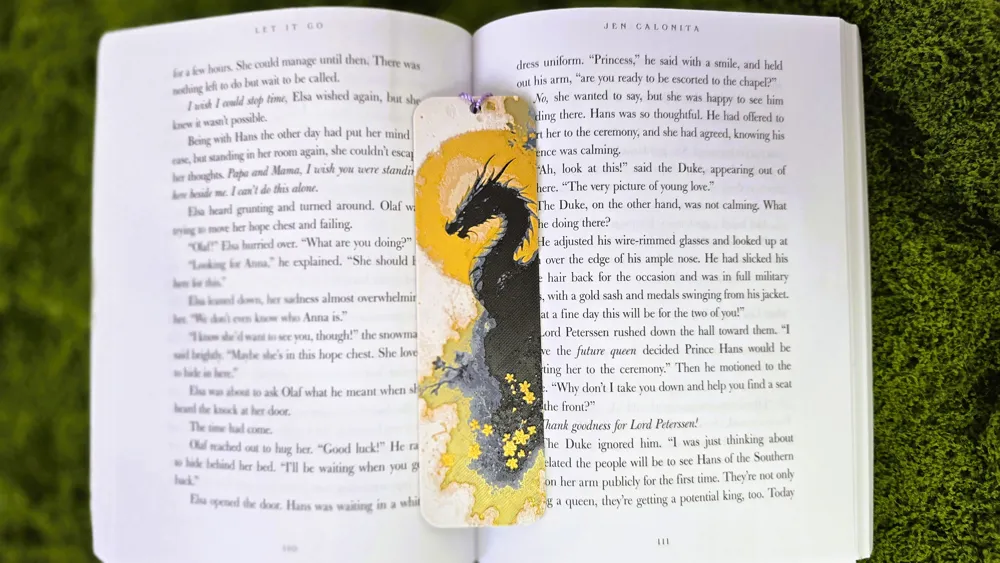
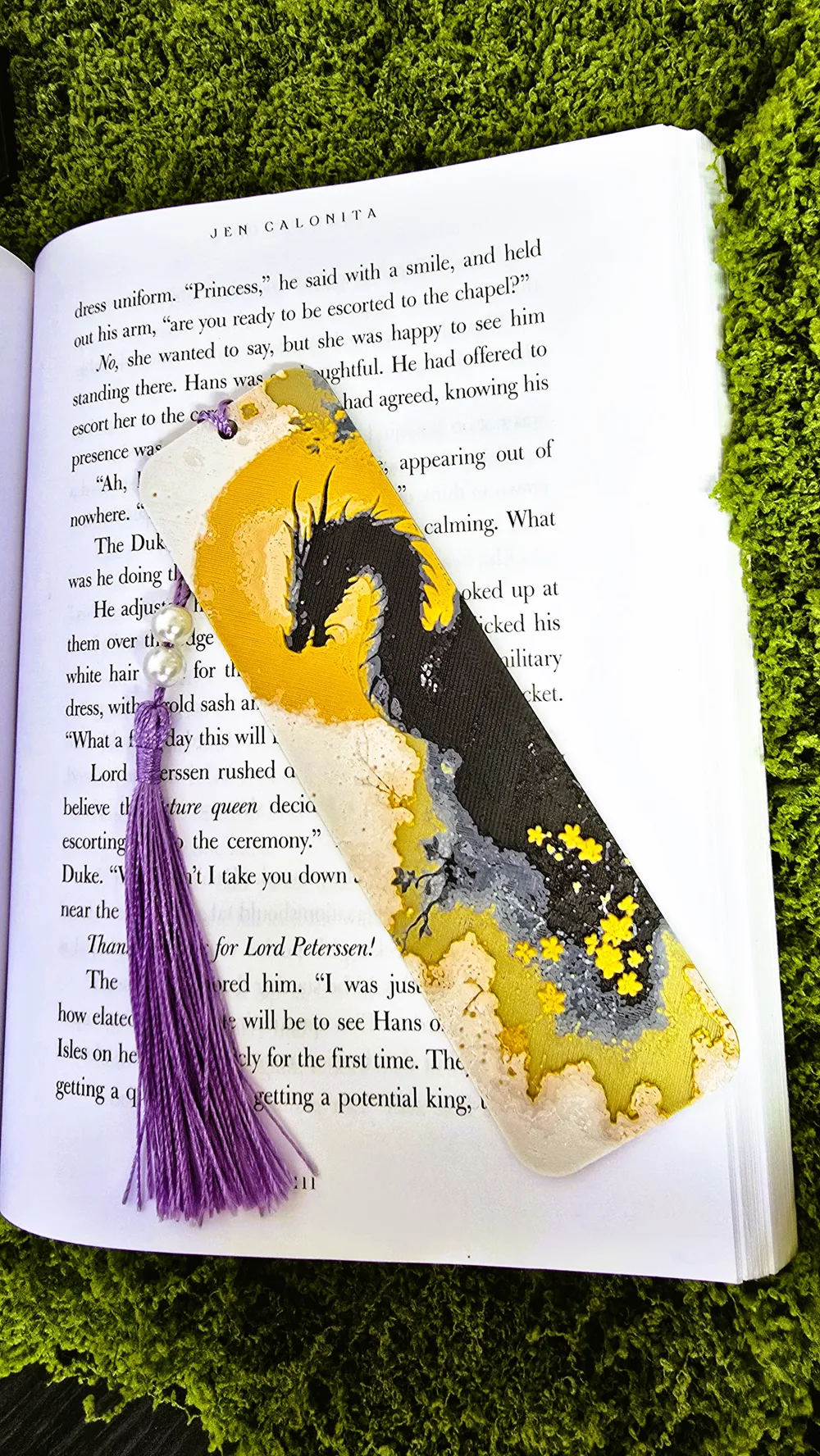
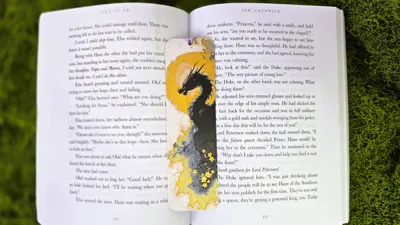
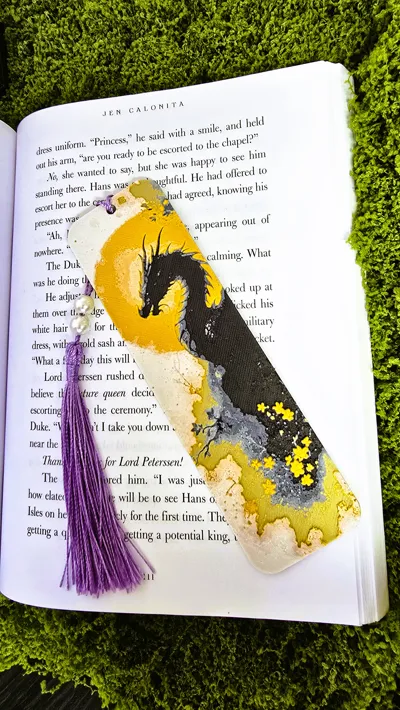
🐉 Japanese Dragon – HueForge Bookmark
A swirling fusion of clouds, blossoms, and myth—this 4-color HueForge print features a Japanese-style dragon emerging through layered tones and crisp contrast. It’s part of a 3-piece fantasy bookmark set (with matching warrior and woman designs), each uploaded separately to match their unique depth and color setups.
Boost Me (for free)
This model flies further with your help!
If you like the design, a free boost goes a long way in helping others discover it.
Thank you for supporting indie creators like me — every boost truly makes a differen
📐 Model Details:
- Size: 59.3 mm × 200 mm
- Layer Height: 0.08 mm
- First Layer: 0.16 mm
- Infill: 100%
- Supports: None
- Brim: Optional
- Min Depth: 0.32 mm
- Max Depth: 2.1 mm
- Actual Depth: 2.1 mm
- Designed for: AMS (4 colors)
🎨 Filaments Used:
- Black: PolyLite PLA Black – Transmission Distance: 0.3
- Blue Gray: BambuLab Basic Blue Gray – TD: 3
- Gold: Protopasta Good as Gold – TD: 5
- White: BambuLab Basic White – TD: 5
🧵 Manual Color Change Instructions – No AMS Needed
You can still print this model on a single-extruder printer by adding manual pause points instead of using an AMS:
- Slice the model at 0.08 mm layer height.
- On the right-hand side color preview bar in Bambu Studio, right-click at the following layers and choose “Add Pause”:
- Start with Black
- Pause at Layer #8 (0.72 mm) → Switch to Blue Gray
- Pause at Layer #13 (1.12 mm) → Switch to Good as Gold
- Pause at Layer #19 (1.6 mm) → Switch to White (finish the print)
- When the printer pauses, change filament and purge until clean.
- Resume the print.
That’s it — this allows AMS-style results with just a little extra attention.
Thanks for scrolling all the way down — you’re officially a real one 🫶
Your support makes this possible and keeps creators like me designing through midnight prints and caffeine crashes.
💛 Want to support more?
Buy Me a Coffee
Boost Me (for free)
Hit that boost if you liked it — it helps way more than you think 💫 Thanks for the support!
🧭 Check out more models:
MakerWorld Profile
Thangs3D Profile
License

You shall not share, sub-license, sell, rent, host, transfer, or distribute in any way the digital or 3D printed versions of this object, nor any other derivative work of this object in its digital or physical format (including - but not limited to - remixes of this object, and hosting on other digital platforms). The objects may not be used without permission in any way whatsoever in which you charge money, or collect fees.


Comment & Rating (6)