
12 Key Macro Pad Case
Print Profile(1)

Description
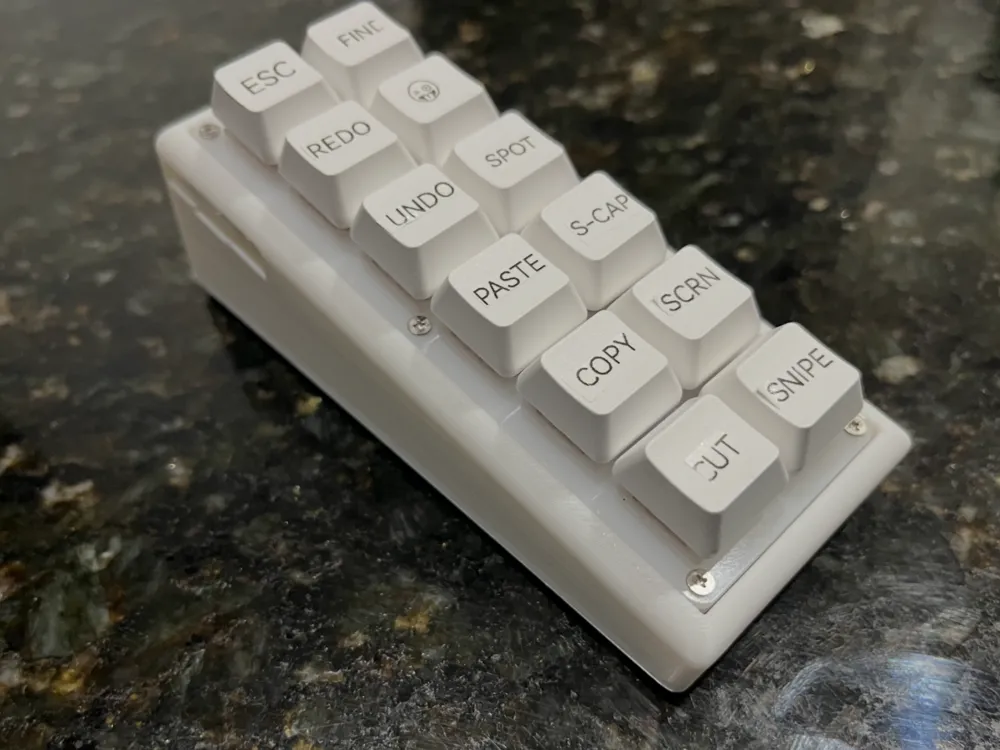
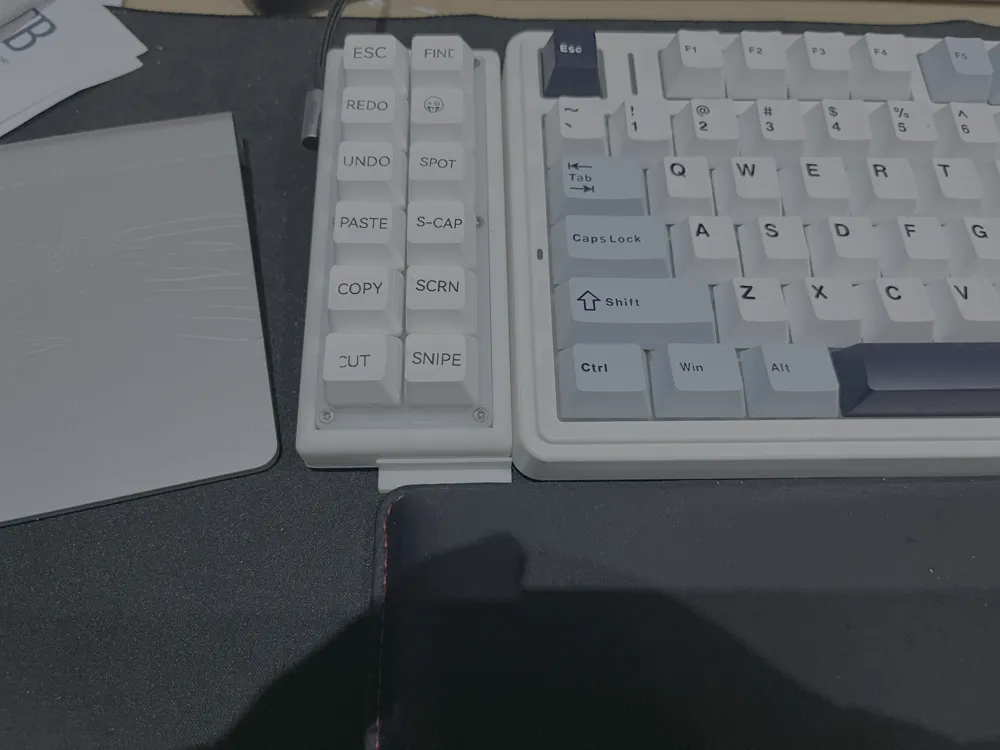
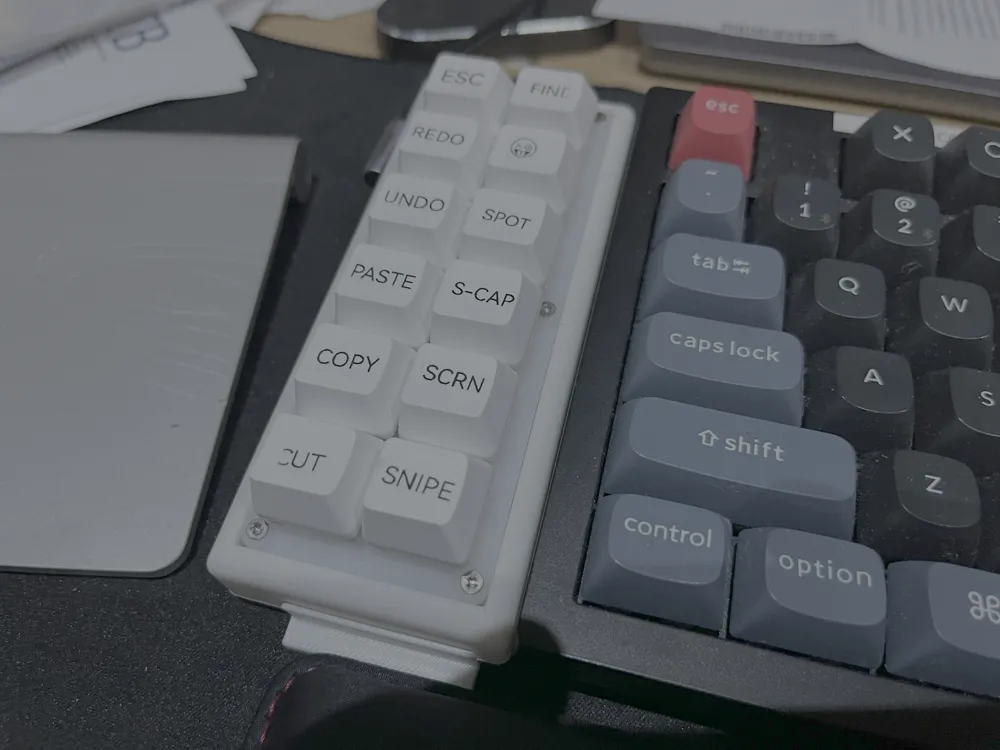
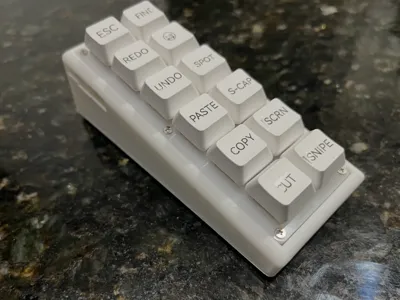
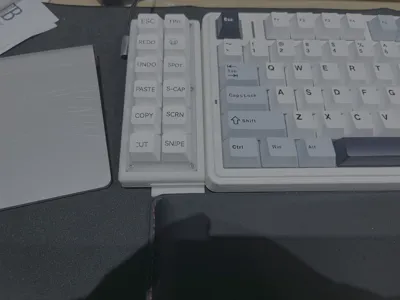
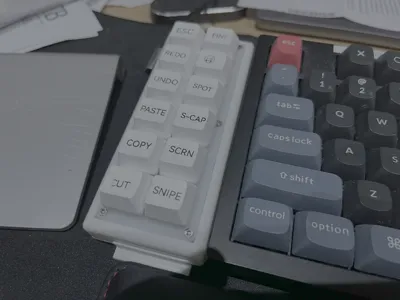
This is a custom case I made for my 12 key macro pad, so it sits next to my keyboard at the same angle.
Tested with Epomaker x Aula F75 & Keychron K10 Pro, it sits nice and flush with them both.
I've made a standard version which should work with most USB C cables, but I have a Ugreen right angled one as I want the cable to go straight towards to the back of my desk, not stick out to the left, so I had to make some additional changes so the connector fits properly, without the changes it wouldn't make proper contact.
Both versions are included in the print profile.
NOTE:
The model will sit flush without any rubber feet, but if you use rubber feet, you will need to cut the model by the height of the rubber feet to maintain the same height.
E.G, I used 4mm height rubber feet, so in bambu slicer, I select cut and cut 4mm off the bottom so the same height is maintained.
My keyboards are 44mm at the rear, and 20mm at the front, so this is what I wanted to achieve as the final print as seen in the pictures.
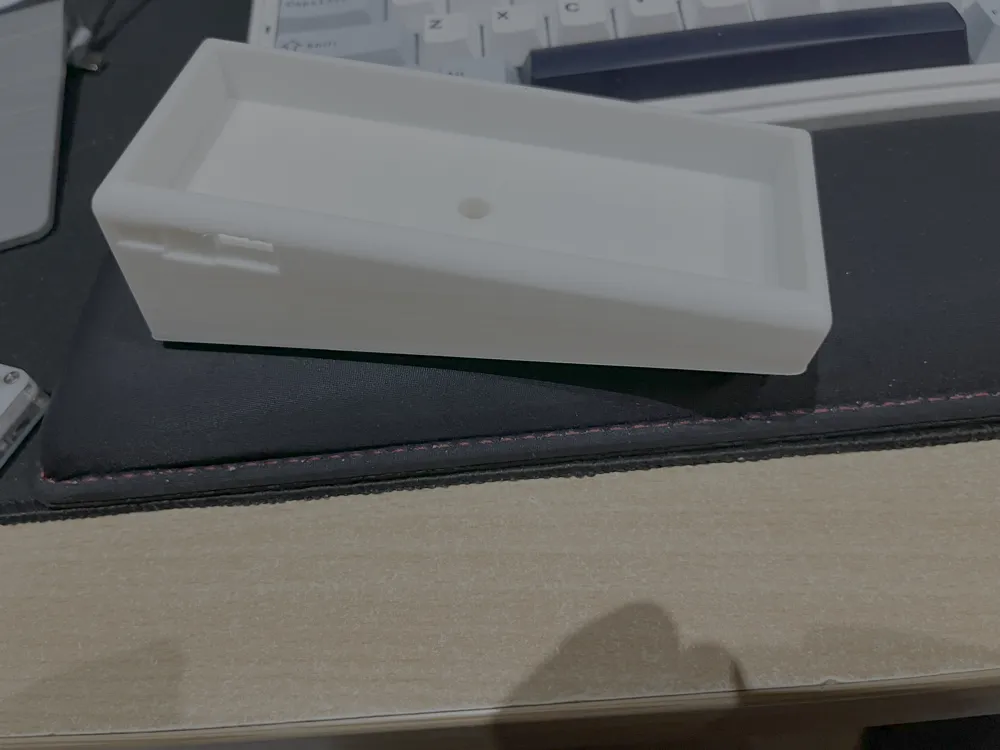
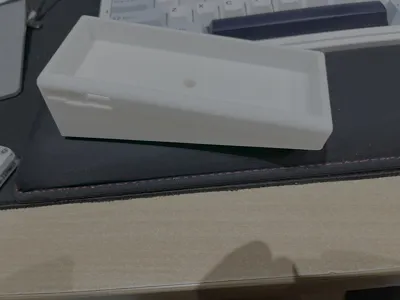
The hole at the bottom is so you can insert something to push the pad out, as it's a tight fit.
Supports should be used for the usb port. It breaks off easily, but it doesn't leave the smoothest surface as the print is on an angle, but it's no problem as it's not seen nor does it disturb the usb cable. I did try print it without support, and it works, but your mileage may vary.
The macro pad used was this one, https://tinyurl.com/2cue3njd
Here's the onshape file if you wish to remix it.
License



Comment & Rating (2)