
Print Profile(2)


Description
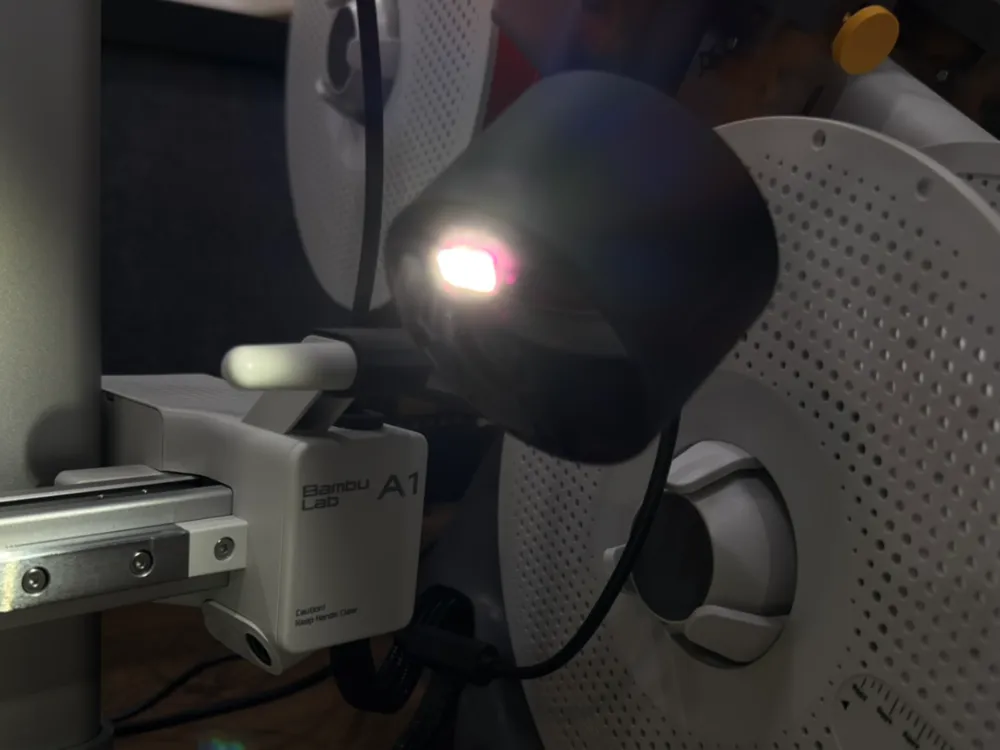
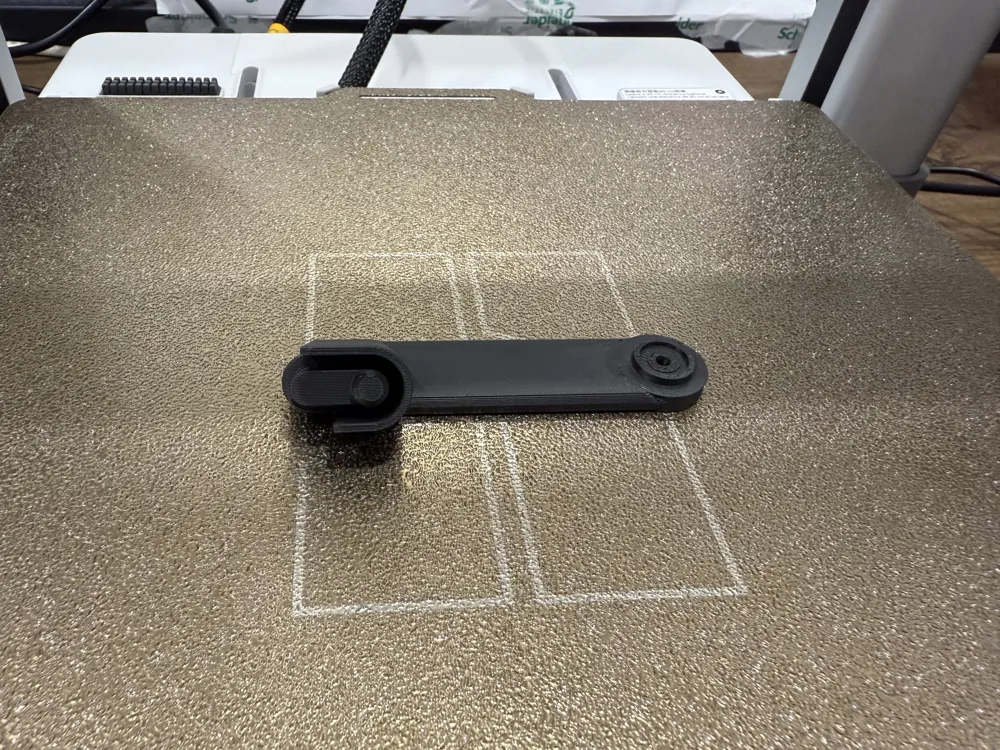
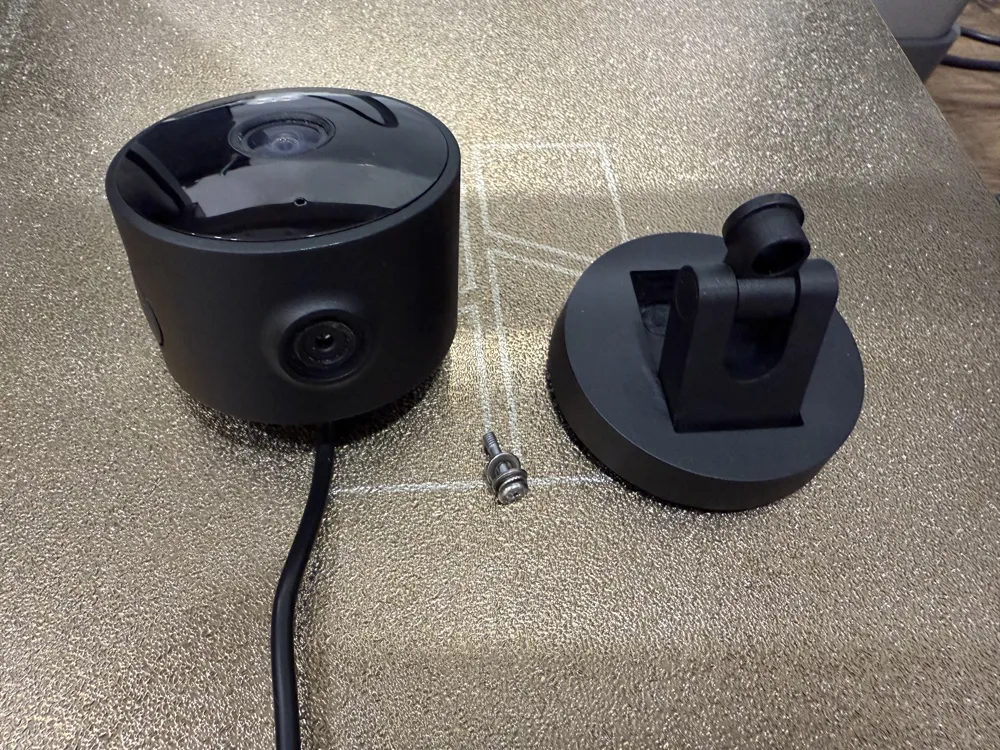
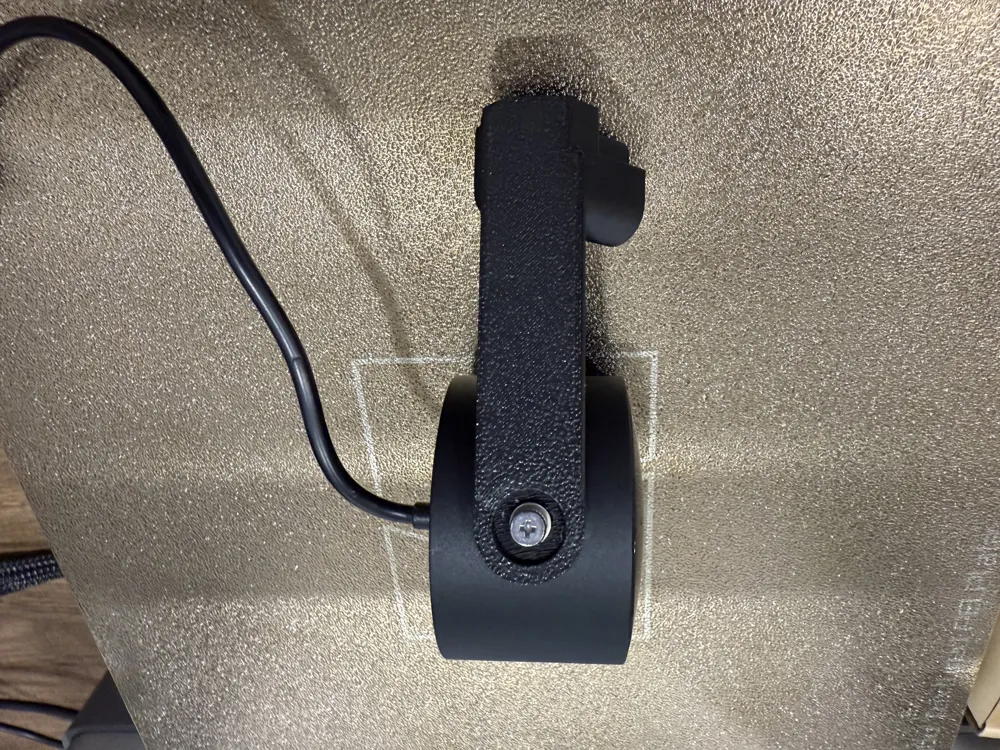
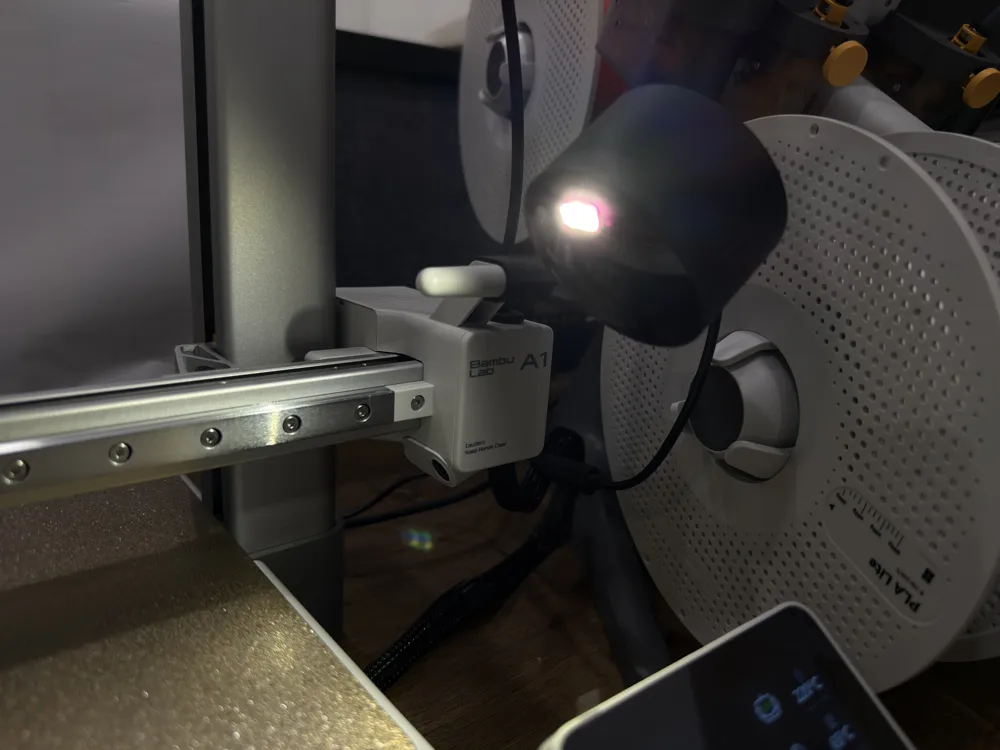
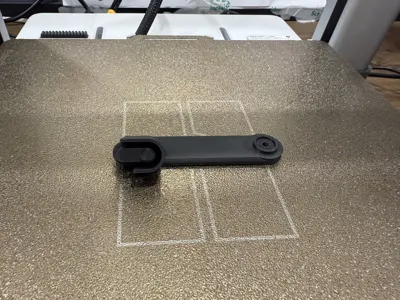
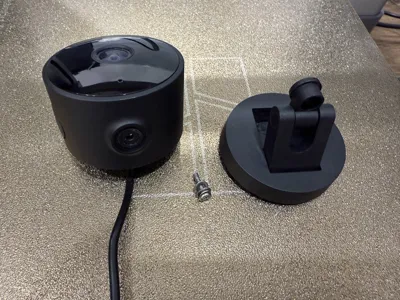
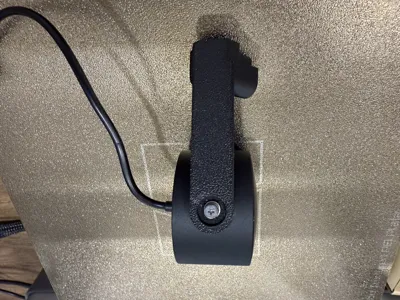
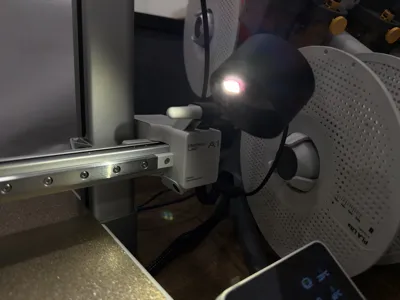
Aqara G100 Camera Mount - 20250715 Version
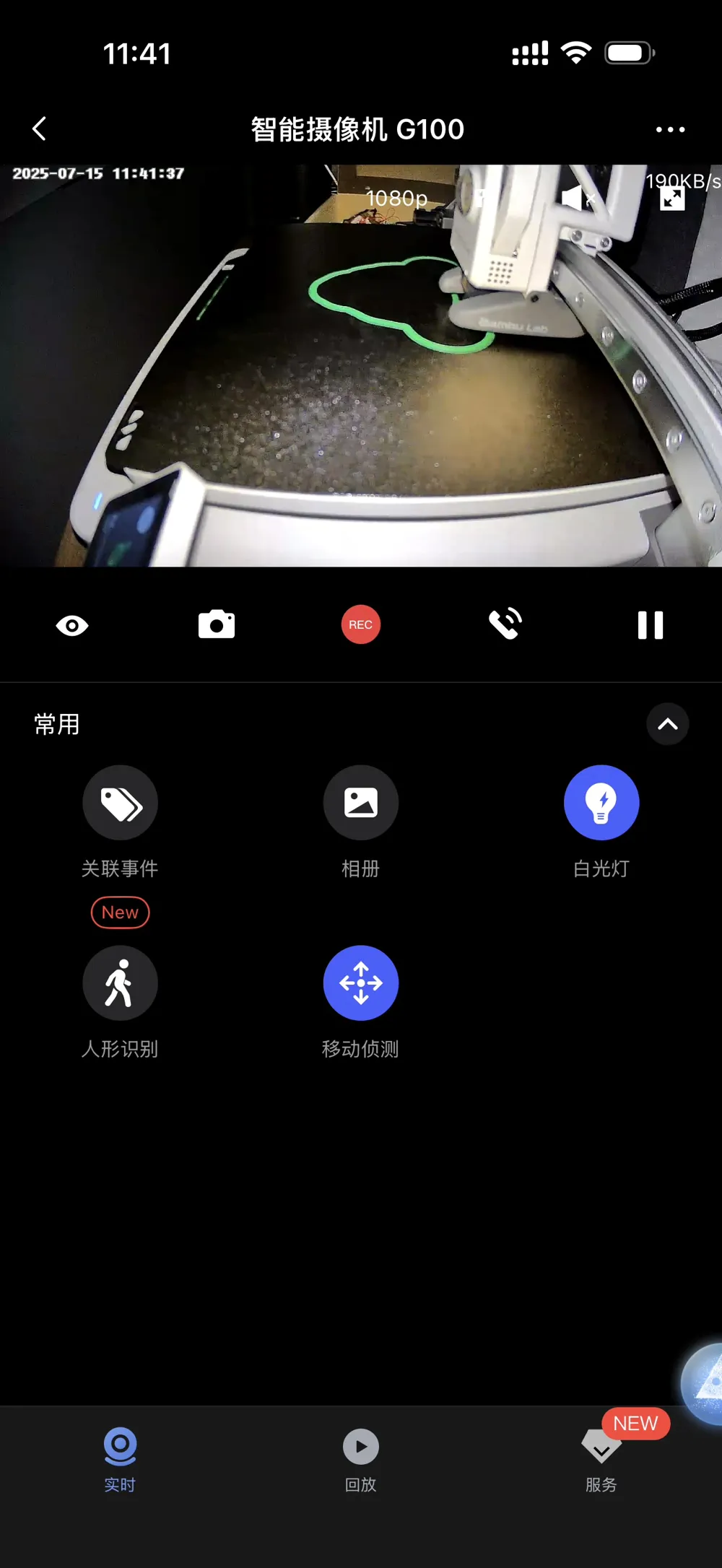
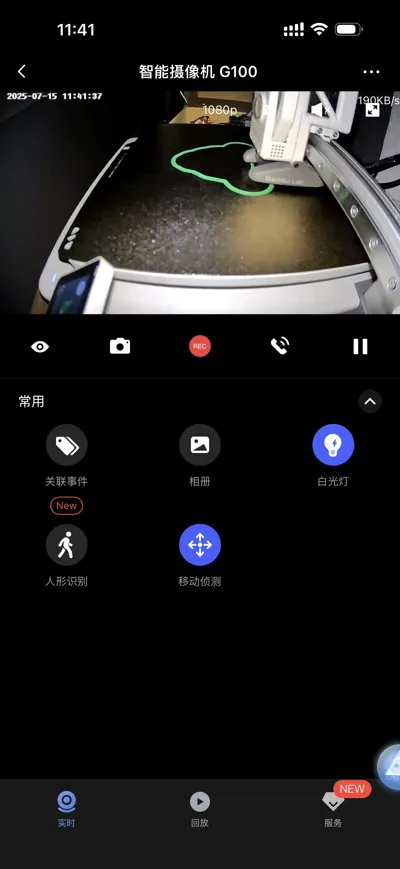
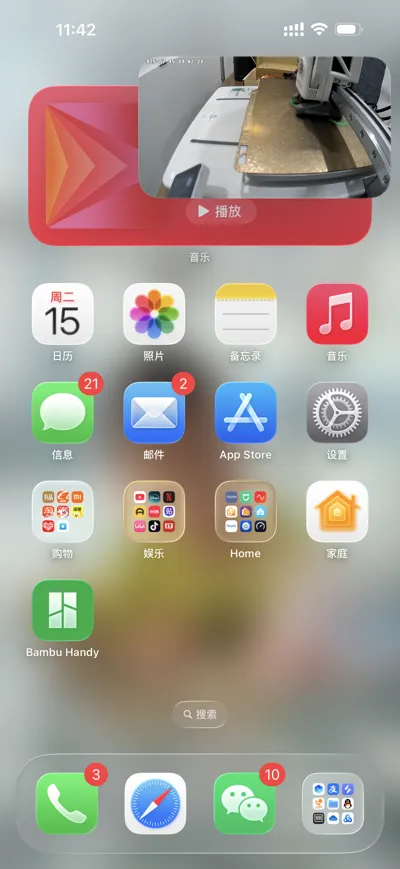
Advantages: Includes a built-in fill light!!! Easy installation, native HomeKit integration
Disadvantages: Relatively long focal length, slightly blurry at close range
Important Notes: Requires removal of the original mount; use the original mount screws. Do not discard the base! (The network pairing code and HomeKit code are on it; you can also peel it off and affix it to the camera)
Here's how to automate the camera's fill light on/off (requires a smart plug with power threshold automation; I use the Aqara Smart Plug T1)
Of course, if you use a Xiaomi camera with similar functionality, the setup logic is the same.
Configure separate automations for the device's on and standby states (adjust power thresholds based on the smart plug's power consumption readings during operation and standby. For example, with the A1, standby power is approximately 10W, and operational power is around 100W. Set a suitable value within this range)
1. When power exceeds 30W, turn on the camera fill light
2. When power is below 20W, turn off the camera fill light
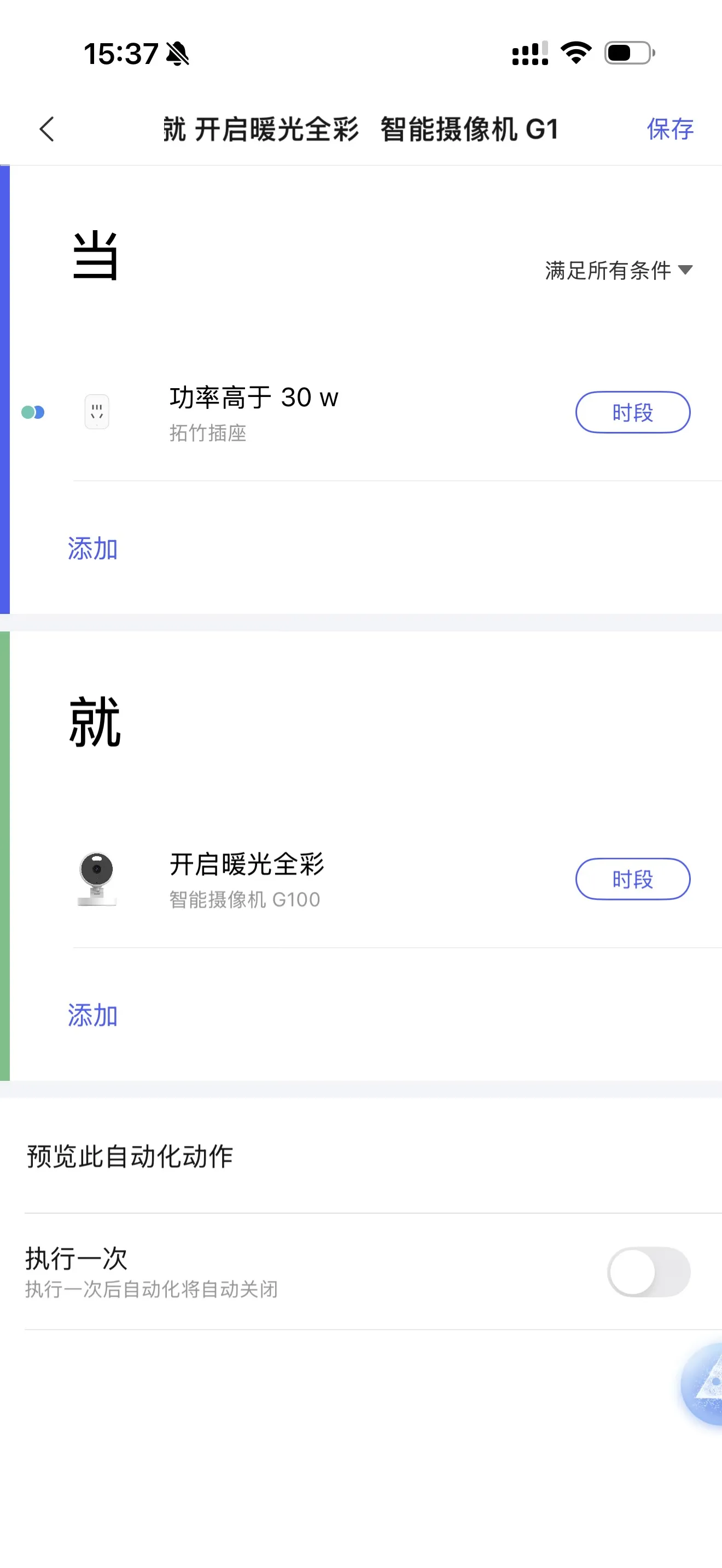
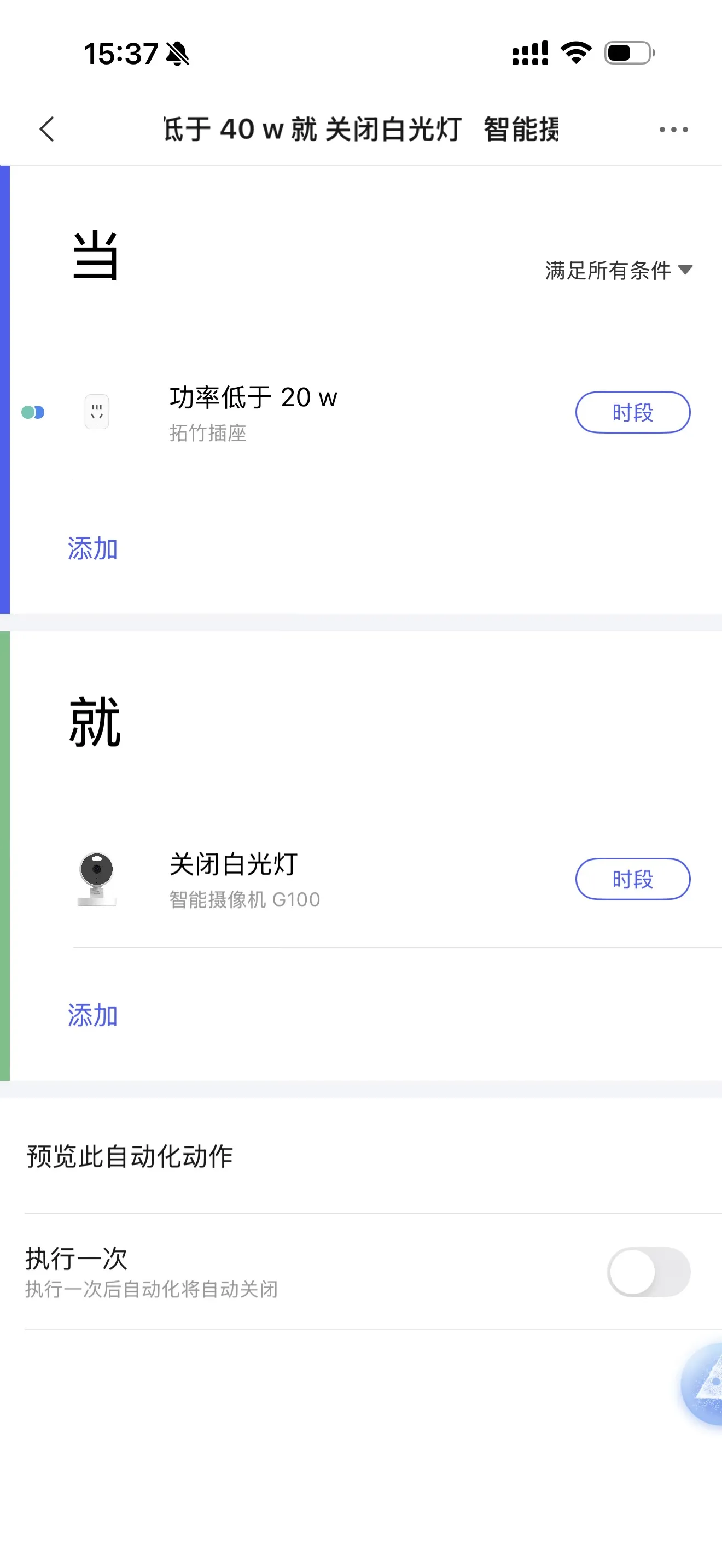
This automates fill light activation at print commencement and deactivation upon completion. To prevent daytime activation, add a time restriction to the automation (it will only trigger within the specified time frame)
For even more refined control, incorporate a smart switch into the setup
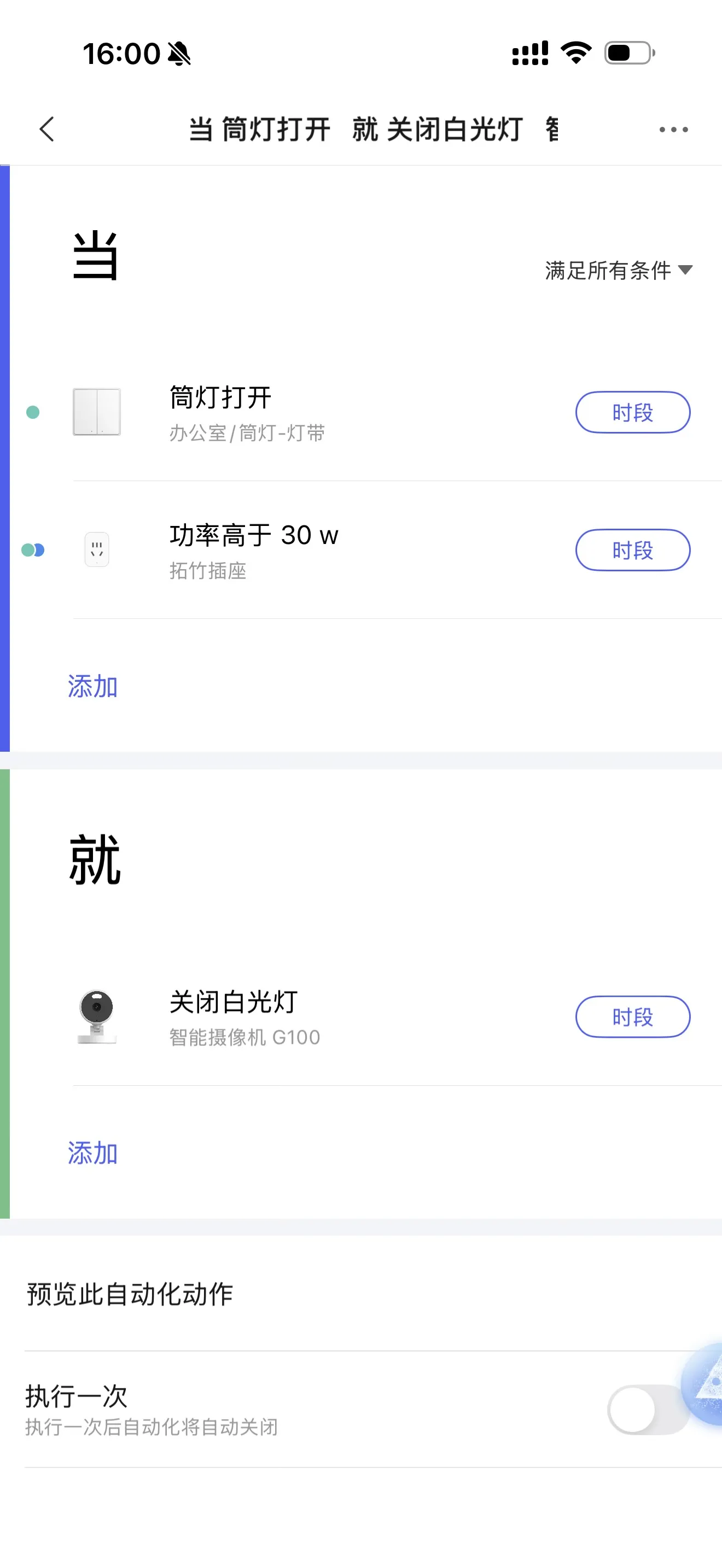
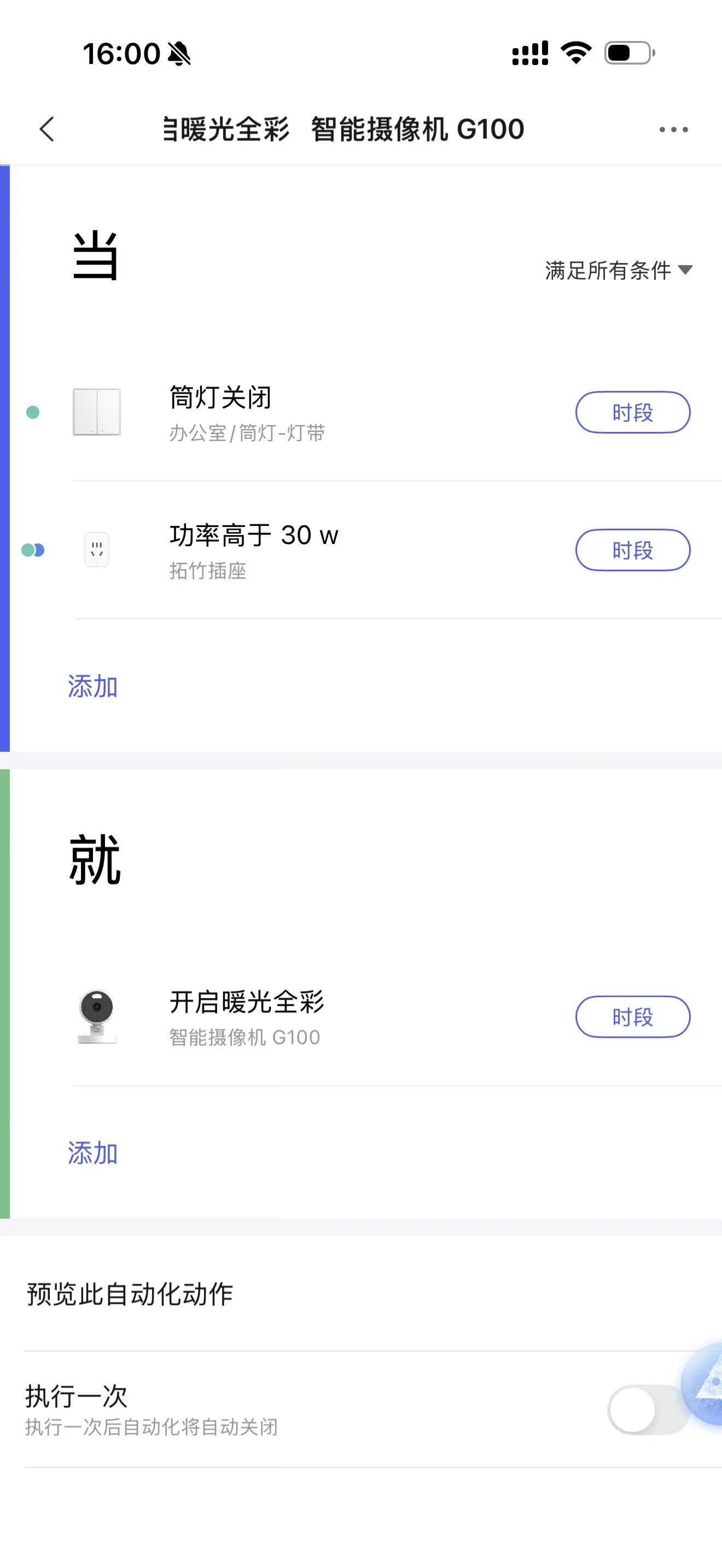
This allows for sophisticated control: the fill light automatically switches off when I enter the room and turn on the lights, and reactivates when I leave, provided the machine is still operating. It only activates when needed—perfect!
License

You shall not share, sub-license, sell, rent, host, transfer, or distribute in any way the digital or 3D printed versions of this object, nor any other derivative work of this object in its digital or physical format (including - but not limited to - remixes of this object, and hosting on other digital platforms). The objects may not be used without permission in any way whatsoever in which you charge money, or collect fees.


Comment & Rating (17)