
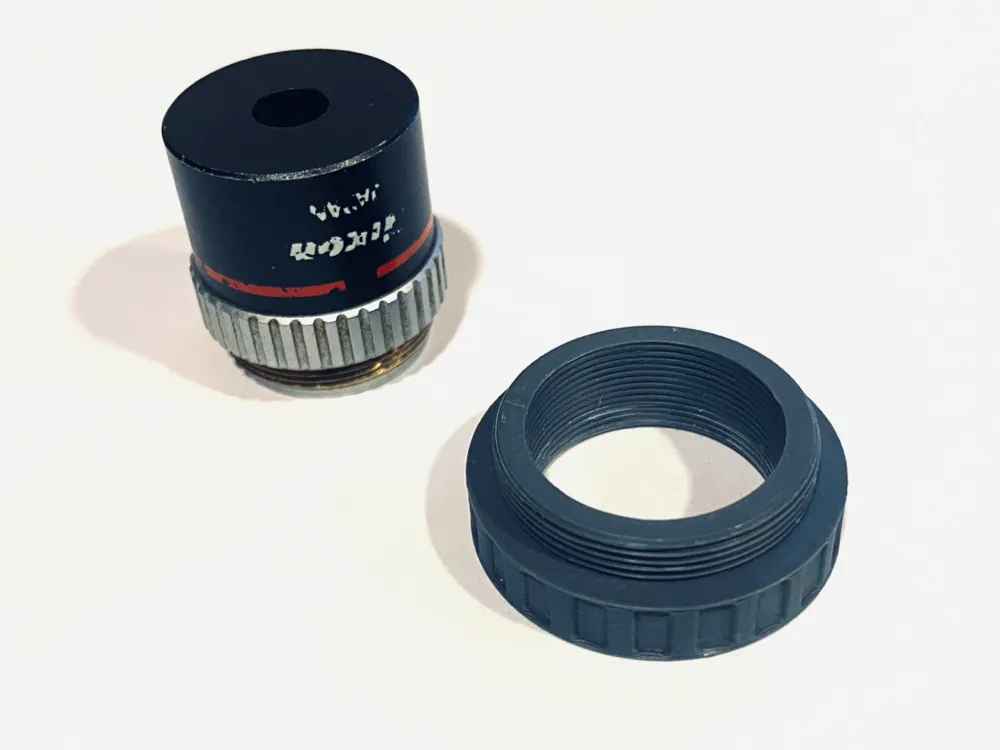
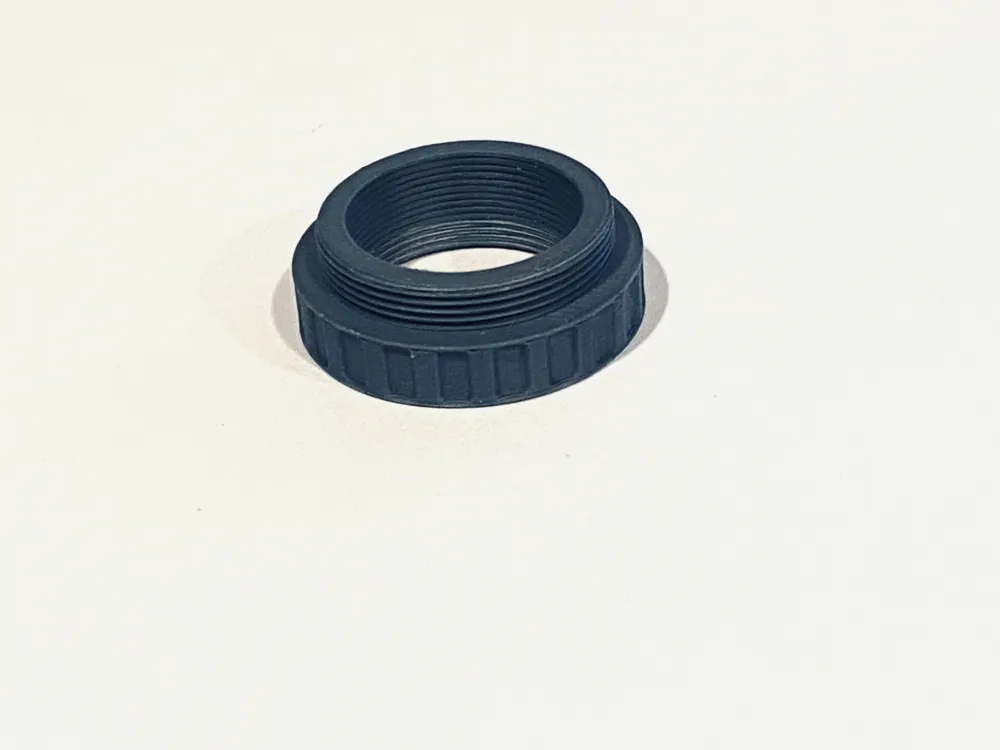
Adaptador de lente RMS a C (Raspberry Pi HQ)
Print Profile(1)
Description
Spanish
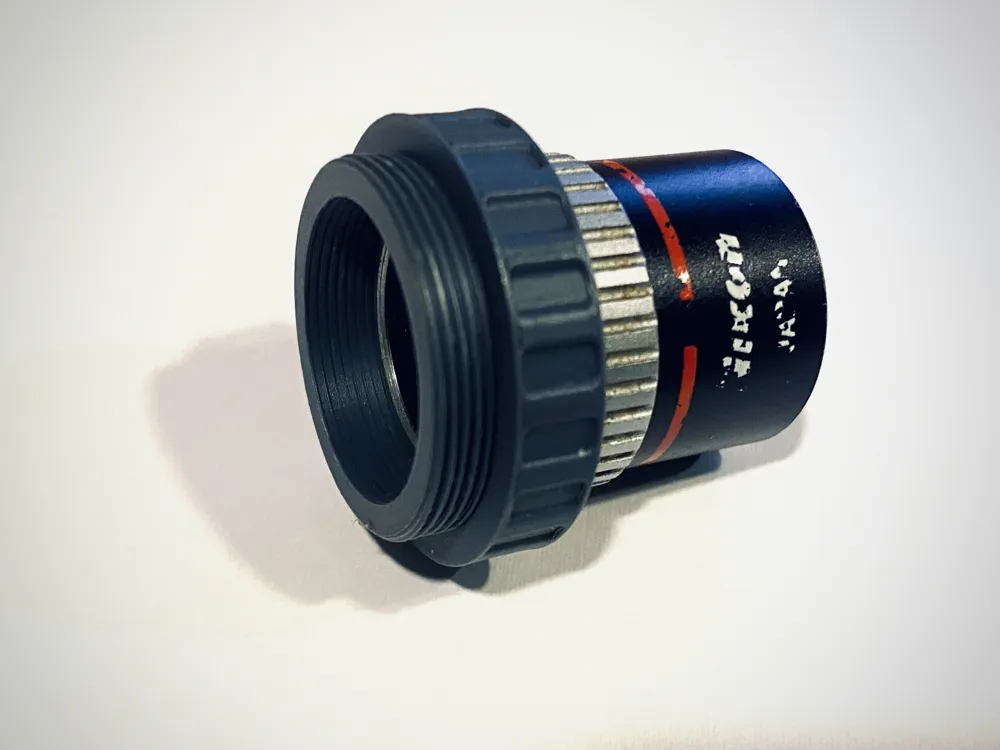
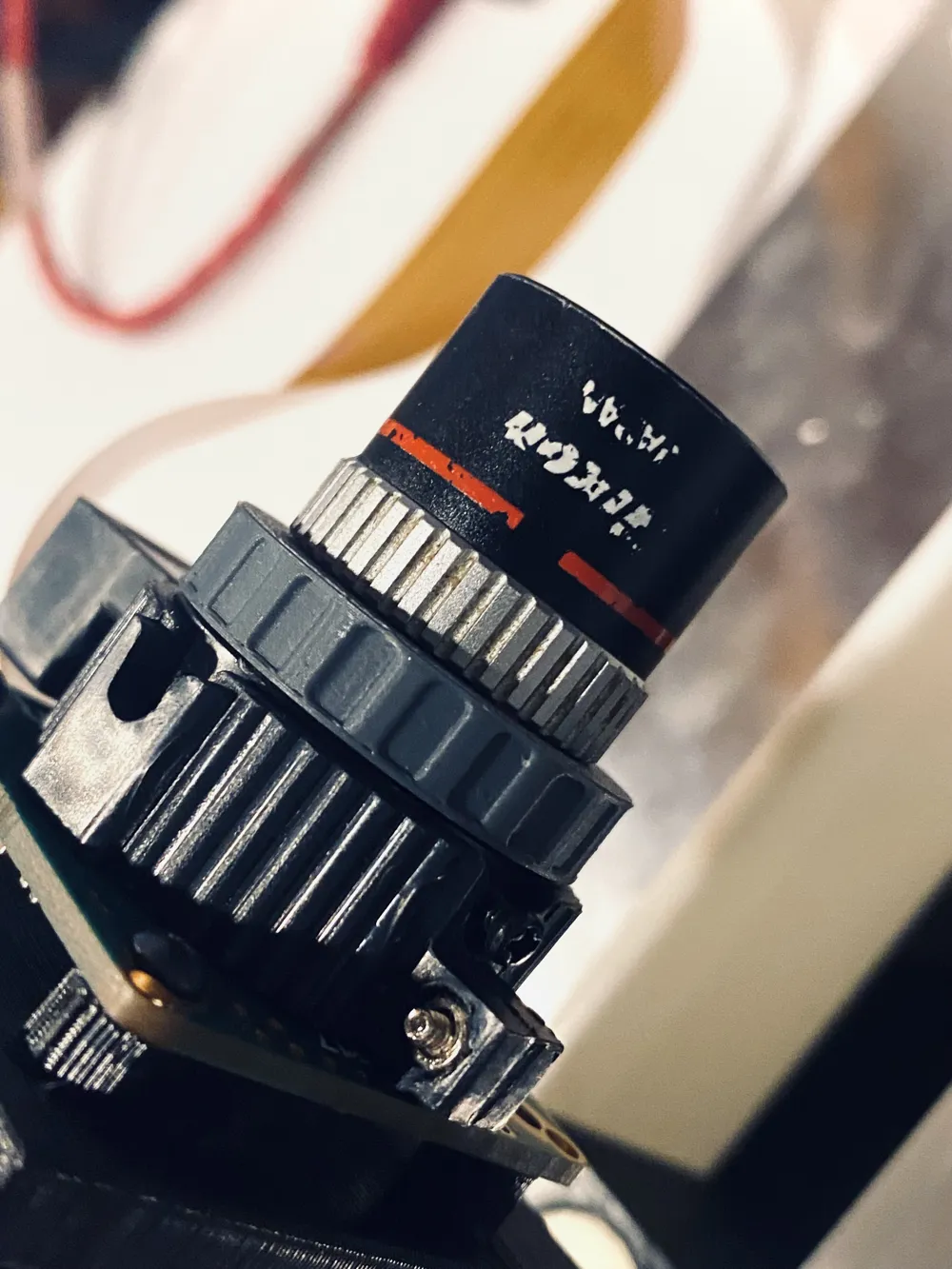
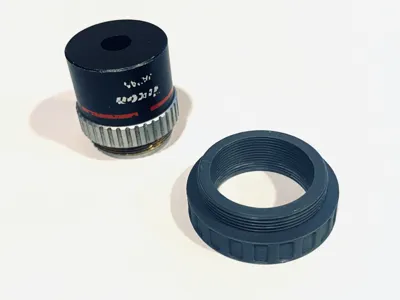
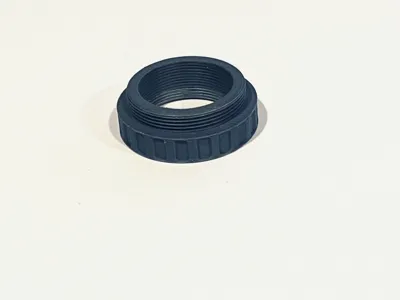
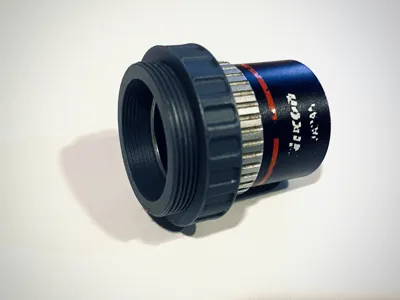
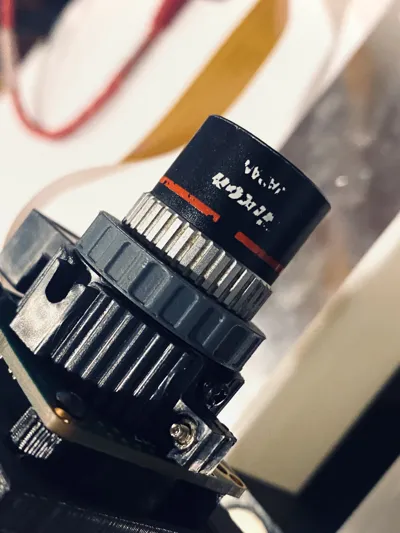
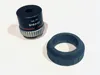
Adapter for using RMS mount microscopy lenses on a Raspberry Pi HQ camera using a C mount. It is also suitable for CCTV or Bolex cameras that also utilize C or CS mounts.
The first time mounting the RMS lens may be somewhat snug, but simply screw and unscrew it several times until it threads smoothly. The C mount side should thread easily.
Recommended Print Parameters
The RMS thread is quite fine, therefore I recommend printing with:
Layer Height: 0.16 mm (or less).
Walls: 5 – This prints the piece entirely with walls, resulting in a fully solid and robust structure.
Using 5 walls renders any infill setting irrelevant as the print will be 100% solid.
English
Lens adapter for RMS mount lenses (commonly found in microscopy) enabling their use with Raspberry Pi HQ cameras employing a C mount. This adapter is also compatible with CCTV or Bolex cameras using C mounts.
Initial mounting of the RMS lens may feel slightly tight; however, repeated screwing and unscrewing will facilitate smooth threading. The C mount side should thread effortlessly.
Recommended Print Parameters
Given the fine RMS thread, the following settings are recommended:
Layer Height: 0.16 mm (or less).
Walls: 5 – This configuration results in a fully solid print using only walls, thus maximizing strength and durability.
With 5 wall loops, any infill percentage is superfluous as the part will be 100% solid.
License



Comment & Rating (0)