
A1 Mini Dust Cover Set
Print Profile(1)


Description
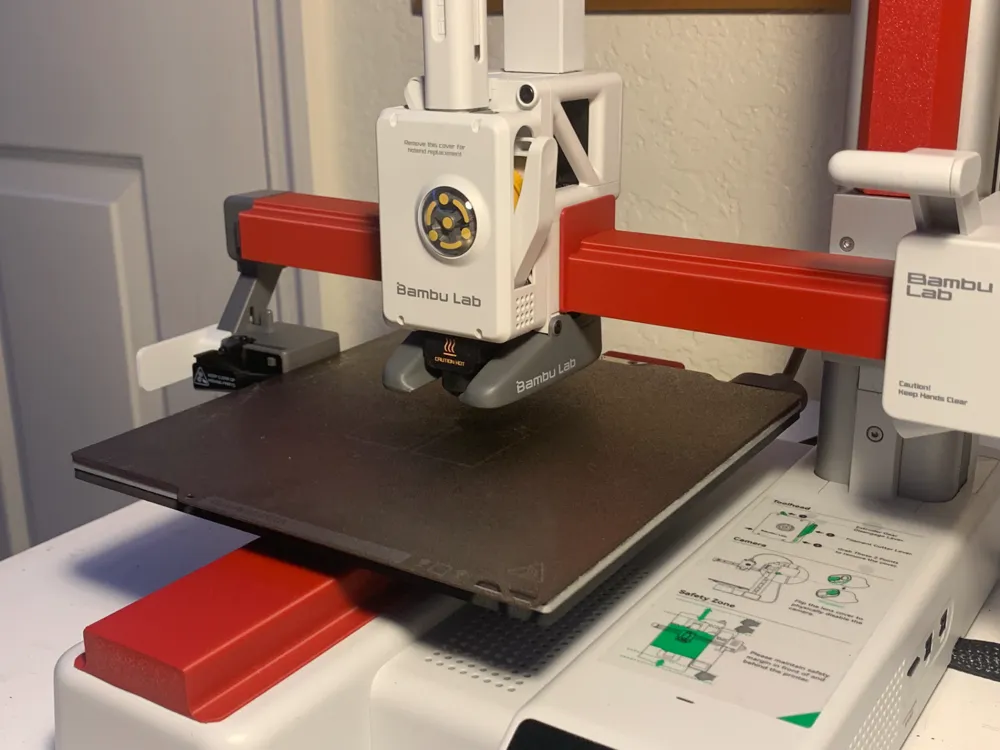
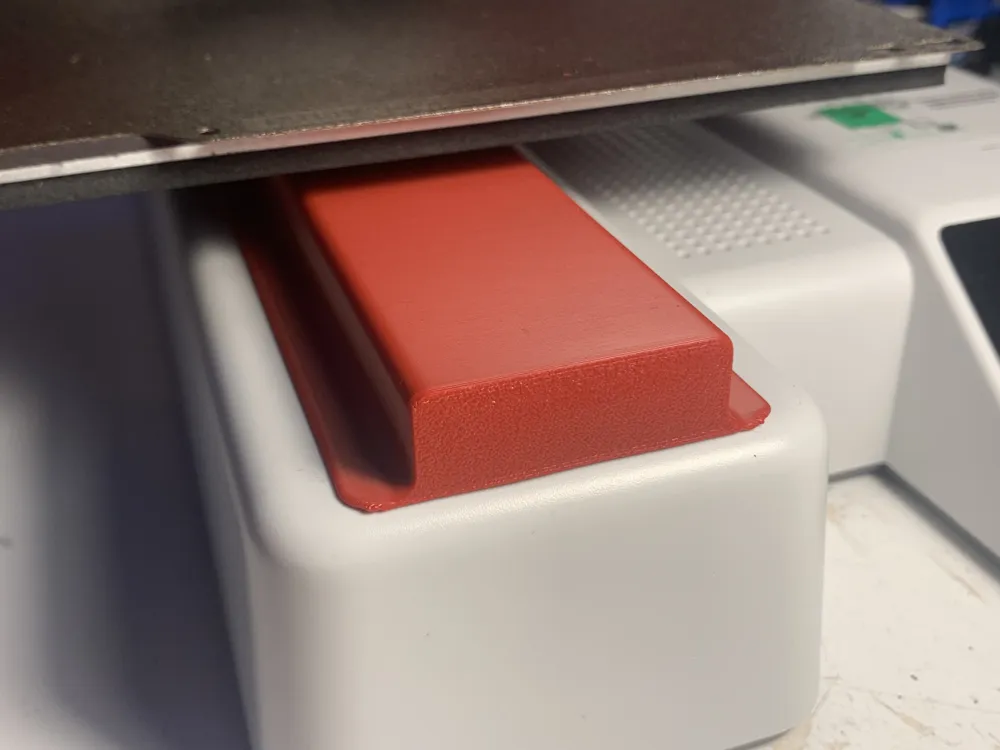
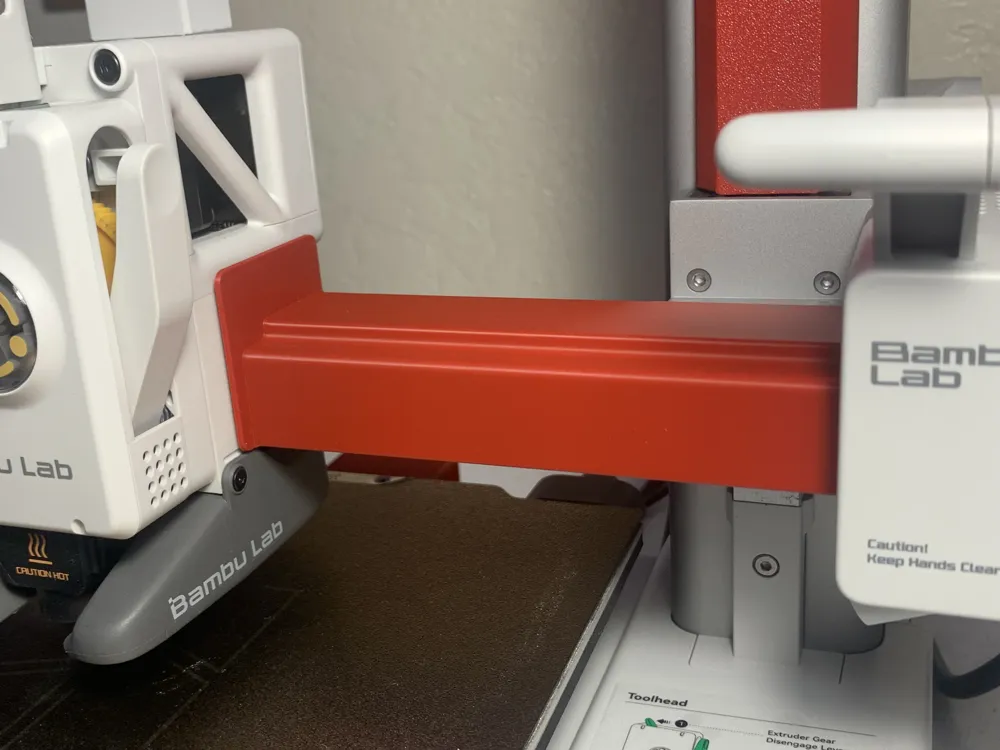
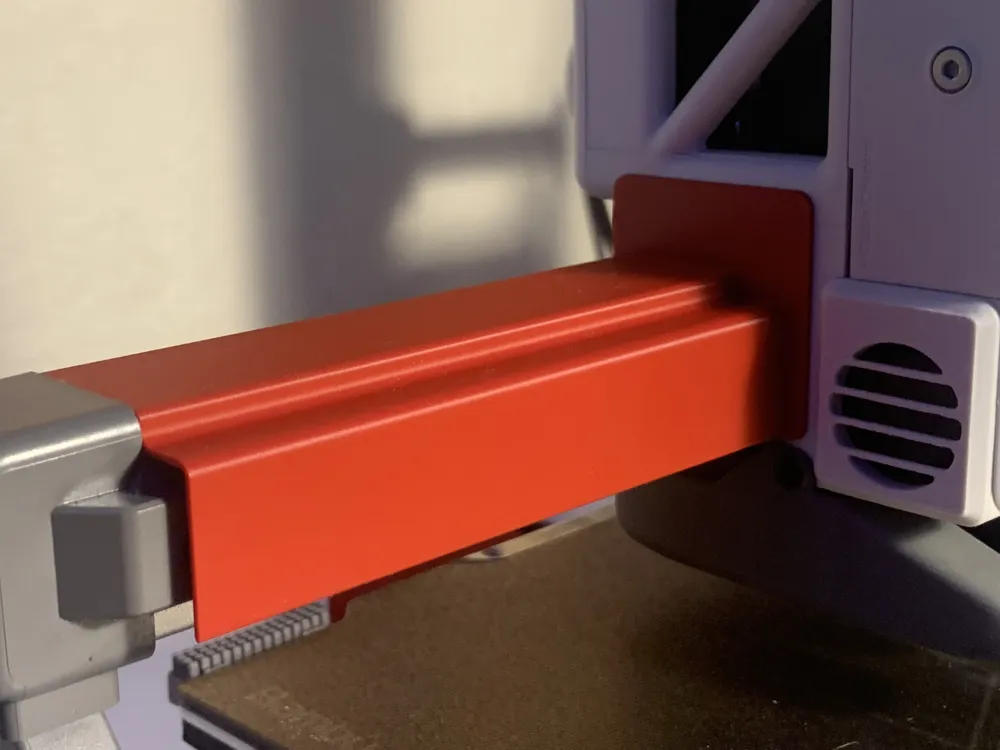
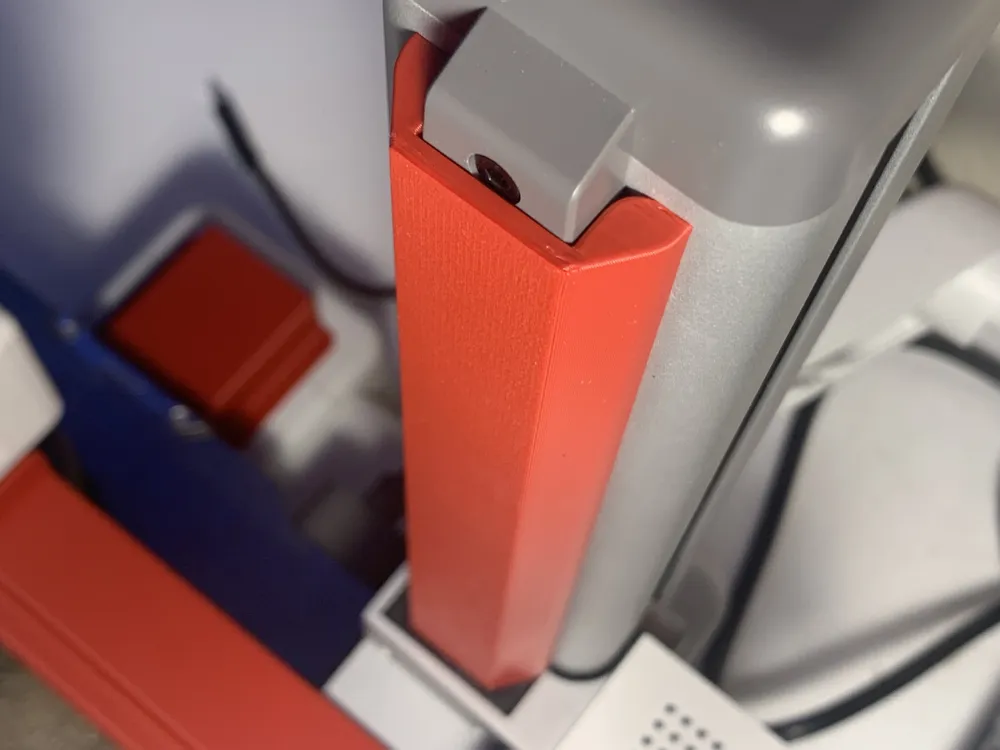
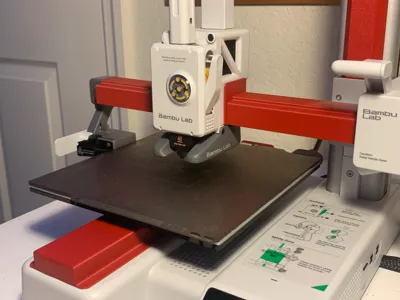
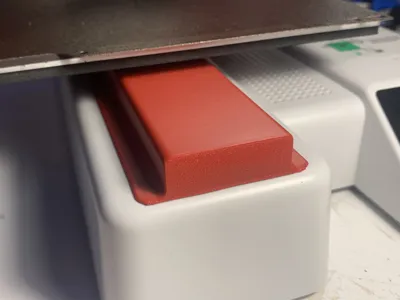
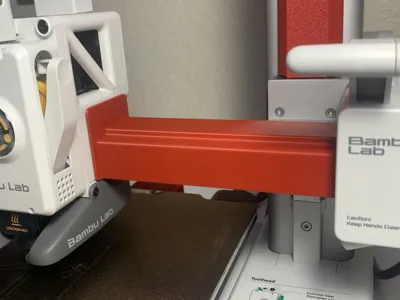
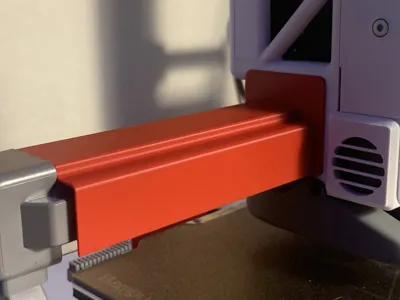
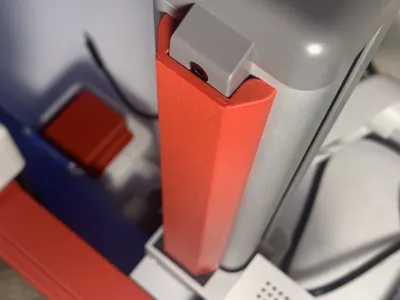
Protective dust covers designed for the Bambu Lab A1 Mini, covering the X, Y, and Z rails while the printer is in its Home position. These covers are engineered to avoid direct contact with the rails, preventing scratching or removal of rail lubrication.
Installation Instructions:
- Home Your A1 Mini
Set the printer to its Home position. - Power Off the Printer
Once the printer is homed, power it off. - Install the Dust Covers
Place the covers over the X, Y, and Z rails.
Important:
Remove all covers before powering the printer back on.
Operating the printer with the covers installed may cause damage.
Boost Me (for free)
Boosting helps me keep creating awesome stuff. Thank you for fueling my creativity!
License

You shall not share, sub-license, sell, rent, host, transfer, or distribute in any way the digital or 3D printed versions of this object, nor any other derivative work of this object in its digital or physical format (including - but not limited to - remixes of this object, and hosting on other digital platforms). The objects may not be used without permission in any way whatsoever in which you charge money, or collect fees.


Comment & Rating (156)