
Musical Fidget Generator
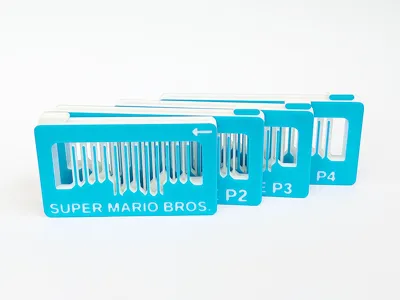
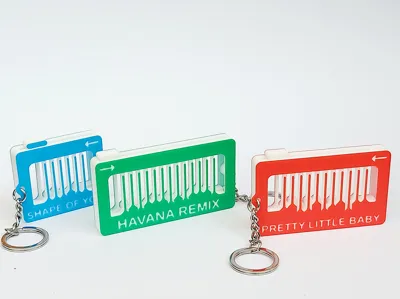
Print Profile(261)


Bill of Materials

Description
Please have a look at my new fidget, the “Infinity Infill Cube”
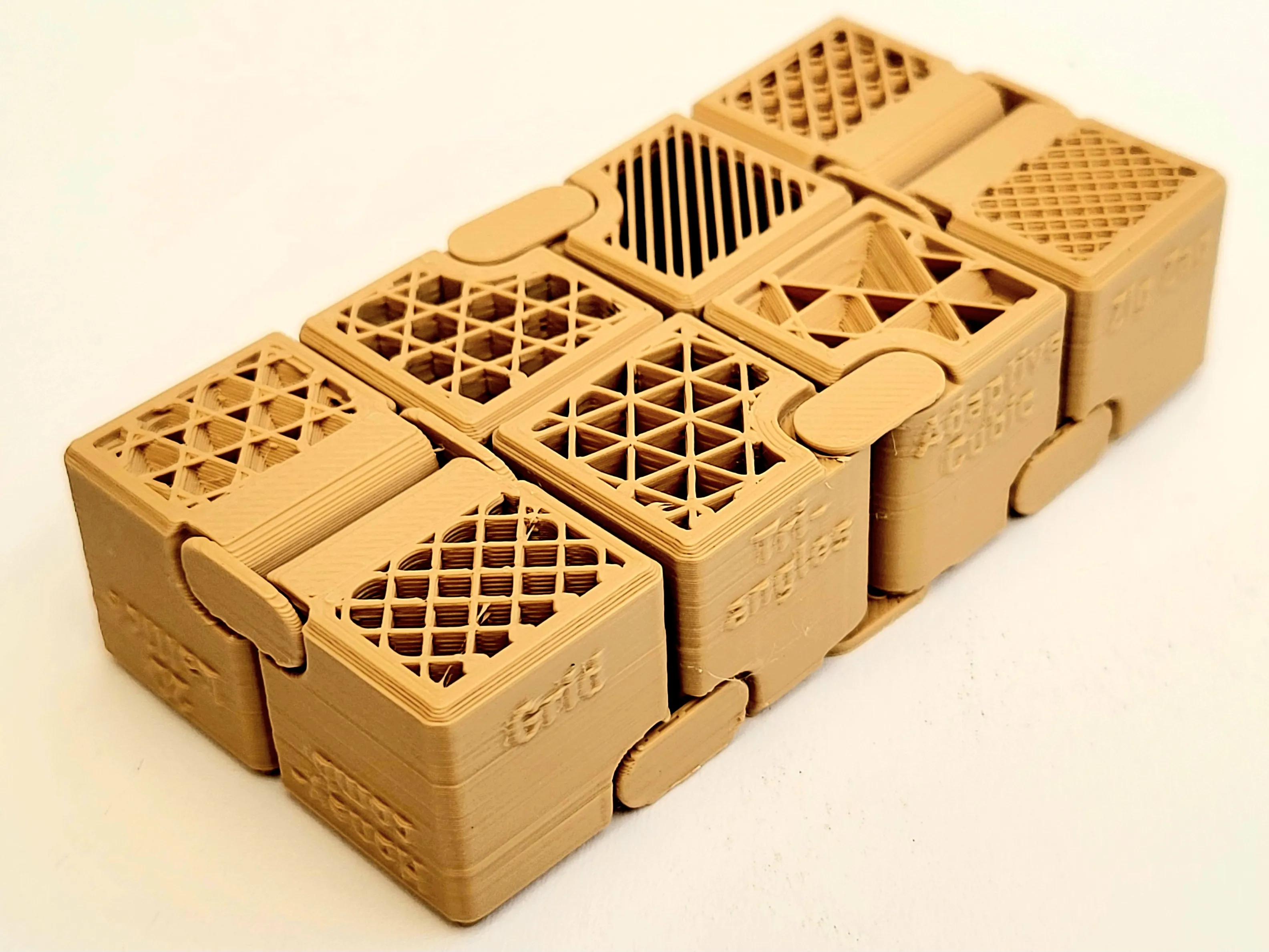
Infinity Infill Cube - Free 3D Print Model - MakerWorld
I have written here about my musical fidget experience
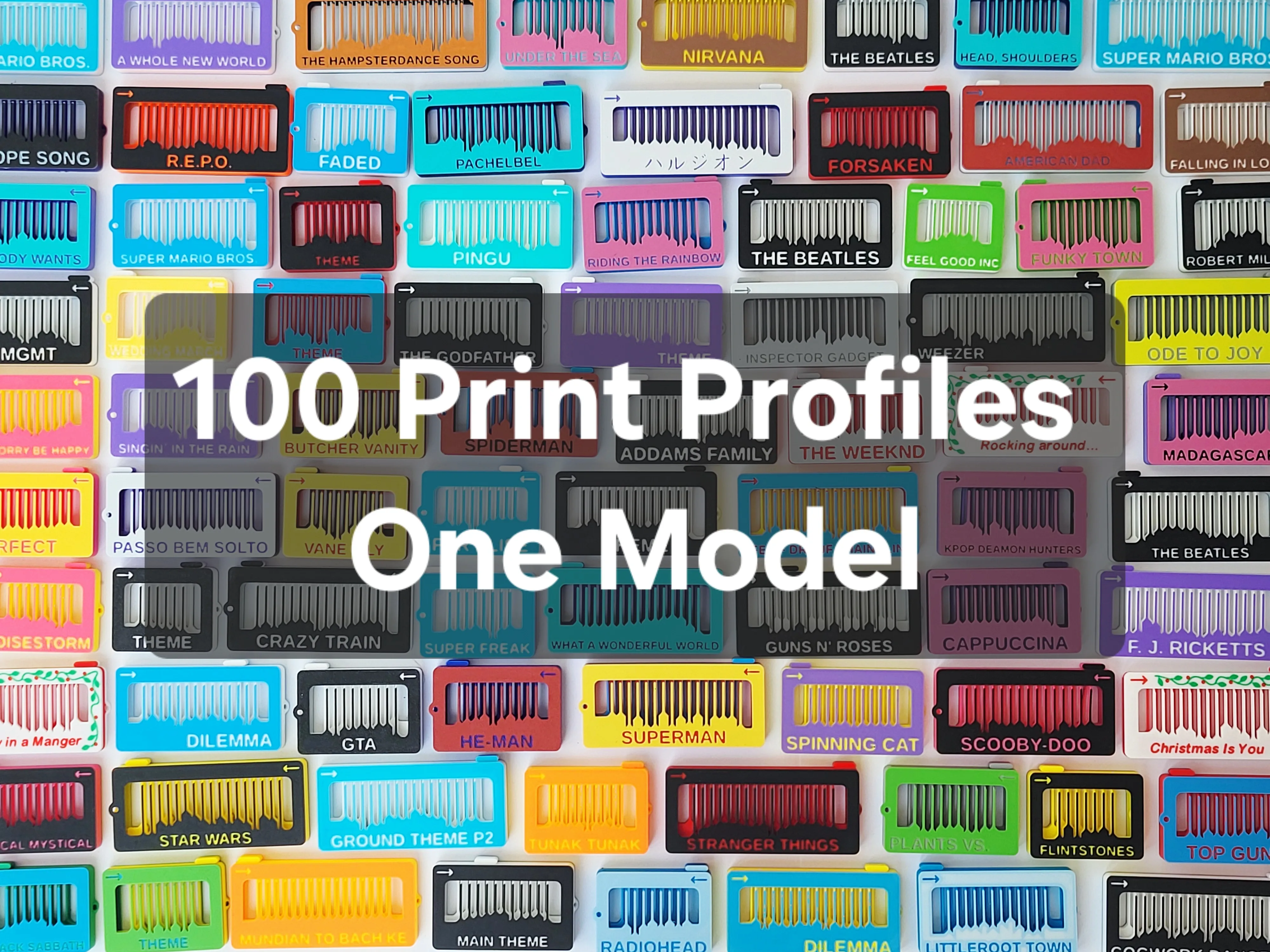
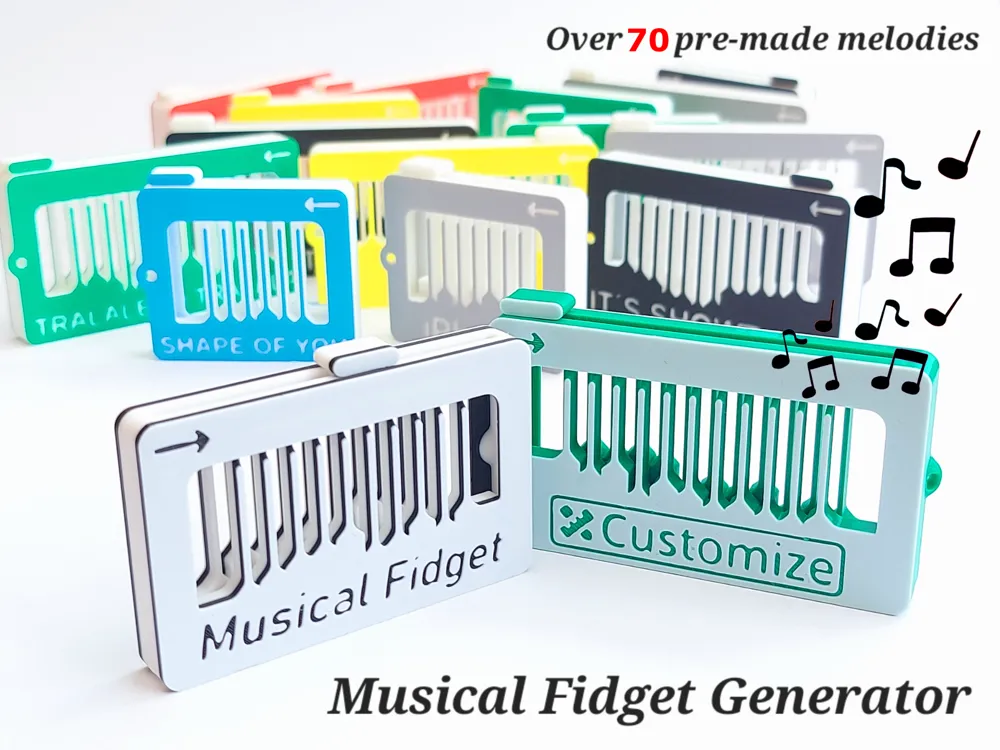
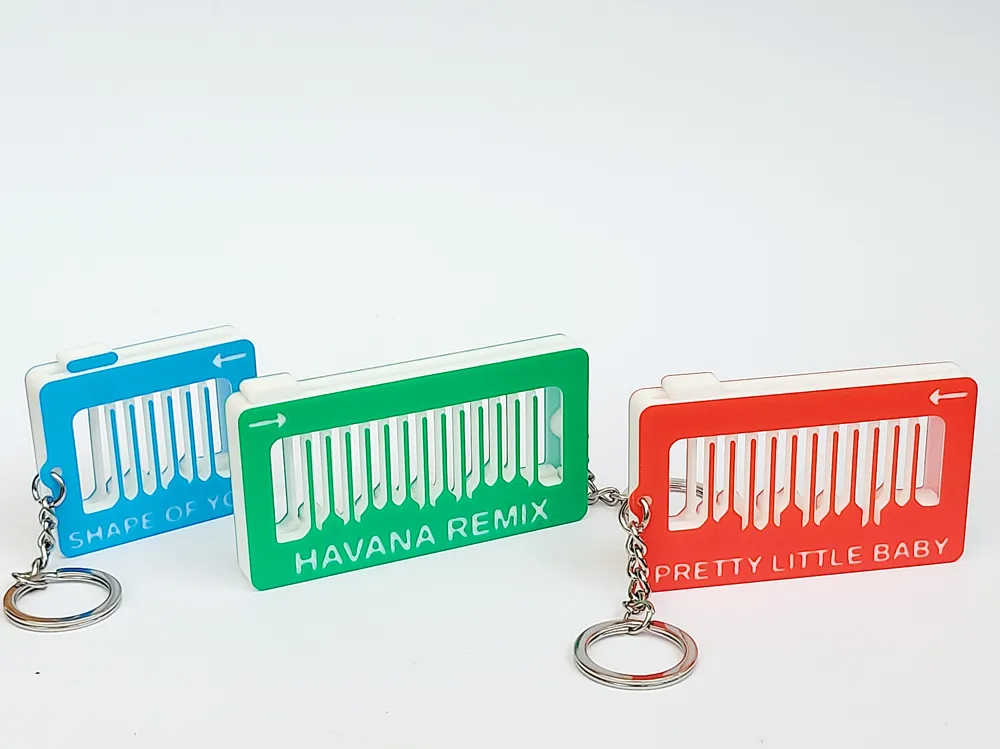
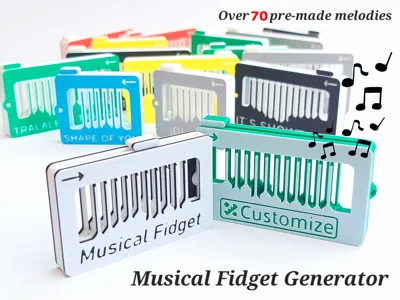
I proudly present the Musical Fidget Generator, the final evolution of the Musical Fidget. Written in openSCAD and implemented in the Makerworld "Parametric Model Maker", you can now easily make your own melody ranging from 8-33 notes, using 20 half tones (from F-C2). Additionally, you can add text and decide if you want a hole for a keychain or not. If you create something great and fun, please upload a print-profile of your creation here, so that we together create a large library of different 3D-printed melodies.
To play the fidget, you need to play each note in the tempo of the song, usually quite slowly (you need to know the melody for this to work). To increase the volume, you can press the fidget against any surface, as the fidget itself is lacking a resonance box. Alternatively, print this lovely Fidget Sound Booster Box made by きよさん | Home - MakerWorld.
For over 100 other melodies please have a look at these older models:
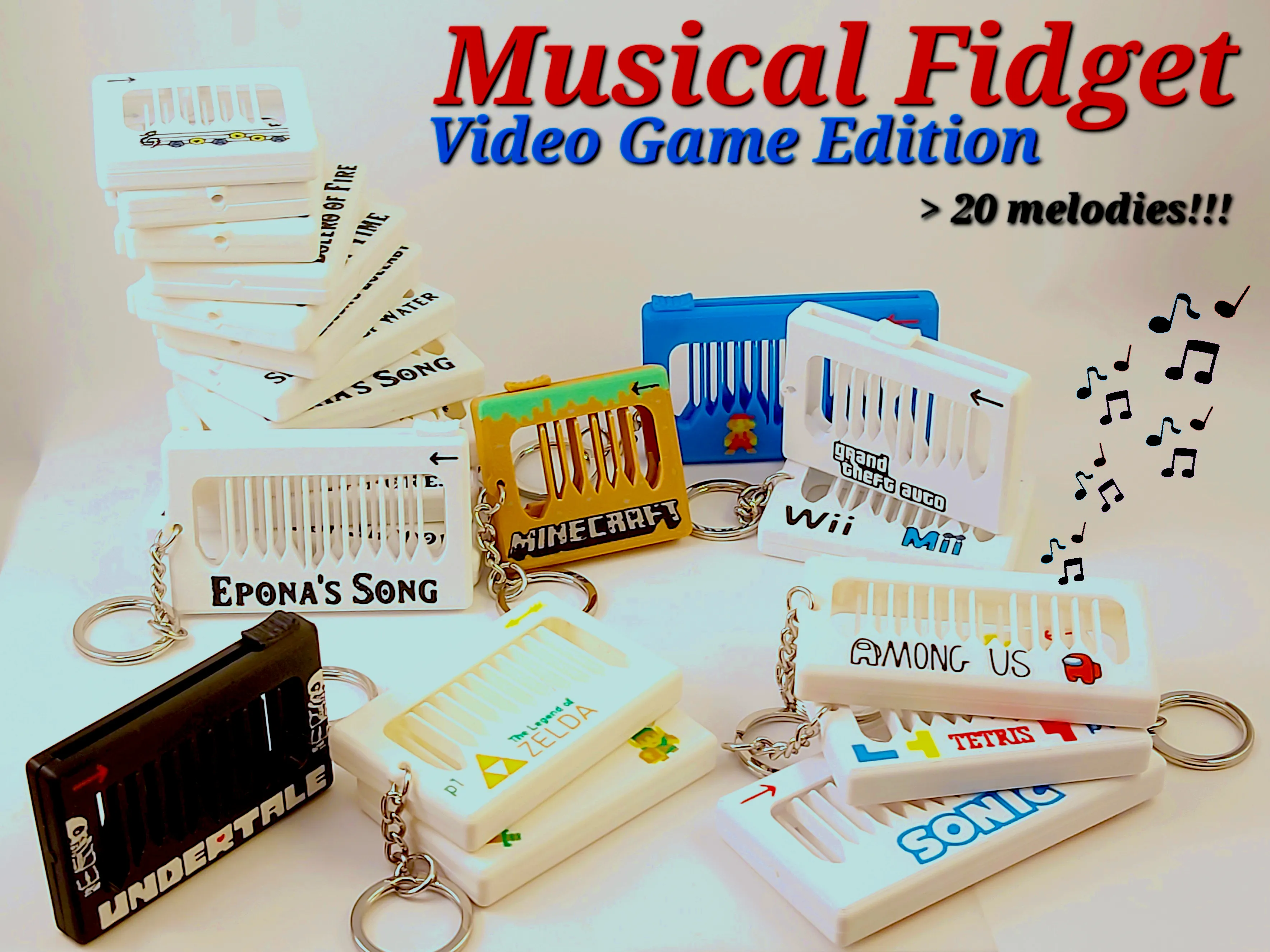
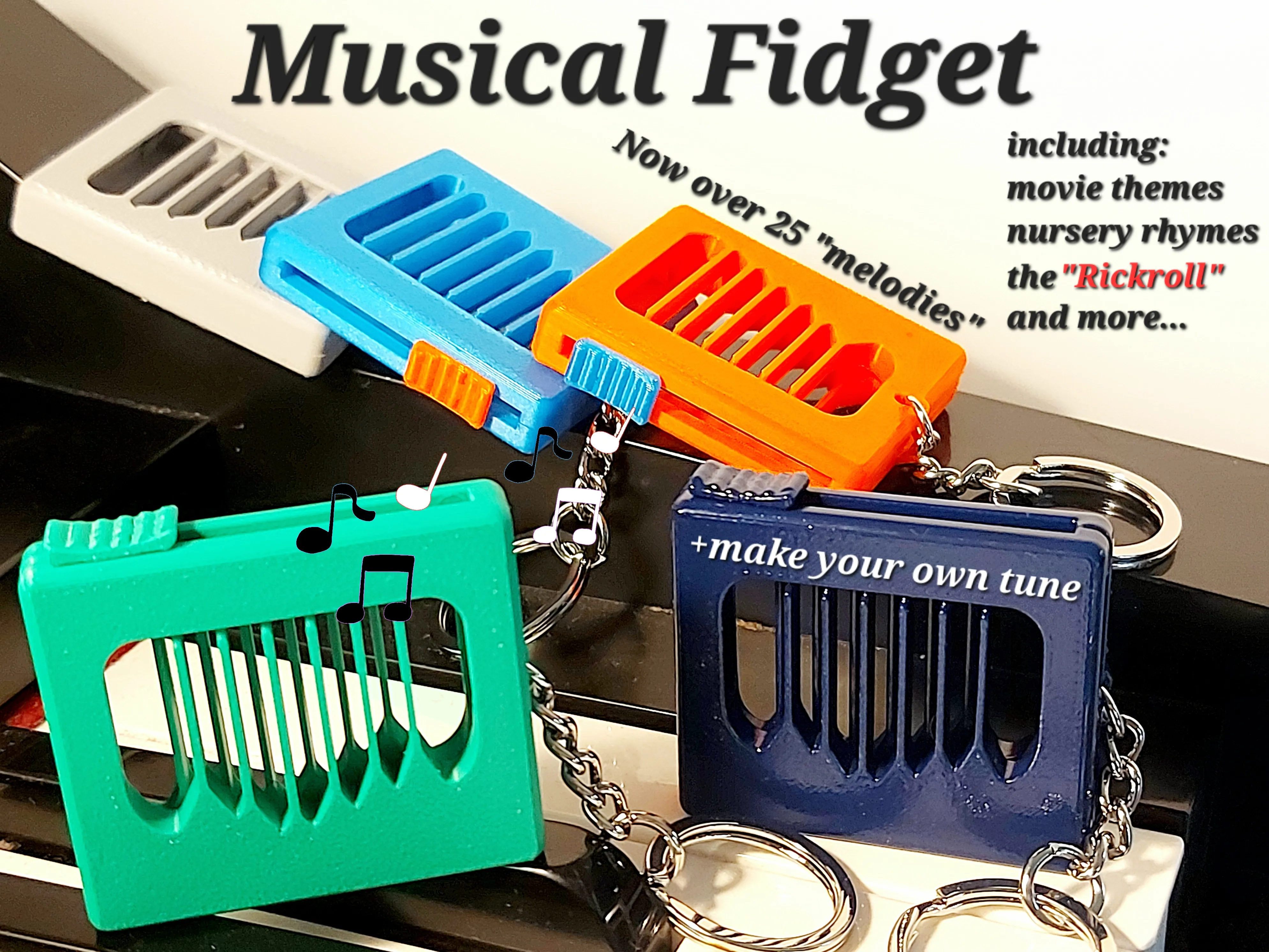
Musical Fidget - Video Game Edition Original Musical Fidget
Membership
If you would like to sell physical prints of the fidgets generated by this parametric model maker, join the membership to get the commercial license to all my models.
Boost Me (for free)
If you enjoy this model, please give it a like and consider giving it a boost to support my work. Many thanks!
As an example of how to play, please have a look at this video:
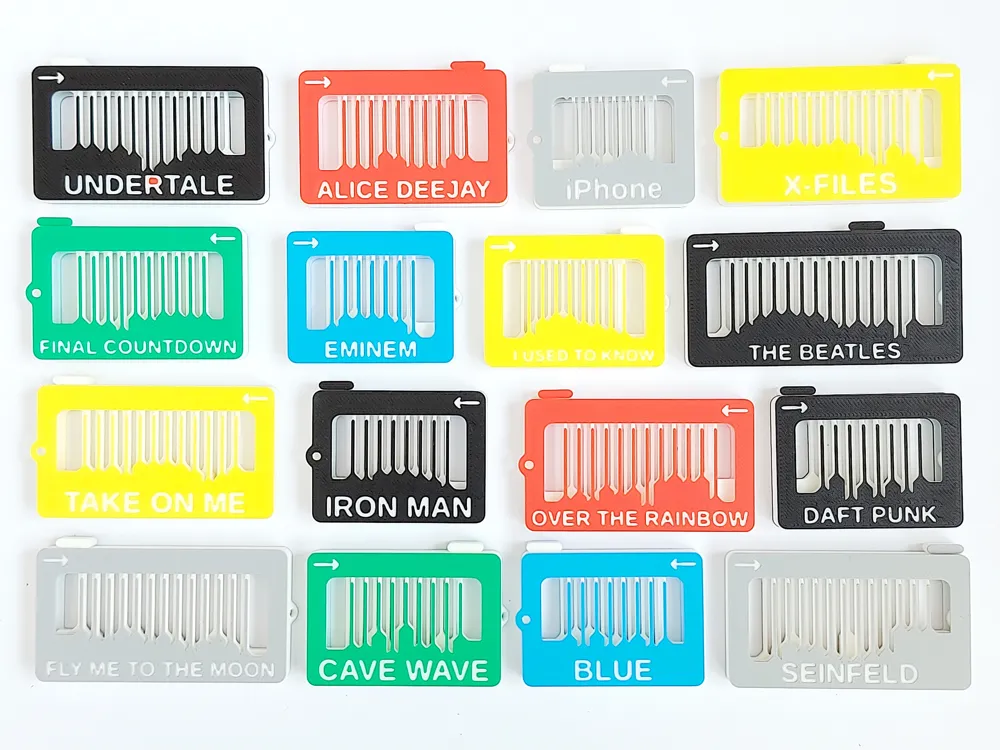
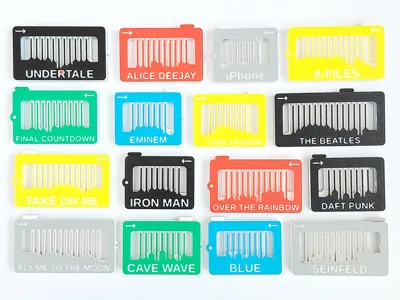
Current songs available as print profiles
(Click the links to see how to play)
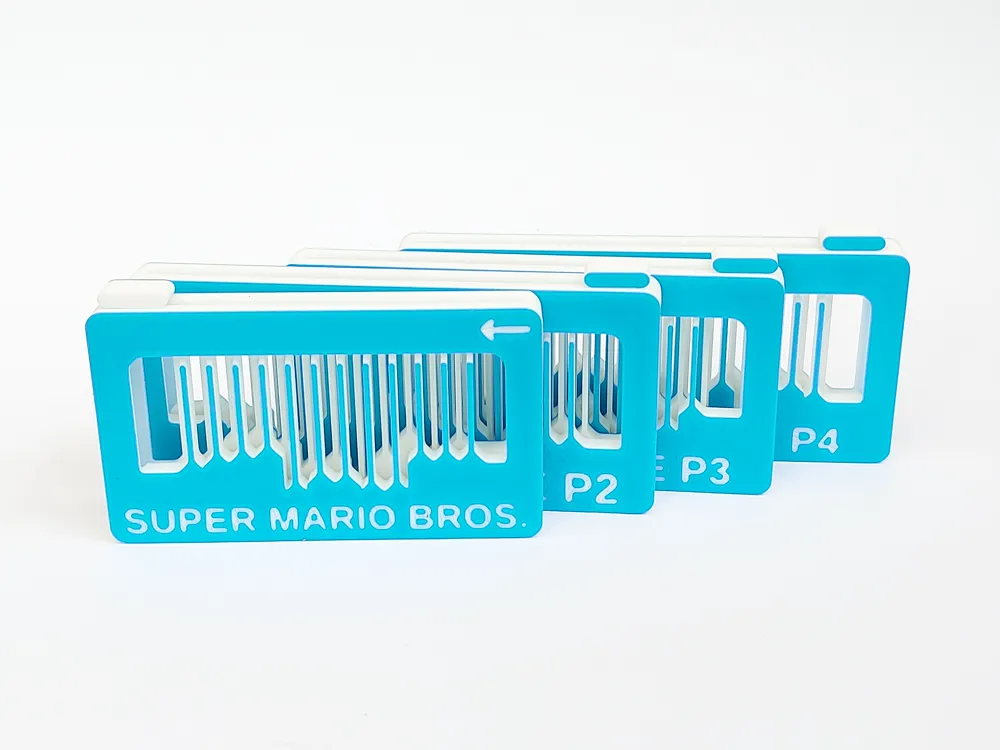
Super Mario Bros - Ground Theme, Part1-4.
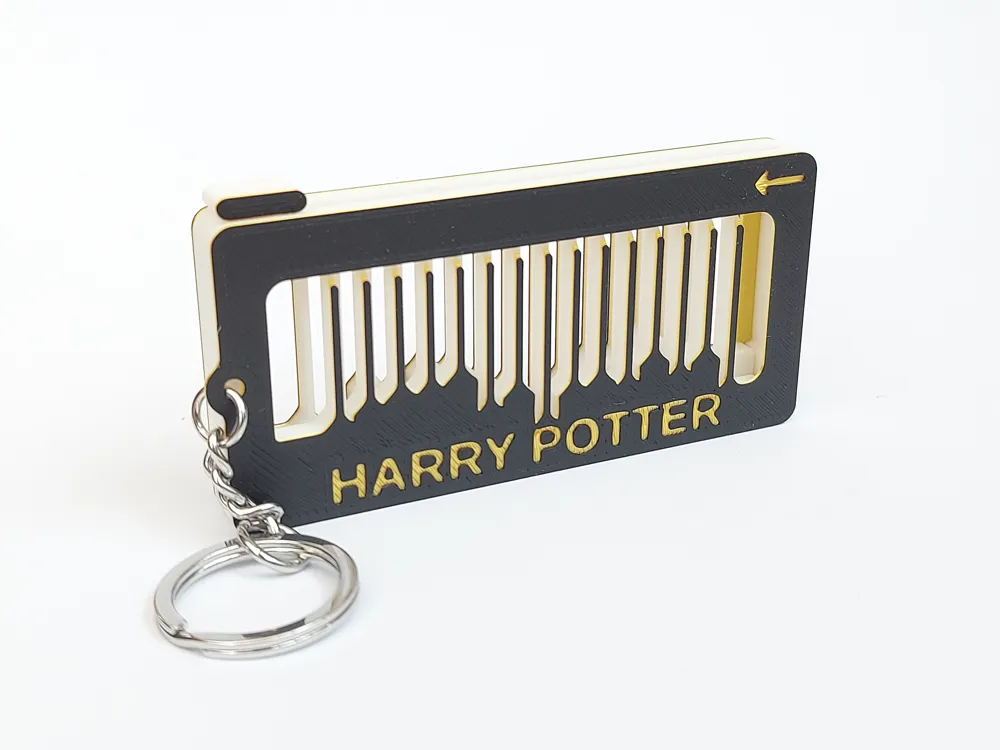
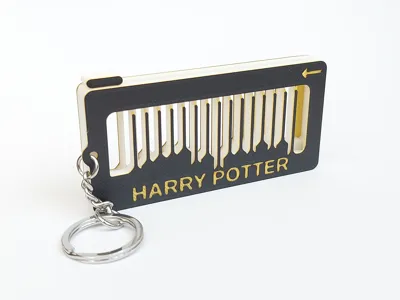
Harry Potter - Hedwig´s Theme (longer version)
Pretty Little Baby - Connie Francis
The Real Slim Shady - Eminem (simplified and difficult version)
It´s the Final Countdown - Europe
Tralalero Tralala - Havana Remix
Espresso Macchiato - Tommy Cash
Samsung Alarm - Morning Flower
The Entertainer - Scott Joplin
Never Gonna Give You Up - Rickroll (Intro and Chorus)
Magical Mystical - Benson Boone
Wedding Marsh - F. Mendelssohn
Rosenheim Cops Theme - Pfeiff Drauf
Mein Bester Freund, die Kackwurst
Here Comes The Sun - The Beatles
Super Mario Bros. - Water Level
Har Har Har - Five Nights at Freddy´s
Head, Shoulders, Knees and Toes
Everybody Wants to Rule the World - Tears for Fears
What a Wonderful World - Louis Armstrong
The Hills are Alive - Sound of Music*
American Dad - Theme
Peppa Pig - Theme
Thomas the Tank Engine - Theme
Bluey - Theme
OIIA OIIA - Spinning Cat
Butcher Vanity - Vane Lily
I Like to Move it - Madagascar (Real 2 Reel)*
Buddy Holly - Weezer
Yellow Submarine - The Beatles
Colonel Bogey March (The River Kwai March) - F. J. Ricketts
Singin´ in the Rain - Gene Kelly
The Muppet Show - Theme
Can´t Help Falling In Love - Elvis Presley*
Silksong - Theme (Hollow Knight)*
Silksong - Cogwork Dancers (Hollow Knight)*
Silksong - Sherma Song (Hollow Knight)*
Under the Sea - Little Mermaid *
He-man - Intro
Don´t Worry Be Happy - Bobby McFerrin*
Sweet Child O´ Mine - Guns N´ Roses
Pink Fluffy Unicorns Riding The Rainbow
Stranger Things - NeverEnding Story
No Surprises - Radiohead
Plants vs. Zombies - Game Theme *
Tunak Tunak Tun - Daler Mehndi
Panjabi MC - Mundian To Bach Ke (Indian meme song)
Bob The Builder - Theme
Boulevard of Broken Dreams - Green Day
Wake Me Up When September Ends - Green Day
Smells Like Teen Spirit (Intro) - Nirvana
Smells Like Teen Spirit (Chorus) - Nirvana
Happy Birthday - AMS version
Happy Birthday - Single Colour version
Dexter - Blood Theme (Doakes meme)
My System - Felicia
Star Wars - The Force Theme
Star Wars - Imperial March
Star Wars - Main Theme
Star Wars - Cantina Band
Amélie - Yann Tiersen (movie theme)
Gimme! Gimme! Gimme! - ABBA
Waterloo - ABBA
Beat It - Michael Jackson
Smooth Criminal - Michael Jackson
Thriller - Michael Jackson
Billie Jean (bass line) - Michael Jackson
Billie Jean (verse) - Michael Jackson
Naruto - Blue Bird (new)
Meccha Chameleon - Theme (new)
(*thanks to MIND2MAKE for video)
How to use
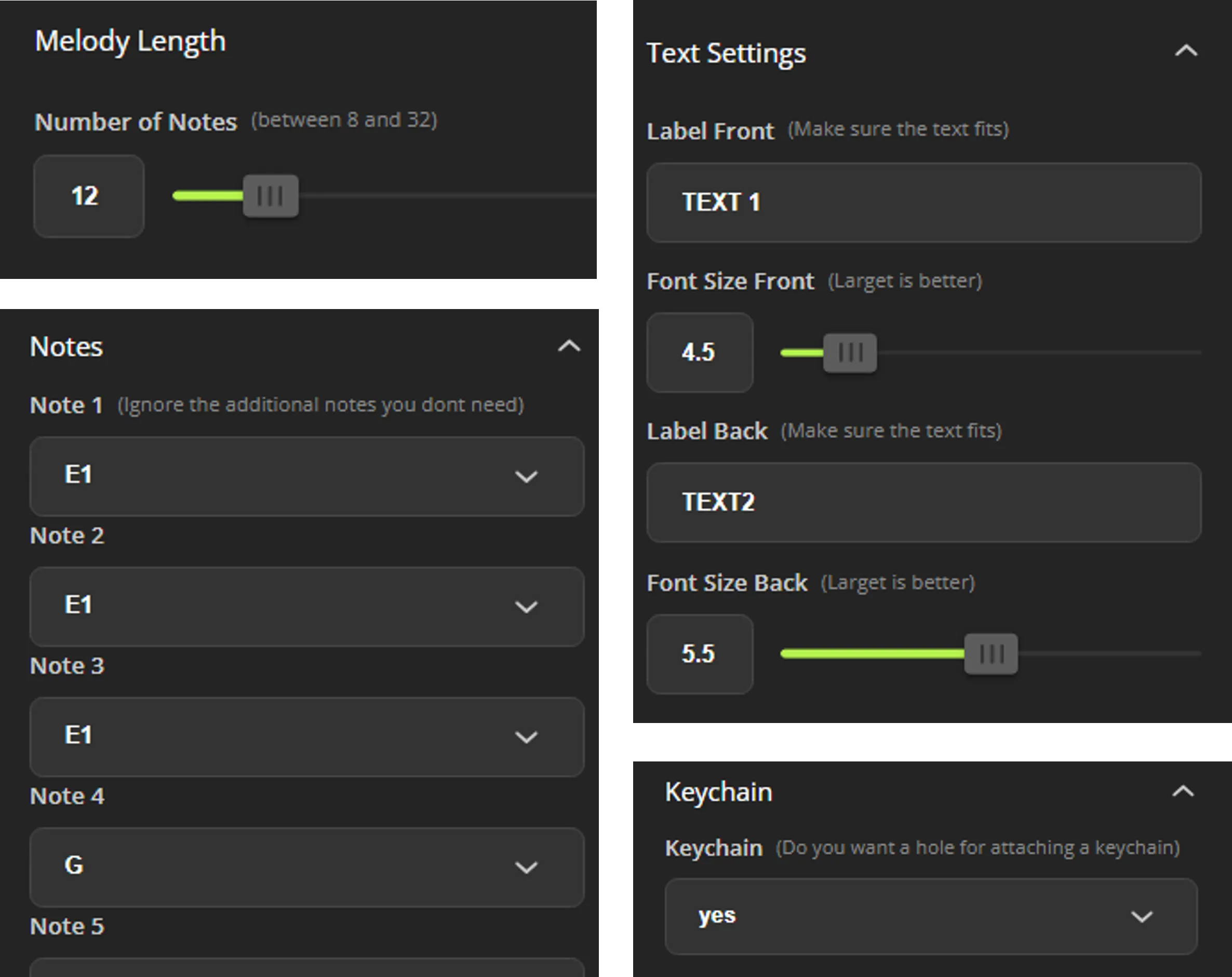
The Parametric Model Maker allows you to change:
- the number of notes (between 8 and 33)
- the notes to play (between F and C2)
- the text and font size on the front and back side
if you want a hole for a keychain or not.
It is quite self explanatory but you need to keep a few things in mind.
- The Melody length decides how many notes will be generated in the model. When setting the notes, you always have the option to change all 33 notes, but if the “Melody Length” is set to 12, only the first 12 notes will be used when generating the model.
- There are no limits to the amount of text you can write. Hence, you need to make sure yourself that the text fits the space of the fidget. To help with this, you can change the font size a little, but if the text still does not fit, you need to shorten the text.
- It is quite easy to get confused when setting the notes and you need to keep track of the octaves. It is a good idea to do this slowly and double check that everything is correct before generating the fidget. (I have made multiple mistakes along the way and this highlights the importance of test printing your melody before uploading a print profile for others to enjoy.)
Print settings
Filament choice is important for optimal sound. Bambu Sparkle PLA and Prusament PLA are especially good. Other filaments will work, but stay away from Bambu PLA Matte and other soft filament. The stiffer the better it seems.
In general, I use the 0.16mm High Quality setting in Bambu slicer, but I change the layer height to 0.2mm and use Arachne as the Wall generator. It might also be a good idea to use a brim (inner brim only) to make sure that the note bars do not warp. Warping can drastically change the pitch of the notes.
Easiest way to make a new print profile with these standard settings is simply to download one of the “designer” profiles and import your fidget. This will also give you the colour change at layer 3 making the text and arrow much more visible. If you do not have an AMS system, change this colour change to a pause in the slicer.
Assembly

To assemble the fidget, simply put the slider in place and press the two “main plates” together until they click in place. If you printed with brim you first need to remove the brim located around the note bars and possibly within the text. This has worked really well for me, but if it ends up being too loose, just add some glue on the clips to further secure it.
Tips and tricks
The fidget is limited to the notes F-C2 as indicated below (A) where the numbers indicate different octaves.
If a melody requires a wider span of notes, it is simply not possible to make it without changing the melody.
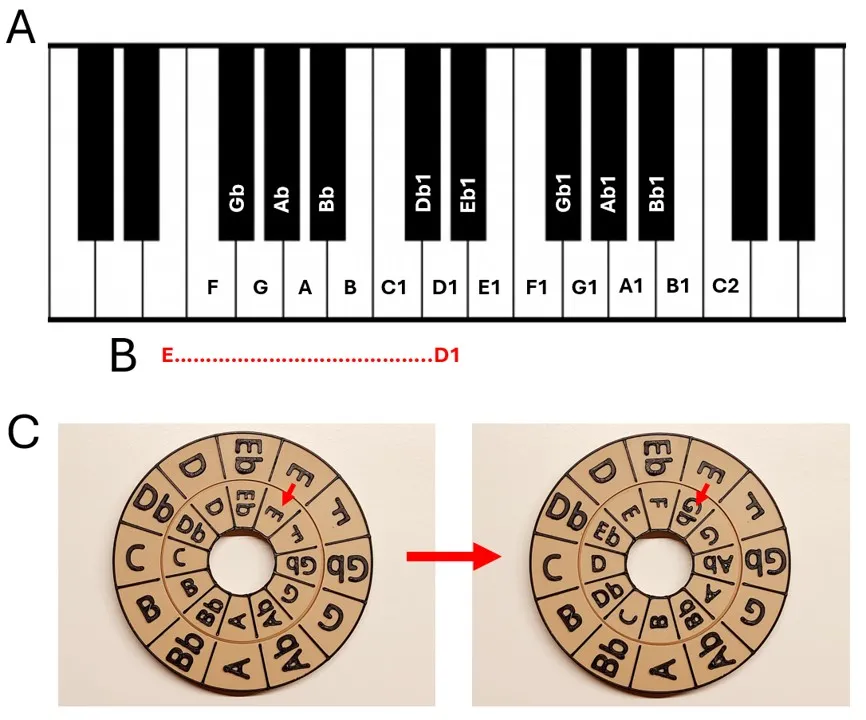
In some cases you also need to transpose the notes of the melody to make it fit. In the example above (B) the lowest note in a melody is E and the highest is D1. In this case you can not simply use the notes but need to first change them all to fit within the range of the fidget. This is done by increasing each note with (for example) 2 half tones, so that E becomes an Gb and D1 becomes an E. (This needs to be done for all the notes of the melody. To make this process easier I have uploaded a Note Transposition Tool (C). Adjust the inner ring to increase or decrease the notes, and you will have the correct “translation” of all notes.
I find that the easiest way to find the notes for a melody is to search on Youtube, using the “song name + piano”. These videos are usually extremely helpful to find the part of the song you want and the exact notes associated with it.
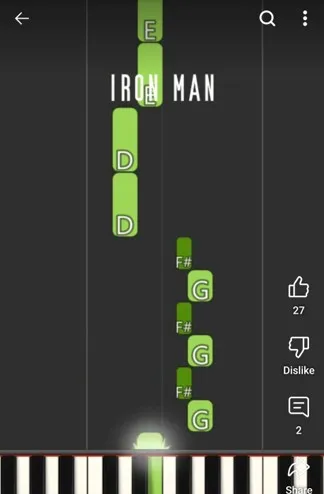
Example of Youtube video.
Additional notes
The notes have been tuned using Bambu Sparkle PLA/Prusament PLA. Other filaments, like Bambu PLA basic, will work and create a melody but the actual notes played will be different. In short, the tuning is relative and will sound ok with most filament but the actual notes played will differ between filaments.
Please note that this model is a Makerworld Exclusive model and is protected under the Standard Digital File Licence meaning that you should not upload your creations as your own model on this or other platforms. You are however highly encouraged to upload a print profile on this model page for others to enjoy your creations. I hope that this model page will become a thriving community where we build up a large collection of different musical fidget melodies together. If you are interested in selling physical prints of your creations, please joint the membership for a commercial license.
Membership
If you would like to sell physical prints of the fidgets generated by this parametric model maker, join the membership to get the commercial license to all my models.
Please Enjoy!
If you like this model, please have a look at some of my other work:
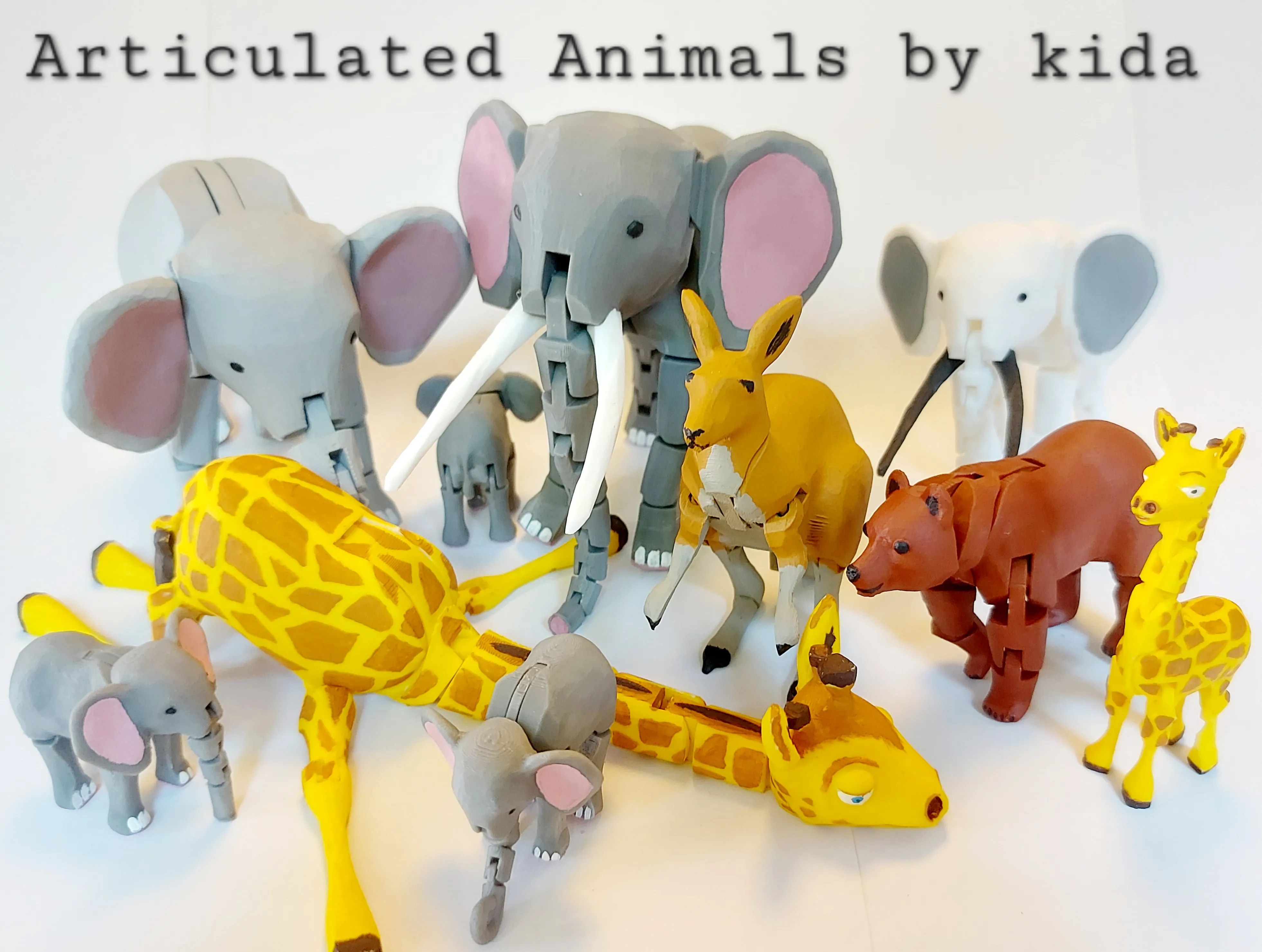
Point Break - Desk Toy by kidaMakerWorld: Download Free 3D Models

Expanding Fidget Ring by kida MakerWorld: Download Free 3D Models
Animal Series by kida | Collection - MakerWorld
License

You shall not share, sub-license, sell, rent, host, transfer, or distribute in any way the digital or 3D printed versions of this object, nor any other derivative work of this object in its digital or physical format (including - but not limited to - remixes of this object, and hosting on other digital platforms). The objects may not be used without permission in any way whatsoever in which you charge money, or collect fees.


Comment & Rating (3922)