
Portable Arduino Lab
Print Profile(3)

Bill of Materials


Description
Welcoming to the Arduino Workstation family:

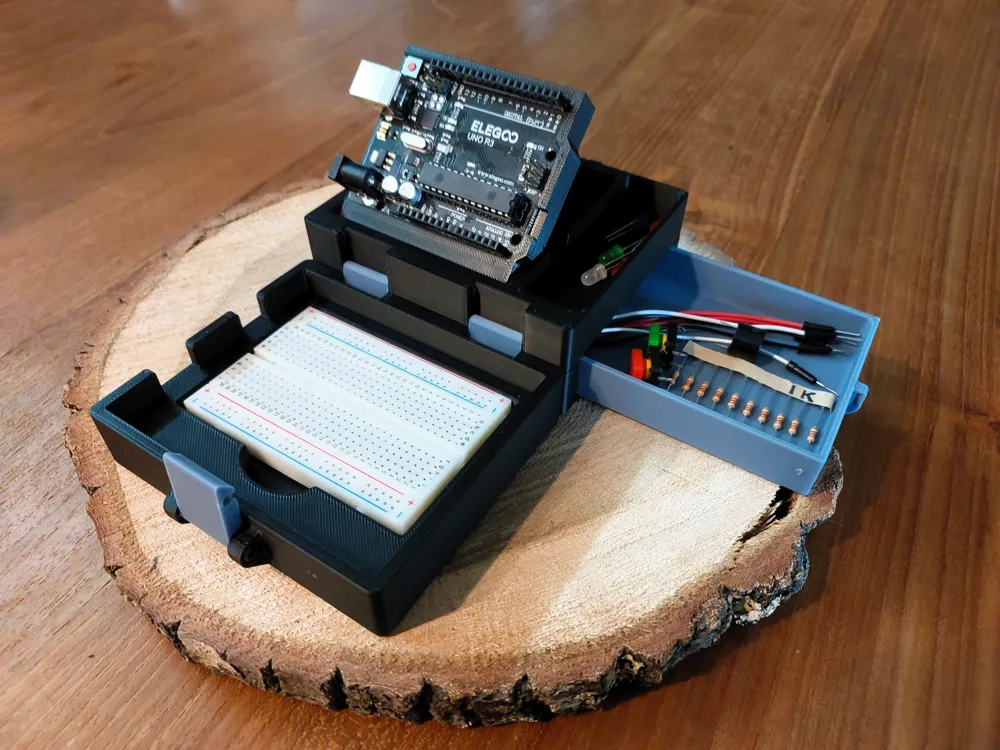
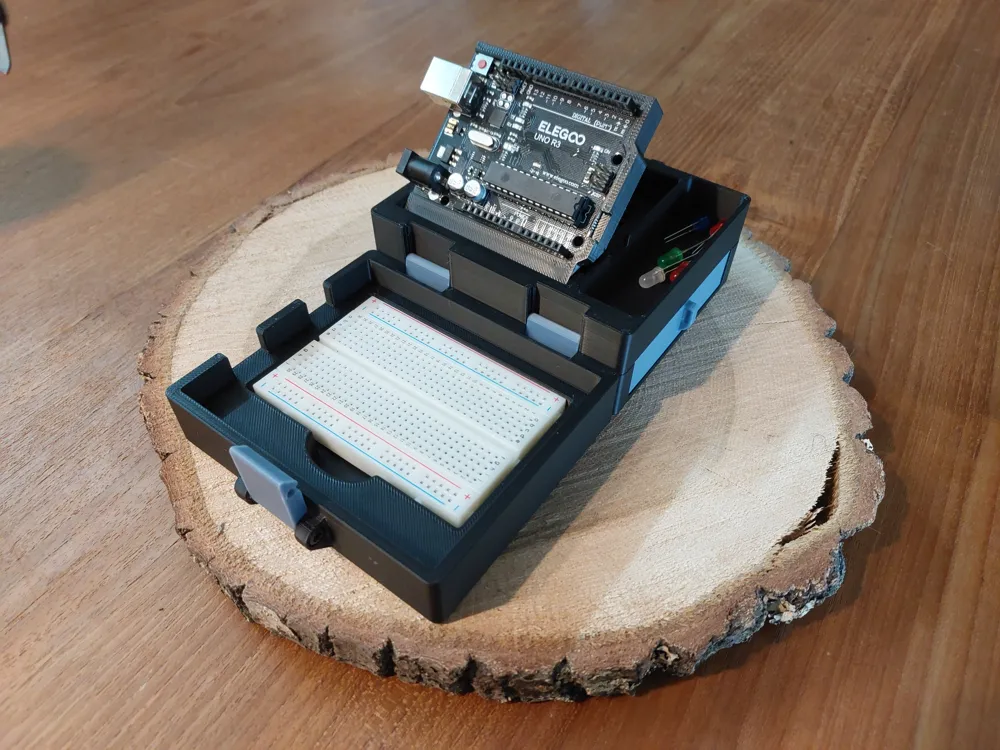
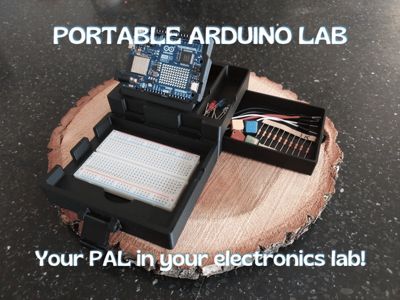
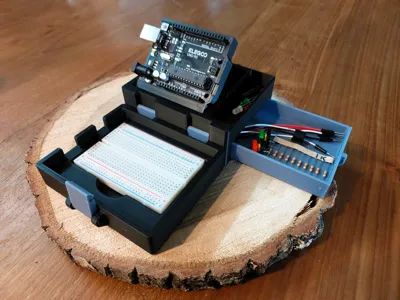
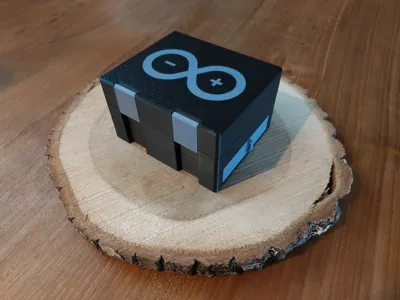
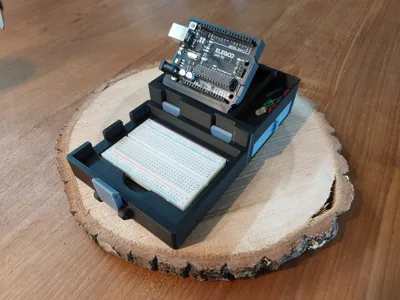
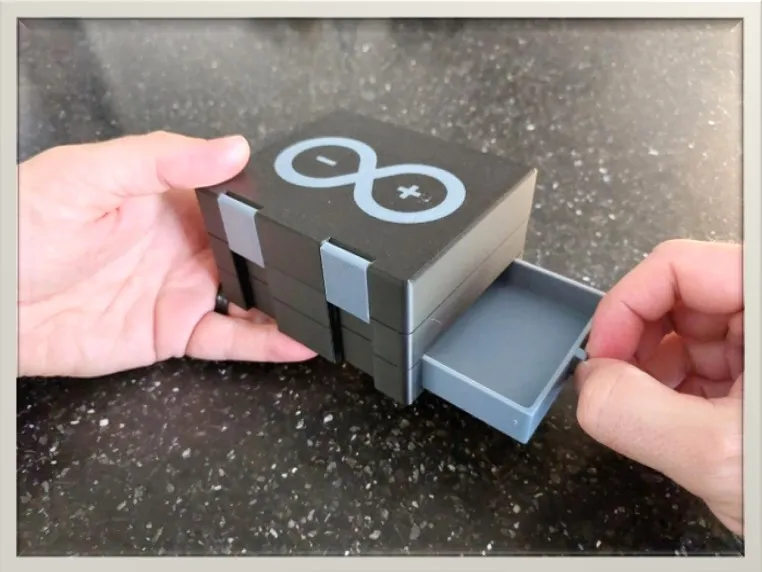
Your PAL in your electronics laboratory, the Portable Arduino Lab :)
This is a smaller version of the existing workstation for easy small projects on the go!
Compatible with both the Arduino UNO R3 and R4 series microcontroller (possibly also earlier version but I do not own these to verify).
For updates on the project, please scroll to the update section down below.
Newest update on: July 25th 2025, release of ESP32 and Arduino NANO breakout support bracket!
To be redirected to the larger version, click on the image below :)

Please keep in mind that this is a work in progress! Any feedback, changes or ideas that you have to improve this workstation will be received with open arms! I intend to turn this workstation into something unique and versatile but I cannot do that without your help!
Compatible with the following Bambu printers: X1 series, P1 Series, A1
Printable with or without AMS!
IMPORTANT NOTE:
- This models' bracket (microcontroller holder) has been designed using 3 different brand controllers mainly: Arduino, ELEG00 and an unnamed clone. Sticking with the Arduino dimensions meant that the others didn't properly hold. So, I opted to go with a little smaller clearance. That way all controllers fit but unfortunately the genuine Arduino might be a little bit of a tight fit. If this happens DO NOT force the controller in place but perhaps use a small file to remove a small layer of the gripping part.
If you've already printed the first version of the workstation, the bracket and hinge can be reused :)
Instructions
Use profiles included! This insures the hinge from the bracket comes loose without excessive force.
Changing layer thickness may result in fusing and render the print unusable.
ALLOW BUILDPLATES TO COOL!
Removing the models prematurely can cause them to warp and not fit or close properly.
Non Printed hardware required! M3x25 machined screws (2x for model without storage, 7x for model with storage).
Assembly:
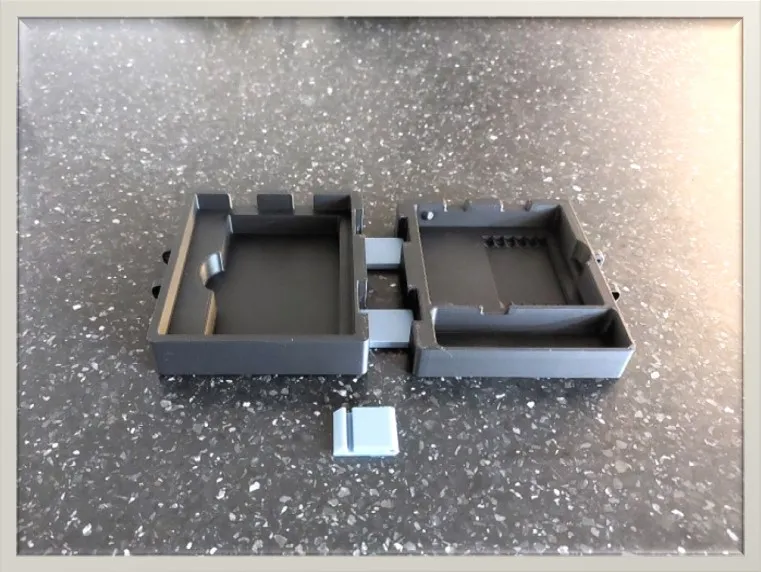
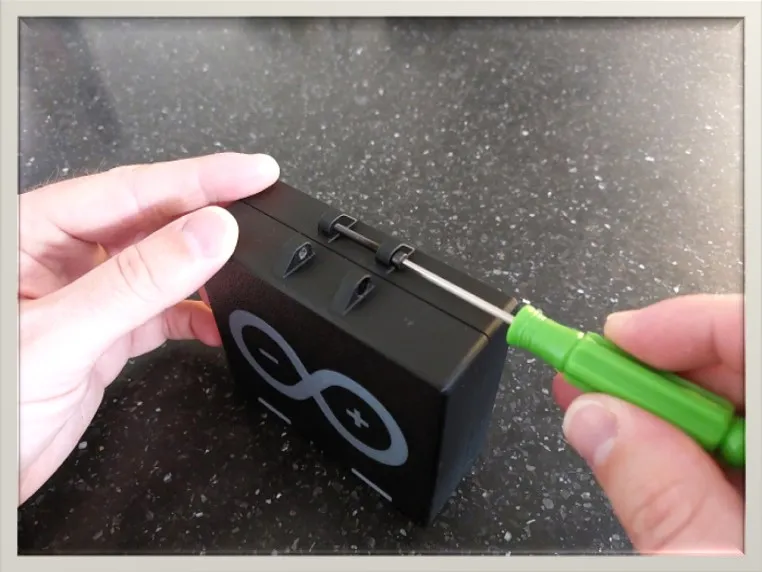
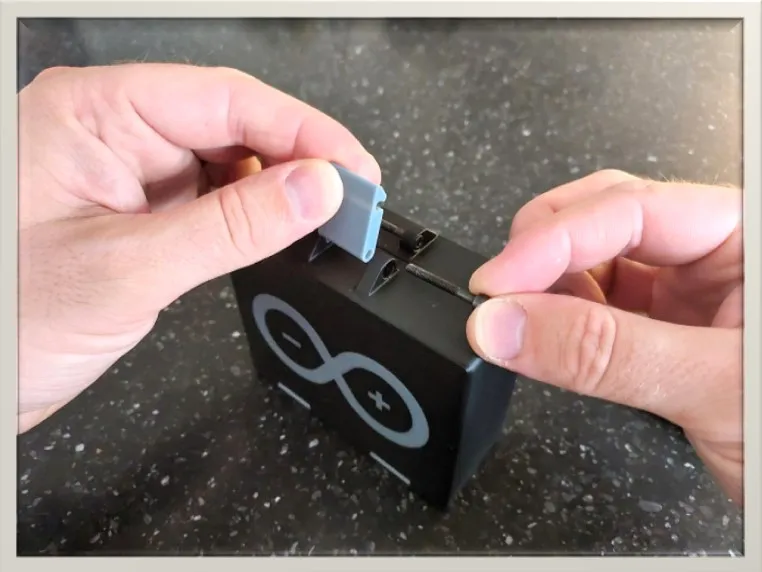
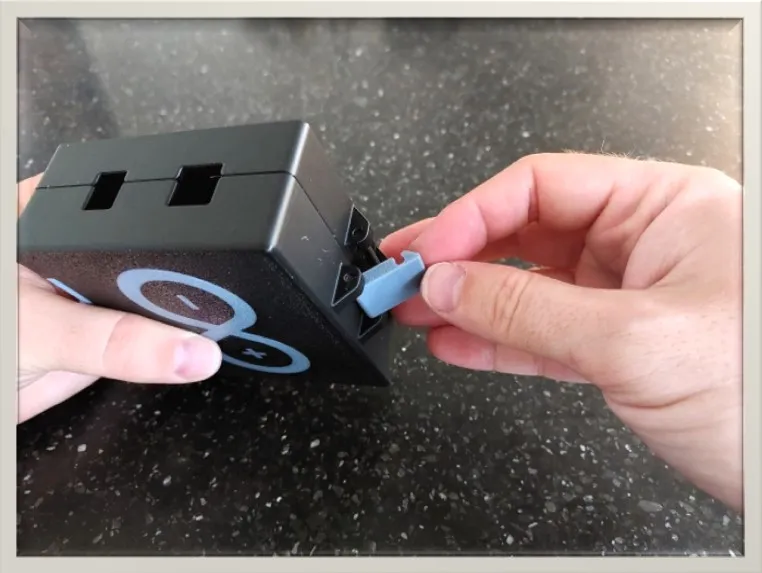
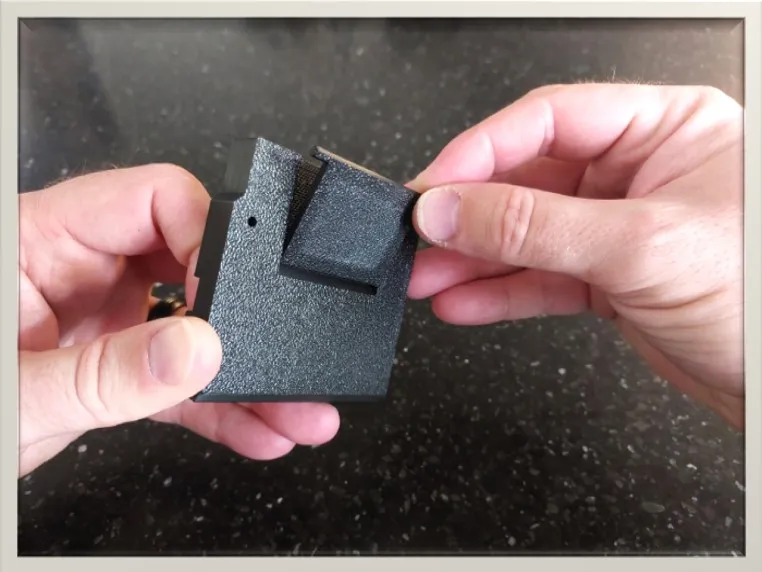
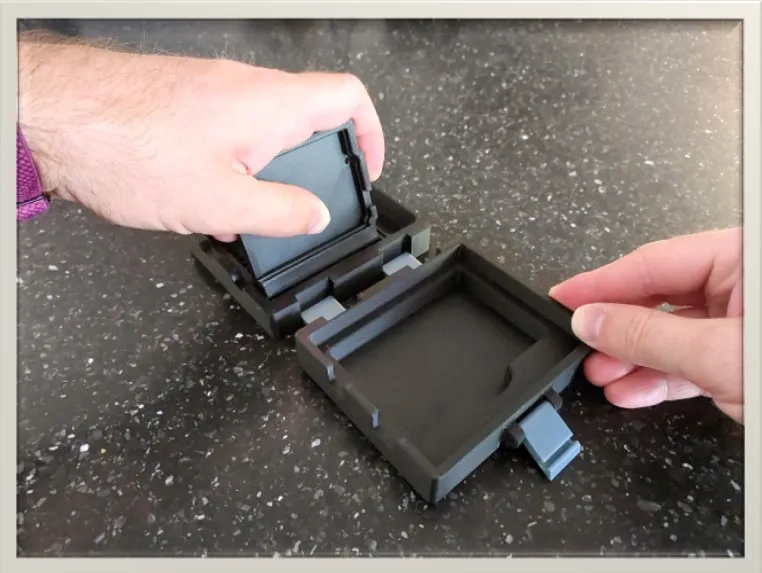
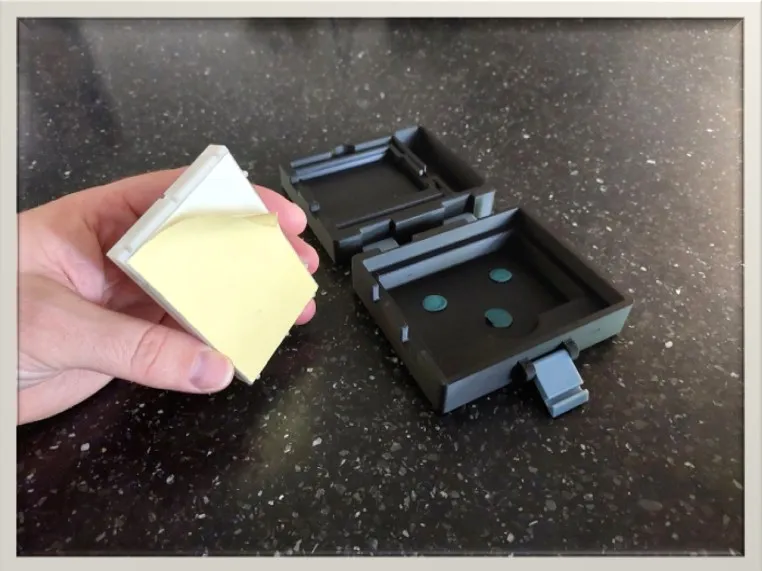
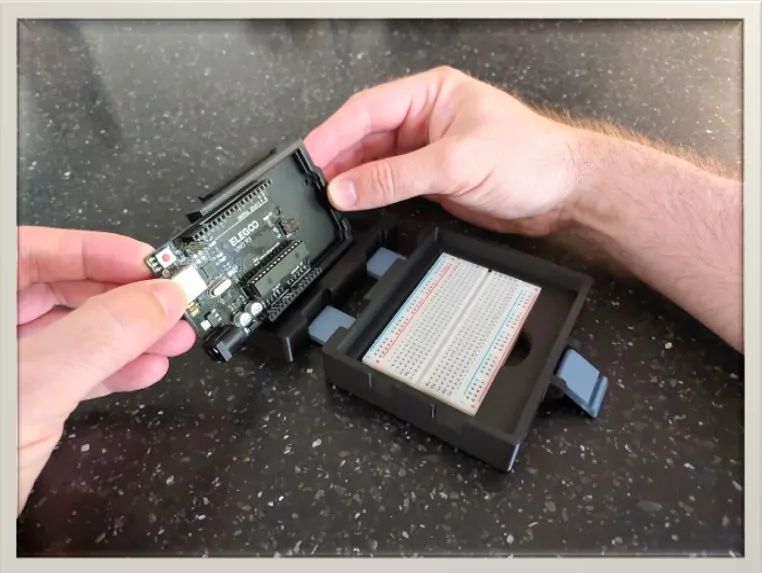
OPTIONAL STEPS:
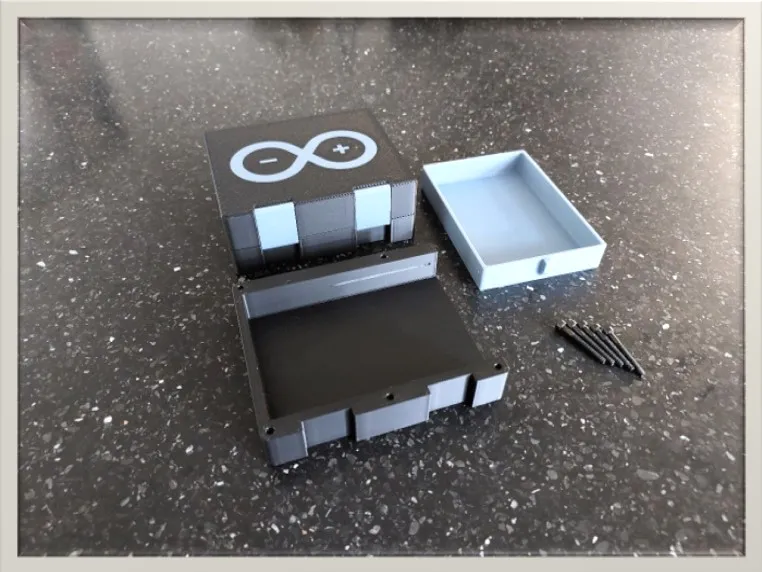
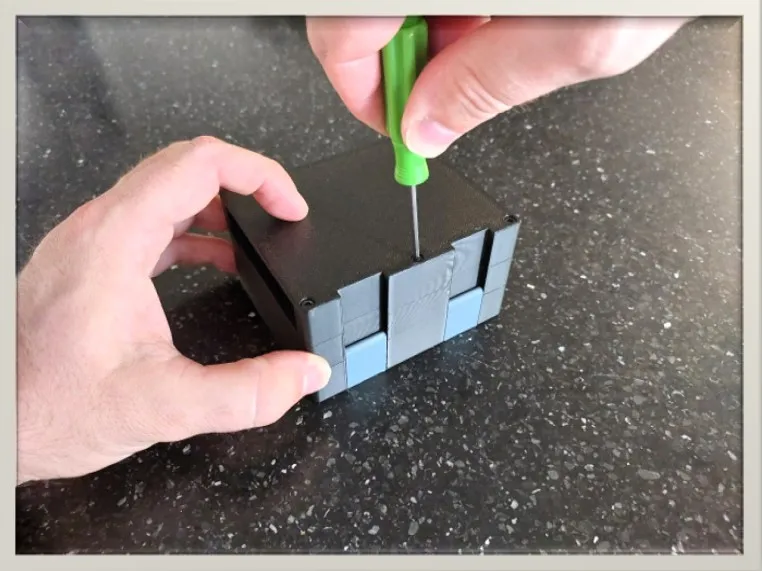
Tips
- Like most printed objects, any friction will loosen over time. The microcontroller might become easier to remove and place over time.
- The UNO can be secured using an M3 screw, but it is not required. The bracket is designed to keep the UNO in place using friction.
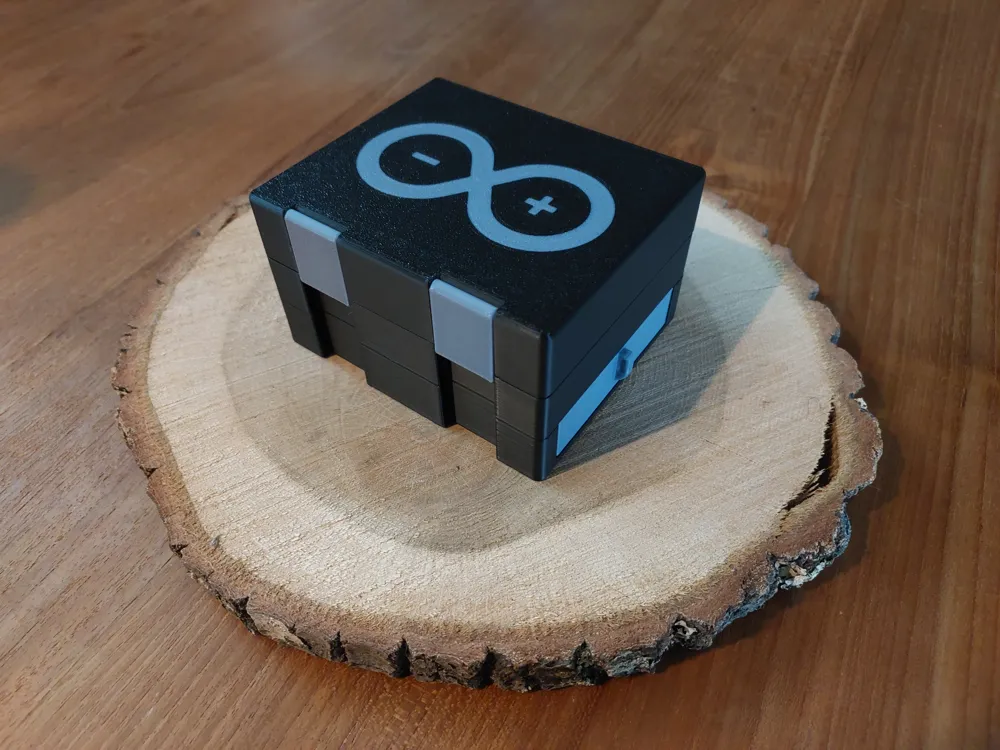
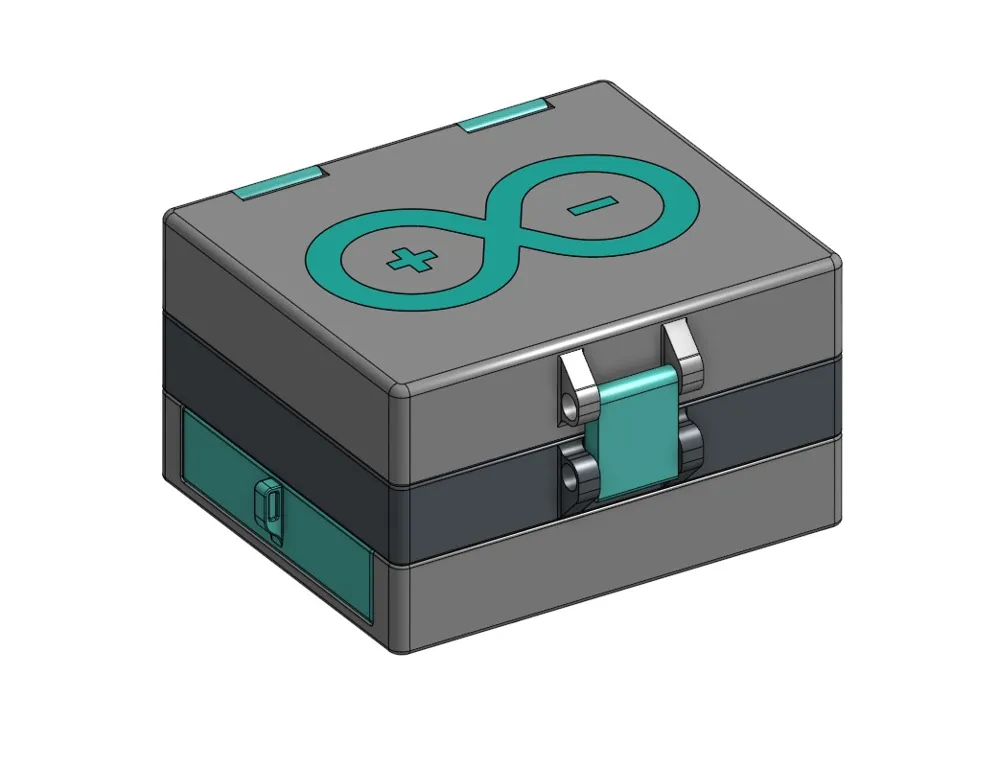
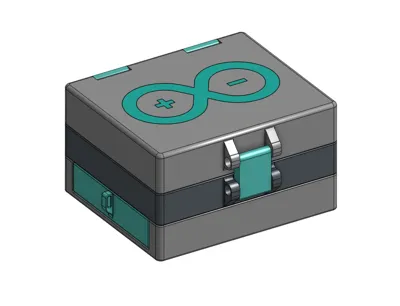
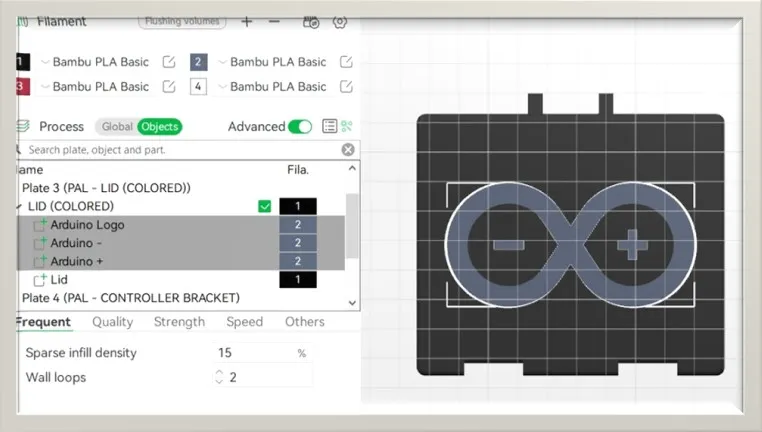
- For easy coloring of the logo on the lid, go into the slicer settings, select ‘LID’ and change the filament type of the parts highlighted below:
Print Settings (recommended)
- No supports needed
- 0,2mm layer height (needed for clearance between bracket and hinge)
- All print in place
- AMS requirements is based on your choice!
UPDATE SECTION:
UPDATE (July 25th 2025):
- Released a new print profile that contains the ESP32 and Arduino NANO breakout board brackets as well as a bracket to support a mini breadboard for small ‘pinned’ microcontrollers!
- NOTE: The new brackets unfortunately do NOT allow the lid to be used. The added height of the microcontrollers gets on the way. I did NOT want to make the lid taller/ deeper as this makes the breadboard sink in as well. Of course you are more then welcome to edit the lid and make it bigger yourself ;)
UPDATE (June 14th 2025):
- Uploaded the STEP File for the microcontroller bracket! Create some amazing add/ons for this workstation and share them :) Either upload them as a print profile on this models' page or upload them as a stand-alone. Make sure to link back to this model see people know what is for ;)
UPDATE (June 9th, 2025):
- Increased the depth of the logo embossing from 0,25 to 0,4mm to reduce color bleeding.
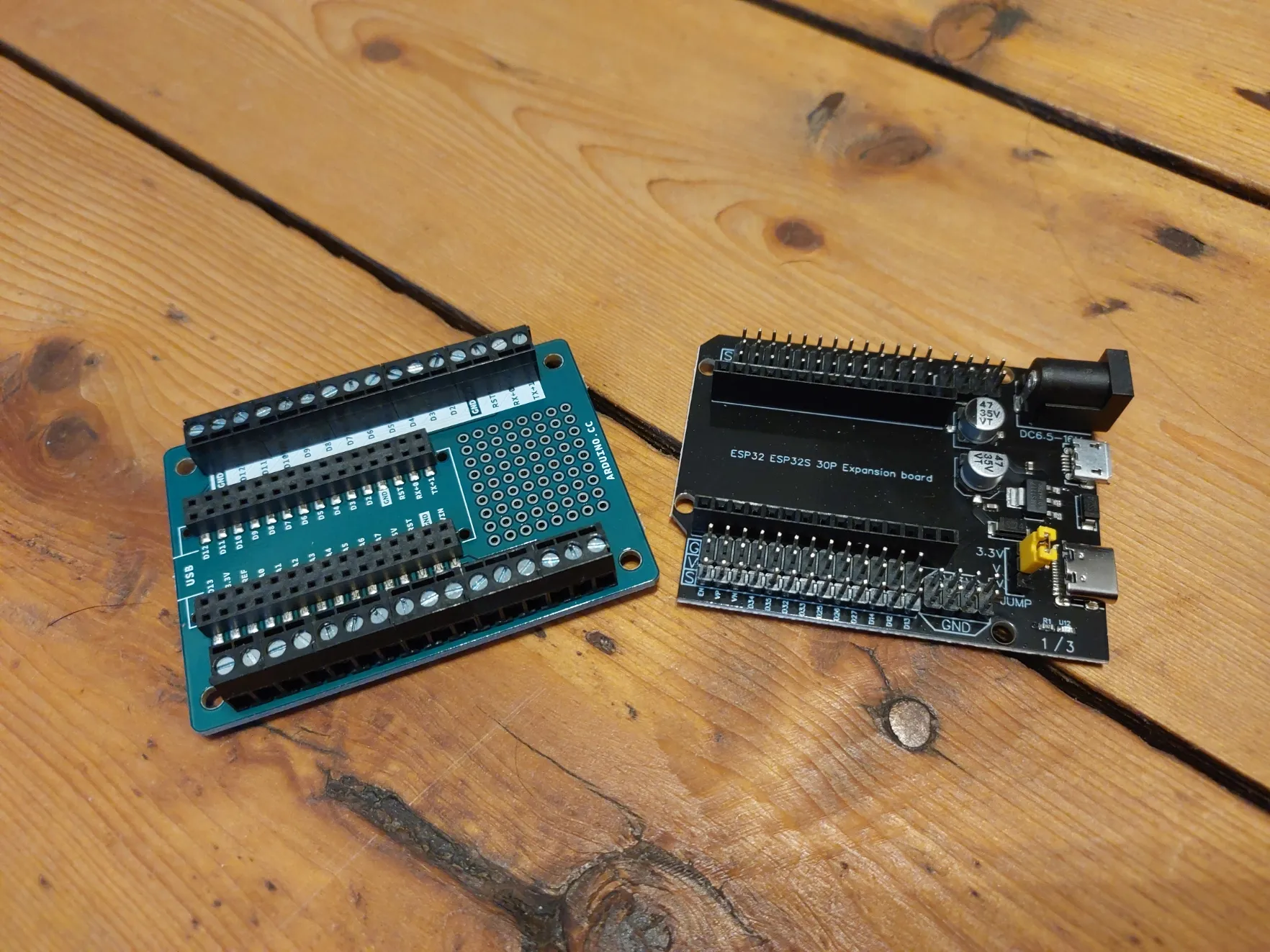
To those who are interested in using other microcontrollers! Starting with the Arduino NANO and ESP32. The links below are from the breakout boards that will be supporting in the VERY near future:
If you like the model, please consider leaving a like and a rating with pictures of your makes! It is encouraging to see my creations out there.
Also consider leaving feedback regarding the models as it will help improve my overall skills as a beginner 3D designer!
Want to support me with some coffee? :)

Boost Me (for free)
Your support is much appreciated :D
Membership
Interested in selling physical prints of my work? The commercial license is now available!
License

You shall not share, sub-license, sell, rent, host, transfer, or distribute in any way the digital or 3D printed versions of this object, nor any other derivative work of this object in its digital or physical format (including - but not limited to - remixes of this object, and hosting on other digital platforms). The objects may not be used without permission in any way whatsoever in which you charge money, or collect fees.


Comment & Rating (105)