
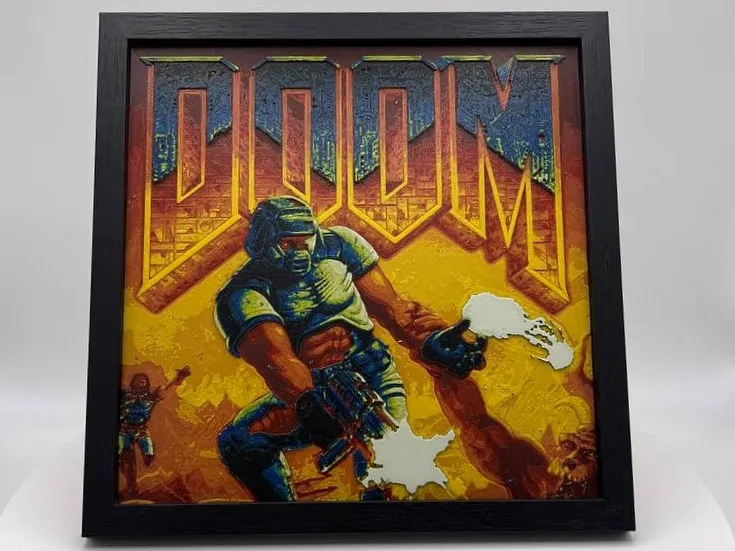
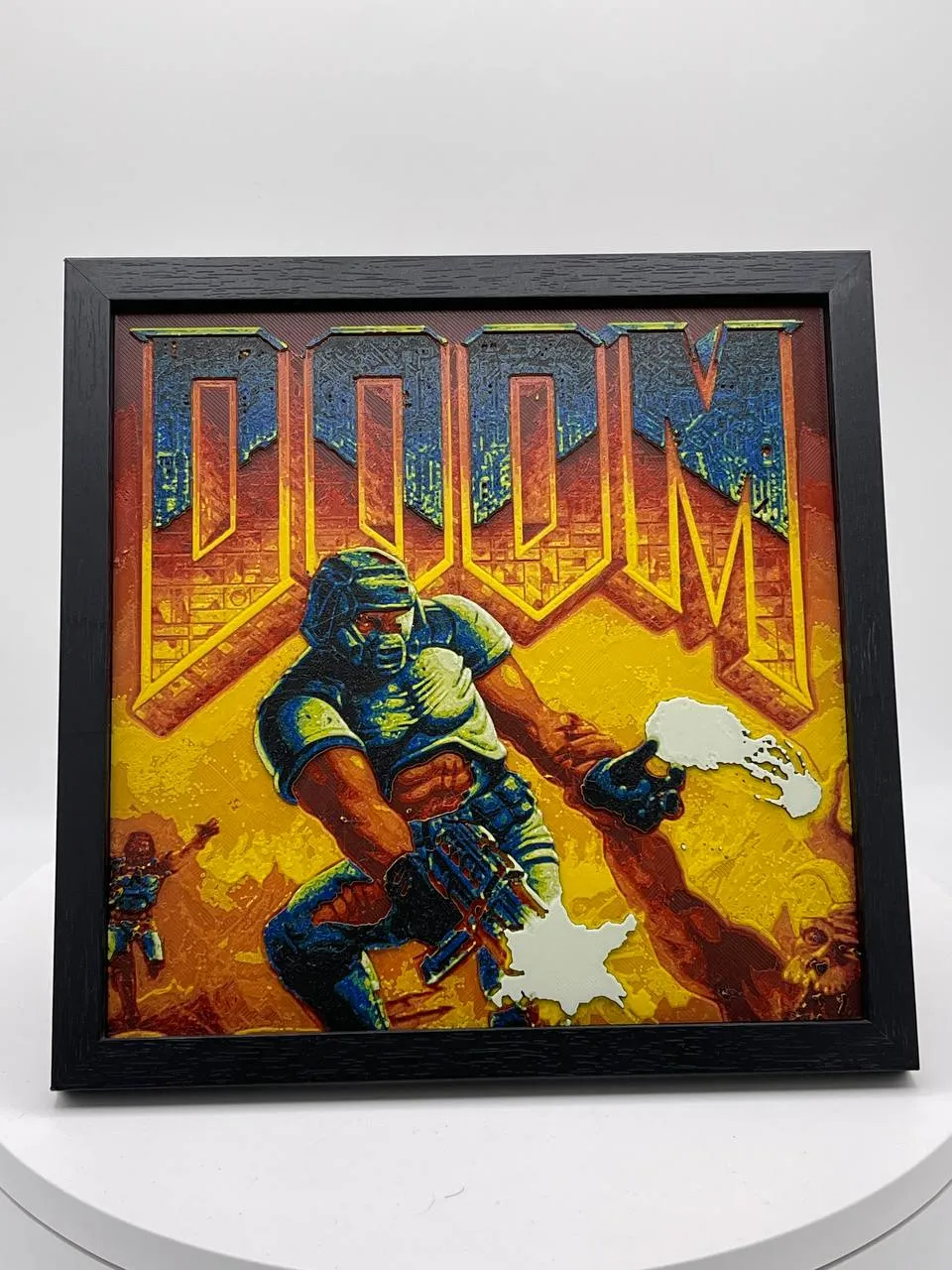
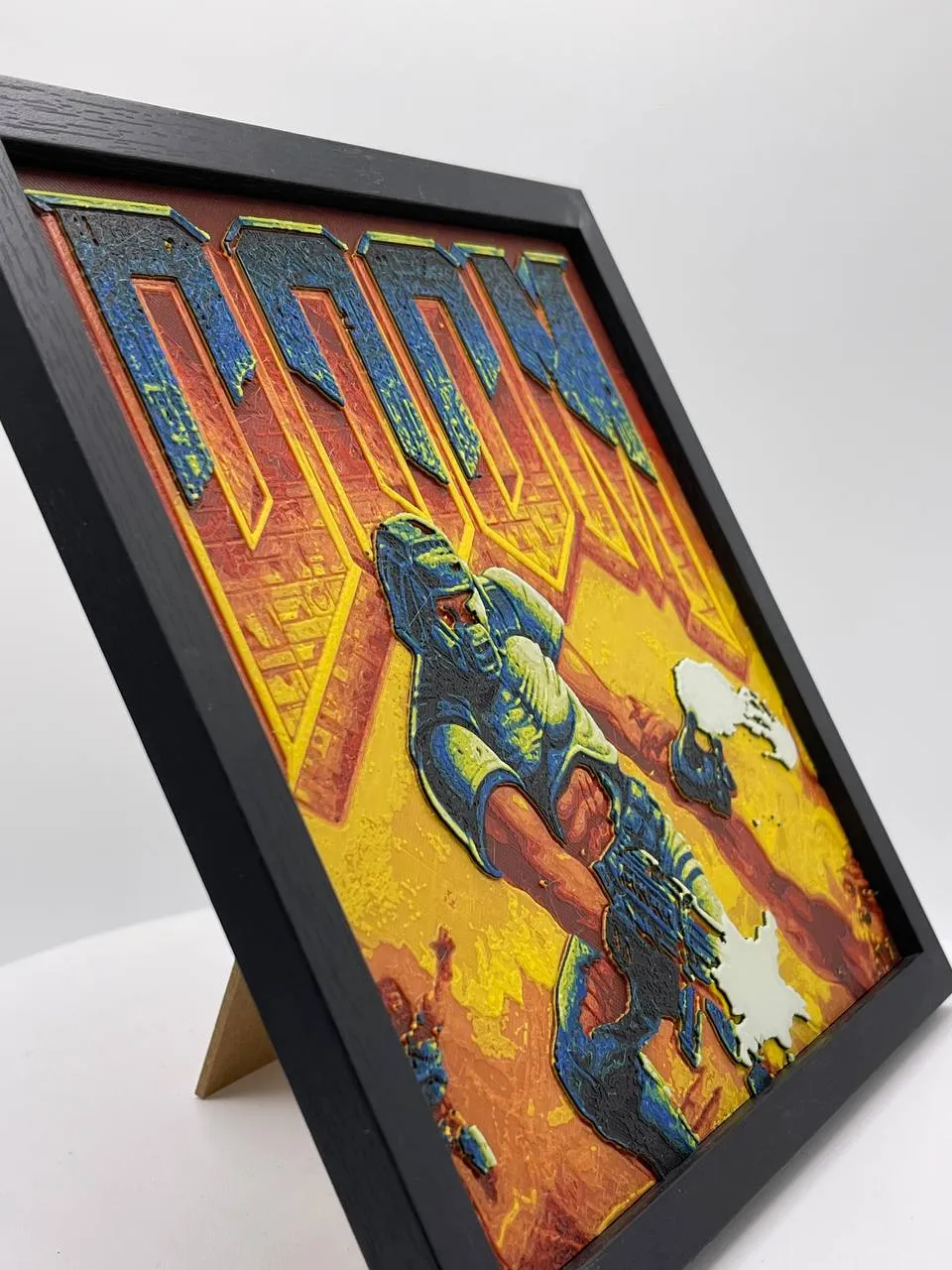
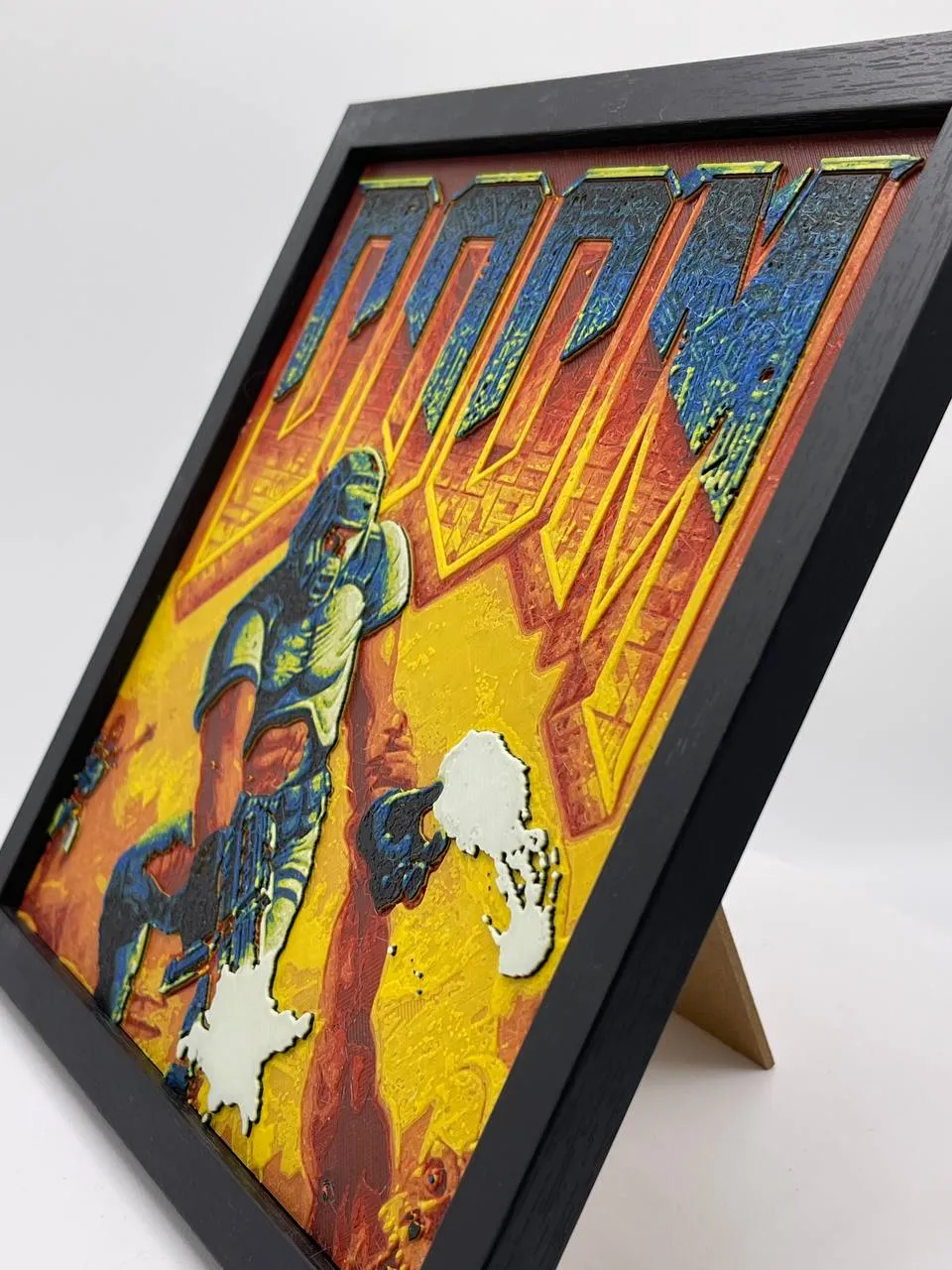
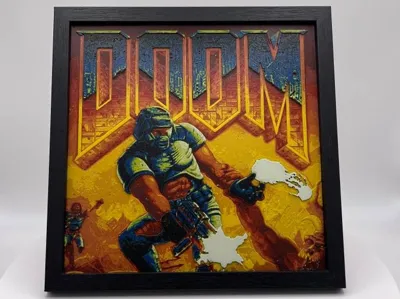
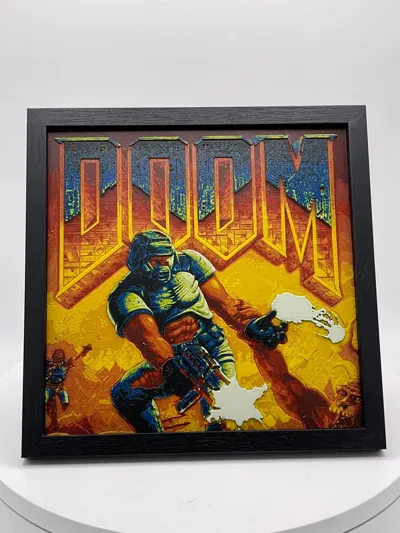
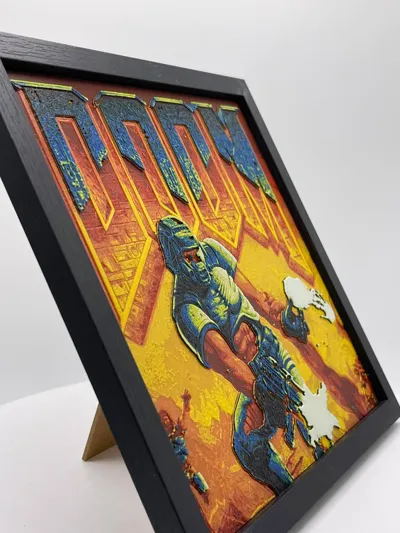
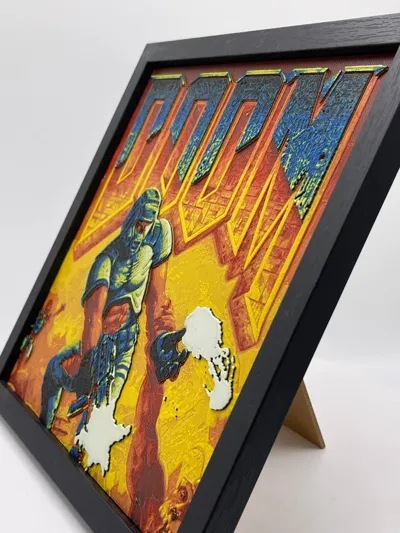
Doom Original - Filament Painting ( HueForge )
Print Profile(1)

Bill of Materials







Description
Welcome to the HueForge MasterClass:
Bambulab Only filament, gorgeous color match for a PhotoRealism without any precedent
“Doom Original”
Print at 100% infill with a layer height of 0.08mm with a base layer of 0.16mm
Filaments Used:
PLA BambuLab Basic Black Transmission Distance: 0.6
PLA BambuLab Basic Red Transmission Distance: 5
PLA BambuLab Basic Orange Transmission Distance: 10
PLA BambuLab Basic Sunflower Yellow Transmission Distance: 5.5
PLA BambuLab Basic Mistletoe Green Transmission Distance: 5
PLA BambuLab Basic Blue Transmission Distance: 4
PLA BambuLab Basic BambuLab Green Transmission Distance: 8
PLA BambuLab Basic Jade White Transmission Distance: 4
Swap Instructions:
Start with Black
At layer #6 (0.56mm) swap to Red
At layer #9 (0.8mm) swap to Orange
At layer #12 (1.04mm) swap to Sunflower Yellow
At layer #16 (1.36mm) swap to Black
At layer #20 (1.68mm) swap to Mistletoe Green
At layer #21 (1.76mm) swap to Blue
At layer #23 (1.92mm) swap to BambuLab Green
At layer #24 (2mm) swap to Sunflower Yellow
At layer #26 (2.16mm) swap to Jade White for the rest.
If you like my work, drop me a follow ❤️! ( Even a boost is Welcome 😄 )
How to do more than 4 colors on a single AMS?
To use more than 4 colors with a single AMS is pretty simple when it comes to HueForges.
Always start the print from either Bambu Studio or Bambu Handy App - This will allow you to map the rolls of filaments to a certain slot in the AMS:
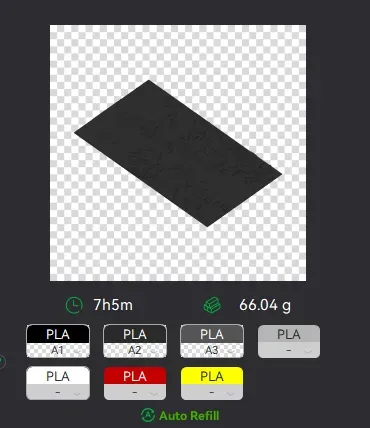
Now map the first 4 colors (which should already be inserted in the AMS to Slots 1 - 2 - 3 - 4
Once thats done move to maping colors 5 - 6 - 7 - 8 to respectively AMS Slots 1 - 2 - 3 - 4 again!
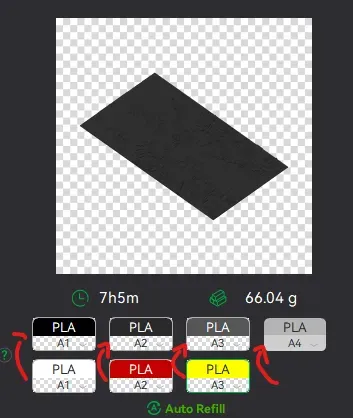
This will allow you to Change the rolls of filament once the printer is done with that color.
For example, in the picture above once we are done with the Black color (Which is usually first) we are going to remove the black roll (you can do that while printing) with White, then once Charcoal Black is done we are going to change that to Red, Dark Gray to Yellow and we are done. ~ You can do that with as many colors as you need!
If you like my work, drop me a follow ❤️! ( Even a boost is Welcome 😄 )
License

You shall not share, sub-license, sell, rent, host, transfer, or distribute in any way the digital or 3D printed versions of this object, nor any other derivative work of this object in its digital or physical format (including - but not limited to - remixes of this object, and hosting on other digital platforms). The objects may not be used without permission in any way whatsoever in which you charge money, or collect fees.


Comment & Rating (2)