
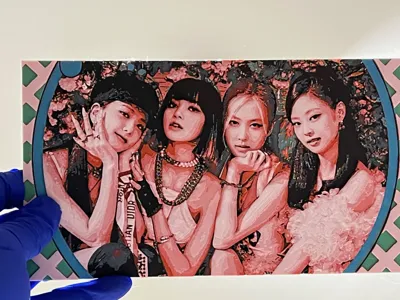
Blackpink

Print Profile(1)

Description

If you like my models, please comment, share your prints, or you can purchase filaments through my links. Every bit of support keeps me motivated to make more awesome stuff. Thanks a lot!
Demon Slayer series: Demon Slayer Hueforge | Collection - MakerWorld: Download Free 3D Models
One Piece series: OnePiece_Hueforge | Collection - MakerWorld: Download Free 3D Models
Pokemon series: https://makerworld.com/en/collections/22946087-pokemon-hueforge
Dan Da Dan series: https://makerworld.com/en/collections/7165703-dandadan_hueforge
Marvel series: Marvel_Hueforge | Collection - MakerWorld: Download Free 3D Models
Animal series: Animal_Hueforge | Collection - MakerWorld: Download Free 3D Models
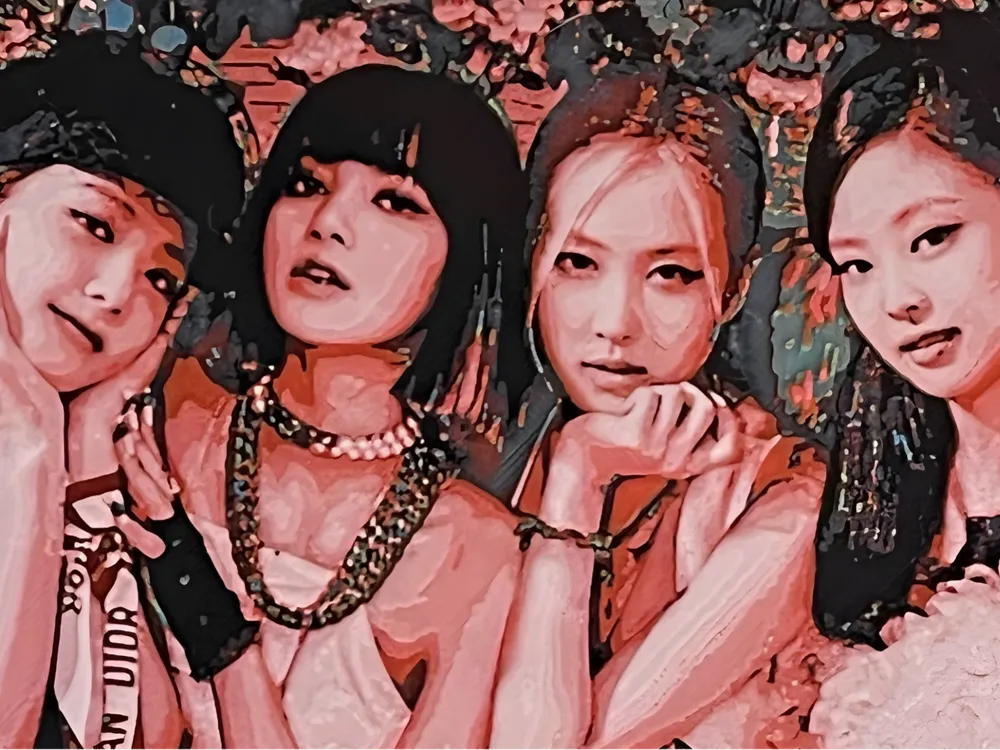
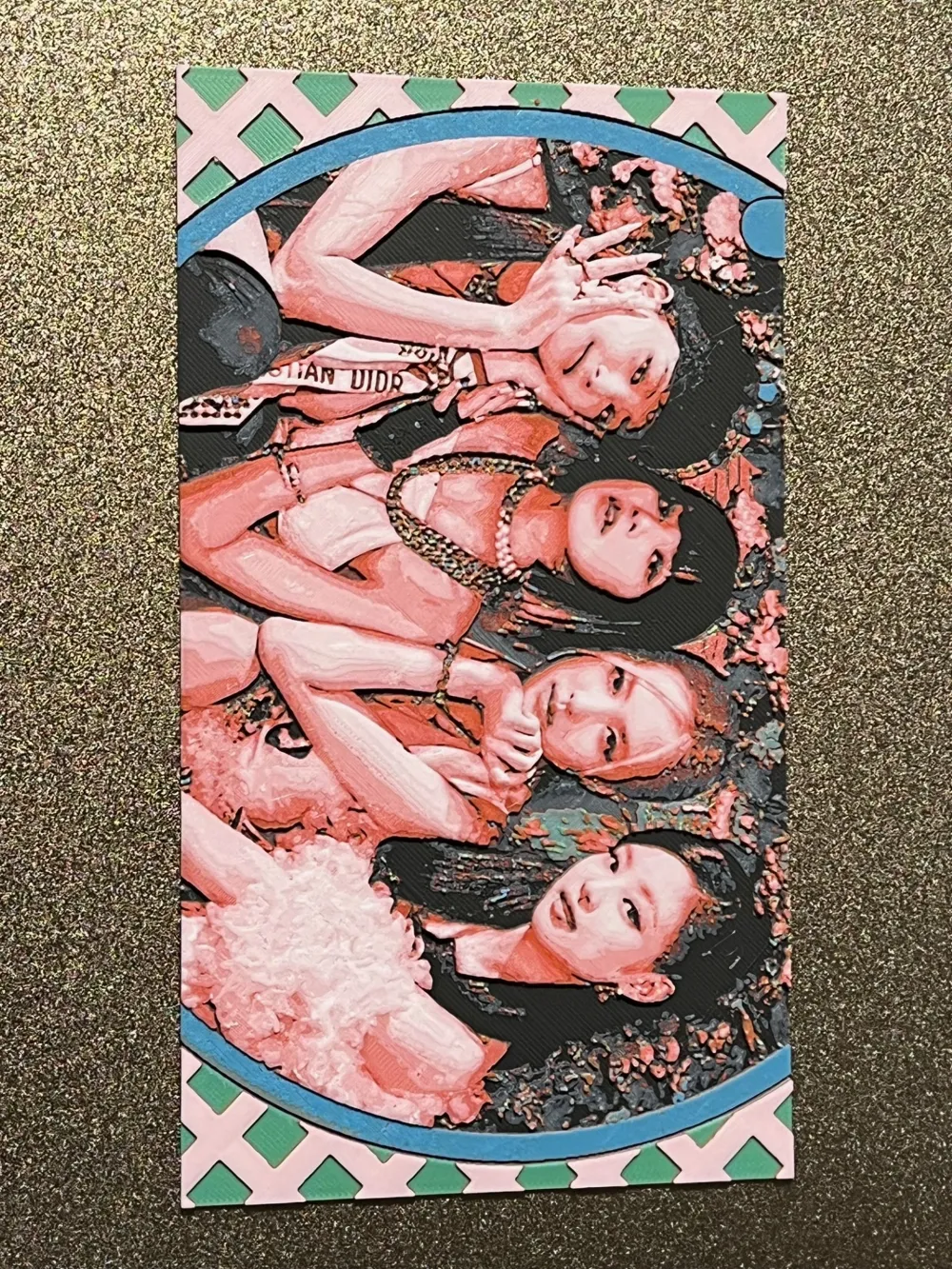
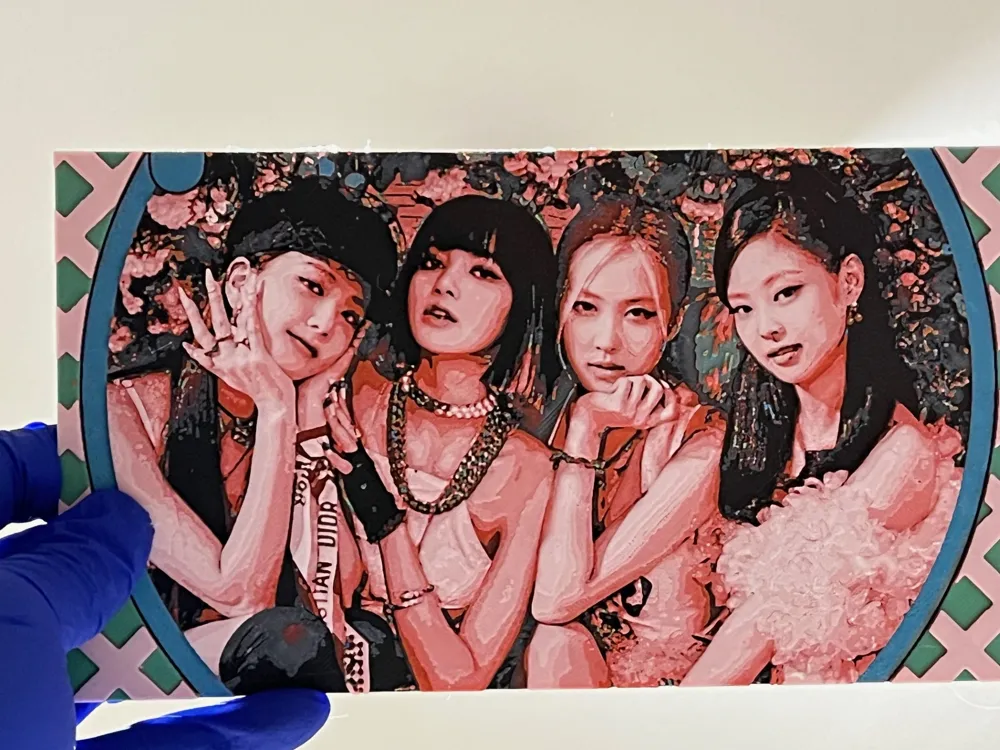
Taking a break from Anime & Manga universe and looking into the real 3d world around, there are also many beauties to be discovered. The South Korean girl group, Blackpink's unique blend of musical style, fashion, and global appeal has made them incredibly popular and impactful. So, I tried to print this out as one of my wallpaper collections. Also, I want to test how different printing real people versus cartoon features. Please let me know if you like it or you have any comments.
Print Instruction:
Print at 100% infill with a layer height of 0.08mm with a base layer of 0.16mm
The Model is 200x112.5mm in size
You may print at higher layer heights below the Base Thickness of 0.48mm
The Max allowed Thickness is 2.64mm and the Actual Thickness is 2.56mm
Filaments Used:
#000000 PLA Black Transmission Distance: 0.1
#ffffff PLA White Transmission Distance: 6.2
#cd382e PLA Red Transmission Distance: 4.2
#ffff00 PLA Yellow Transmission Distance: 6
#0086d6 PLA Basic Cyan Transmission Distance: 2.4
This print uses 5 unique filaments
Swap Instructions:
Start with Black
At layer #7 (0.64mm) swap to White
At layer #8 (0.72mm) swap to Red
At layer #12 (1.04mm) swap to Yellow
At layer #14 (1.2mm) swap to Cyan
At layer #17 (1.44mm) swap to Yellow
At layer #20 (1.68mm) swap to Red
At layer #24 (2mm) swap to White for the rest.
For only one AMS:
Start with 4 colors as follows:
Slot1: Black
Slot2: White
Slot3: Red
Slot4: Yellow
Pause is set in the print file at Layer 9, swap the Slot1 color to Cyan
******************************************************************************************
Boost Me (for free)
Not just 3D prints—each piece is a layered illusion of color, depth, and passion. Thanks for your visits, any feedback will be appreciated!
******************************************************************************************
License



Comment & Rating (0)