Search models, users, collections, and posts

ASUS TUF GT502 - Meshfront with fan
Print Profile(1)

All
A1
P1S
X1
P2S
H2D
P1P
H2D Pro
H2S
X1 Carbon
X1E
H2C
X2D
A2L

0.2mm layer, 2 walls, 15% infill
Designer
10 h
3 plates
5.0(4)

Open in Bambu Studio
Boost
18
20
13
3
28
15
Released 

Description

Hi there!

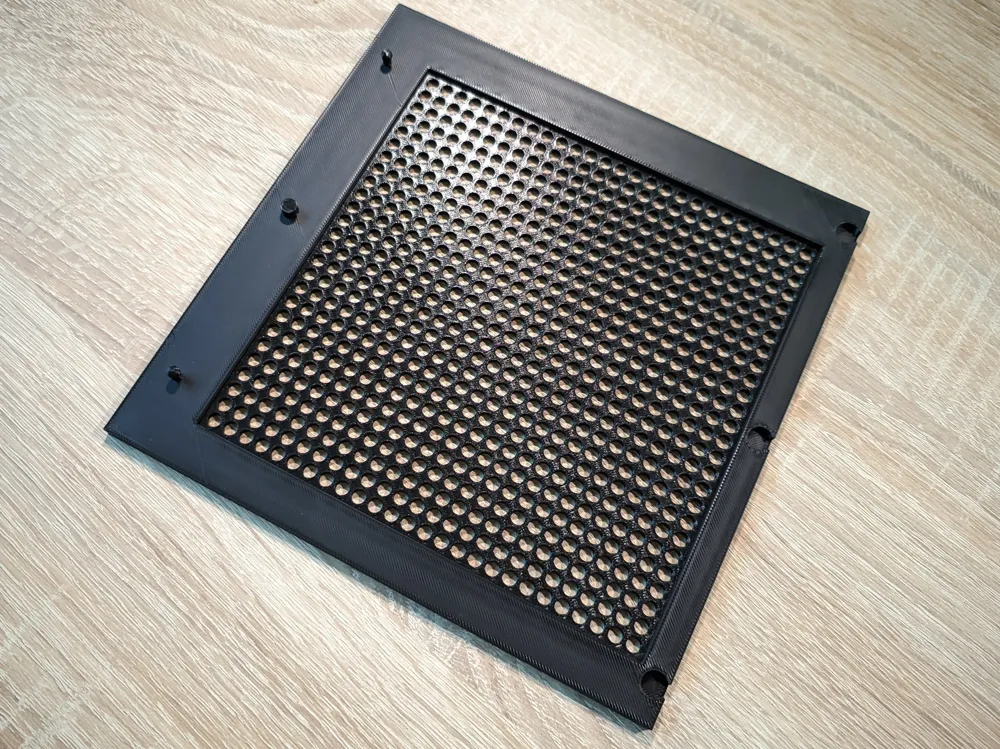
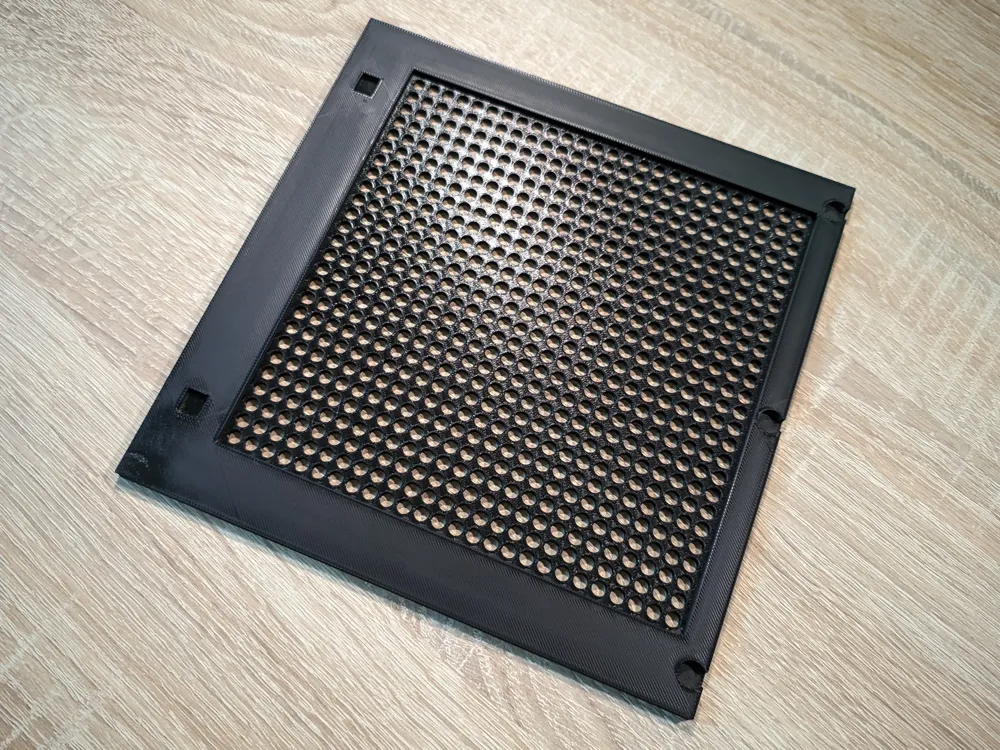
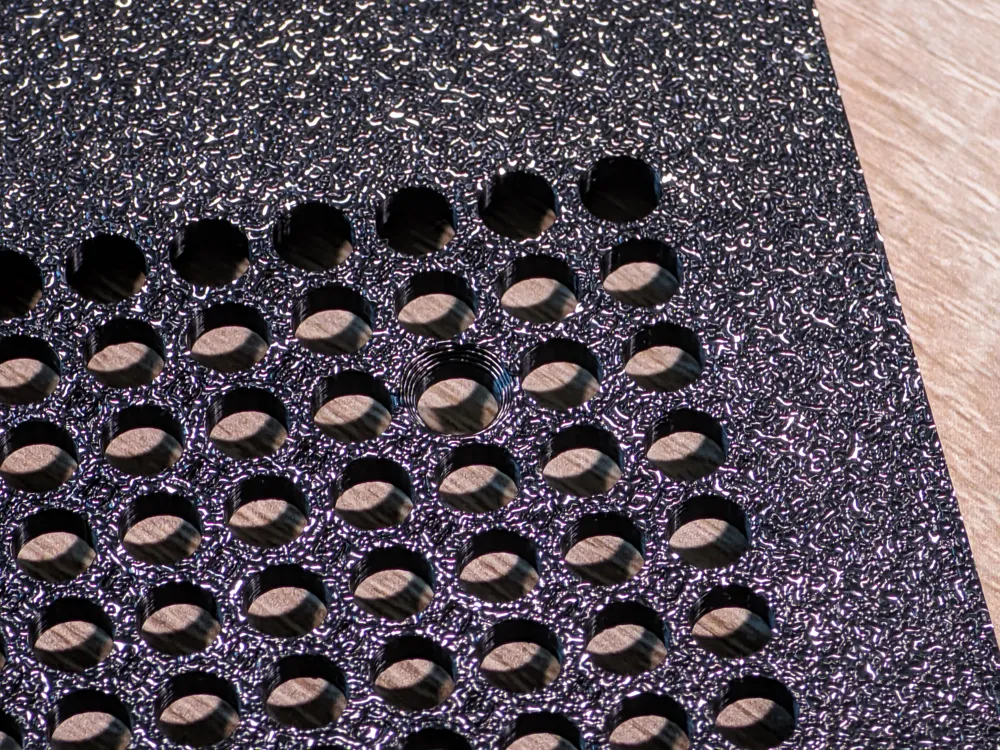
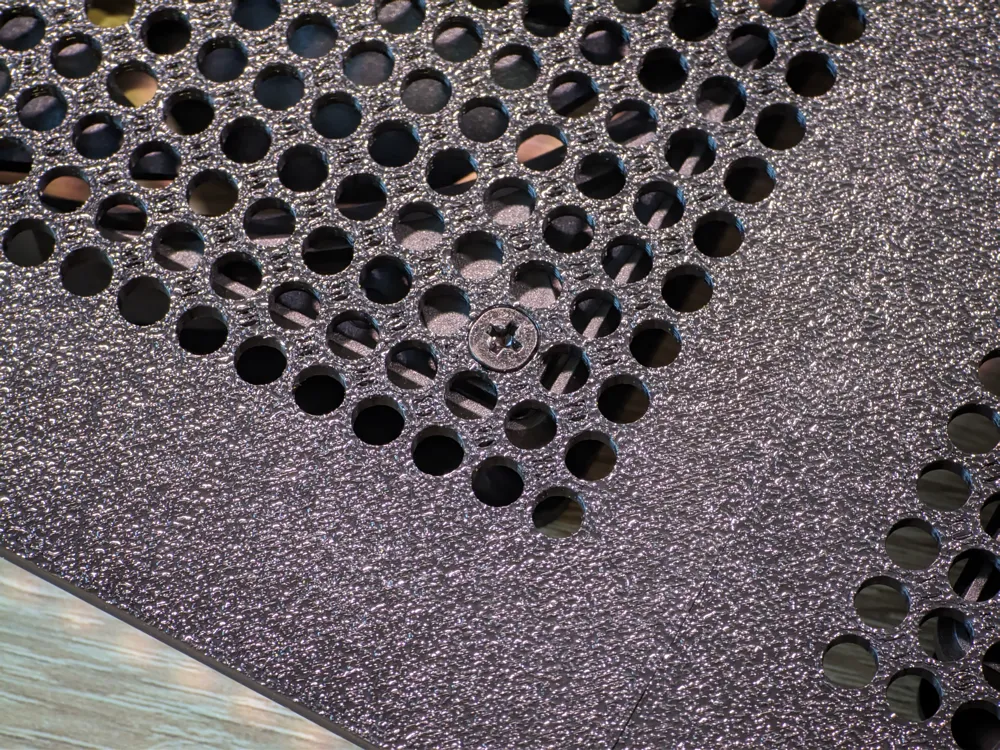
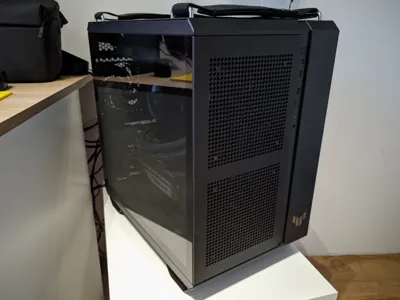
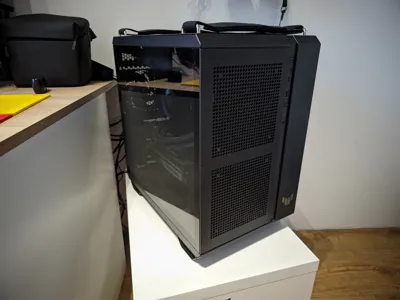
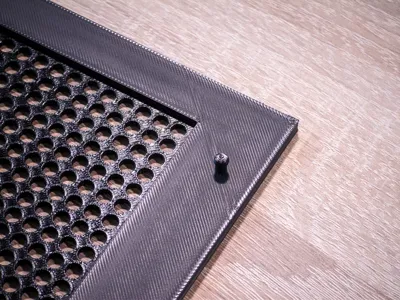
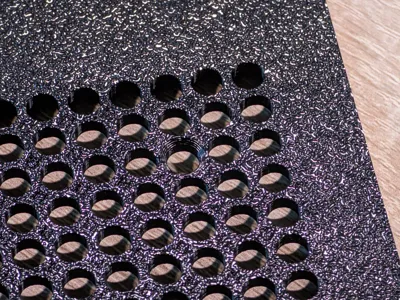
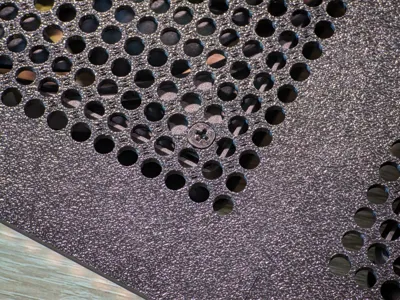
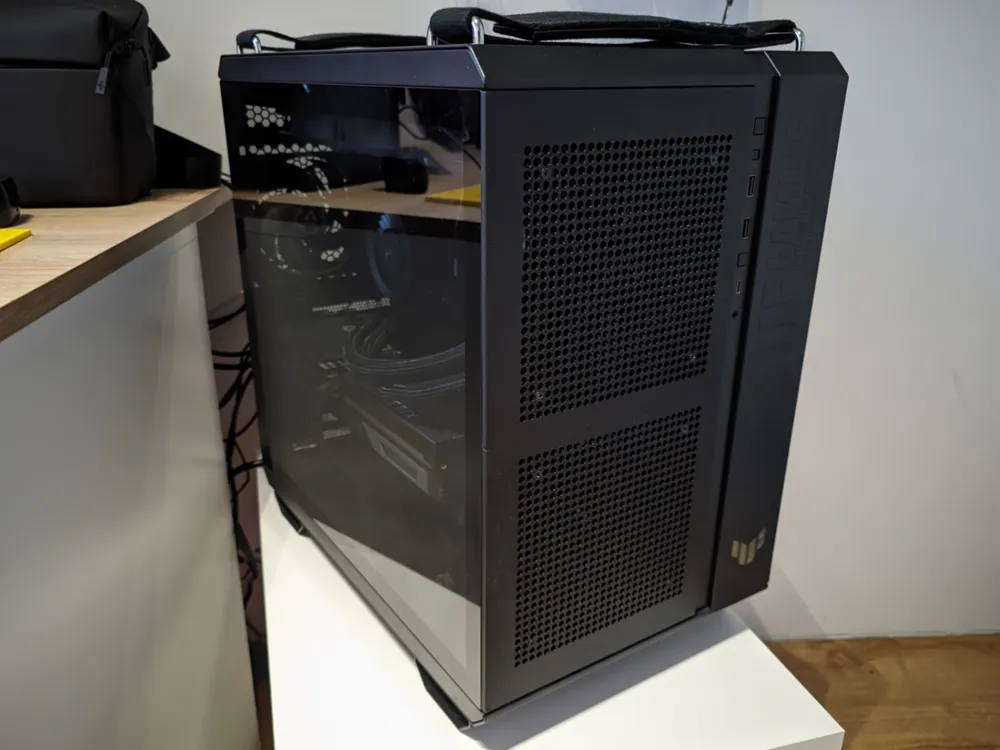
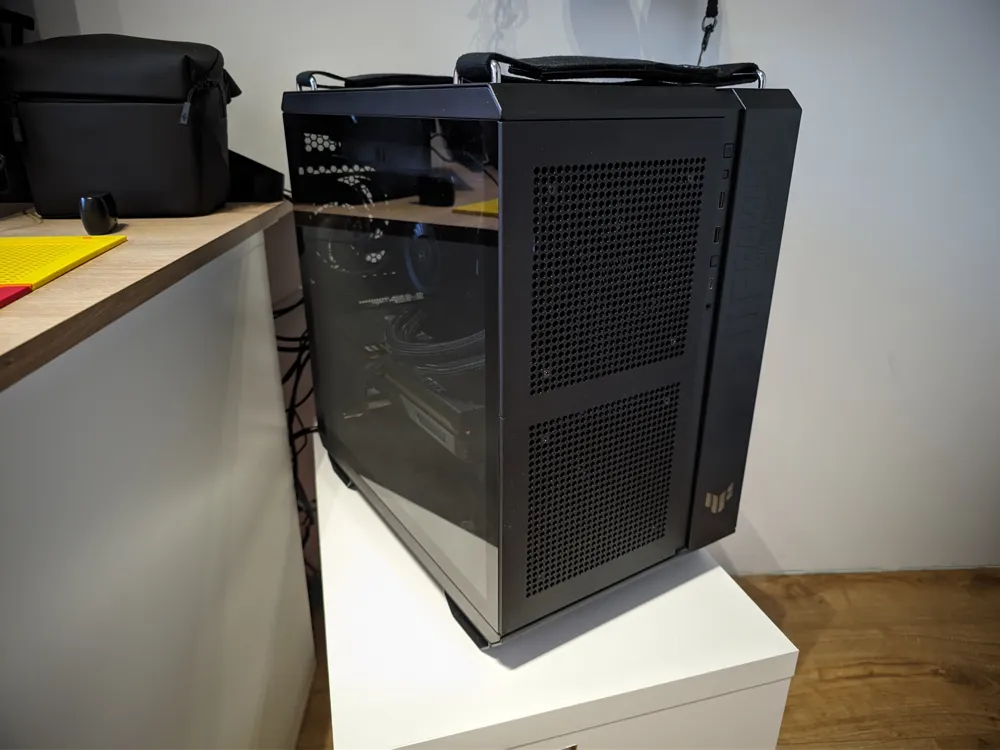
While designing the new front panel, I made an effort to preserve the original look of the case. I wanted the new part to blend in naturally with the rest of the design. That’s why I based it on elements already present in the case – specifically the panels on the top and right side, which feature a distinctive perforated pattern.

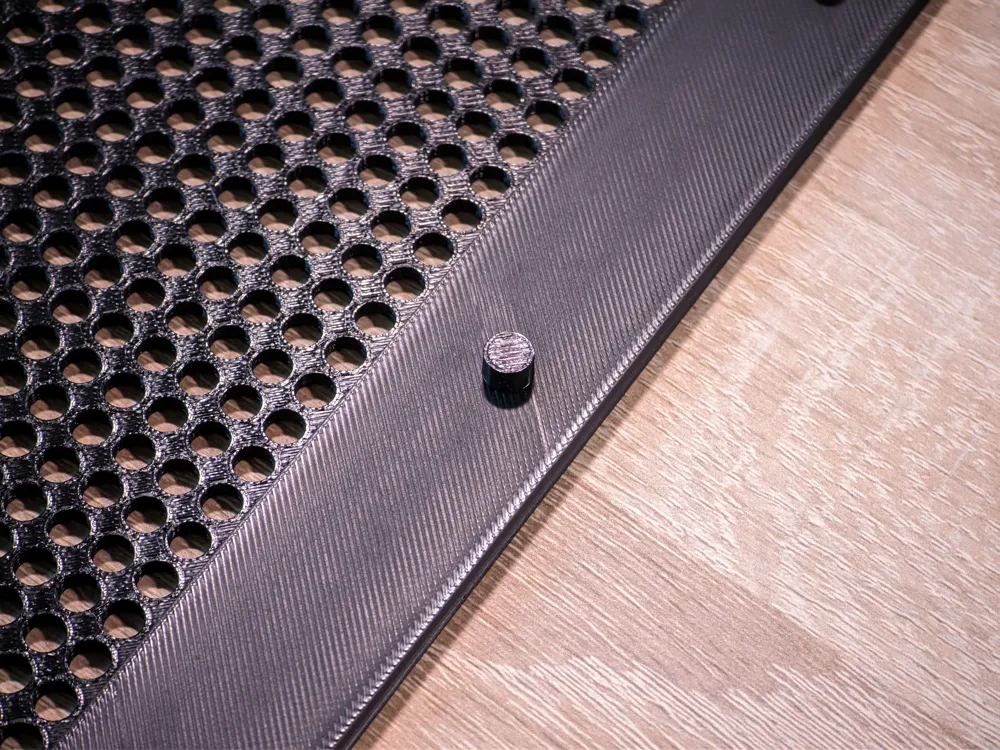
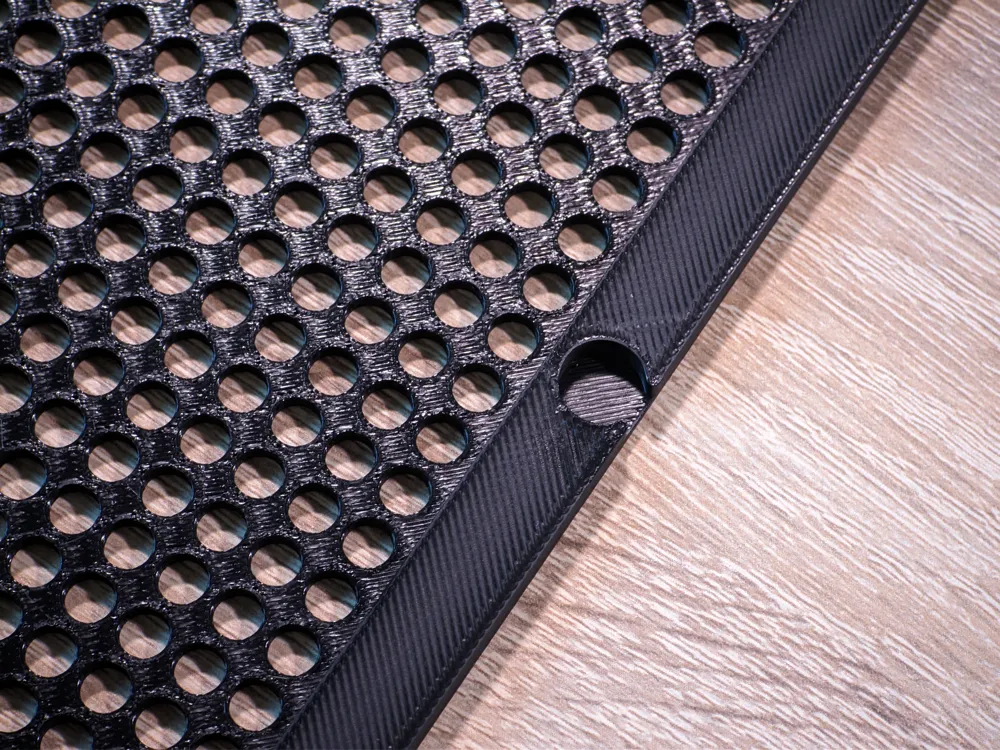
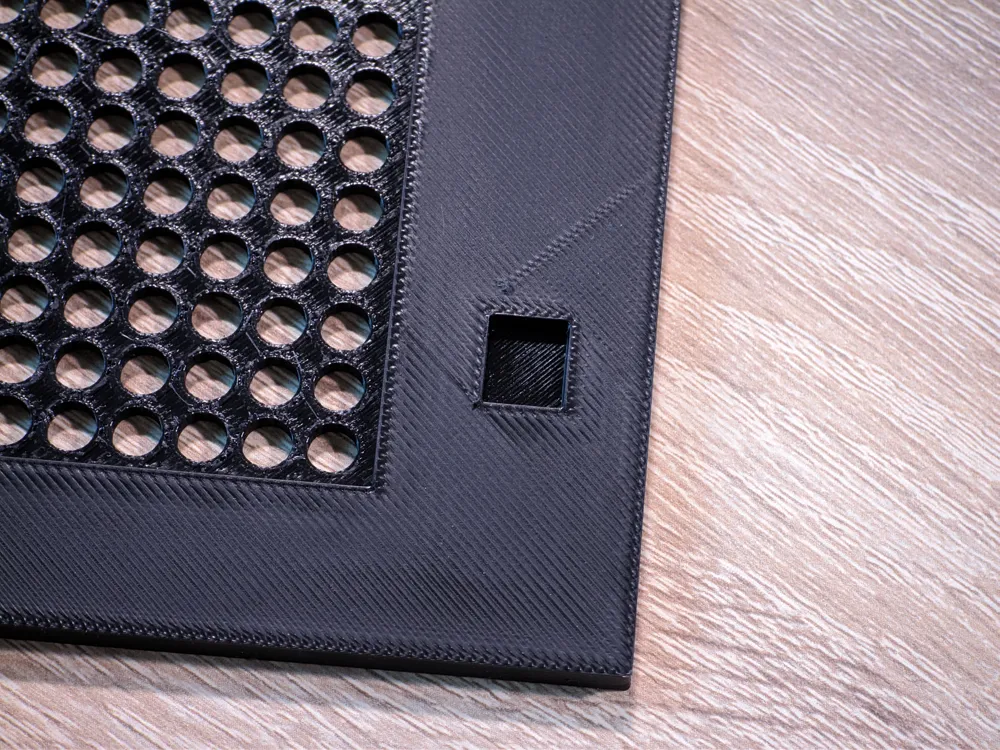
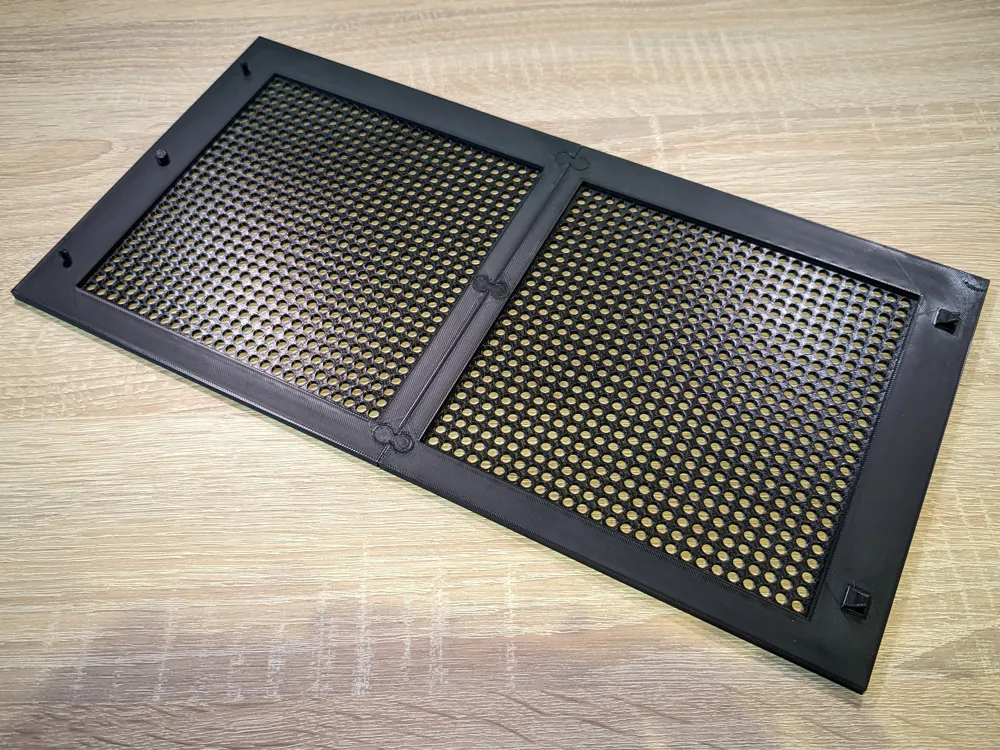
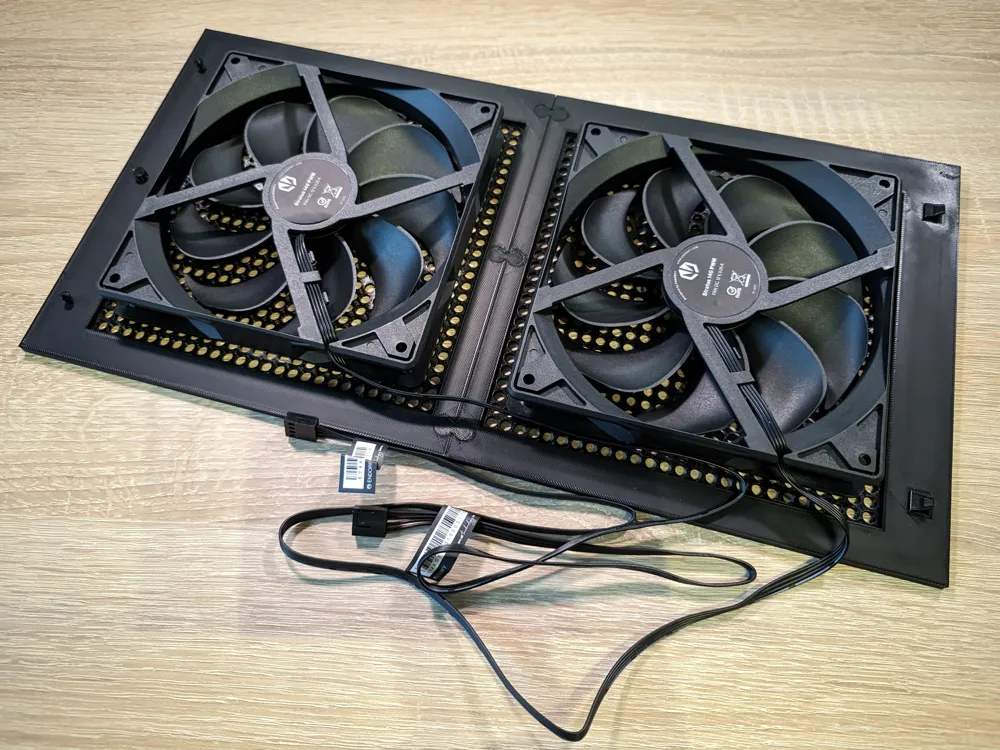
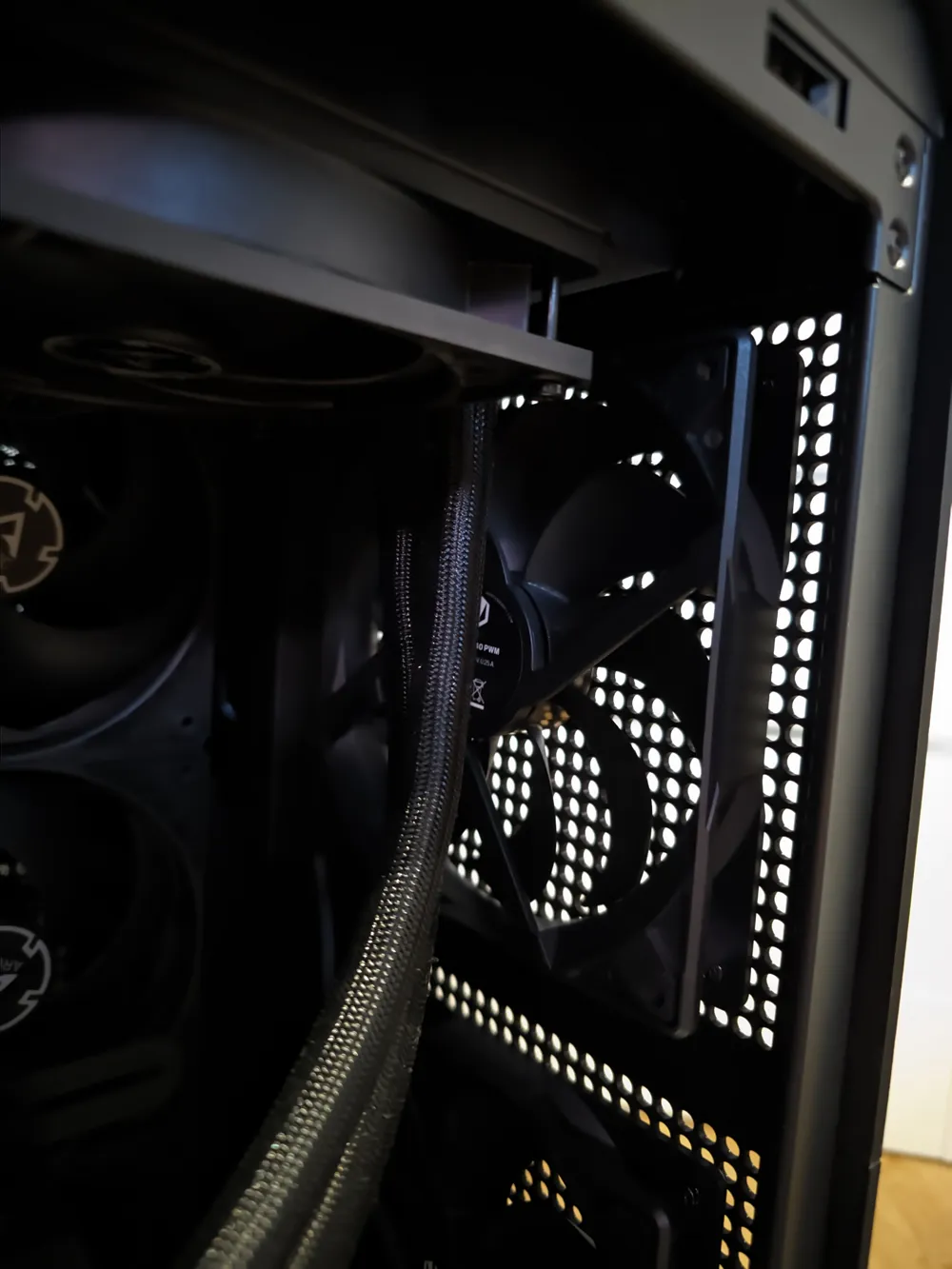
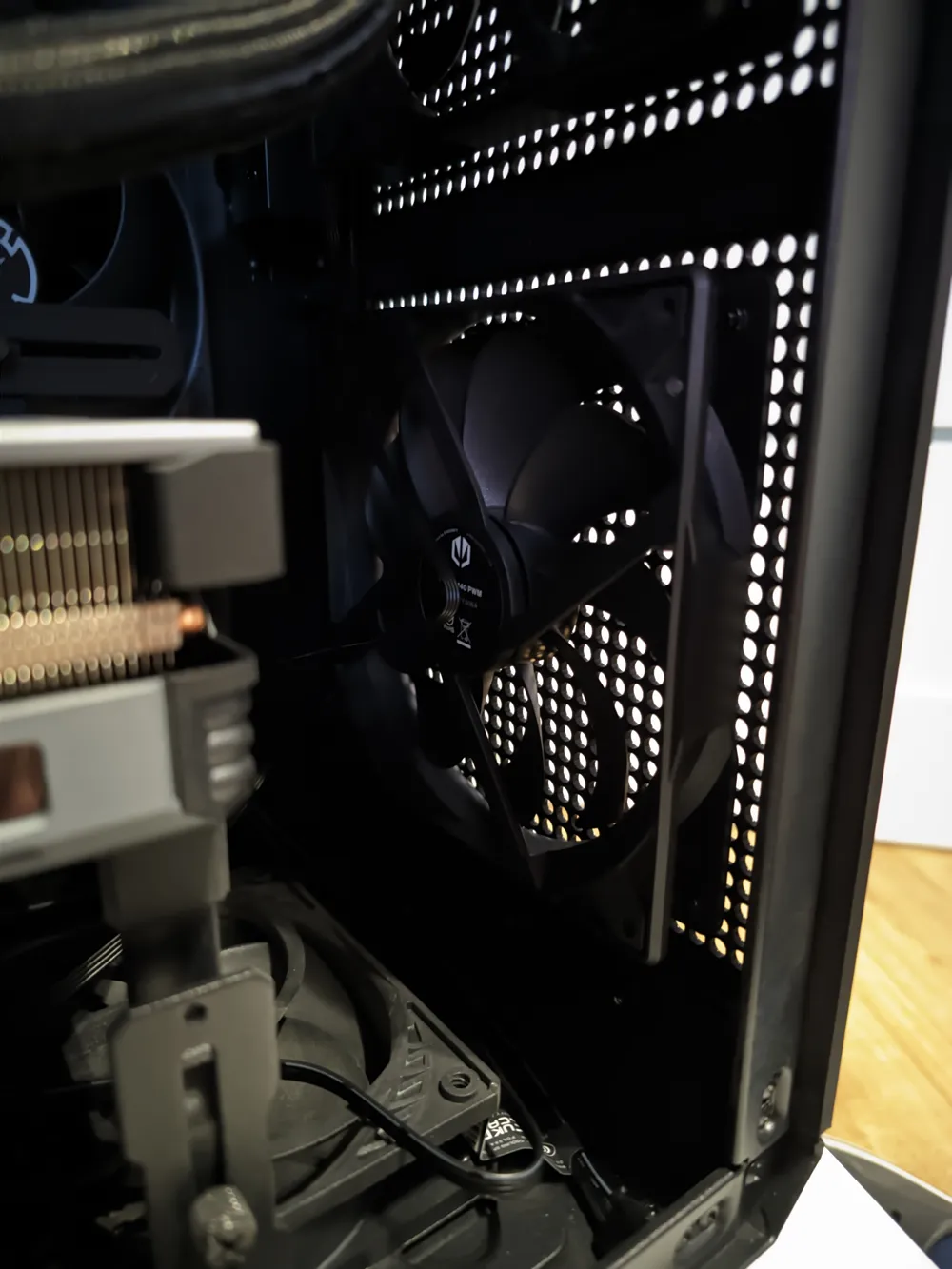
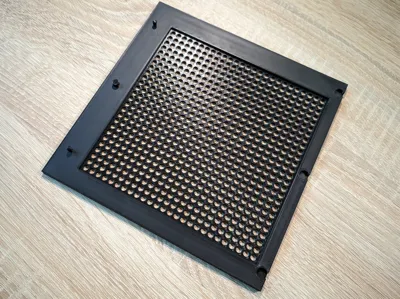
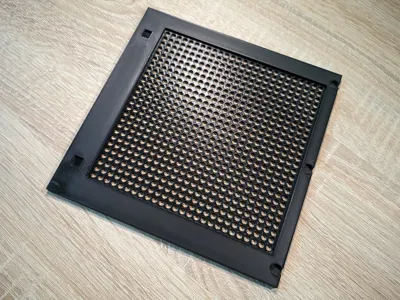
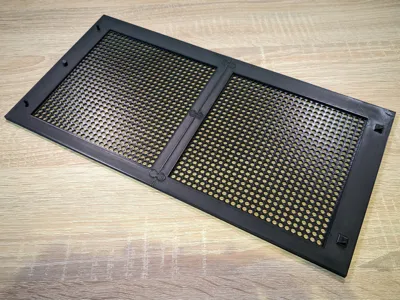
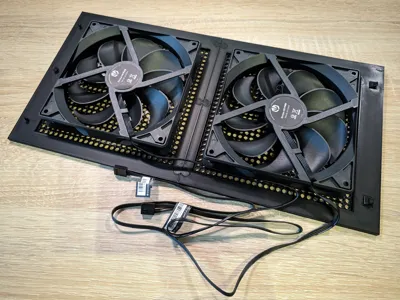
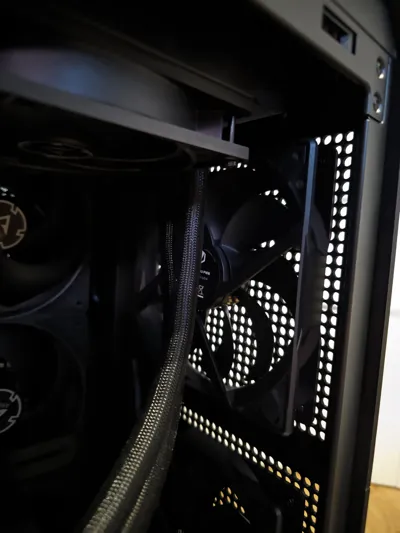
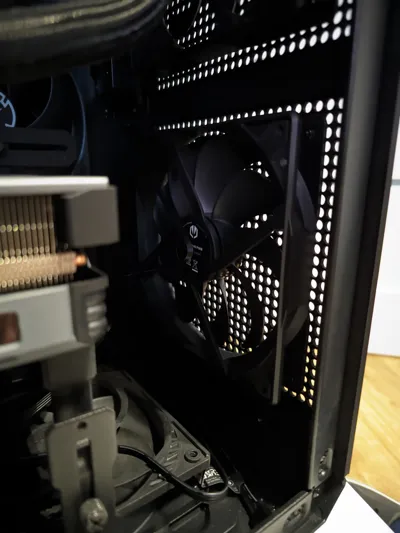
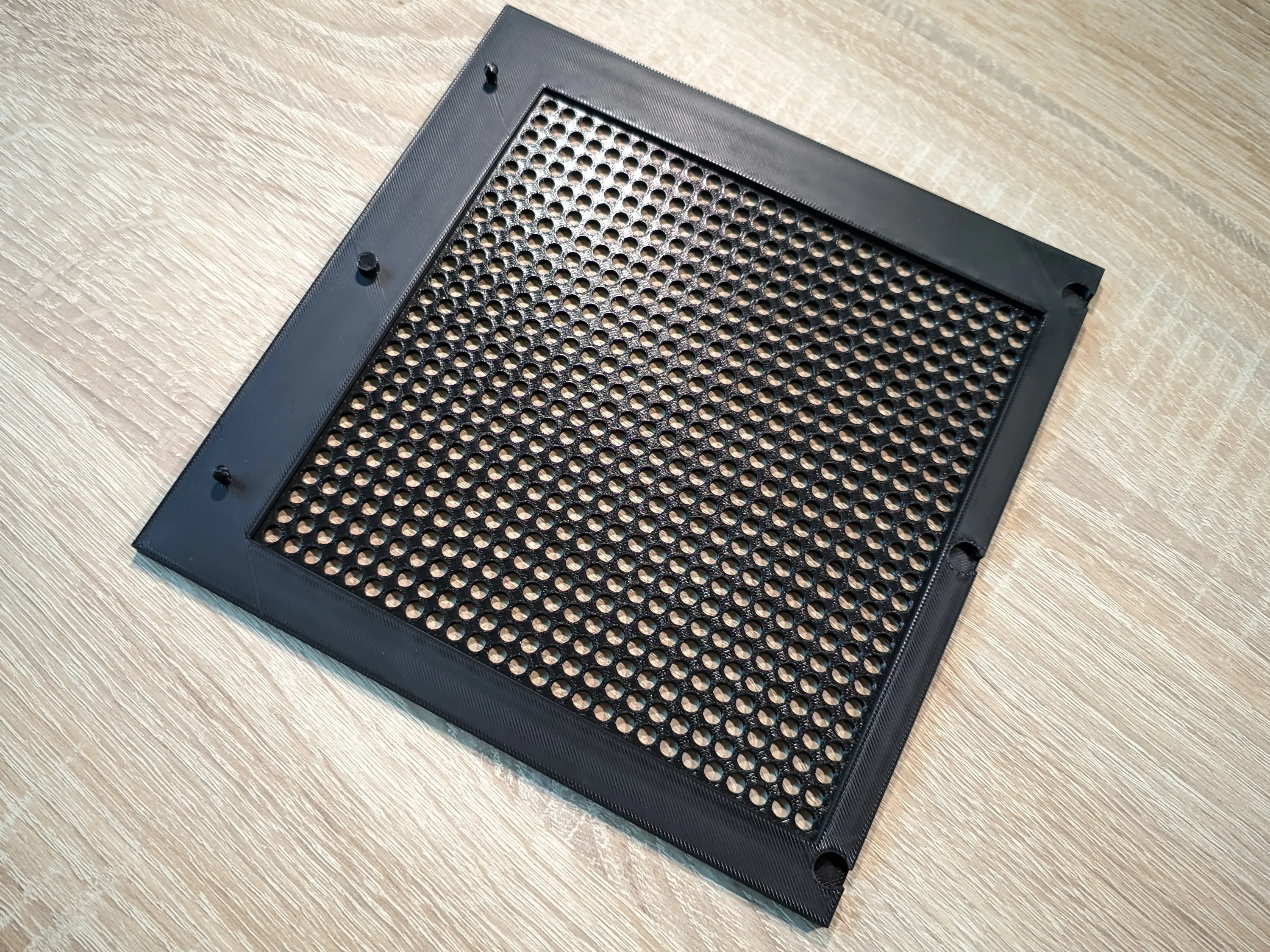
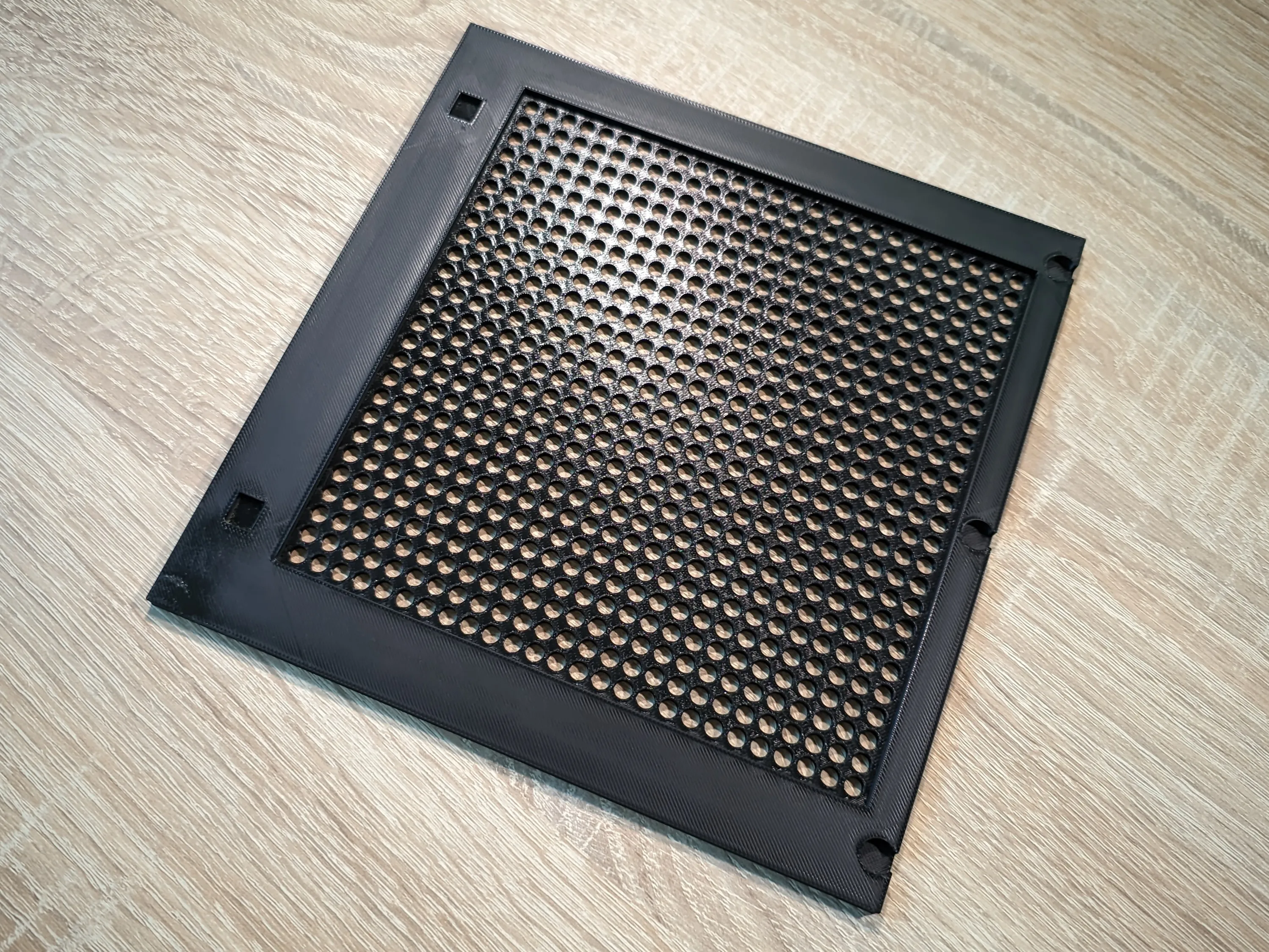
The result was a front panel filled entirely with ventilation holes, closely resembling the existing ones. I also managed to integrate a mount for a 140x140mm case fan, which significantly improved airflow.


Unfortunately, due to the limitations of my 3D printer and the complexity of the design, the panel had to be split into several parts:

  1. the upper section of the panel

  2. the lower section of the panel 

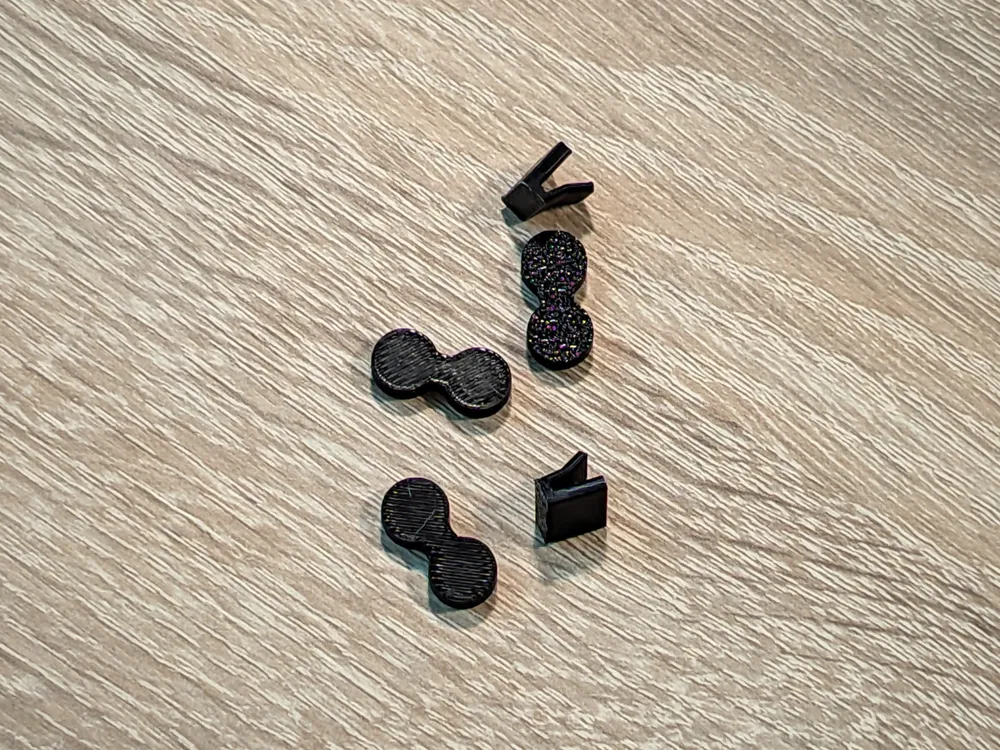
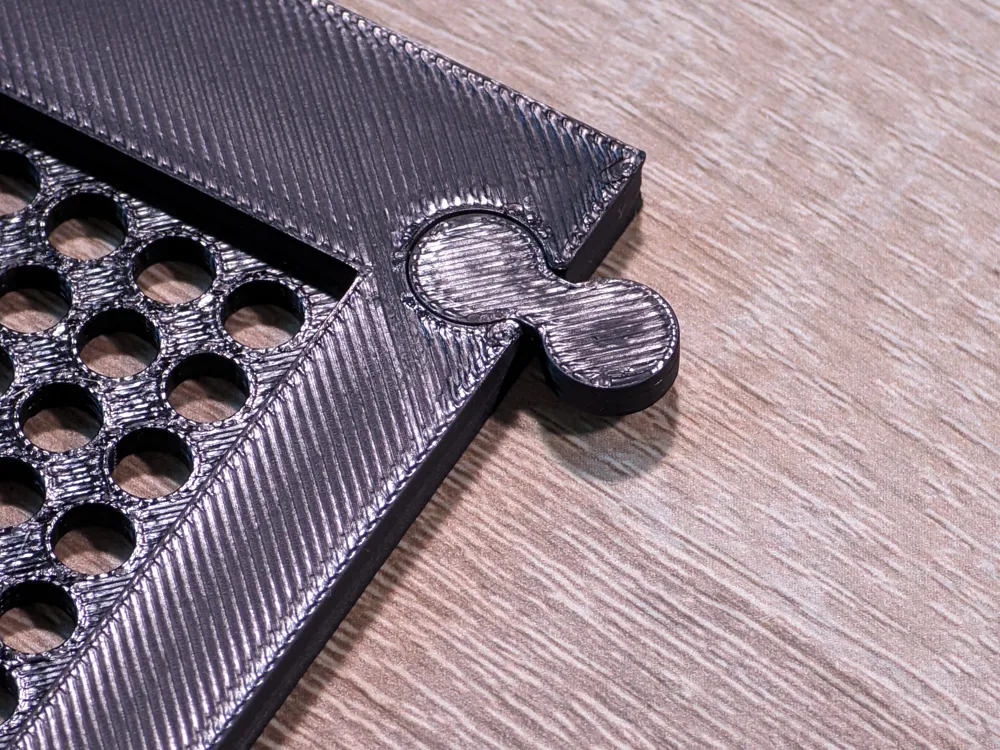
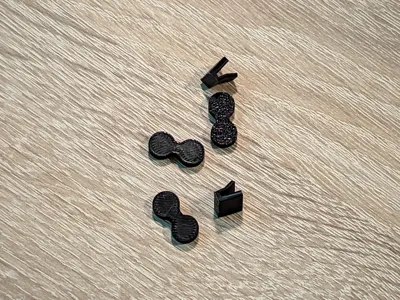
  3. connecting elements that join the upper and lower parts;
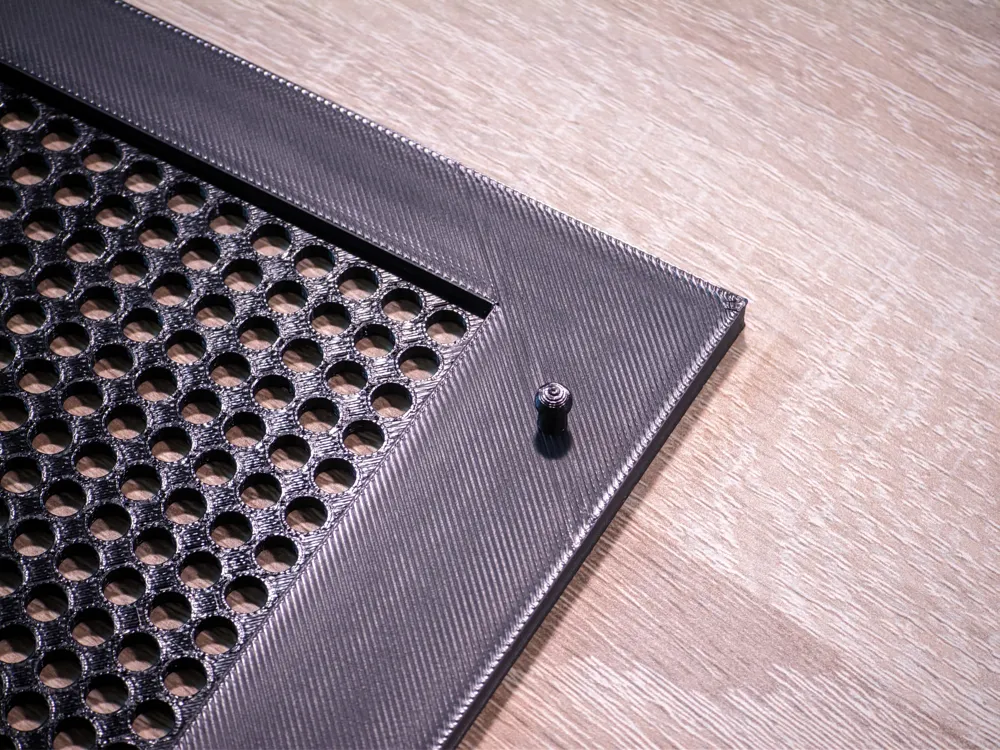
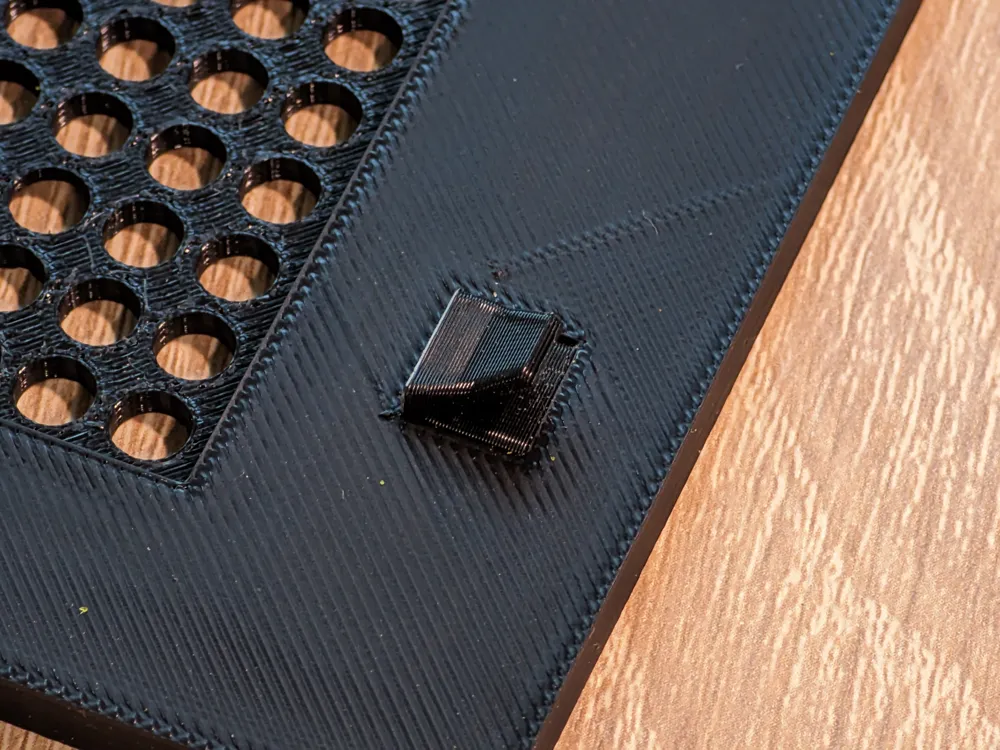
  4. and mounting components that attach the panel to the case itself. 
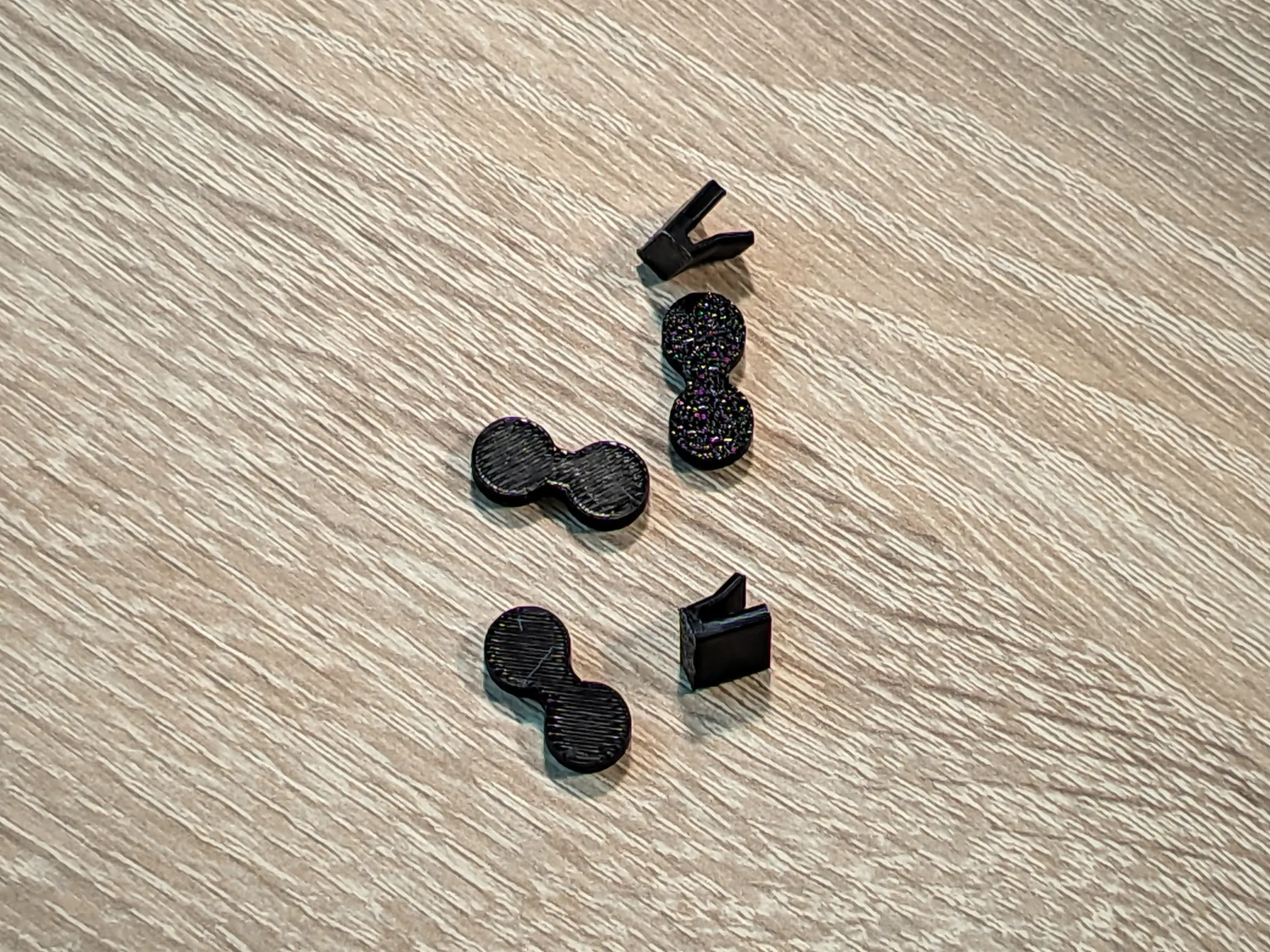
To print the individual parts, I used PLA filament. It’s easy to work with and ideal for prototyping case modifications like this.

To assemble everything into a complete panel, follow the steps below along with the reference photos and descriptions:

  1. Print the upper section of the panel.
  2. Print the lower section of the panel.
  3. Print the connecting elements.
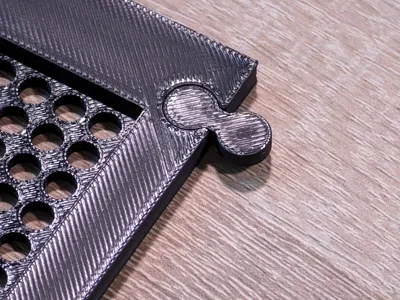
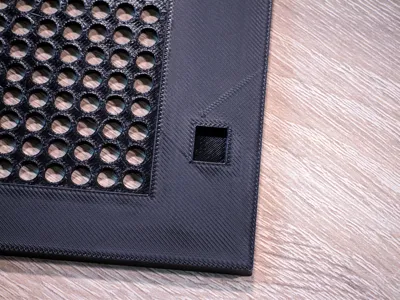
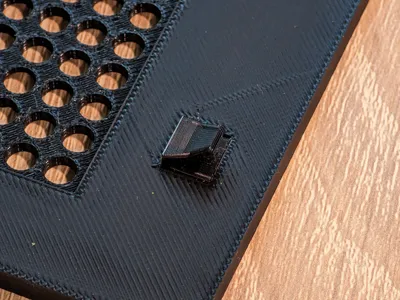
  4. Place the panel connectors (used to join the upper and lower sections) in their designated positions.
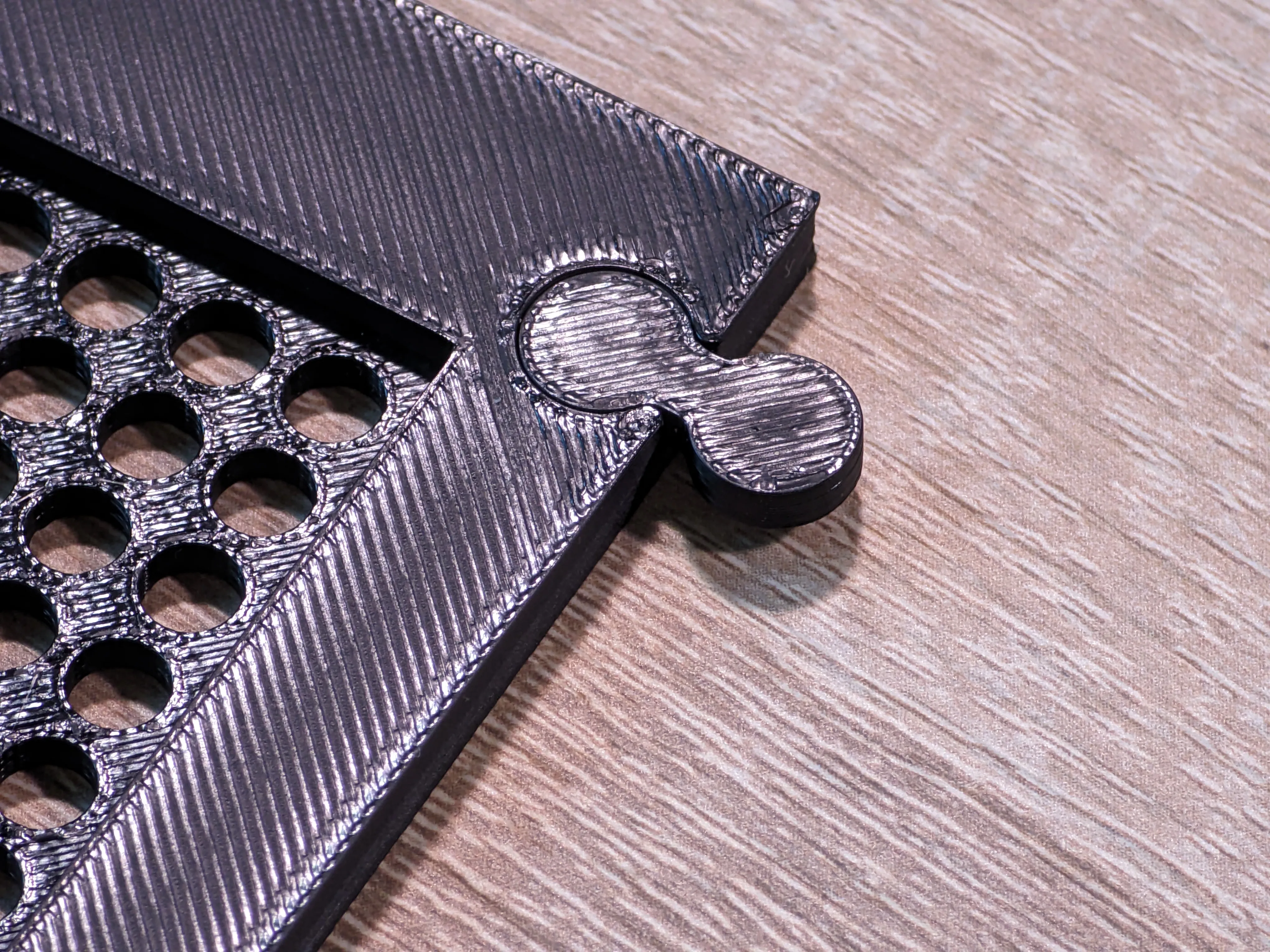
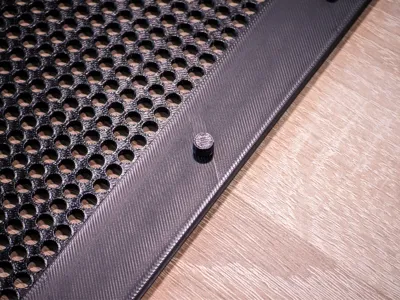
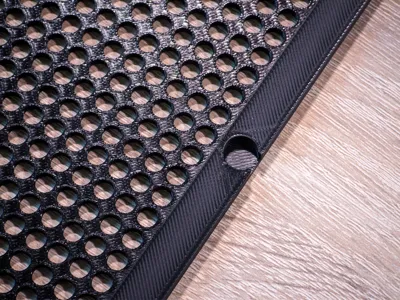
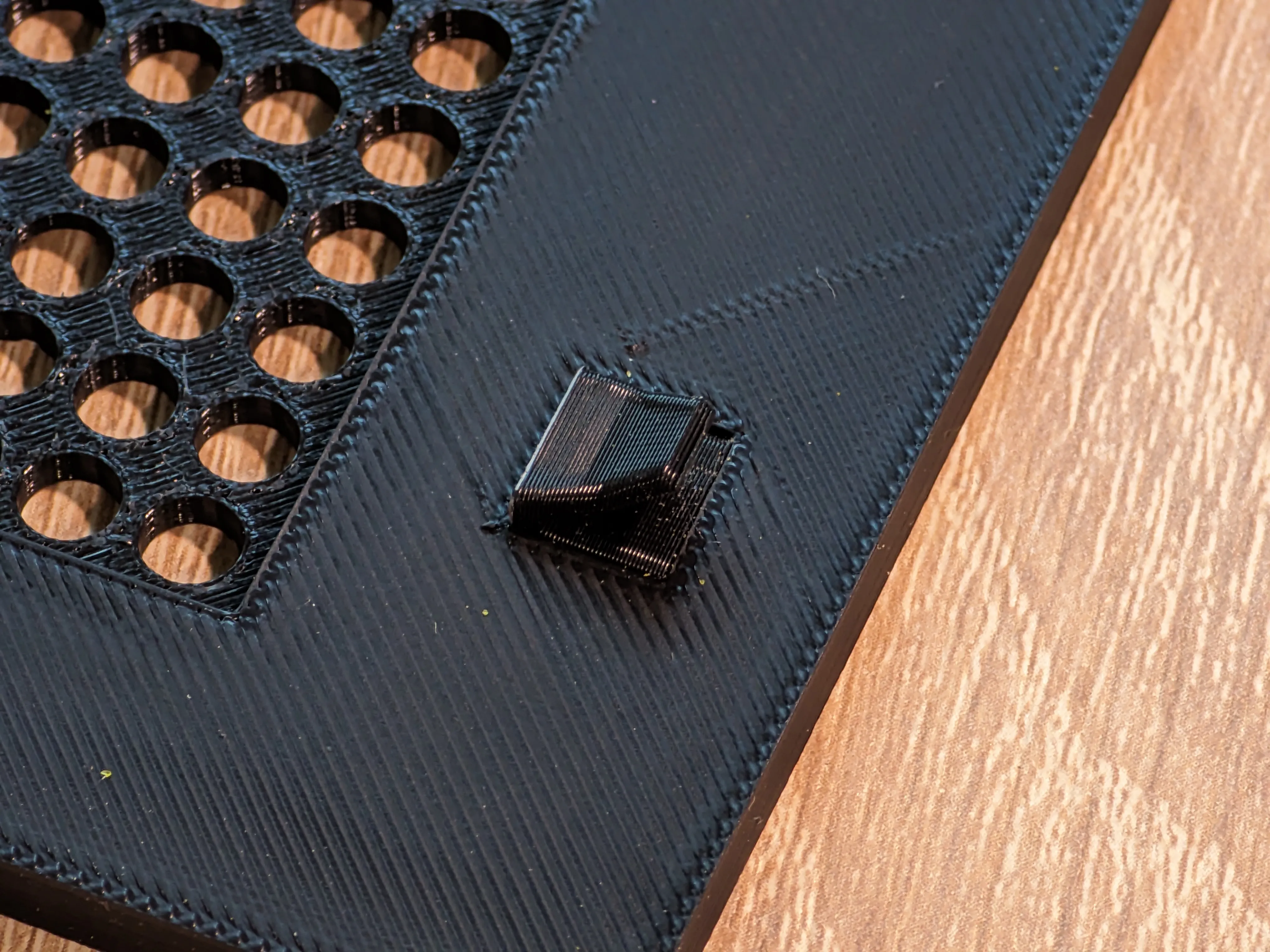
  5. Insert the case mounting connectors into the lower part of the panel – these will secure it to the case. 
  6. Join the upper and lower parts of the panel together using the connectors. 
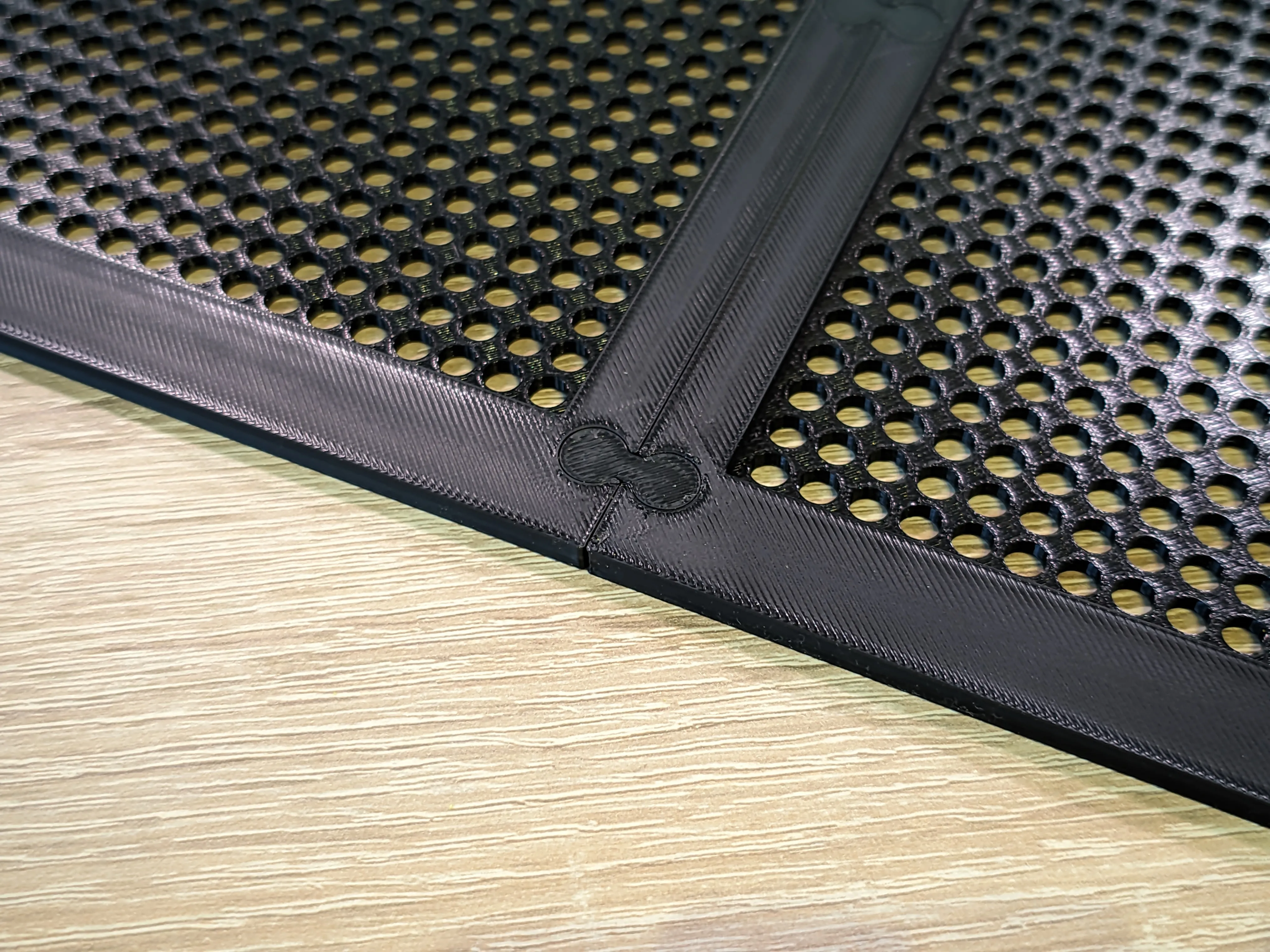
     

  7. This print also allow You to mount 2x 140mm fans in front of your case to improve airflow even more!
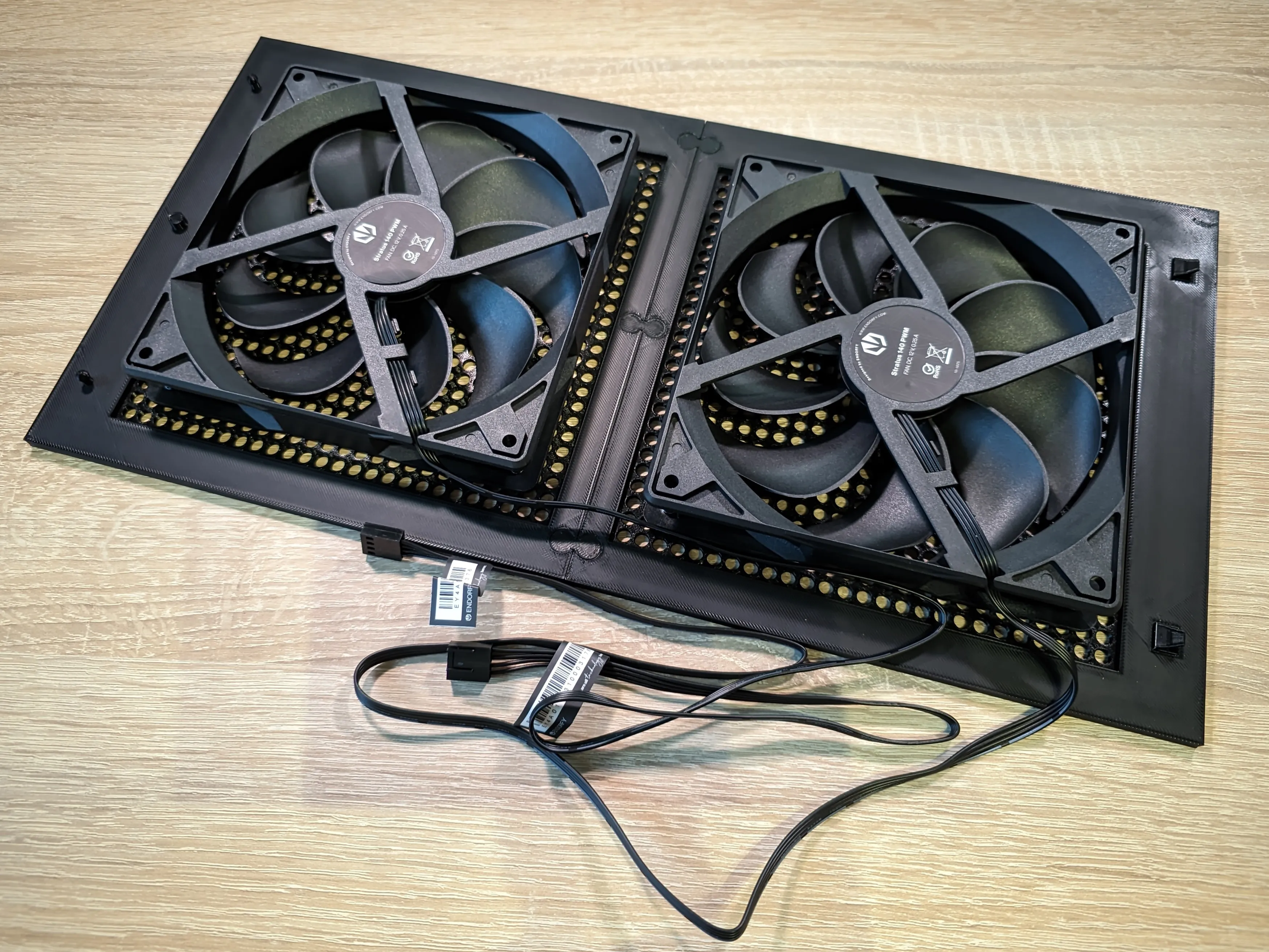
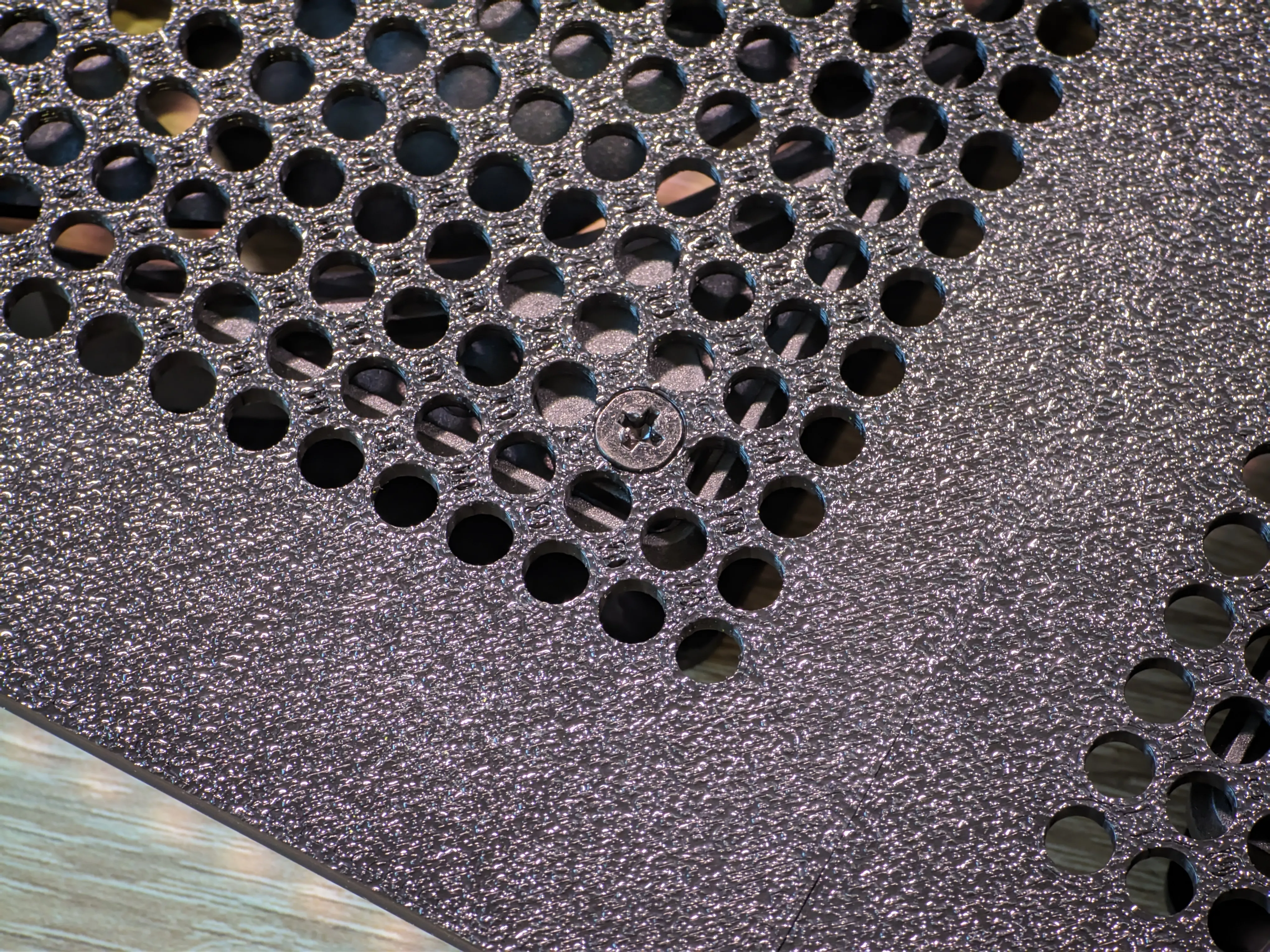
This step-by-step process ensures a stable and well-aligned final assembly. The modular approach not only makes printing easier but also allows for quick replacement or reprinting of individual elements if needed.


If you liked my project, feel free to leave a comment, give it a like or a boost – it really encourages me to keep developing this and other projects.

Comment & Rating (13)

(0/1000)

Print Profile
0.2mm layer, 2 walls, 15% infill
I like this design very much. Everything was perfect. Thank you, good luck.
The profile uploader has replied
profile
2
Reply
Hi! Thanks for your comment. In my case I added a fan dust filter from makerworld between printed element and fan. I recommend You to mount this in your case too, it would make your case little cleaner inside ;) P.S. Nice setup by the way!
(Edited)
1
Reply
is this for the older 502 case or the new "seemless" front glass?
The designer has replied
1
Reply
I didn't even know that a new model gt502 came out. Do you mean GT502 Horizon? This front fits the older version of the case, but I looked at the mounts in the new version and they look similar. But to be sure it's worth measuring.
1
Reply
This front fits this version of the case: the older one.
2
Reply
Replying to @Nividapol :
Oh ya I forgot they designated the new one the "horizon". I appreciate this i want to use this case for my new build and it annoyed me that all the dual chamber cases had glass fronts (except for the one corsair case) but I really like the asus case. One quick Google later your thread popped up. So thank you again.
1
Reply
I came across your model for the ASUS TUF GT502 mesh front panel on MakerWorld — awesome work. I’d like to have a single copy 3D-printed for my own personal build (no resale or commercial use). Would you be okay with me sending the file to a fabricator to print one unit just for my own PC? They won’t resell or post the model anywhere. Thanks for sharing your designs and for taking the time to read this. —Mark
The designer has replied
0
Reply
Sure, download and send it to print and then don't forget to rate the model after installing it in your case.
0
Reply
can 8cm fan be installed in the space on top of the PSU?
0
Reply
Print Profile
0.2mm layer, 2 walls, 15% infill
(Edited)
profile
1
Reply
Print Profile
0.2mm layer, 2 walls, 15% infill
profile
1
Reply
Print Profile
0.2mm layer, 2 walls, 15% infill
profile
1
Reply
No more