
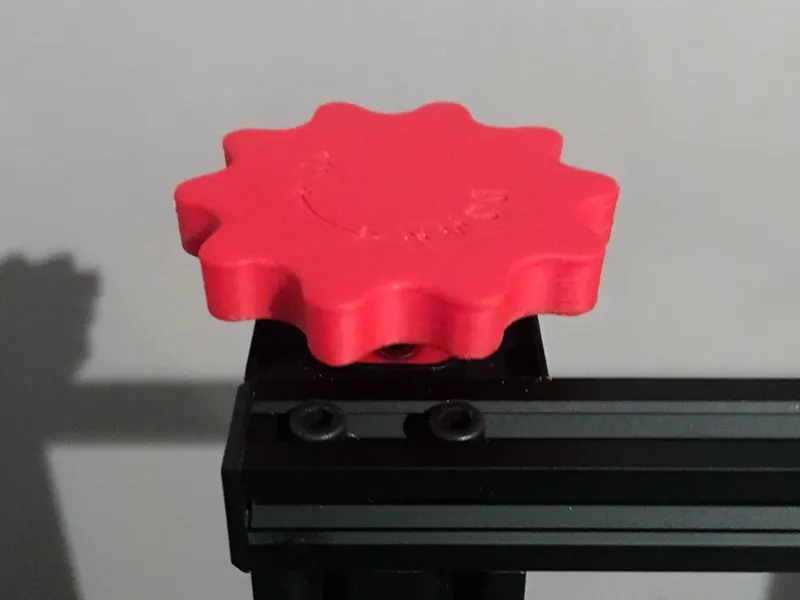
Z-axis adjustment knob for Ender 3, CR10 & more
Print Profile(1)

Description
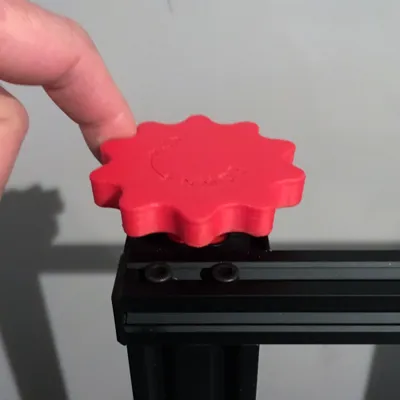
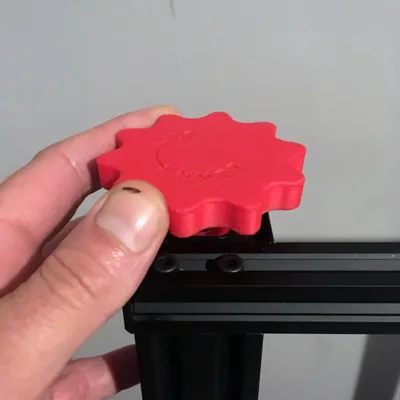
ZKNOB (for Ender 3 you only need to print the knob - not the cover plate)
Boost Me (for free)
Thank you!
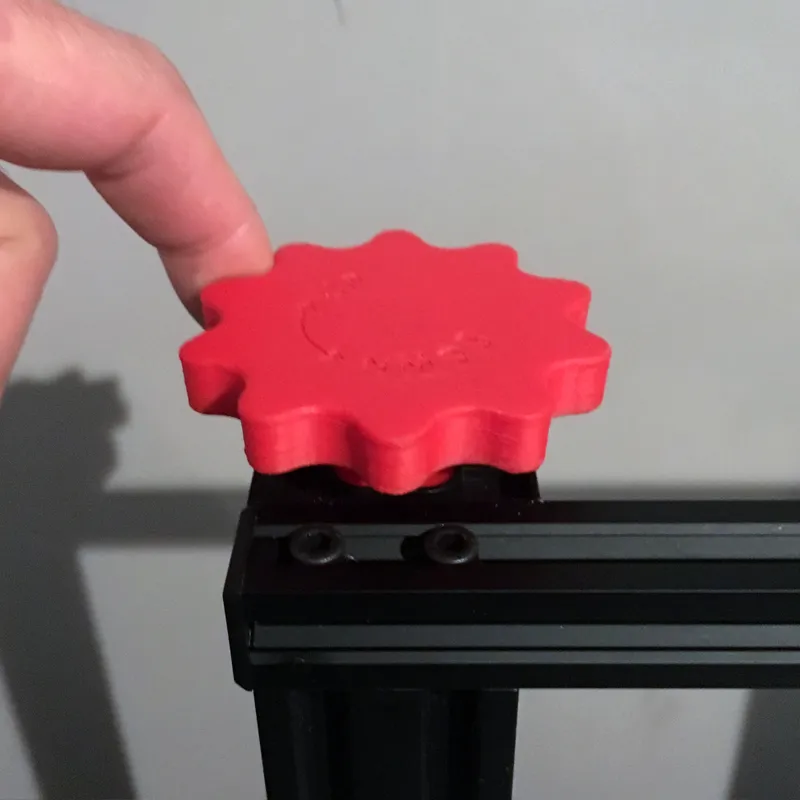
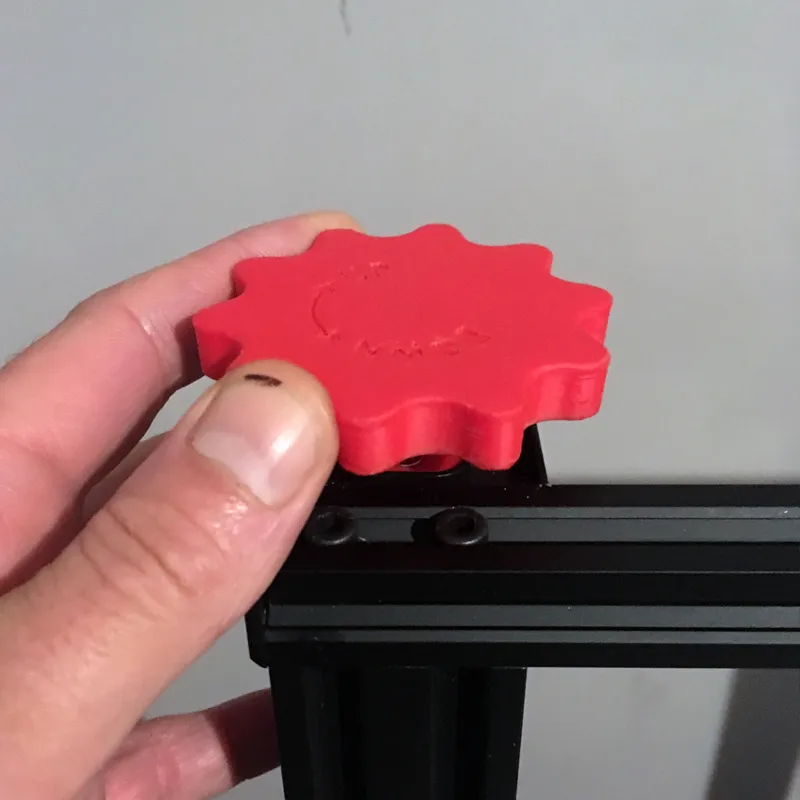
Originally designed in 2017 for the CR10, This knob lets you quickly manually control the hot end up and down (when steppers are disabled), which I have found to be VERY handy at times. For example whether you're loading filament, stopping a failing print or first layer, you can easily lift the hot end by hand to give yourself more working space and a better view on the piece. Easily fluently movable with just one finger.
VIDEOS
A simple quick and dirty demonstration by me of how the knob works:
And a more professional video by Chuck Hellebuyck on how to install the knob (and some other useful CR-10 (mini) mods) on Filament Friday:
https://www.youtube.com/watch?v=qDG\_C5y-psU&t=3m23s (3 minutes and 23 seconds in)
License



Comment & Rating (5)